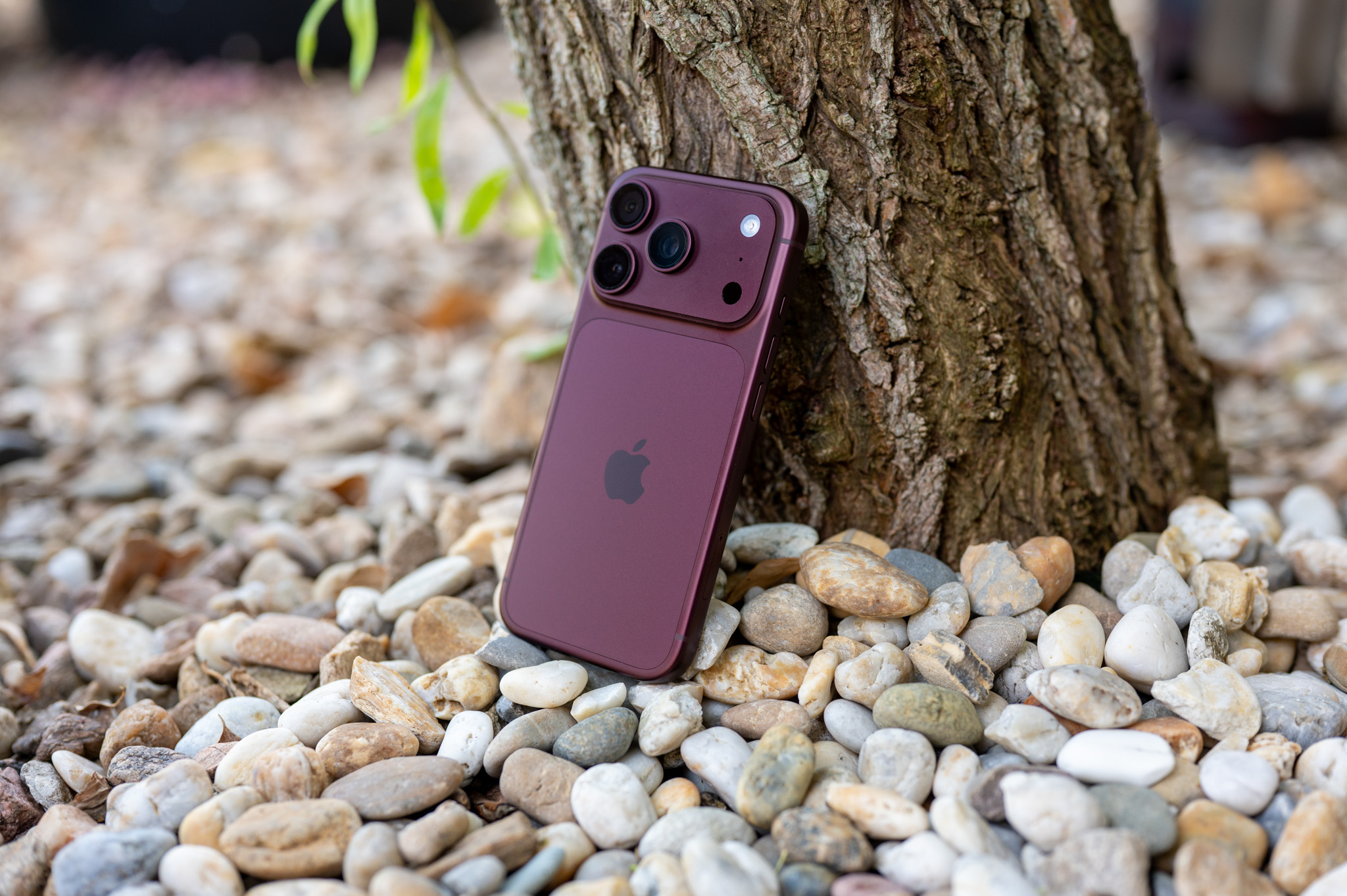
O iPhonetheir owners often claim that they are "foolproof". The truth is that once you get used to the way Apple smartphones are operated and the operating system environment iOS, using the iPhone is really easy. However, there are exceptions when it is appropriate to simplify the operation of the iPhone even more.
You might be interested in
When we talk about simplification, we don't just mean making text, icons, or contrast bigger. Assistive Touch goes even further and can create a completely simplified version of the iPhone experience, where the person in question will find only the features and apps they really need. So, for example, if you set up someone's phone to only make calls, take photos, listen to music, and a few other basic activities, they don't have to deal with the rest of the system at all.
How to activate Assistive Access on iPhone
You can quickly and easily enable Assistive Access on your iPhone in Settings → Accessibility → Assistive Access. When you first set it up, you iPhone proguides you through the steps and lets you choose which apps will be available in this mode. It's up to you which apps the person in question will be able to use.oneThe rest will simply be hidden and the person in question will not be unnecessarily confused by them, or you don't have to worry about them accidentally calling someone, writing a message, or accessing an application that is not intended for them.
I think it's great that Assistive Access also gives you the ability to customize the look of the environment itself. There are bold controls, large icons, and an easier way to navigate. This eliminates some of the small elements that can be distracting during normal use. iOS confusing.
Pro Who is Assistive Access intended for?
Assistive access is primarily intended for users with cognitive difficulties, but its use can be much broader. It can also be used by older people who do not need dozens of functions and mainly want to easily call their family, look at photos or play music. It can also be interesting for children if you want to prepare a very simple environment for them without unnecessary applications and complicated controls. In this case, of course, it still makes sense to combine it with other tools, such as parental restrictions.