Working on a laptop has one big disadvantage – the screen space is simply not inflatable. But I think the same is perhaps even more true for the iPad. As soon as you start doing anything more than just browsing the Internet or answering emails on it, which its current performance directly encourages, you start to hit the limits of a single screen. And that's exactly why I've started to like portable monitors more and more in recent weeks.
You might be interested in

I recently had the opportunity to test the Blackview SCM6 model, which caught my attention mainly because it attaches directly to a laptop using special mounts, creating a dual-display setup. This time, however, I got my hands on the TABLE 9 model, which does the same thing in a completely different way. It doesn't try to be part of a laptop, but functions "just" as a classic external monitor with a stand.
And honestly, I have to say that the longer I used it, the more I thought that this particular solution actually suits me a little more. Not because SCM6 is worse. It is just designed for a slightly different way of using it. Paradoxically, I did not connect TABLE 9 to MacBookbut to the iPad and that's where it started to make a lot of sense to me. And considering that it can also be used great with a Mac, it's a very versatile solution.
Technical Specifications
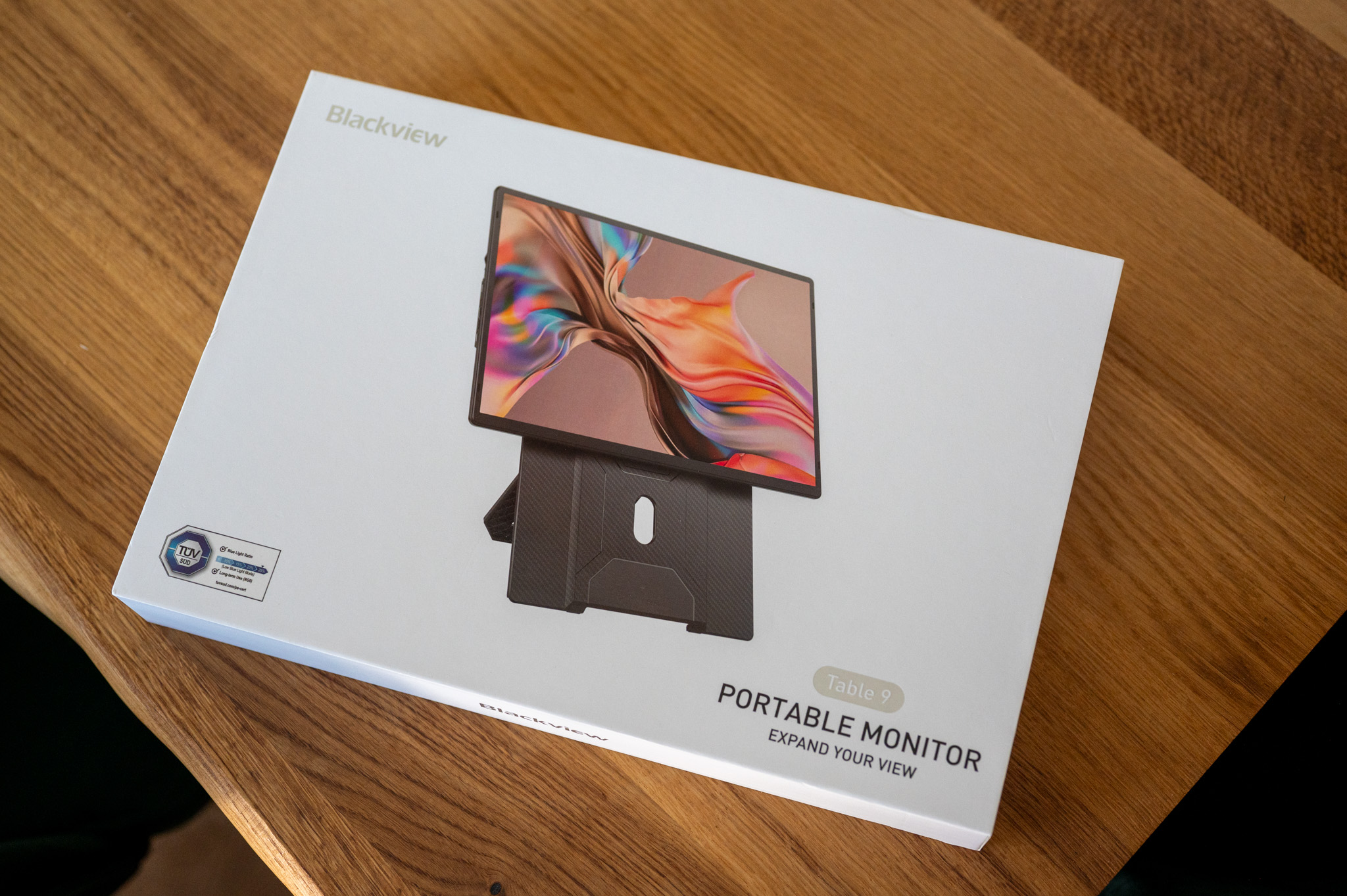
Blackview TABLE 9 offers a 16″ IPS panel with a resolution of 1920 × 1200 pixels and a semi-matte surface. It is already clear from the paper parameters that this is not just a larger version of the previous model. In addition to the larger diagonal, the 16:10 aspect ratio will also please, which I personally consider one of the biggest advantages of this monitor. It will display more content in portrait mode than a classic 16:9 panel, which you will appreciate practically every time you write documents, work in WordPress, you browse the web or solve spreadsheets.
Just like with the SCM6, don't expect anything extreme here. The brightness is 300 nits, the refresh rate is 60 Hz, and there's an IPS panel with wide viewing angles. Sure, there are monitors with twice the brightness or an OLED panel these days, but honestly, I never once felt like the display limited me in any way during testing. If you're buying a monitor mainly for work, it offers exactly what I expect from a similar device. And honestly, if you mix this work with some gaming here and there, you won't feel like you're suffering in any way while watching this monitor.
A big plus is again theoneactivity. Two USB-C porty complements Mini HDMI and there is also support for 100W reverse charging. So if you connect a laptop or tablet via USB-C and power the monitor at the same time, you can practically get by with one power adapter. A similar little thing may not look interesting on paper, but in everyday use you will appreciate every cable saved. MiniAt least I like to have as few cables as possible, whether on my desk or on the road, so for me this solution is absolutely ideal.
Gallery
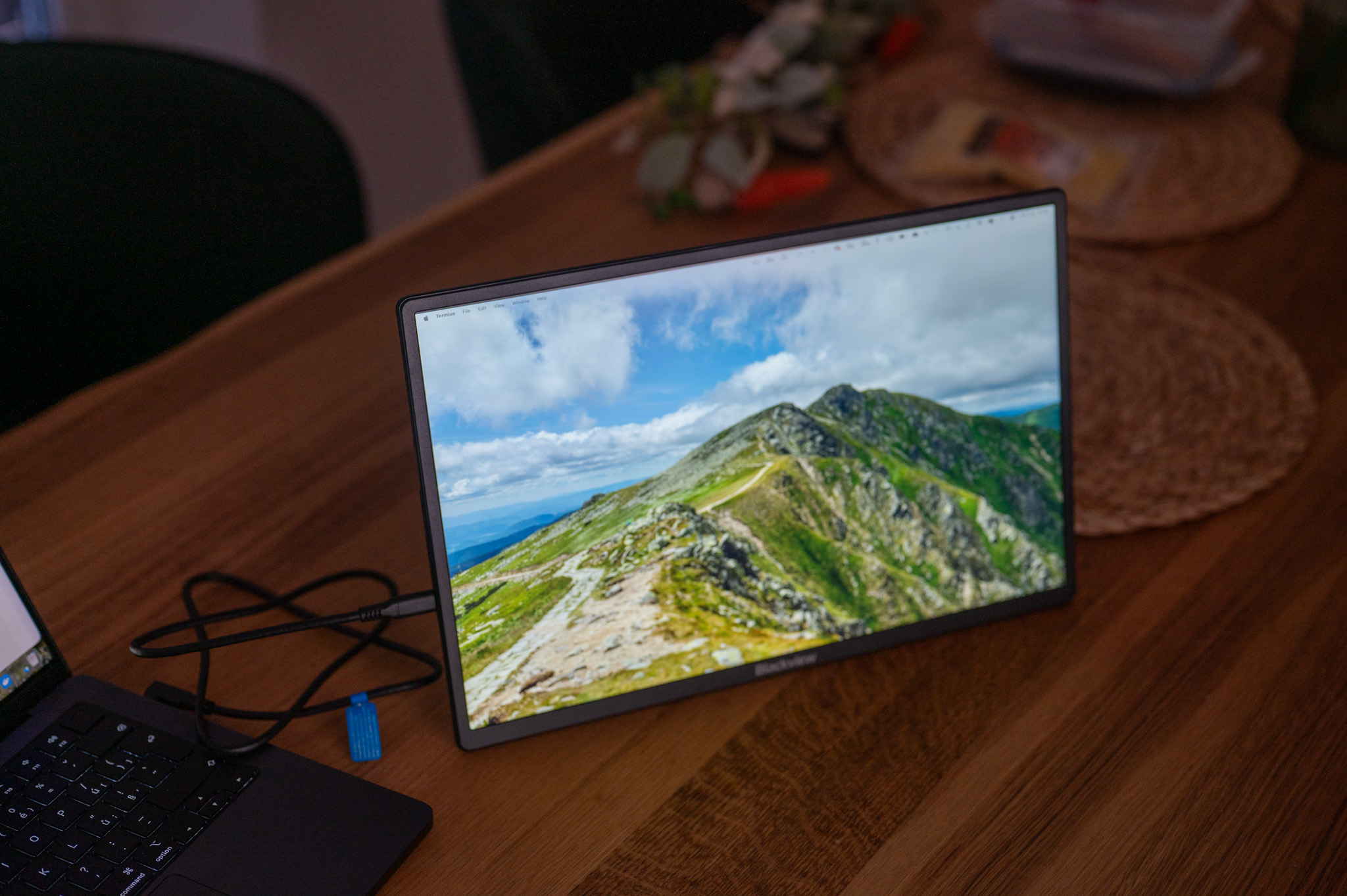
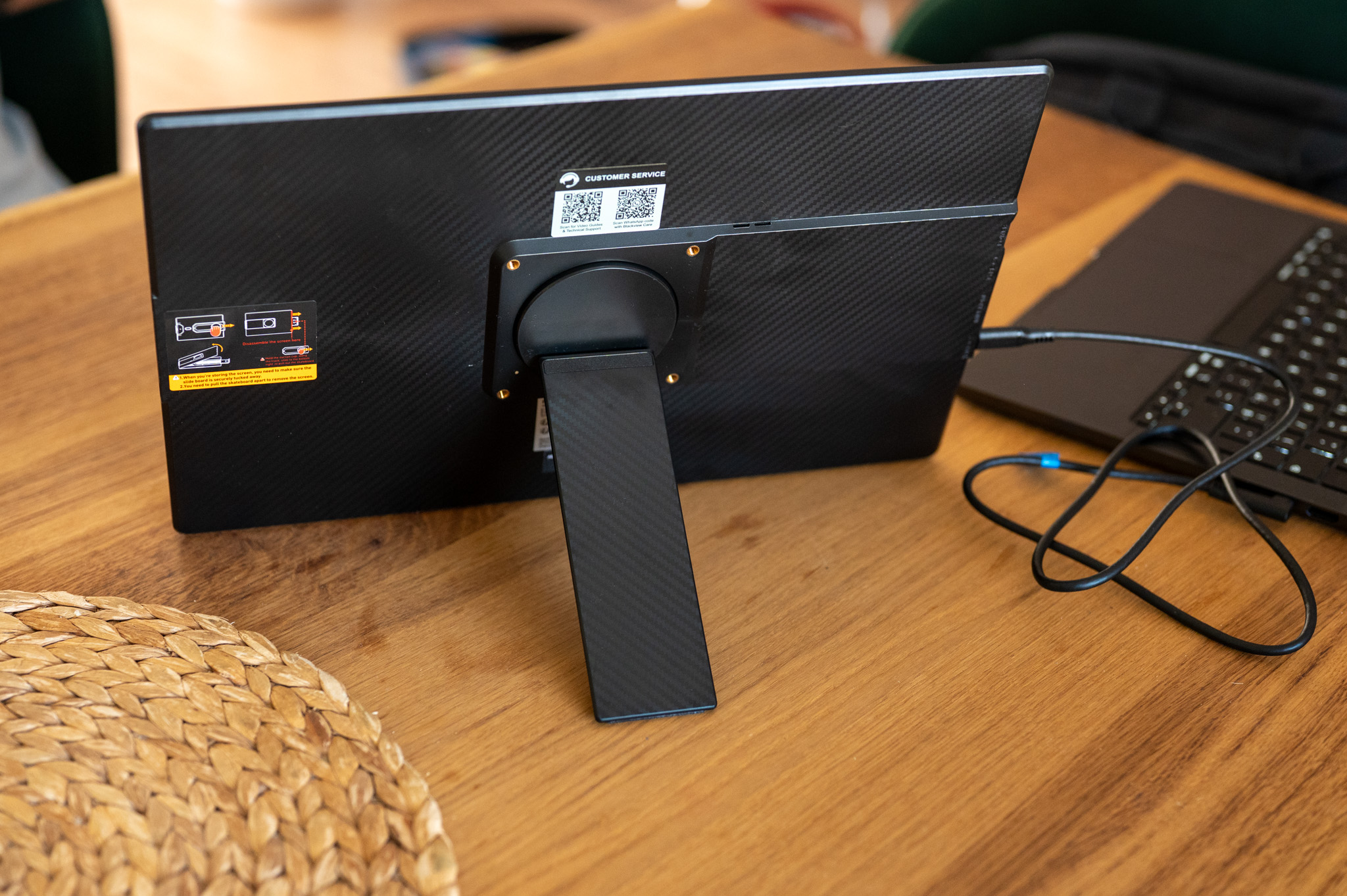
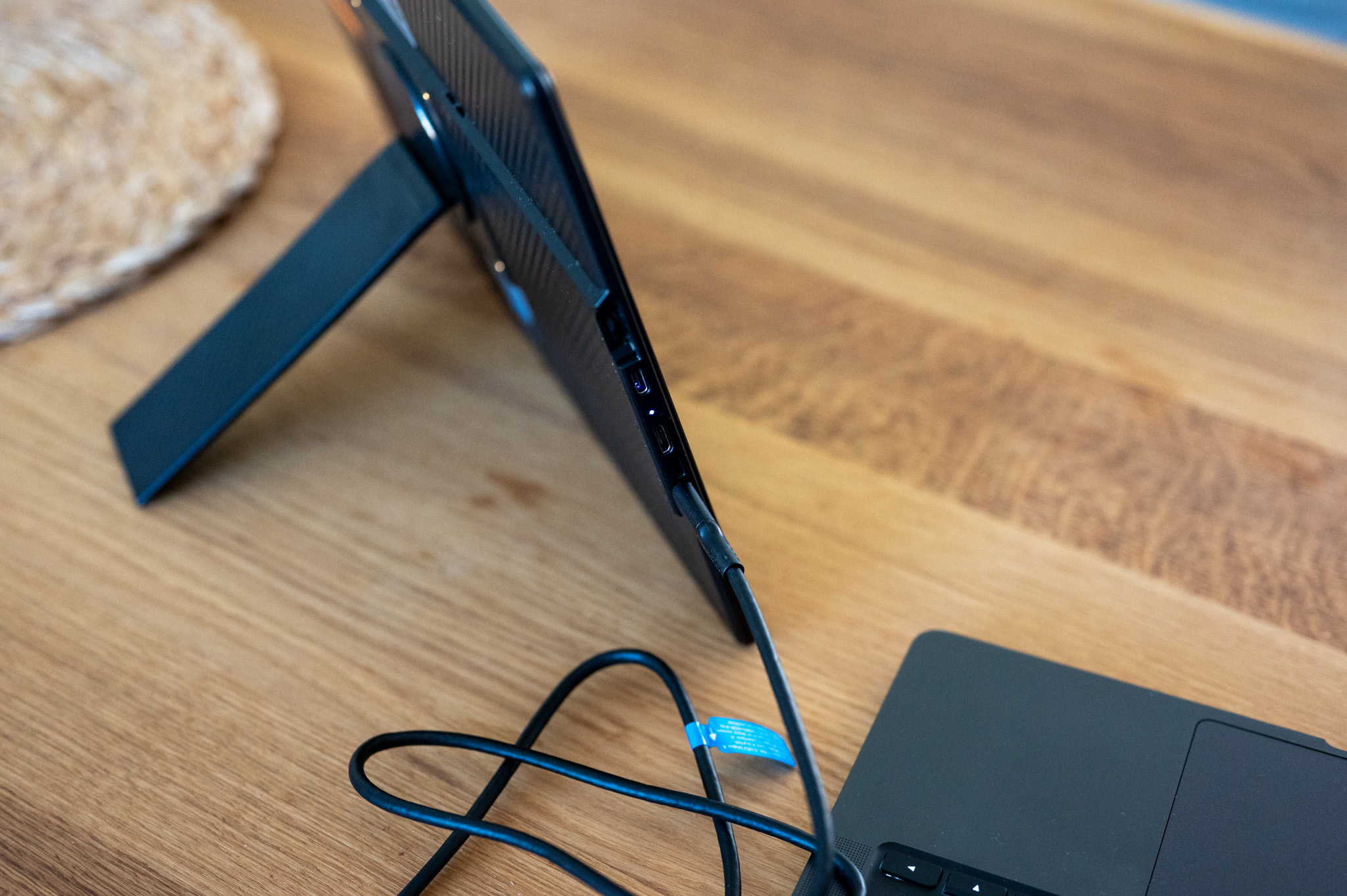
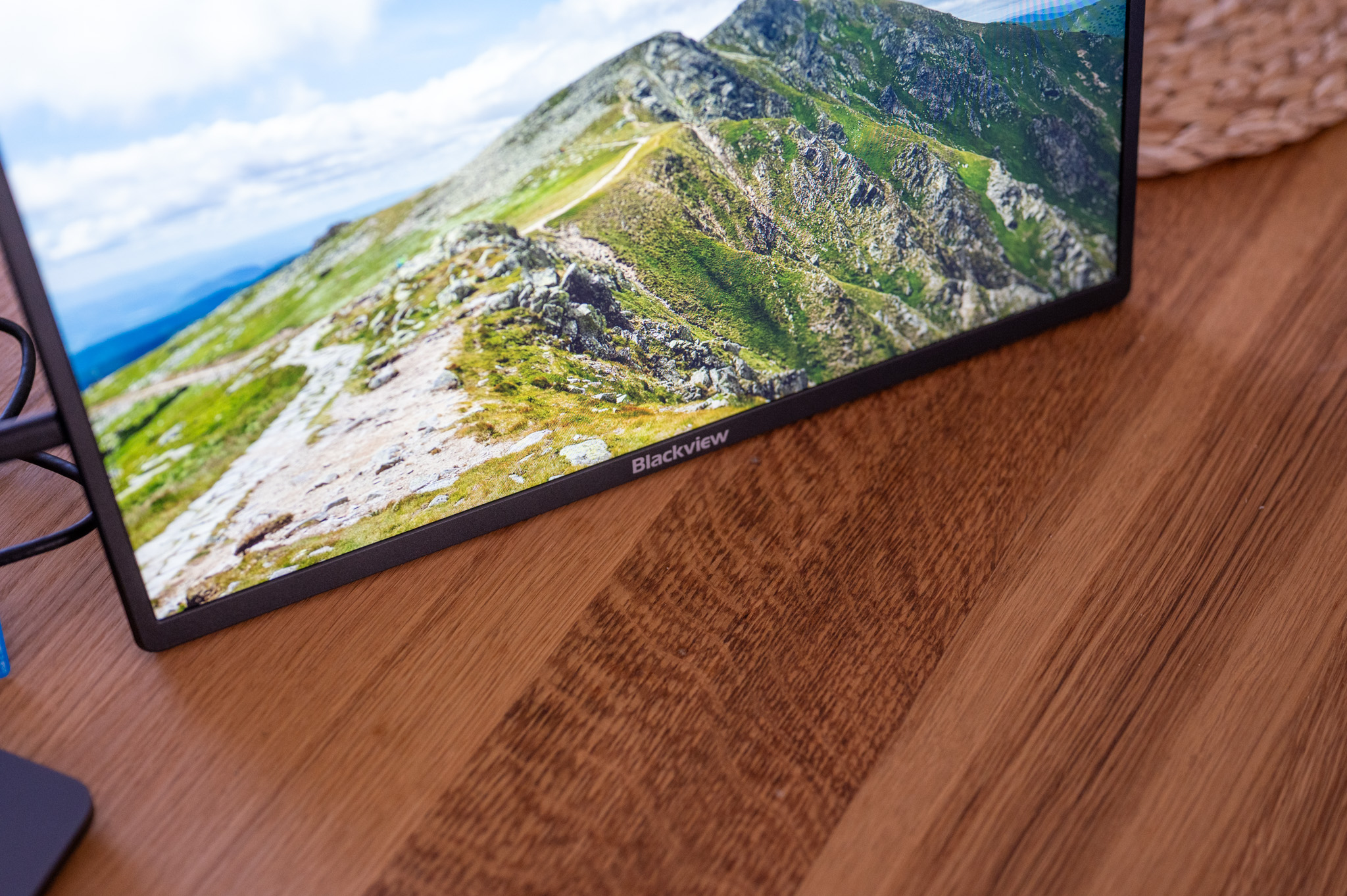
Processing and construction
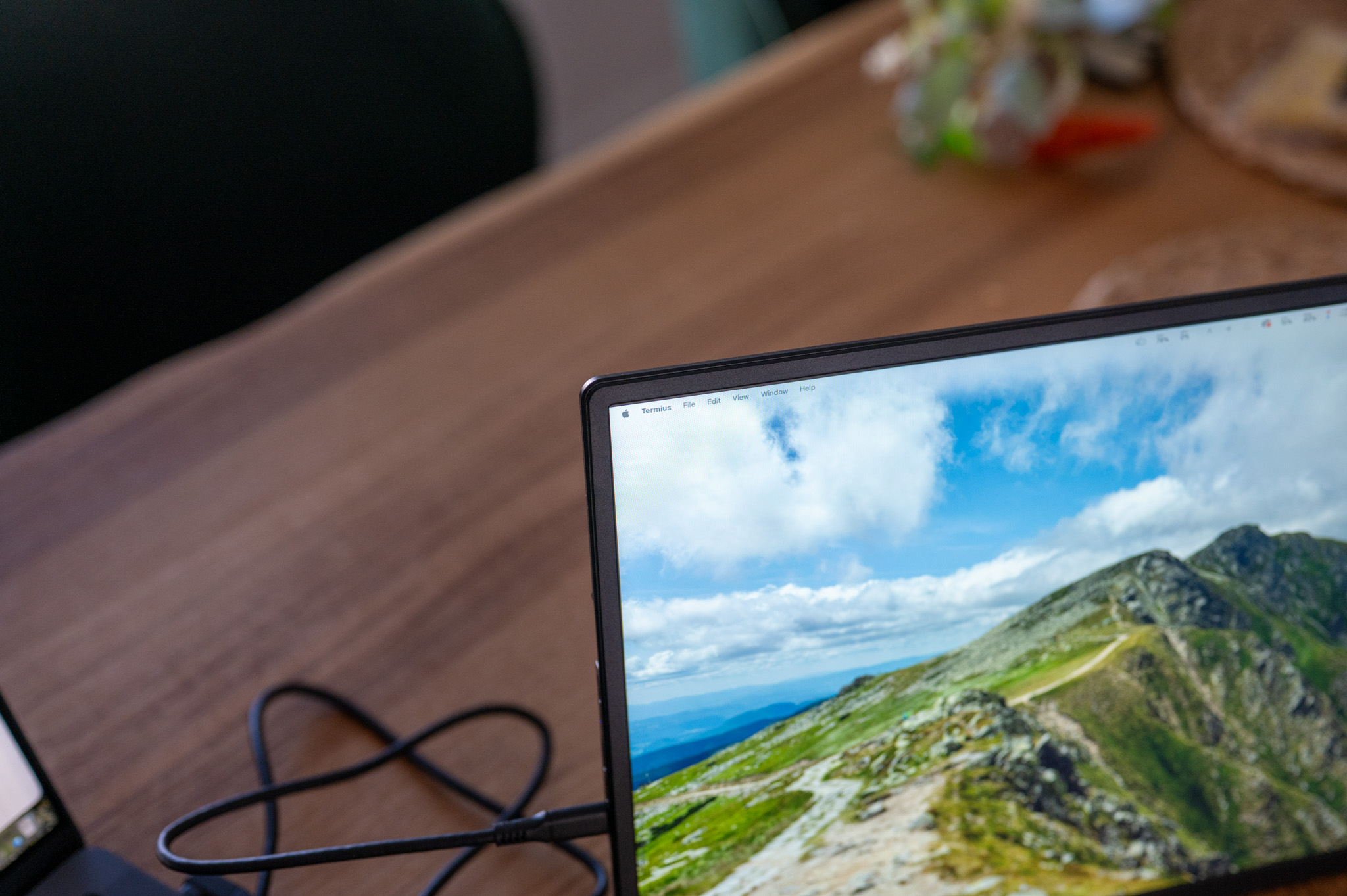
I have to say that Blackview has succeeded in following up on the previous model. Even though we are talking about a monitor priced under three thousand crowns, the TABLE 9 does not look cheap at all. I think the gray aluminum design goes great with the MacBookui of the iPad and the monitor, thanks to its thin profile, does not interfere even on a smaller table.
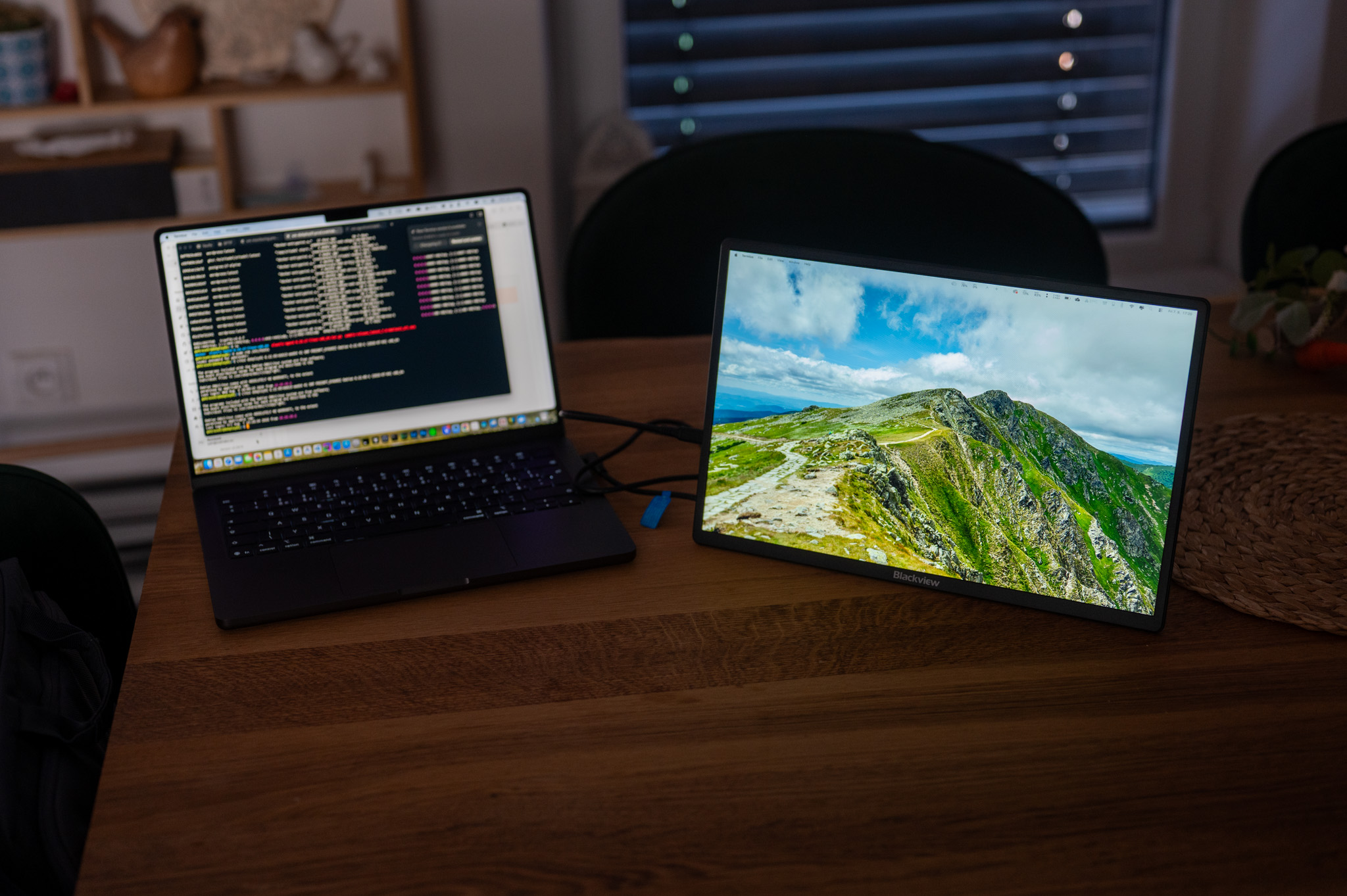
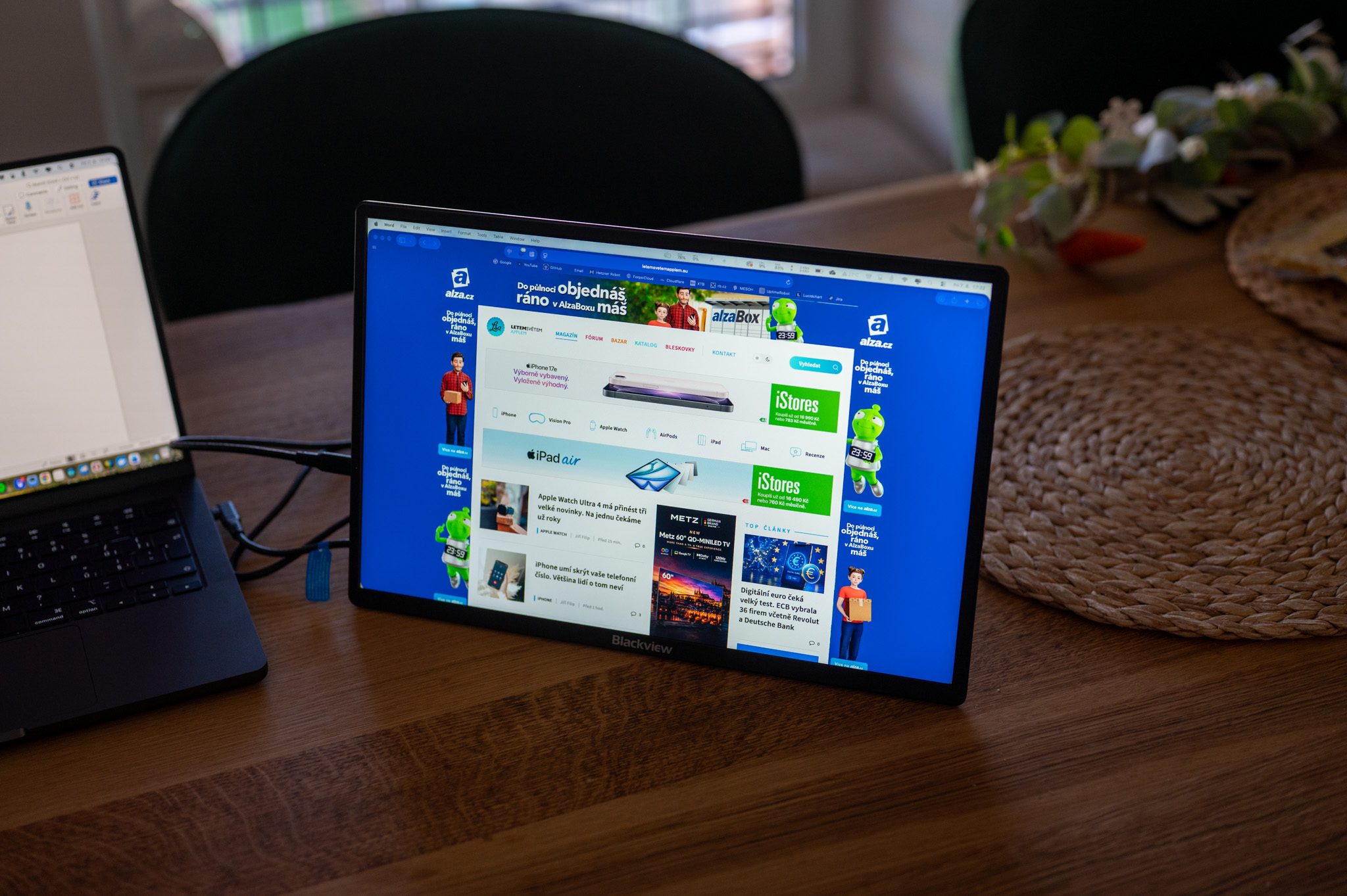
Compared to the SCM6, however, you will find one fundamental change here. The laptop mounts have disappeared and instead the manufacturer has opted for a classic stand. And honestly? Personally, it suited me better. Not because the mounts were a bad idea. I just found out during testing that I often use the monitor with devices other than a laptop. Once next to MacBooku, second to the iPad, I sometimes watched YouTube on it while working. Thanks to the stand, which is magnetically attached, I simply placed it where I needed it, and I didn't have to deal with anything at all.
I was also pleasantly surprised by the size itself. Two extra inches compared to the previously tested version may not seem like much on paper, but when you work, you can almost feel the difference immediately. Next to the 13" MacBooku Air or iPad Air The 16" panel feels significantly more comfortable and still fits into a backpack without any problems. Even the weight of around 650 grams did not bother me during several weeks of use.
Testing
I must honestly say that before I started testing, I thought that I would mainly use TABLE 9 with MacBookem just like its predecessor. Nakonec but everything turned out completely differently. The majority of testing was done with the iPad Air, which, like all other tablets with the M1 chip and later, can use a connected external monitor as an extension of the desktop, with the iPad as such being the "brain" and application launcher, while everything important happens on the monitor.
Díky Stage ManagerThe iPad can now work really well with an external monitor, and the larger 16" screen makes it a much more usable work device in my opinion. I often had an app open on the monitor. Safari with resources while running on the iPad WordPress or Pages. Another time I moved an email to the monitor and wrote an article on the tablet. Suddenly I felt like I was working almost like on a classic computer. Of course, you run into limitations, but these are primarily related to the iPadOS operating system on the iPad, not the monitor.
This was exactly the moment when I started to realize who the TABLE 9 was actually intended for. Sure, it works great with a laptop, but most of us connect our laptop to a large monitor at home anyway. However, similar comfort is usually missing with the iPad. And this is where I think this monitor makes the most sense.
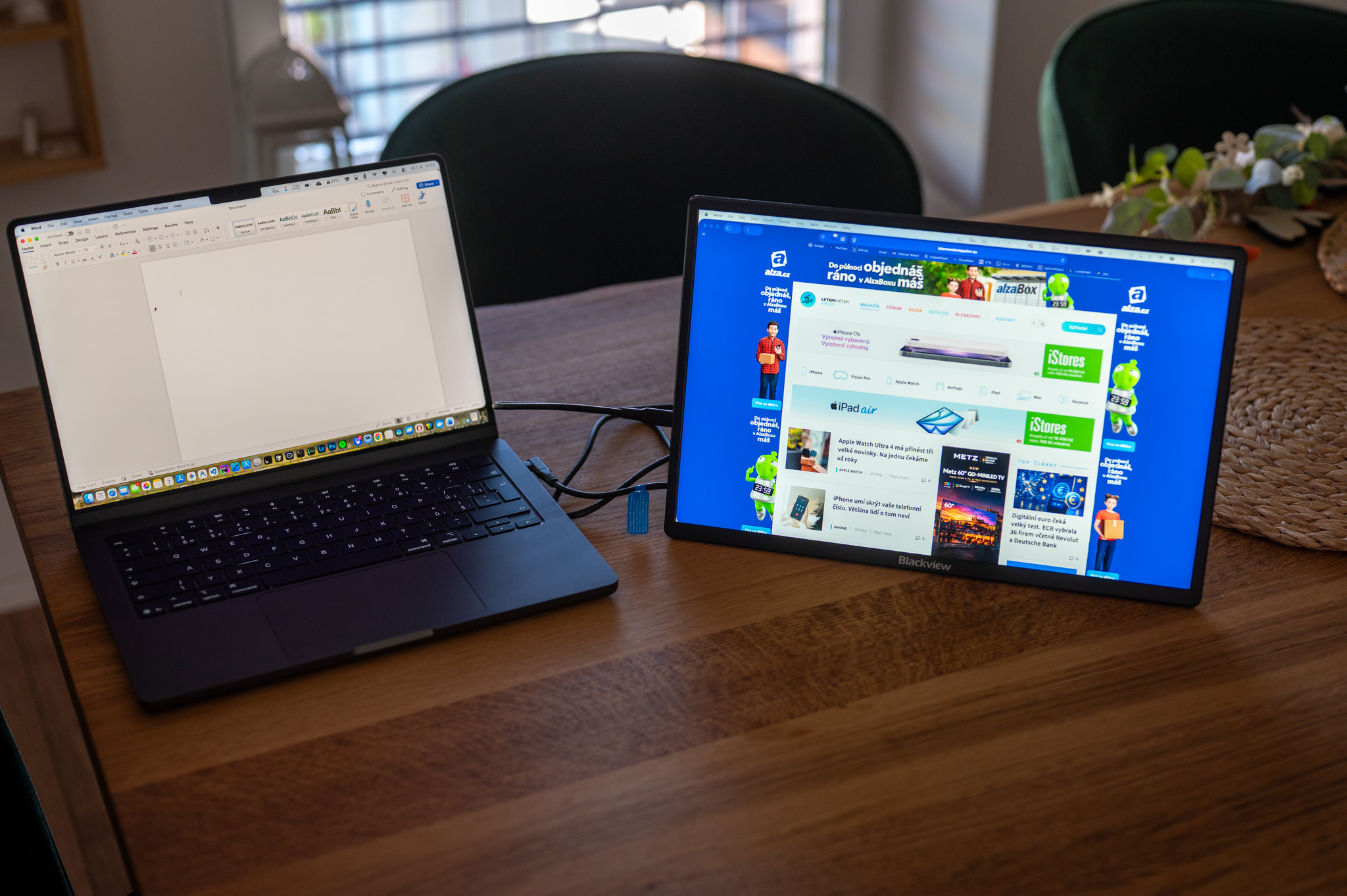
Of course I also tried it with MacBookem Air M3, where it worked flawlessly. Connecting via a single USB-C cable took literally seconds, and macOS recognized the monitor immediately. Over the course of several weeks of testing, I didn't encounter a single issue with a dropout or nestconnection ability. However, I dare say that the monitor can be used just fine with iPads without the M-series chip. In that case, the monitor is only able to mirror the device's screen content, but that is sometimes fine, for example, if you need to write longer text and want to see it better. So if you have a basic iPad at home, this monitor may also make sense for you.
The panel itself also impressed me very much. The text on it is very sharp, the colors look natural, and the IPS technology offers excellent viewing angles. The big benefit, however, is the 16:10 aspect ratio. You might think it's a minor thing on the first day, but after a week of use, I realized that I scroll significantly less than on a classic 16:9 monitor, because you simply have more space available. And when I then went back to the regular display, the difference was surprisingly noticeable.
Gallery
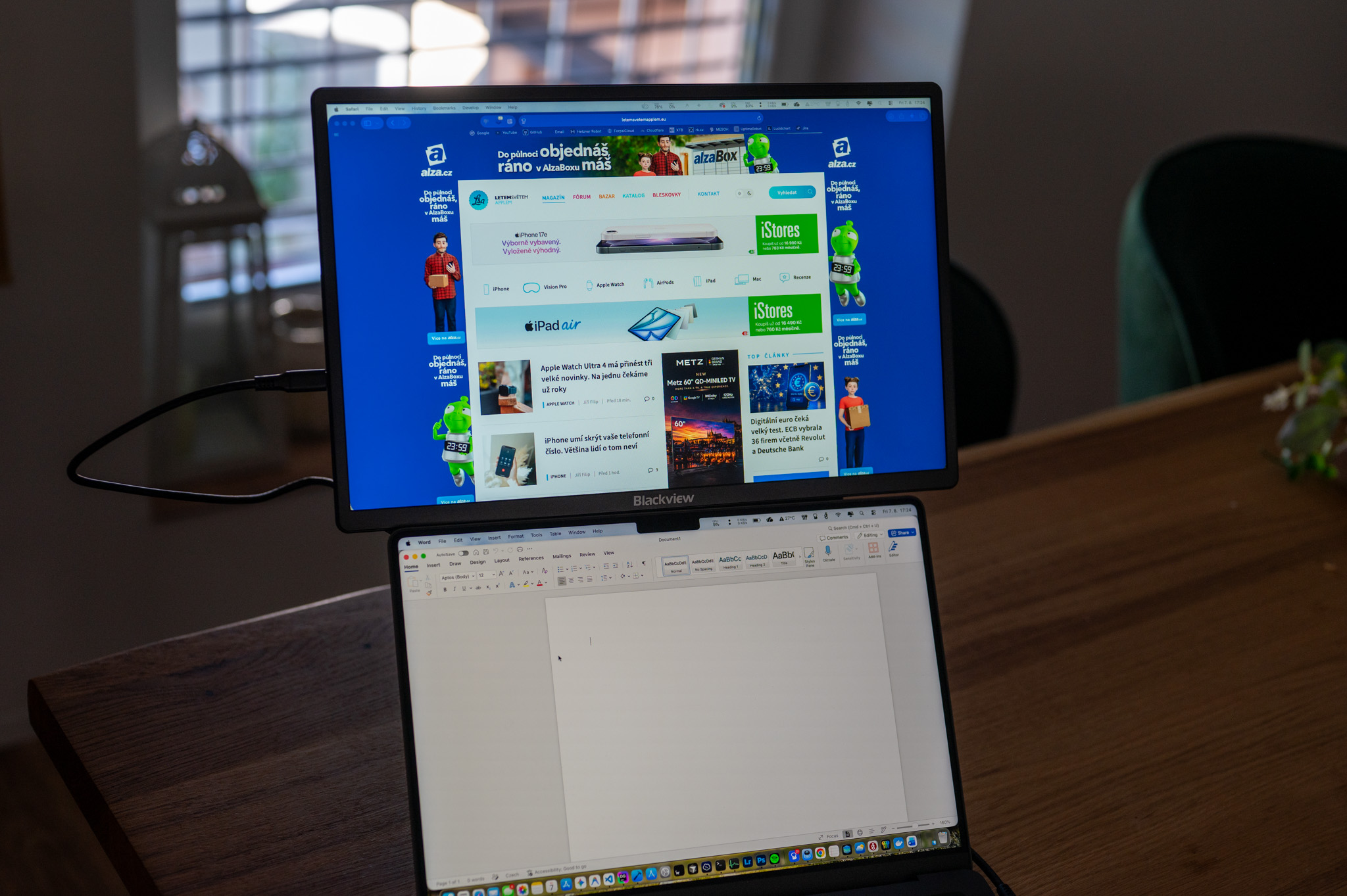
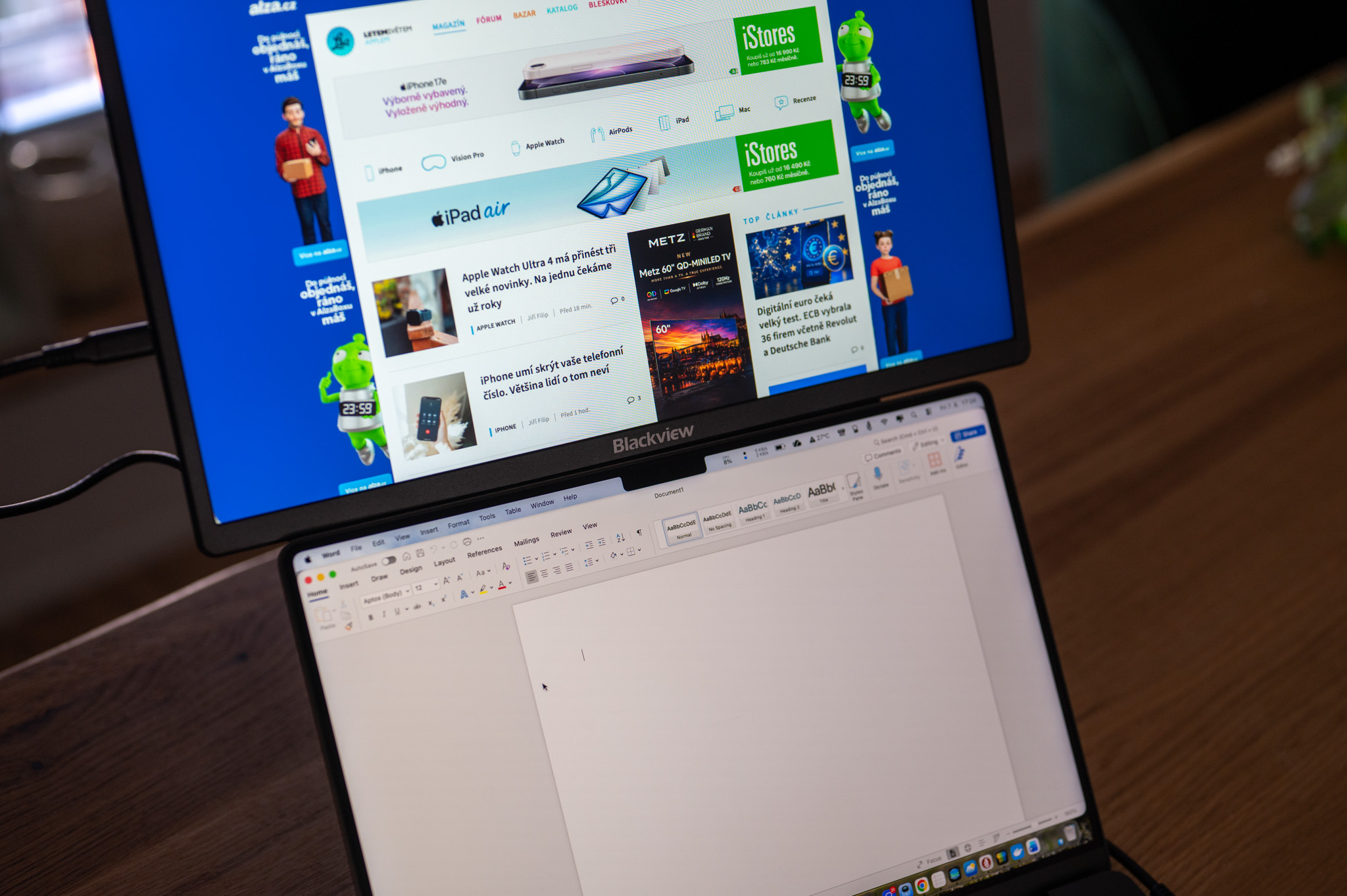
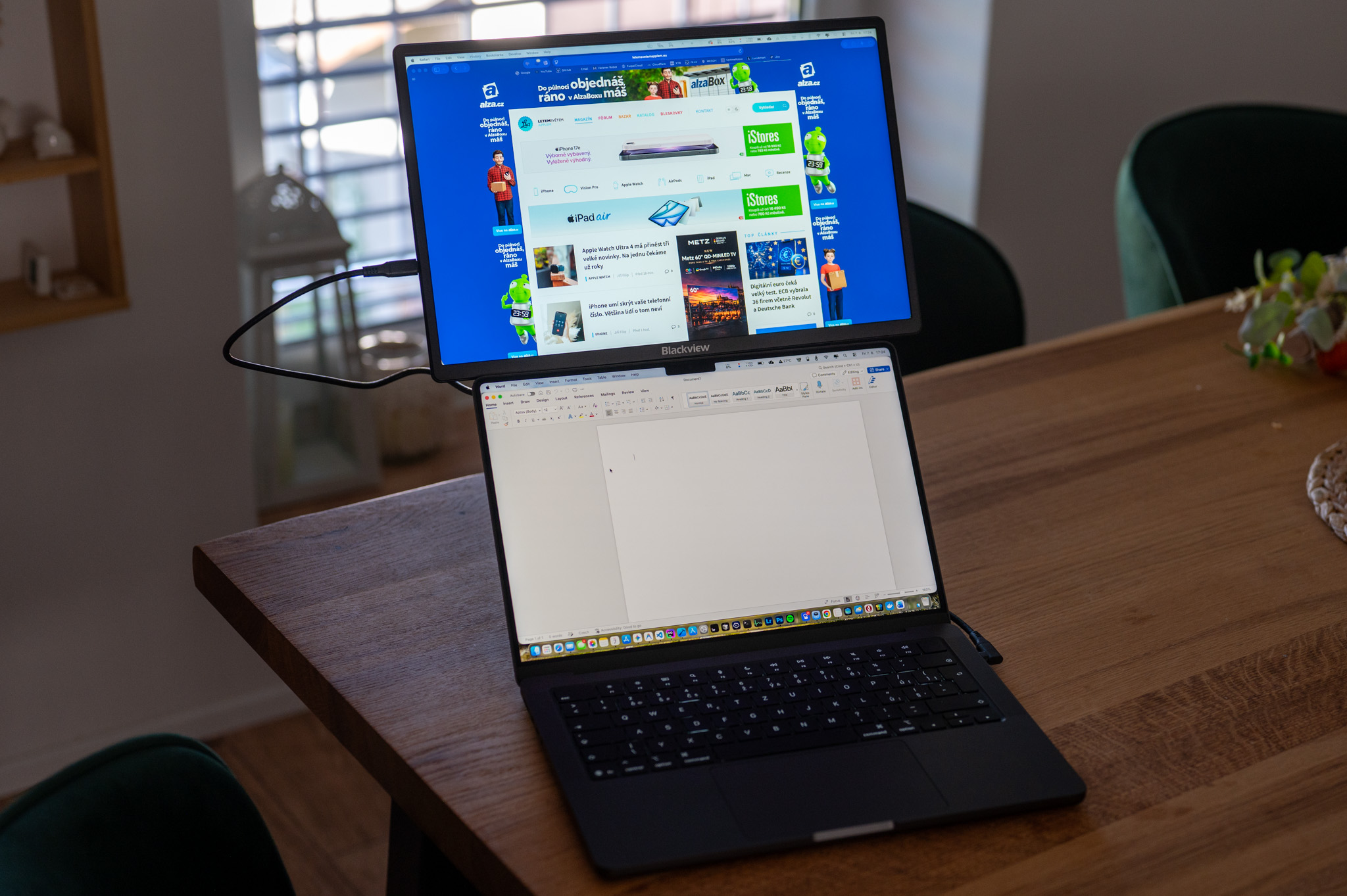
Of course, the brightness of 300 nits is not intended for working in direct summer sunlight, at home, in theancI've never had a problem with readability at a restaurant, a café, or even on a train. I also appreciate that the panel doesn't have a very glossy surface, so reflections aren't nearly as annoying as on some other portable monitors.
Like the SCM6, it has a built-in speaker. I wouldn't expect miracles from it, but it's perfectly adequate for video calls or quick YouTube playback. I was also pleased with the 100W pass-through charging. As a result, I had fewer cables on my desk and the entire workspace felt much cleaner.
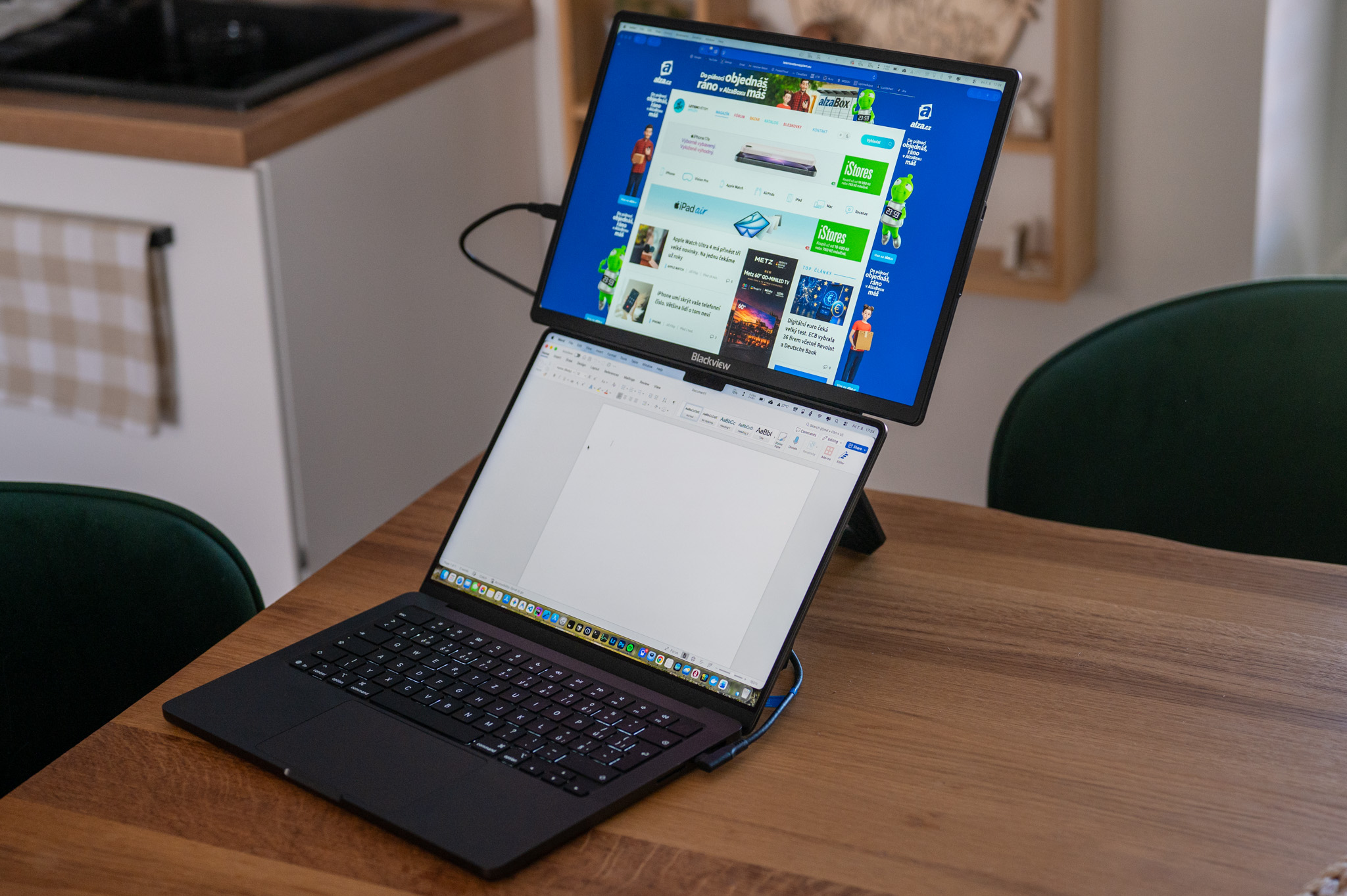
If I had to compare the two Blackview monitors I tested, I would say something like this. I would recommend the SCM6 to people who want a second display firmly attached to their laptop and often work in really tight spaces. In my opinion, the TABLE 9 is more versatile. Thanks to the stand, you can place it next to a laptop, iPad, or even a game console in a few seconds. And it was this versatility that I probably enjoyed the most during testing.
Summary
The Blackview TABLE 9 is not a monitor that tries to impress with its high-end specs or extravagant design. Instead, it focuses on practicality, simplicity, and versatility. And that, in my opinion, is where its greatest strength lies.
After a few weeks of use, I realized that while I always had a second monitor at home with my laptop, I had long been missing a similar solution with my iPad, and TABLE 9 solved this problem surprisingly elegantly. Suddenly, I had significantly more space to work and the tablet began to feel much closer to a classic computer.
If I had to choose between the two Blackview models tested today, I wouldn't say that one is better than the other. Each is aimed at a slightly different user. If you want a monitor attached directly to your laptop, I would go for the SCM6. However, if you are looking for a universal portable monitor that will work just as well next to MacBooku, iPad or other devices, then I would personally go for the TABLE 9. And considering that it offers a larger 16″ panel and costs even a little less than the SCM6, it seems like a really good buy to me. If you need an extra 16″ nestOh, and there's also a giant 23,8″ model on offer, which will hopefully be enough.
discount code
If you're interested in an additional monitor, we have good news for you. Thanks to the discount code LSA15 You can have it with a great 15% discount.