
The side button on your iPhone isn't just for turning on and locking the screen. A double press opens Apple Pay, triple pressing can launch the selected accessibility function and long pressing activates it by default SiriHowever, you can adjust the long-press behavior and the speed of multiple presses to your own needs.
You might be interested in
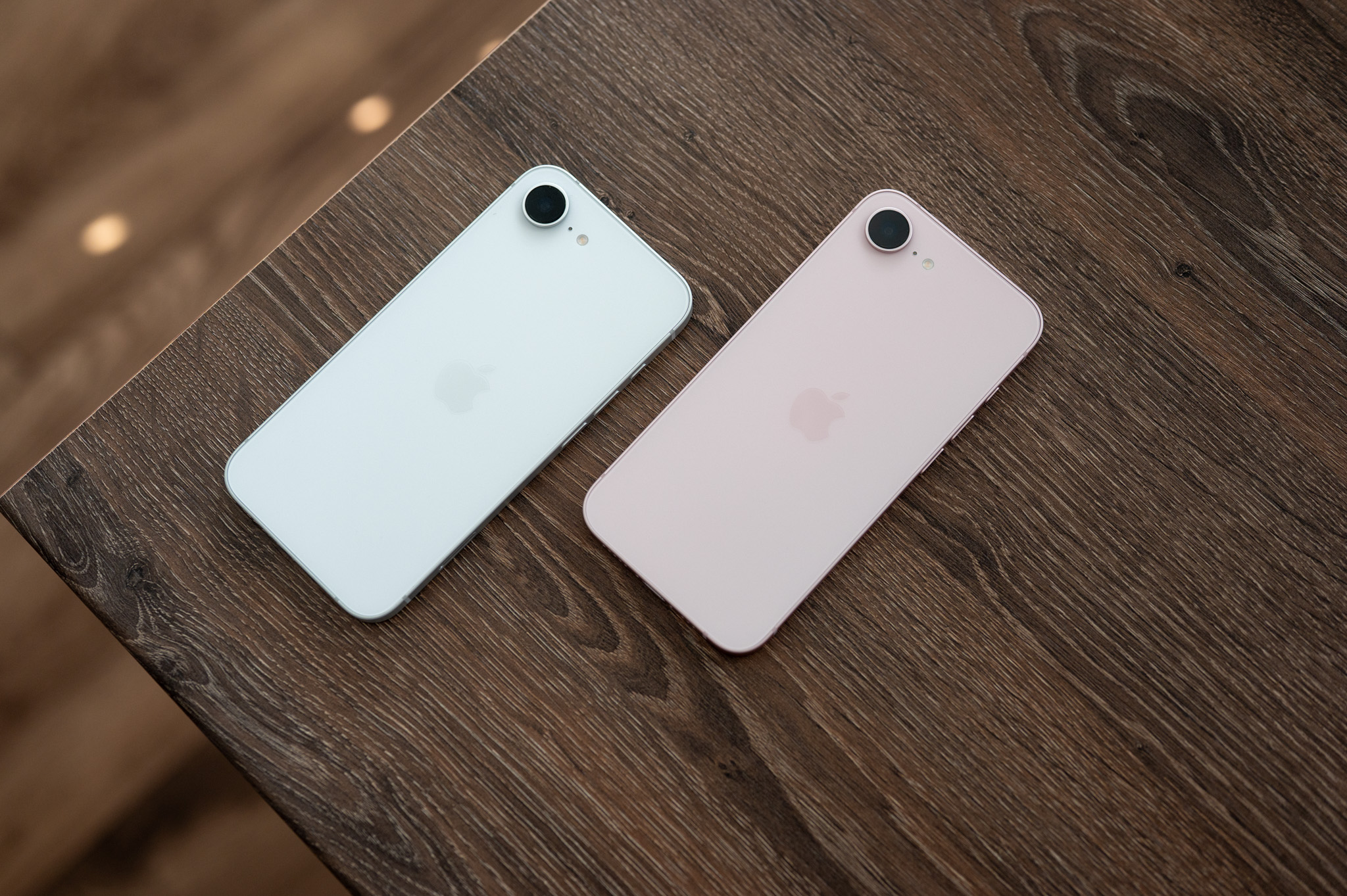
The change is useful, for example, if Siri You accidentally trigger it when taking your phone out of your pocket or you are using a cover that makes it harder to press the button. iPhone It can activate classic voice control instead of the assistant, or not respond at all to a long press.
How to change the behavior of the side button
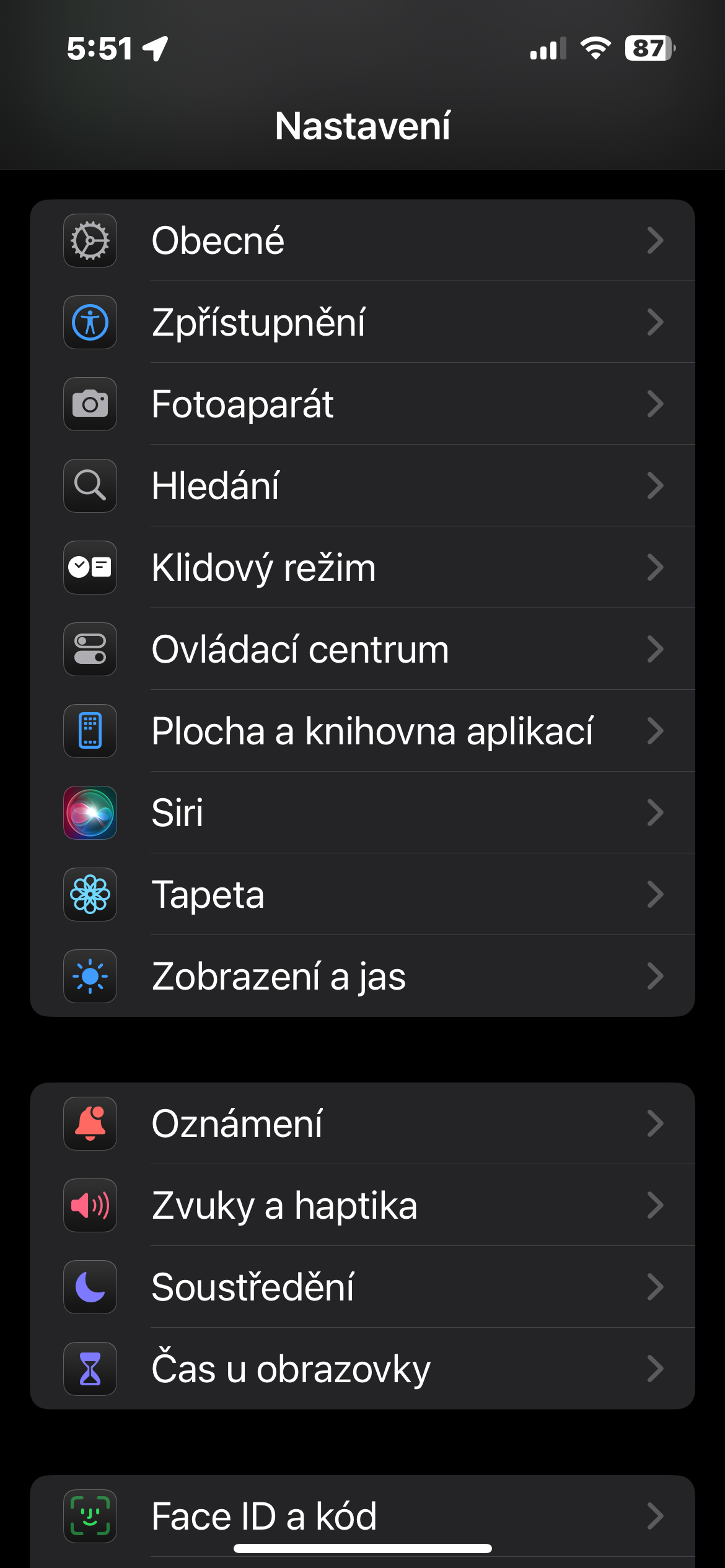
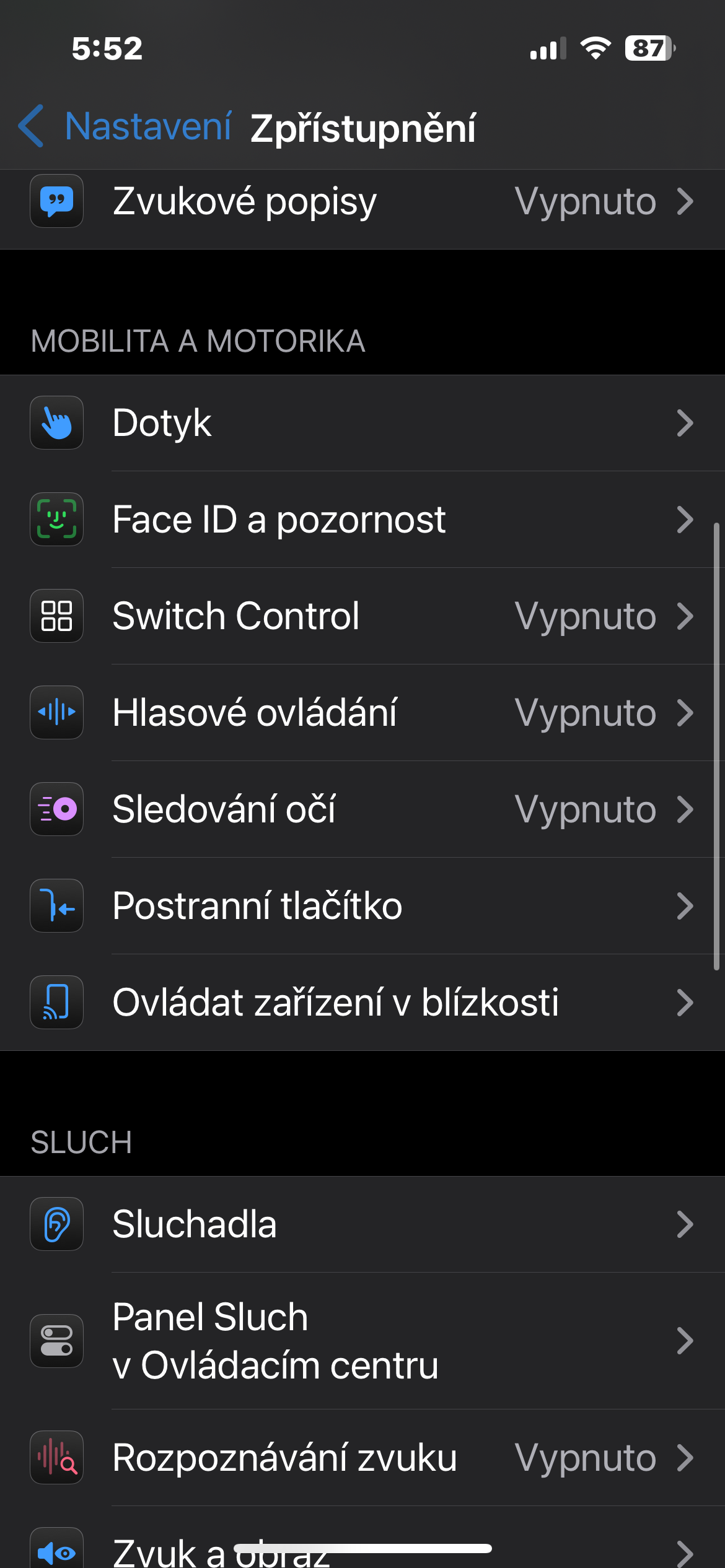
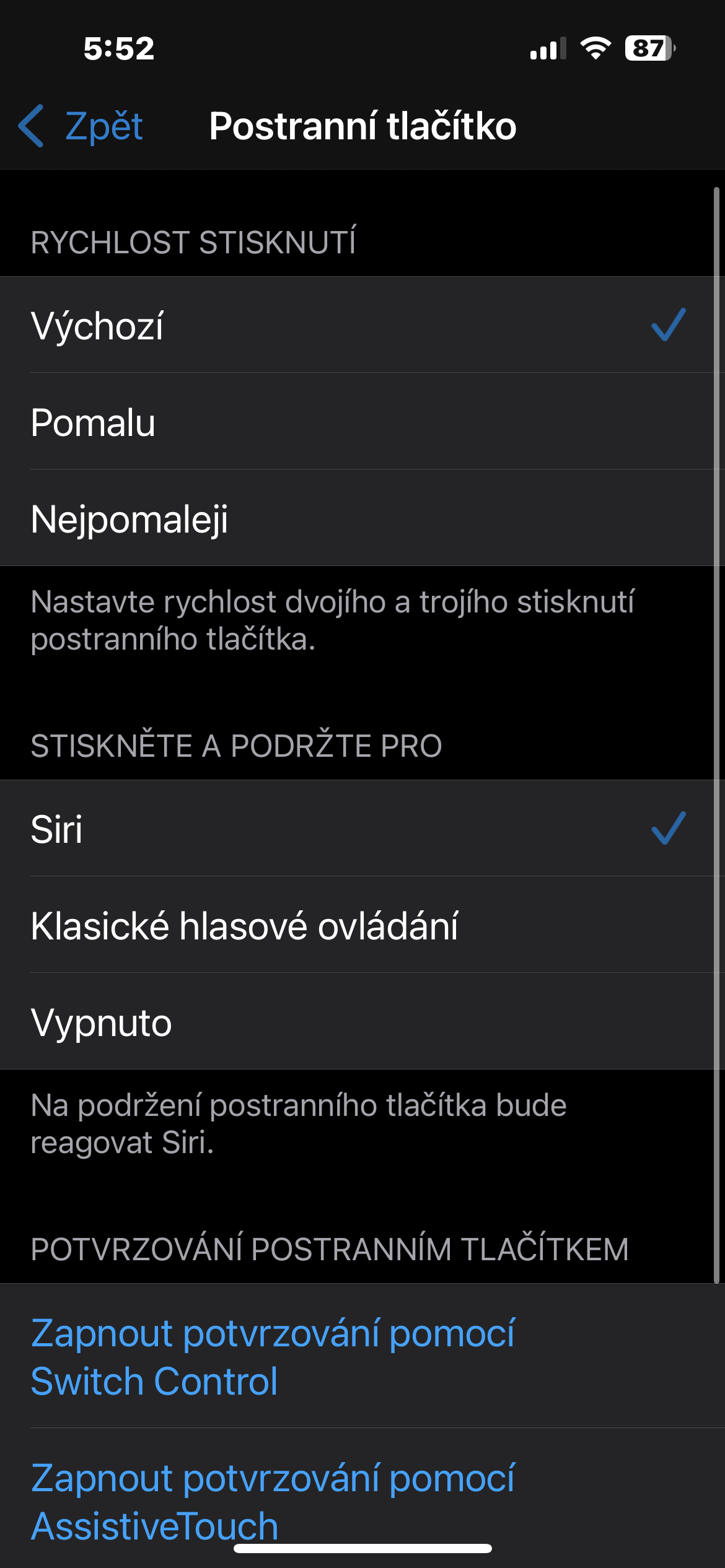
Open Settings and go to Accessibility → Touch → Side button. Under the section titled Press and hold to talk, select one of the three available options.
Choice Siri poneThe current behavior is set, so that the voice assistant is launched after holding the button. Classic voice control allows you to do it without Siri enter simple commands for making phone calls or controlling music. If you do not want to use any of these functions, nestIf you want to, select Off. A long press will not invoke the voice service, but the other functions of the button will remain intact.
Gallery
The phone doesn't have to wait for a quick squeeze
The same menu also allows you to change the speed of the press. The default setting requires a fairly brisk double or triple press, which may not suit everyone. There are also options for Slow and Slowest, which increase the interval between presses.
It's best to test the selected speed right away. When you tap each option iPhone A short vibration and animation will indicate at what pace repeated pressing is expected. A slower response can make opening significantly easier Apple Pay and using the Accessibility Shortcut, especially if the button is more resistant due to the case.
Some models also offer settings here to determine whether payment and other transactions should be confirmed by pressing a button or using another available method. Adjust speed or turn off Siri This will not affect the normal locking of the iPhone or emergency functions. Before making any changes, it is worth remembering that the combination of the side button and the volume button also serves to open the emergency call menu and turn off the phone.




I assume that you have turned off the button completely in order to place it Siri she didn't start something else.. 🤔