WhatsApp brings another handy improvement to iPhones that anyone who frequently calls through the app will appreciate. It now allows you to switch between microphone modes during a call without having to leave the app or open Control Center. The feature is gradually being rolled out to users in the latest version of the app for iOS.
You might be interested in
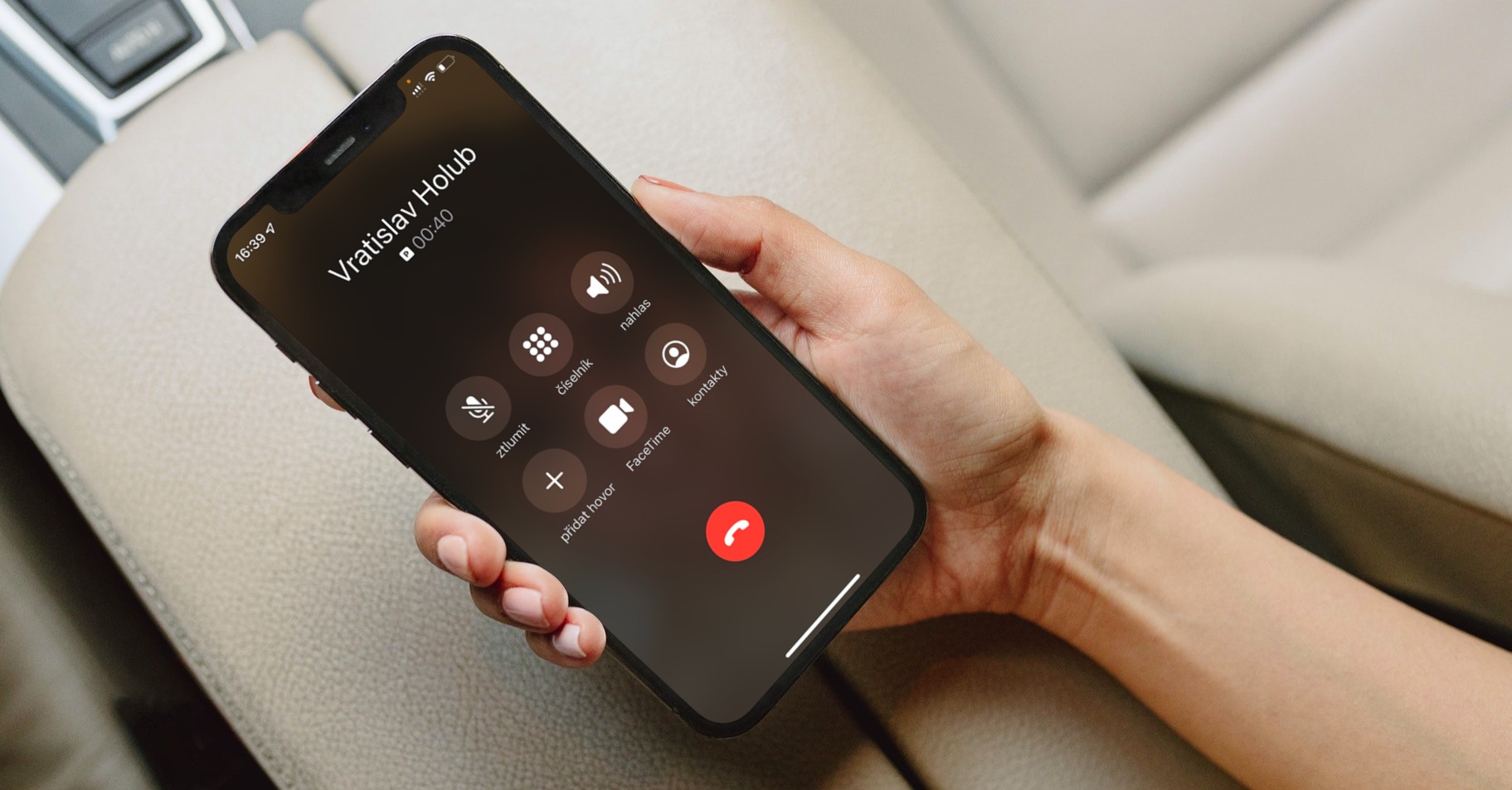
Previously, you could only change microphone modes via the iPhone's Control Center. Now, just tap the "More" button during a call and then select "Microphone Mode." This will open the system menu. Applu, where you can choose between Auto, Standard, Voice Isolation and Wide Spectrum modes. Moreover, the change takes effect immediately, without having to interrupt the call.
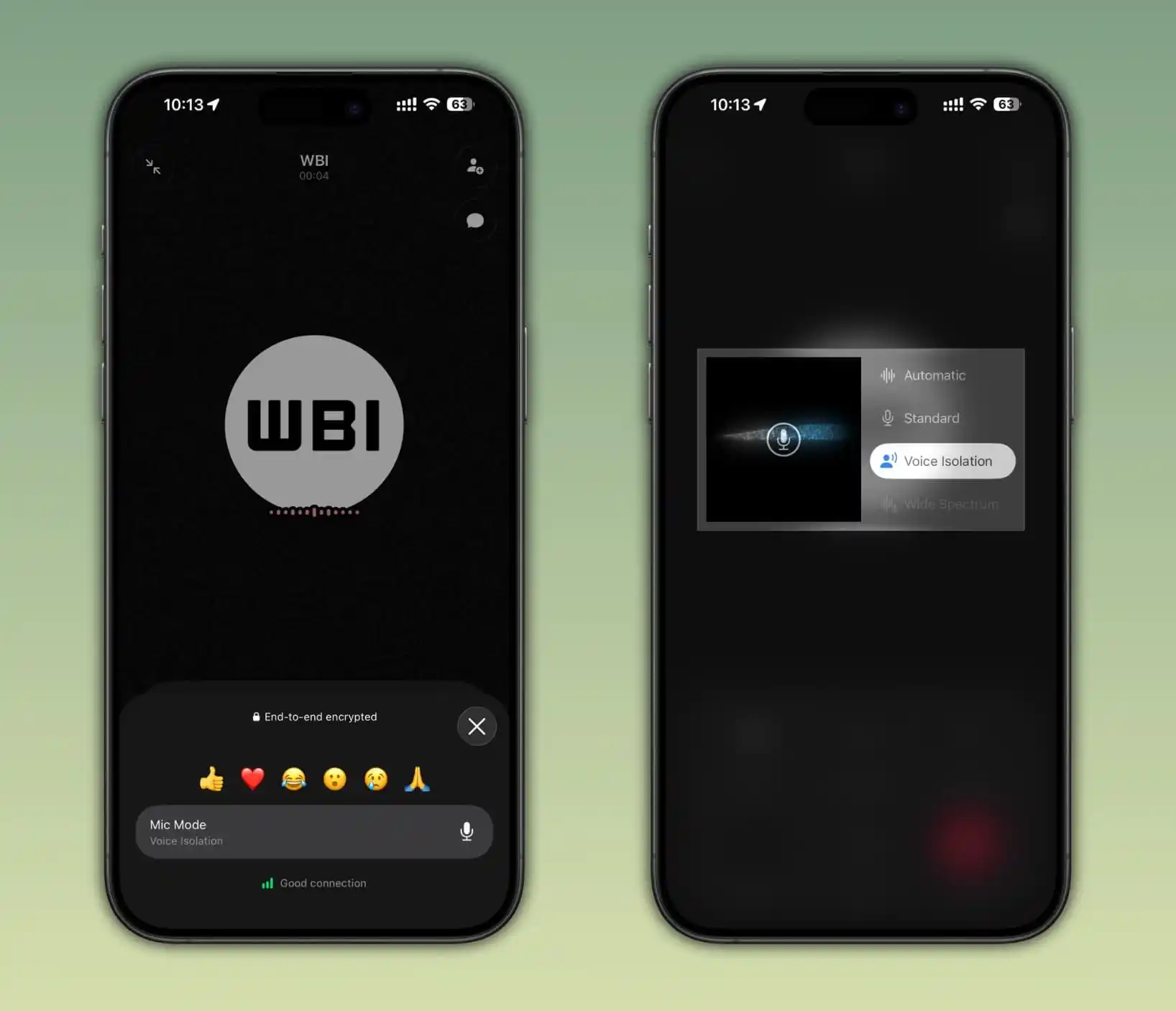
A big advantage is also that you WhatsApp The selected mode will be remembered for future calls. For example, if you set Voice Isolation, the application will automatically use this mode for the next call until you change it yourself. Voice Isolation is one of the most popular features Applu, because it can very effectively suppress ambient noise and emphasize your voice. On the other hand, Wide Spectrum mode captures more sounds from the surroundings, which can be useful, for example, during group calls or when you want the other party to hear what is happening around you.
You might be interested in

As with most news WhatsAppThe rollout is gradual, so the feature may not appear for all users at the same time. If you don't see it in your app yet, it will likely appear in one of the next updates. Unfortunately, it's almost impossible to say whether we're talking about days or weeks. In the past, we've seen big improvements arrive within a few days of the announcement, while smaller ones could take months to arrive.