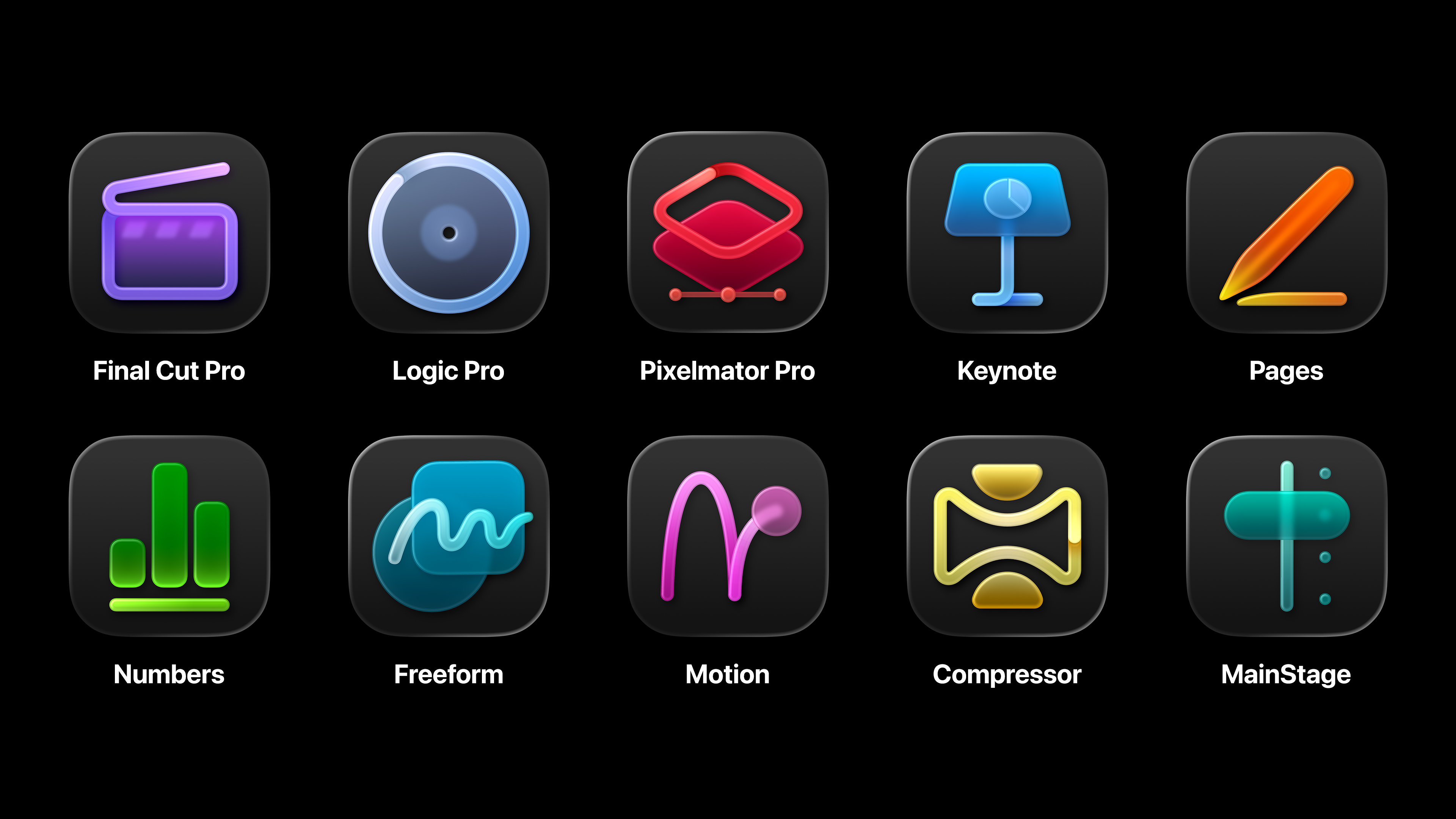
New features for image generation in the application Apple Creator Studio rely on Google servers CloudHowever, users are warned in advance by a system warning that this is happening before sending any prompt to this third party. Apple So here too, he proves how important it is for users to be informed and to have perfect overview and control over their data.
Artificial intelligence from Applu vs. third-party servers
It is important to clearly distinguish between the individual technologies right from the start. Apple Intelligence is powered by its own models Applu (Apple Foundation Models) that run either locally on your iPhone or on secure servers Private Cloud Compute. Features integrated into the package Apple Creator Studio they are completely separate from them and operate on a different principle.
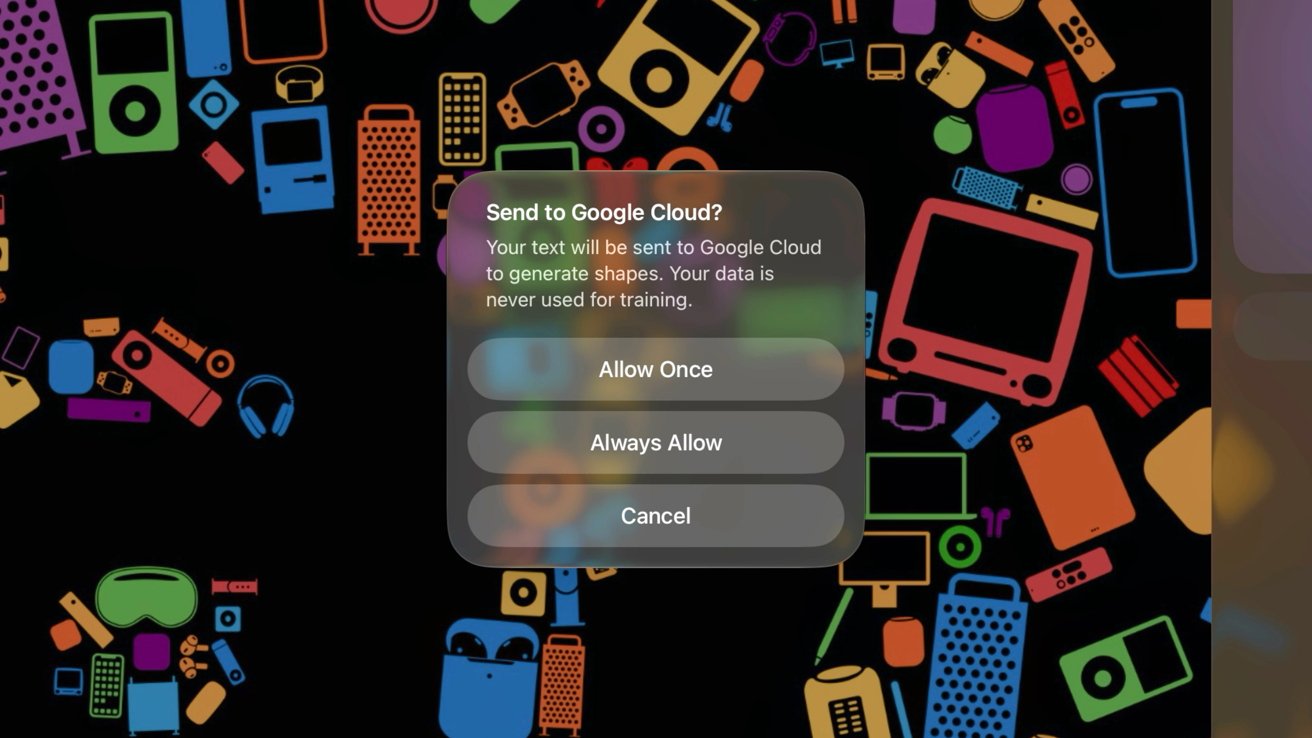
After updating to the latest version Apple Creator Studio so that users on the systems iOS 26 i iOS 27 beta A new pop-up window has started to appear. This notification explicitly warns the user that their text input will be sent to Google servers. Cloud. However, it also adds that this data will not be used to train artificial intelligence models in any way. The warning is very similar to the one that appears when sending queries to ChatGPT in other parts of the system.
Gallery
A certain amount of misinformation has already emerged around the new warning. The models themselves Apple Foundation Models that are worth improving Siri and functions Apple Intelligence, no Google services, search or frameworks Gemini they do not use. Although Apple during their initial development, servers and models Gemini used, in the final code that runs on devices and in Private Cloud Compute, there was nothing left of Google. Even in cases where Apple plans to transfer its most powerful models to Google servers with Nvidia graphics processors, this will happen through Private Cloud ComputeThese servers will then be fully under operational control. Applu, just like when iCloud uses AWS servers.
How do limits and privacy protection work?
So when you decide to create a shape or generate an image in applications like Pages whether Freeform within the set Apple Creator Studio, the system will connect to Google Cloudem. Users have the option to confirm this warning on a case-by-case basis, or set it to be approved automatically. The only data that is sent at that time is the text you enter or the image you edit. Furthermore, Google is not allowed to store this data or train its AI on it, based on a partnership agreement. This entire function is strictly isolated inside Apple Creator StudioSo if you want to use Google Cloudu can be avoided completely, just don't use these specific tools in your applications.
Because these creative features rely on external tools, they come with certain monthly limits. Apple in the application settings, it displays a percentage of AI consumption, which is reset at the beginning of each month. OpenAI for example, provides ChatGPT for generating presentations, with the monthly allowance sufficient for the user to create approximately 50 presentations of 8 to 10 slides. Google Cloud then within the monthly limit it allows to generate 50 images or 250 shapes. Exact number of tokens Apple it doesn't mention it anywhere, so it's for miniTo minimize consumption, it is best to keep text entries brief and continuously monitor the consumption status in the settings. In any case, the official documentation confirms again that not a single byte of data from these interactions is used to train the models.