
Apple ID, Instagram username or X network nickname. These are all things that people watch out for practically from day one. WhatsApp but for many years it did not offer anything similar and required a phone number to communicate. This is now the caseoneis changing. Meta has officially launched the option to reserve usernames, thanks to which it will no longer be necessary to share your phone number with everyone you want to write to. Although it is not yet available in the Czech Republic (or at least the option is not offered to us in the editorial office), users from many other countries around the world report that they already have the function available and reservations are starting.
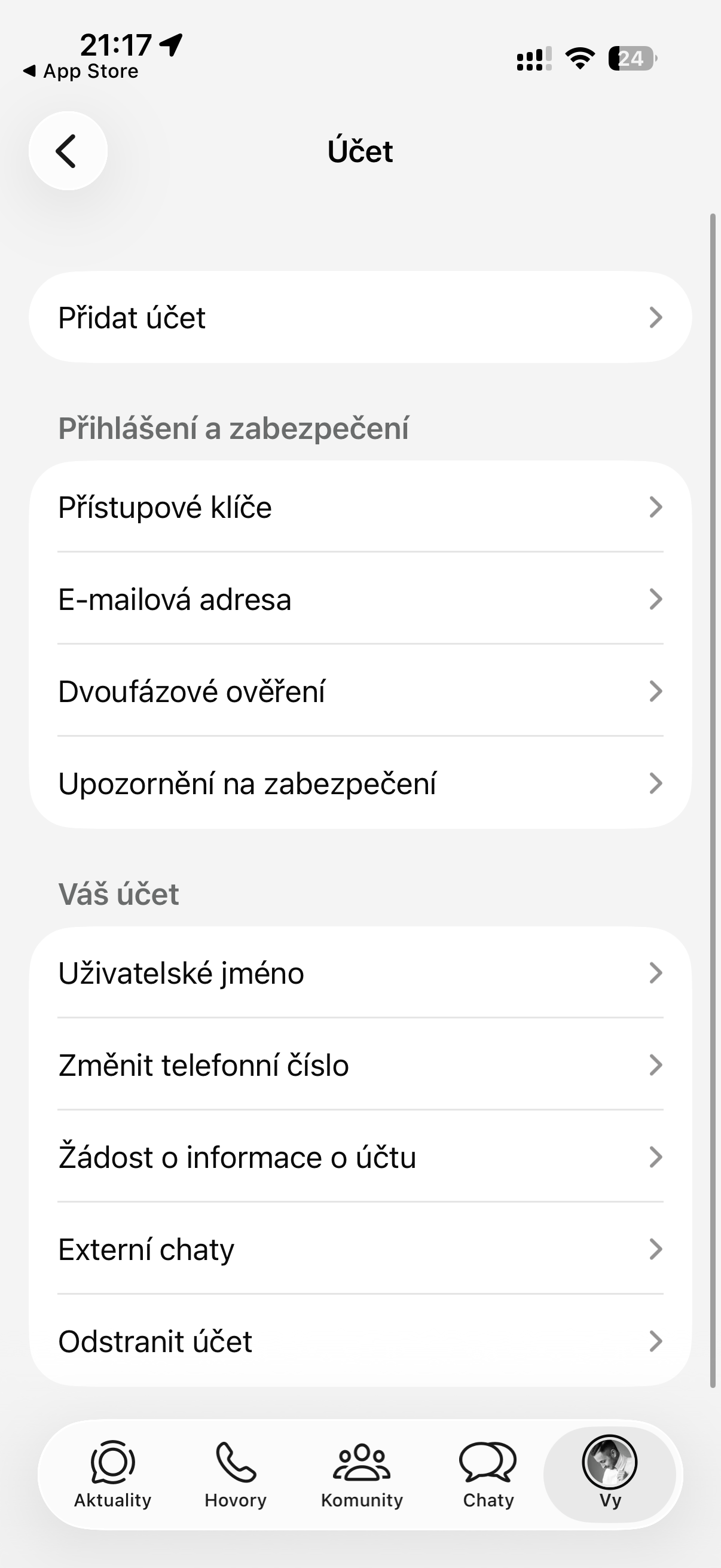
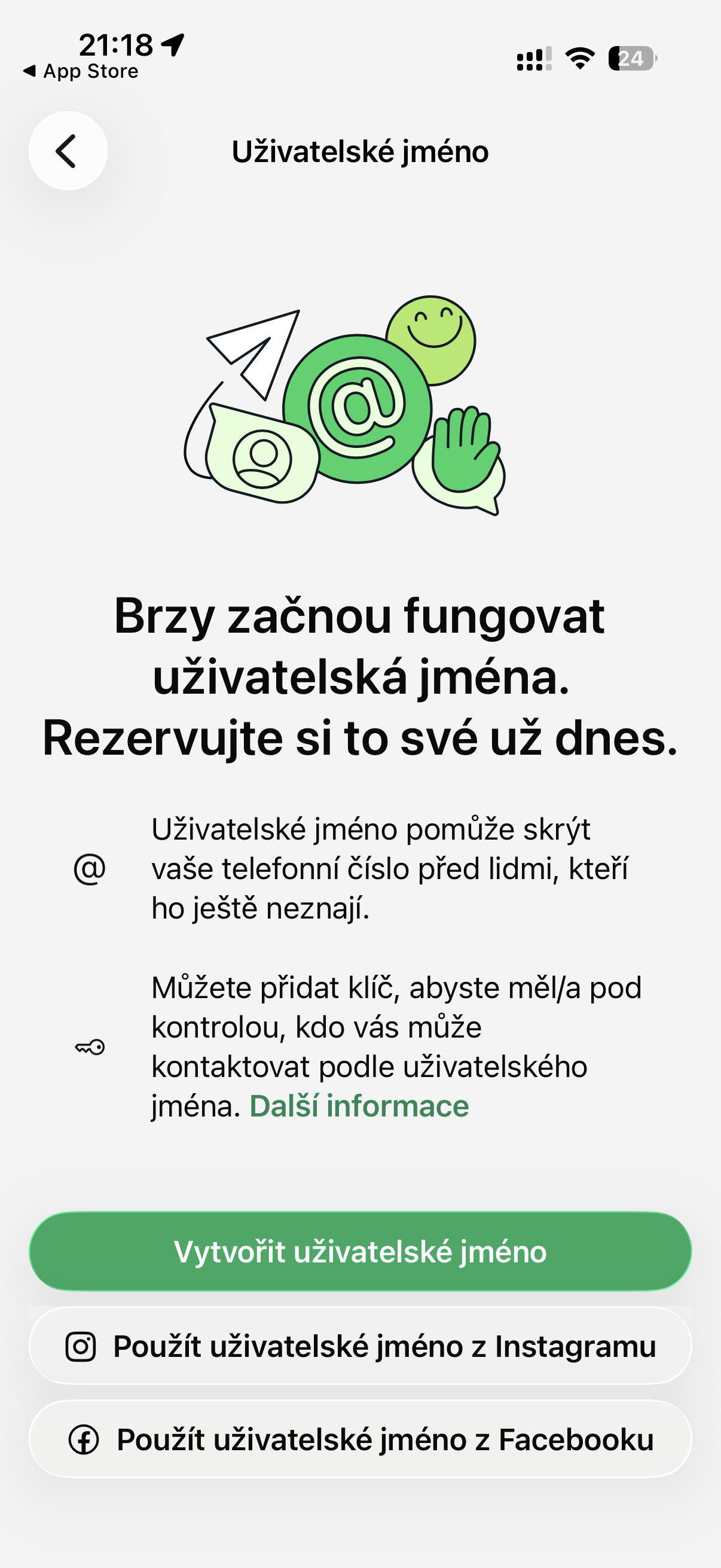
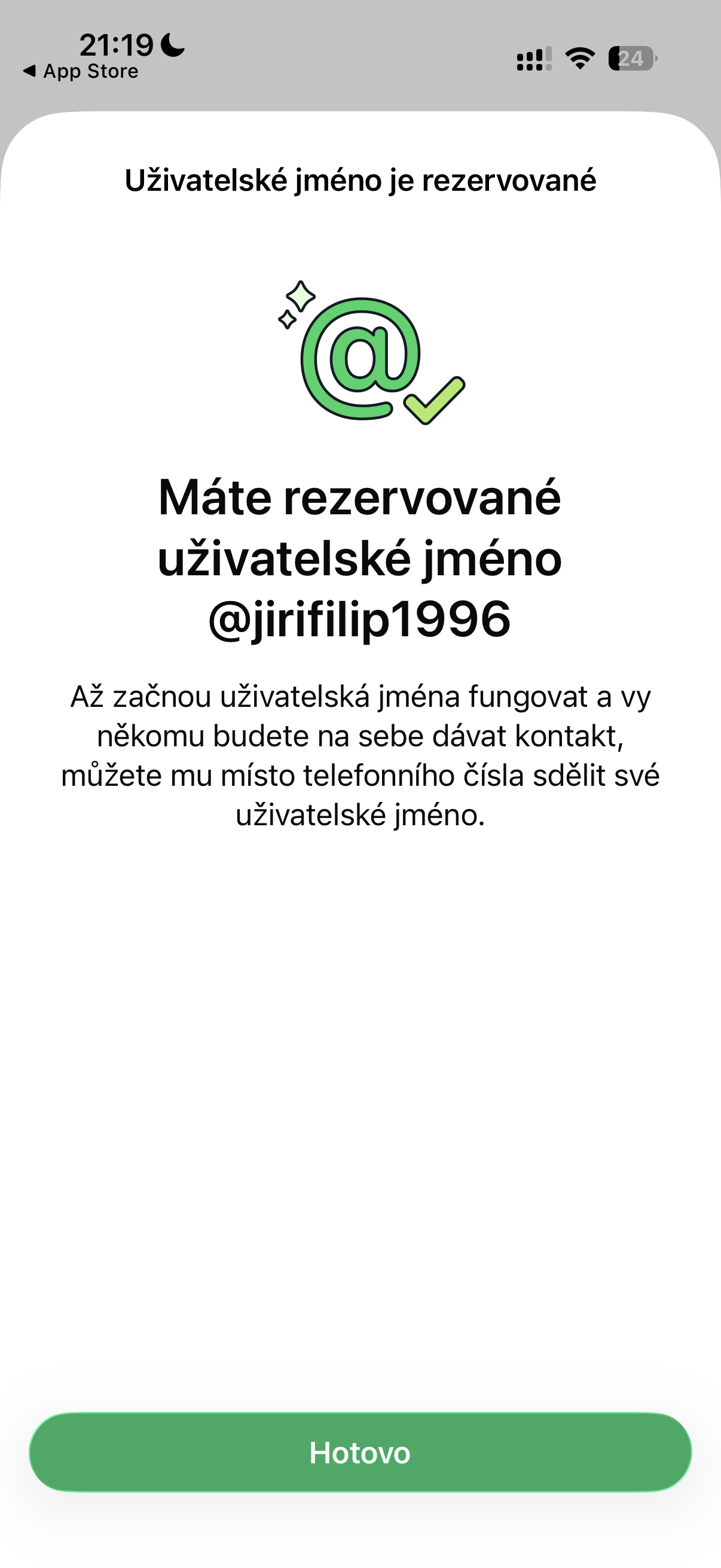
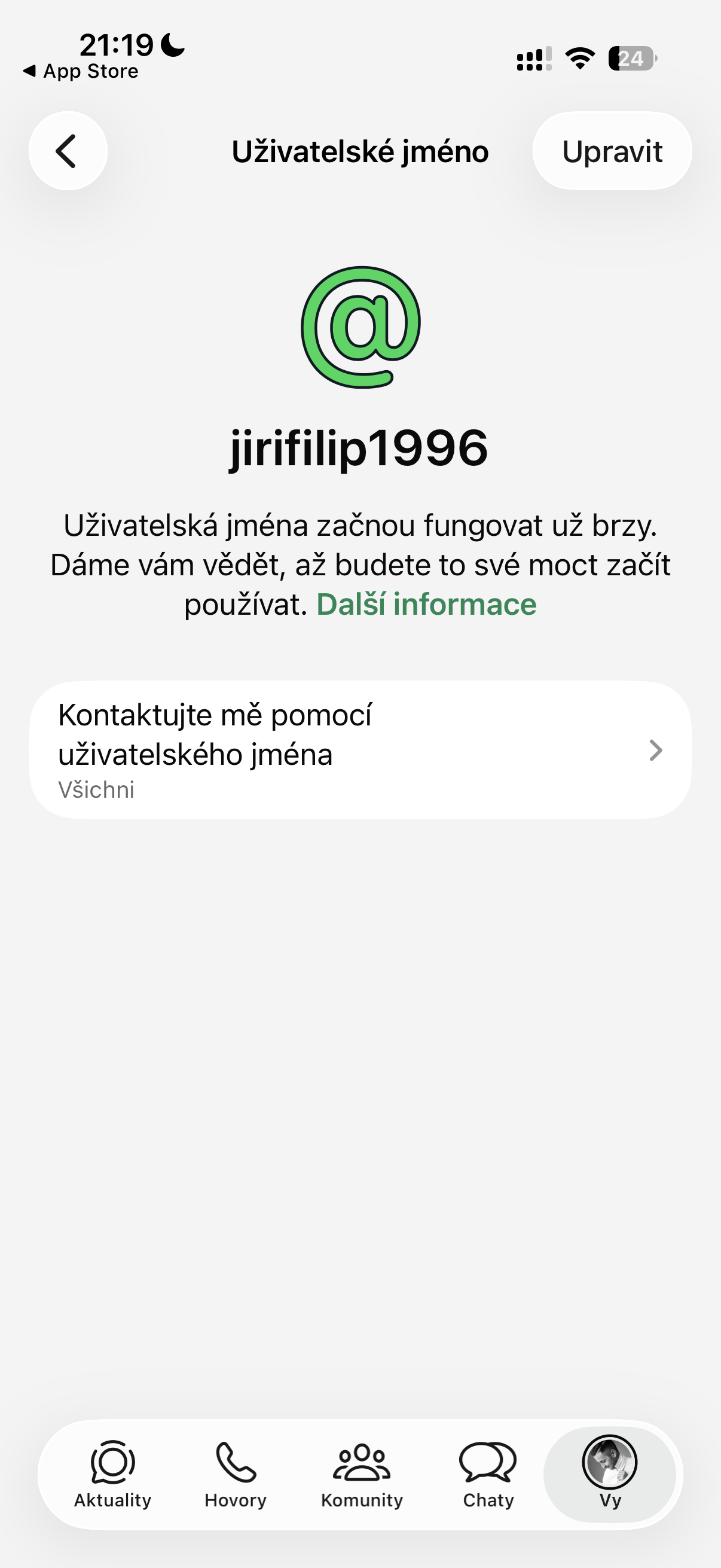
[Update]: The editorial team also thought about adding a user nickname. We are therefore attaching screenshotyz interface.

You will no longer need to share your phone number.
The new feature works quite simply. Each user will be able to choose a unique username starting with the @ symbol, through which others will be able to find and contact them. If you are writing to someone for the first time and connect via username, instead of a phone number, they will only see your chosen nickname.
This is a significant shift in privacy. Many people WhatsApp They use it to communicate with colleagues, customers, or people they don't even know personally. But until now, they had to give everyone their phone number without exception.
You might be interested in

It pays not to procrastinate.
As with other services, each username can only be owned by one person, so if you want to get your favorite nickname or maybe a business name, it's definitely not worth waiting too long.
WhatsApp Therefore, we have launched a special page where you can check the availability of your future username and then reserve it before the feature goes live. Once it is available, you will be among the first to activate your chosen name.
Meta has not yet announced the exact launch date for all users, but it is already clear that this will be one of the biggest changes in history. WhatsAppFor the first time, it will allow you to communicate with new people without having to give them your phone number.
You might be interested in
How to create or reserve a nickname on WhatsApp
-
- Click on Vy.
- Tap the area around your profile photo.
- Click on Create a usernamesystem. (In areas where usernames are being rolled out, click Reserve username.)
- Click on Create a username > Create a username.
- Enter the username you want to use. (If the username is available, you will see a confirmation. If it is not available, you can generate suggestions based on your input.)
- Click on Save > Done.


I was fine yesterday.
I also have the option to choose a username