Mobile version of the internet browser Safari in newer versions iOS offers several variant layout, so if you don't quite like the current look of the browser, you don't have to just passively accept it. Company Apple has been experimenting with the location of the address bar, the size of the controls, and how much space the website itself should take up for a long time. The result is a more modern and streamlined interface, but it may not suit everyone.
You might be interested in
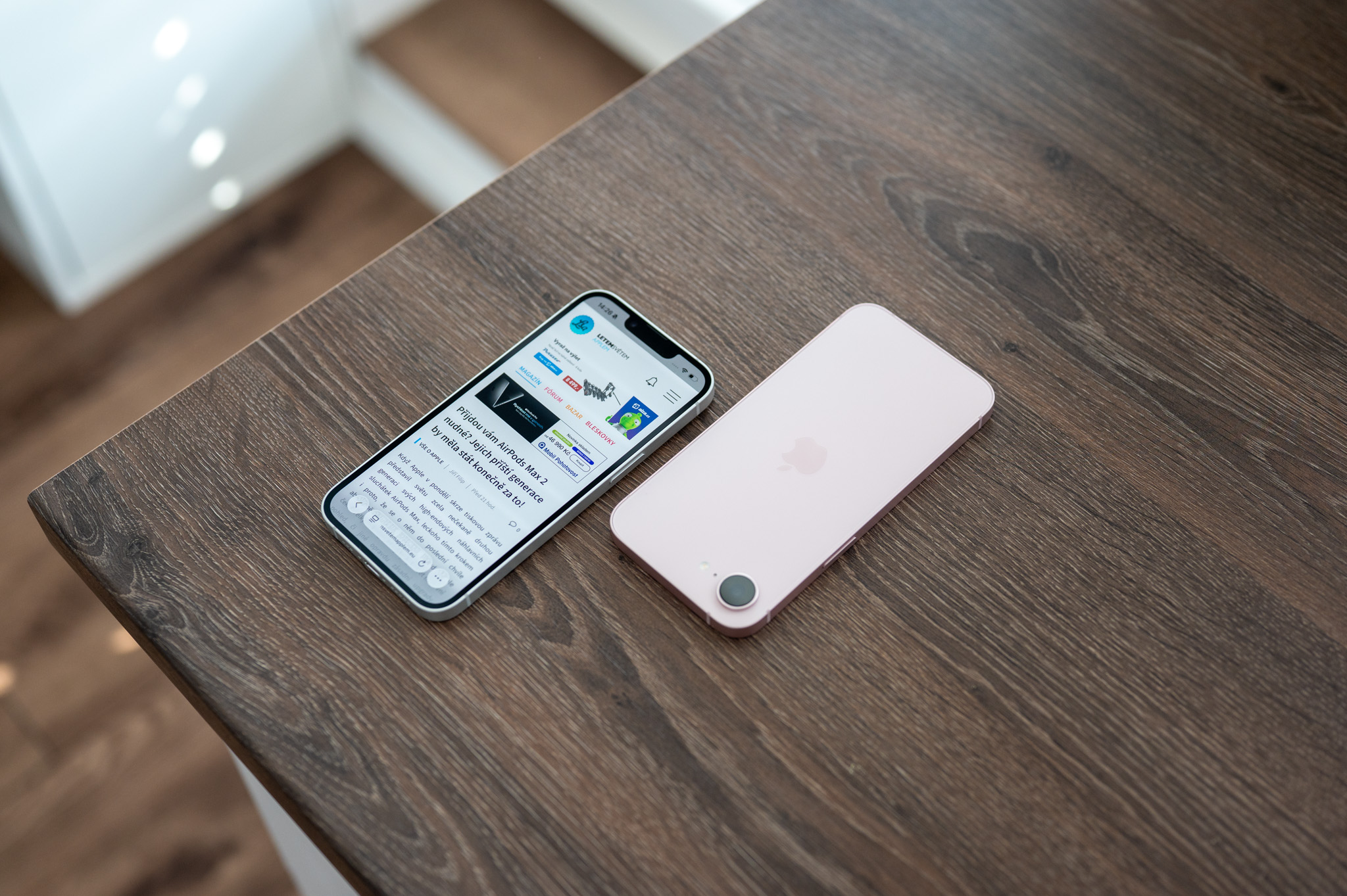
The biggest difference is mainly in the location of the address bar and the overall accessibility of the controls. Some people like the bar at the bottom of the display because it is easier to reach when using it with one hand. Other users (like me) are used to looking for the address at the top for years and find the bottom layout unnecessarily unusual.
Safari It also increasingly relies on gestures. For example, you can quickly switch between open panels via the bottom of the screen, and some additional options only appear after tapping a menu or holding down a specific element. Once you get used to this way of operating, it can be quite fast. However, if you prefer the classic interface, there is no reason to force yourself into it.
How to change the layout Safari on iPhone
The adjustment takes a matter of seconds and does not require any add-on or intervention in advanced system settings. Open Settings on your iPhone and go to the section Safari. Here, find the section dedicated to panels and select the desired way to display the address bar.
Gallery
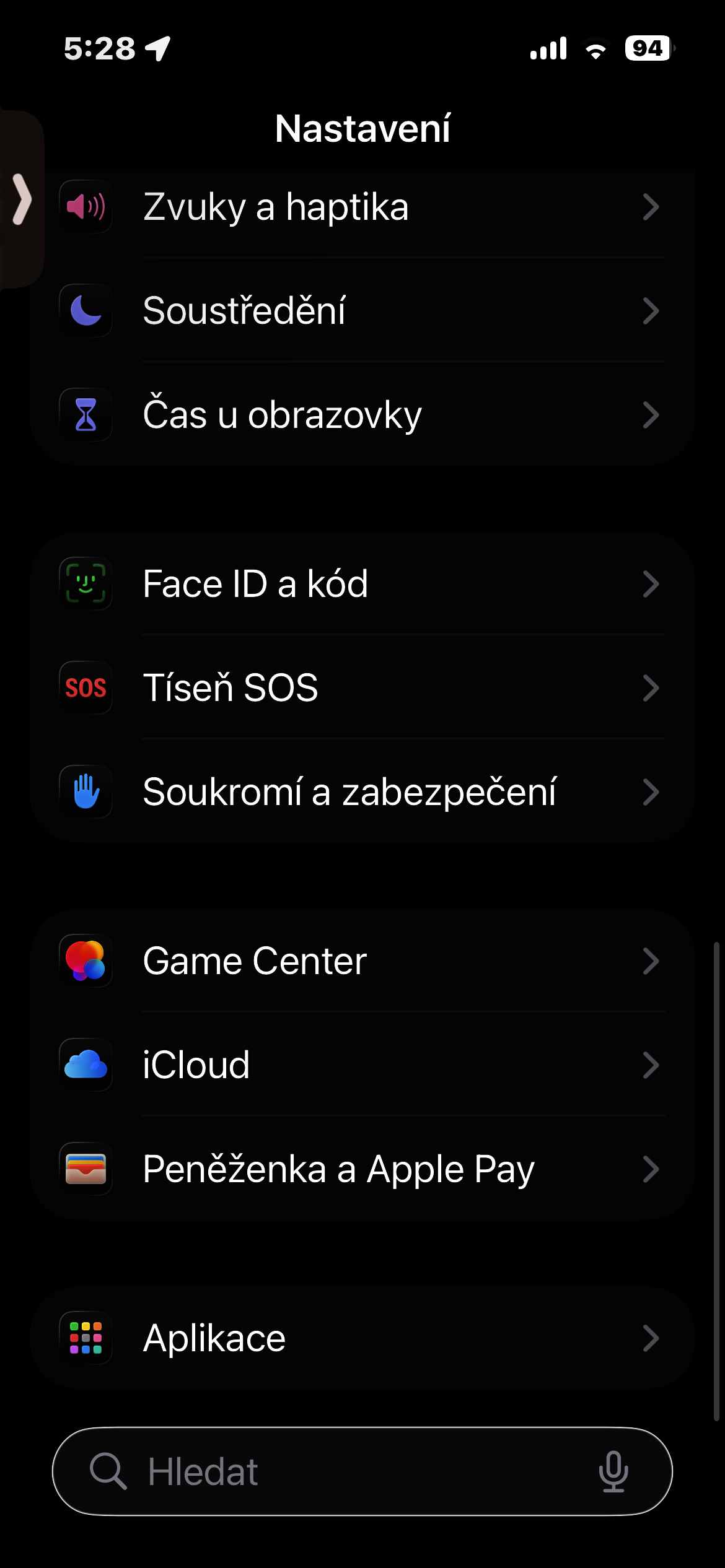
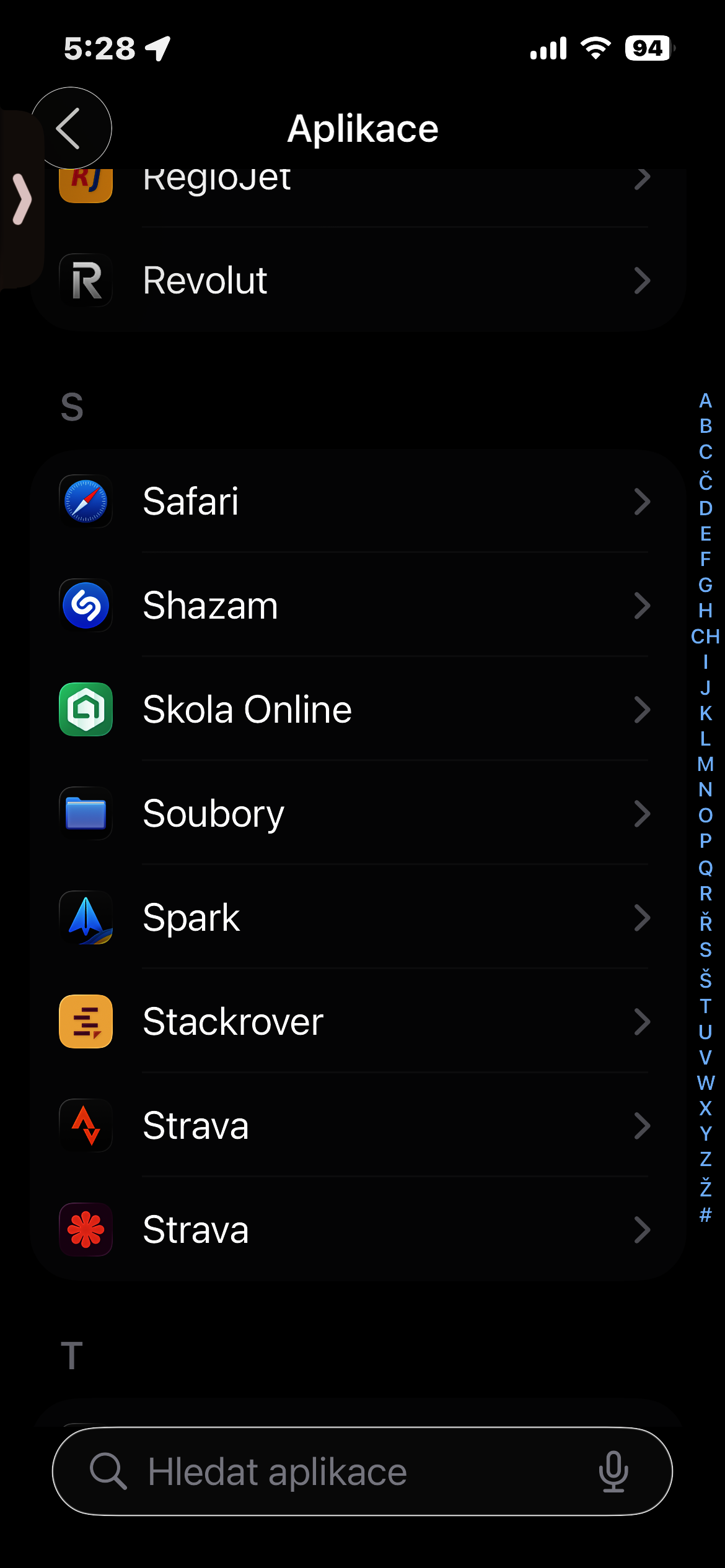
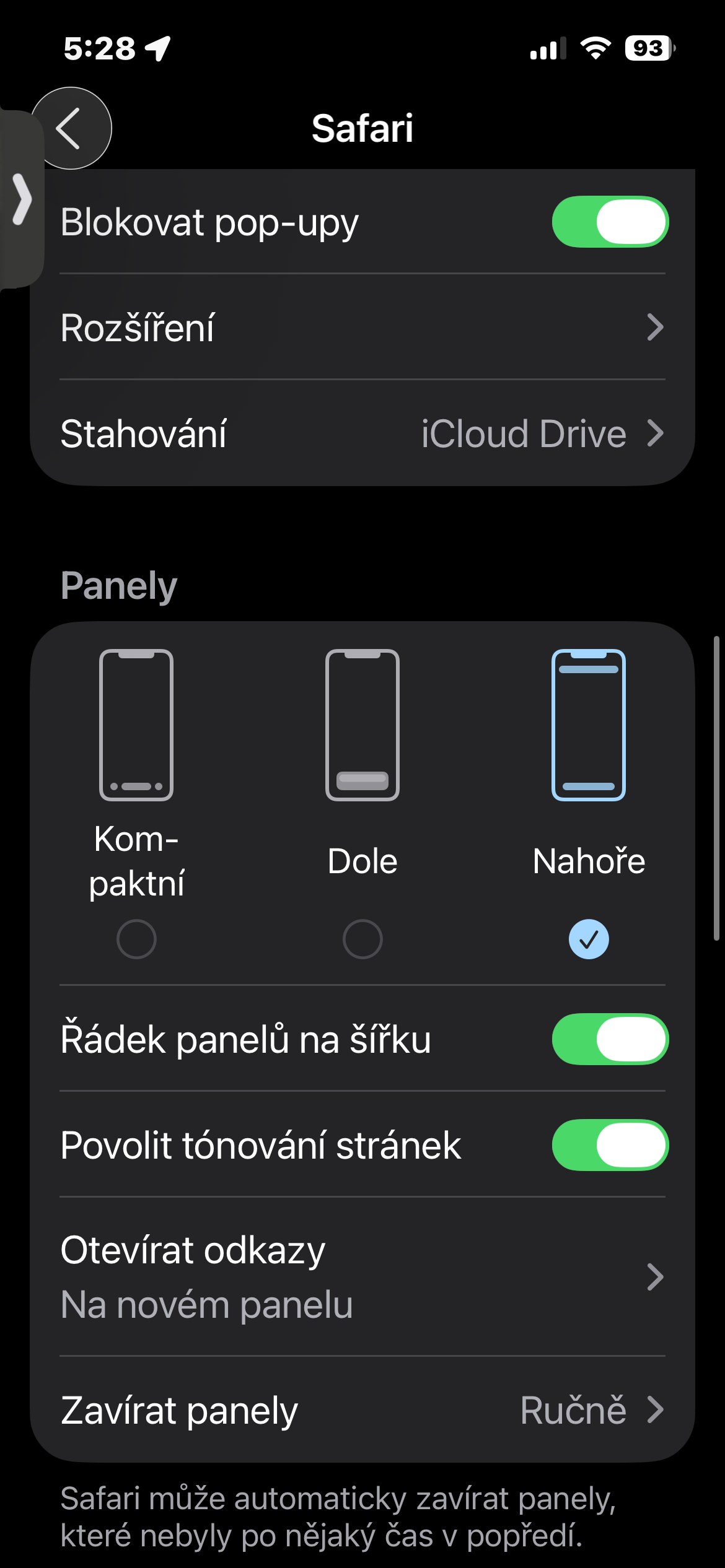
According to the selected variayou are Safari It will instantly adapt. You can move the address bar to a position that suits you better, and the entire browser will start to feel much more familiar.
The difference is not just cosmetic. The placement of the controls significantly affects the way the Safari used, especially if you often work with one hand on your iPhone. The bottom bar is usually easier to reach with your thumb, while the classic layout at the top may be more comfortable for anyone who has similar control experience from previous versions iOS or from desktop browsers.
The ability to choose is probably the most enjoyable part of the whole solution. You don't have to change browsers or get used to a layout that you don't like. If you like the current look Safari suits you, you can of course use itonechatBut if you automatically find yourself looking for the address bar in a different place every time you open it, a few seconds in Settings can make using your iPhone noticeably more enjoyable.