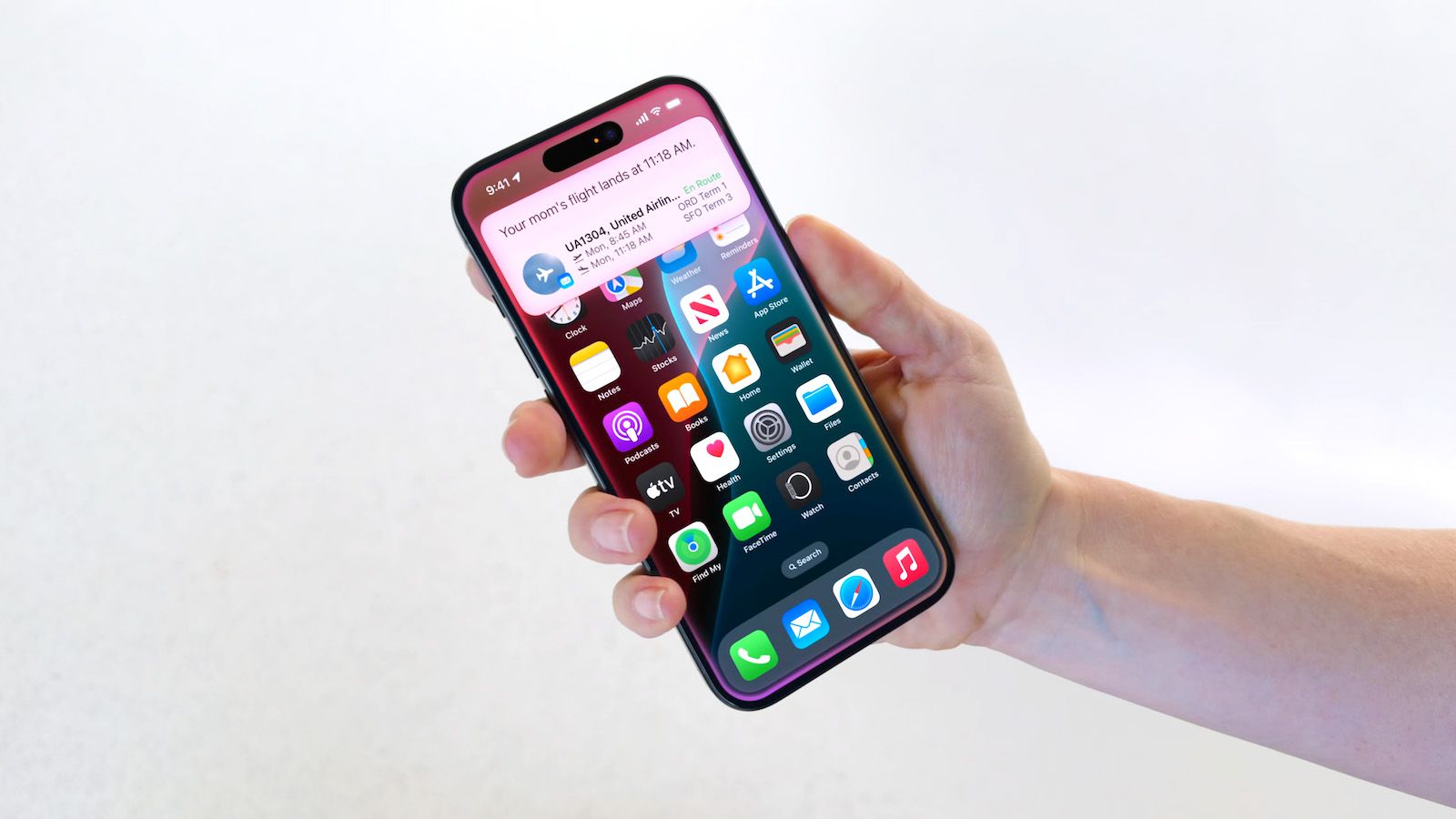
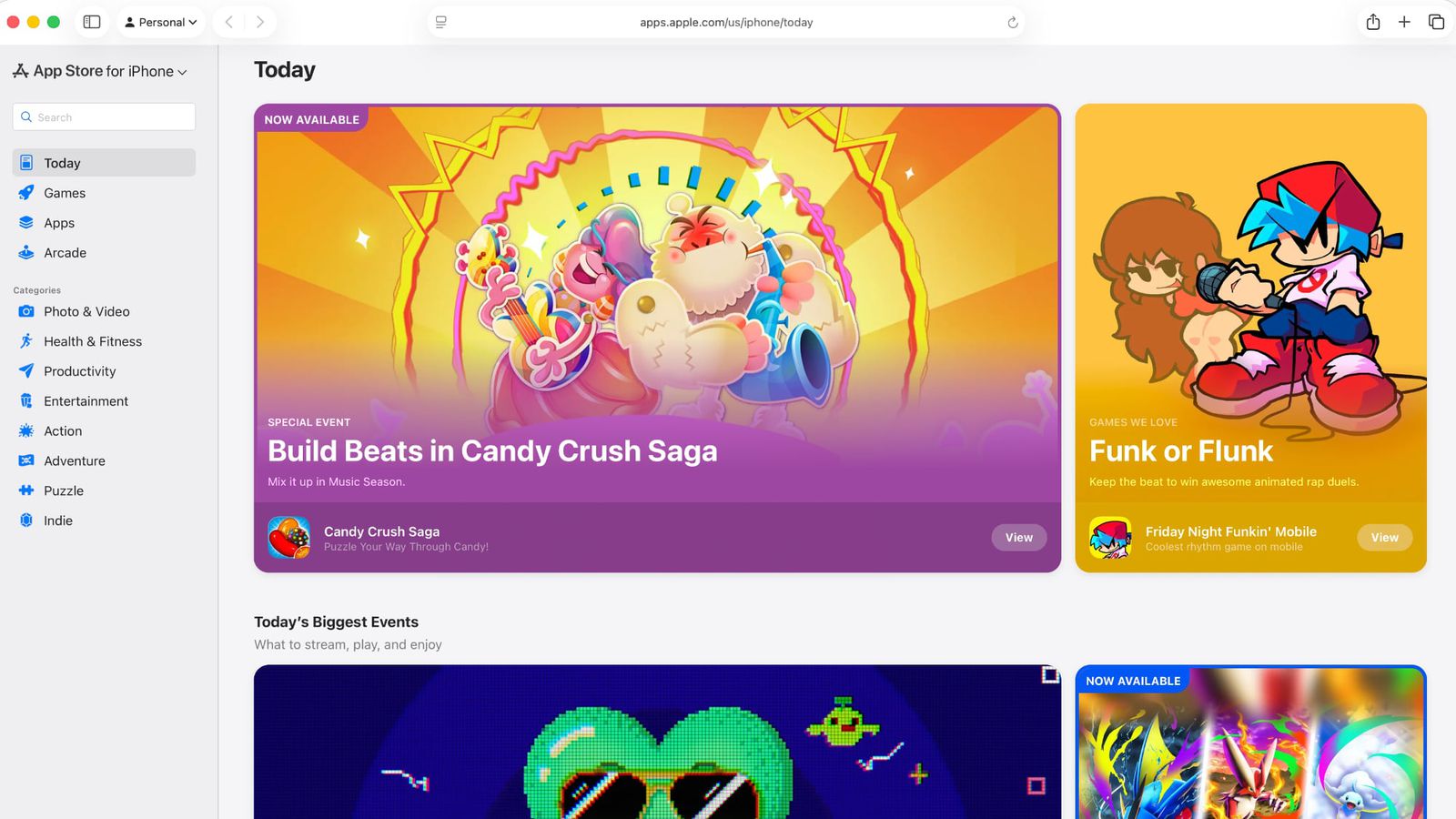
The ability to save a website to the iPhone's home screen has been around for years, but many users have never really used it. It was often unclear whether it would just be a simple shortcut to Safari, or something that will behave like a standalone application. In iOS 26 Apple The entire process has been simplified and now clearly distinguishes between a classic bookmark and a so-called web application (PWA).
You might be interested in
At first glance, this may seem like a small thing, but in practice it can significantly improve the everyday use of your iPhone. Many modern web services today offer almost the same features as their in-app applications. App Store. For example, if you use a corporate calendar, web-based email, task manager, or some social networks directly in your browser, you can pin them to your desktop and launch them just as conveniently as regular applications.
Web application or regular bookmark?
The first option is to create a web application, also known as Proprogressive Web App (PWA). Such a page opens in a separate window without an address bar when launched. Safari and works almost like a classic application. Many services also support storing data on the device, faster loading or working even with limited internet connection. Some web applications can even display notifications or remember the status of work in progress.
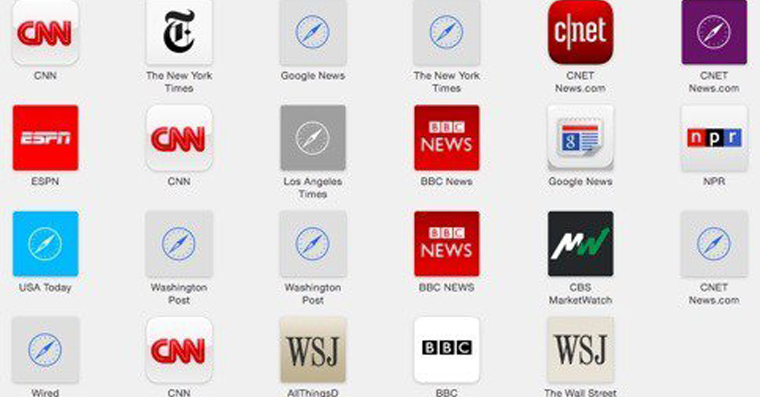
Second variantou is a regular bookmark on the desktop. It works like a simple link – when clicked, it opens Safari and loads the appropriate page. Pro For websites that you visit only occasionally, such as recipes, news servers, or various information portals, this is often a completely sufficient solution.
The ability to choose between these two methods makes the whole feature much more meaningful. You don't need to have another app installed on your phone if you just need quick access to the web, but you can also launch frequently used services much more conveniently.
How to add a web app or bookmark to your iPhone's home screen
- Open it Safari and go to the page you want to save.
- Click the Share button.
- Select Add to Desktop from the menu.
- If the website supports PWA, you'll see the Open as Web App option.
- Turn on the switch if you want to create a standalone web application.
- If you prefer a classic tab opened in Safari, PoneKeep it turned off.
- Edit the icon name and confirm with the Add button.
Gallery



It is good to take into account that not all websites support web application mode. If the developer of the website has not implemented this technology, it will create iPhone just a regular bookmark. Pro However, nothing changes for the user - the page will still be accessible with a single tap directly from the home screen.
It is precisely such little things that show how the differences between classic applications and web services are gradually blurring. Pro For many people today, it's not where the service is launched from, but how convenient it is to use. And the ability to choose between a full-fledged web app and a simple bookmark gives the iPhone a little more flexibility.