It's long gone that if you wanted to set your own ringtone on your iPhone, you had to go through a lengthy process via GarageBand or reach for a computer. Apple with the arrival iOS 26 has made the whole process much simpler, and now all you need is a short audio file and a few taps in the Files app. You can set your own melody in no time, whether it's a favorite musical theme, your own recording, or a funny message you've created yourself.
You might be interested in
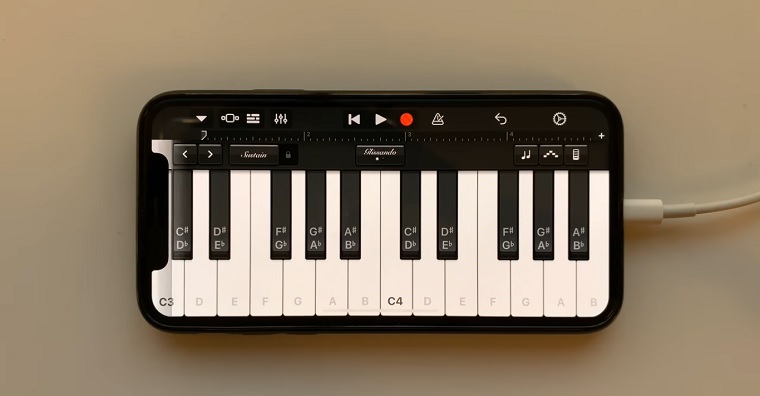
The complicated process of setting your own ringtones was one of the things that users Apphave been criticized for many years. While on many competing phonesonech, you just had to open the audio file and select the option to set it as a ringtone, on the iPhone you had to use GarageBand, work with export and the correct format. Pro For the average user, it was unnecessarily complicated and many peopleonec remained with the pre-installed tones.
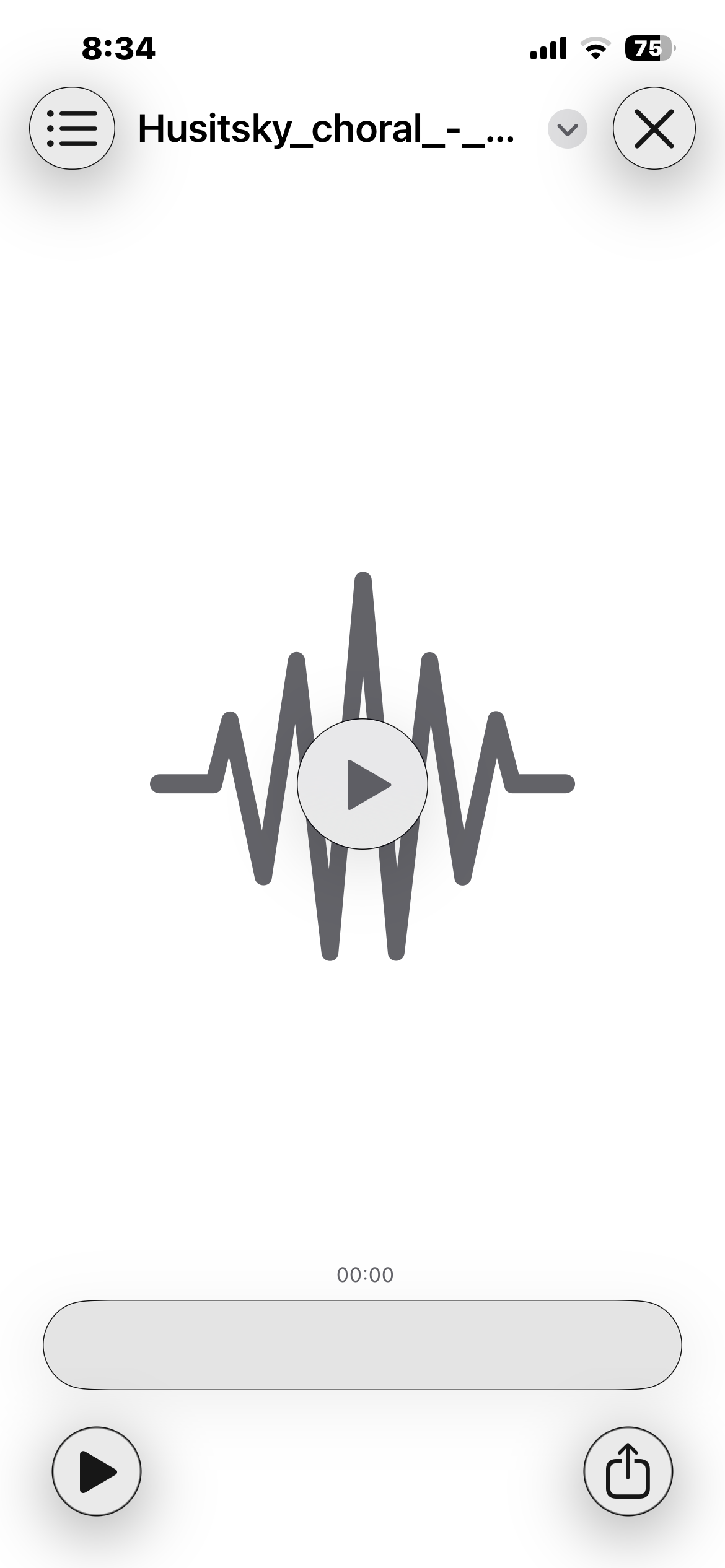
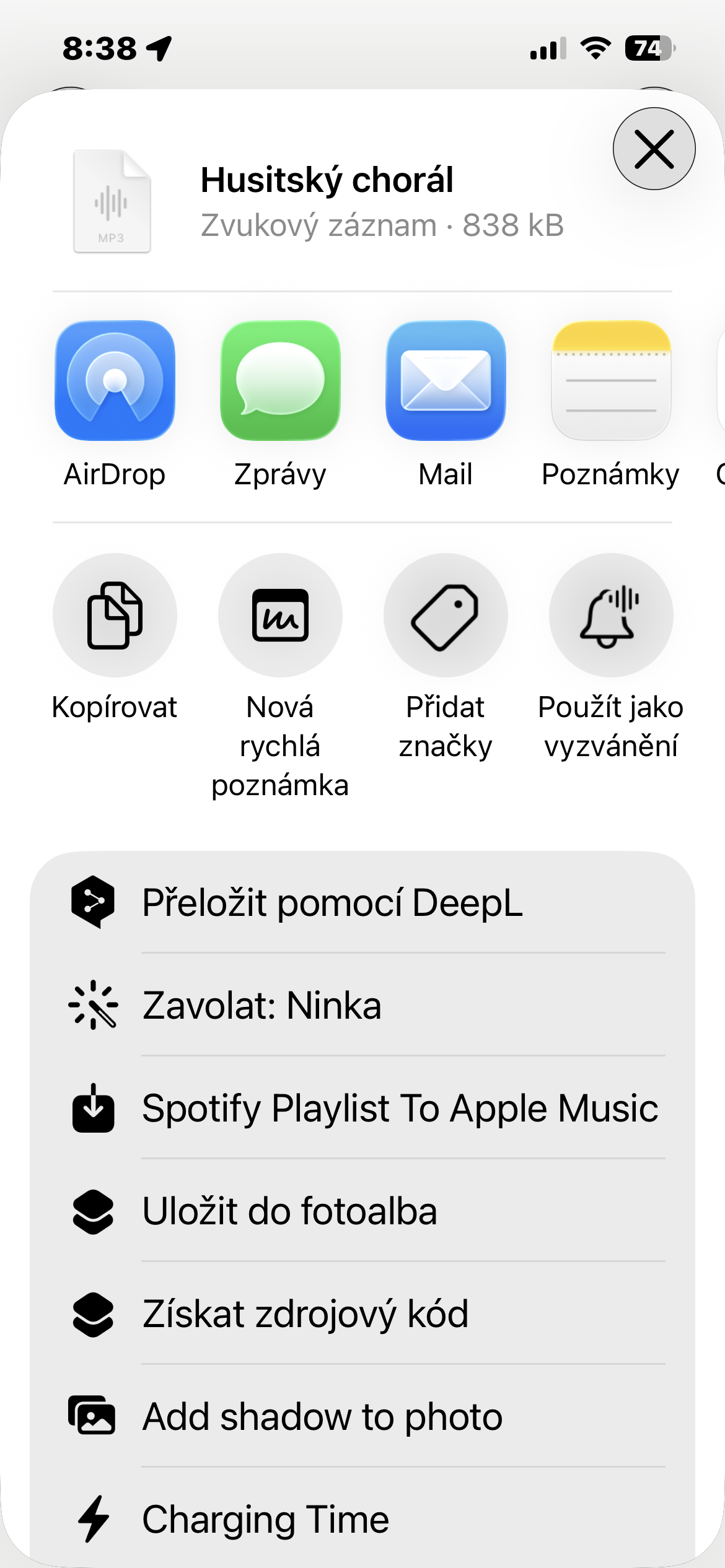
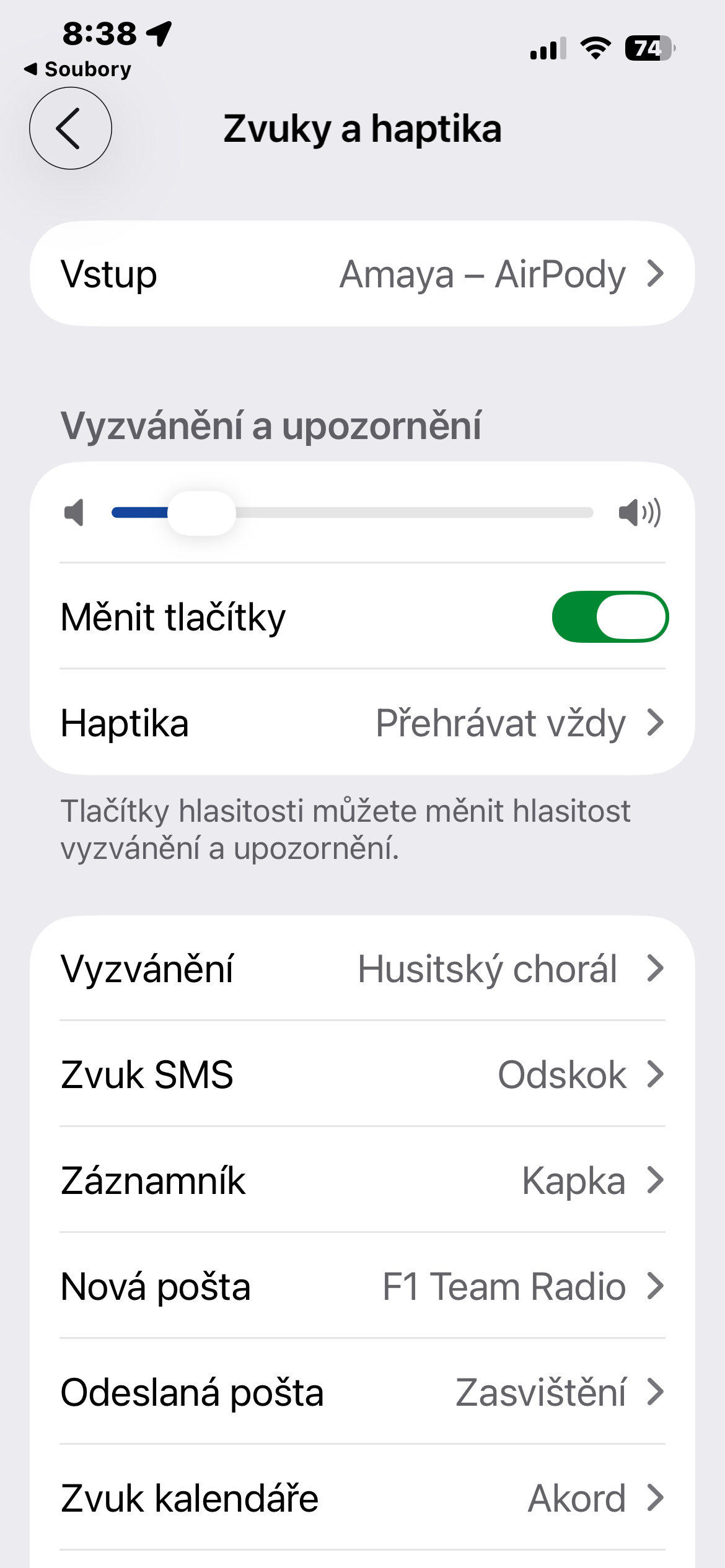
Today, things are much more pleasant. If you have an MP3 or M4A audio file on your iPhone that is no longer than about 30 seconds, you can simply open it in the Files app. After tapping the Share button, select More, then Use as Ringtone. The system will automatically add the file to the available tones, and you can find it in Settings → Sounds & Haptics → Ringtones.
The connection with the Voice Recorder application is also very practical. For example, if you record your own voice message, a short nature sound or a family message, you can convert it into a ringtone in the same way without any further editing. There is no need to export anything to GarageBand or create special projects.
However, it is good to take into account one limitation. Subscription songs Apple Music cannot be used as a ringtone due to licensing protection. Music available on the streaming service is protected by DRM and remains locked inside the app. So if you want to use a part of your favorite song, you must have your own audio file without these restrictions.
How to set a custom ringtone on your iPhone
- Open the Files app.
- Find an audio file in MP3 or M4A format.
- Ideally, it should be less than 30 seconds.
- Open its preview and tap the Share button.
- Select the More menu.
- Select Use as ringtone.
- In the Settings app → Sounds & Haptics → Ringtone, set the new tone as the default or assign it to a specific contact.
Gallery
The ability to assign different melodies to individual contacts remains intact. For example, you can set a different tone for family, colleagues or close friends and recognize the caller even before you look at the display.