
Apple Issued iOS 26.5 and iPadOS 26.5 have been around for a while now, and while most of the attention traditionally revolves around the more visible new features, one very practical detail has been left out. However, if you use an iPad with accessories from Applu, it can make your life quite pleasant in certain situations.
You might be interested in
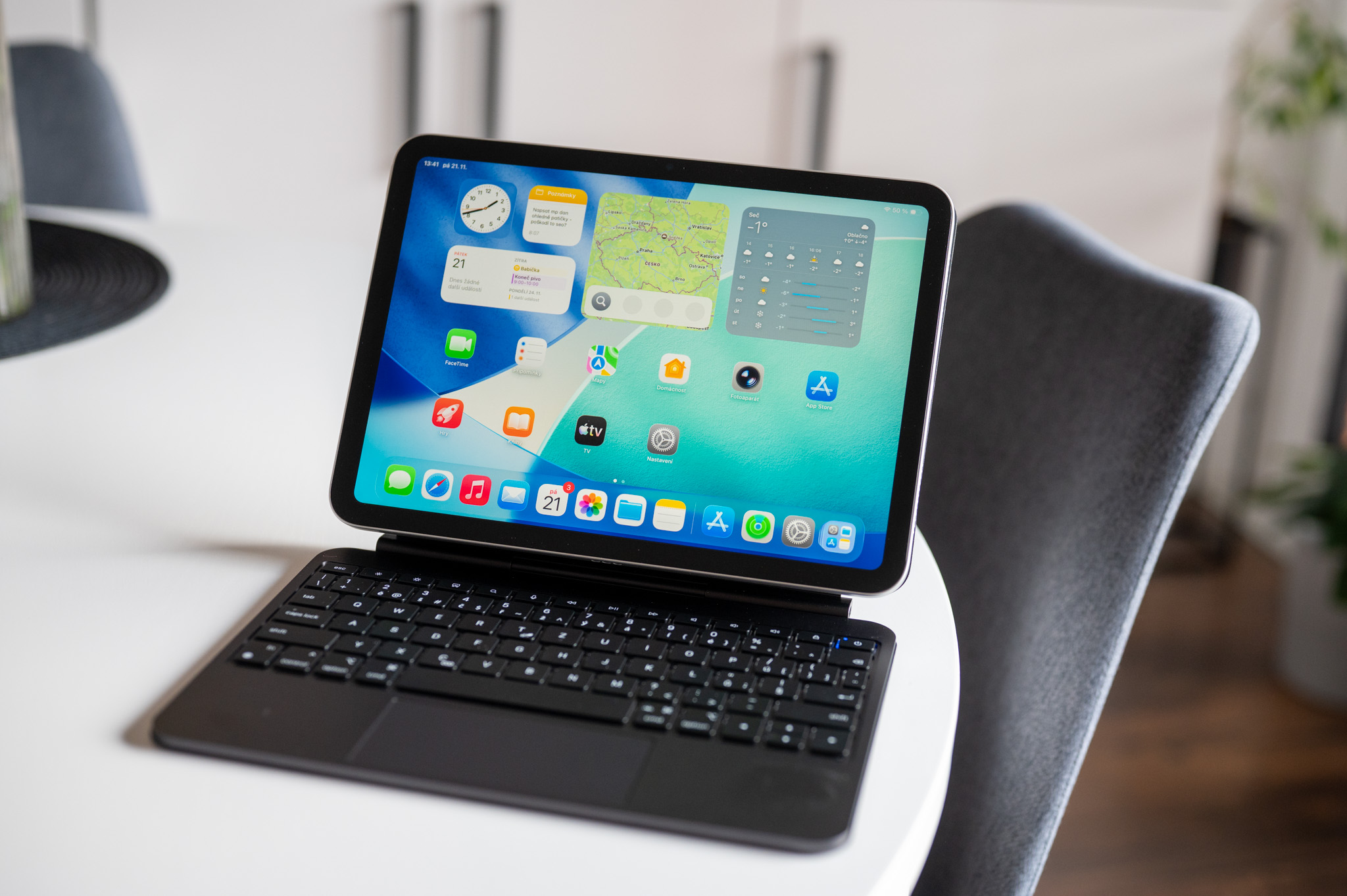
We are specifically talking about accessories from the series Magic, That is Magic Keyboard, Magic Trackpadua Magic Mouse. iPhone Even the iPad could use them immediately after connecting via USB-C. But there was one catch. Once you unplugged the cable, the connection was practically over and the device no longer behaved as if it was paired via Bluetooth.
This happened with the arrival of iOS 26.5 and iPadOS 26.5 changes. If now Magic Keyboard, Magic Trackpad or Magic Mouse When you connect it to your iPhone or iPad via USB-C, the system automatically creates a Bluetooth pairing. After disconnecting the cable, the accessory will remain with the phone.onem or tablet remains paired and you can use it wirelessly.
Gallery
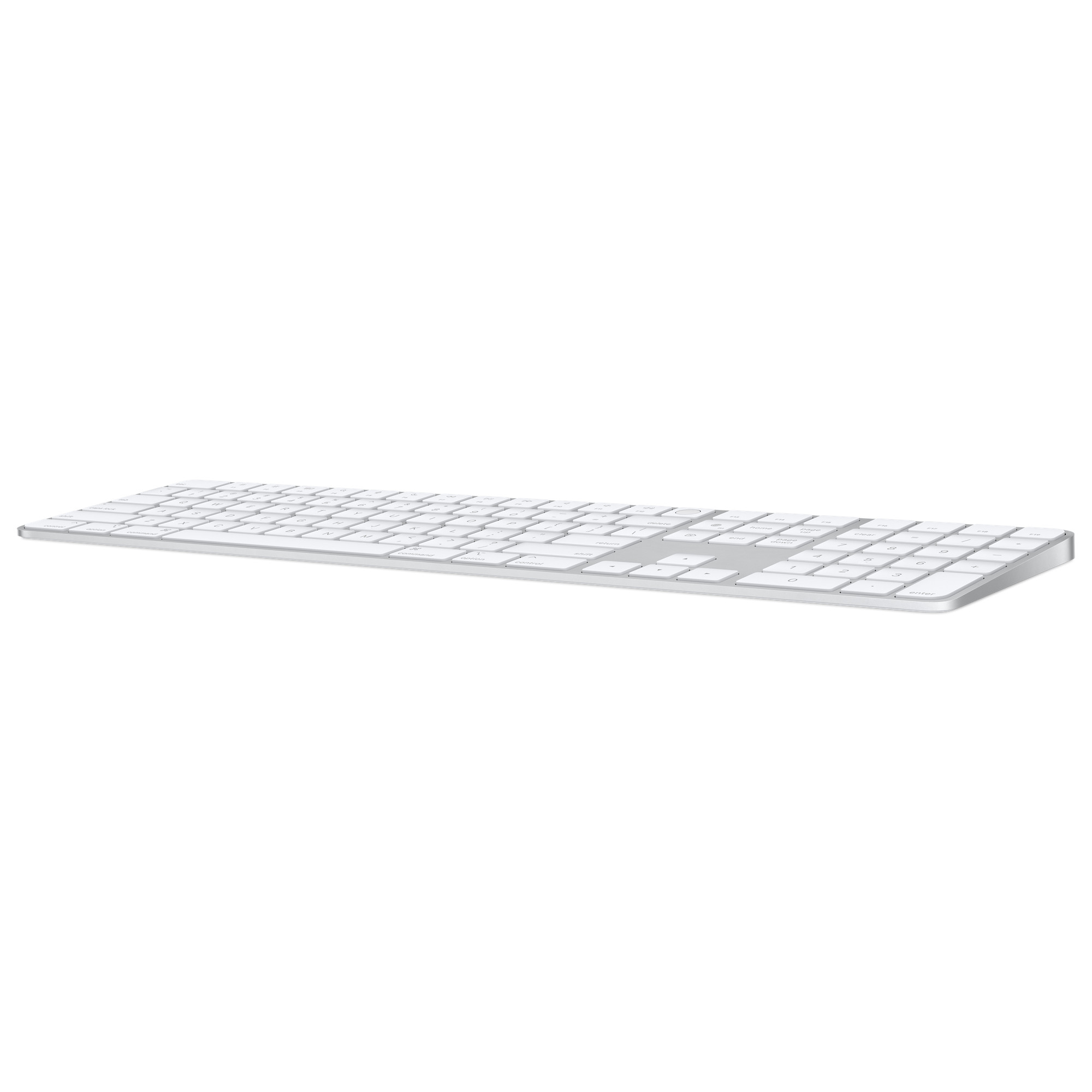
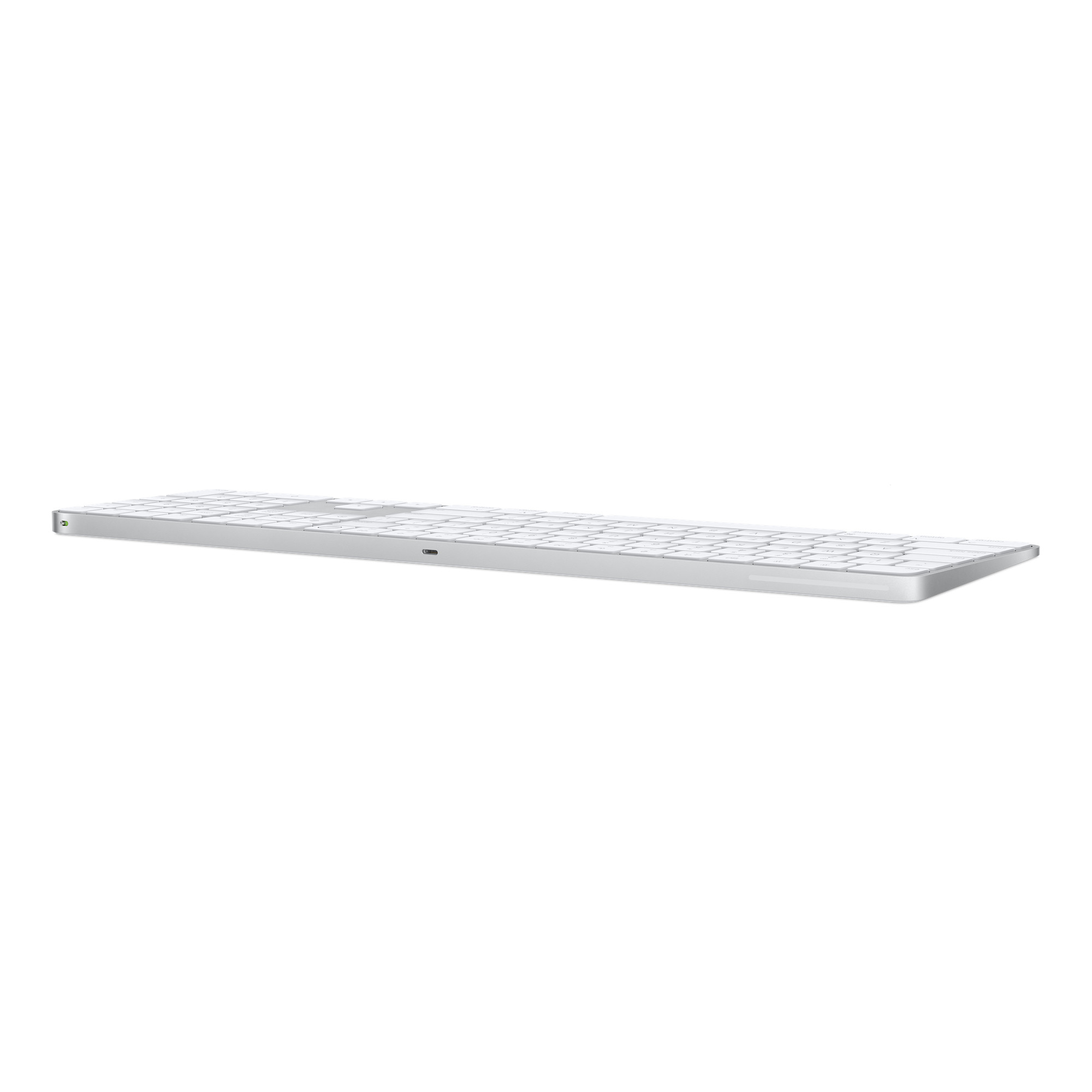
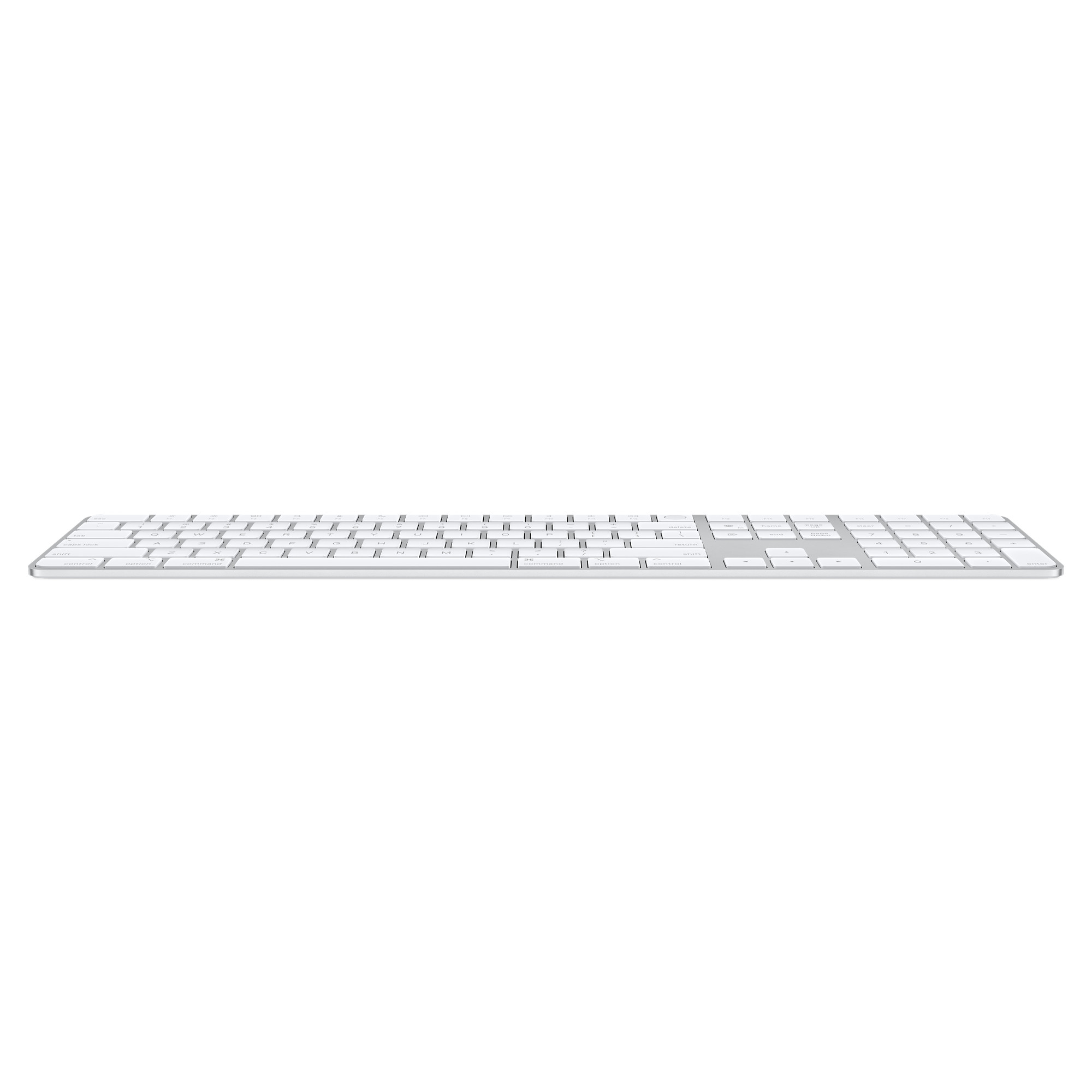
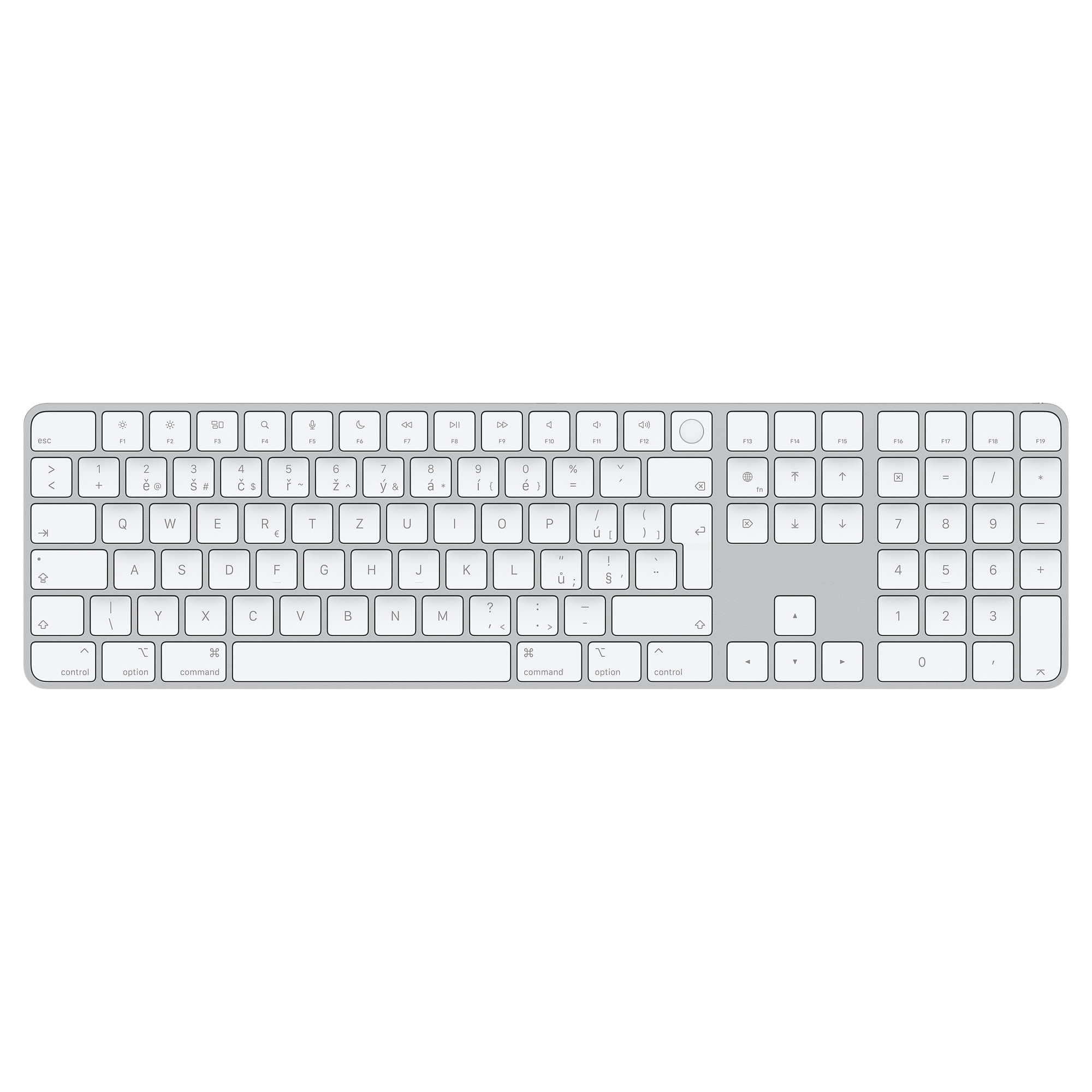
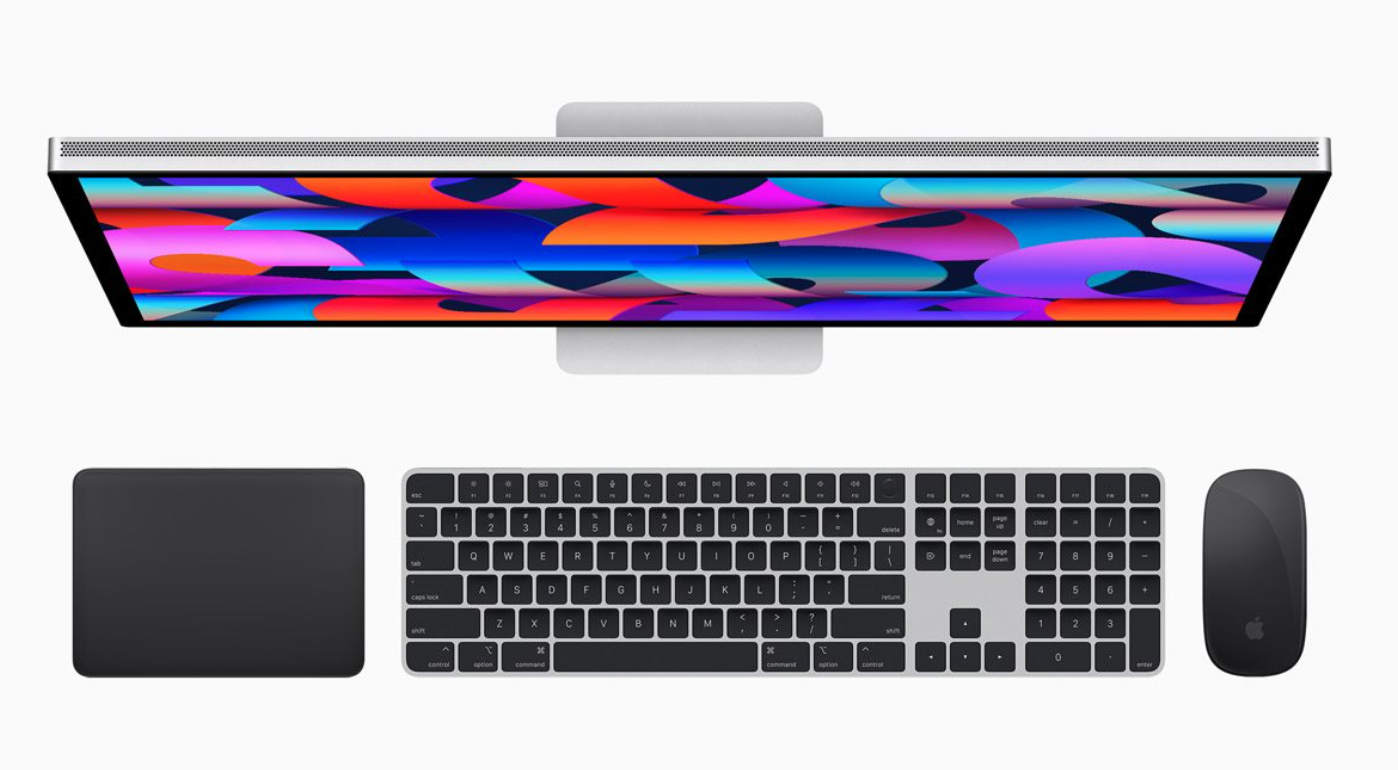
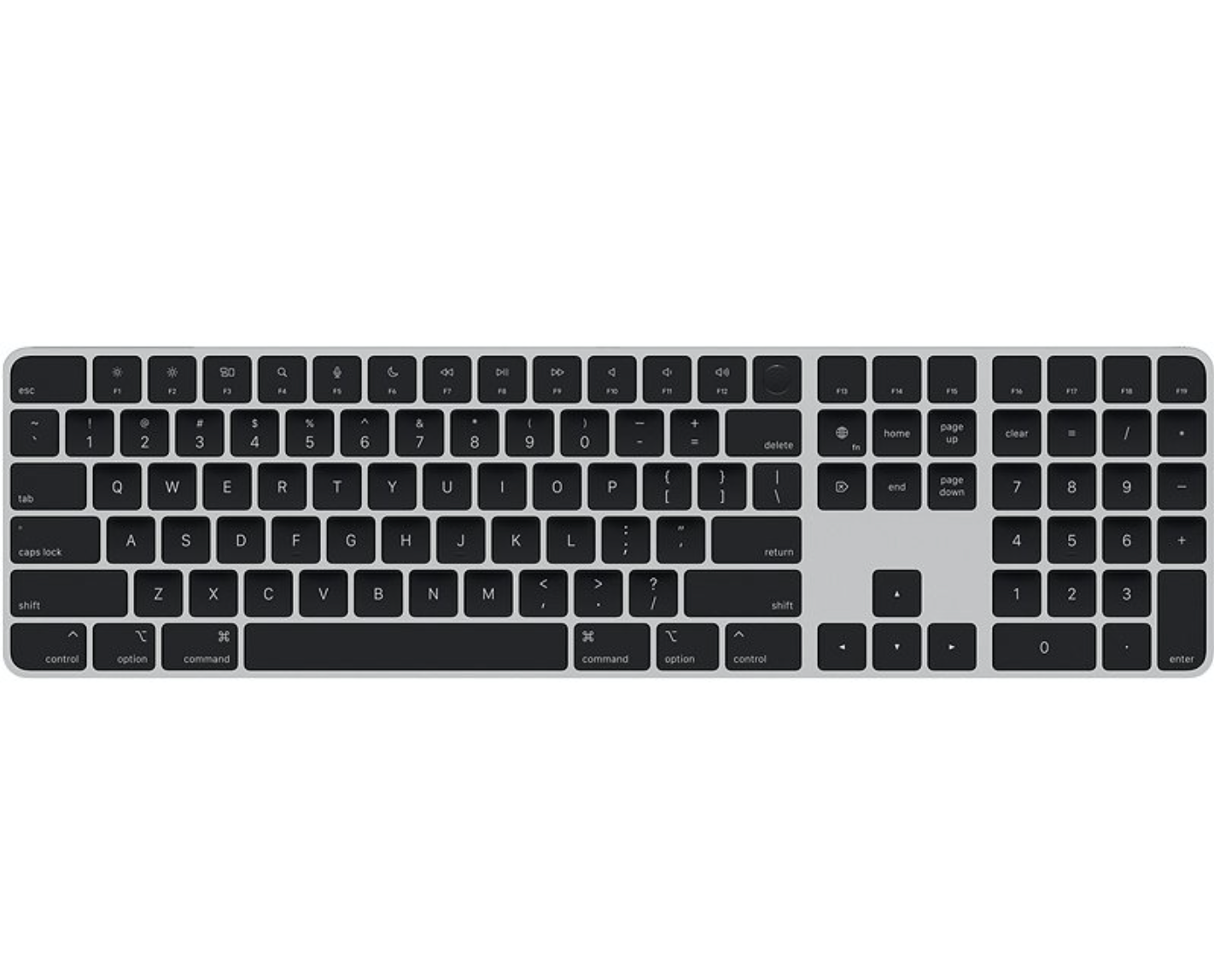
In practice, this is a behavior that Mac users have been familiar with for a long time, where when you connect Magic Keyboard with a cable, the Mac pairs it and after disconnecting everything continues to work via Bluetooth. Apple so now this logical and convenient principle is transferred to iPhone and iPads.
With the iPhone, it will probably be more of a marginal issue, as few people connect to it regularly. Magic Keyboard or Magic Trackpad. But it's a different story with the iPad. In recent years, it has increasingly become a work device, and a small thing like this could be exactly the type of improvement that doesn't sound bombastic but makes a lot of sense in everyday use.
Of course, there can be a little confusion here. For example, if you have Magic Keyboard normally paired with a Mac and you just connect it to the iPad with a cable, it may happen that the iPad "takes over" it for itself. On the other hand, this is a behavior that is common with Apple The accessories are quite logical and you can get used to them quickly.
You might be interested in
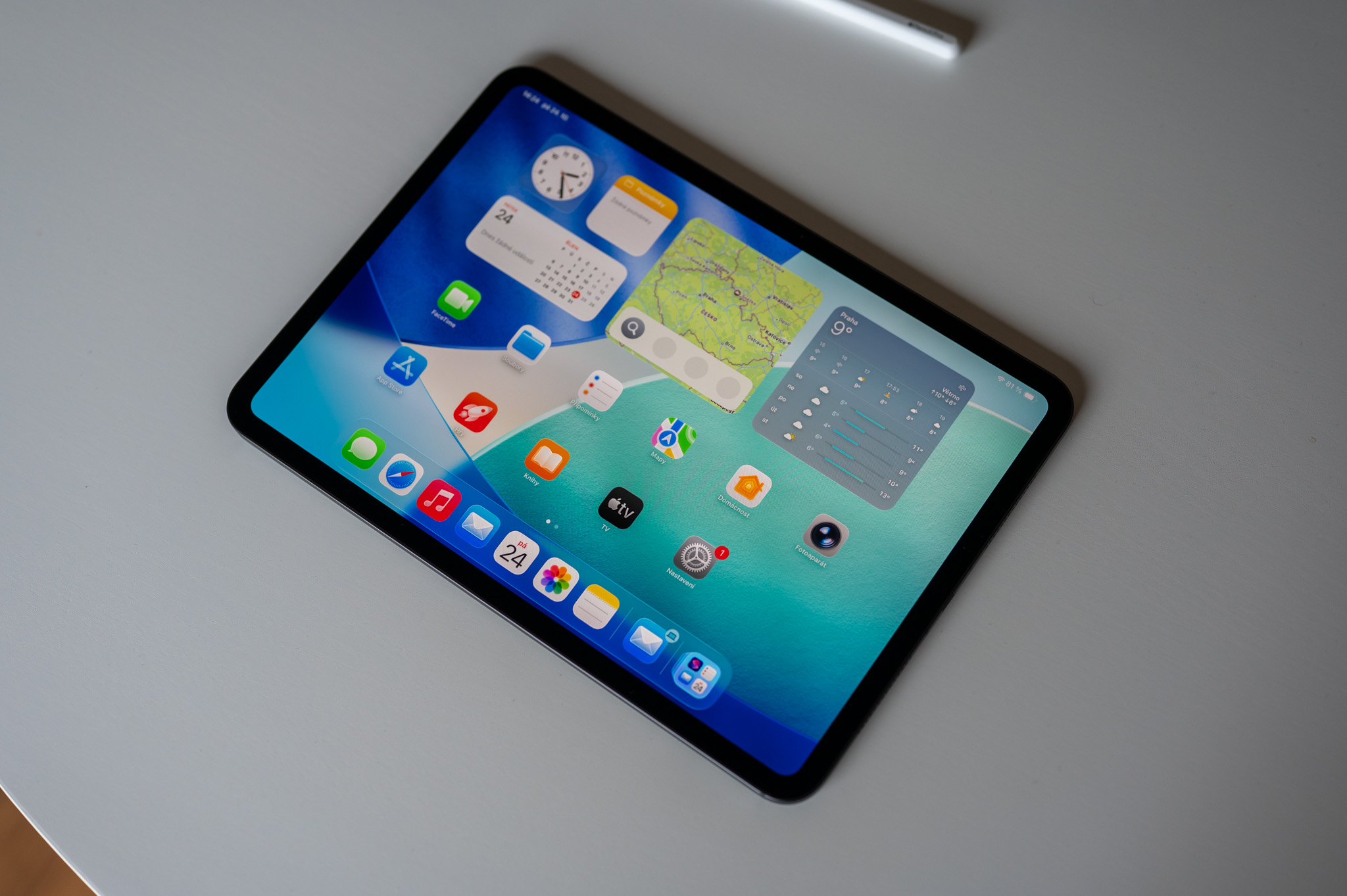
iPadOS 26.5 doesn't bring any revolution, but it shows that Apple They are still fine-tuning even the small details surrounding everyday use. And it is these that often decide whether a device feels like a well-thought-out whole or just another piece of technology on the desk.

Since there was an annoying bug in iPadOS where the keyboard for entering the PIN did not appear when installing the update and I solved it by connecting the keyboard, after pairing it with the iPad, it is necessary to connect it again to the Mac with a cable, otherwise it will remain paired to the iPad.