
Do you need to quickly scan a contract, form, receipt, or handwritten notes and don't have a printer with a scanner at hand? iPhone It can handle this surprisingly well without installing any additional applications. The document scanning function is directly part of the system. iOS and many people still don't know about it.
You might be interested in
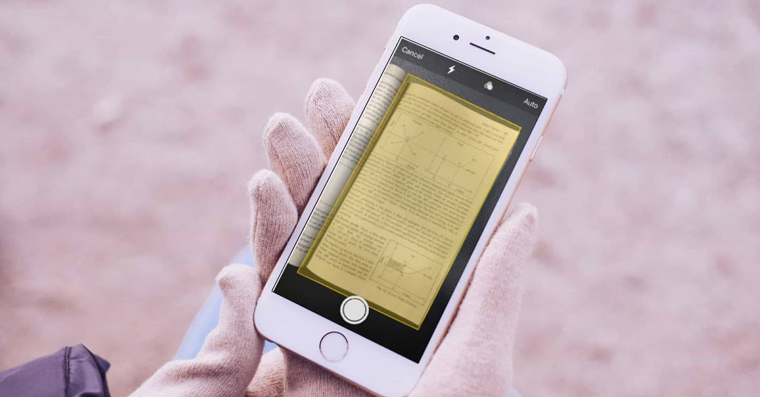
Apple hid it in the Files app, where it works very simply. Just open the tab Proviewing, tap the three-dot menu and select Scan documents. Then just point the camera at the paper and iPhone se he will take care of practically everything himself.
A big advantage is the automatic recognition of the edges of the document. This means that the phone can crop the paper itself, straighten the perspective and adjust the contrast so that the text is clearly legible. The result is often a cleaner and clearer scan than older devices can manage.ancelectronic scanners.
The feature works great for multiple pages. Once you've scanned the first document, you can go ahead and create a single PDF file from multiple pages. This is useful when sending signed contracts, school materials, or various certificates, for example.
Gallery
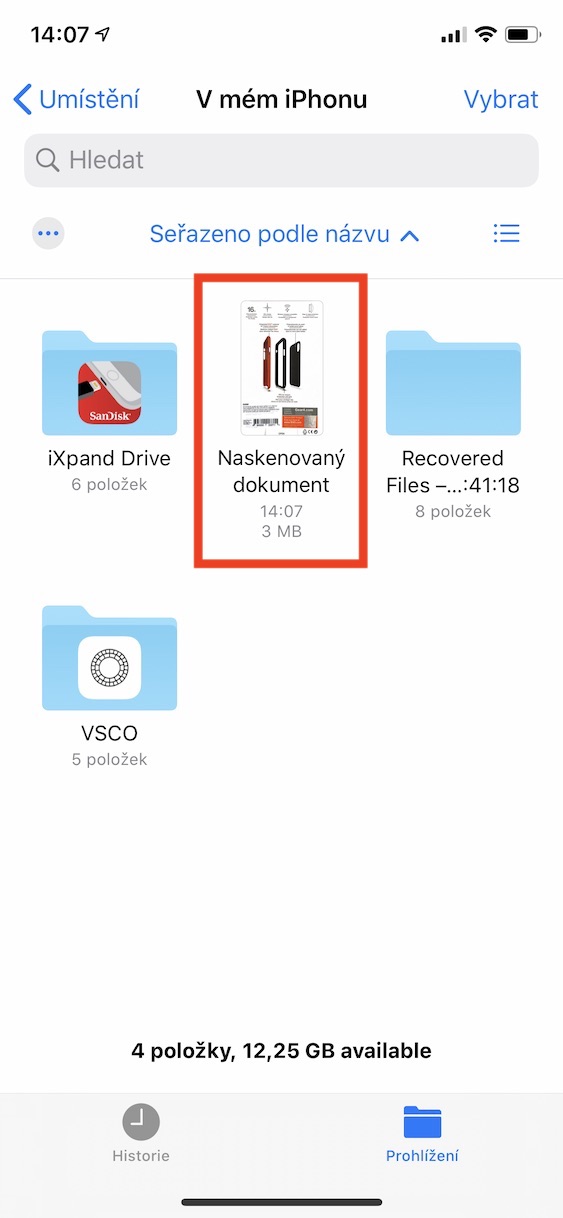
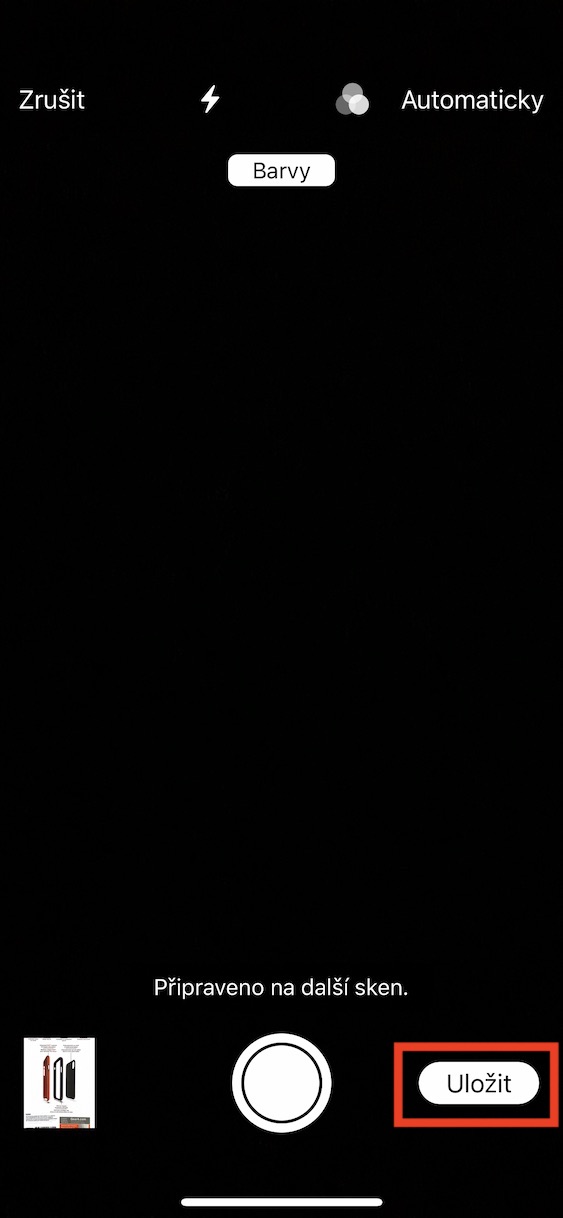
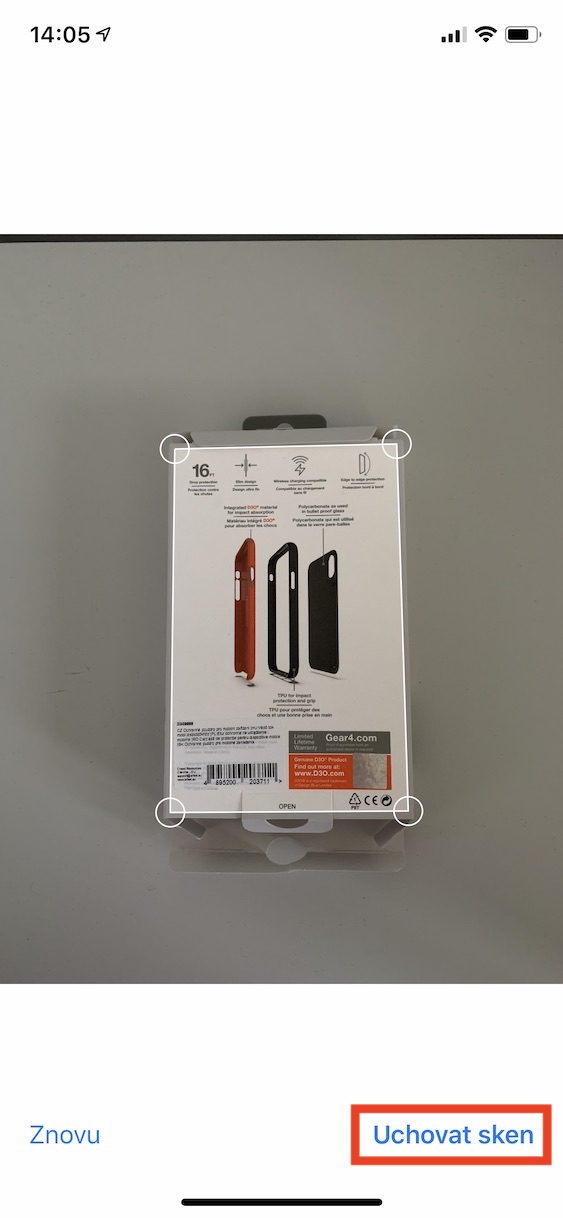
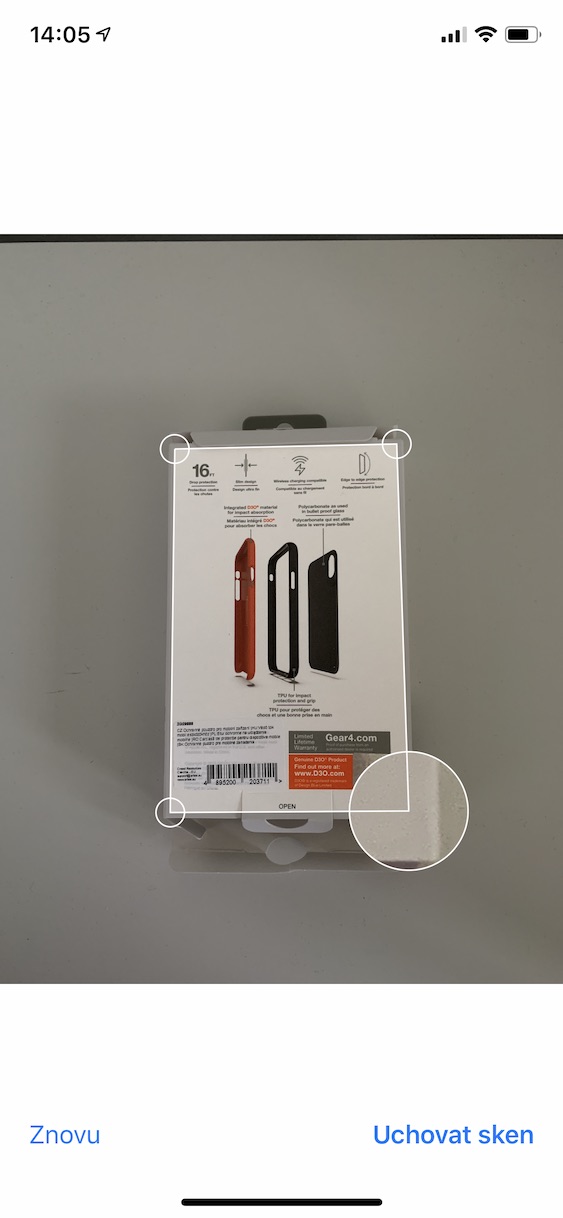
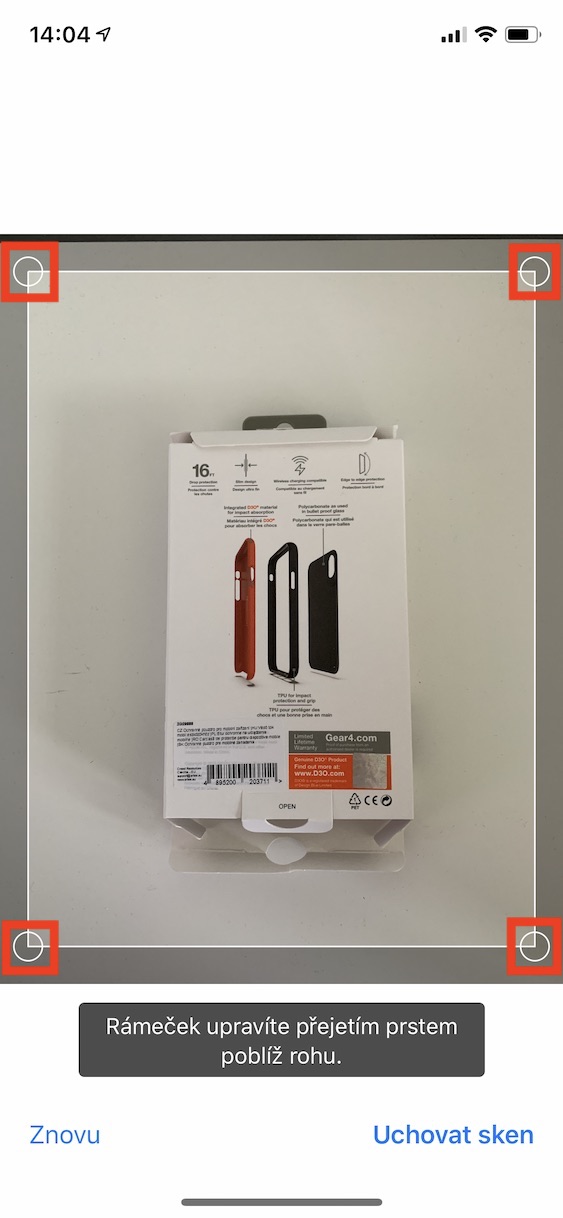
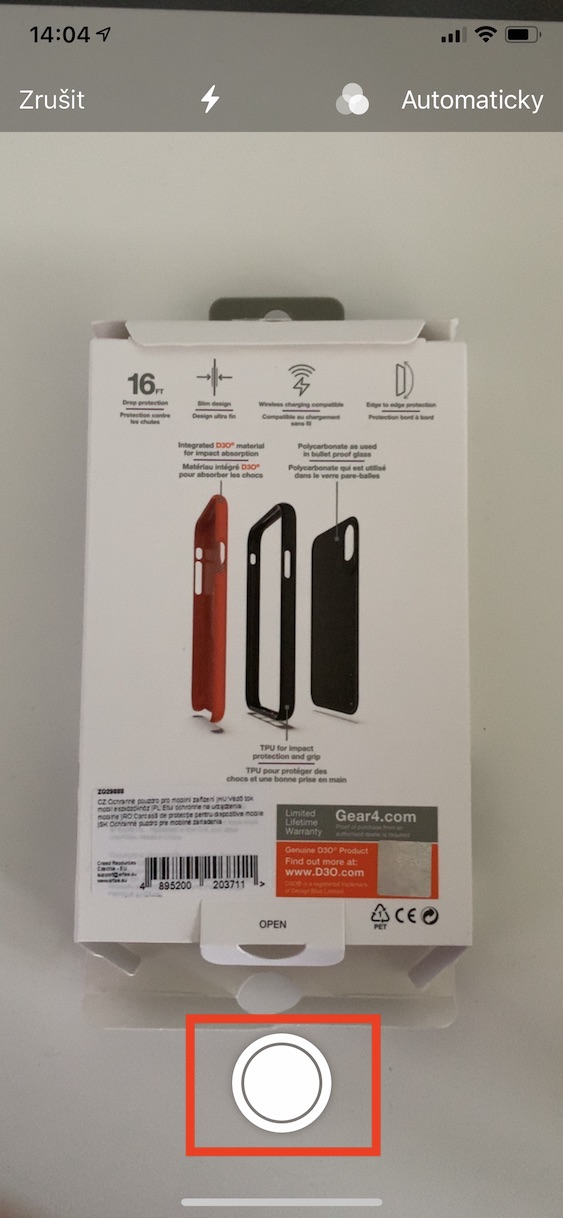
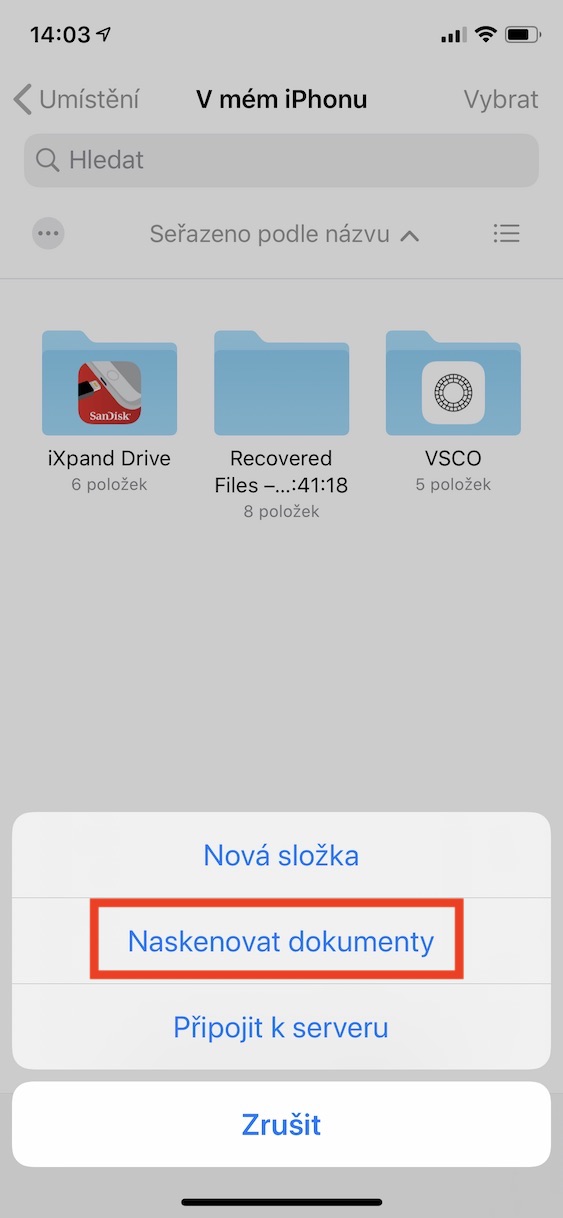
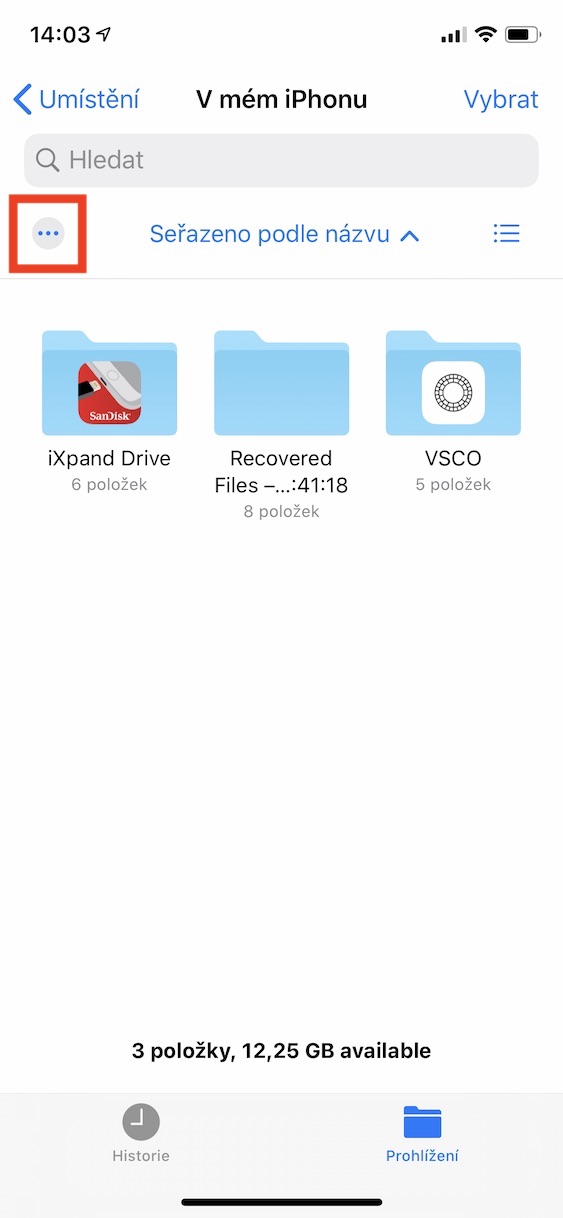
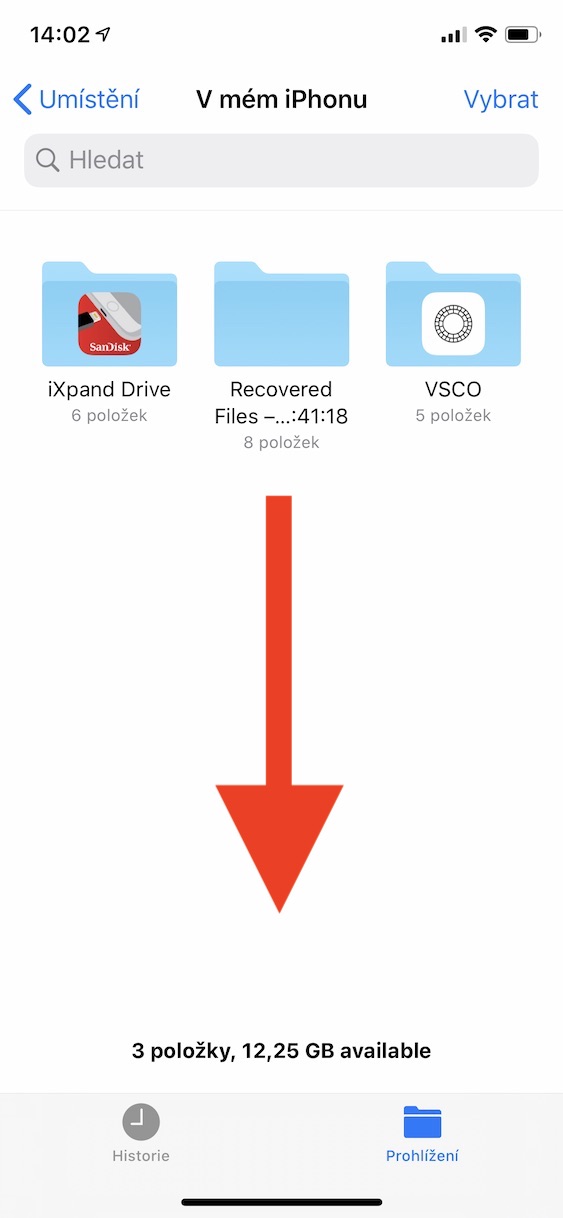
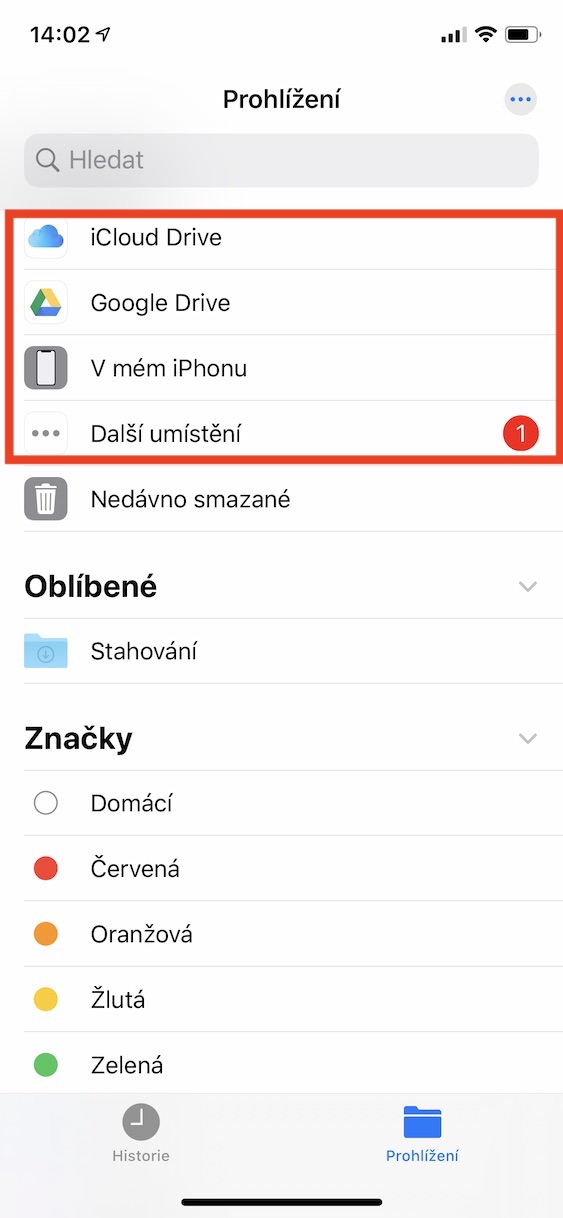
It is also practical to save immediately to iCloudor directly to folders in the Files app. Your scanned document is available on your Mac or iPad in seconds. Sharing via Mail, Messages, AirDrop or other applications.
In good light, scanning works surprisingly reliably. iPhone It can even handle slightly wrinkled papers or documents placed on a table at an angle. If you need to send something quickly, for example to work or the office, it is much more convenient than looking for a classic scanner or installing external applications full of ads.
Many users only discover this feature when they really need it. However, it is one of the most useful tools that iPhone basically offers.





But the sharpness is not good even after a minor scan correction. ProI'm staying at the place. appGenius scan