
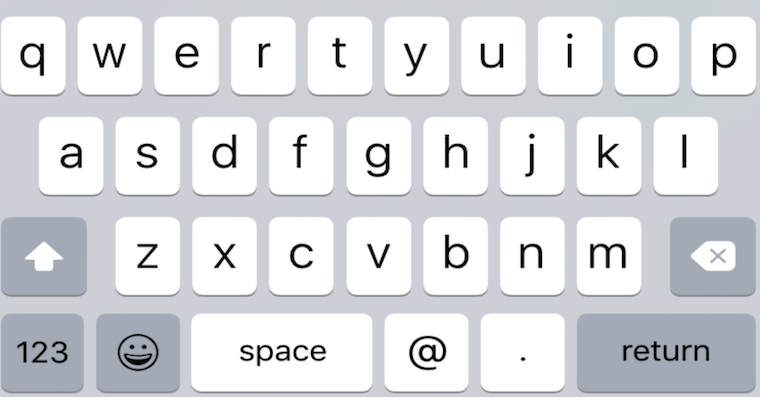
If, like me, you were hoping that Apple learn from the mistakes of previous versions of iPadOS and implement a fix in the new version of this system that will ensure a simple process of updating your iPad, I have bad news for you. It is quite likely that even the installation iPadOS 26.4.2, which was released just last night, it will be quite problematic for you. Apple Unfortunately, it did not learn from its previous failure, and even iPadOS 26.4.1, from which you will probably be upgrading to the new version, is plagued by an error with the keyboard not appearing when you need to enter a code or password for the device.
You might be interested in
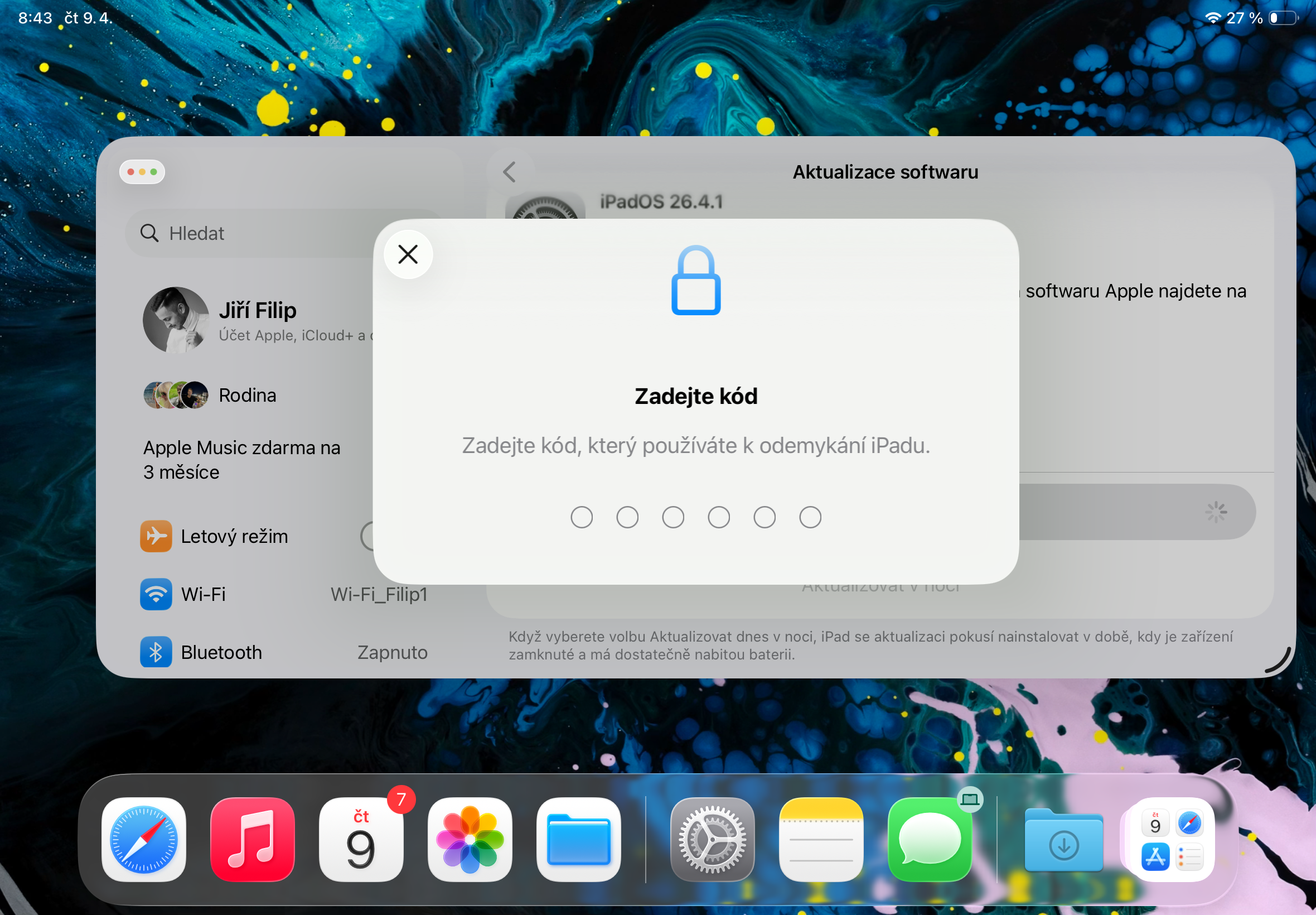
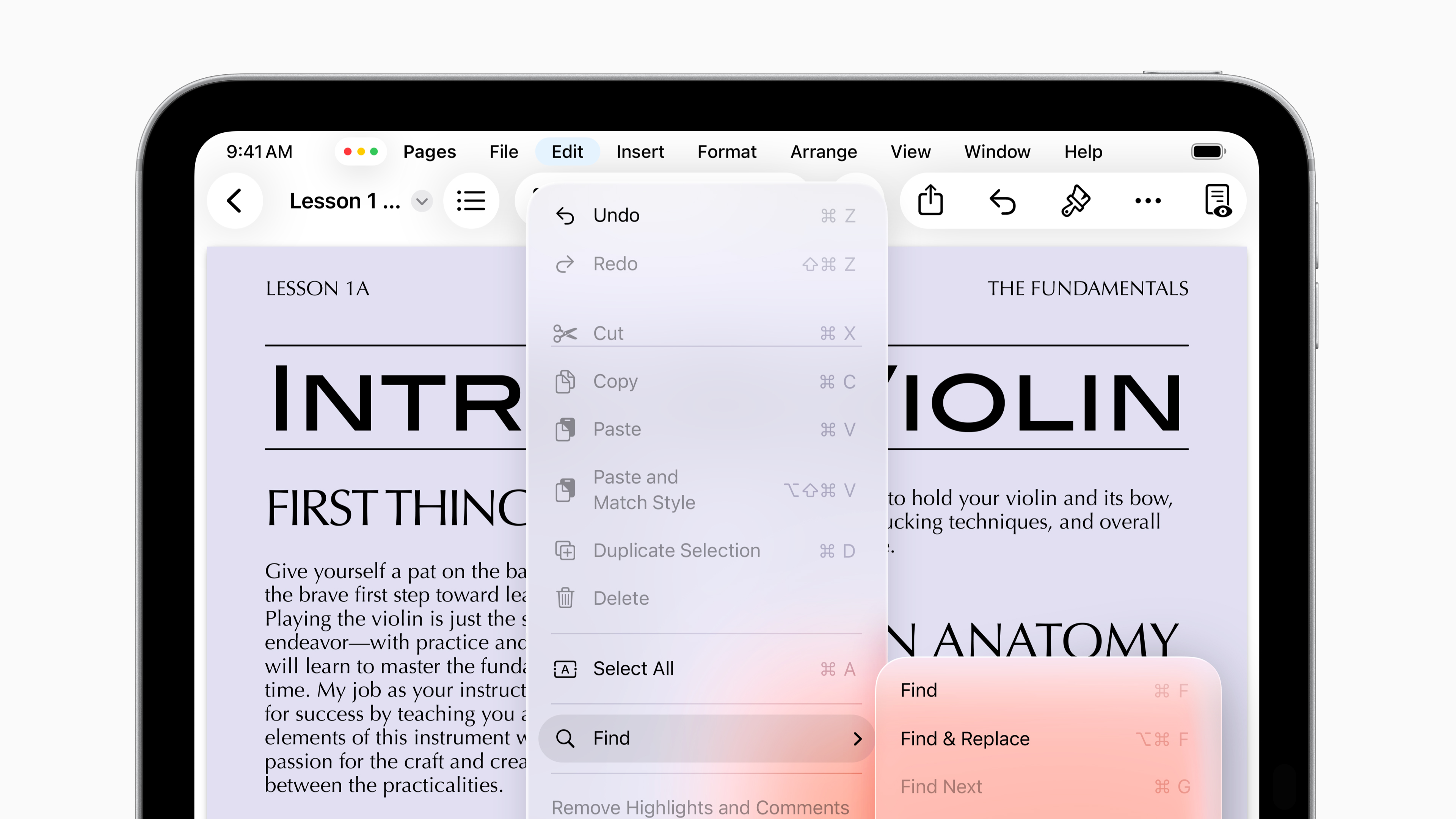
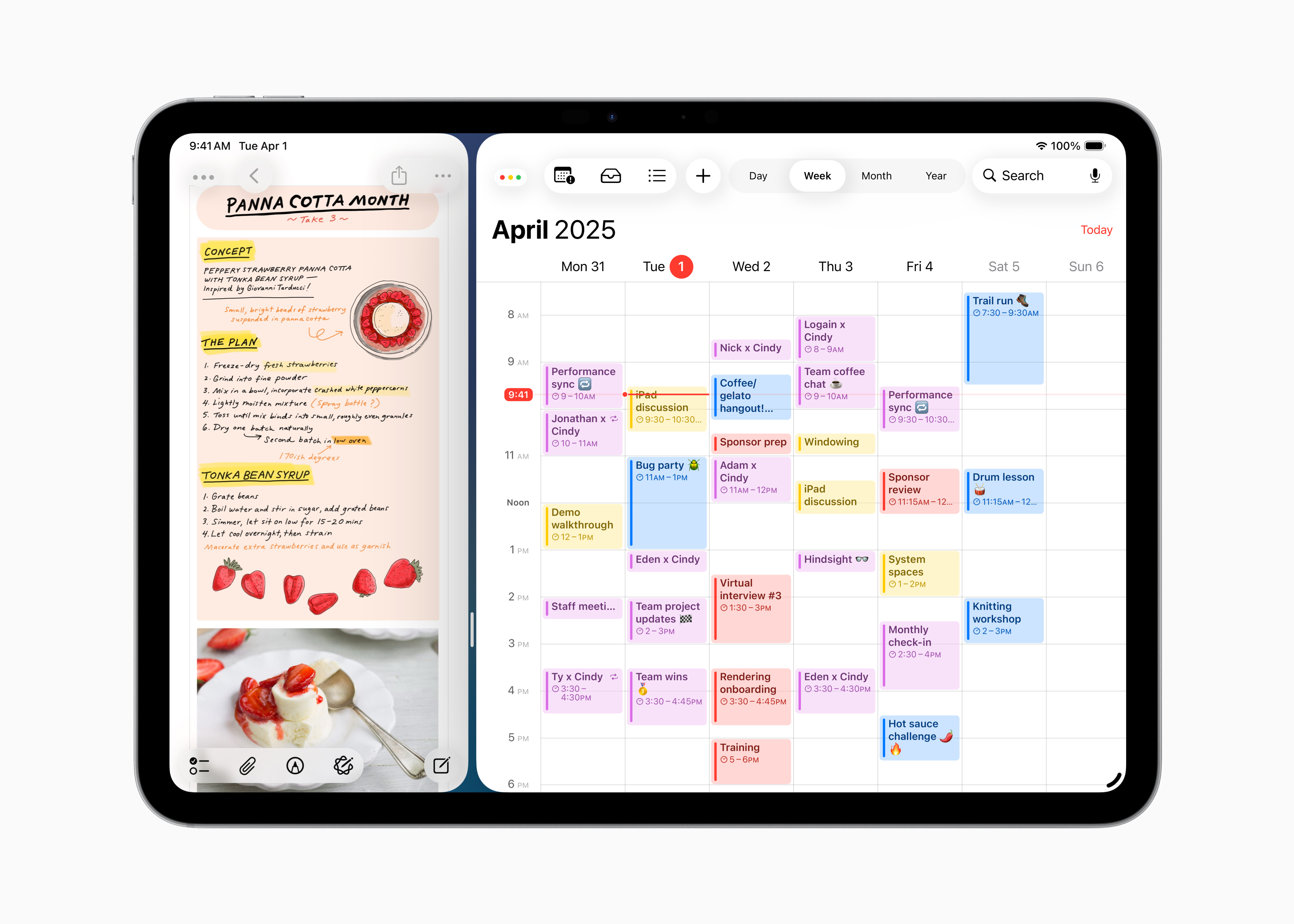
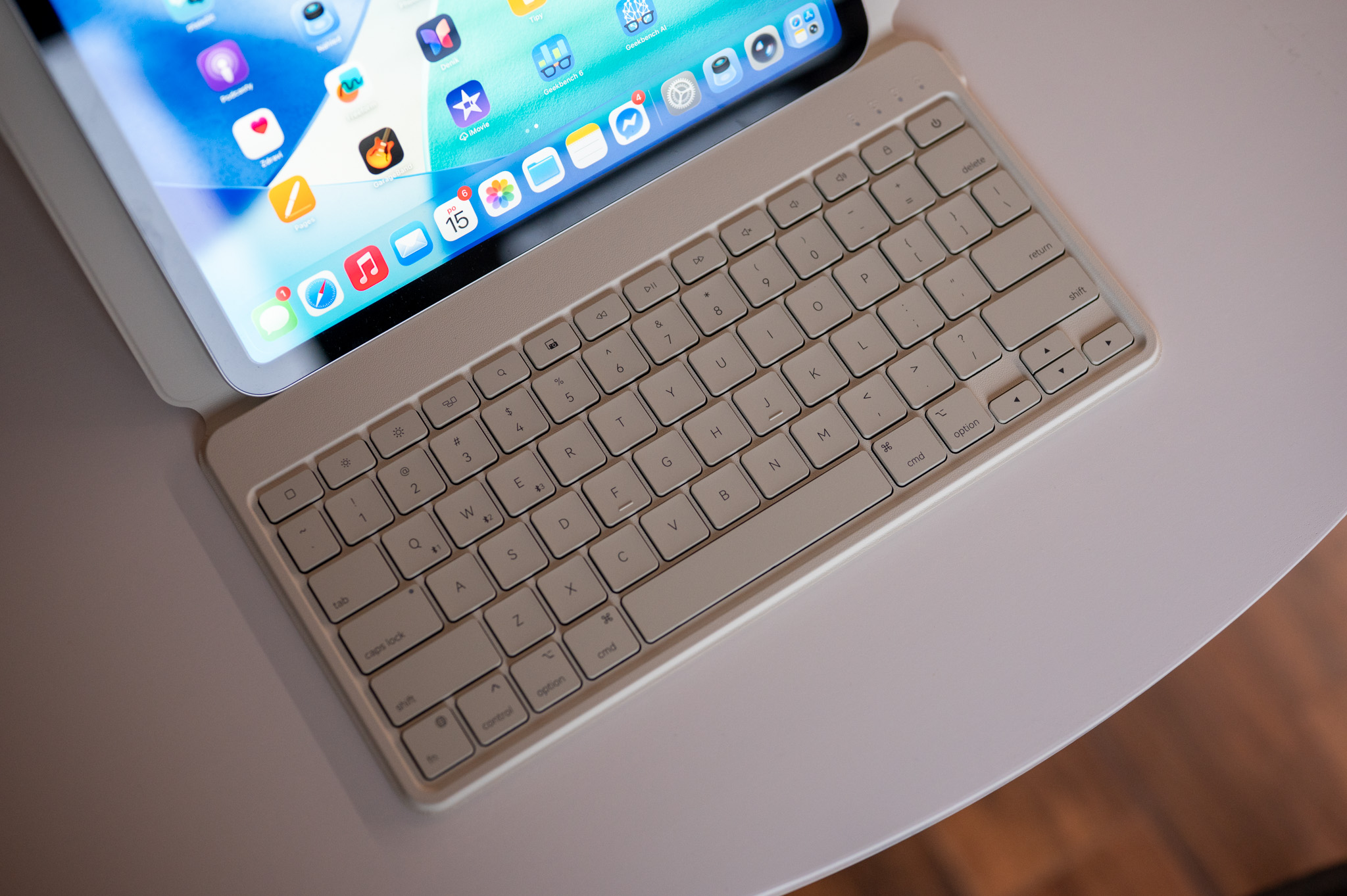
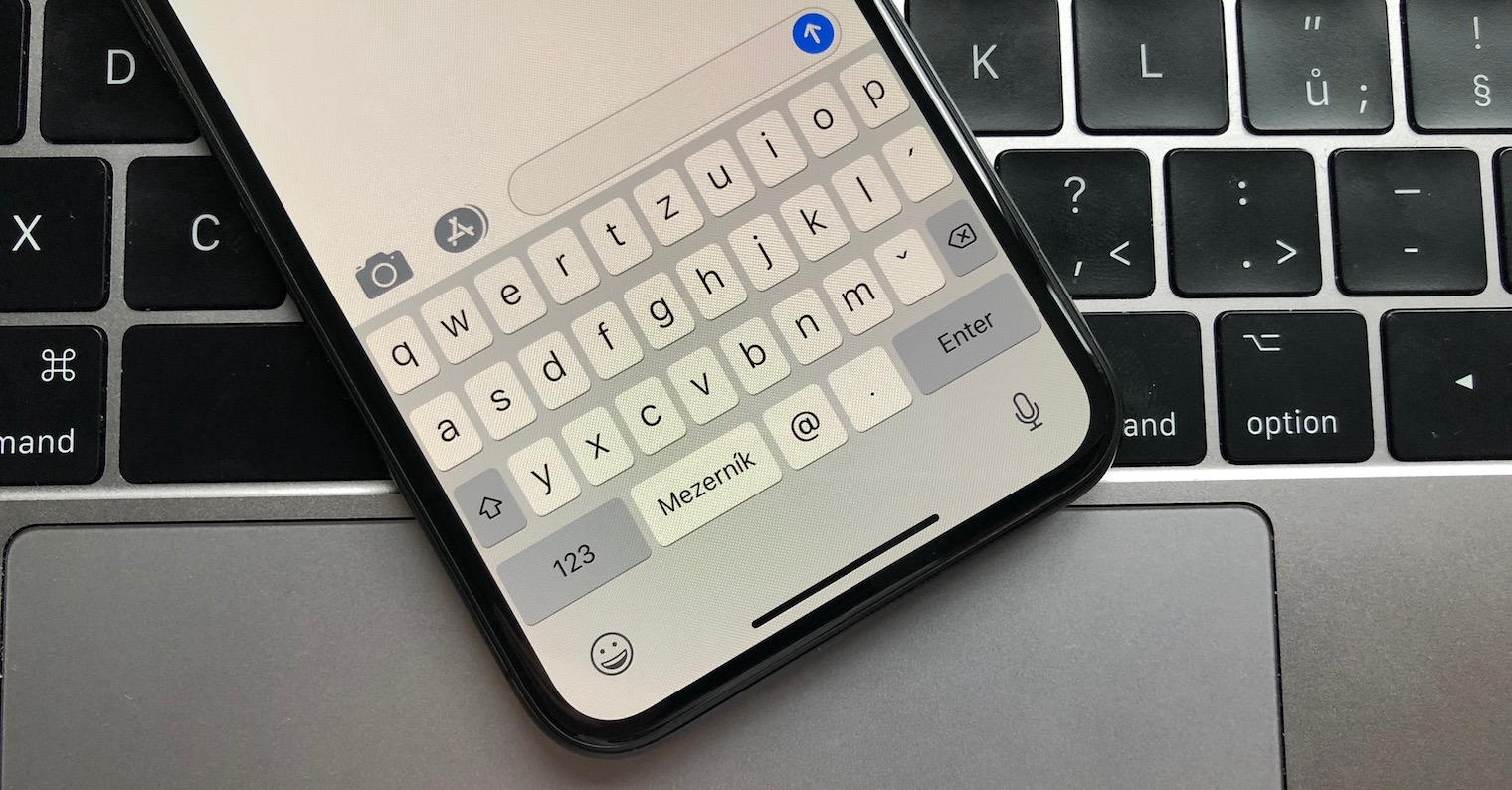
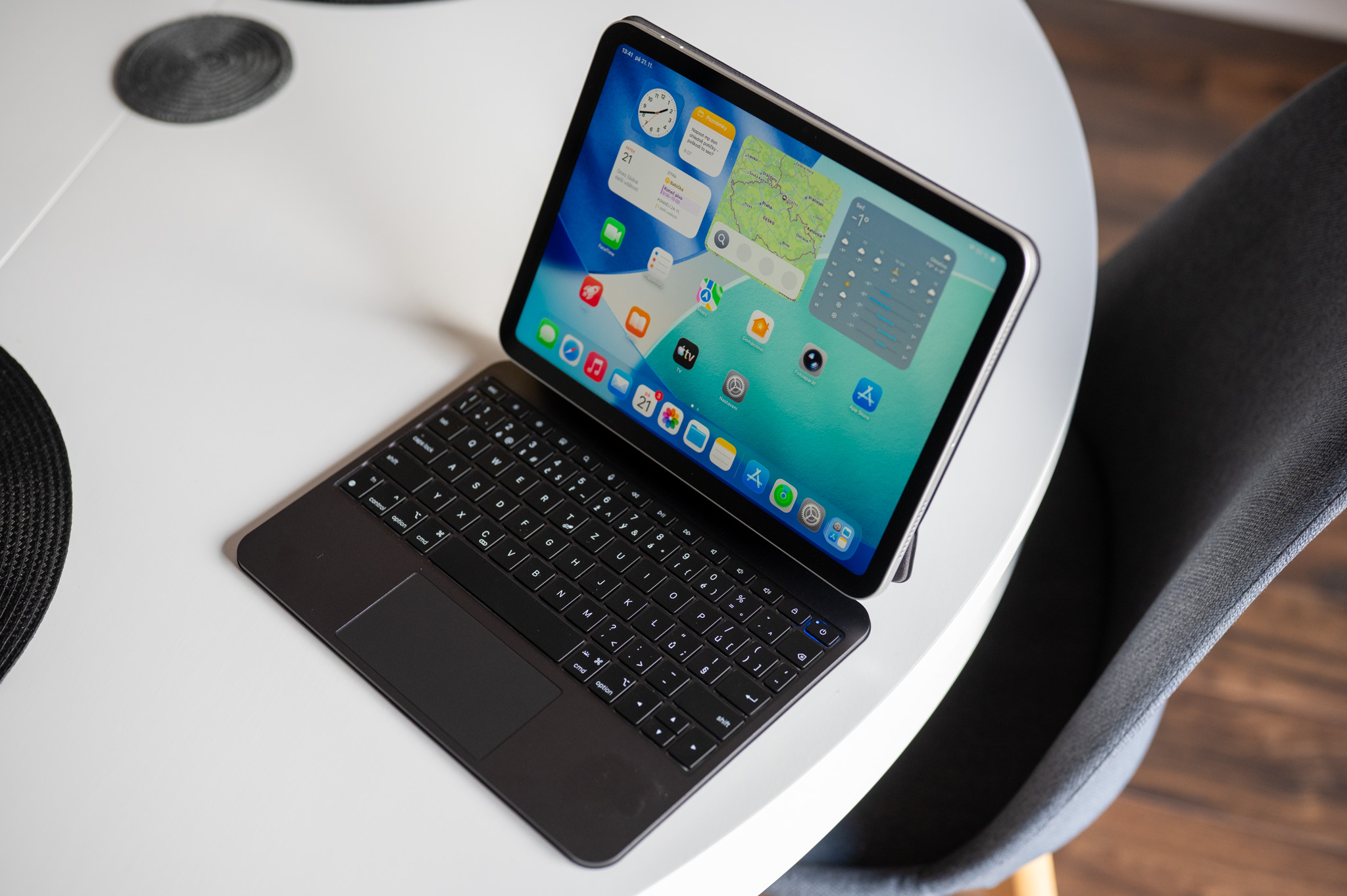
Fortunately, the solution is quite simple, although I admit that it is kind of annoying just because you have to access it at all. What worked for me was to open Settings in the background, then launch it in the foreground. Safari (or another app with a keyboard) and as soon as the keyboard appears in another app, just quickly switch to Settings. The keyboard will remain visible in that case and you will be able to enter your code needed to start the update without any problems. Fortunately, in the case of iPadOS 26, thanks to windowed multitasking, switching to another app is easy, but if you use a different mode for multitasking and are unable to bring up the keyboard in it, I recommend trying windowed mode á la macOS. If you have an external keyboard connected, you can view the software version via the menuBar, or via the Edit option.
Gallery




I have several devices and this time there was no problem with the keyboard, so it's probably not a widespread problem.
I solved it by pairing Magic Keyboard from Mac. It's a bit of a pain, but it's the fastest.
My keyboard just didn't work at all, no matter what external I connected :X
I set the automatic update at night and it was in the morning. It certainly had to wait.
Nothing helped me, after several attempts and restarts I was able to enter the code
Just switch to QWERTY in the keyboard settings and close the settings. Then the option to enter the code works. Then you can switch back to QWERTZ.
It needs to be repeated every time.
Just simply switch to the English keyboard and everything works.