
When he released Apple new update on the night from Wednesday to Thursday iOS 26.4.1 and iPadOS 26.4.1 with a fix for broken sync over iCloud, I must admit that I was quite pleased with this step. I myself have been struggling with synchronization problems in recent weeks on several fronts. First, I encountered problems with photo synchronization both between individual devices and between the storage on the iPhone andCloudem, but I was also annoyed by the calendar, in which the entries I created on the iPhone were not displayed on my iPad. And since I really use synchronization to the fullest in both my personal and professional life, any such hesitation is annoying. But as I soon found out, iOS 26.4 probably broke more than just synchronization.
You might be interested in
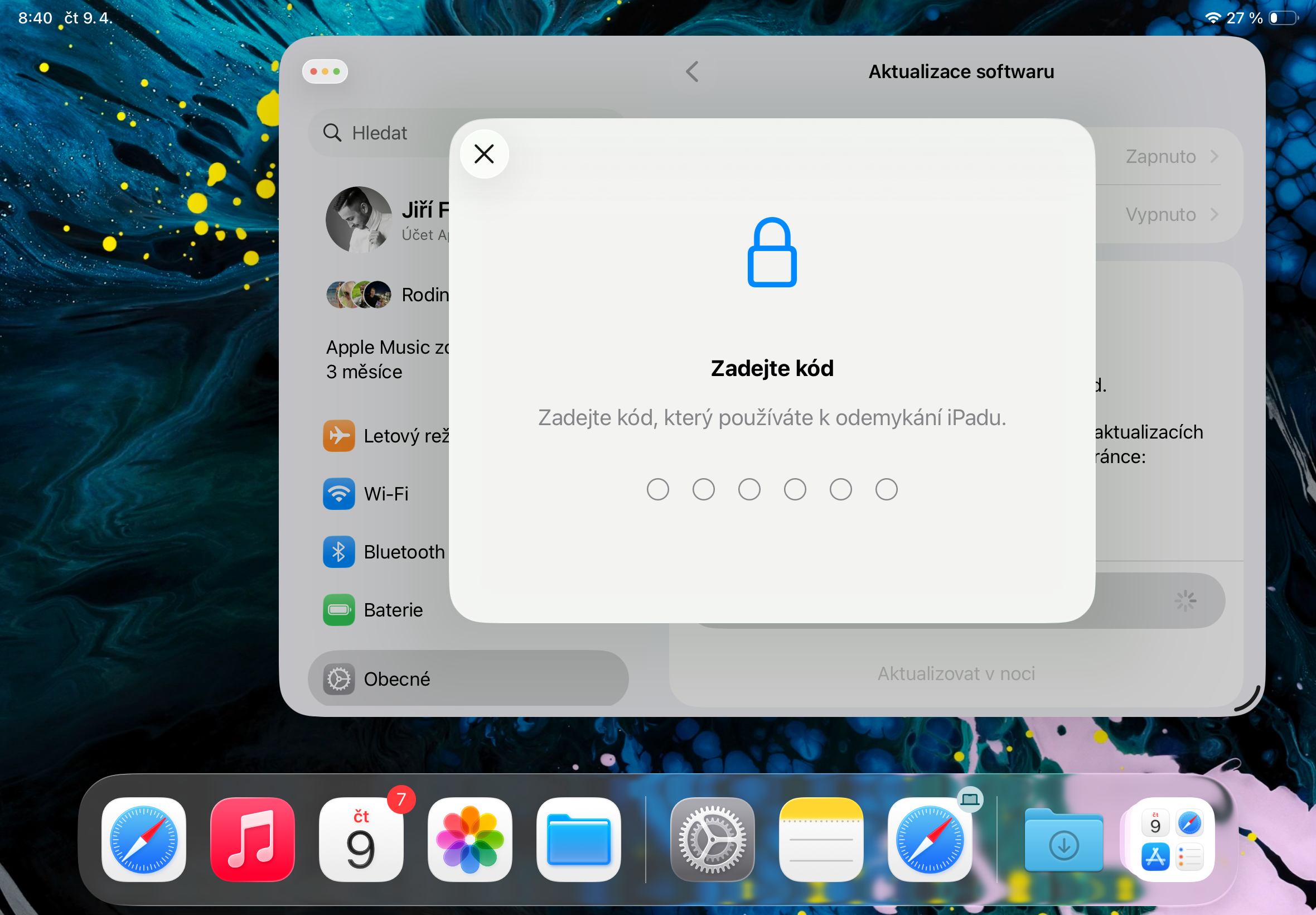
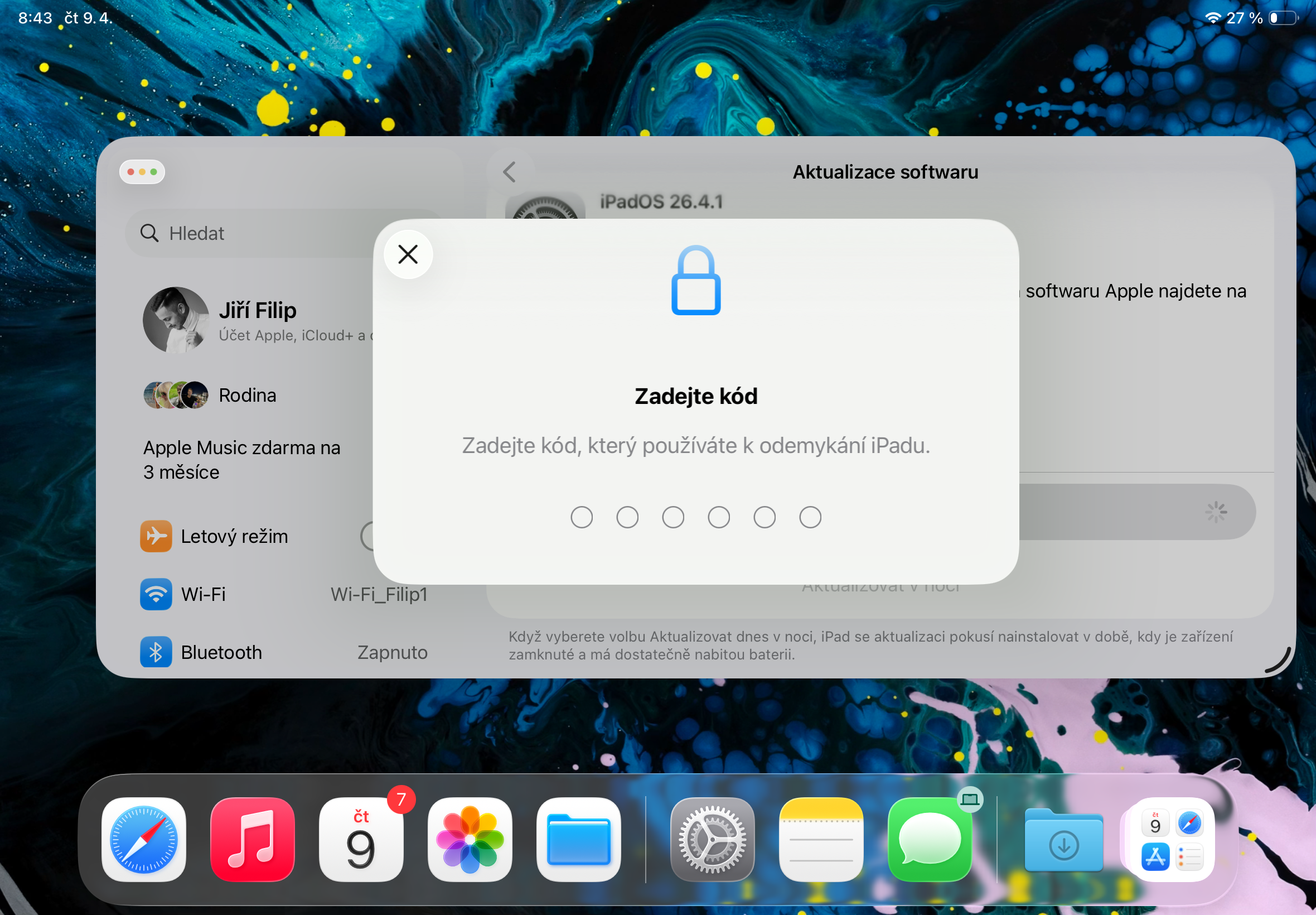
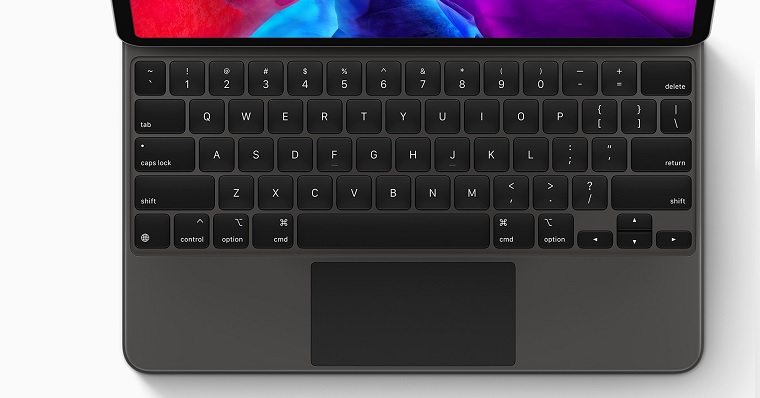
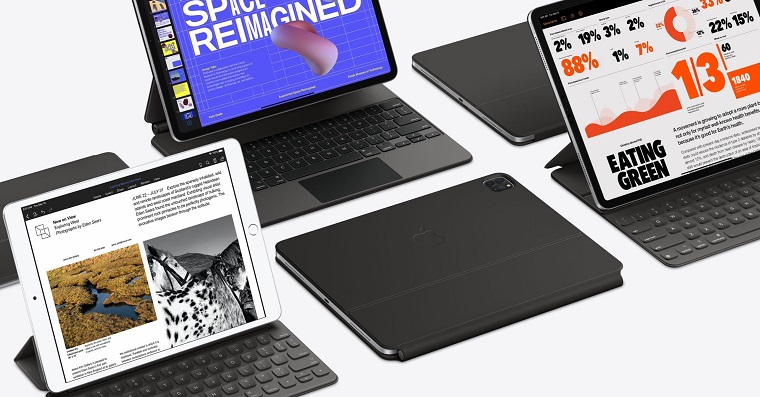
When I tried to run the update to iPadOS 26.4.1 on my iPad (typically via Settings – General – Software Update), only a window popped up asking me to confirm the step via the iPad passcode lock. There would be nothing special about that if I hadn't actually gotten "just a window" without a keyboard. At first, I thought the problem was that my iPad was connected to an external keyboard and I would enter the code through it as I was used to. But the iPad didn't accept the code from the keyboard at all.
So I disconnected the keyboard so I could use its software version, but it didn't start either. I tried to call it up by all possible means, for example, it can now be activated via the top tabs with options similar to macOS. However, even when I selected the option to display the software keyboard for the given window, nothing started. The only thing that was visible was a transparent strip about a centimeter high lining the entire bottom edge of the display, where the keyboard would normally be hidden. Unfortunately, this bug was not caught screenshoty, which in the end de facto confirms that it was something completely nestandard.
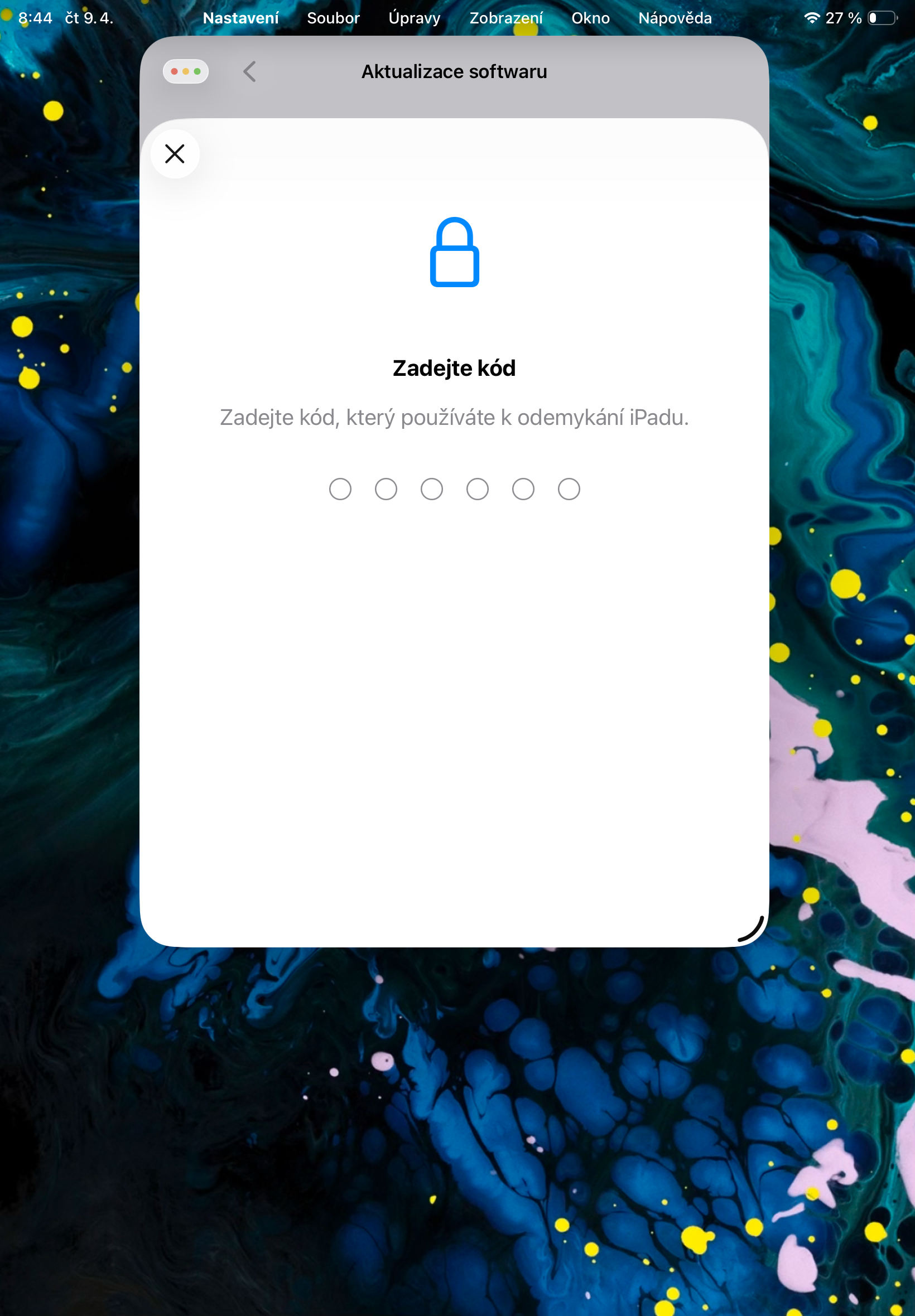
I tried restarting the iPad several times, playing with the app window size, using it in portrait and landscape orientation, and of course with several different external keyboards, to no avail. Then, when I connected the device to my Mac to try to "revive" it via Finder, I was again unpleasantly surprised – this time by the fact that although the iPad was running iPadOS 26.4, Finder He only offered me the 26.4 update - as if he thought that the iPad system was not already on this version and as if he didn't know that iPadOS 26.4.1 was out.
However, while downloading the iPadOS update to my Mac, I was still playing with my iPad in a bit of desperation and, lo and behold, the keyboard suddenly popped up as if nothing had happened. Well, it probably popped up by accident because it was covering half of the update window, but this solution was enough for me to type in the code. So my iPad is nowonec managed to update after a number of ups and downs and it seems that it now manages to synchronize everything that is needed, as I was used to. However, the experience with the update this time was definitely not pleasant.


What helped me was turning off the pin, updating it, and then turning it back on.
It was enough to make my keyboard hurt Safari and then switch to Update and there it was
Thanks for the advice, it helped 👍🏻
Same experience. I tried opening whatsapp type something on the keyboard there and then the keyboard appeared in the update window. But this wasn't very "Apple"experience... 🤣
I tried this and it didn't work for me, which is also quite funny when you see how many different manifestations the bug had :D
Great👌, I already have it installed too 😉
Yeah, that's what happened to me with the old one mini, maybe that was it Safari, I switched to it to try copying the password to the clipboard from the command line and suddenly the keyboard popped up
just switch the keyboard to qwerty and the pin window works
Thank you, it helped.
I have this bug on 26.4.1 too. :-)
Quite a fail.
The same thing happened to me too. iPad Pro 13″.. with more or less the same procedure as you describe.. I activated the keyboard by pulling my fingers towards me and the keyboard suddenly became smaller and I could enter the pin
I changed the keyboard to English and it works.
My SE2 almost stopped working on 26.4. Sometimes I use it as a second phone, but after updating to 26.4 (so far it was great) it started acting like an older Android :( it was crashing even when switching from page to page, and launching an app took up to 30 seconds before it responded. ProI already put it in a box with the others in the collection, with the understanding that it Apple It tries to support old phones, but this one is clearly new software nestoh... then 26.4.1 came out so I couldn't do it and I tried to install it and it's as fast as before. The problem you described didn't appear on it, nor on 11pro and 12mini and not even with the new one Air...
So, the keyboard glitch happened to me right after updating to iPadOS 26.4, when the iPad wanted to enter the SIM card PIN after the update, and I also struggled with it quite a bit.
This is a known bug. Apple, PIN must be entered with Eng. keyboard. Just go to notes and switch keyboard. Otherwise it doesn't work even when changing PIN etc. Apple Developer forums are full of this. Sometimes after various restarts etc. it gets to an intermediate state and you can enter it with a different keyboard.
I also couldn't update after changing wifi the keyboard showed up