
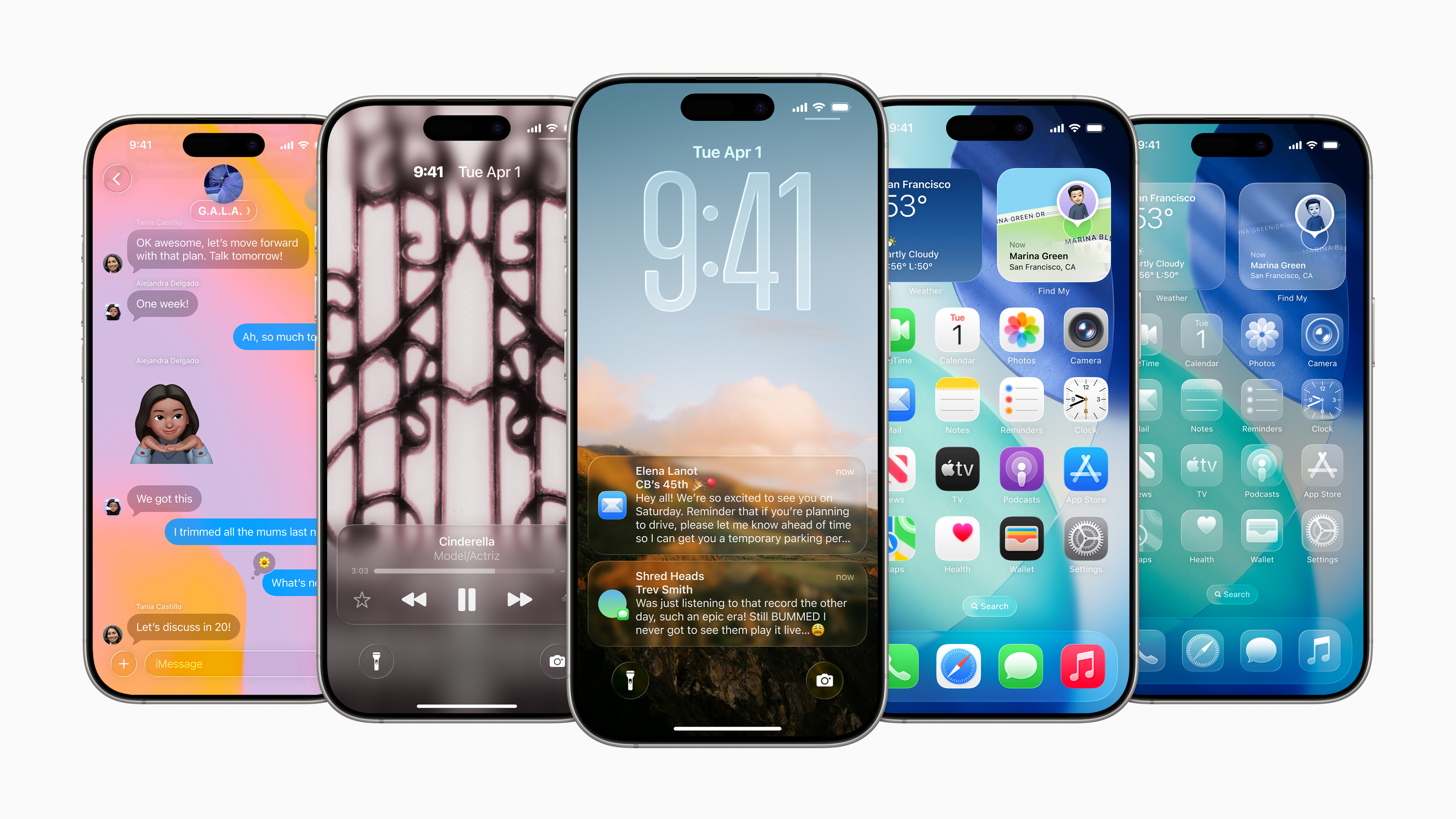
Apple in the latest versions iOS It works quite significantly with the new Liquid Glass visual style, which brought more pronounced lighting effects, transparency, and animations when working with the interface. Pro Some people find it an interesting system refresh, while others may find the amount of visual effects annoying. This is exactly what the upcoming update is responding to. iOS 26.4, which adds two new customization options.
You might be interested in
This is not a revolution, but rather a small detail that can make the system more pleasant for people sensitive to movement on the display or flashing light effects. Apple This also indicates that he is continuing to experiment with the Liquid Glass design and is gradually finding a balance between impressive looks and comfort in use.
New option to limit lighting effects
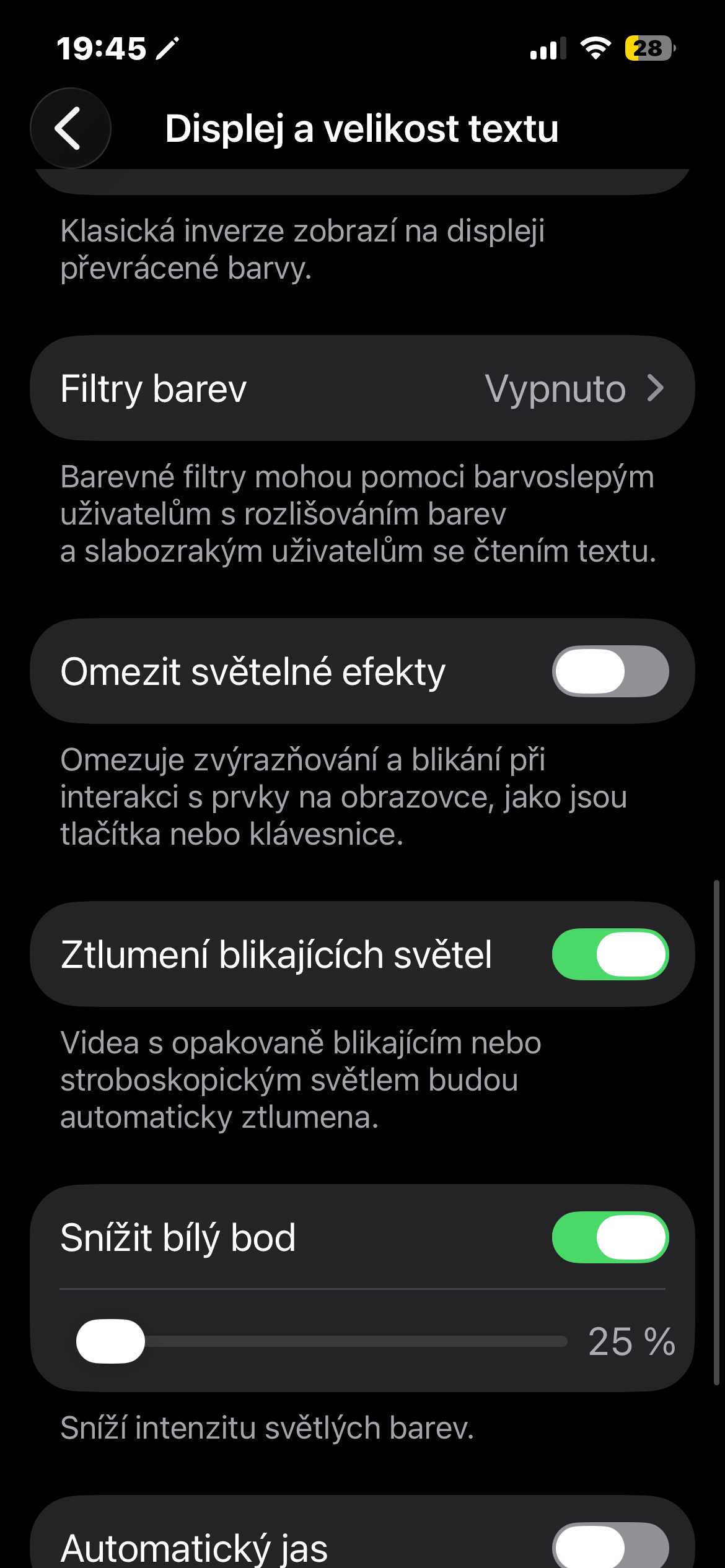
The first new feature is a brand new Reduce Bright Effects setting. As the name suggests, it is used to reduce the highlights and flickering that appear when interacting with certain system elements.
Typically, this involves, for example:
- buttons light up when tapped
- illuminated key highlights on the system keyboard
- slight flickering when activating some controls
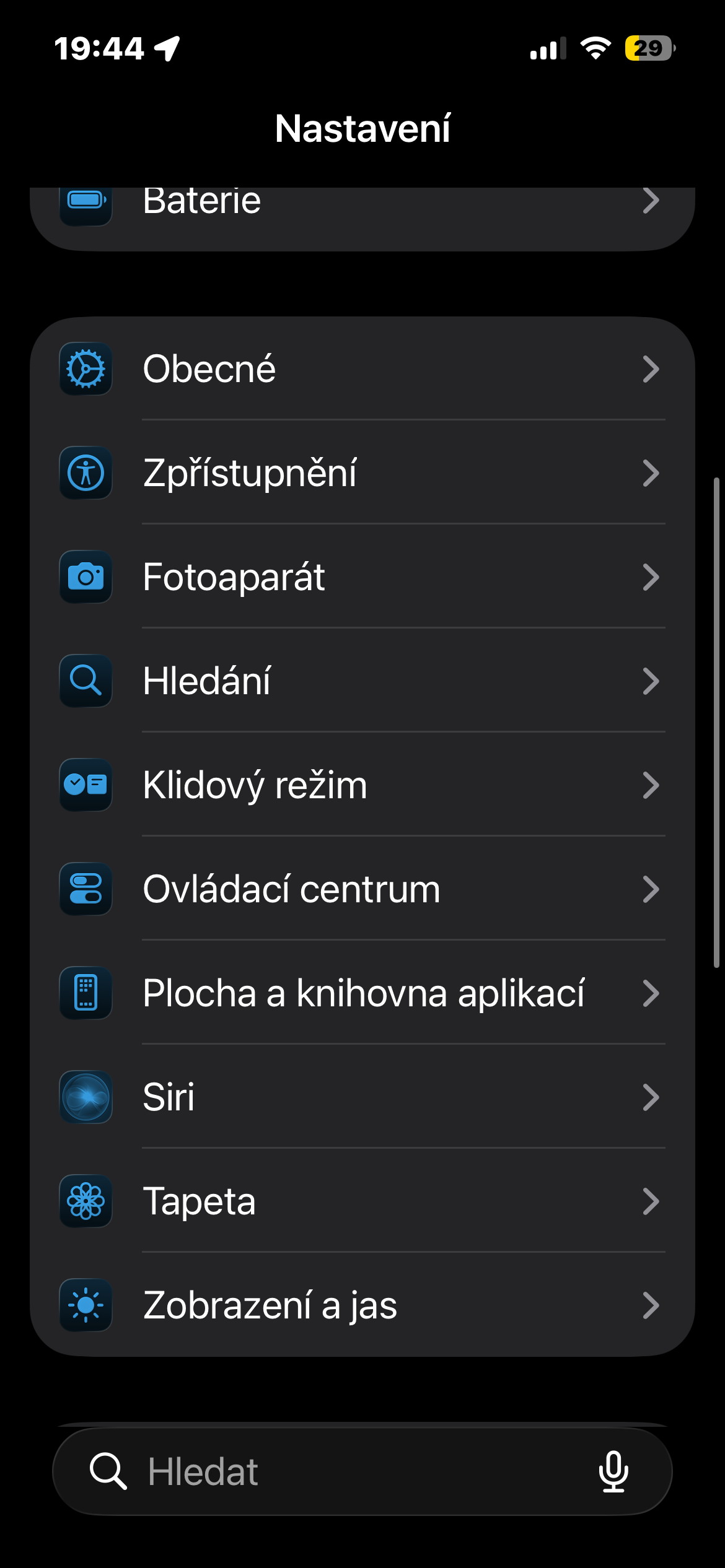
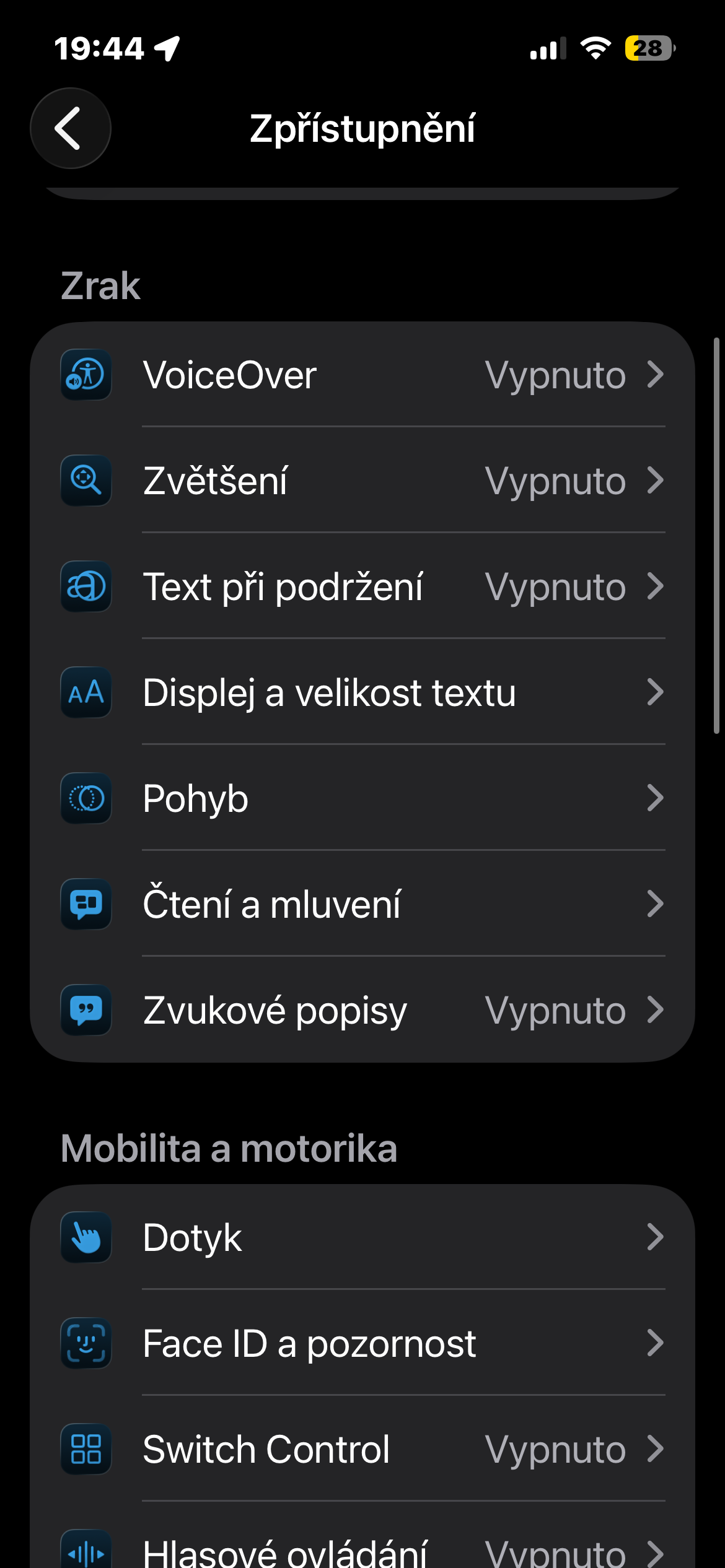
At first glance, these are small things, but over time they can be quite noticeable. If you have sensitive eyes or use your phone in a dark environment at night, the difference is surprisingly noticeable. You can find the option to limit them in Settings → Accessibility → Display & Text Size. When enabled, the Liquid Glass lighting effects are significantly dimmed and the system feels calmer.
Gallery
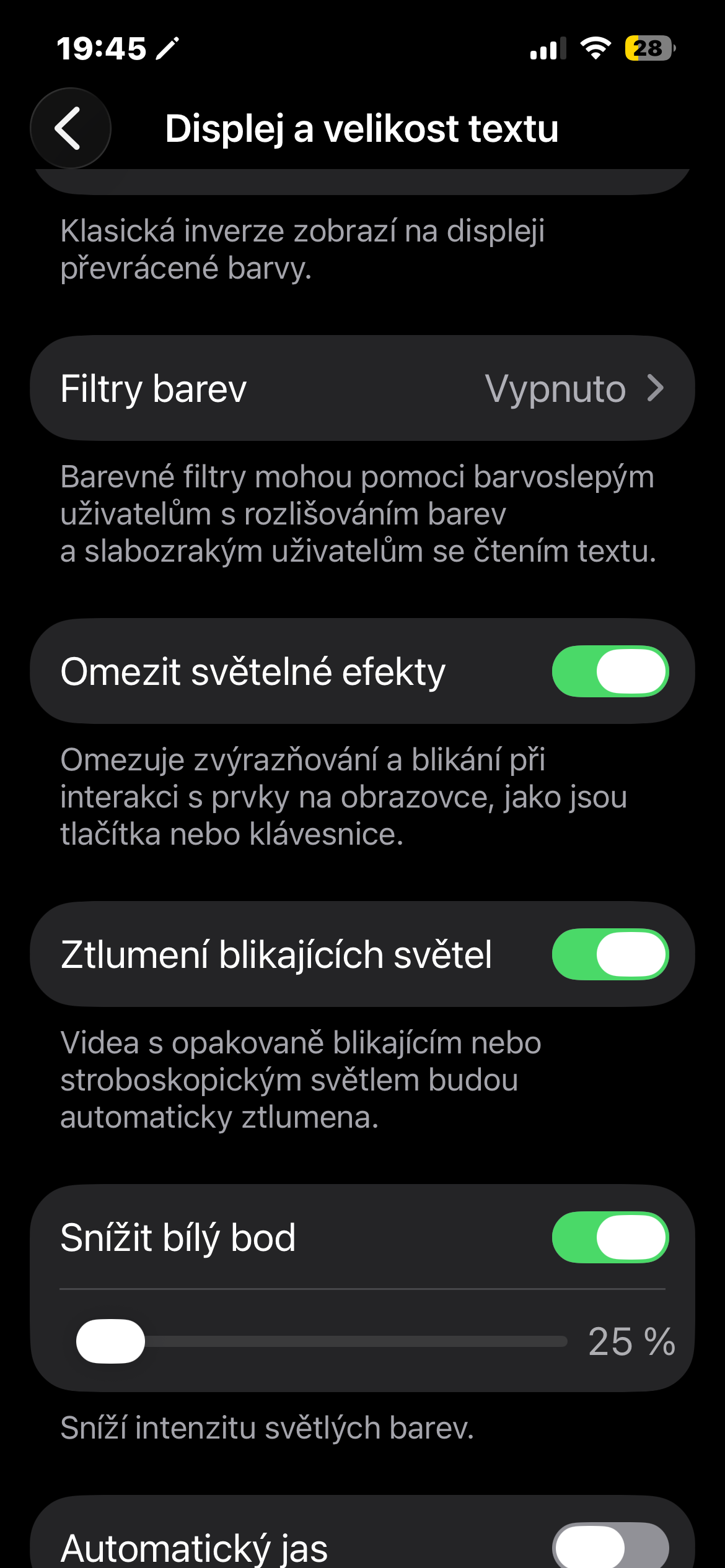
Modified motion restriction feature
The second change concerns the Reduce Motion function, which in iOS has been around for many years. In iOS 26.4 but Apple modified to more reliably limit animations related to the Liquid Glass design.
In practice, it mainly concerns:
- fewer transition animations
- smoother application opening
- limiting motion effects in the system
According to Applu, the new version of this feature should be more responsive to animations that were introduced with Liquid Glass. So if you were using motion restrictions before and after switching to iOS 26 you felt that some animations remained, this update should fix it. You can find the feature in Settings → Accessibility → Motion.
Apple does not yet allow you to change the appearance of Liquid Glass completely freely. There is sometimes speculation that in the future it could add a slider for the intensity of effects that everyone could set according to their own needs. However, according to available information, this could only come in a future version of the system. iOS 26.4 is more of a minor tweak for now. However, these are changes that can be useful. Everyone perceives movement on the display differently, and the ability to "calm down" the system a bit can be a nice bonus for some users.


just so that the slider is available, so that everyone can choose
It would be best if it allowed to completely turn it off and go back to UIX 18.x. I understand that ios It's more or less the same from the beginning, but users want the classics they're used to.
I probably wouldn't generalize what users want. I really like LG, on the contrary, I have everything wrong. There's no reason to go back🤷🏻♂️it's good that everyone has the option to set it up as needed
It's funny how my iPhone changed after updating. airpods pro on the sunchatka miccell without all functions