
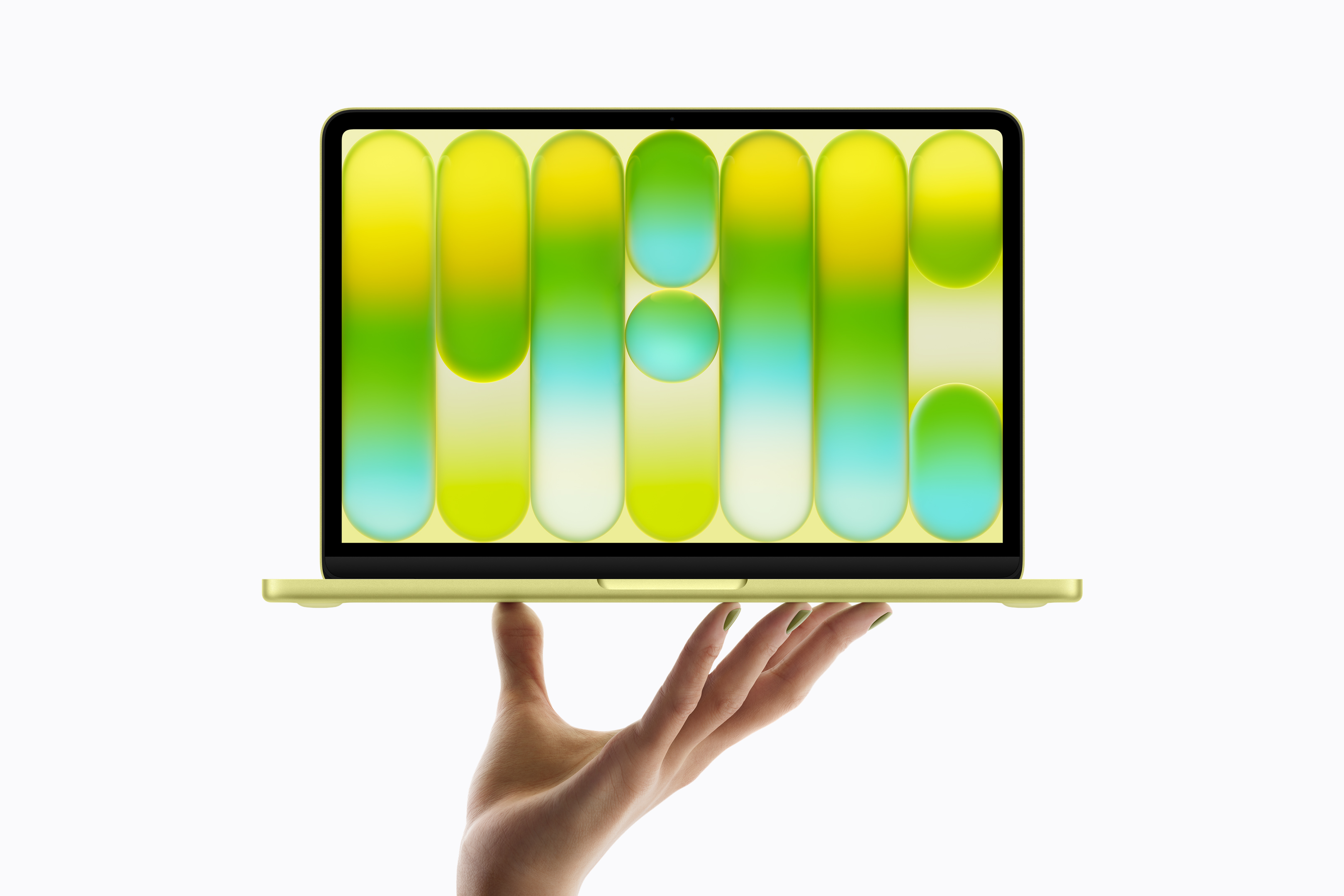
Apple at the new one MacBookThe Neo confirmed an important technical detail that interests almost everyone who buys a laptop for several years to come – maxthe minimum number of battery charging cycles. This is set at 1000 cycles for this model, which is, by the way, the value that Apple has been keeping most of its laptops for many years. At first glance, this may seem like a dry technical specification from the documentation. But in fact, it is a pretty good indication of how long it can MacBook can actually last without replacing the battery.
You might be interested in
What does a charge cycle mean?
One cycle does not mean one connection to the charger. Apple defines it a little differently – it is the consumption of energy corresponding to 100% of the battery capacity, easily divided into several days.
Practical example:
- On the first day, you use 50% of the battery and charge your Mac
- the next day you will use another 30%
- the third day the remaining 20%
Only then will one complete cycle be counted, even if you MacBook They charged three times. So in normal use, the cycles increase more slowly than you might think.
You might be interested in

MacBook Neo: battery and endurance
MacBook The Neo uses a 36,5Wh lithium-ion battery. According to Applu can offer up to 16 hours of video playback or approximately 11 hours of web browsing over Wi-Fi. Of course, these are laboratory values measured under ideal conditions, but for MacBookSuch estimates are often quite realistic. Unless you leave your laptop exporting video all day or running demanding games for long hours, it is not at all unusual for MacBook It lasts almost the entire working day without a charger.
Gallery



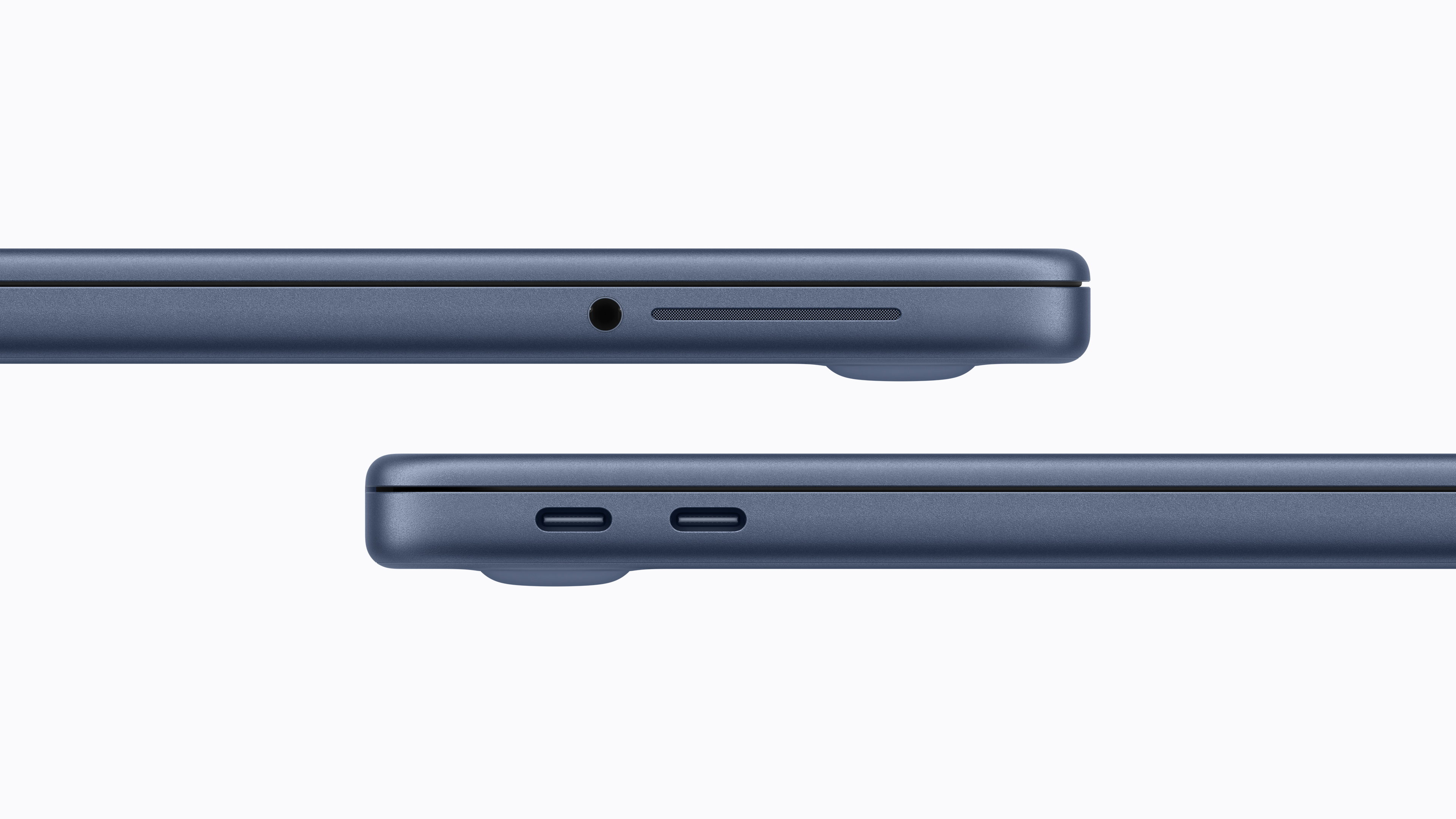





What does the 1000 cycle limit mean in practice?
Apple states that after reaching the 1000 charge cycle mark, the battery is considered “used up.” However, this does not mean that the laptop suddenly stops charging or stops working. In fact, it is more a point where the battery can no longer hold power as well as it did at the beginning. The capacity gradually decreases and MacBook may discharge faster, but the device is still fully usable.
If someone were to go through one complete cycle every day, they would reach the 1000-cycle mark in about 2,7 years. In reality, however, the pace is usually much slower. With typical use, where about a third of a cycle is used up per day, a battery can easily last eight to nine years before even approaching that mark.
The limit of 1000 cycles is not MacBookIt's nothing new. Apple has been using it in most of its laptops since 2009. In older generations, the limits were significantly lower and often only ranged between 300 and 500 cycles. From a long-term lifespan perspective, it is therefore MacBook Neo is basically as good as the current one MacBooky Air or MacBooky Pro.
How to find out the number of battery cycles on a Mac
If you're curious about how many cycles your Mac has had, you can find out right in your system in a matter of seconds. Just hold down the Option key, click Apple menu and open the System Information item. In the left column, simply go to the Power section, where in the section dedicated to battery information, an item showing the current number of charging cycles will appear.
At first glance, the number 1000 cycles may seem like a small technical detail hidden somewhere in the documentation. But in fact, it shows the philosophy quite well. Appyou. MacBook It's supposed to be a device that can withstand years of daily use. And if you don't regularly drain the battery completely, you might be tempted to buy a brand new one before it needs replacing. MacBook.




To check the battery health Apple I recommend the coconut app for devices.battery, there is also a free version. You can see all the details about the battery including the current temperature, who and when it was manufactured and its health. It stores the history of all devices, the paid version can also check via wifi on the iPhone