
There are days when the autocorrect feature on my iPhone saves me a ton of time. And then there are days when I type a perfectly normal sentence and the system turns it into a linguistic experiment (our editor-in-chief could tell stories about how many times I managed to misspell Tim's name). Cookand something completely unpublishable). If you feel that you iPhone interferes with the text more than is healthy, the solution is surprisingly simple – autocorrection can be turned off in a few seconds.
You might be interested in
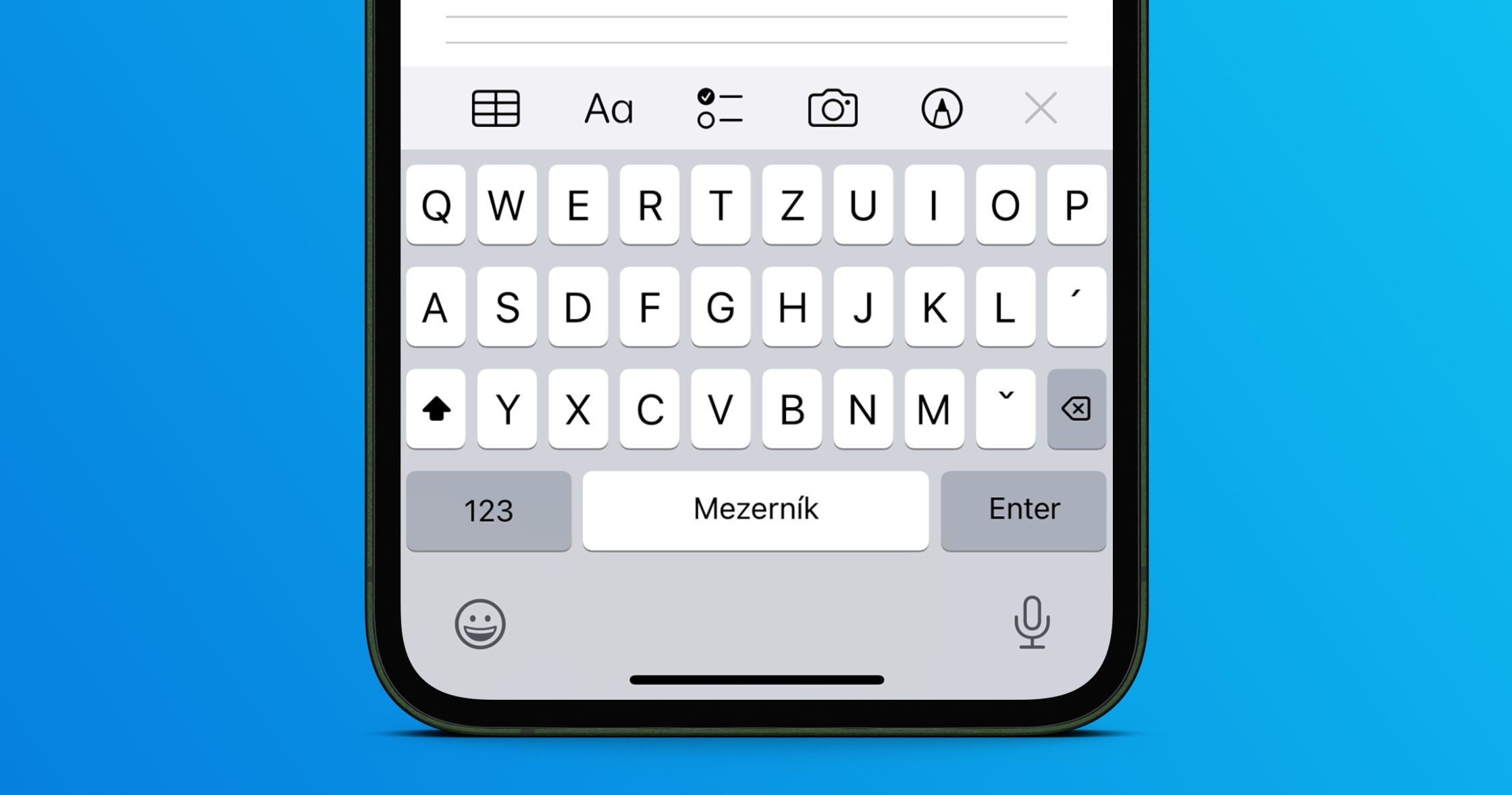
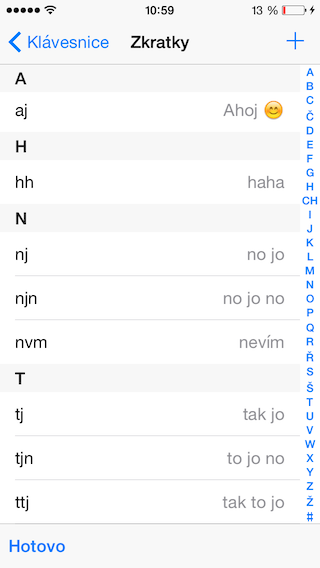
I did it myself when my phone started transcribing common Czech words based on how it felt. It almost seemed like the keyboard started remembering all my typos. And since I write a lot, I needed to have full control over the text.
Where to turn off autocorrect
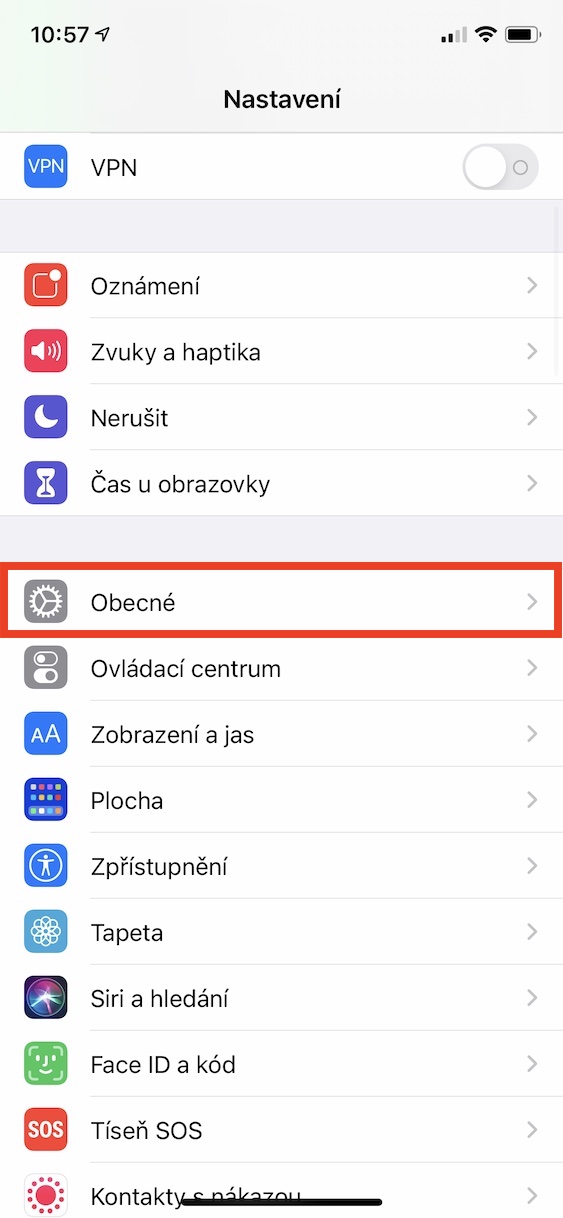
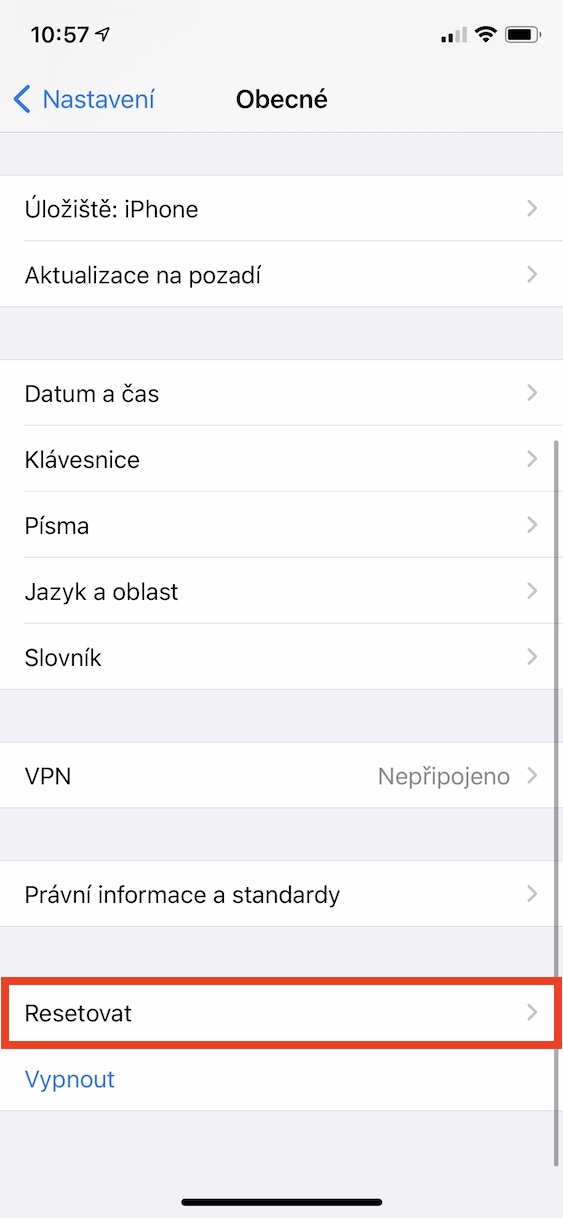
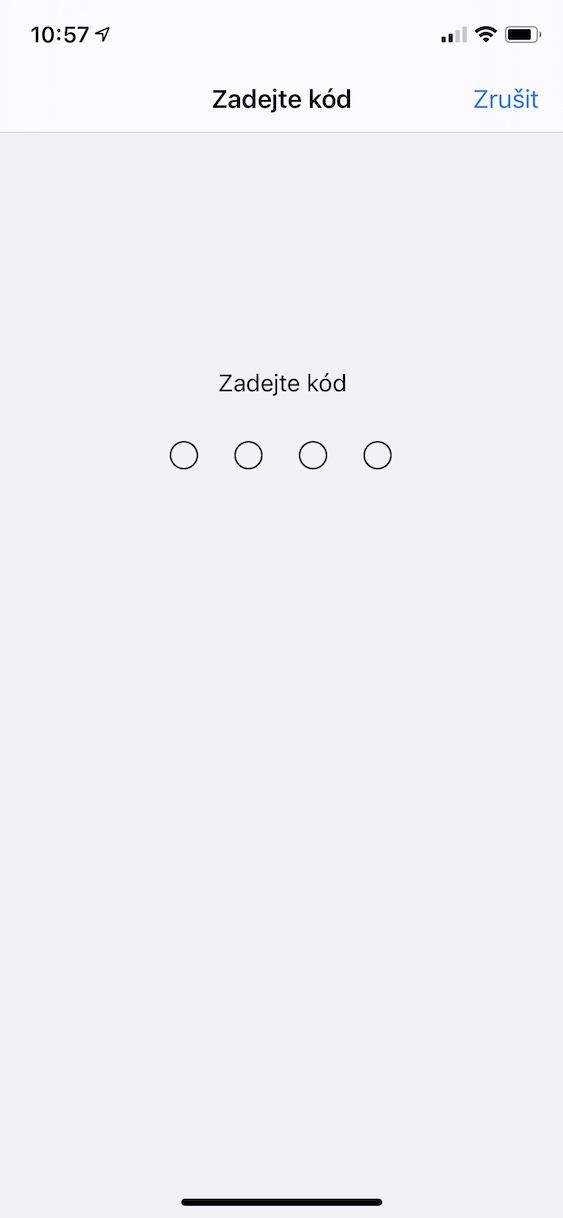
Open Settings on your iPhone. Then go to General and tap Keyboard. You'll find AutoCorrect in the list of features. Just turn it off and you're done. No restarts, no confirmations. From that point on, you'll be iPhone It won't automatically change the words you type. If you make a typo, it'll stay there—but at least it'll be yours.
Gallery

What else can you edit?
There are other options in the same menu that are worth noting. You can turn Predictive Text, the bar of word suggestions above the keyboard, on or off. I keep it on because I don't mind it - as long as the system doesn't overwrite anything without my permission.
You can also adjust Auto-Capitalization, Smart Quotes, or Auto-Periods by double-tapping the spacebar. I recommend playing around with these toggles for a while and customizing the keyboard to suit your writing style.
What will change after shutdown?
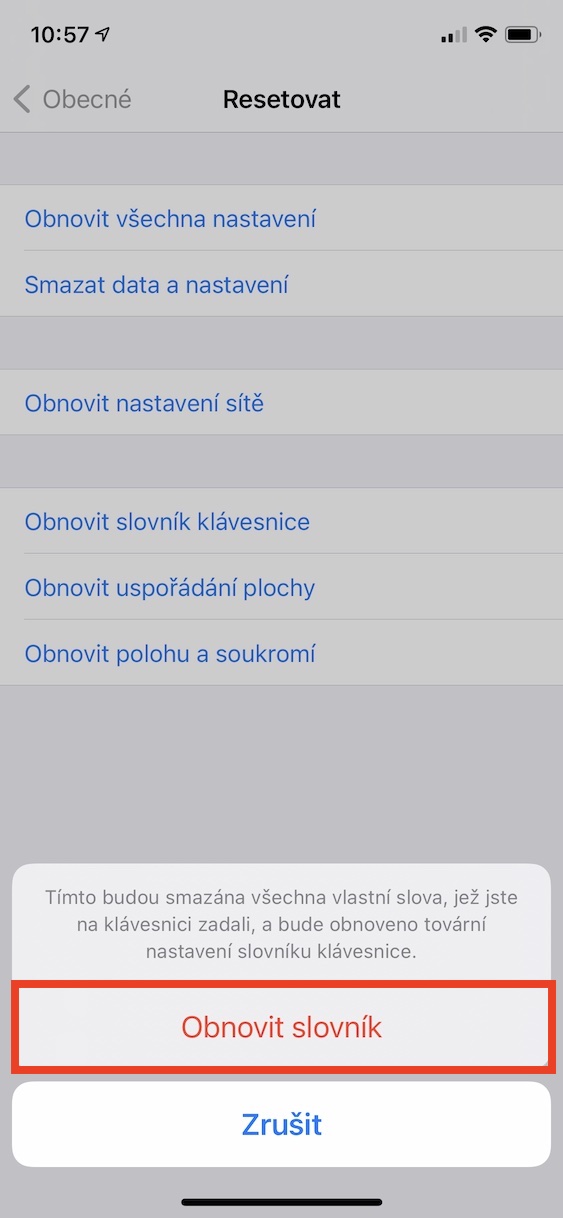
You'll notice the biggest difference when you type quickly. Words will no longer be automatically replaced with other expressions. The system can still highlight possible errors (if you leave spell check turned on), but it won't change the text without your intervention. Personally, this has brought me peace of mind. I'd rather correct a mistake myself (if I discover it, which is a topic in itself) than find out after sending a message that the phone has completely changed the meaning of the sentence.
Autocorrect is indispensable for some, a nightmare for others. Fortunately iPhone allows you to customize the keyboard in detail. So if the system is talking to you every other word, open Settings and take back control. It's just a switch.
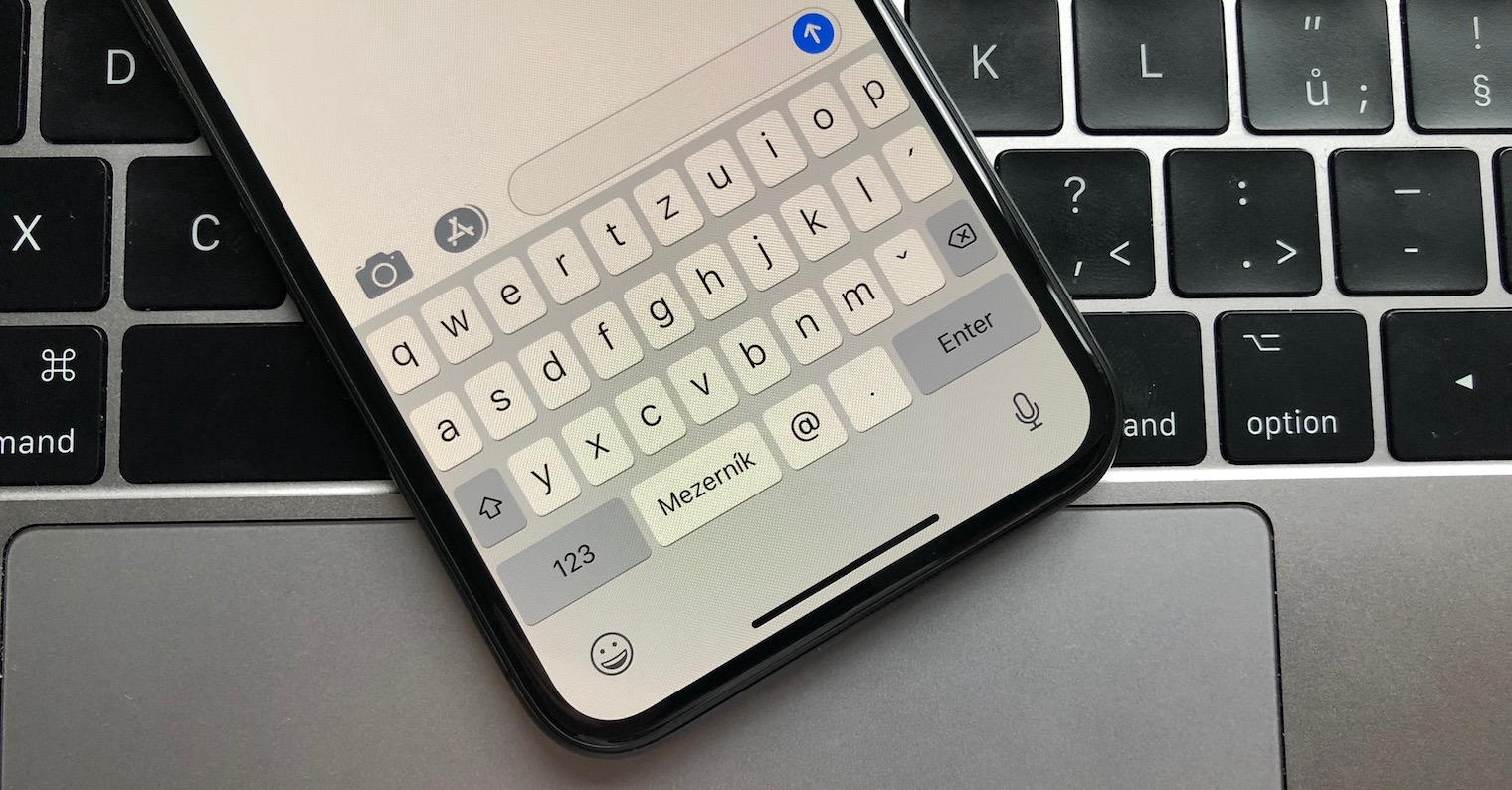

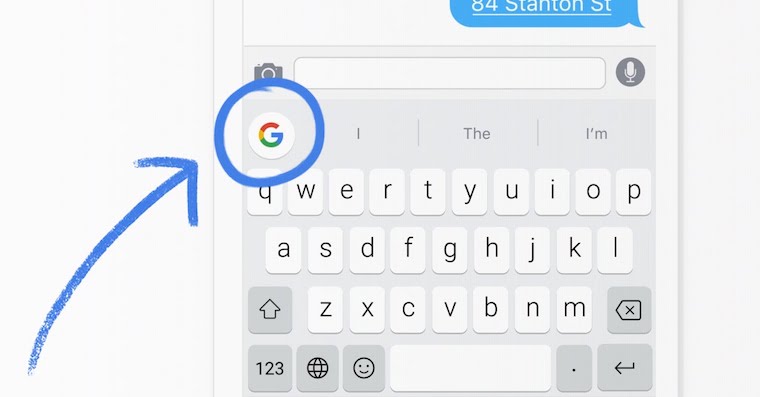

The solution is Gboard. Apple Unfortunately, the keyboard is ancient compared to it.