Most people consider VLC Media Player to be a universal video player that "opens everything". And they are right. But its capabilities do not end there. This free application can also play live TV broadcasts, including sports broadcasts from all over the world. You do not need any special hardware or a subscription directly in VLC. All you need is the right IPTV playlist. An IPTV playlist is most often a file in .m3u or .m3u8 format, which contains a list of internet streams of individual TV channels. It can be dozens, hundreds, or even thousands of stations from different countries. VLC does not provide or host any channels. It only works as a player that can open a network stream if you enter the correct address. It is similar to entering the URL of a specific website into your browser.
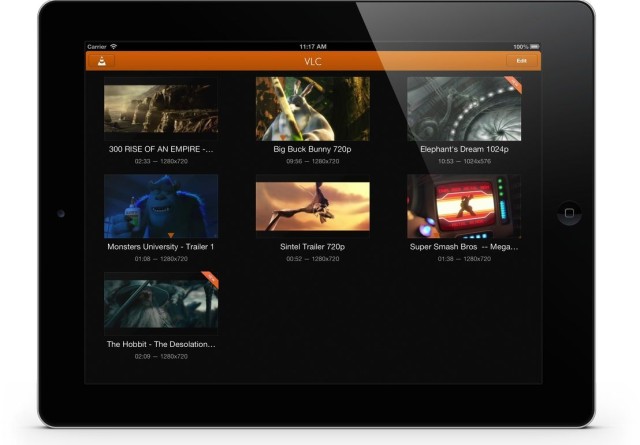
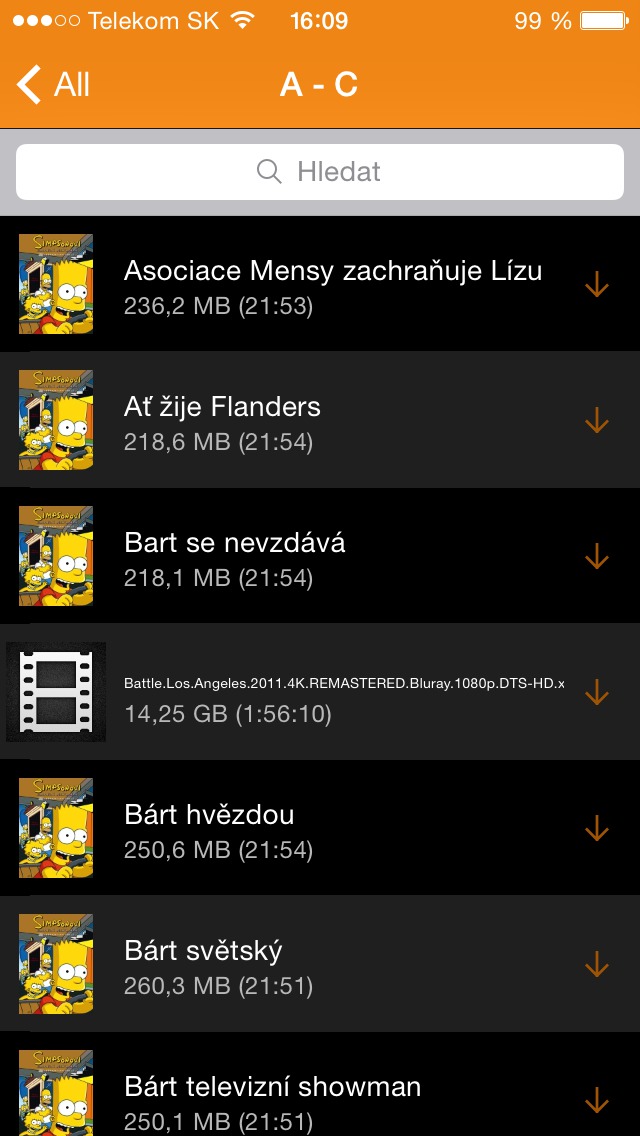
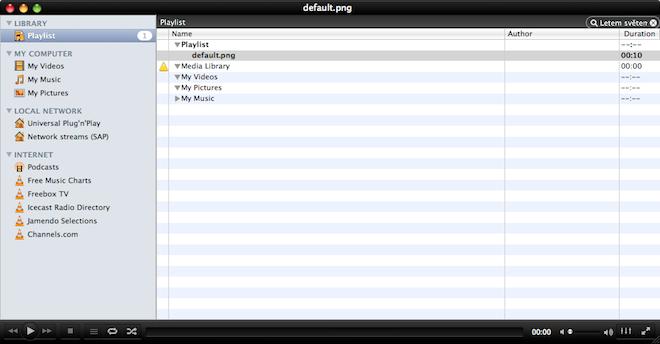
The whole process is surprisingly simple. In VLC, you just need to choose to open a network stream, enter the IPTV playlist address or open a downloaded file, and the application will load a list of available channels. These will then be displayed in a playlist and you can switch between them just like you would with regular multimedia content. On macOS and Windows This procedure works without any problems, and the application is also available for iPhone and iPad, so you can watch live broadcasts on mobile devices from Applu. However, the reality of watching can vary significantly depending on the playlist source. The image quality is not uniform. Some streams run in high definition and are stable, others barely reach standard quality and it is noticeable in fast-paced scenes, such as sports. It is not uncommon for the transmission to start to stutter, buffer or drop out completely without warning. Some links in playlists stop working within a few days, others disappear immediately. VLC can do nothing about this, because it only plays what is available at the given address.
You might be interested in

The speed and stability of the internet connection also plays a crucial role. Pro For smooth watching of sports broadcasts, a fixed connection or high-quality Wi-Fi is ideal. With a weak signal or a fluctuating network, playback problems will quickly become apparent. The legal side of the matter is also very important. VLC itself is a completely legal application. However, the source of the stream may be a question. The legality of watching IPTV channels depends on whether the provider has broadcasting rights and what rules apply in your country. Some playlists contain publicly available official streams, while others may aggregate content without the appropriate licenses. The responsibility for choosing a source always lies with the user, so it is wise to stick to authorized and legitimate providers.
Pro user AppIt is interesting that VLC works across platforms and is free without ads or format restrictions. On Mac, it can serve as a universal center for playing local videos and network streams. If you create your own list of official channels, you can have everything clearly in one place without the need for additional applications. But it is fair to say that IPTV playlists from public sources usually do not replace full-fledged television services. If you want a stable broadcast of sports in high quality without interruptions, official streaming platforms remain the safer way. VLC is more of a flexible tool for those who know what they are doing and take into account that availability and quality may change. The fact that an application that most of us have installed for years can do something like this is interesting in itself. VLC is simply not just an ordinary video player. When used correctly, it can turn into a simple tool for watching live broadcasts from around the world.