
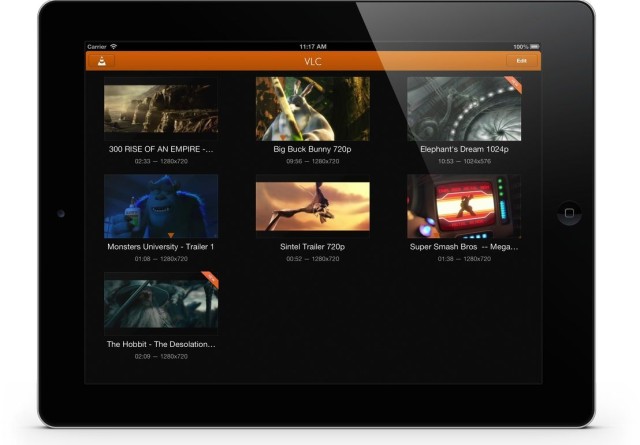
There aren't many OS X users in the world who don't know a media player VLC. The well-known player from AOL was in the past basically the only option to play downloaded movies in a format other than MP4 on a Mac without any problems. VLC is no longer available in iTunes App Store heated up, even shortly after it was officially iTunes App Store launched, but the application had copyright and GPL license issues and was removed from iTunes App Store downloaded. Now VLC is back and wants to defend its name as the most popular multimedia player for OS X also on iOS.
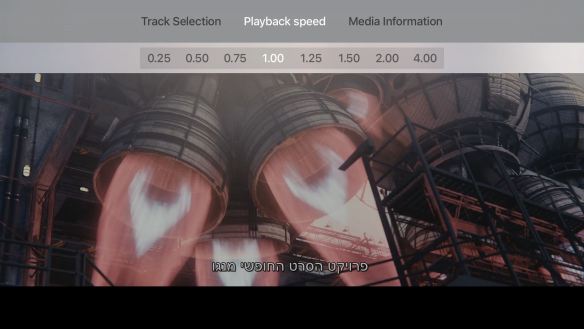
The new version is completely rewritten and offers, in addition to support for AirPlay also has other ways to get movie files directly into the app. VLC will offer real-time video filters, fast-forwarding, and subtitles, for example. The app will be available for free for iPhone, iPod and iPod touch with operating system iOS 5.1 and later. The application will be in iTunes App Store available today! The application offers full support for Retina displays, lower latency, 10-bit encoding and H264 codec.
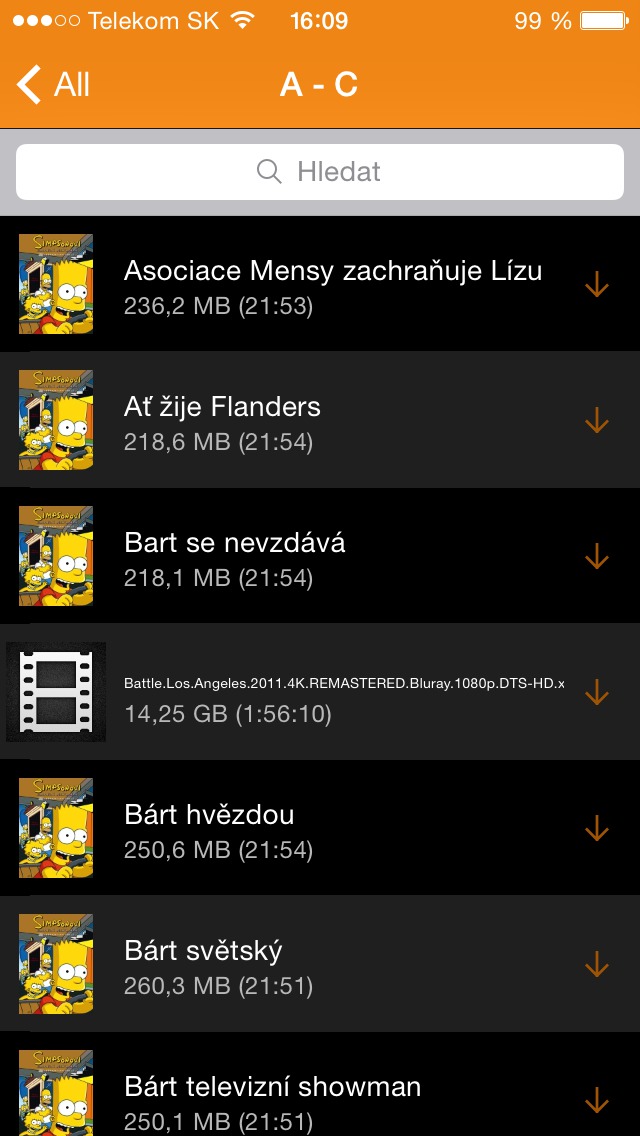
- Wi-Fi Upload – will allow users to record files directly from a PC or Mac to the VLC application in iOS device using a web browser.
- Dropbox integration – will allow media to be played directly from Dropbox or downloaded from it for offline playback.
- Downloading from the web – you can download a video from any server or audio files for offline playback.
- Wi-Fi Stream – will allow you to stream any media from PC or Mac directly to the application.
- Video Filters – you can adjust hue, saturation, brightness or color contrast in real time during playback.







Damn... Too bad everyone already bought those App. :-)
Do you guys have licensed AC3 playback from MKV?
All app, which I bought for the iPad, have already released an update and removed AC3 support, so they are completely out of date.
thanks for the title itunes app store, I was just solving this on another server, that's it apple makes a bit of a mess.
v dockat icon app store and I will get through it mac app store, huh?
then it is in dockthe itunes icon, with it I can get to itunes store and then suddenly I find an icon (text) at the top app store… huh?
so when recently 5 years were passed on several servers app store! app store giving away 5 apps for free so I was just looking for them really app store...and then I went to iTunes app store :-)
so really thanks for the clearer wording
m
It's a banality, but micker is right, sometimes you have to be more specific, especially since you are a website that is fully venuis happening around Apple.
I have tried several of those players, both paid and free. My priority was not to have videos in iTunes. In the end, I ended up with iFiles, an application that you will definitely recognize and which primarily serves to save PDF, XLS, WRD and other files. However, if I pour videos in MP4 into it, it plays smoothly, allows the choice of language tracks, and I am most pleased that I have one application instead of X.
somehow I didn't understand how to add movies to VLC... can you please write me a brief procedure? thank you
ad trawi:
here is a brief guide
http://howto.cnet.com/8301-11310_39-57594494-285/how-to-use-wifi-upload-on-vlc-for-ios/
I tried but no luck... I put in chrome... Does it work for you?
Hey, why when I search on iPhone 3GS with iOS 5.1.1 in the US Appstore VLC, it finds it for me, but when I want info it says this one appka is not in the US Appstore?
@trawi:
yup, it works.
sometimes it happens that it doesn't work out somehow, so you're in the wolf appto turn the switch from on to off. then turn it on again and type the http numerical link into bworser. it should be fine then