
AI voice recorders are a product category that practically didn't exist a few years ago. Today, however, at least in my opinion, they are starting to be talked about more and more loudly, mainly thanks to the Plaud brand, which plays a very significant role in this segment. Not because it invented voice recording itself, but because it was able to connect it with artificial intelligence in a way that makes sense in real life. In other words, Plaud's products are not just about recording, but also understanding, structuring, connecting and, most importantly, making the most of it. maximum. That's exactly what Plaud Note stands for Pro, and Plaud Note Pin as two products that target a slightly different type of user, but share the same philosophy. And since both recently arrived for me to try out and I had the opportunity to spend quite a bit of time with them, during which they got under my skin, it's time to introduce them to you. So let's get started.
Plaud Note Pro: When you want a recorder that thinks along with you
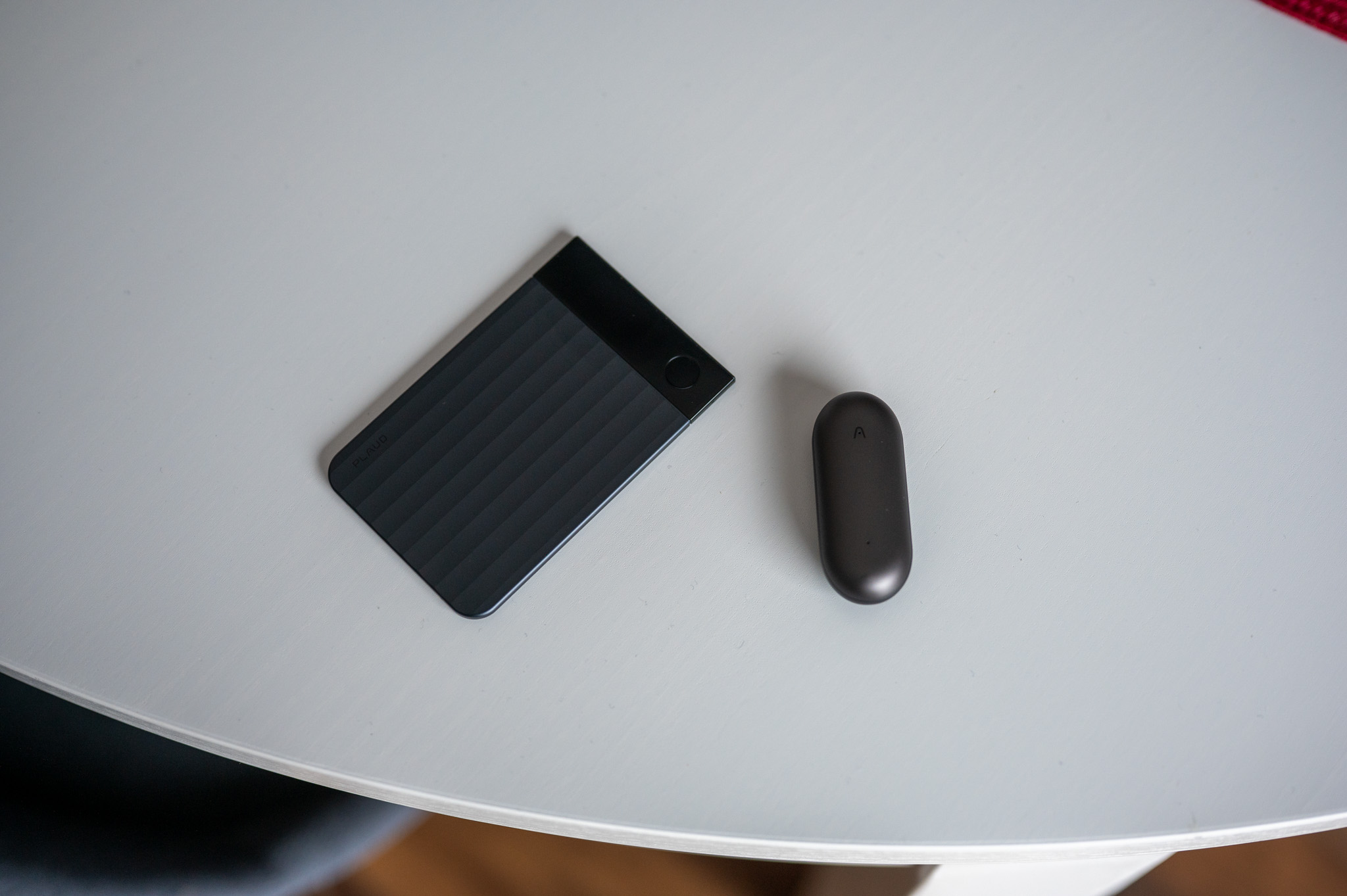
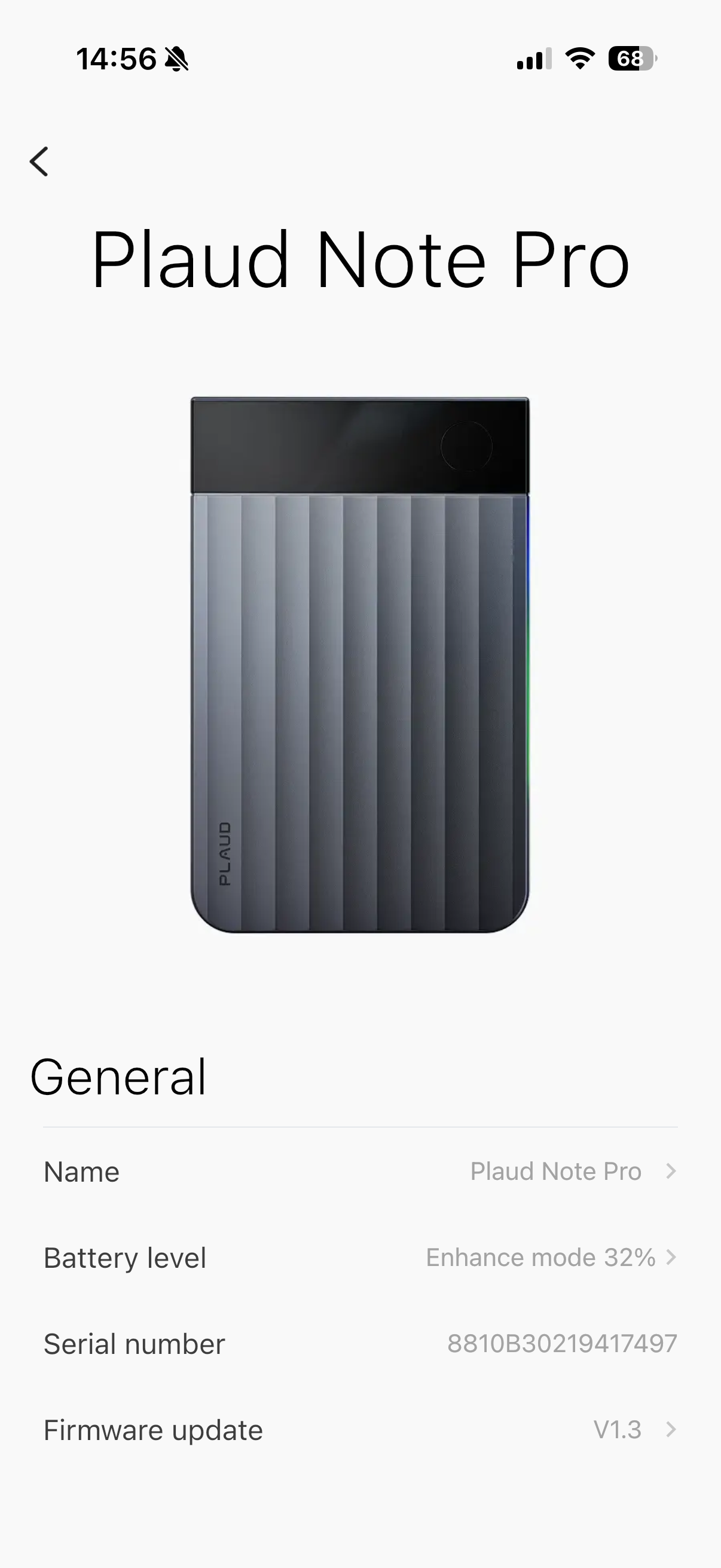
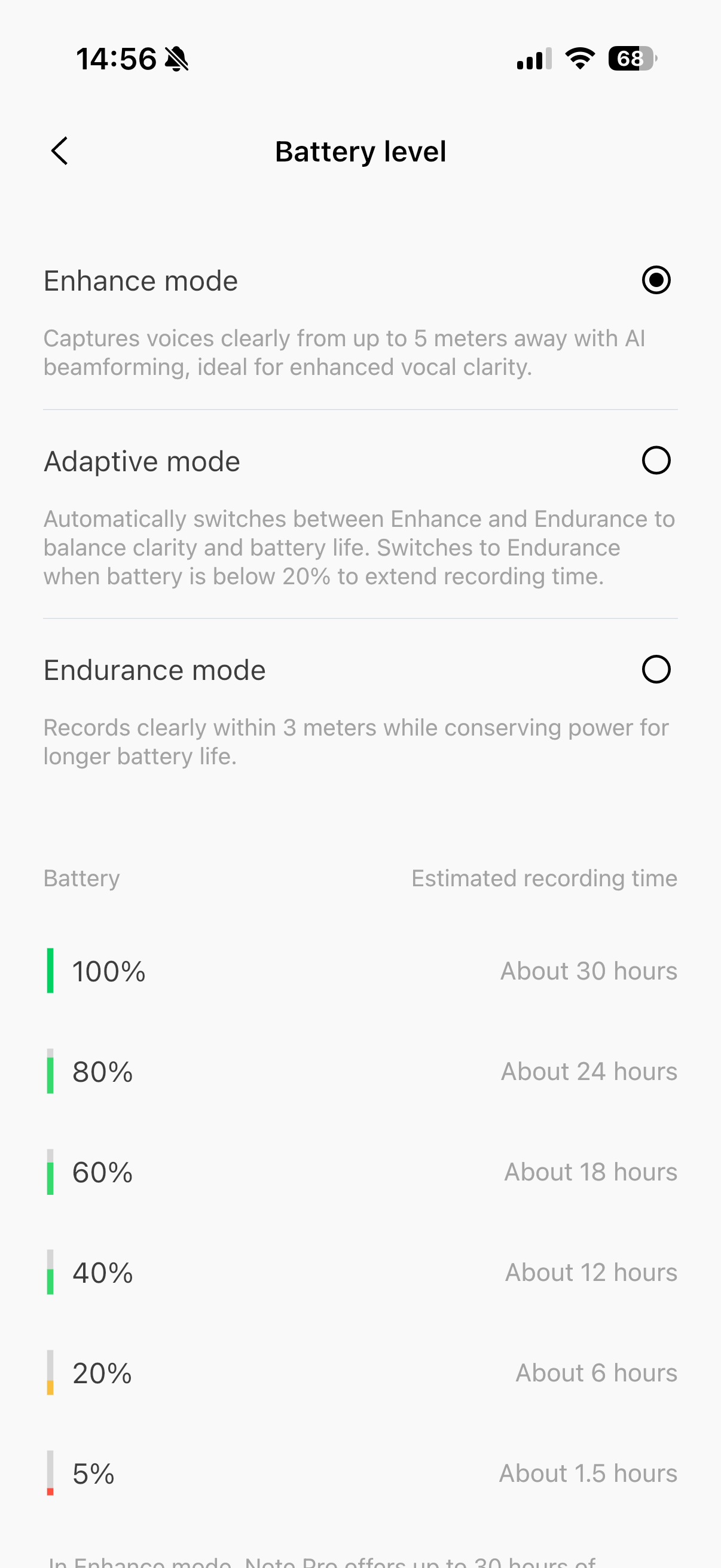
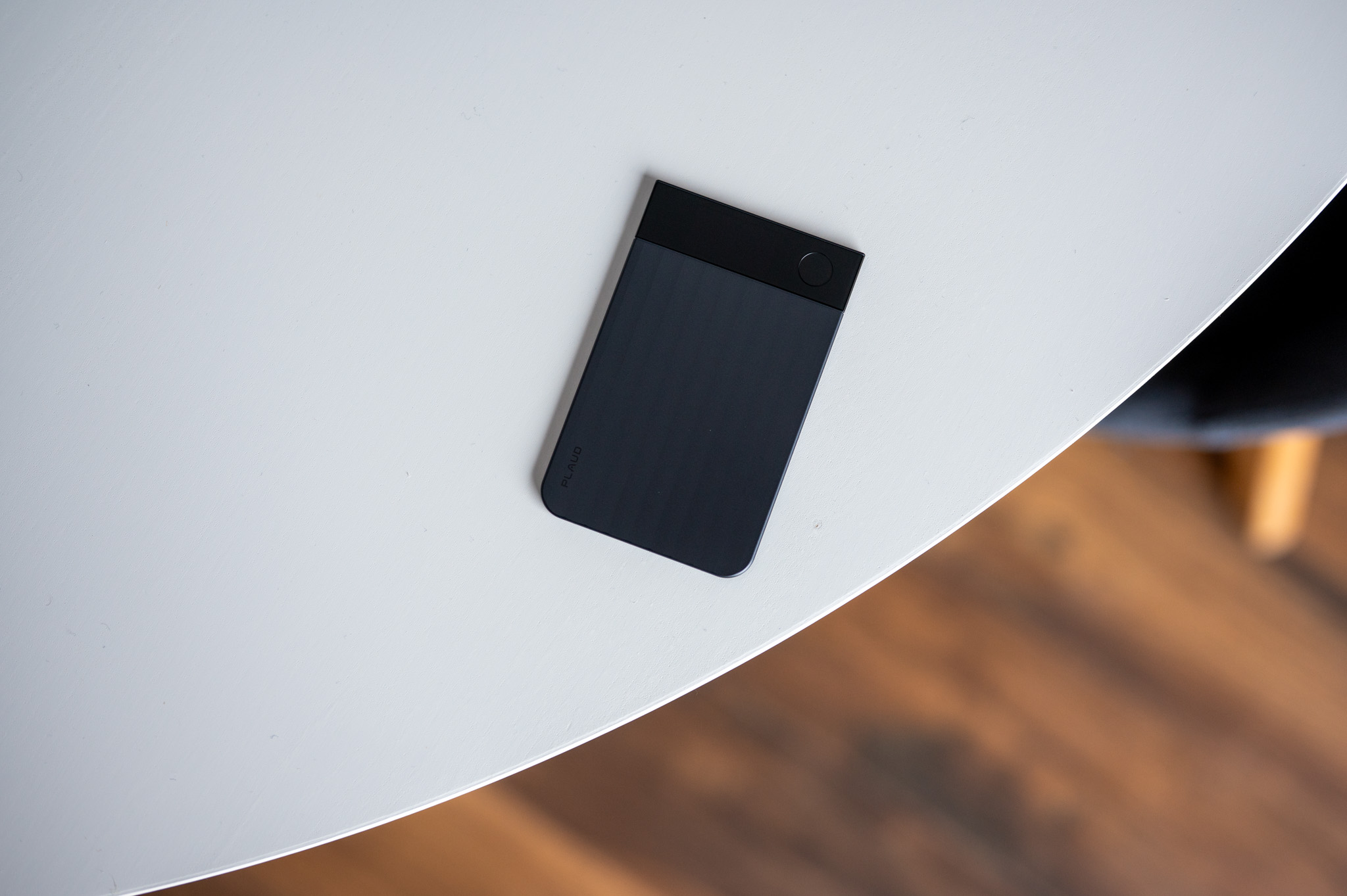
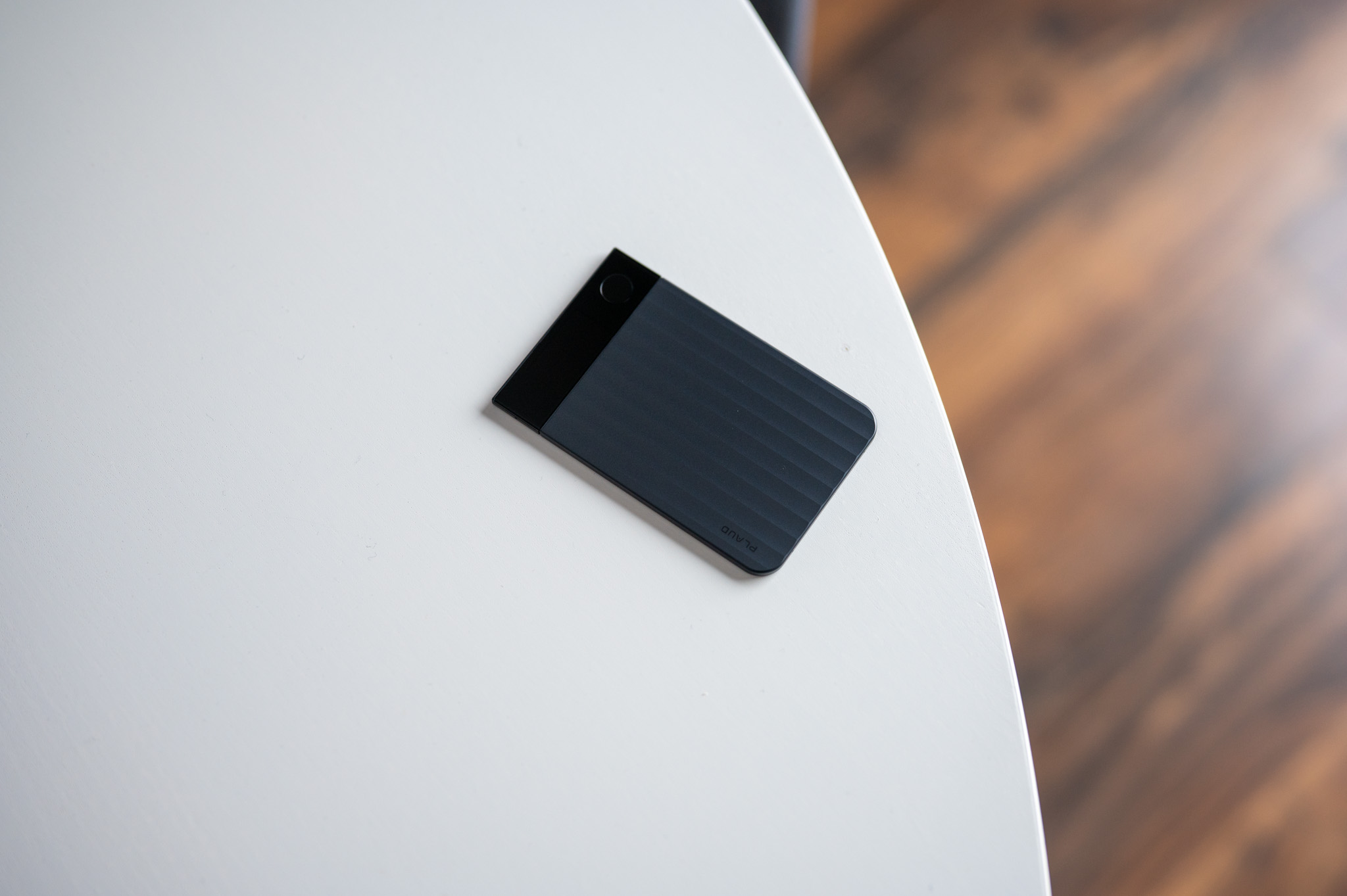
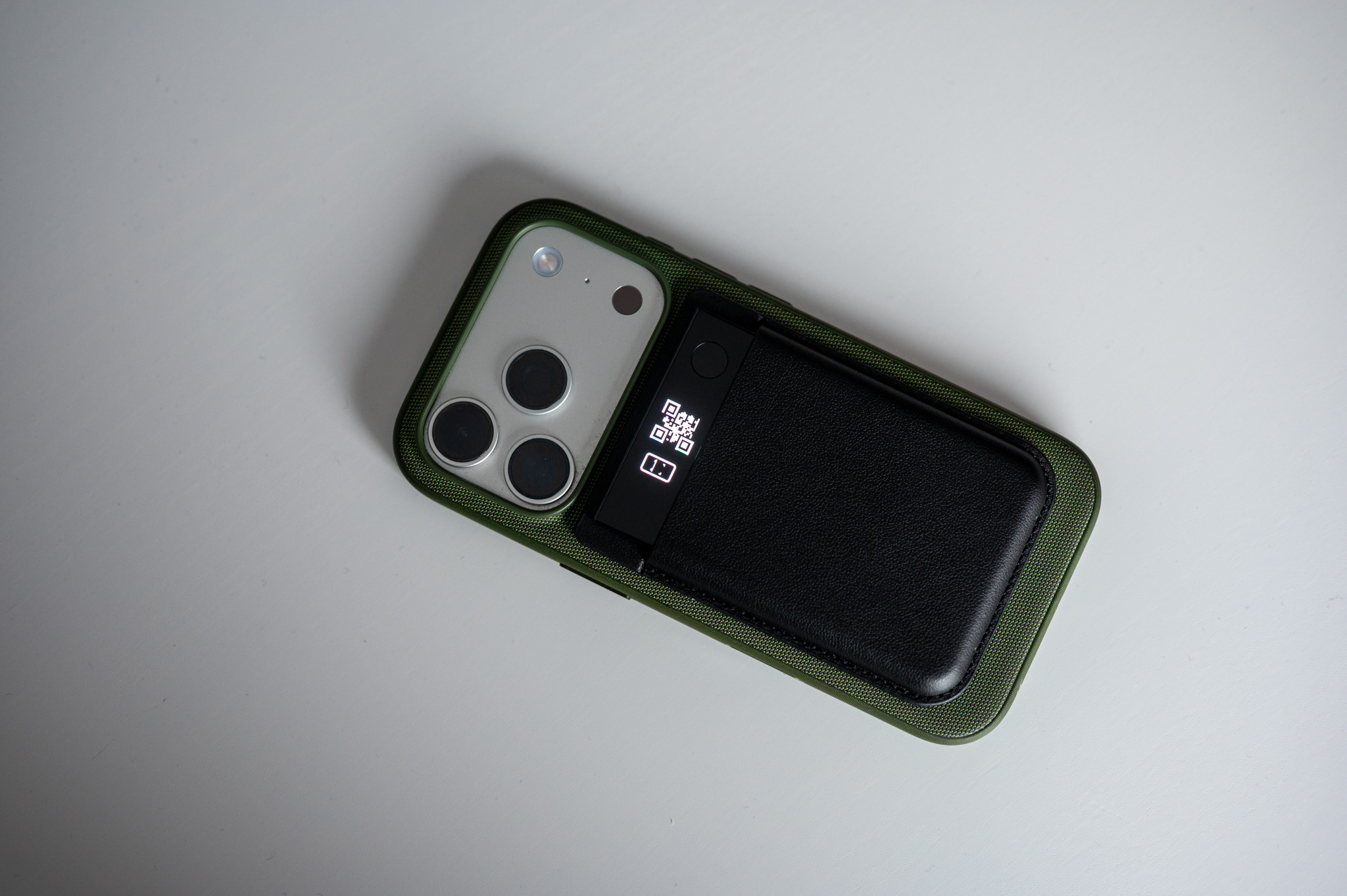
Plaud Note Pro is a device that immediately makes it clear that it is not a classic dictaphone. After all, the design itself suggests that Plaud is aiming higher. The body the size of a credit card, a thickness of less than three millimeters, aluminum sides and a color AMOLED display covered with Gorilla Glass are simply irresistible. In addition, you practically don't know it is in your pocket or bag, but you always have an overview of what it is doing, what mode it is in and how much power it has left, which is quite important for this type of device, in my opinion.
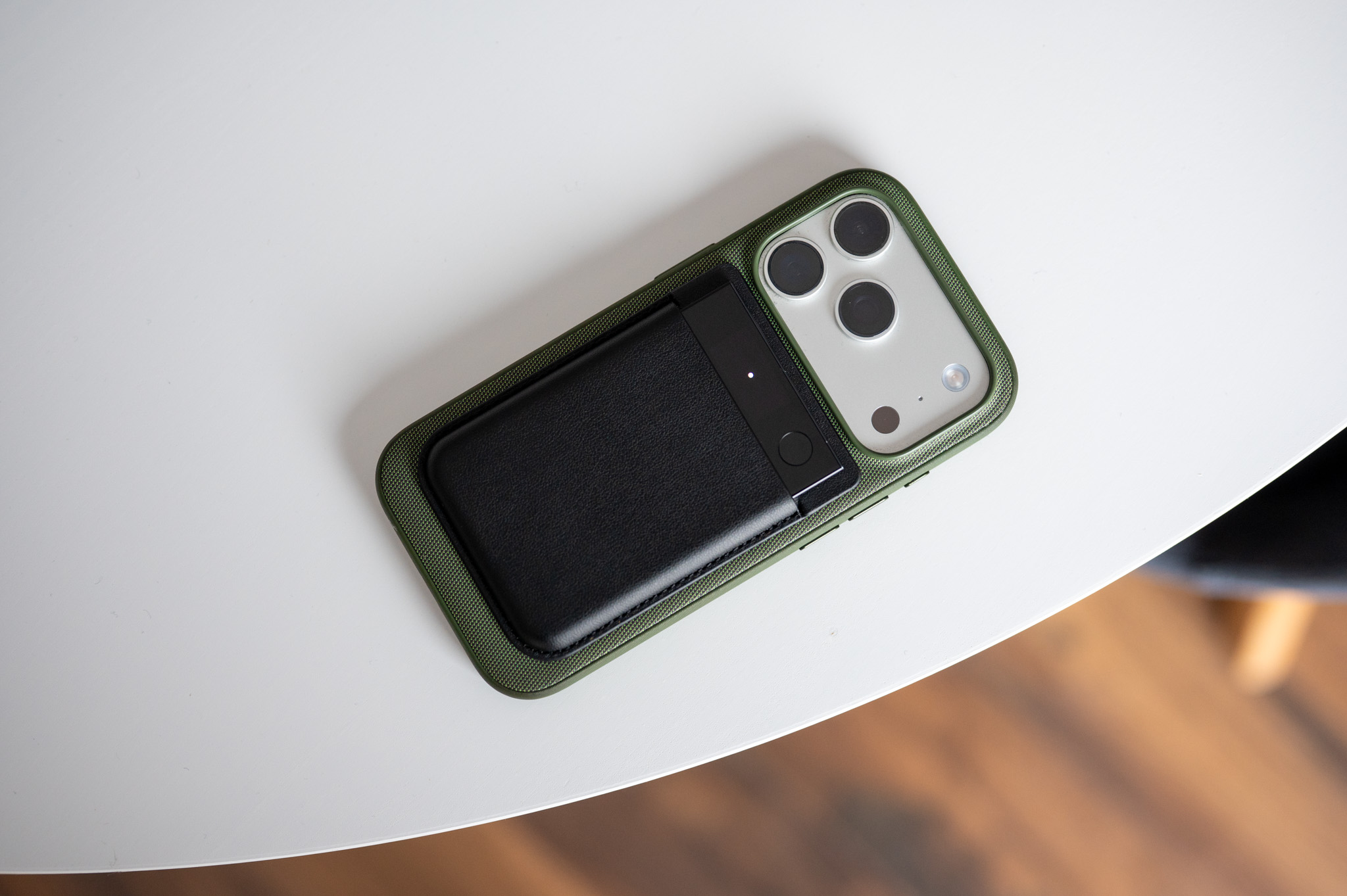
I got used to the Note very quickly. Pro I actually stop noticing it. You just need to put it on the table, press it to start recording, which will be confirmed by a gentle vibration, and that's it for you. In meetings or during longer conversations, I found myself completely forgetting that the recorder was on after a few minutes. And that's exactly the moment when such a device makes sense. It is absolutely not distracting, but quietly does its job.
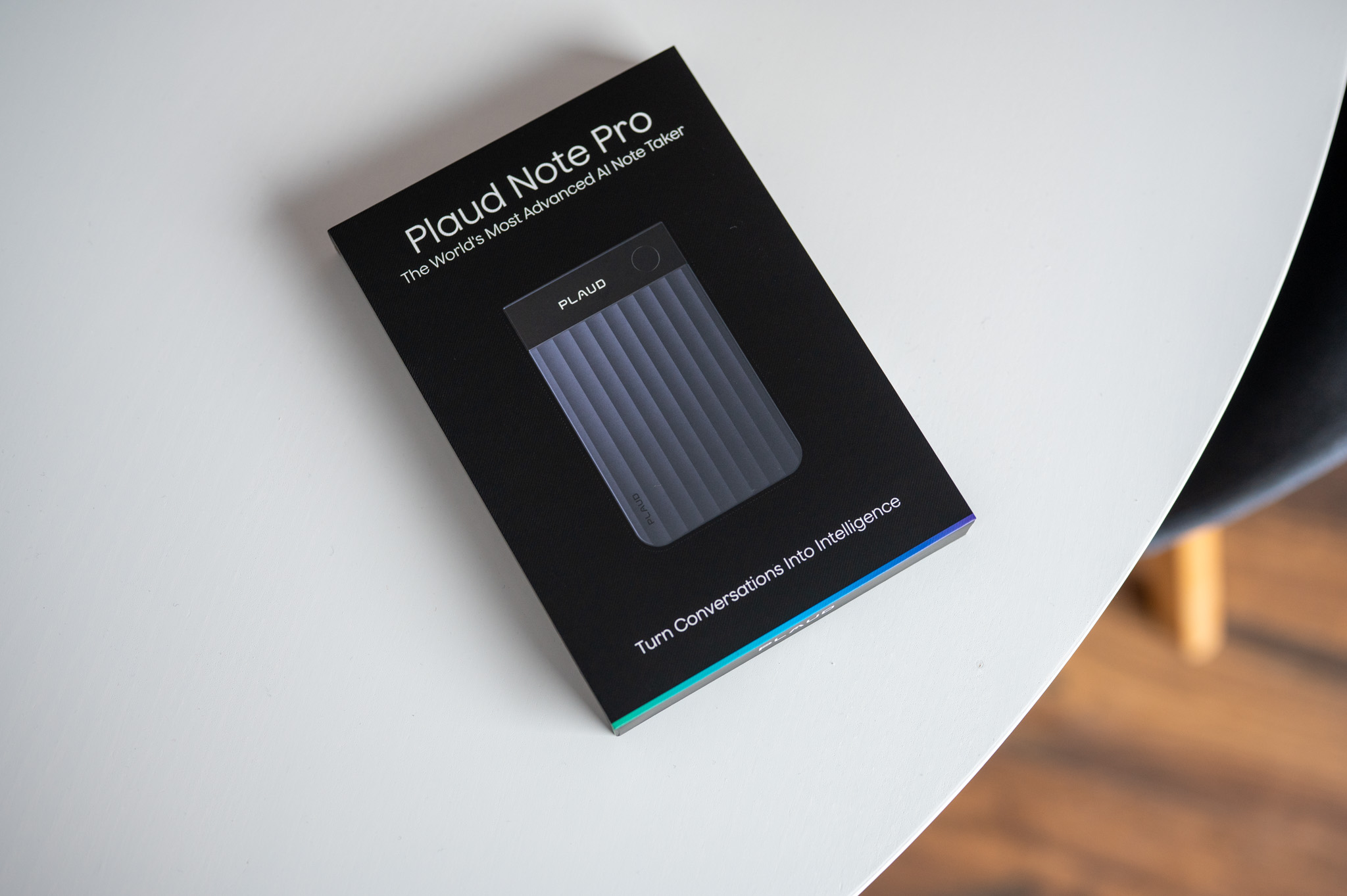
Sound plays a crucial role here. Four MEMS microphones with AI beamforming are not a marketing sticker, but a functional unit that can dynamically recognize where the voice is coming from, suppress noise, echo and surrounding noise and create a surprisingly clear recording even in less than ideal environments. Café, open toancA conference room or a smaller meeting room with worse acoustics are not suitable for Note Pro problem. Moreover, Plaud states a range of up to five meters, and in practice this is not an exaggerated number. Even from such a distance, the recorded voice is clear, separated from others, and its subsequent transcription makes sense.
Another big plus is that you can play with the recording afterwards. AI noise reduction has three levels and can be applied retrospectively. If you come back to the recording after a while and find that it deserves a little more "combing", no problem. You don't have to record anything again, you just fine-tune the result.
Phone Calls: A Feature You'll Only Appreciate Once You Have It
One of the most interesting features of Note Pro is hardware recording of phone calls using a contact microphone. It may sound inconspicuous, but in practice it is a huge advantage. The recorder itself recognizes that you are on the phone, automatically switches modes and records both sides of the call in surprisingly good quality. You don't have to deal with any third-party applications, system limitations or complicated settings.
Honestly, during use, I realized a few times in retrospect how useful this feature is. Typically, this feature is really useful for longer work calls, where there are a lot of details, deadlines and ideas. Instead of frantically taking notes, you can focus on the conversation itself, knowing that you can return to it at any time and, in addition, you will receive an automatic transcript and summary. And if I'm being completely honest, the recording can be considered to some extent as a crutch when you are no longer able to fully maintain your attention, which happens to me quite often, especially during early evening calls. After a full day's work, it is difficult to concentrate, and it is at this moment that the genius of Plaud comes into play.
Plaud App: The Place Where Recordings Become Knowledge
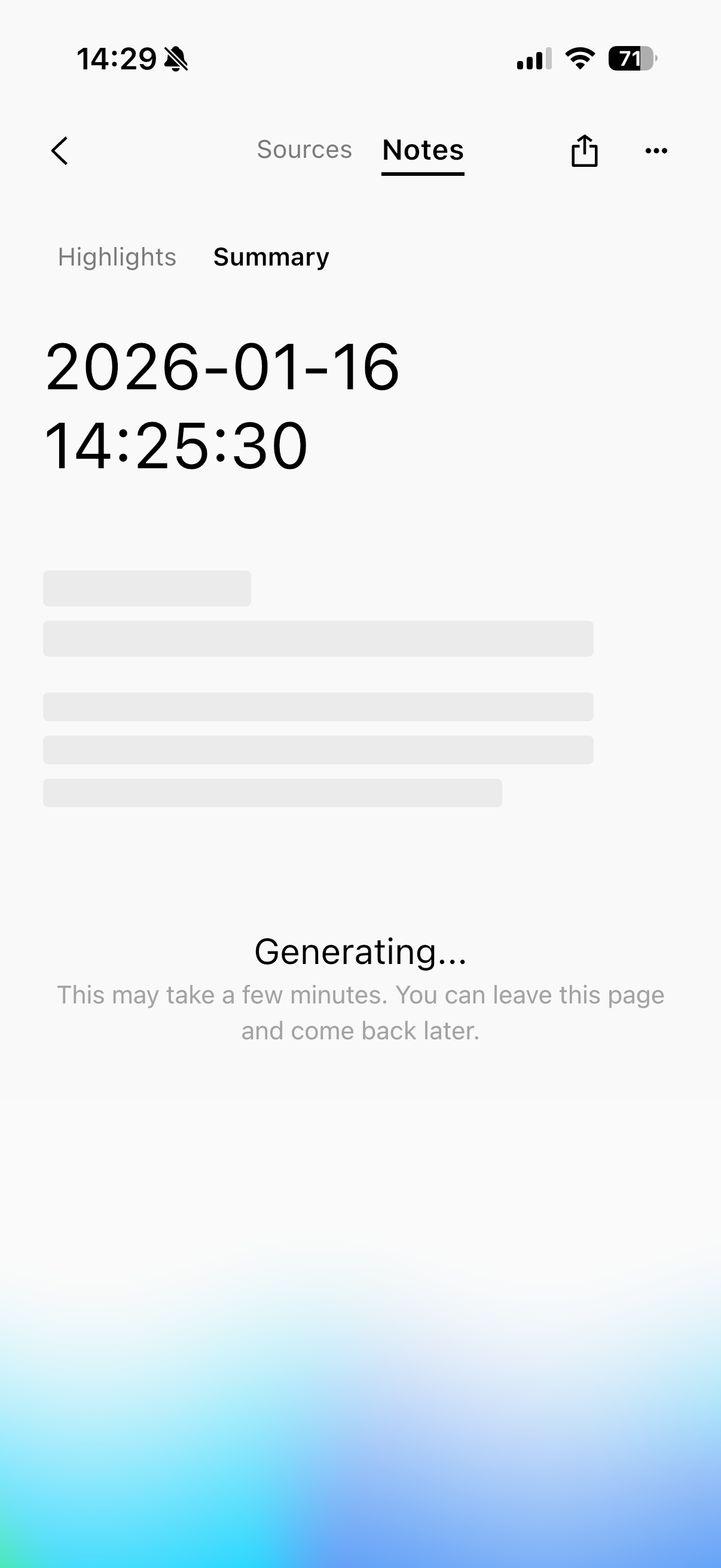
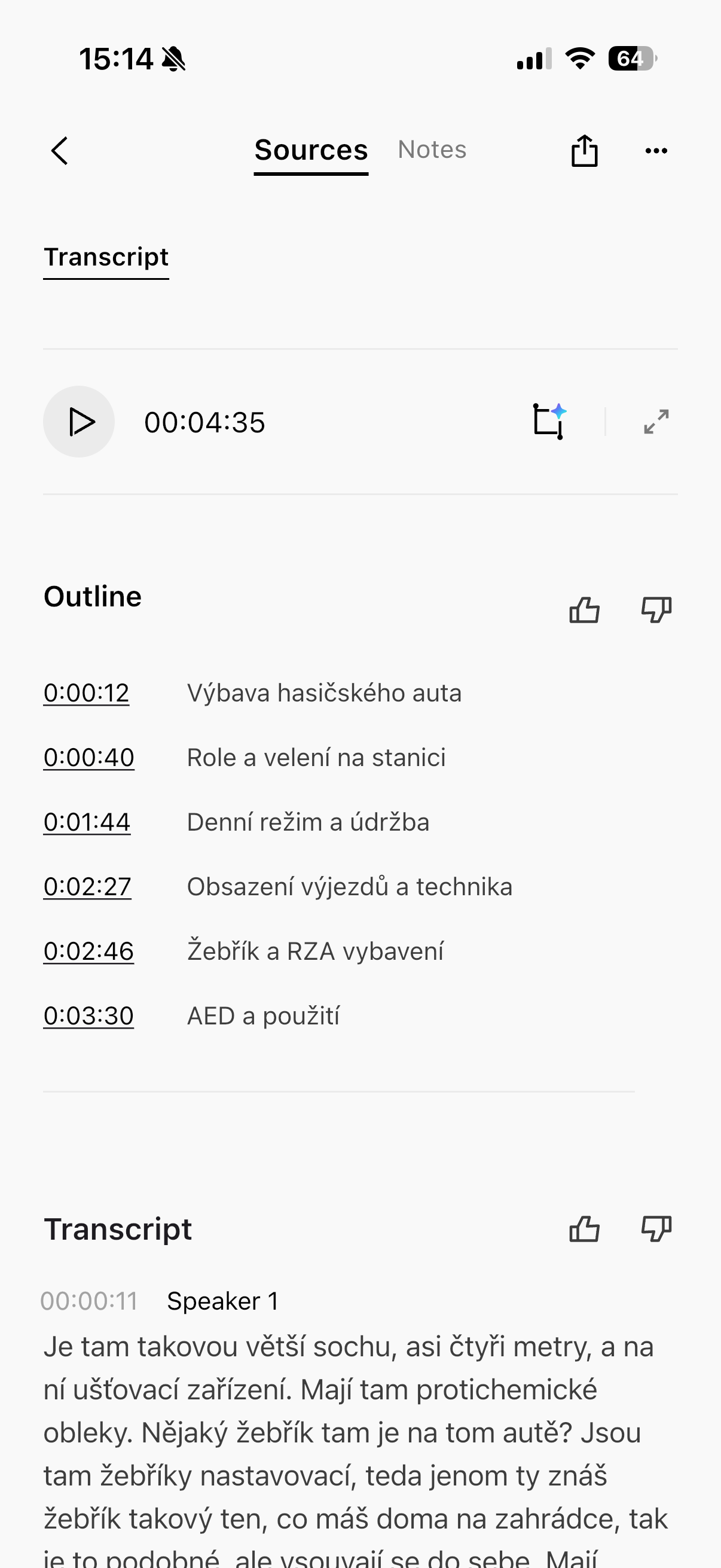
But hardware is only half the story with Plaud. The other is the application, which has undergone a major transformation with the recently released version 3.0. It is no longer just a list of recordings and their transcription. Plaud is now trying to create a workspace where sound, text, notes, images and highlights are interconnected.
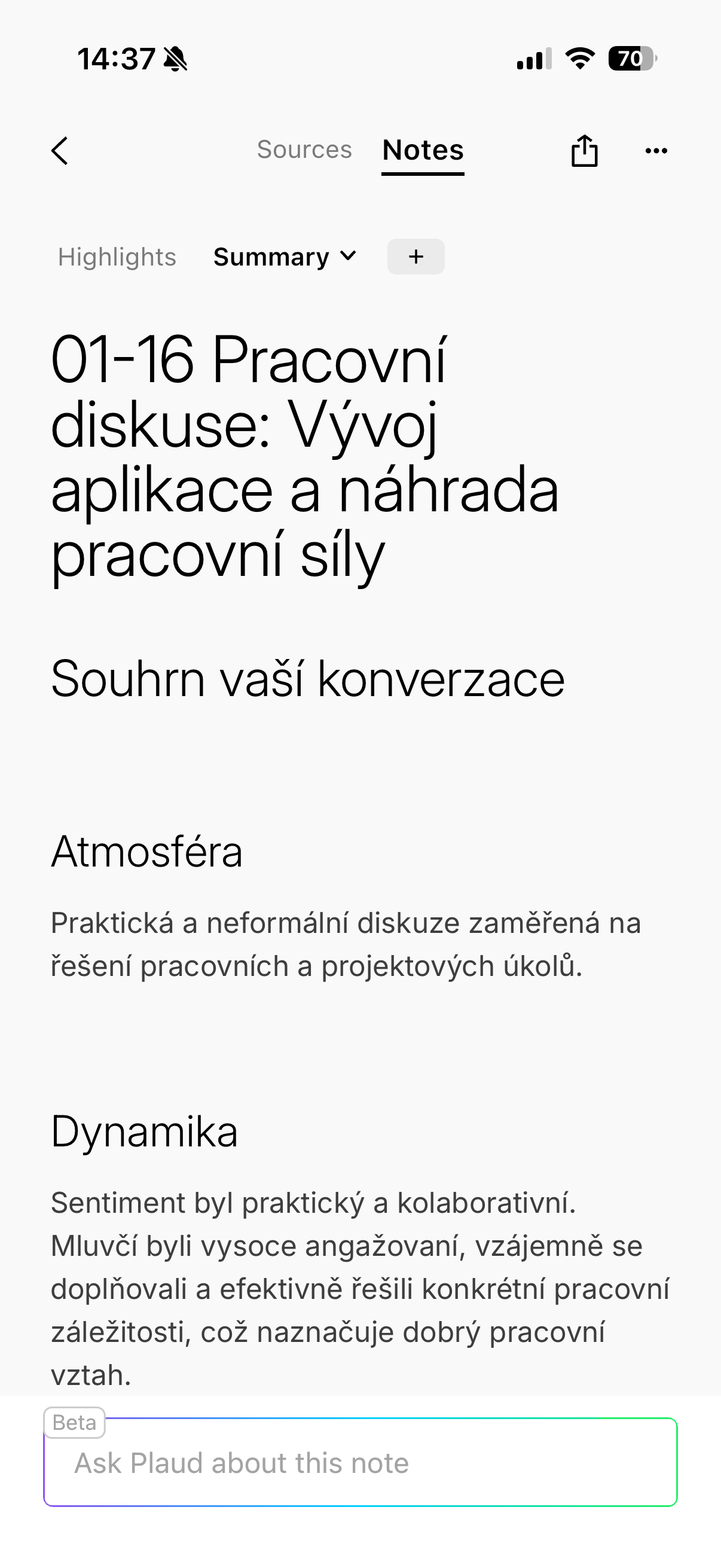
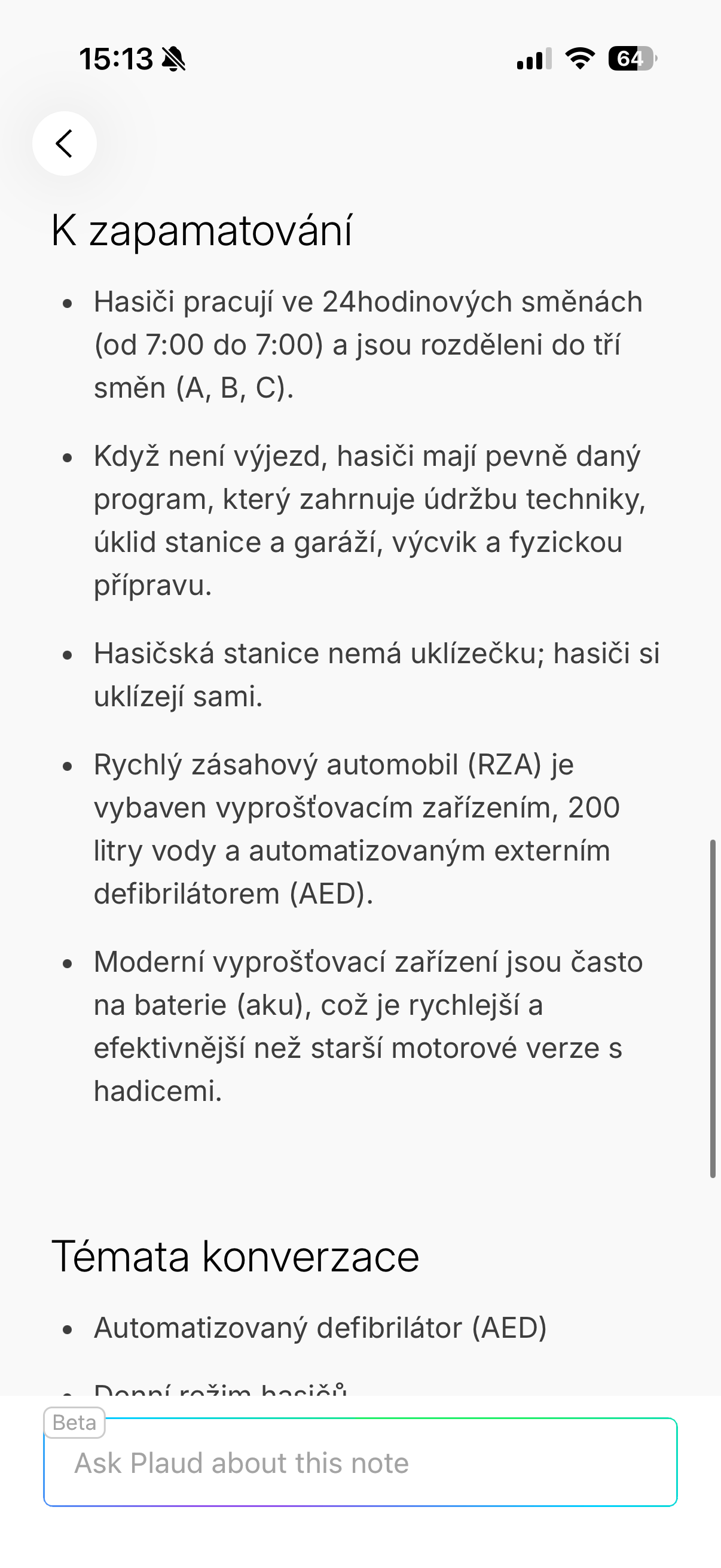
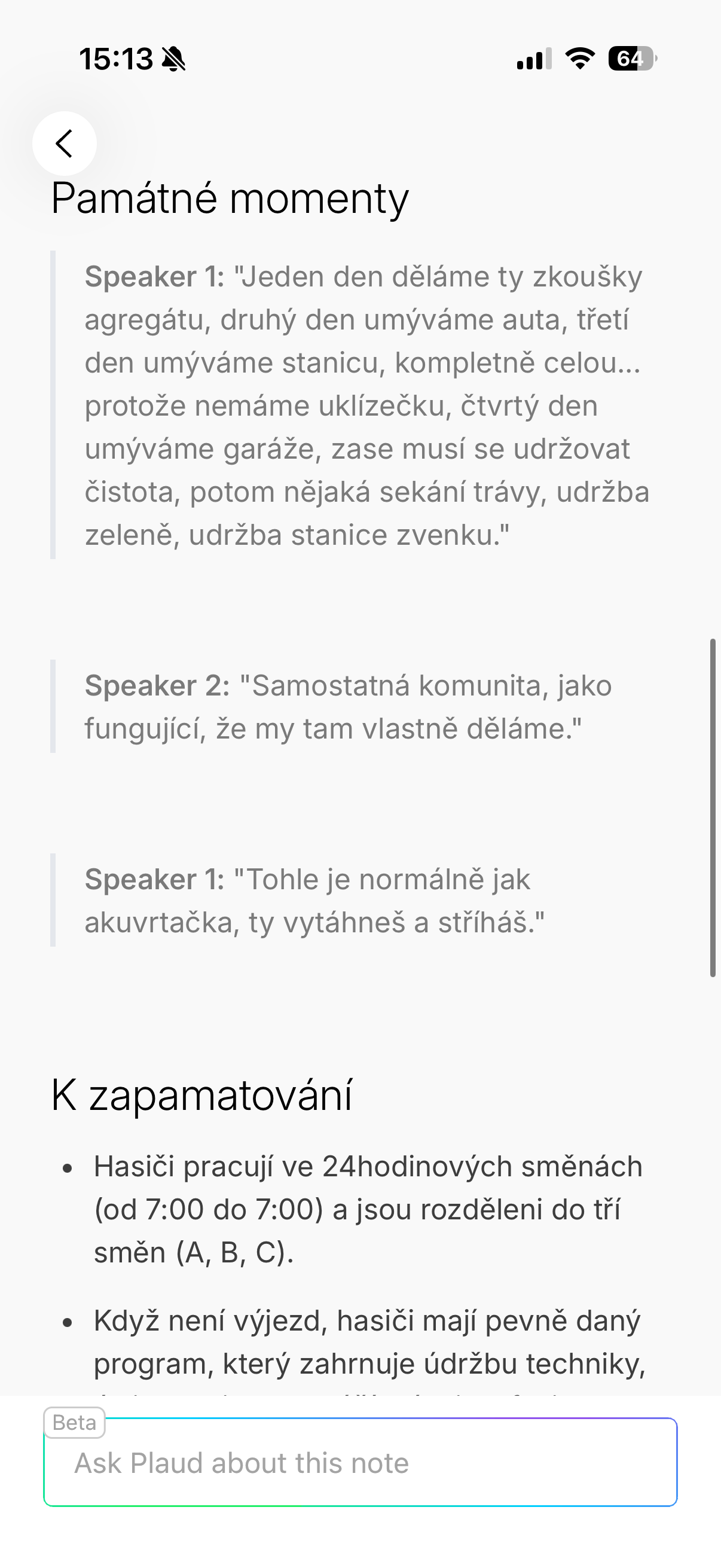
The records are automatically organized into projects, to which additional context can be added. Based on this, AI creates summaries, action points or to-do lists. But the important thing is that the AI is not intrusive here. So if you just want a quick transcript and a short summary, you will get it. If, on the other hand, you put in the work and start working with the data in more depth, Plaud will return it to you in the form of much more accurate outputs. In short, a virtual assistant that will not contradict you. And in nothing. You will also be pleased with the ability to insert your own notes and images into the transcripts and thus integrate your additional data and thoughts into those recorded by Plaud.
I personally found it useful to use projects for longer-term topics. Thanks to them, all related meetings, calls and notes are in one place and you can return to them later without a lengthy search. This is exactly the difference compared to classic dictaphones, where recordings accumulate, but their real value quickly disappears. And thanks to the clarity of the application, you are able to navigate relatively well even in long-term tasks.
Gallery
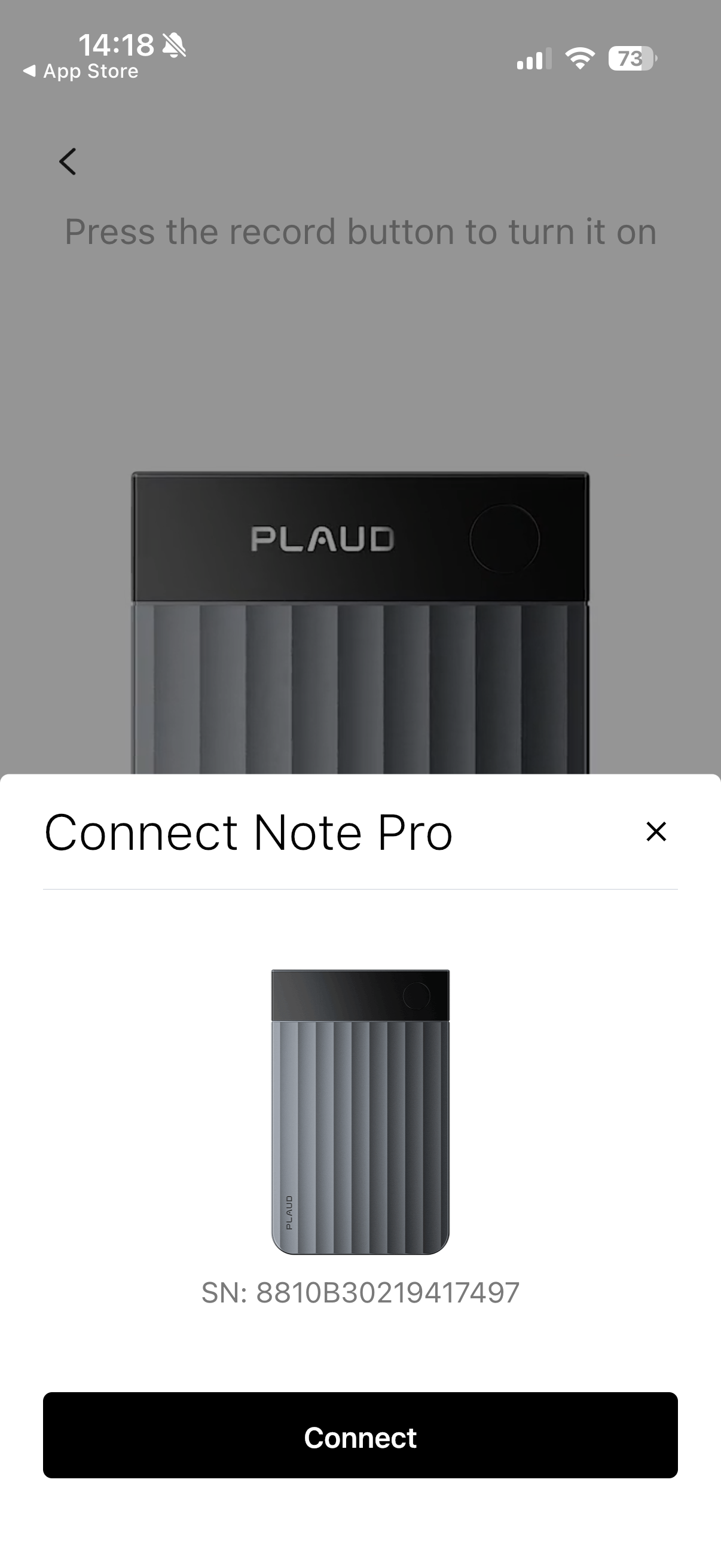
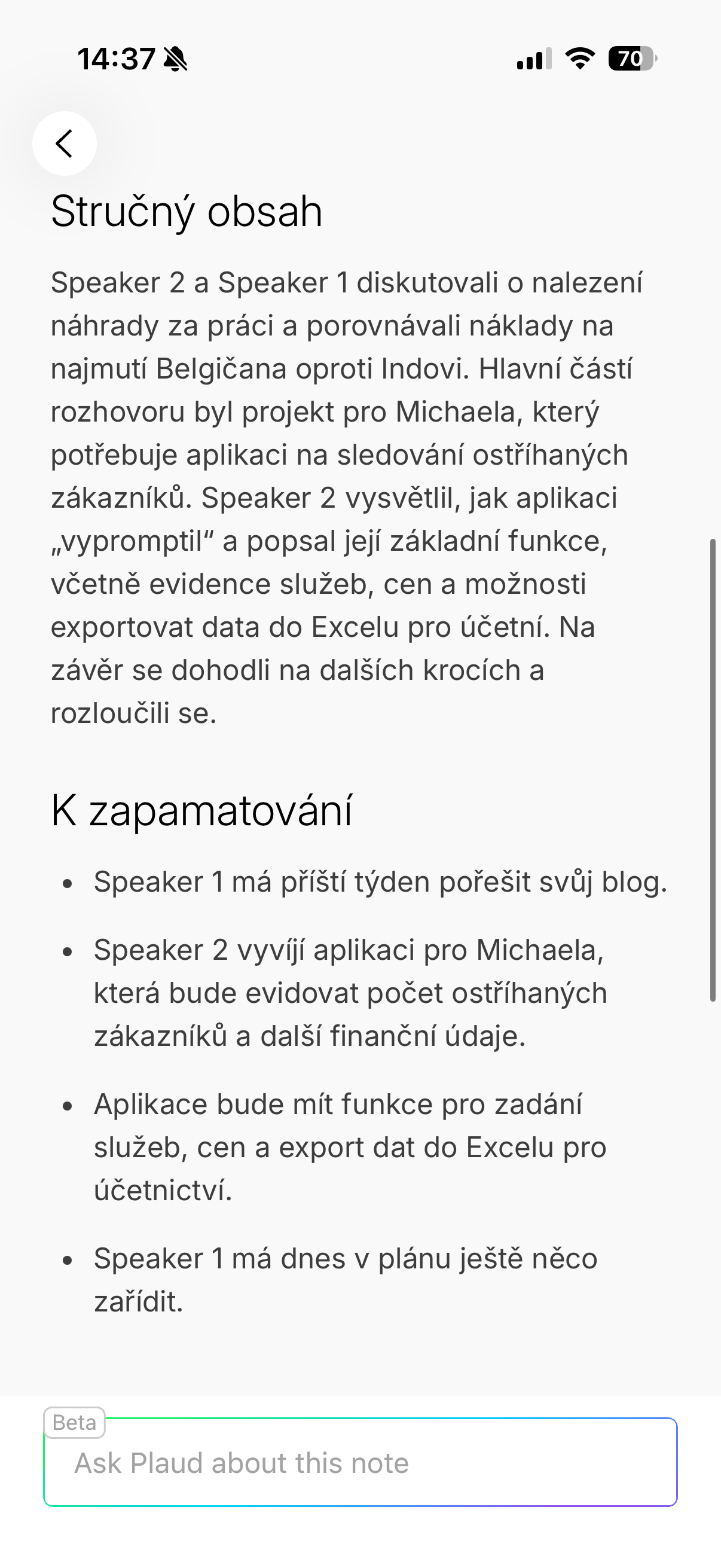
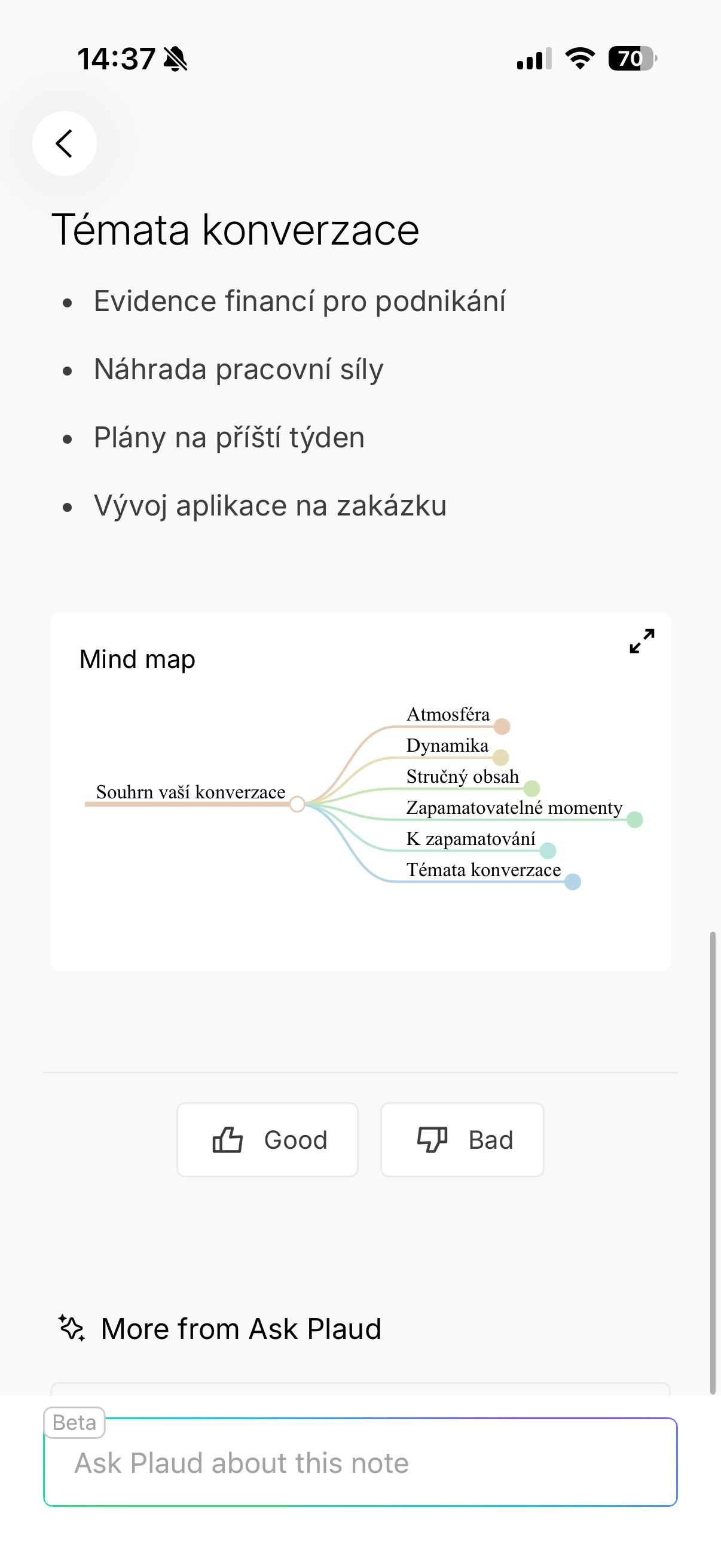
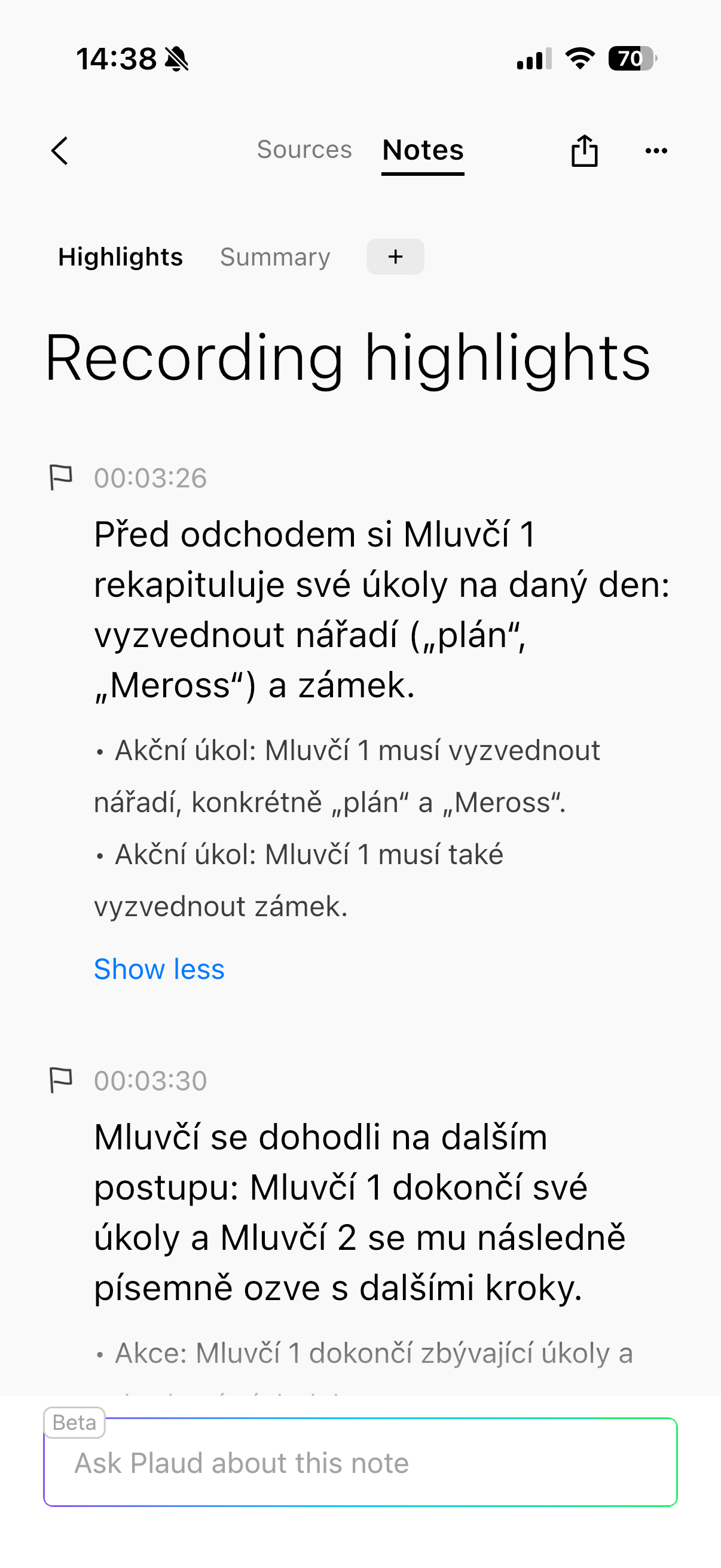
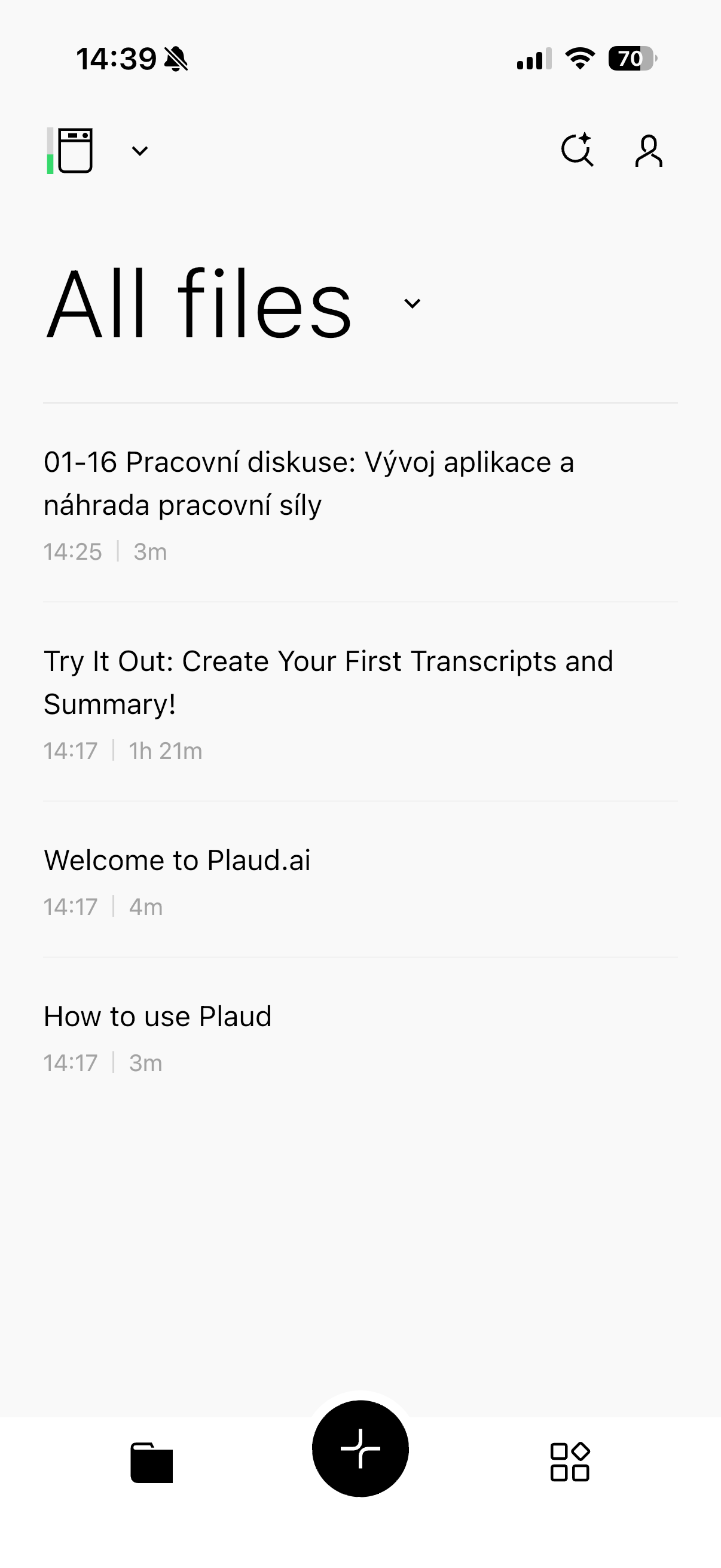
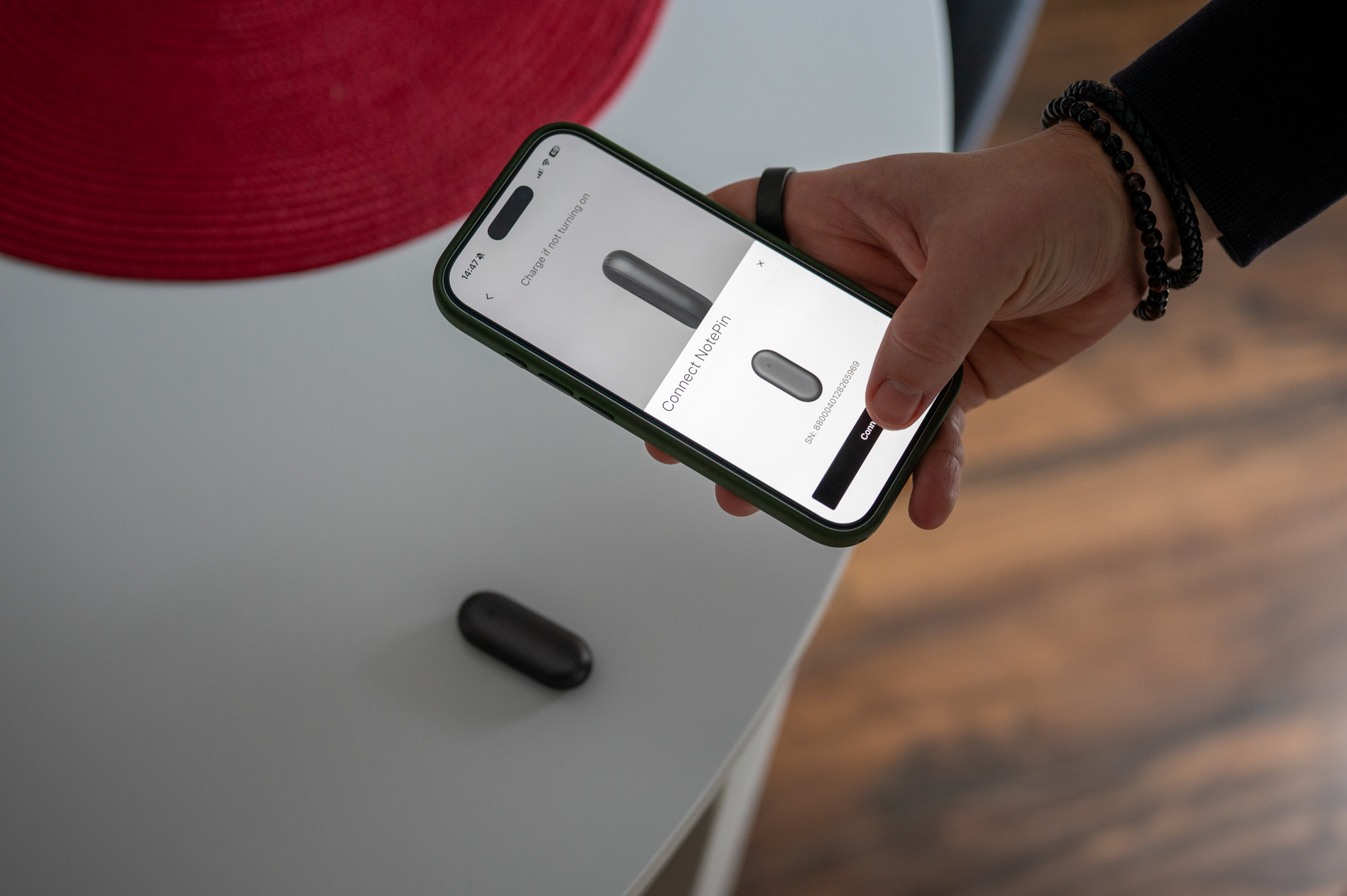
If you're wondering what's behind all this magic, the answer is simple - a clever combination of AI models. Plaud uses cutting-edge language models such as GPT, Claude or Gemini and supports 112 languages including Czech and Slovak. The basic version of the app is free and offers 300 minutes of transcription per month, which is more than enough for many users. If you need more, there are paid plans available, but the important thing is that without a subscription, Plaud is not just a useless box. Pro For the sake of completeness, it is worth adding that for Plaud Note Pro and Plaud Note Pin (which you will read about below) is of course the same application and therefore what I write here also applies to the product below,
Security is a separate chapter. Data is stored on servers Amazon AWS, devices and services are GDPR, HIPAA, SOC2 and EN18031 compliant. After uploading to cloudThe recording is deleted from the device, so even if it is lost, there is no risk of misuse of sensitive information. This is exactly the type of detail that you will appreciate when you use the recorder for work. And we are not just talking about working in the government, in offices or in nuclear power plants. I also do not want the things I work with to fall into unauthorized hands, which is not a risk thanks to the security.
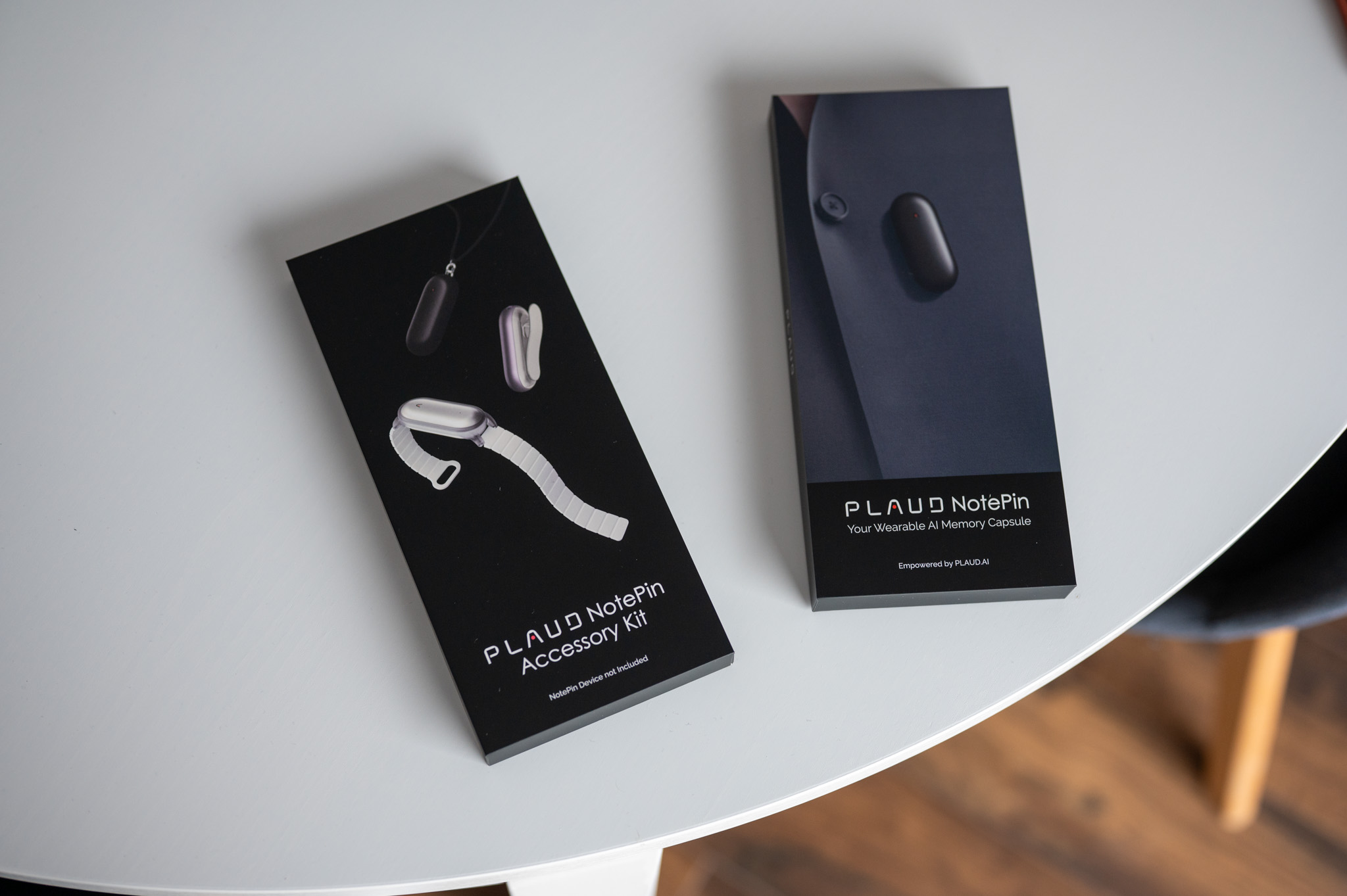
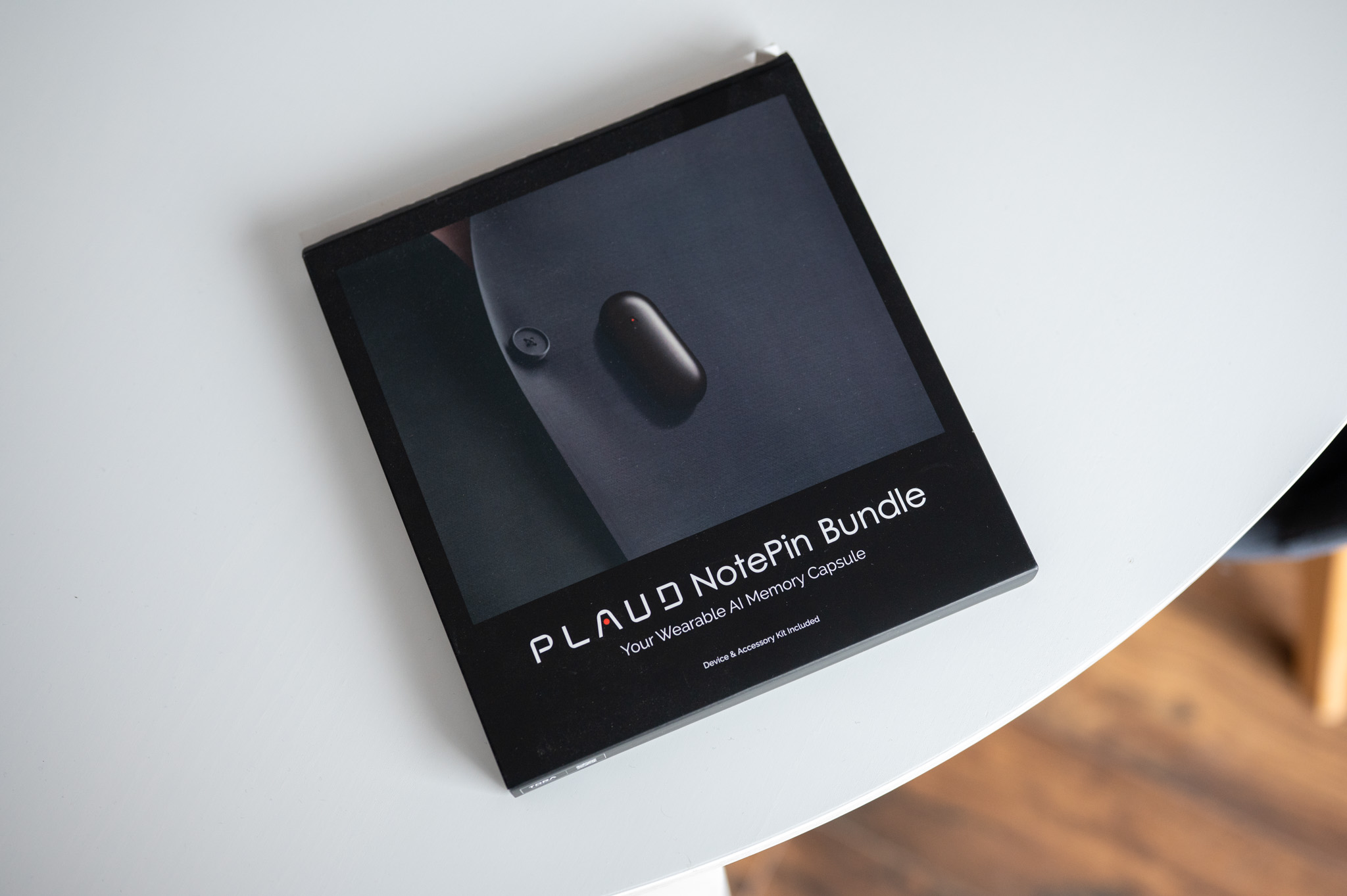
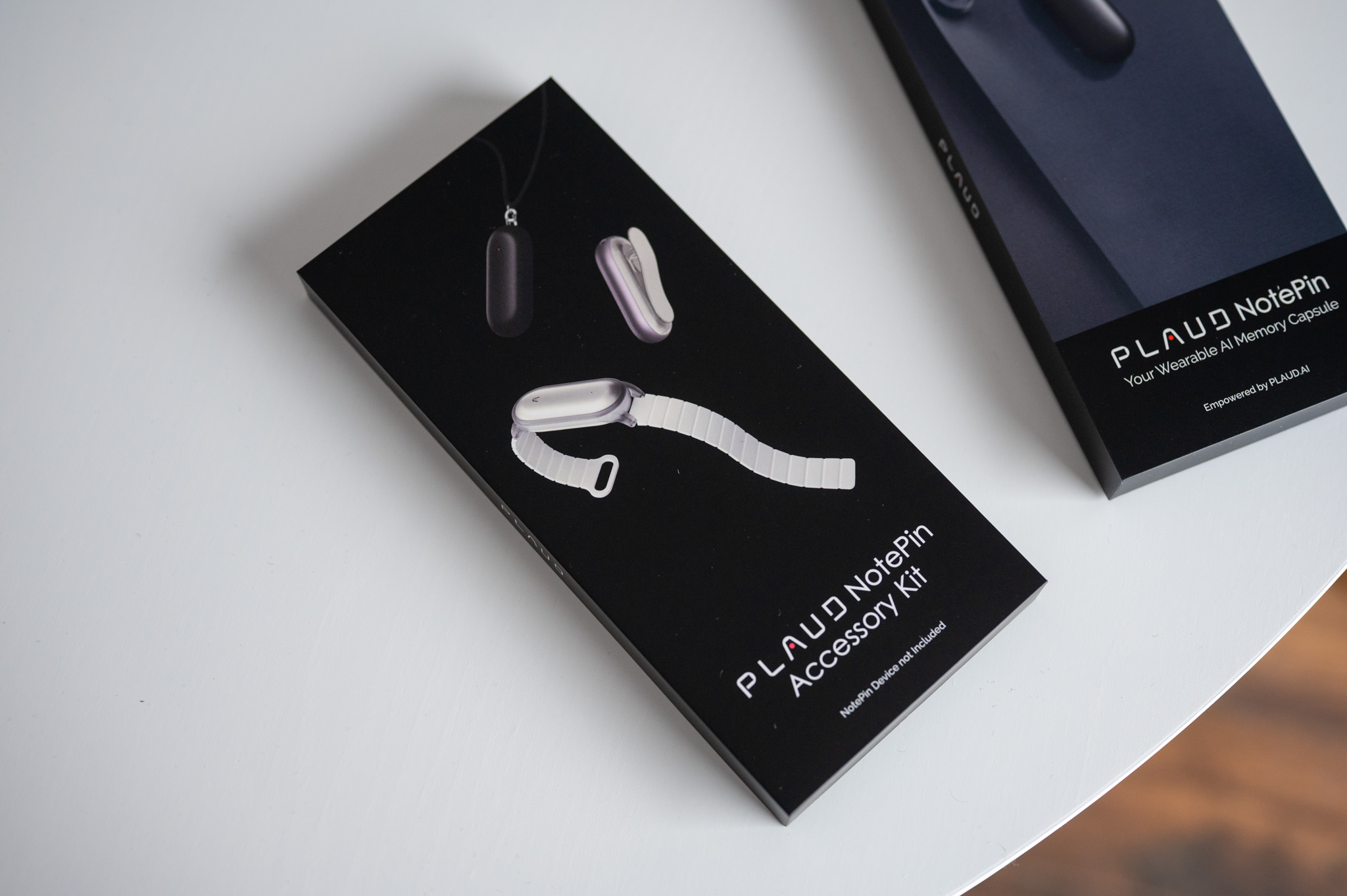
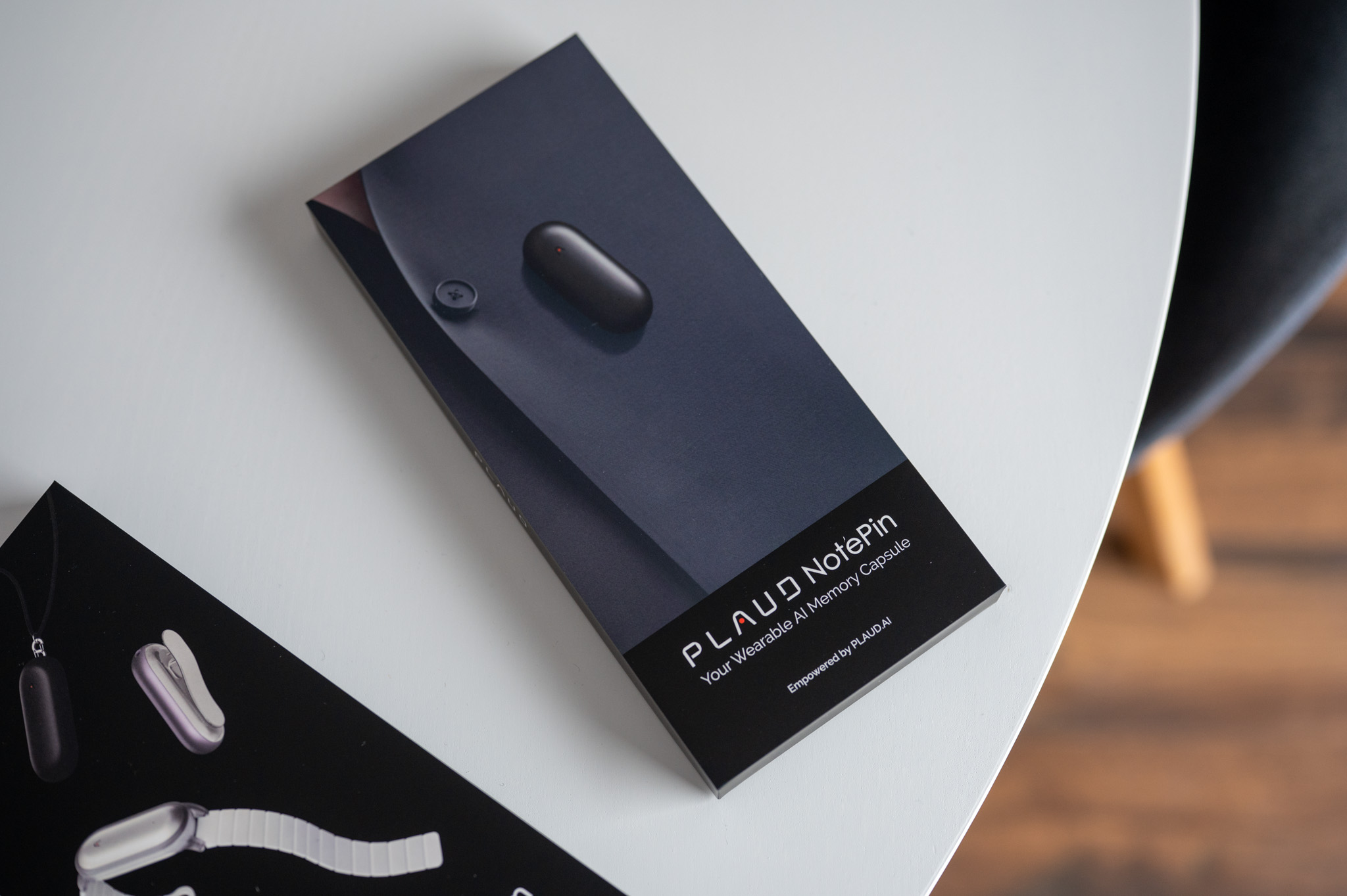
Plaud Note Pin: An inconspicuous companion that is with you all day
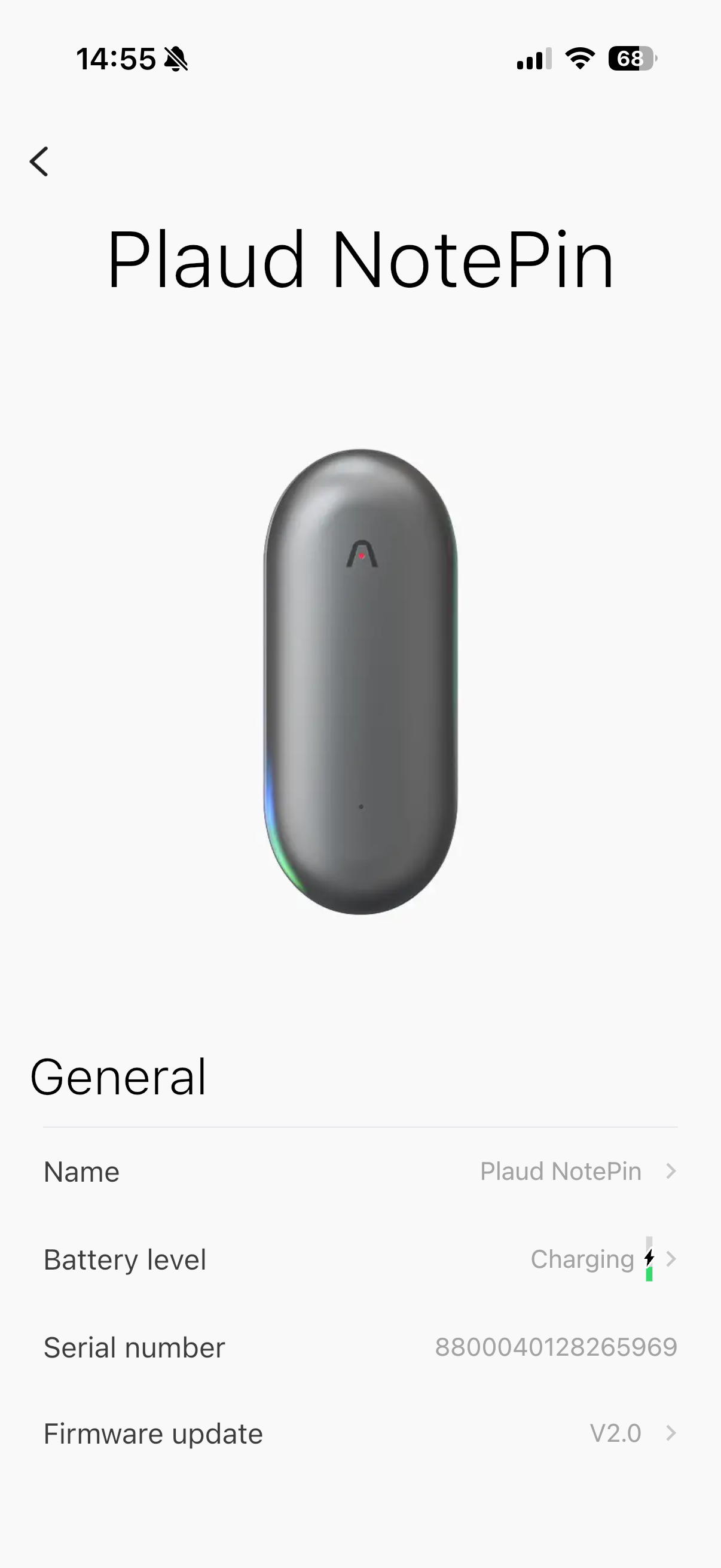
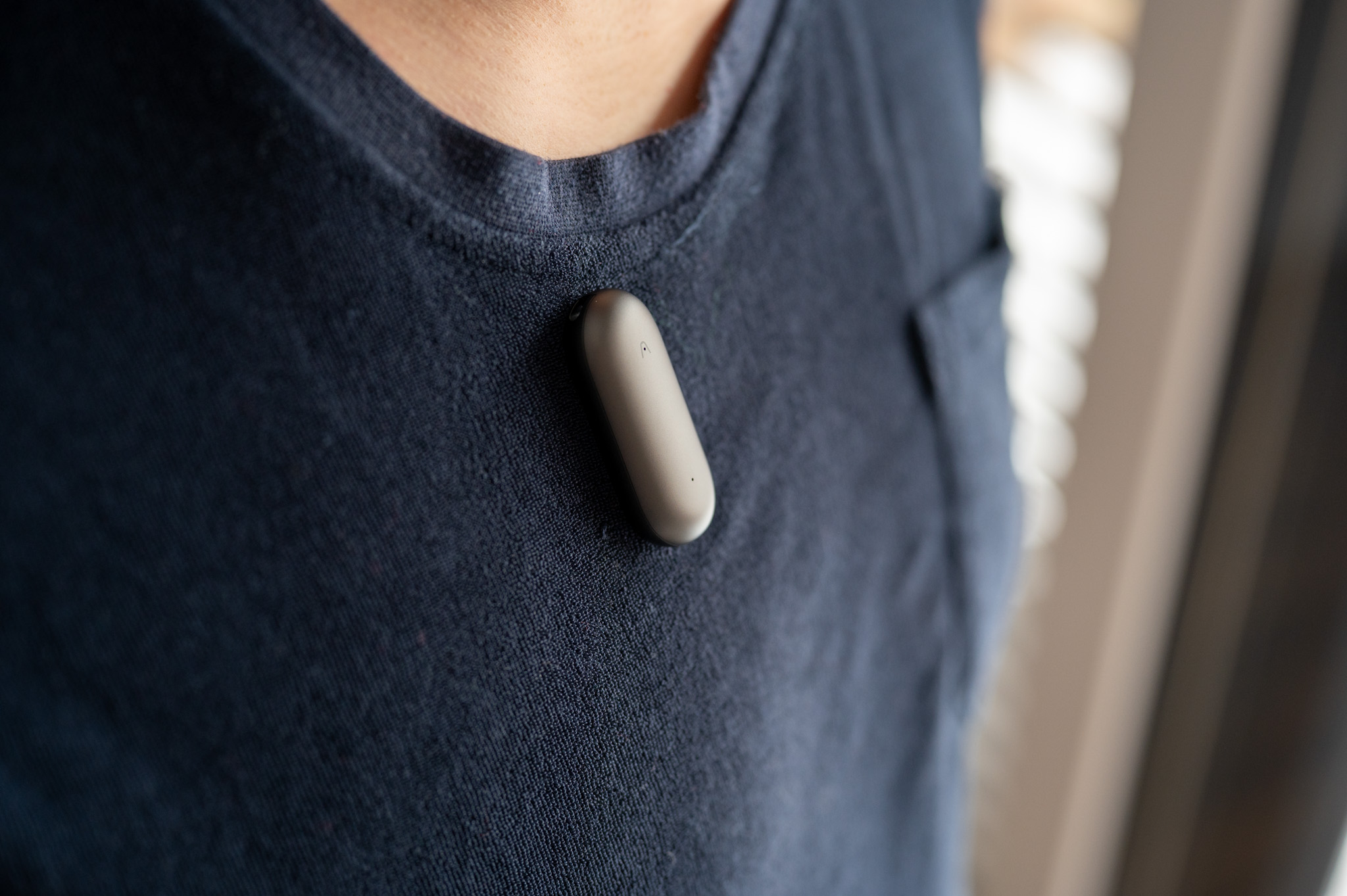
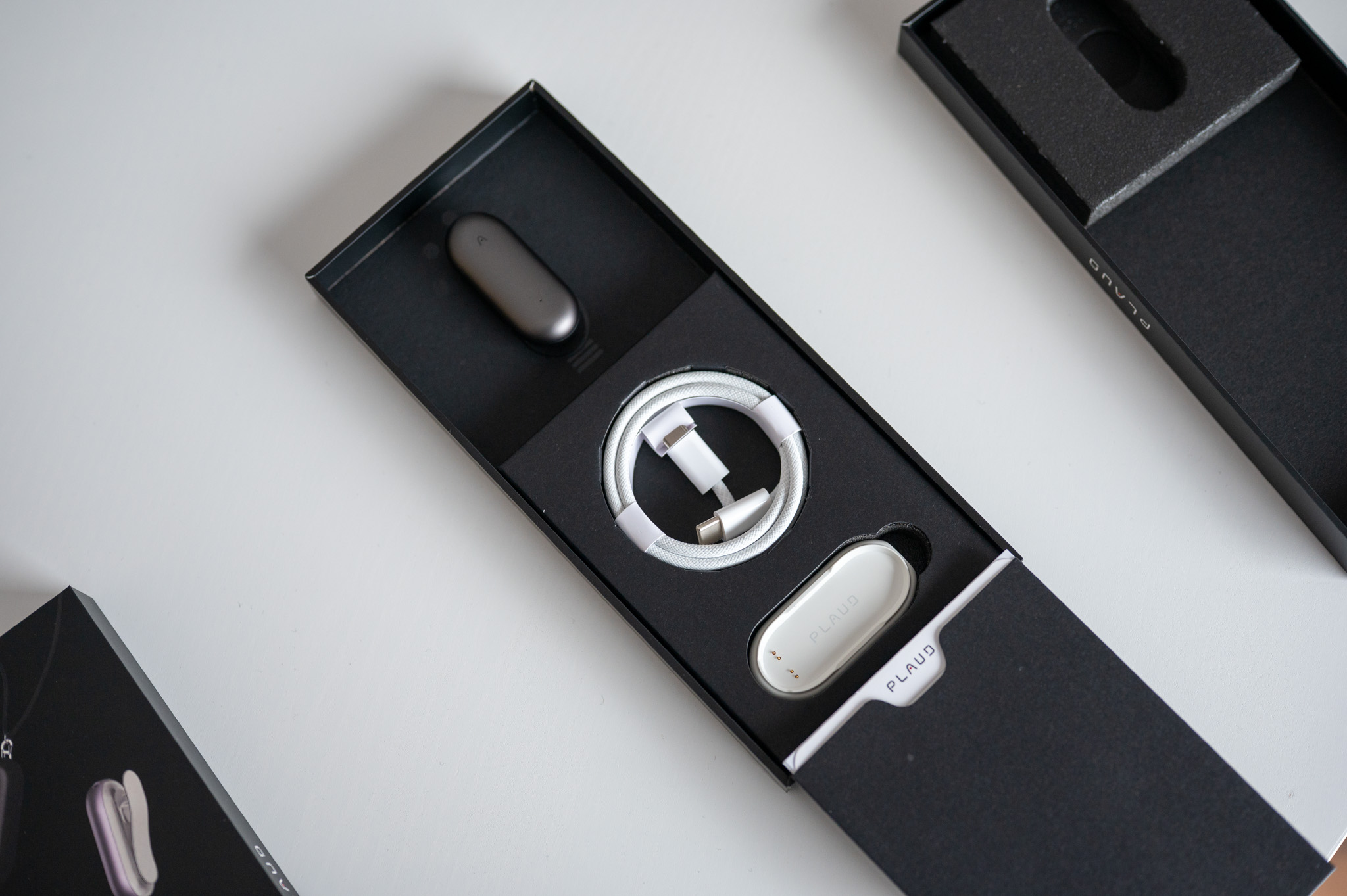
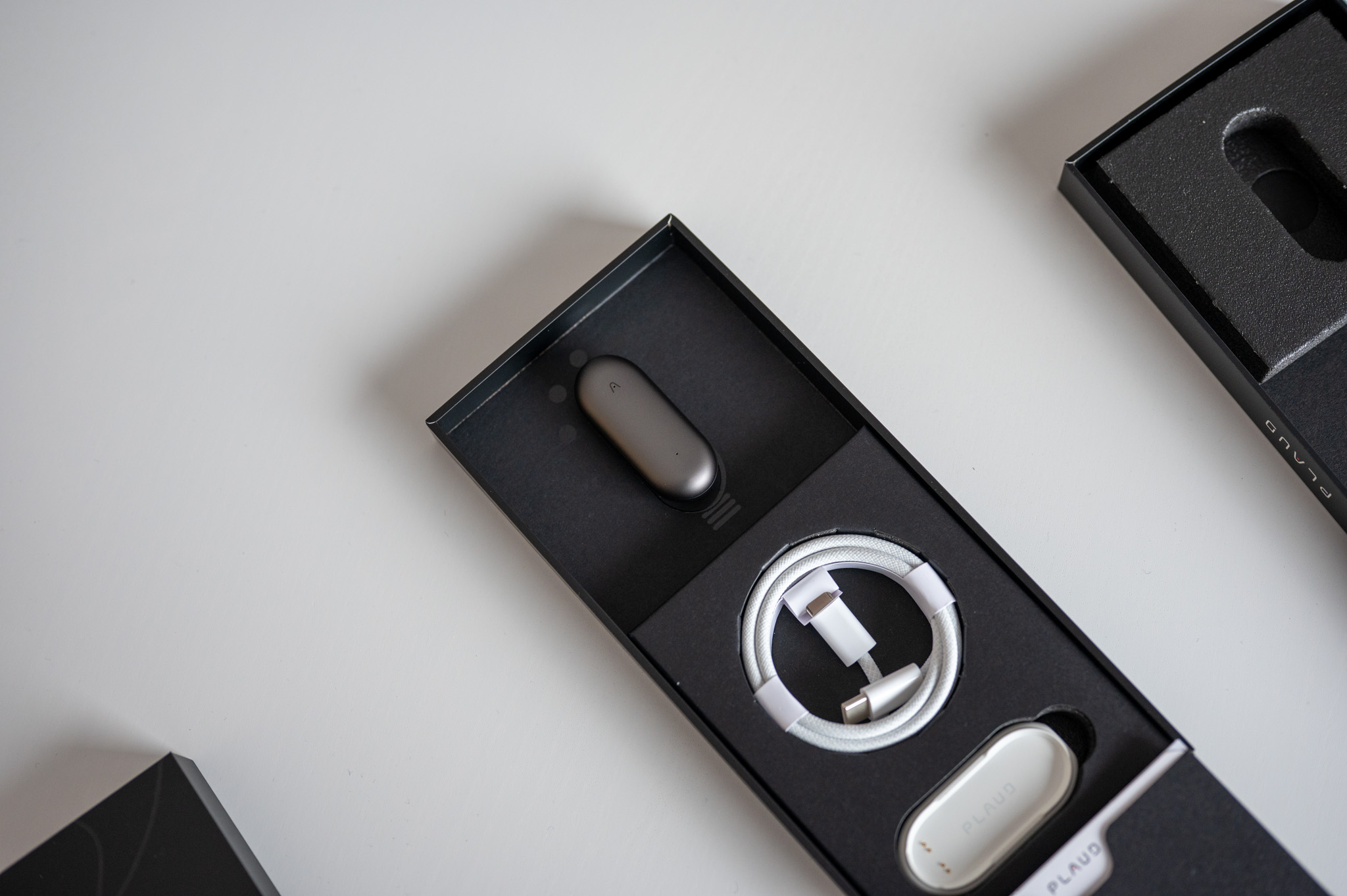
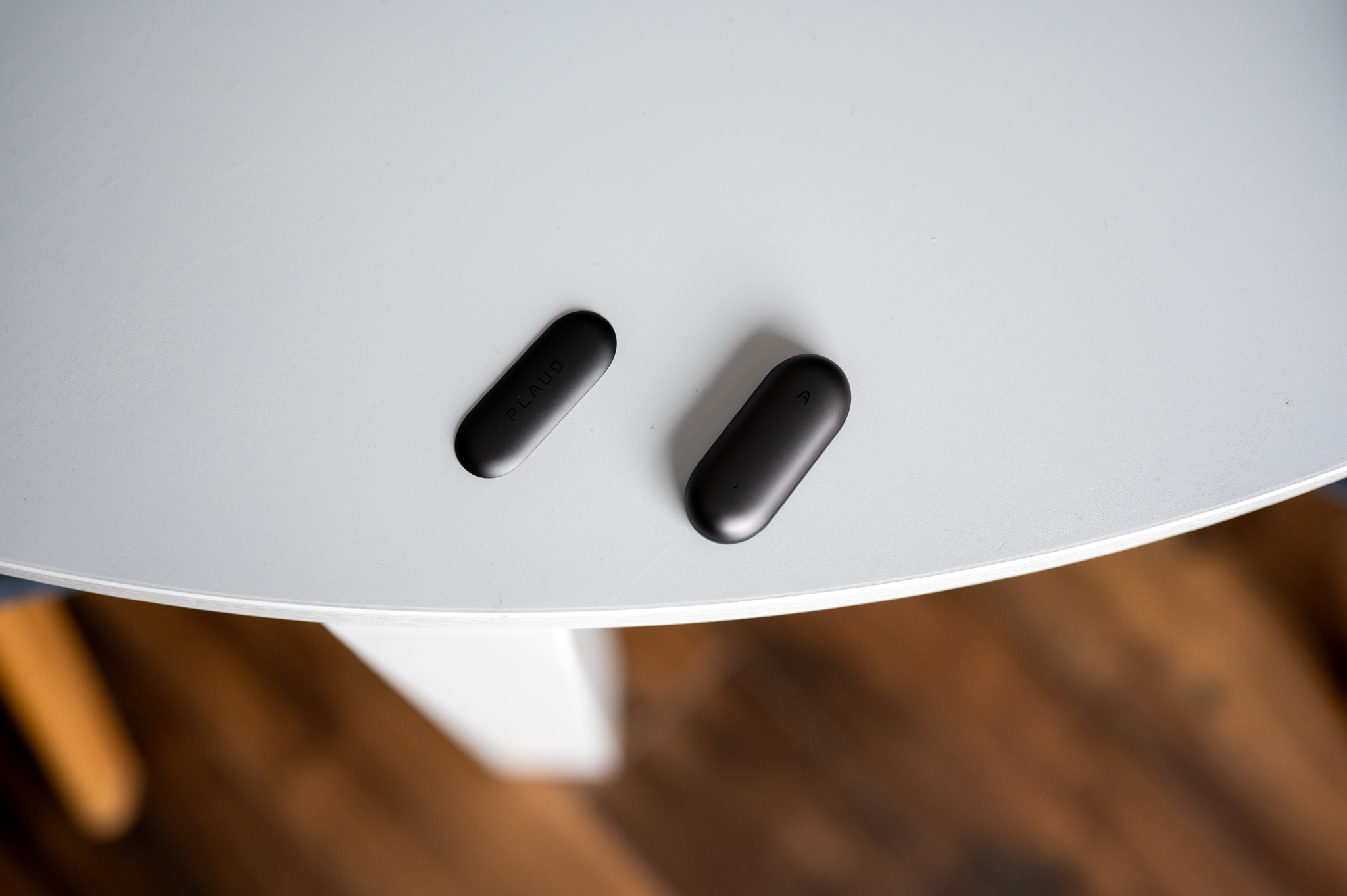
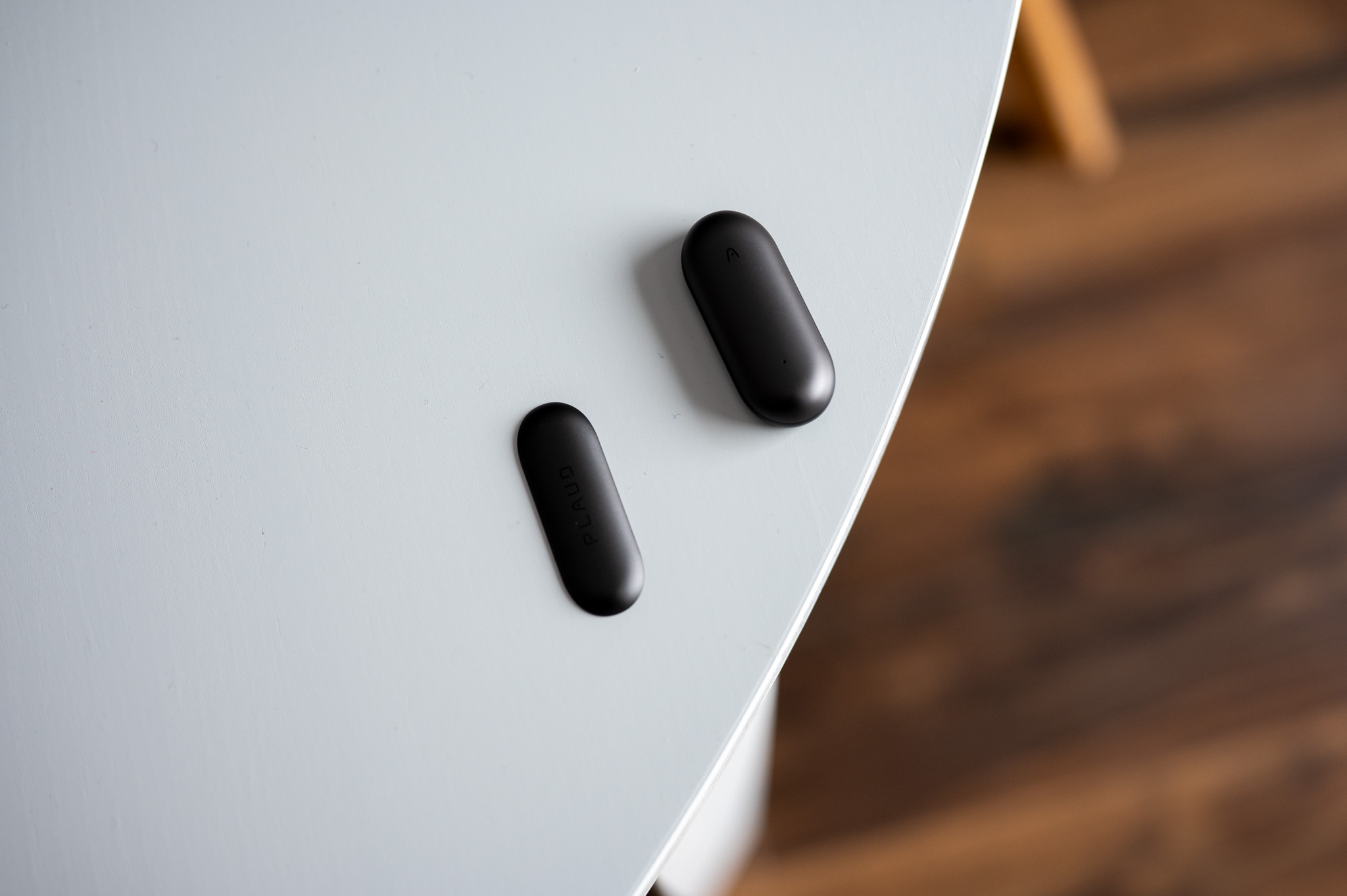
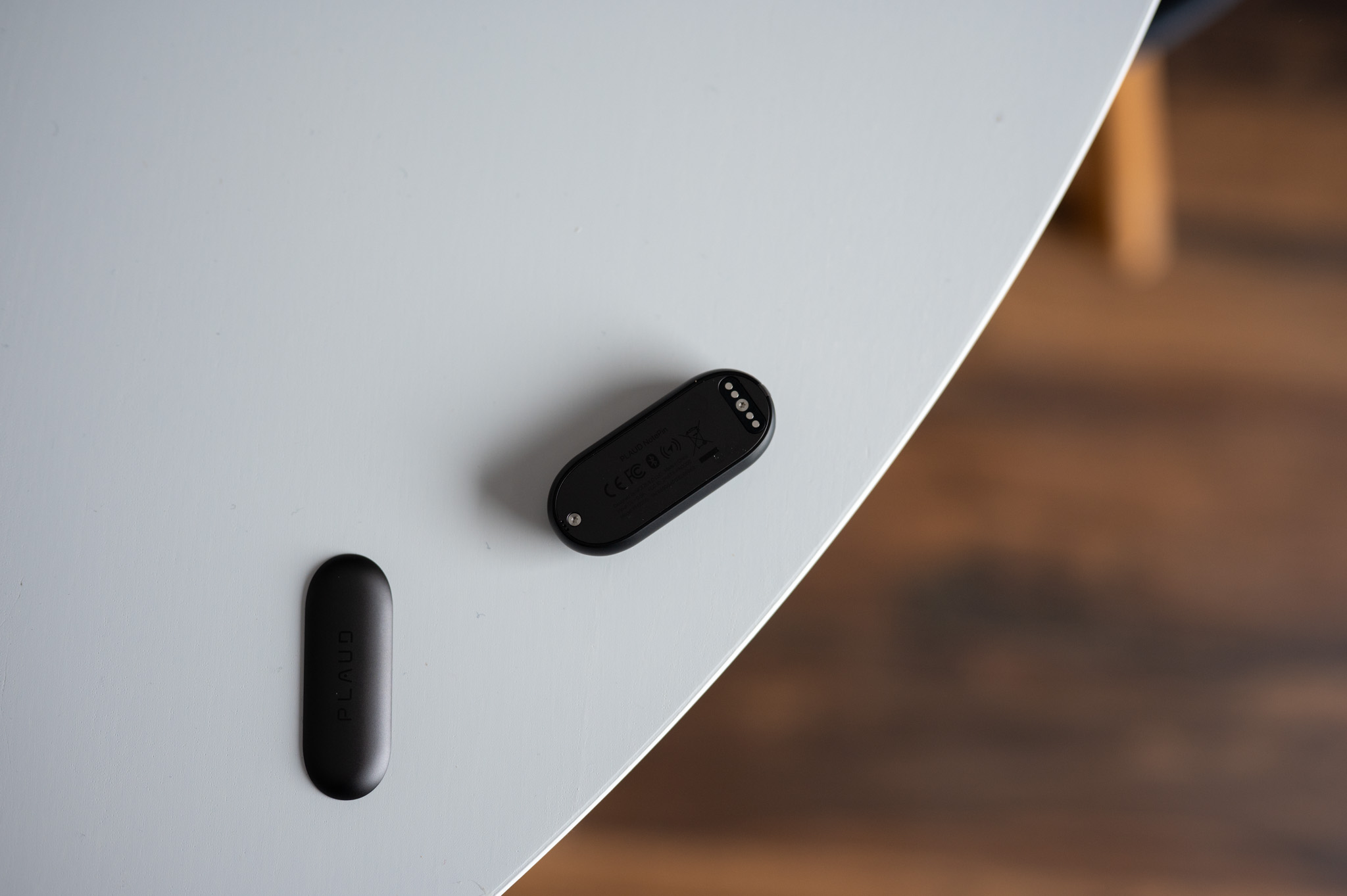
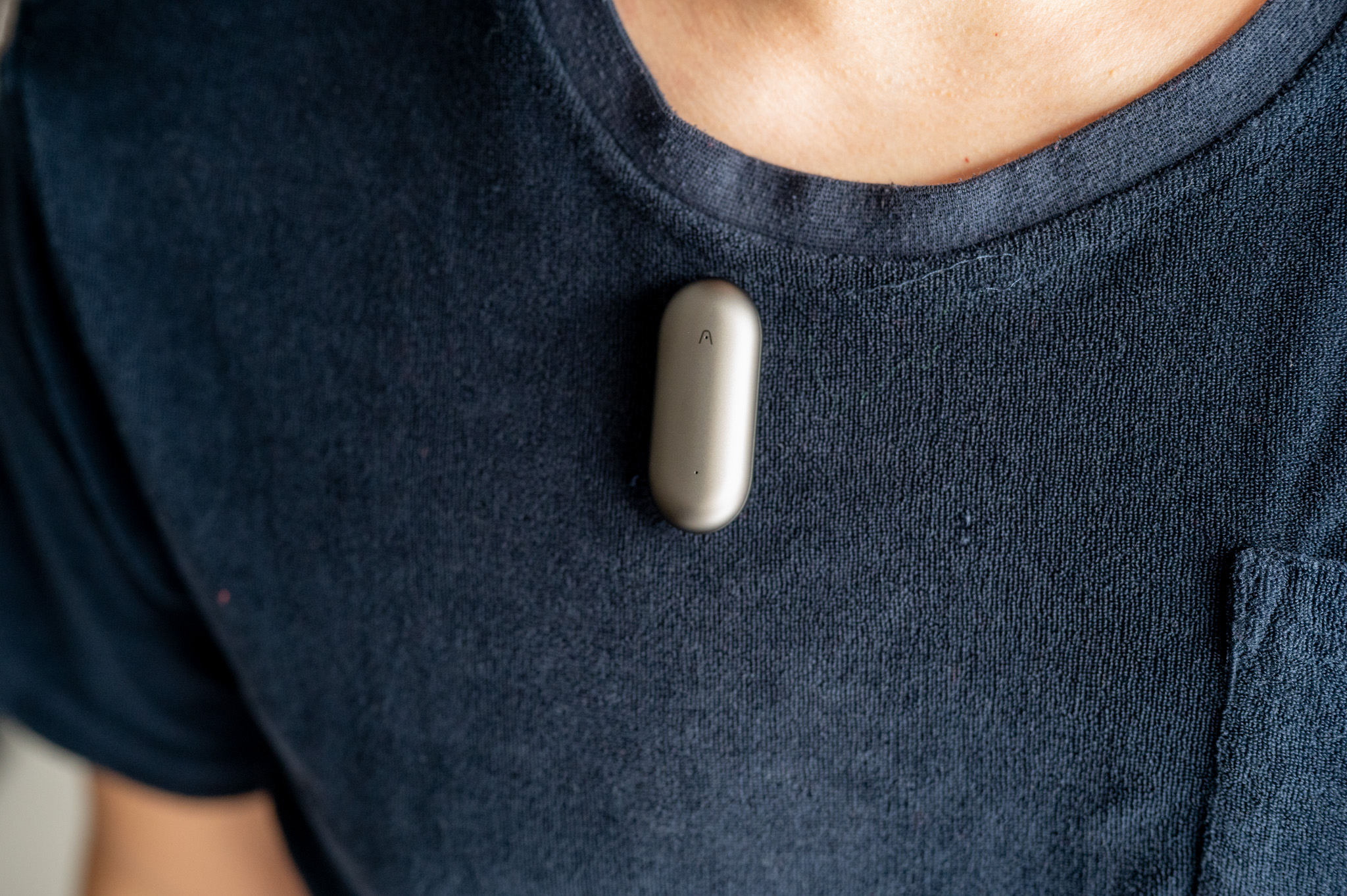
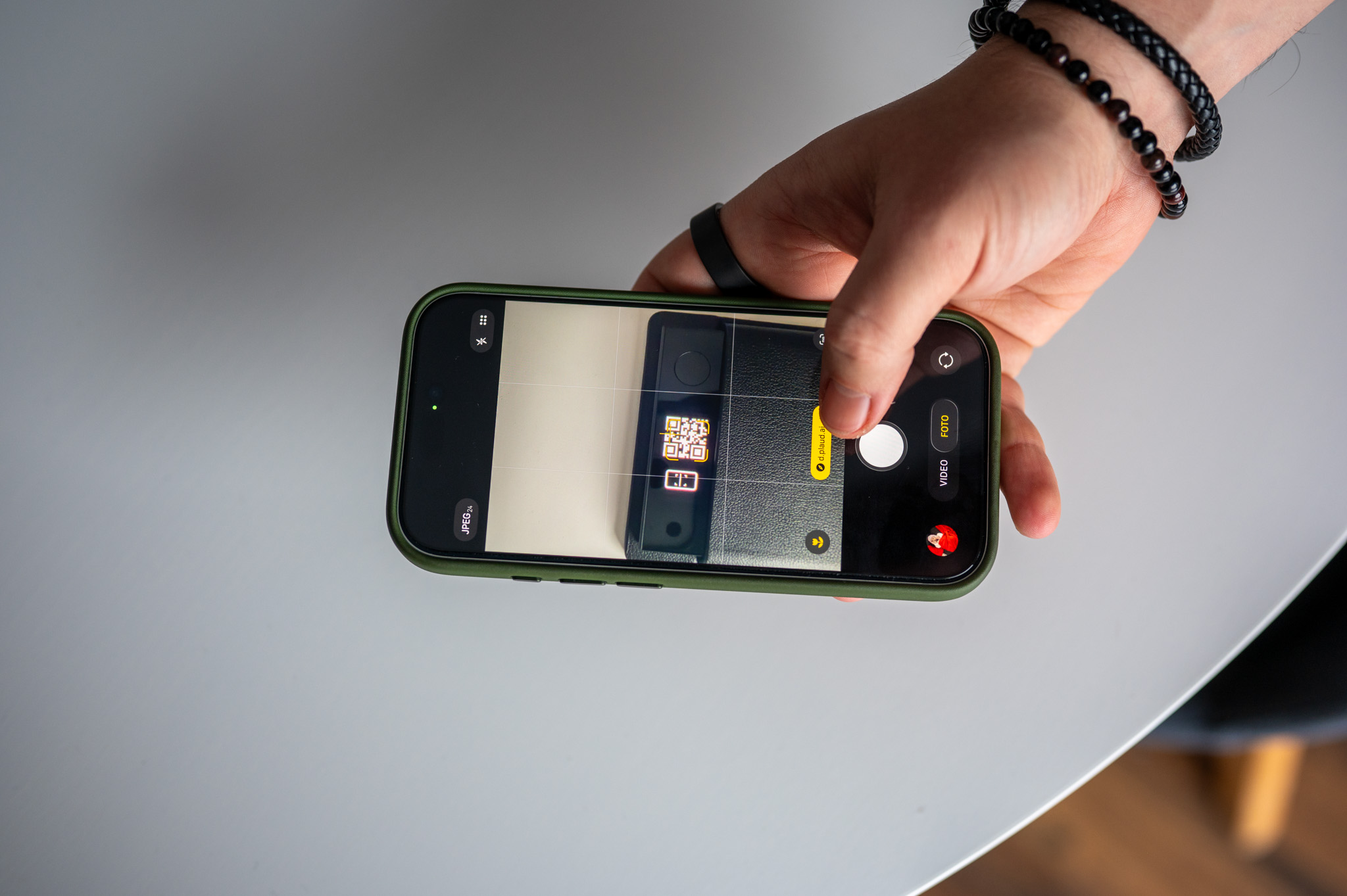
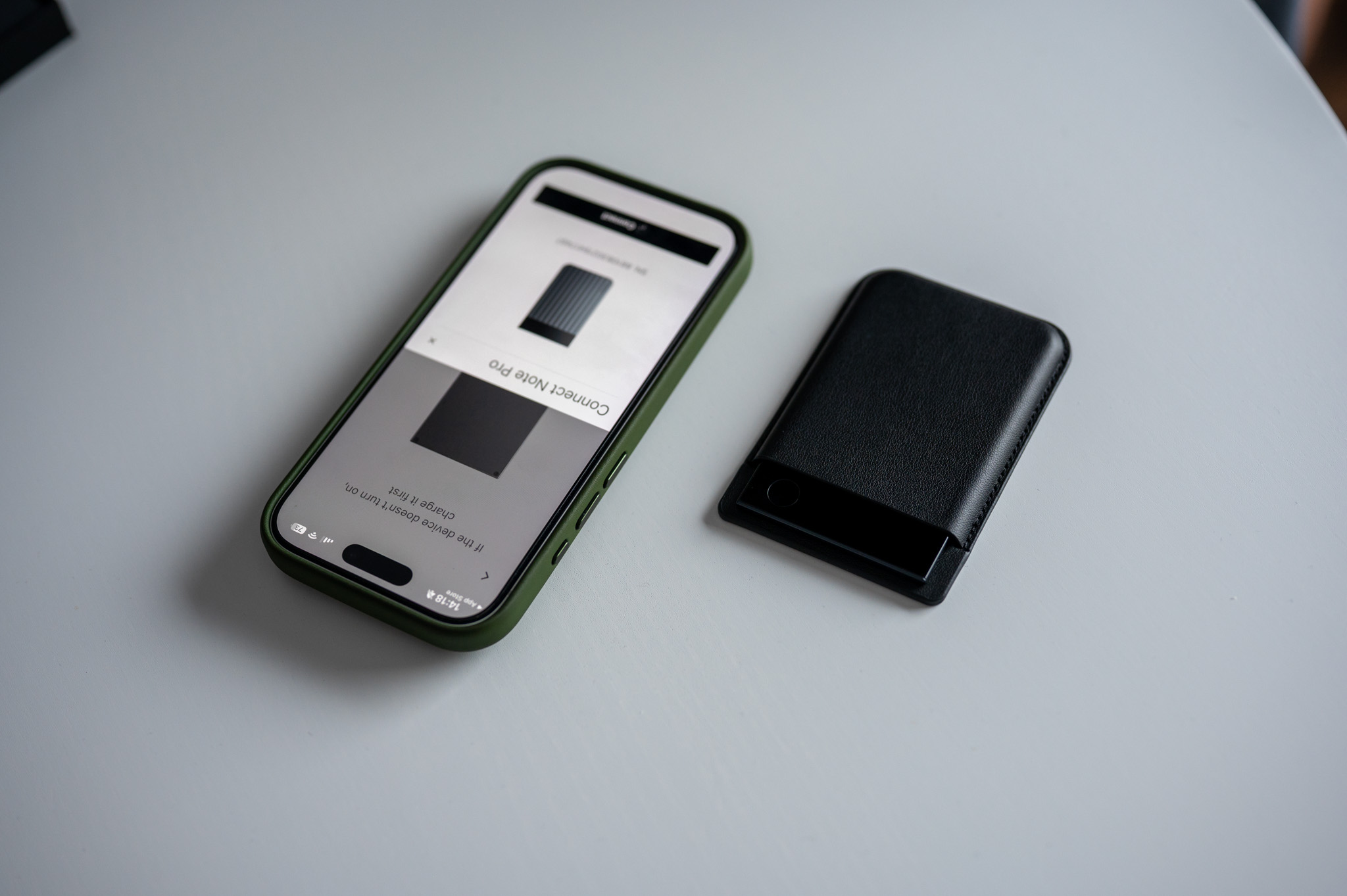
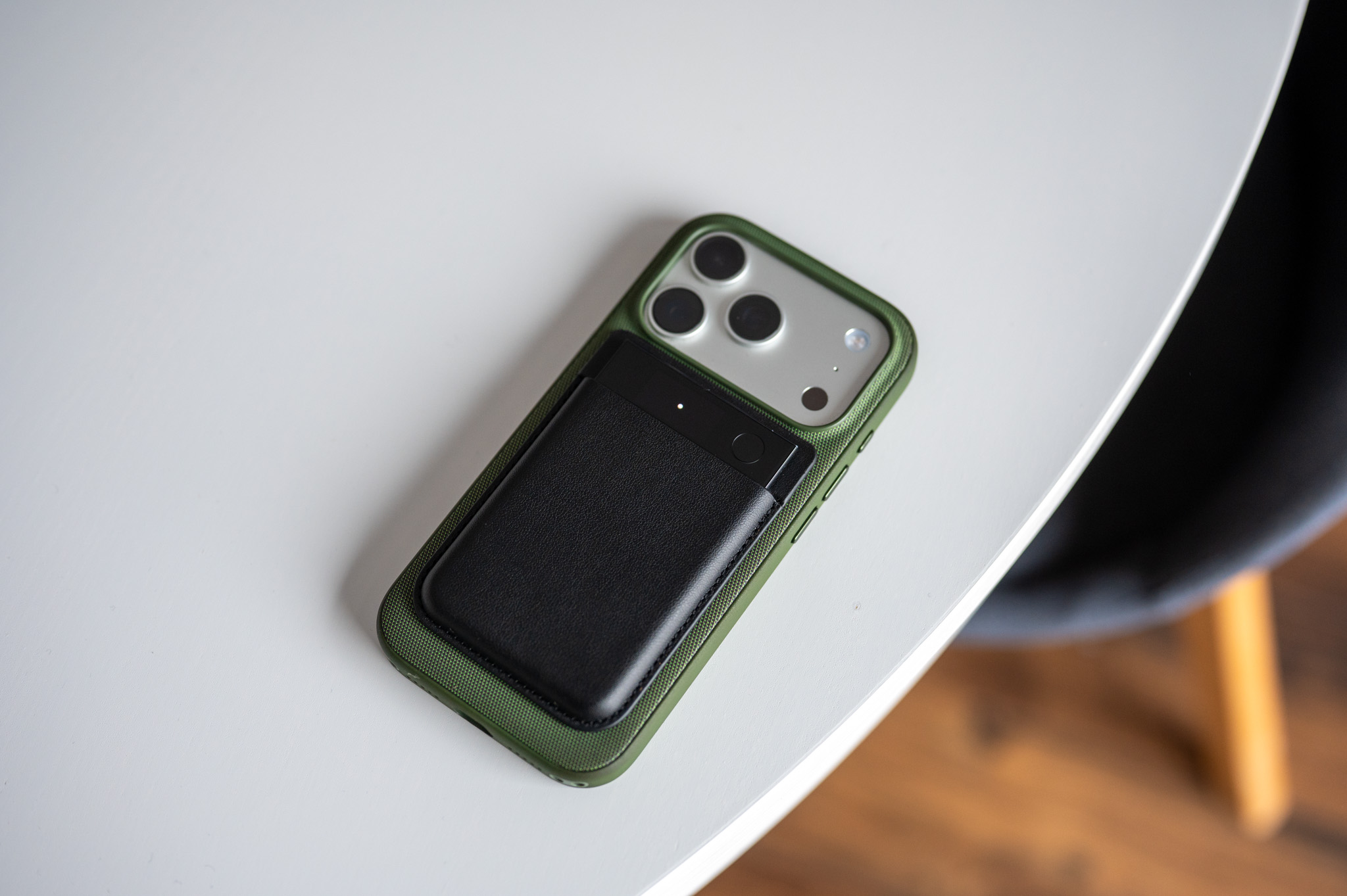
While Note Pro is a powerful work tool, the Plaud Note Pin takes a different approach. It's smaller, wearable, and designed to be with you practically all the time. Literally. Clip it to your clothes, throw it in your pocket or backpack, and you'll soon forget you even have it.
Controlling this gadget is maximal simple. One physical press with haptic feedback starts recording, the second one ends it. This simplicity is the reason why I personally used Note Pin more often than the classic voice recorder on my phone. ProSo when something comes to mind while walking, traveling, or during a conversation that wasn't even supposed to be "official," you just turn it on and don't think about it anymore.
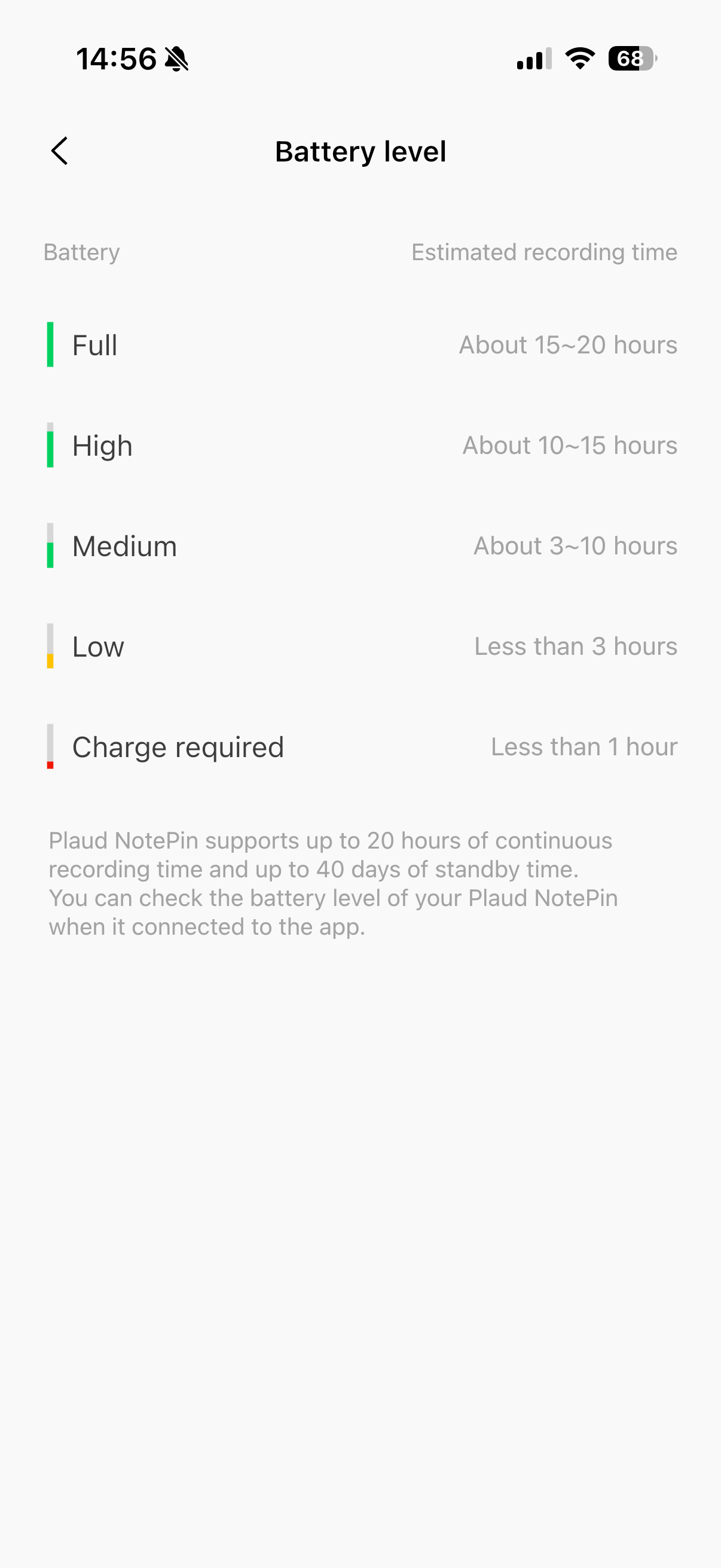
The Pin can record for up to 20 hours continuously or about 40 days on standby, so you don't have to worry about it failing you when you need it. The dual microphones with AI algorithms handle ambient noise well, and the transcription is very accurate in most situations. A big plus is the smart speaker identification using tags, so when you read back you know exactly who said what without having to manually search for it.
AI, integration and working with data without unnecessary barriers
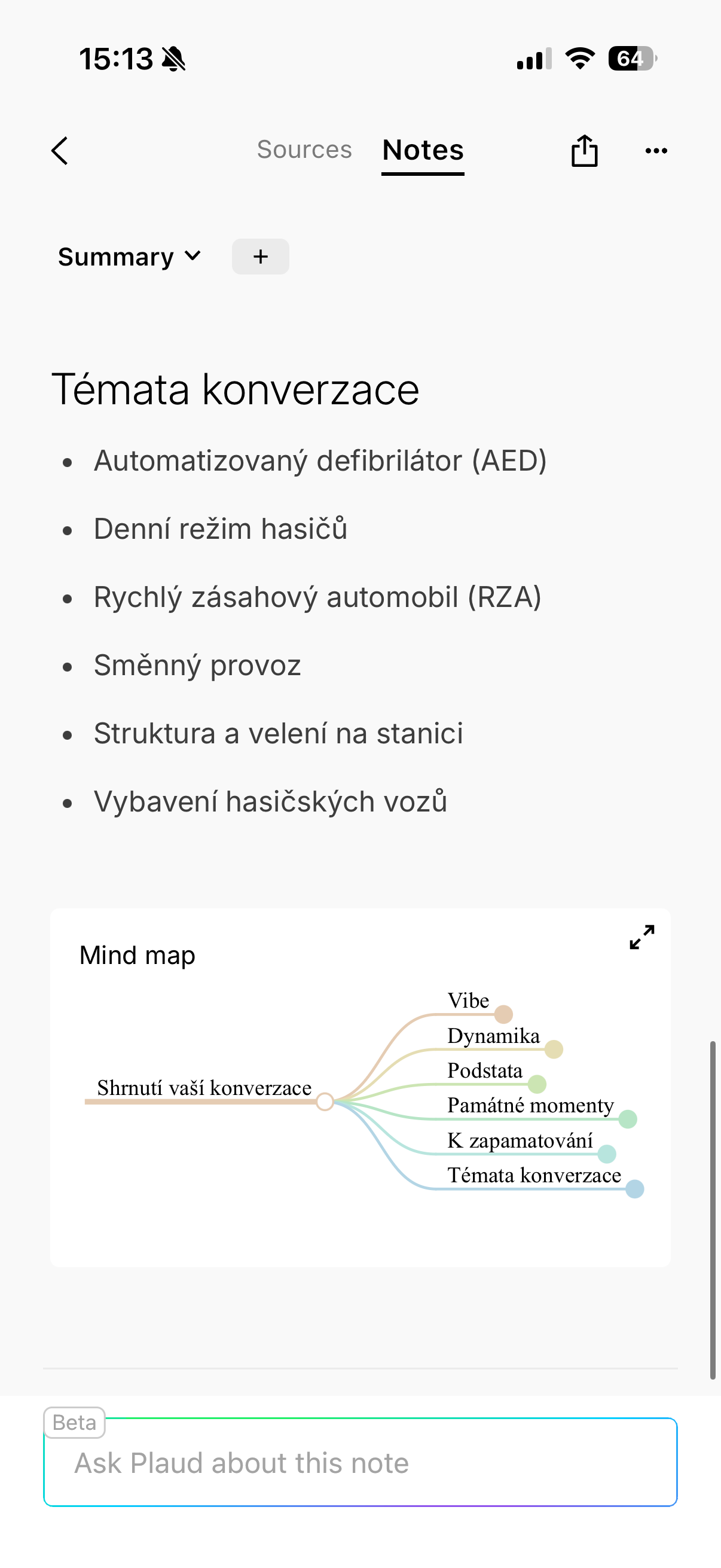
I Note Pin benefits from very broad support for language models – GPT-4.1, Claude 3.7 and 4, Gemini 2.5 Pro and Flash. Thanks to this, it is not only a transcript and summary, but also the possibility of returning to the data in the form of queries. You can notchat list key points from a specific meeting, summarize a lecture or create a mind map. Another great advantage is the integration with other services. Notion, Google, Microsoft and other platforms are supported directly, so Plaud data doesn't have to stay locked in one app. Sharing, exporting, and working across ecosystems also works surprisingly smoothly, which, frankly, isn't always the norm.
Gallery
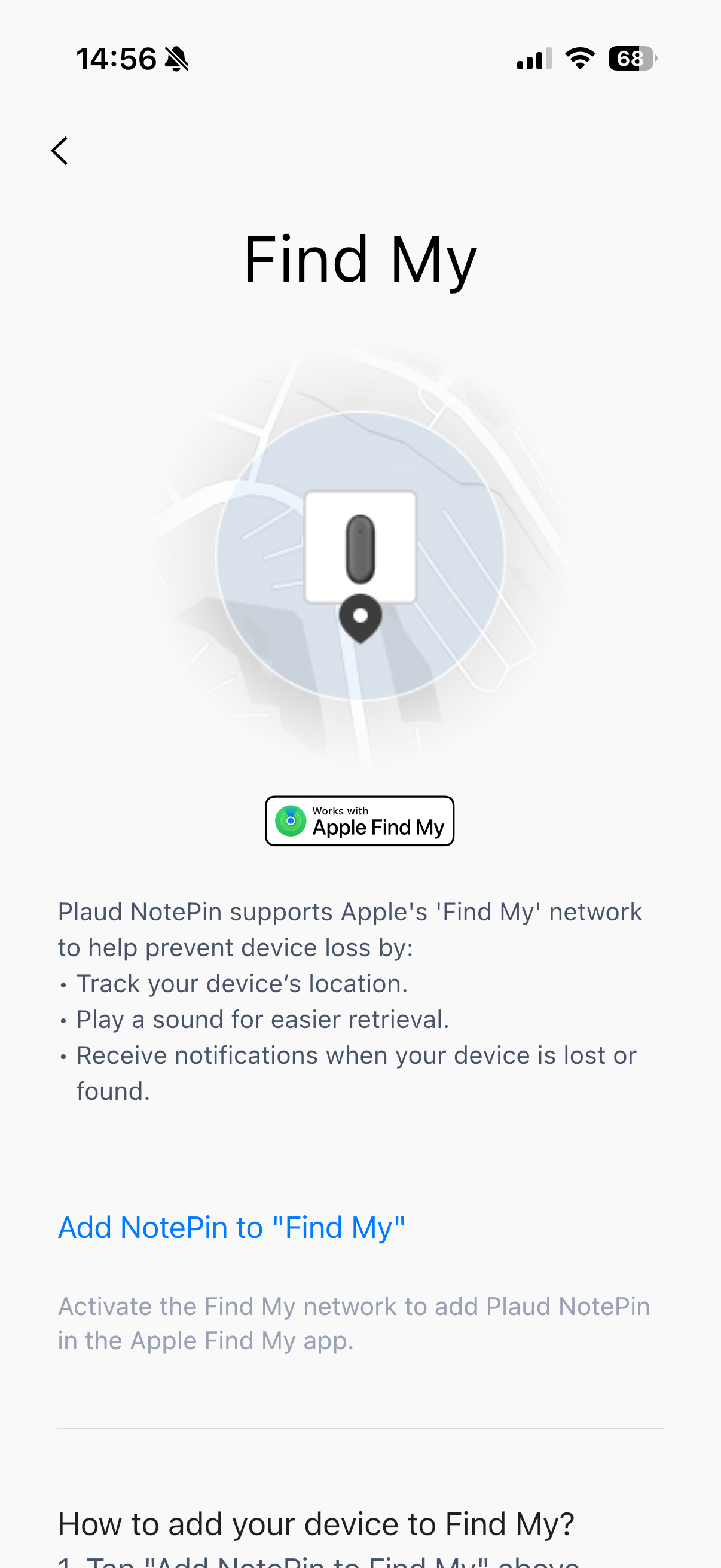
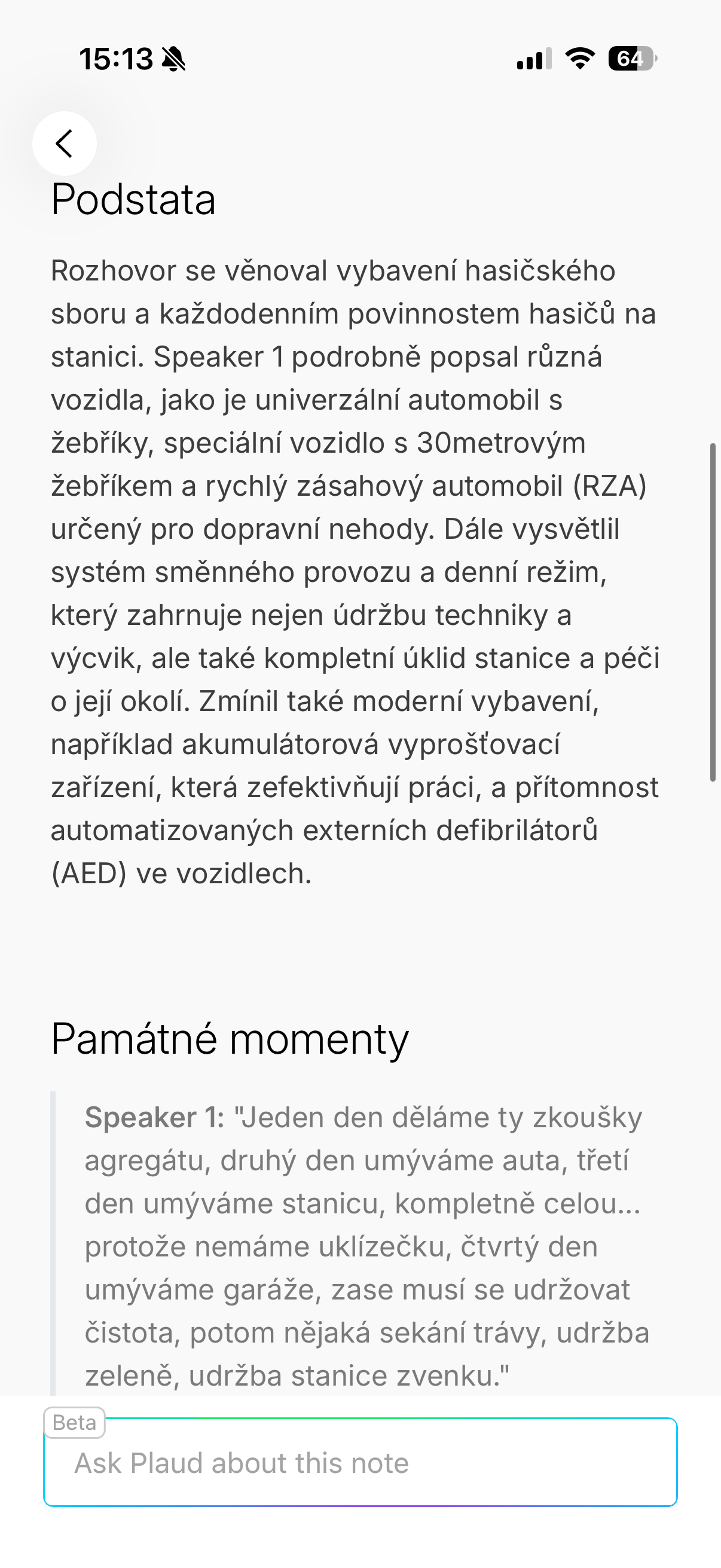
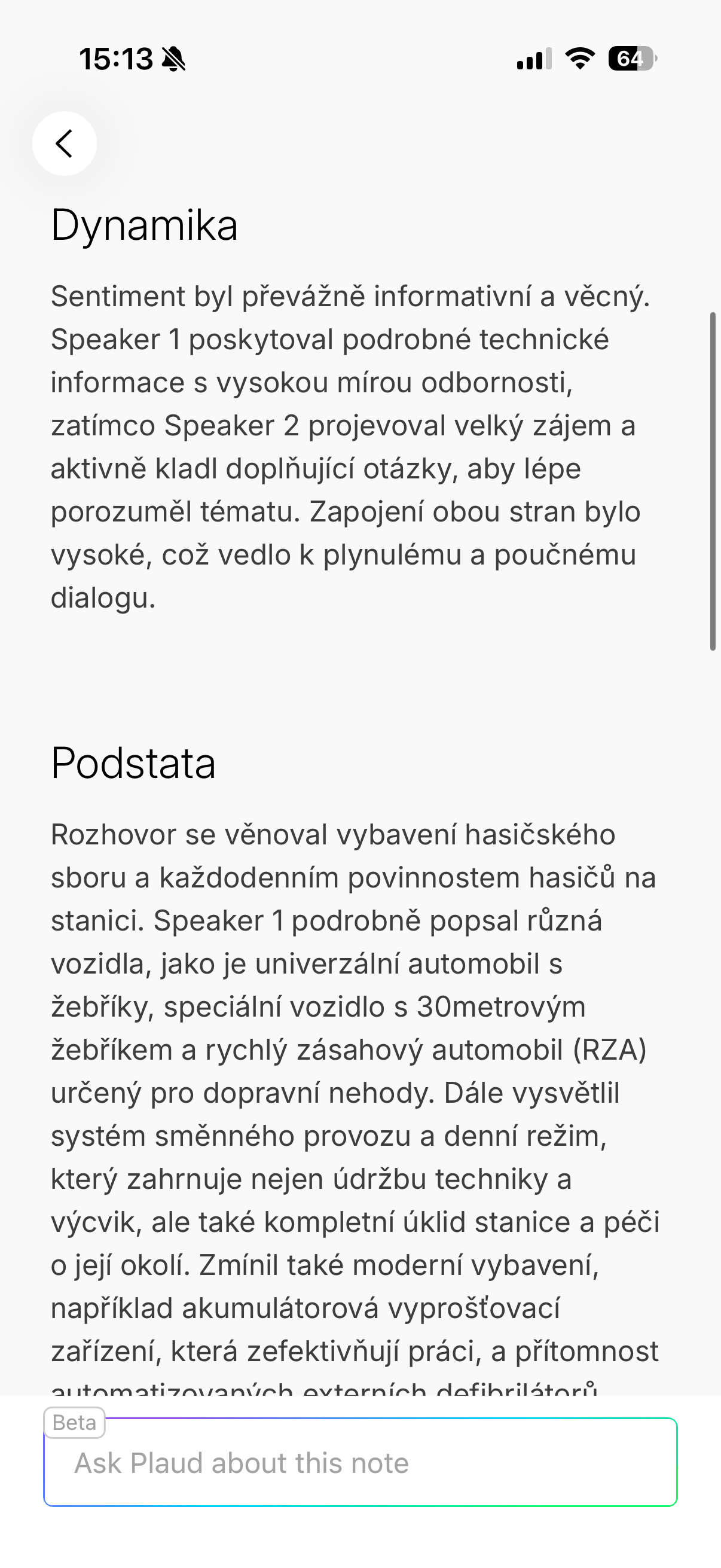
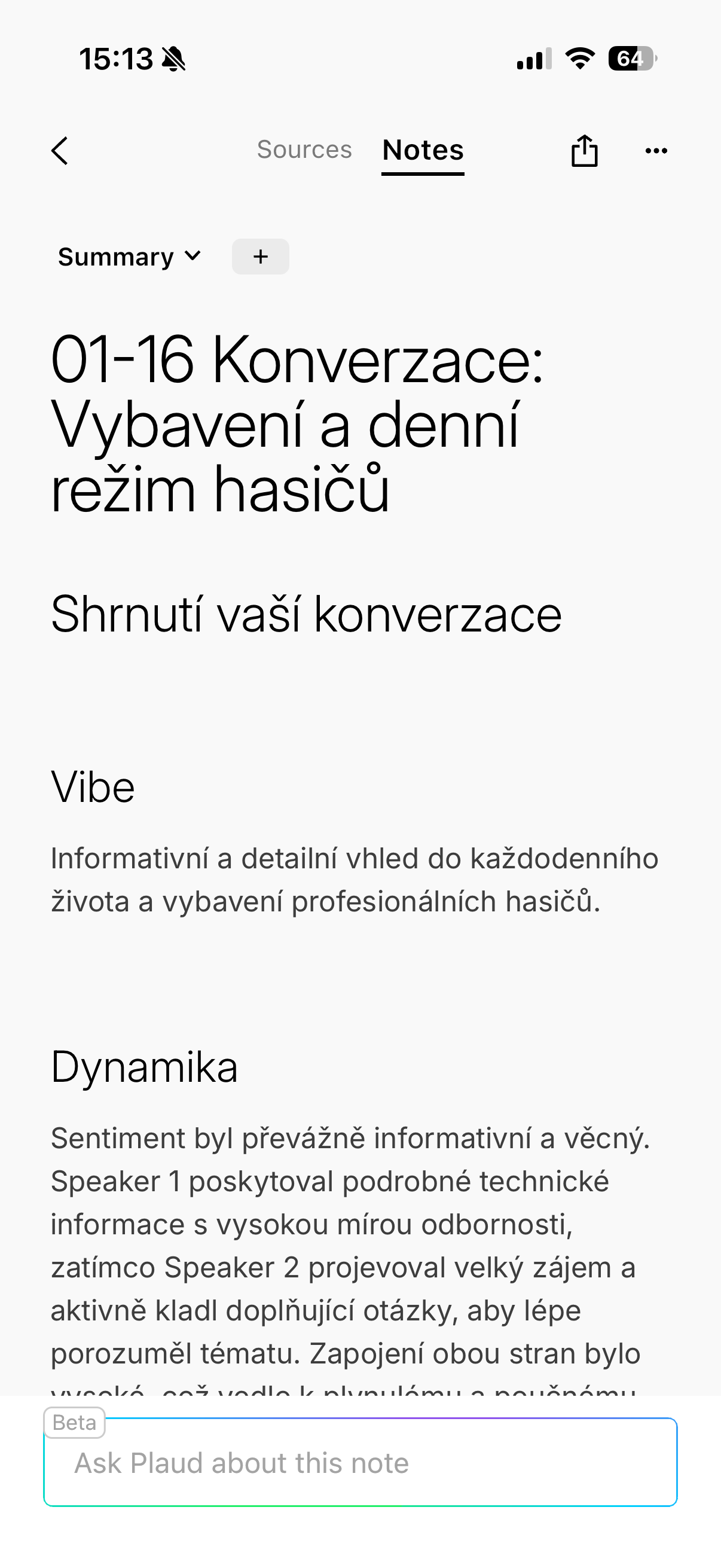
When it comes to subscriptions, Plaud is pretty reasonable. The basic Starter plan is free and offers 300 minutes of transcription and most features. Plan Pro adds more minutes, custom templates, and the Ask AI feature, while Unlimited removes the limits completely. The important thing is that even without paying, Note Pin has real value and is completely worth it for my use.
Summary: two products, one philosophy
Plaud Note Pro and Plaud Note Pin are not competitors, but rather two different approaches to the same problem. Note Pro is ideal for those who want maximal recording quality, recording phone calls and working systematically with projects. Note Pin, on the other hand, is the perfect companion for everyday carrying and capturing thoughts without thinking.
The common denominator is the effort to move voice recording from passive storage to active work with information. Plaud doesn't just try to record, it tries to understand. And that's where its greatest strength lies. So if you're looking for an AI recorder that won't just archive your past, but will help you make the most of it maximum for the future, Plaud is one of the most interesting solutions you can find on the market today. So I can definitely recommend these products, although it is of course impossible to say which one is better, given the different approaches "to the matter". It depends on what type of use is key for you.
Gallery

Everything looks great until you look at purchases in the Plaud app.
Then you have to consider whether it is worth the amount in the given cases/meeting etc./meaning.
Yes, but I think 300 free minutes a month is enough for many people. But it's of course something to consider.