If there's been a topic full of half-truths surrounding laptop batteries in recent years, it's the issue of charging. Especially with MacBookSome users are still convinced that leaving their laptop connected to the adapter is a sure way to quickly kill the battery, while others are afraid to disconnect it so as not to "trouble the cycles". But the truth is different - and in MacBookMoreover, the price of cars produced in the last five years is significantly more favorable than most people think. Apple In the area of power management, it's no longer just about how much percentage you see in the menu bar. Modern MacBooky are designed as a whole, where the hardware, firmware and operating system communicate with each other. When you connect today MacBook to power, it does not automatically mean that the battery is constantly being recharged, kept at 100% and subjected to unnecessary stress. In fact, in most situations the exact opposite happens.
Once the battery is charged and the system determines that no more power is needed from the battery, the laptop's power is redirected directly from the adapter and the laptop itself is powered. macbookThe adapter takes care of this, with the battery disconnected. The battery goes into passive mode and the electronics controlling the power supply miniThis is a major difference from older laptops or cheaper solutions where the battery acted as a constant intermediary between the source and the system. In modern laptops, MacBookThis means that unnecessary micro-charging cycles do not occur, which would reduce capacity in the long term.
An even more important role is played by optimized charging, which Apple has been gradually improved since macOS Catalina and significantly strengthened in newer versions of the system. macOS monitors how you use your laptop, when you usually unplug it from the network, and what your work mode is. If the system evaluates that it will MacBook connected for a long time, the battery often stops at approximately eighty percent and only recharges the rest just before the expected disconnection. This reduces the long-term exposure of the cells to high voltage, which is one of the main factors in battery aging from a chemical perspective.
Gallery
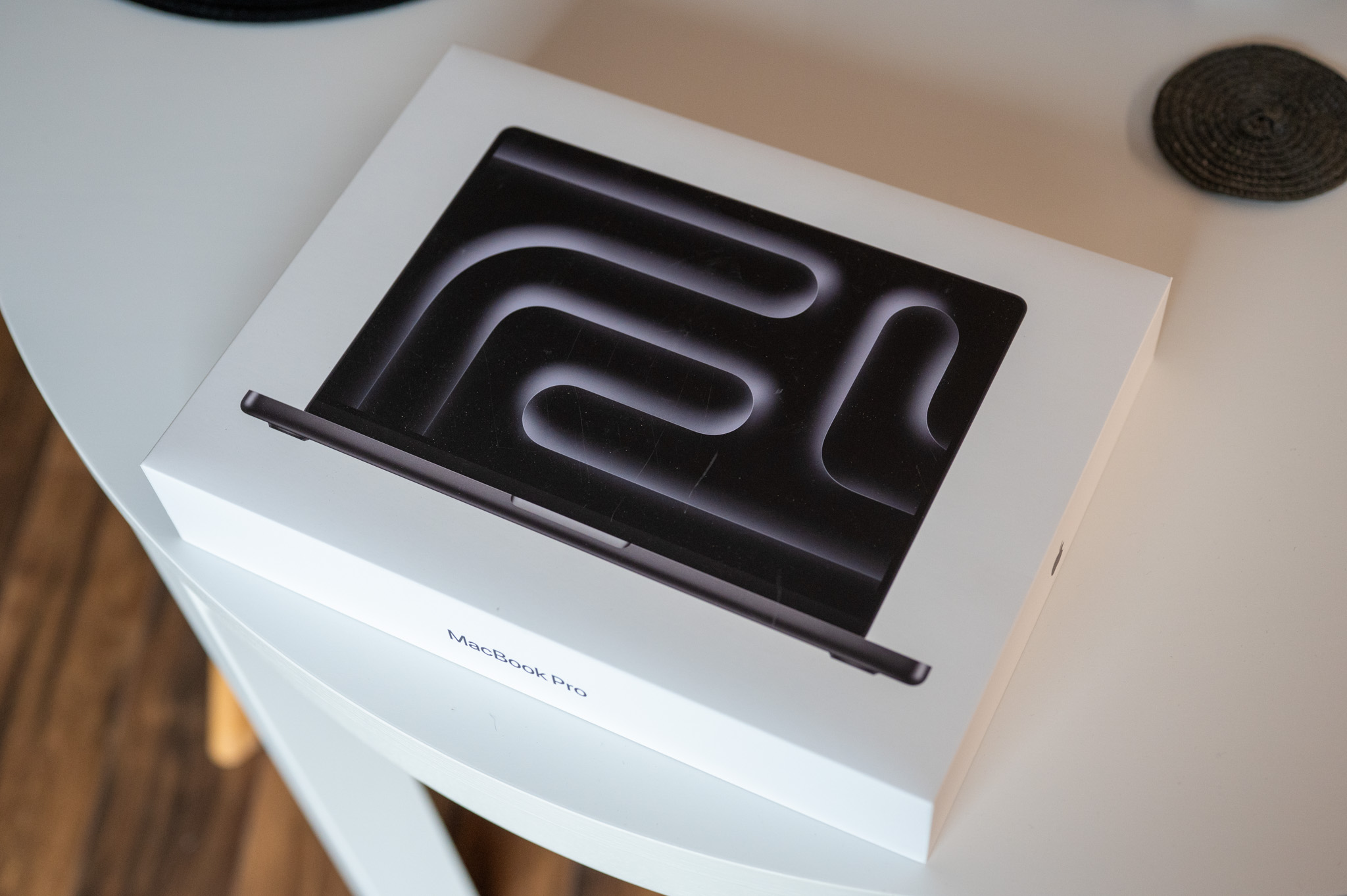


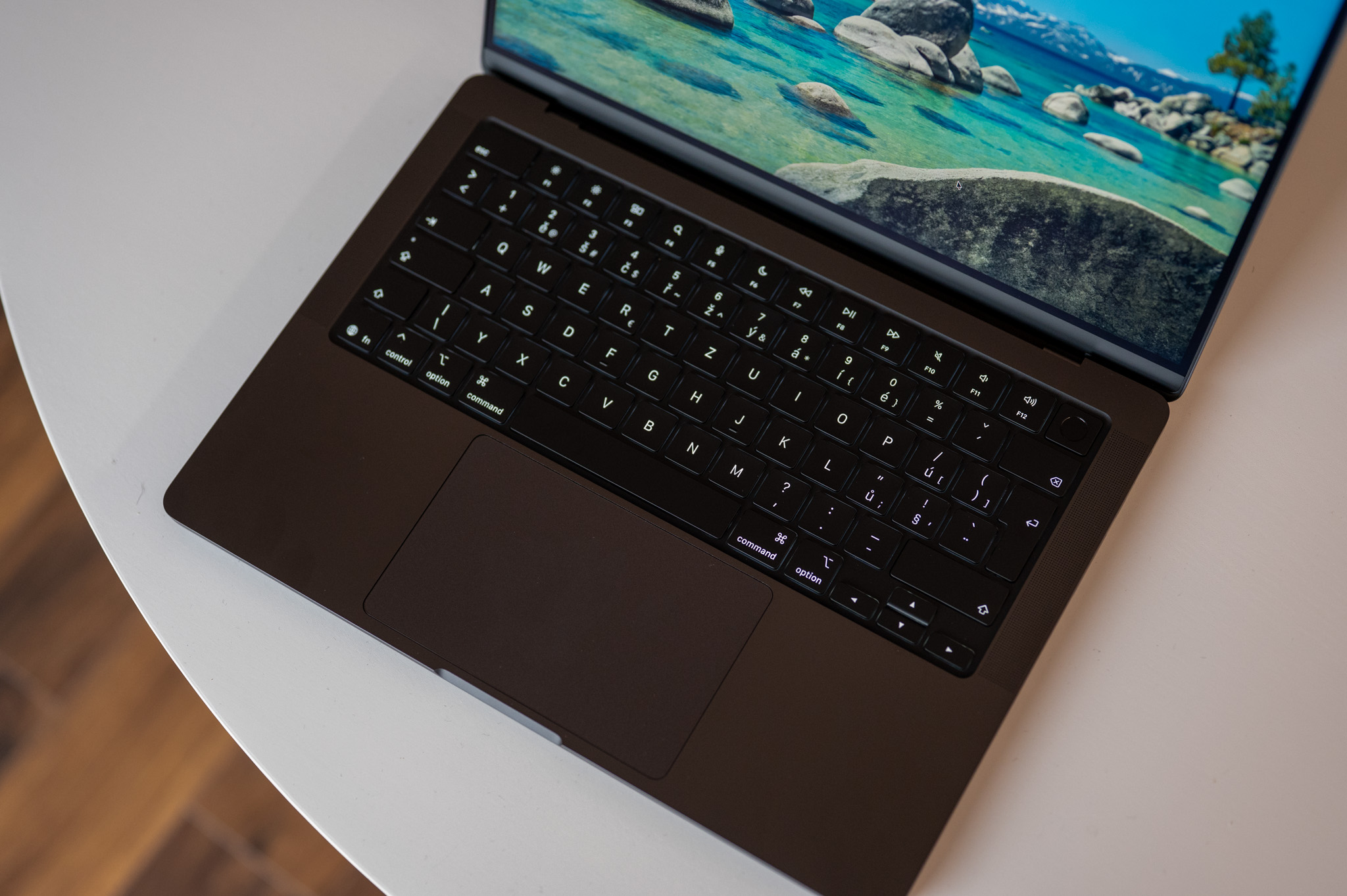


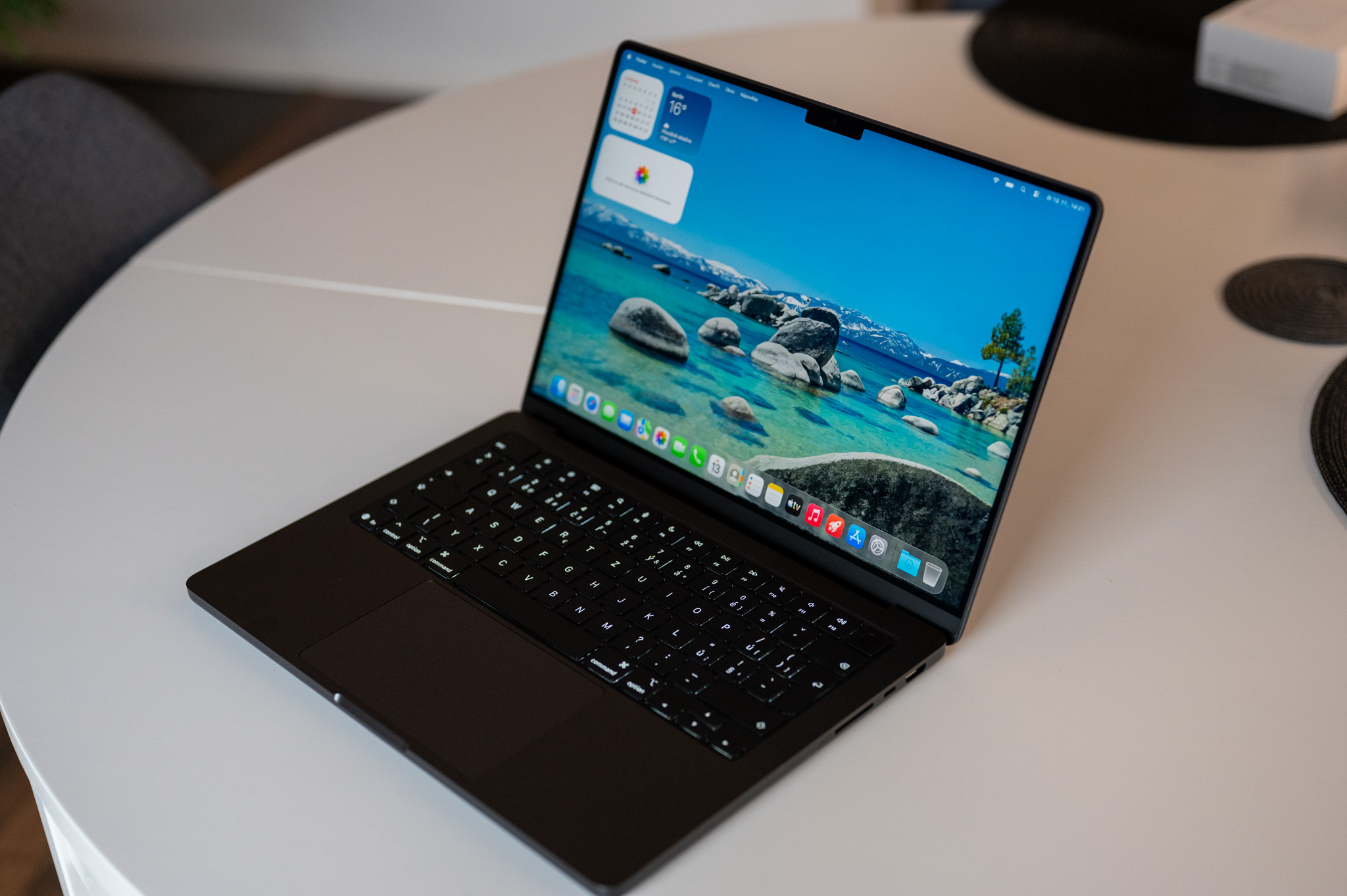

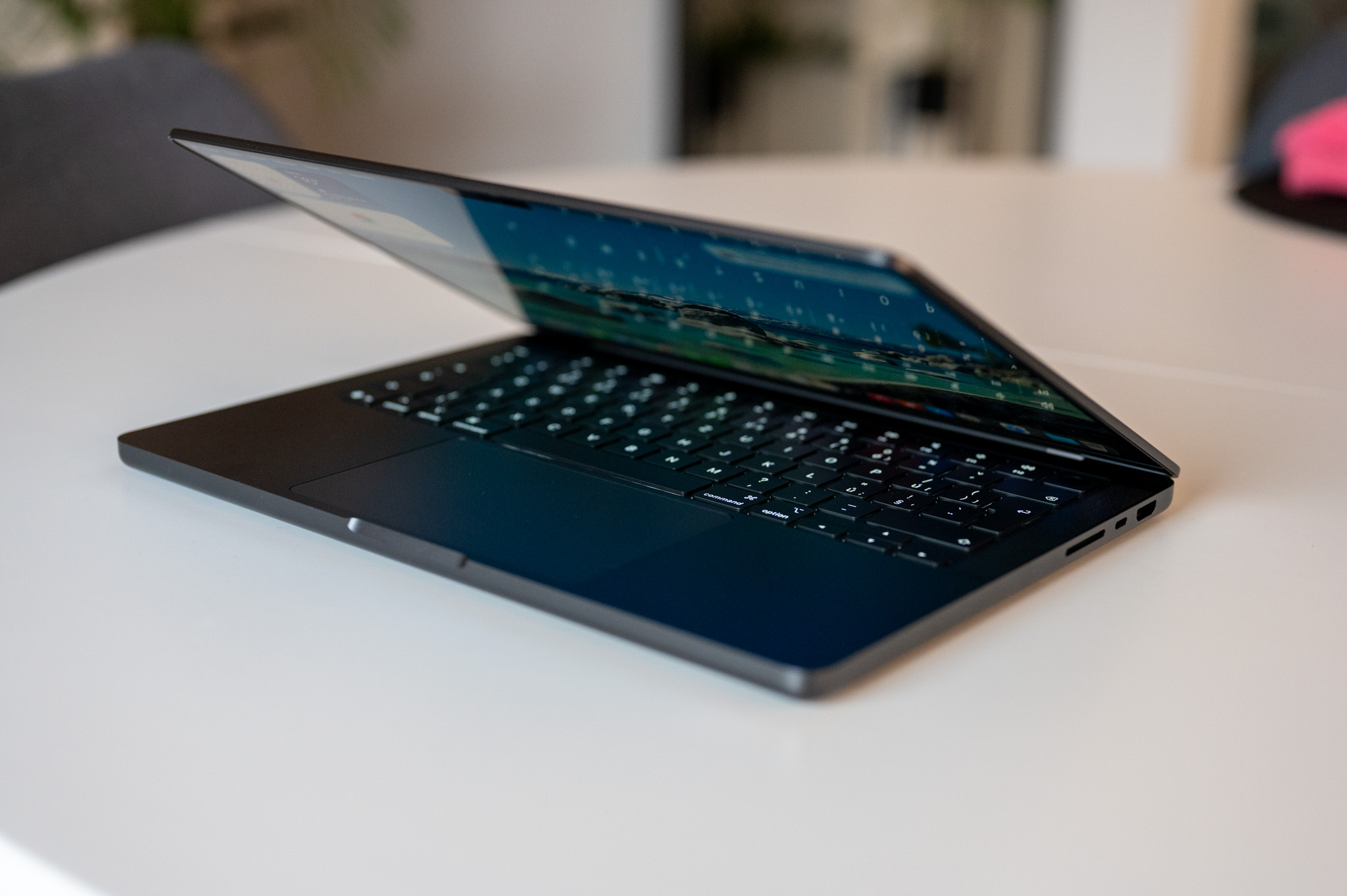


This behavior is not a cosmetic feature for the user's comfort, but a direct application of what is commonly recommended in the professional literature on lithium batteries. Keeping the battery at 100 percent for a long time, especially at elevated temperatures, accelerates degradation. Apple it solves this systematically and automatically, without the need for the user to monitor anything manually. The turning point was the transition to Apple Silicon. ProThe M1, M2 and M3 processors have significantly better energy efficiency than the older Intel platform, producing less heat and thus not creating extreme temperature peaks during normal operation or charging. Lower temperature means slower chemical aging of the battery, lower internal cell resistance and overall more stable operation. That is why today it is not uncommon that MacBook after two or three years of intensive use, it still shows ninety percent or more of its original capacity.
A common question is whether it is safe to have MacBook most of the time connected to the adapter. For modern models, the answer is clearly yes. If you have optimized charging turned on and you don't subject your laptop to prolonged high loads in a hot environment, the system manages the power itself. macOS even intentionally lets the battery drop slightly below maximum to reduce the voltage on the cells and extend their life. What the user would previously consider a fault or a “broken battery” is now a well-thought-out protection strategy. Apple In this regard, it benefits from having the entire ecosystem under control. Voltage management is done at the individual cell level, thermal management is directly linked to the charging logic, and the software knows exactly what state the battery is in. This prevents chaotic alternating charging and discharging, which is much worse for the battery than stable operation.
Of course also at MacBookThere are situations where it is good to be cautious. A long-term full battery combined with high temperatures, such as when rendering or playing games on your lap while charging, is not ideal. Similarly, using low-quality USB-C adapters without stable voltage can have a negative effect. But these are not typical scenarios of everyday use. In the real world, one simple thing applies: if MacBook He works at his desk most of the time and is connected to the network, there is no need to deal with it. Apple has already done the work for you. No need to monitor the percentage, manually cycle the battery, or stress about connecting the charger every time. Modern MacBookThey are designed exactly according to the principles that are considered ideal for handling lithium batteries, and in most cases they can comply with them better than the user could do it themselves.