
Strava
Do you regularly run, cycle or do similar activities? If so, you probably use the native Workout app to track your workouts. But what if you don't really like this app and are looking for a smartwatch alternative? In that case, you might be interested in Strava. It's a popular tool that's especially popular with athletes. It not only tracks your activities, but also allows you to compete with others, which helps you stay motivated.
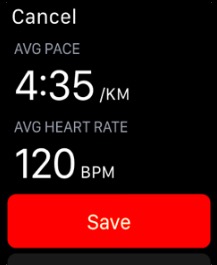
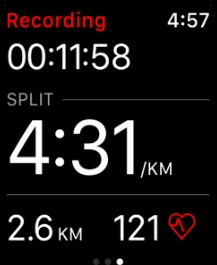
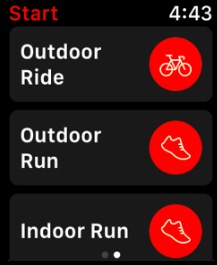
You can download the app for free, but if you opt for the premium version, you'll gain access to more advanced features, such as creating training plans or tracking a wider range of sports activities. The premium version operates on a subscription basis, which can be paid monthly or annually.
AutoSleep Track Sleep
Apple Watch They are equipped with a number of useful sensors that allow you to track your physical activities and health data, including sleep, quite accurately. However, as you probably know, the native sleep monitoring feature is not the best. If you are looking for a quality alternative, we definitely recommend the AutoSleep Track Sleep app, which has proven to be a great tool for detailed sleep analysis.
Gallery
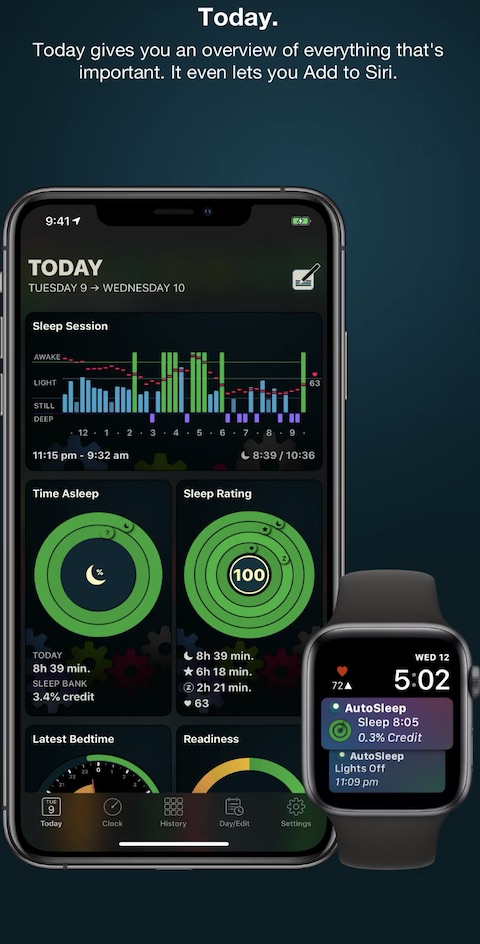
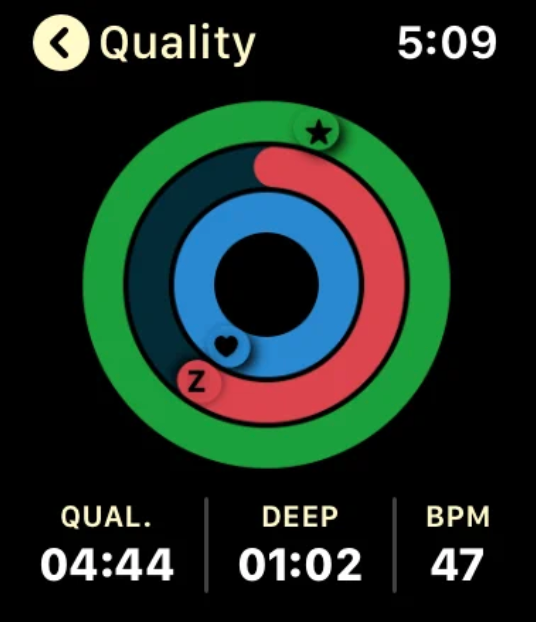
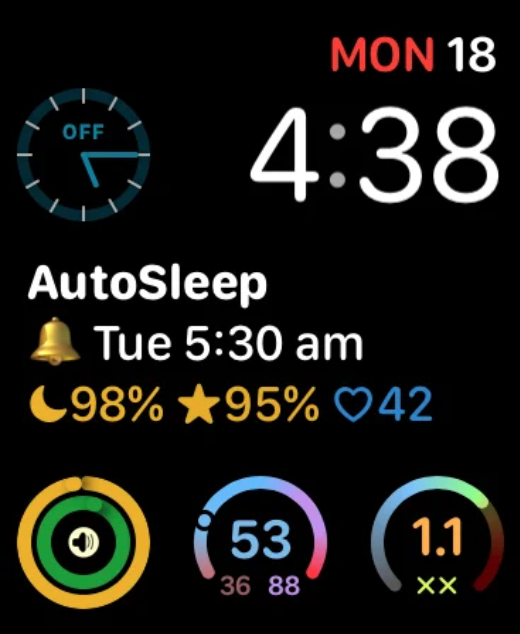
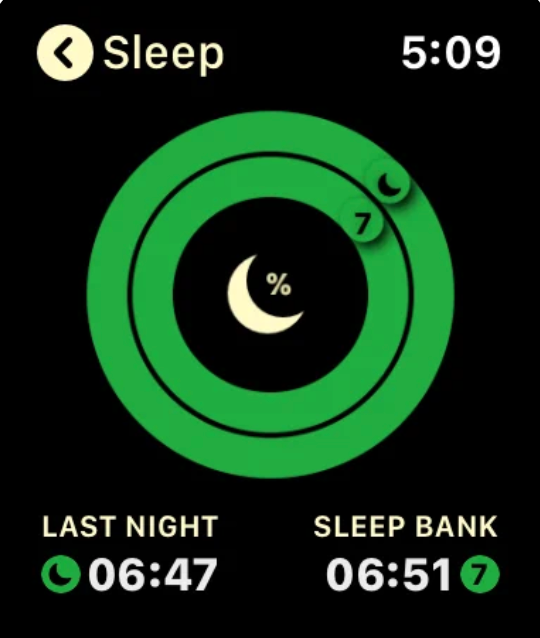
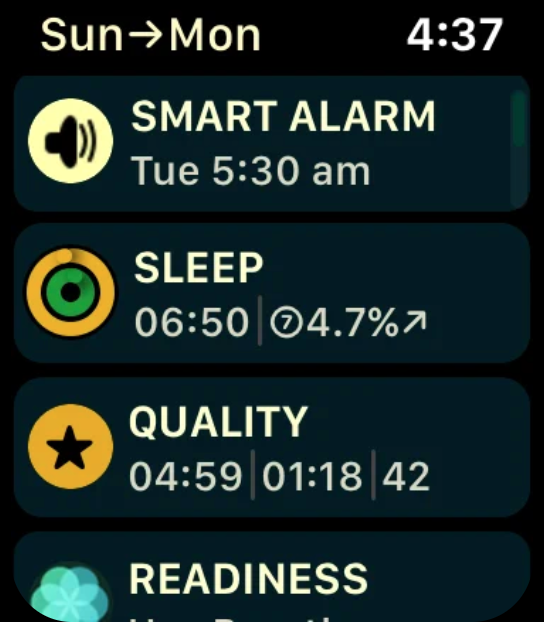
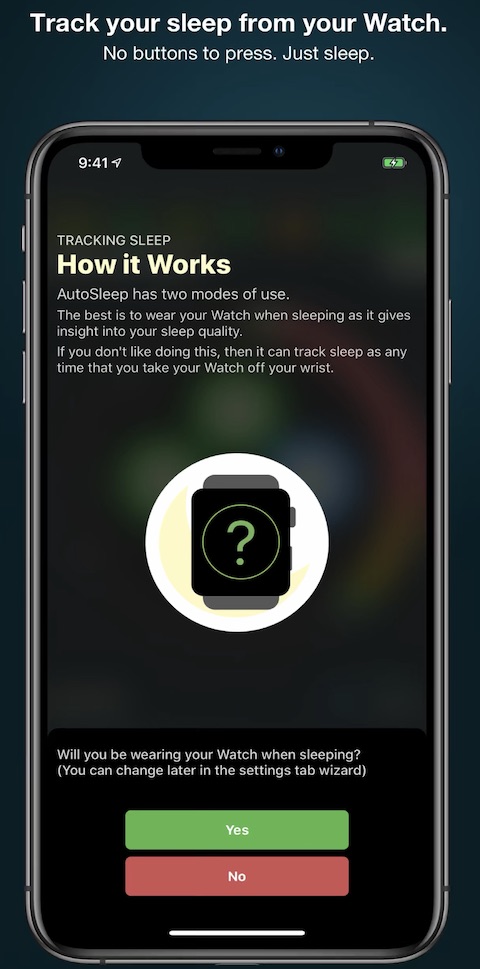
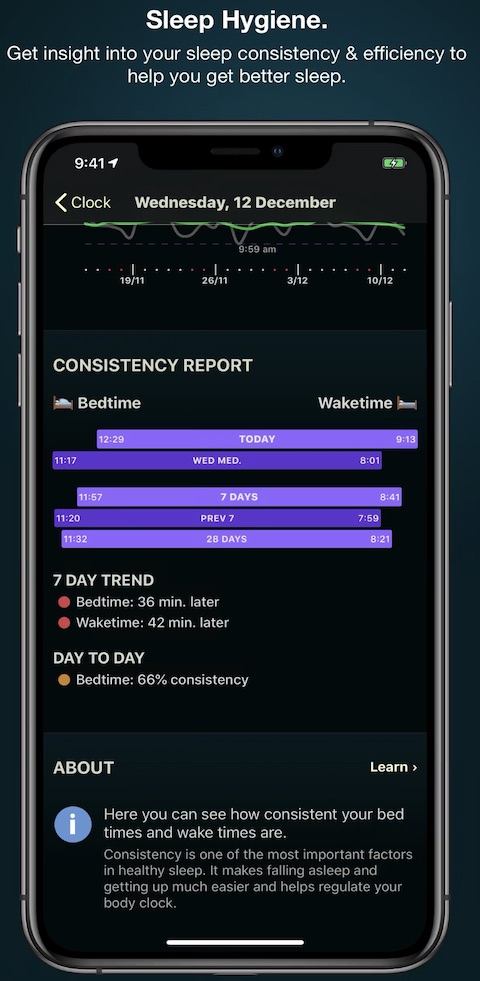
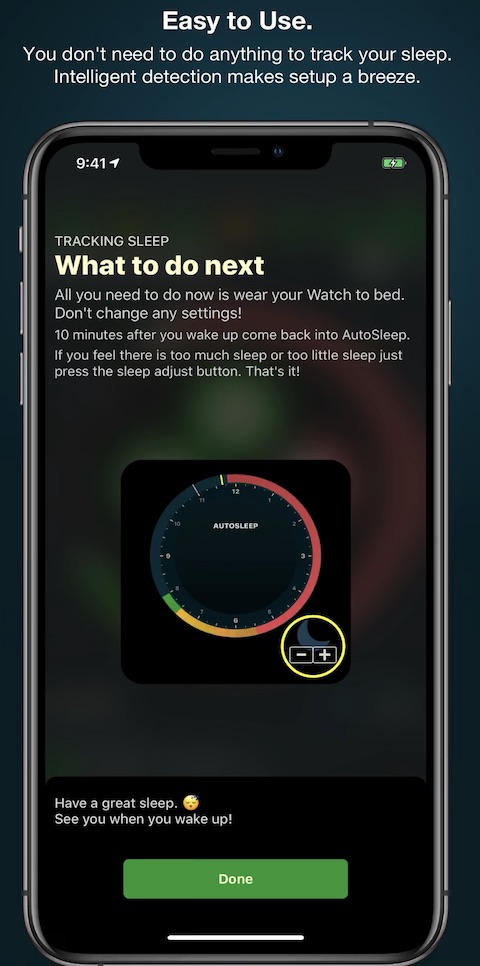
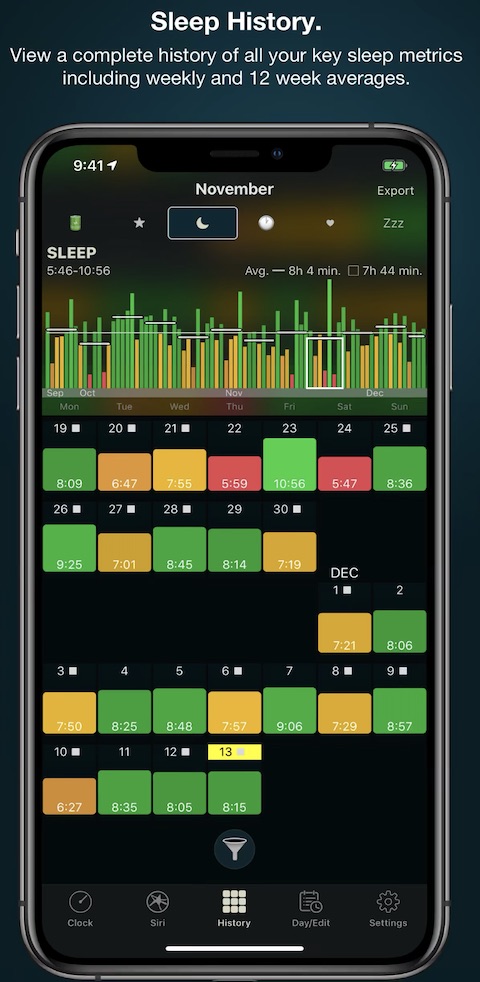
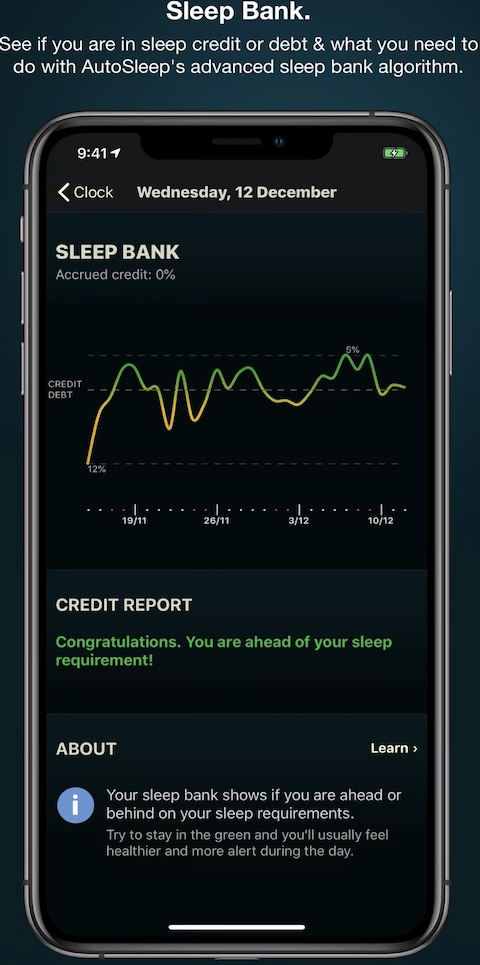
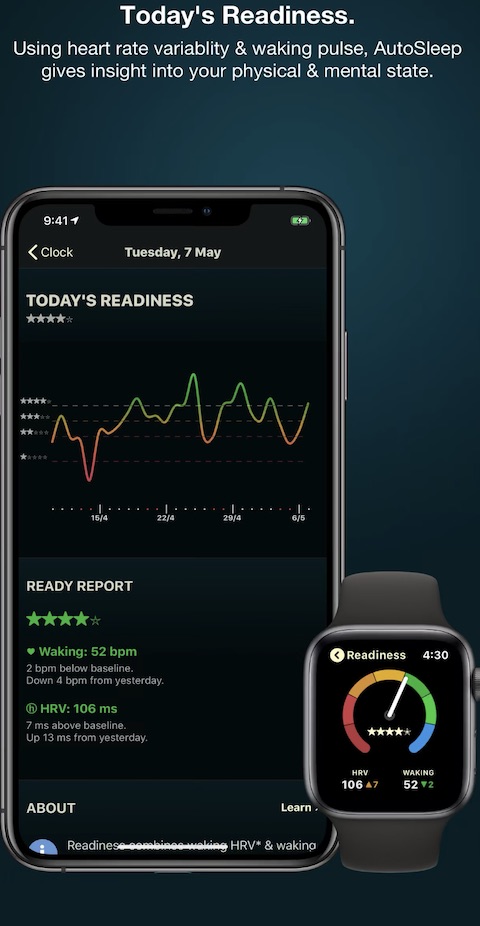
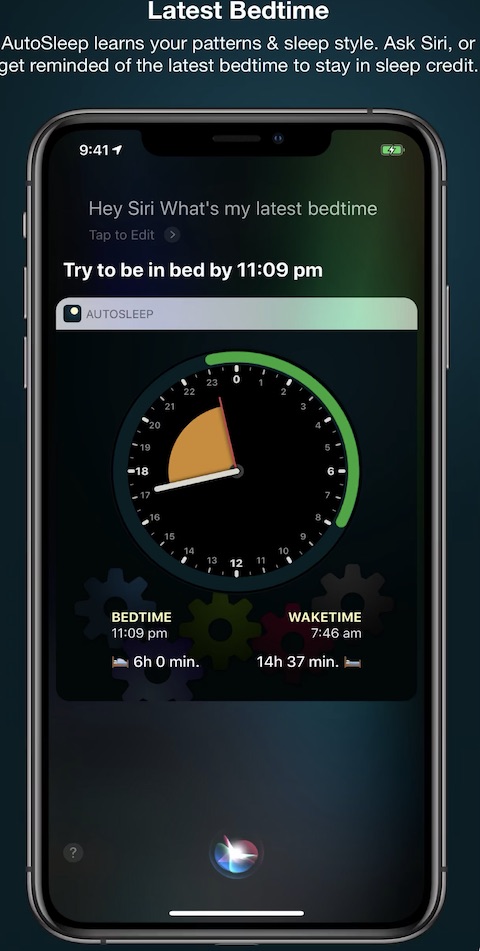
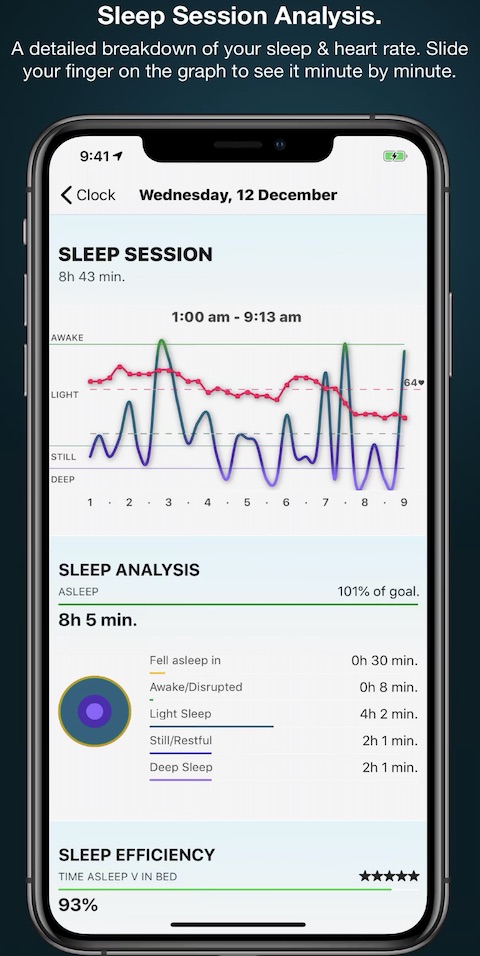
This app not only shows you how long you slept and when, but also tracks your sleep quality, which is displayed using circles, similar to the native Activity and Fitness app. This gives you a quick overview and helps you determine whether your sleep quality is good enough or if you need to work on it. AutoSleep Track Sleep can also measure how long it takes you to fall asleep and offers a lot of other features. You can then track all of your data in your iPhone The app costs 129 CZK, which is a great investment considering its features. We recommend it to anyone who wants to have a better overview of their sleep.
MiniPTM Wiki
Are you a student? Then chances are that one of your best assistants is Wikipedia. This online encyclopedia has saved students countless times and helped them get back on track. You can easily open Wikipedia on any device, be it a Mac, iPhone, iPad or other platforms. But did you know that you can also have it on your Apple Watch?
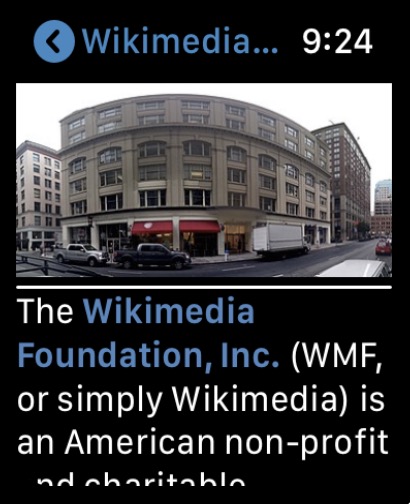
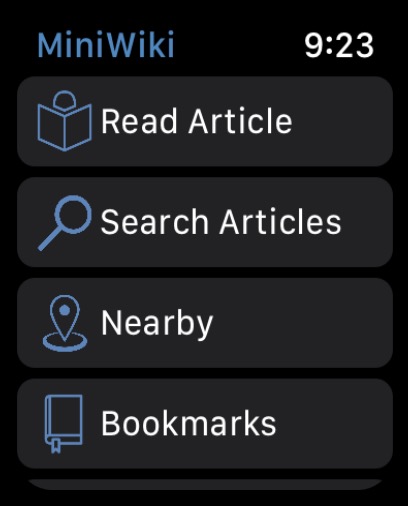
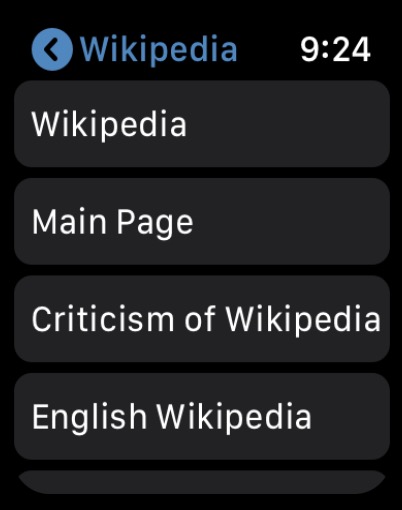
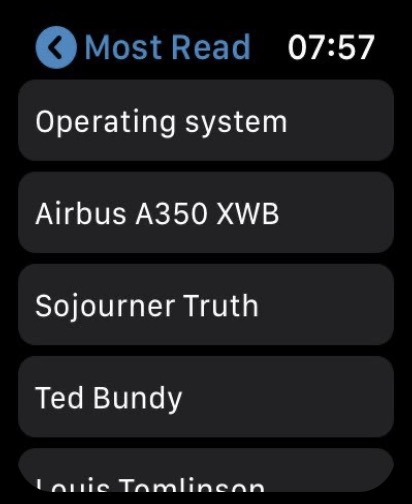
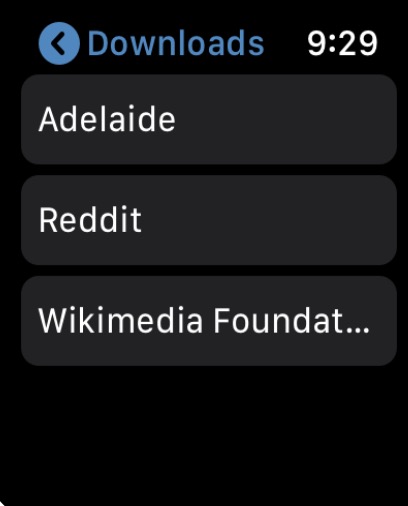
The app will help you with this. MiniWiki. Thanks to it you can access the content of this siteonea comprehensive encyclopedia right on your wrist and read it anytime, anywhere. The application is available for free, but if you opt for the premium version, you will get, for example, the ability to save articles for offline reading and other practical features.
I'mcard
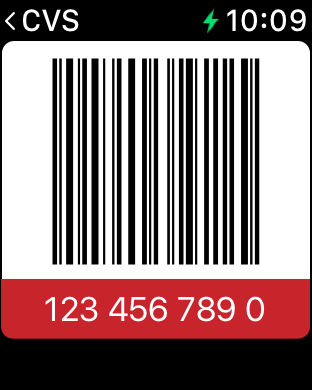
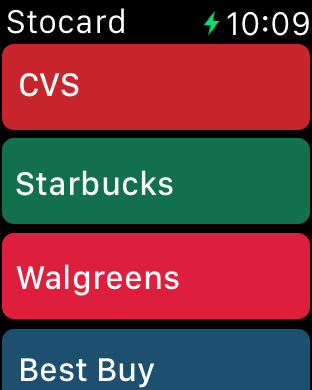
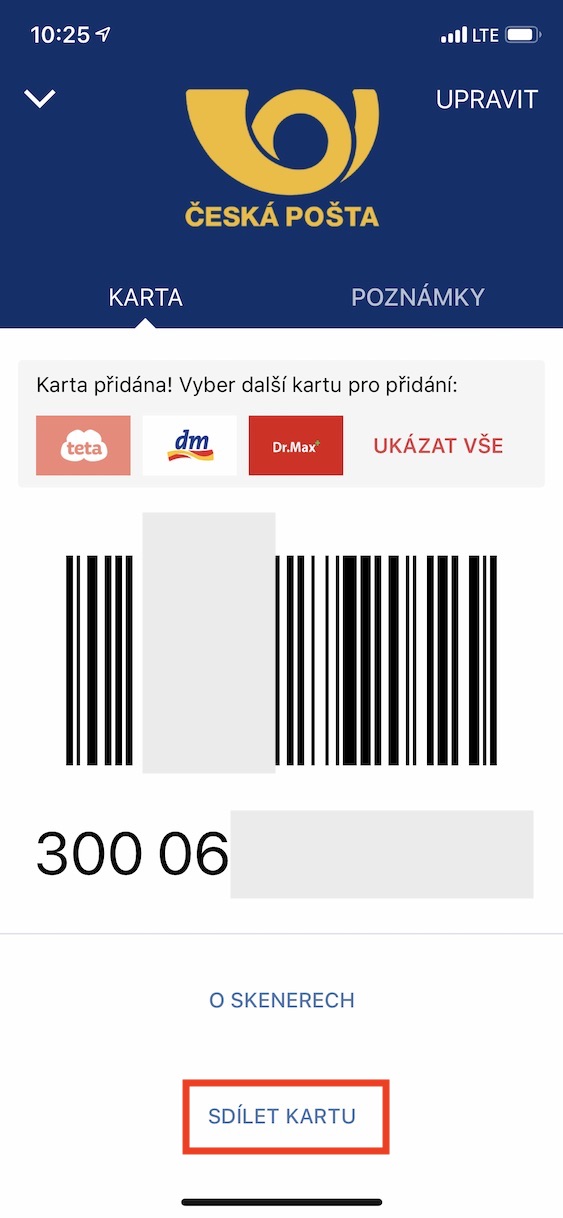
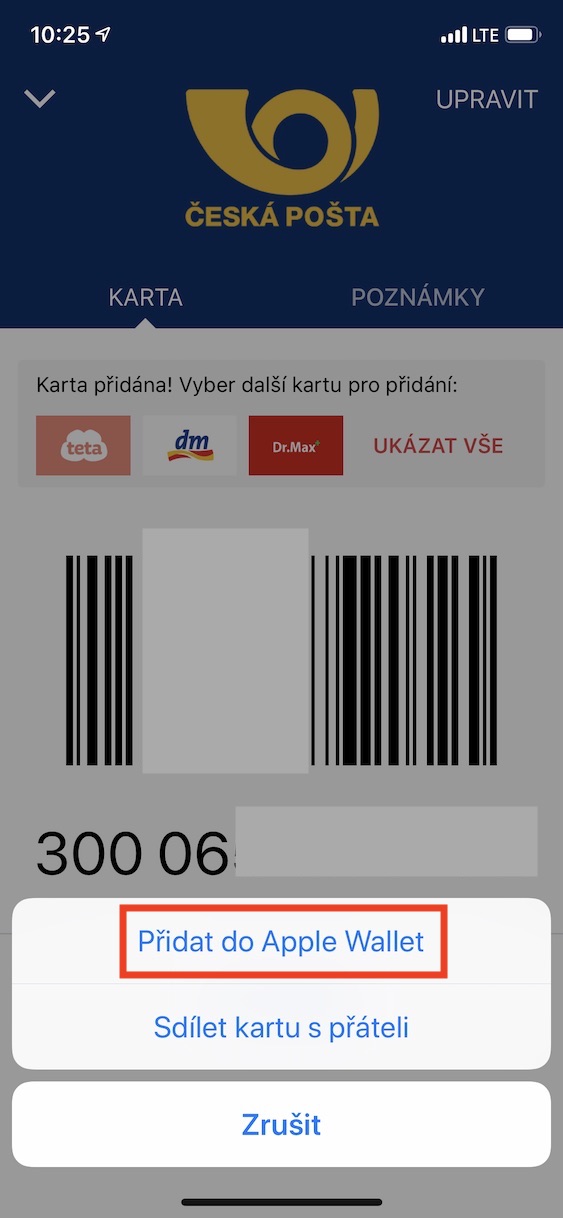
The Sto appcard probably doesn't need much introduction. This handy tool allows you to store all your loyalty cards in digital form. Nowadays, almost every store, fast food, gas station or other branch has its own loyalty card, and if you had to carry them all in your wallet, they probably wouldn't fit in there. Hundredcard solves this problem elegantly, you just need to upload the cards to the application, and then you always have the corresponding barcode at hand. Even on your Apple WatchYou can also add some cards directly to the native Wallet app.
Pocket Bandit
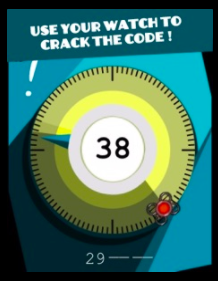
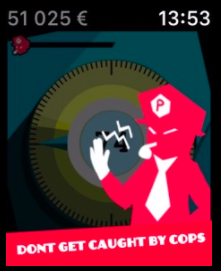
Apple Watch are not just for applications, you can also play interesting games on them. One of them is Pocket Bandit, which is ideal for those times when you need to relax for a while, but your phone is not at hand. In the game, you play the role of a thief who is trying to rob safes full of valuables. However, with each success, the game increases in difficulty until you make a mistake. As soon as something goes wrong, the cops are waiting for you. The game is controlled using the digital crown and offers a lot of fun that will definitely keep you entertained for a long time.
Gallery



Shazam
You've probably experienced a situation where you heard great music playing in your neighborhood that you didn't know, and you wanted to find out what song or artist it was. This is exactly what the Shazam app, which has been available for many years and is popular worldwide, can help you with. Thanks to the combination of a microphone and an internet connection, Shazam can almost instantly recognize the music being played and allows you to save it to your library on Apple Music or Spotify.
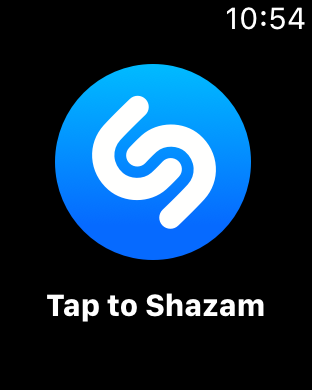
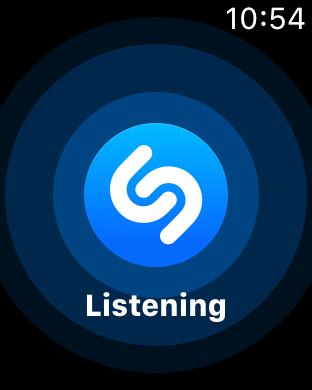
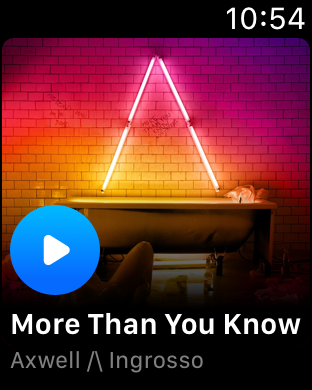
And what if you don't have an internet connection? That's no problem either, Shazam will save the recording and recognize the song as soon as you're back online. This way you won't miss a thing. Another big advantage is the support Apple Watch, so you don't have to take out your phone, you can do everything quickly and conveniently right on your watch.
Textify - Watch Keyboard
Once you Apple Watch When a message arrives, you can respond to it immediately. You have two options, either reply with an emoji or dictate the message. It will then be sent either as a transcription of your words or as an audio message. But what if emojis are not enough and you cannot speak out loud? Unfortunately, the ability to draw letters is only supported in English.
Gallery
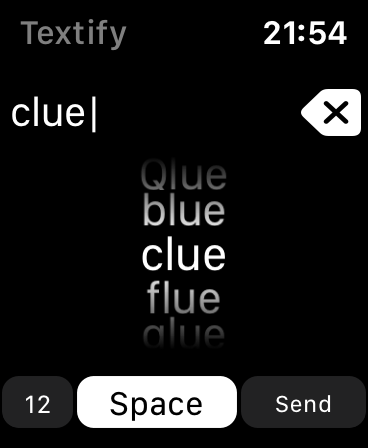
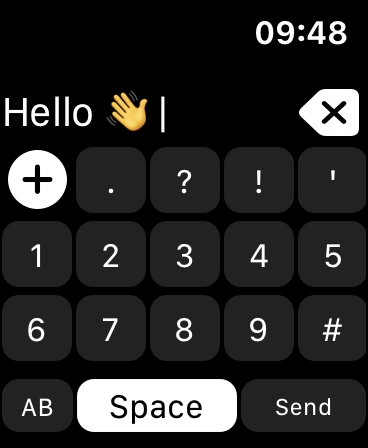
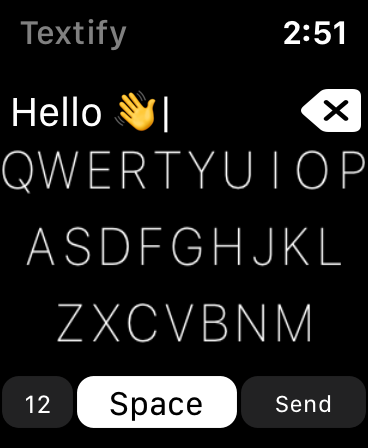
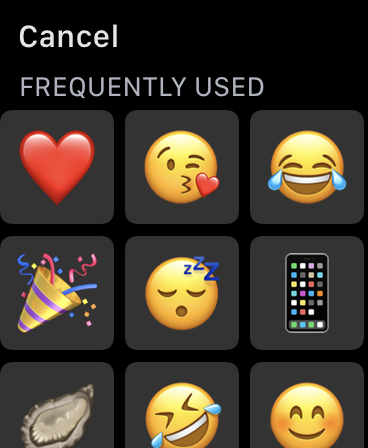
Fortunately, there is a solution in the form of the Textify – Watch Keyboard app, which allows you to use a traditional QWERTY keyboard directly on your Apple Watch. This allows you to quickly write a message without having to use emoji or dictation. But the app has one condition, it only works with the native Messages app. On apps like Messenger or WhatsApp so you can't use it.
Spark
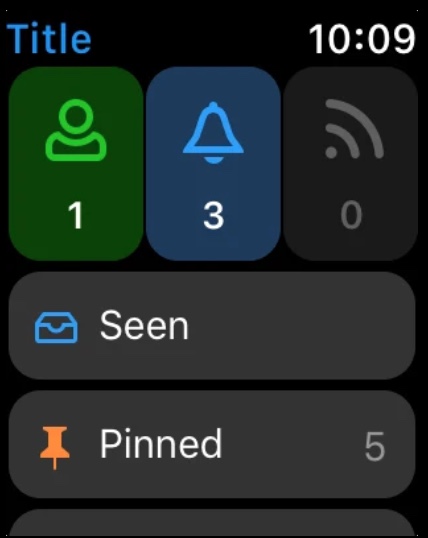
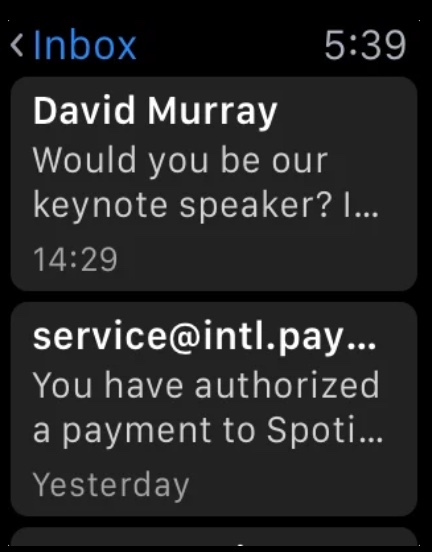
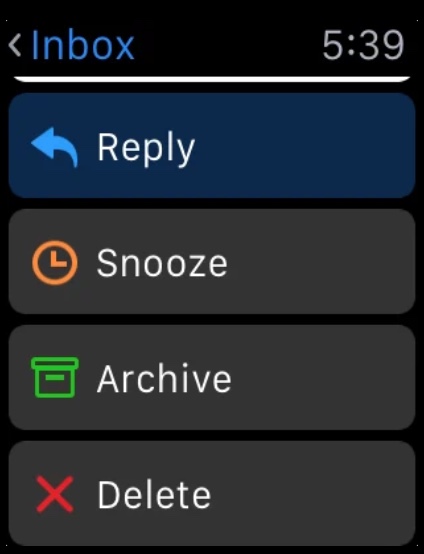
On yours Apple Watch should definitely not be missing a quality email client. If the native Mail does not suit you, you should definitely try the very popular Spark application. This application offers a wide range of options for managing and creating emails, customizing the environment and a number of other useful features for collaboration or mass mailing. For example, you can use shared mailboxes and many other great gadgets. Spark is definitely worth trying.

Notebook
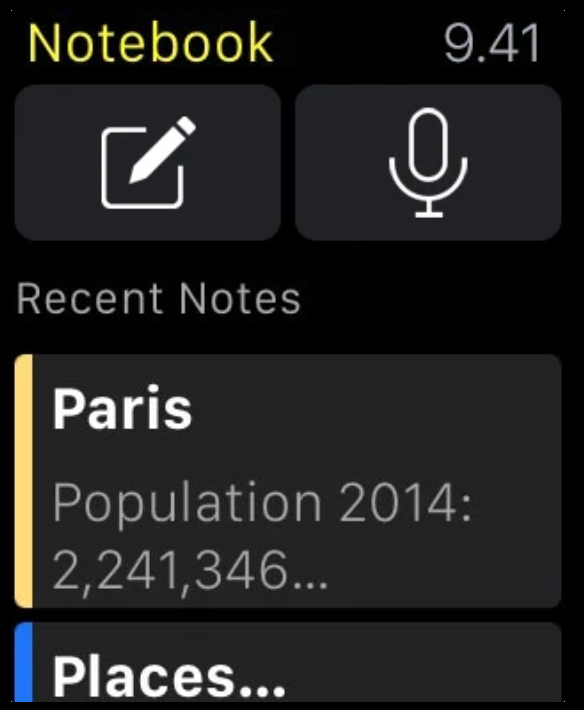
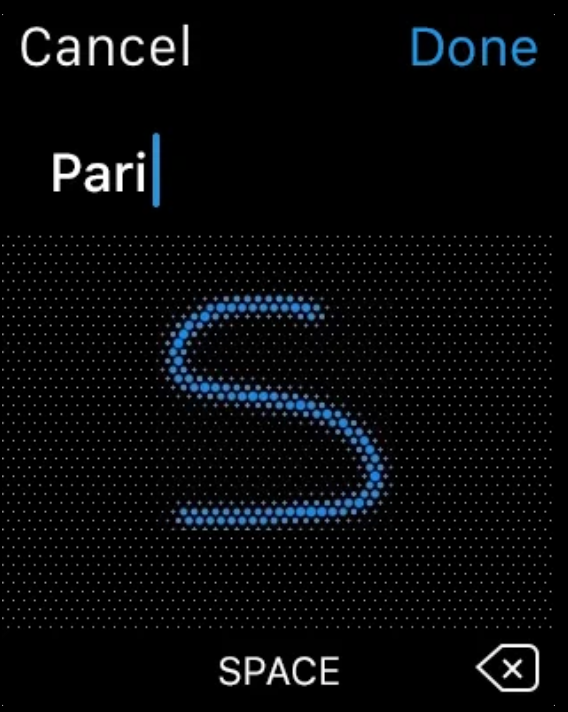
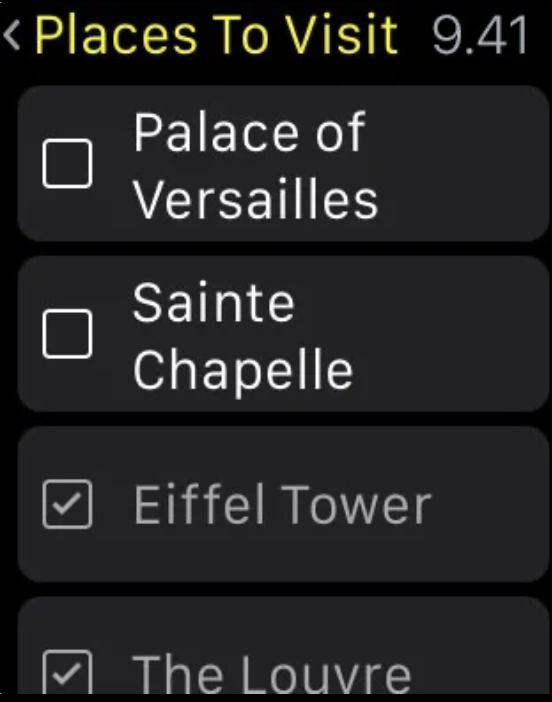
Most native apps from Apple works on Apple Watch without any problems, but unfortunately Notes is not one of them yet. Fortunately, there is a great alternative in the form of the Notebook app. It will help you on your Apple Watch It allows you to not only browse and edit notes, but also share them or create new ones. The application is cross-platform and offers automatic synchronization between all your devices, making your work easier.
Gallery

Microsoft Power point
If you present often, you're probably familiar with the app. Microsoft PowerPoint, which is included in theancelectrical package OfficeIt is one of the most popular solutions for creating presentations. But what if you wanted to take your presentation to the next level? Your Apple WatchWith the app Microsoft PowerPoint for Apple Watch You can control your presentation right from your wrist and easily switch between slides. It's a great addition to make your presentation easier.
Gallery





Mr. Editor of the Sto applicationcard is no longer there, it has been replaced by the Klarna app.
Unfortunately. What then to think about the rest of the article?
Good recycled article, it would be good to use AI and run a content check on the article, the price of the autosleep application is not 129,-, this year 179,- Hundredcard vs Klarna, more and more articles like this are appearing here. Ave Ctrl C and Ctrl V 😎
Exactly, either it's just a recycled article or new Chinese advertisements and referrals to other dubious products
Native notes are already on AW.
Drive it was possible to use google keep, but the experts from google recently canceled its support for AW.
Klarna destroyed the Stocard, luckily there is an even better one. Supercarfor