The Christmas season is a time for gatherings, festive prices, church concerts, children's parties and decorating the tree together. And because these moments create a huge number of photographs, it offers iPhone an elegant way to share them with family and friends – Shared Album in the Photos app.
This tool is ideal for situations where you don't want to send dozens of images via messages or upload them all to social networks one by one. Plus, it doesn't count the content against your storage either.Cloudso you don't have to worry about space.
Below you will find a clear guide on how to create a Shared Album and how to use it conveniently during Christmas.
What is a shared album and when is it useful?
A shared album is a special type of photo album that you can add other users with Apple devices to. Each of them can view, download, and add their own photos. It's ideal for, for example:
- family celebrations and Christmas prices,
- photos from school or company Christmas events,
- pictures from concerts, markets and Advent meetings,
- sharing moments with distant relatives who want to be "there".
- The album can have up to 5,000 items, which is enough for three famous family Christmas Eve photo shoots under the tree.
Before you start: enable Shared Albums
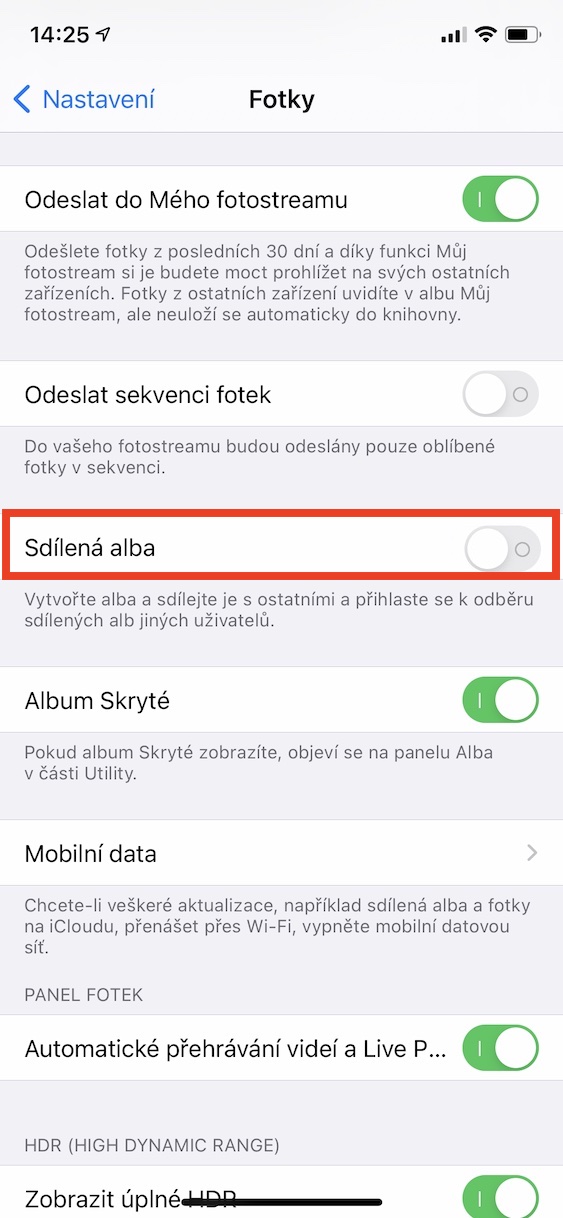
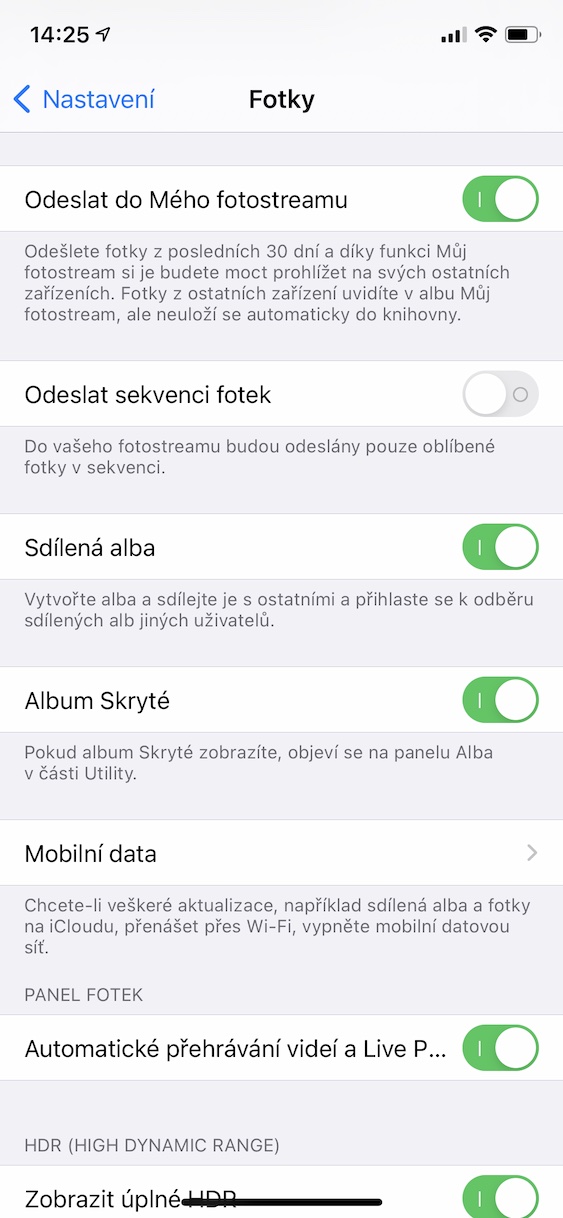
For the function to work properly, it needs to be turned on:
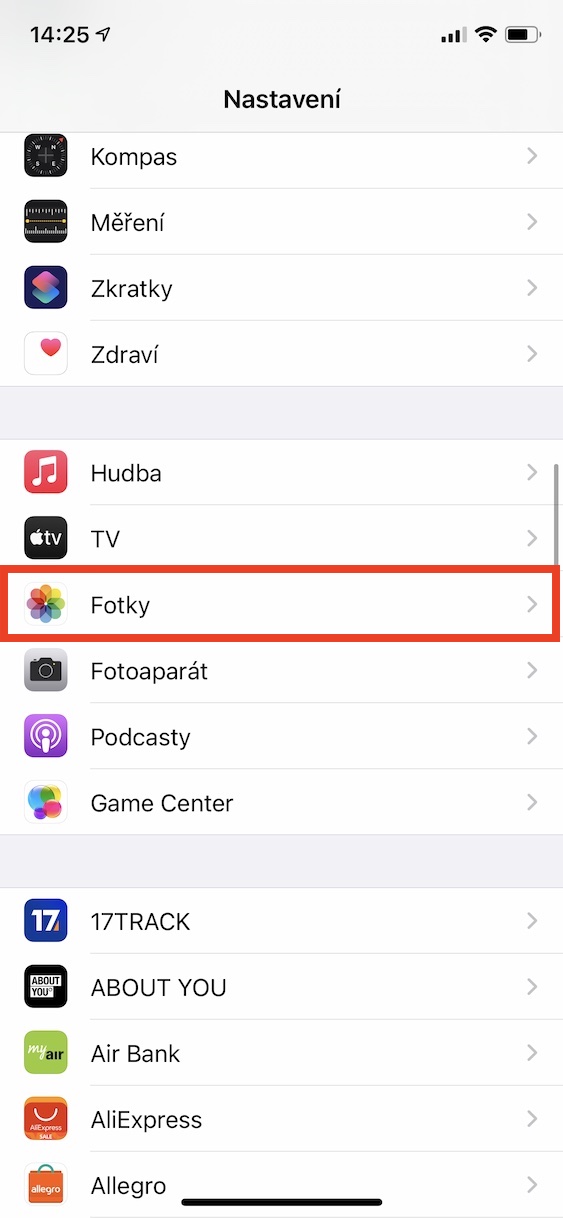
- Open Settings.
- Go to Apps -> Photos.
- Enable Shared Albums.
If you forget to turn this option on, the Shared Album won't appear at all in the Photos app.
How to create a new shared album
The process is simple and especially useful during Christmas – you can share dozens of photos with the whole family in five minutes.
In the Photos app, follow these steps:
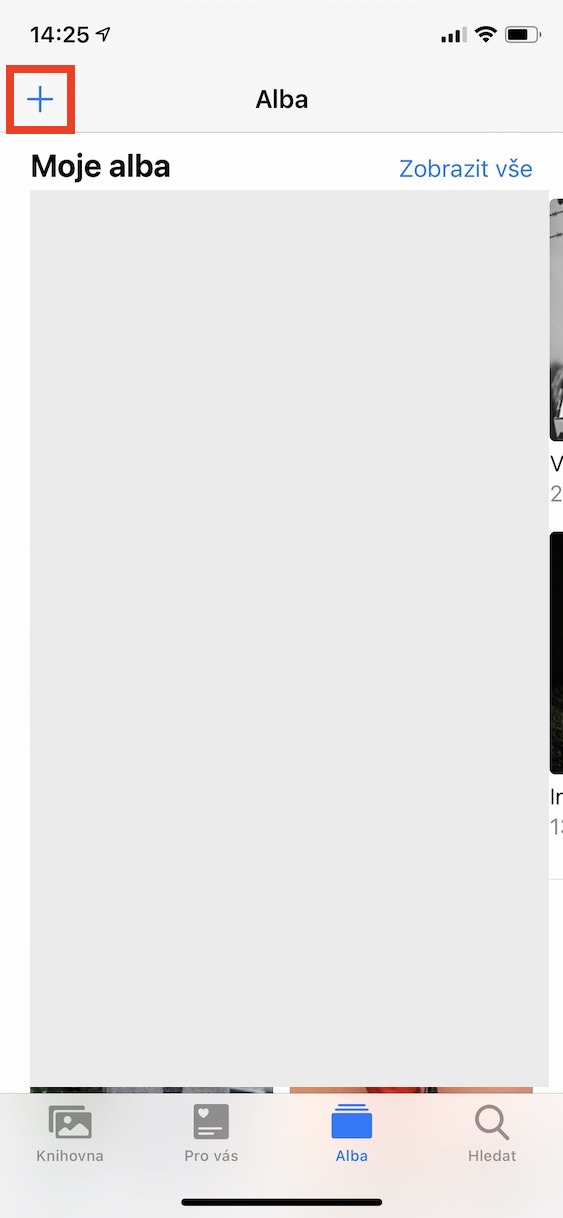
- Open the Albums tab.
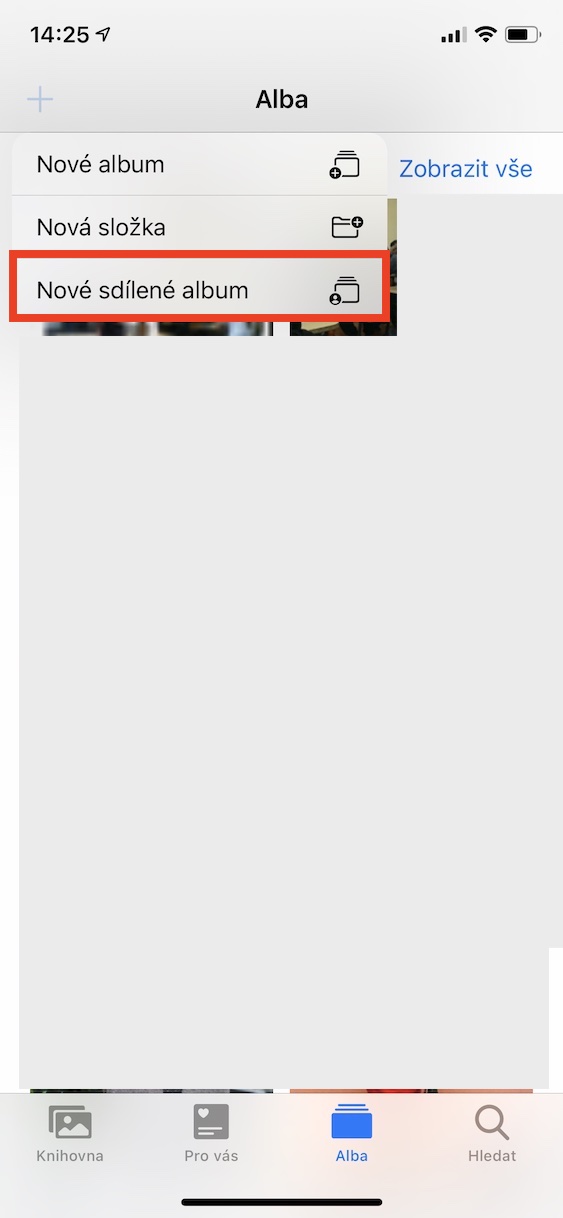
- At the top left, tap +.
- Select New Shared Album.
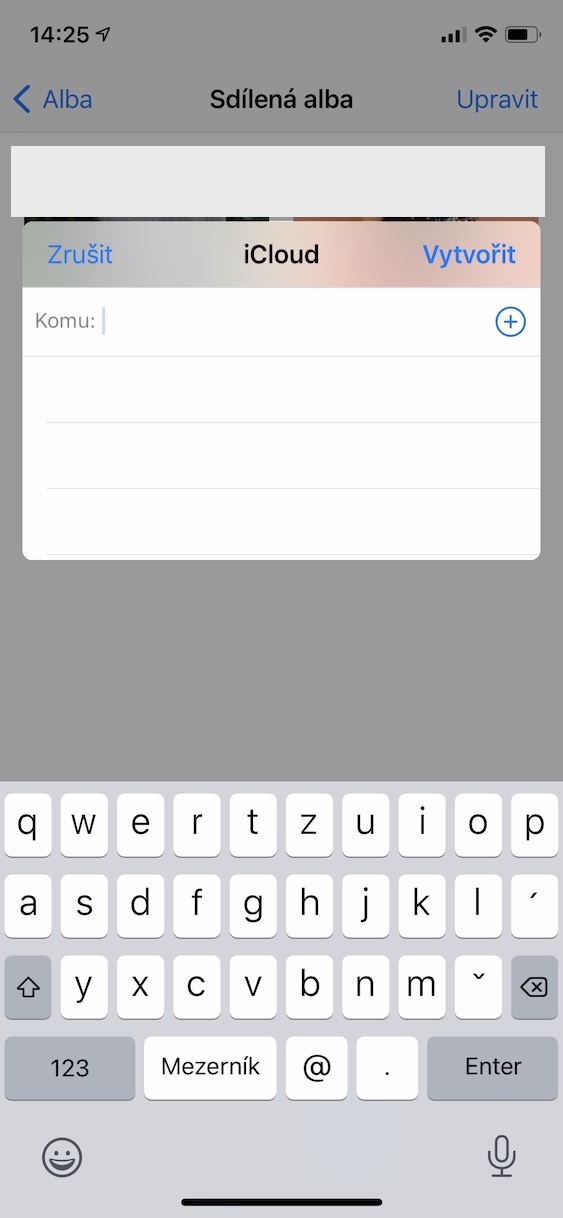
- Name the album (for example, "Christmas 2025", "Míša's Gathering", or "Advent Concert").
- Select the people you want to invite - you can search by contacts, email, or send an invitation through Messages.
- Confirm the creation of the album.
The person you invite will see a notification and will see the album in their Photos app after accepting the invitation.
How to add photos to a Shared Album
Once the album exists, adding photos is a matter of seconds:
- Open Shared Album.
- Tap +.
- Select the photos or videos you want to insert.
- Confirm the addition.
The advantage is that other invited users can also add photos to the album. This is ideal, for example, after a family price - everyone adds their own photos and a complete shared gallery is created.
Gallery
Shared Album is a subtle but incredibly useful feature that shines at Christmas. It saves you time, energy, and lets you share all the beautiful moments with those who couldn't be there - or who were there with you but have their own photos.
Whether you want to have all your Christmas Eve photos in one place or create a shared gallery of Advent concerts with your family, Shared Album in the Photos app is the ideal tool for that.