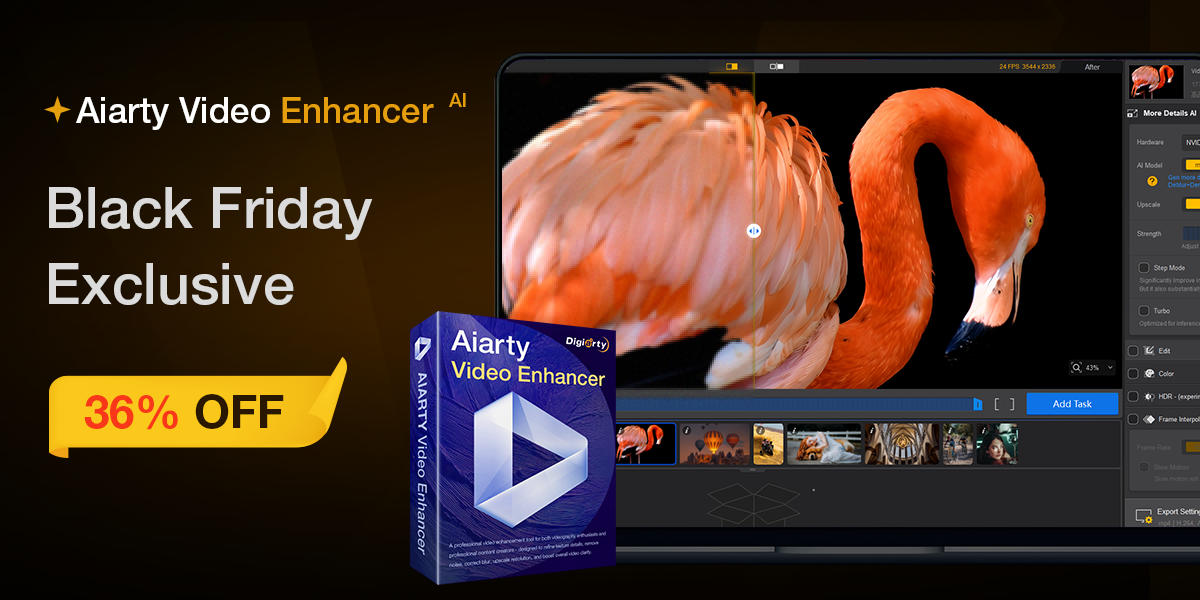
AI video editing tools are experiencing an unprecedented boom this year, and Aiarty Video Enhancer is one of those that is starting to be talked about more and more. It is no wonder – the new Aiarty Video Enhancversion V3.0 comes with a massive update that significantly improves the output quality and overall comfort of work. And because the manufacturer has launched a large Black Friday sale with up to 36% discount on lifetime license, it is also the most favorable moment to reach for the tool. If you just want to "touch" it first, you can also download free license Aiarty Video Enhancversion V3.0, which unlocks all features for a short-term trial.
The entire tool is designed to suit both video creators and people who are just saving family movies or need to "fix" older footage in a moment. Aiarty is built on fast local AI processing - no data is sent to cloud, so it's not only safe, but also noticeably fast. And thanks to regular updates, the tool is building a reputation as one of the best-optimized AI enhancers on the market. If you want to jump straight into the action, you can find the product link here here.
What's new in version 3.0
The biggest shift comes with new Strength drivers, which allow you to fine-tune the level of AI intervention. Until now, you had to rely on the result of "how the model calculates it", but now it is possible toancChoose between a natural look and more aggressive cleaning. Pro For filmmakers, YouTubers, and anyone who wants to control their output, it makes a huge difference.
The new version also adds HDR and 10bit processing, which relies on devices with HDR support. For materials that do not have HDR natively, Aiarty can restore the dynamics of colors and lights in such a way that old footage suddenly looks one technological generation younger.
Denoise: when you need to clean up a video but don't want to lose detail
Aiarty has a reputation for being one of the most natural-looking tools for noise removal. Denoise in version 3.0 uses a new Strength control, so you can precisely determine whether you want just a light "smoothing" or, conversely, a radical cleanup of problematic scenes. On old phone footage or night scenes, this module works wonders - the result looks clean, but still natural, without a plastic effect.
Deblur: control over sharp details
The sharpening and deblur algorithms have also been improved. Deblur also now offers Strength control, which lets you choose exactly how much you want to “tighten” the image. In practice, this is great for action shots where everything couldn’t be perfectly focused due to movement or poor lighting.
Upscale to 4K, or just a subtle fix without scaling
The Upscale module is one of the most used functions of Aiarta - it can convert video to 2×/4× resolution, or directly to 4K. But if you don't want to zoom in, you can choose x1, which leaves the original resolution and only corrects image defects. This is the best option, by the way, if you already have material in 4K and you don't want to enlarge it, but just improve the sharpness or colors.
Turbo Mode and new Step Mode
Turbo Mode is all about speed. It's great for when you need results right away—ideal for reportage videos or quick social media productions. Step Mode, on the other hand, takes the maximal quality and emphasizes careful recalculation of each frame. Both modes make Aiarta a versatile tool that can adapt to completely different needs.
Colors, HDR, interpolation, slow motion and working with audio
New Color module It can handle basic color grading and color correction without having to open additional software. HDR adds significantly wider dynamic range if you have a device that supports HDR.
Frame Interpolation allows for smoother movement and the creation of slow motion footage even with sources where you wouldn't expect it. And Denoise Audio It removes noise and interference from the sound so that the result looks professional.
It is especially nice that Aiarty also includes quick editing tools – crop, edit or rotate video without having to drag files into another program.
Everything runs offline
One of the biggest advantages of Aiarta is that all AI calculations are done locally on your deviceNo data goes to servers, so you have 100% control over your files. And if you're working with custom content, this is why many people prefer Aiarty over online tools.
Comparison with online tools and competitors
While most online upscalers are limited by file size, internet speed, or calculation quality, Aiarty offers stable performance without limits. Thanks to offline processing and regular updates, it acts as a tool that does not try to compete only on price, but mainly on the performance/quality ratio - and that is exactly what anyone who works with video regularly will appreciate.
A Black Friday offer you can't miss
Lifetime license with a discount of up to 36% is currently the best choice. If you want to see first what version 3.0 really looks like in practice, you can also get free code a try all functionsAnd if you want to explore the product in more detail, here it is main page.