
It seems that macOS 26 Tahoe Applu didn't quite work out. Almost since its release, complaints have been piling up on social media and in discussion forums that Macs have slowed down significantly after it, even those that were purchased just a year or two ago. However, it seems that this is not the intention. Applu, but about a bug (or bugs) that plague this system and which have not yet been fixed. Although there is miniThere is at least one piece of advice on how to get back to your original speed, but it is quite likely that you will not feel like doing it at all.
Personally, I had no problem with macOS 26 until the release of version 26.1, which gave me my MacBook Air The M3 slowed down significantly, especially when opening applications, even native ones. Pages suddenly loads much longer and it takes a very long time to save a file, or export it to another format, and all of these things are unfortunately my daily bread and butter and are therefore quite annoying. However, it didn't take long for me to find an "instruction" on X on how to get back to the speed I was used to when having similar problems. If you have saving files from the desktop on i enabledCloudWell, that's what's slowing down your Mac.
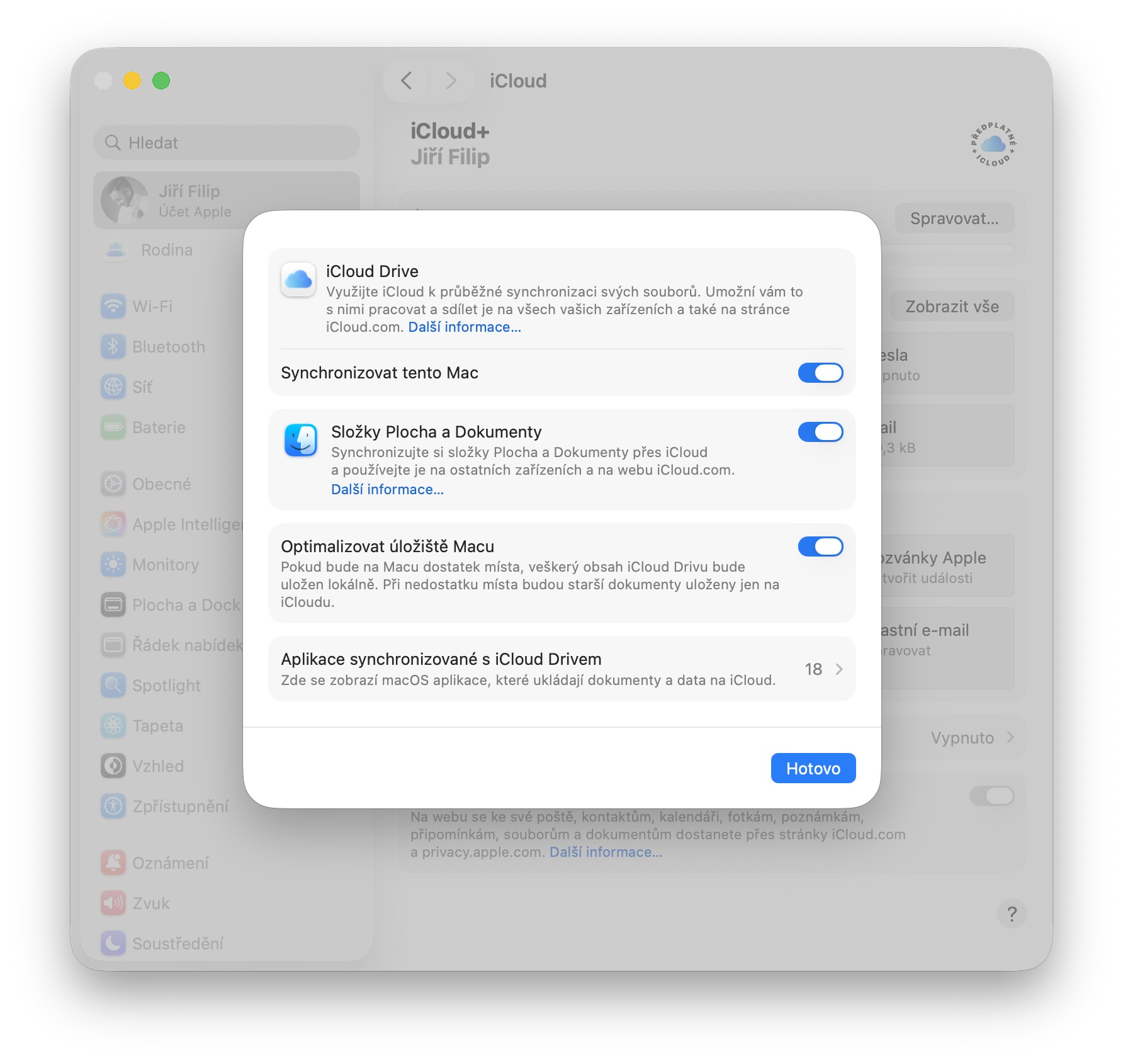
So to get back to your original speed, just go to Settings – your name – andCloud – Drive and here disable the Desktop and Documents Folders option. As soon as I did so, the Mac immediately sped up and both opening applications and saving or exporting quickly returned to normal. However, there is one major catch. As soon as you turn off this desktop backup, the files will disappear from it. Of course, it is still possible to access them, but this is an extra complication that discourages many people, including me - especially considering that desktop synchronization is very useful and allows you to access documents from your computer, for example, on your iPhone or iPad.
So if you're also struggling with what I'm struggling with, you can try the advice above and see if it's worth it.chat Mac set up in this format or not. I couldn't stand it and iCloud I turned it back on for Desktop and Documents, even though I'll have to expect slower speeds. Unfortunately, I also tried installing the macOS 26.2 beta, which didn't solve the problem either, so I'll just have to wait until it's fixed. Apple He will look at everything from his side and solve everything.
Gallery
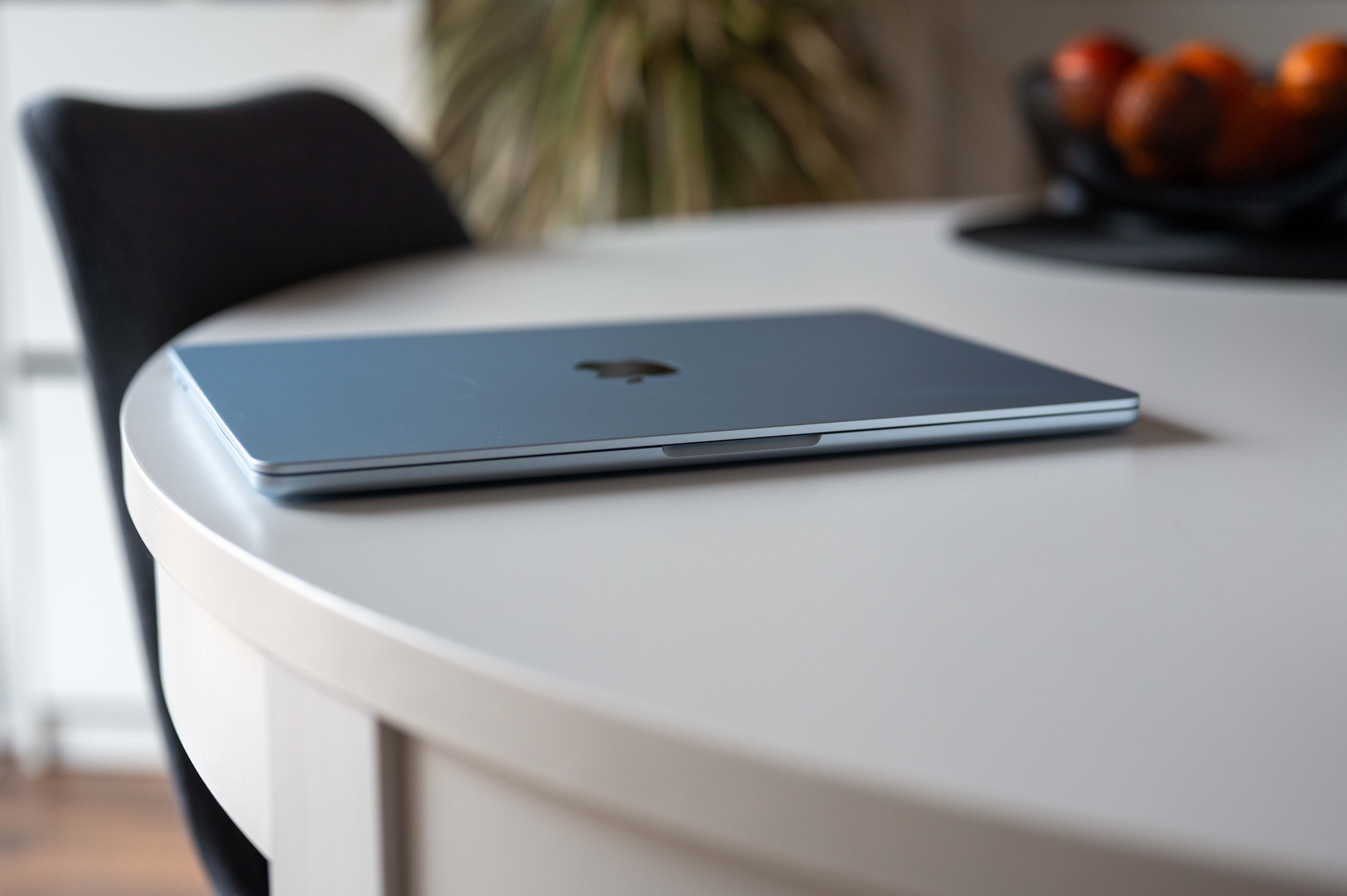
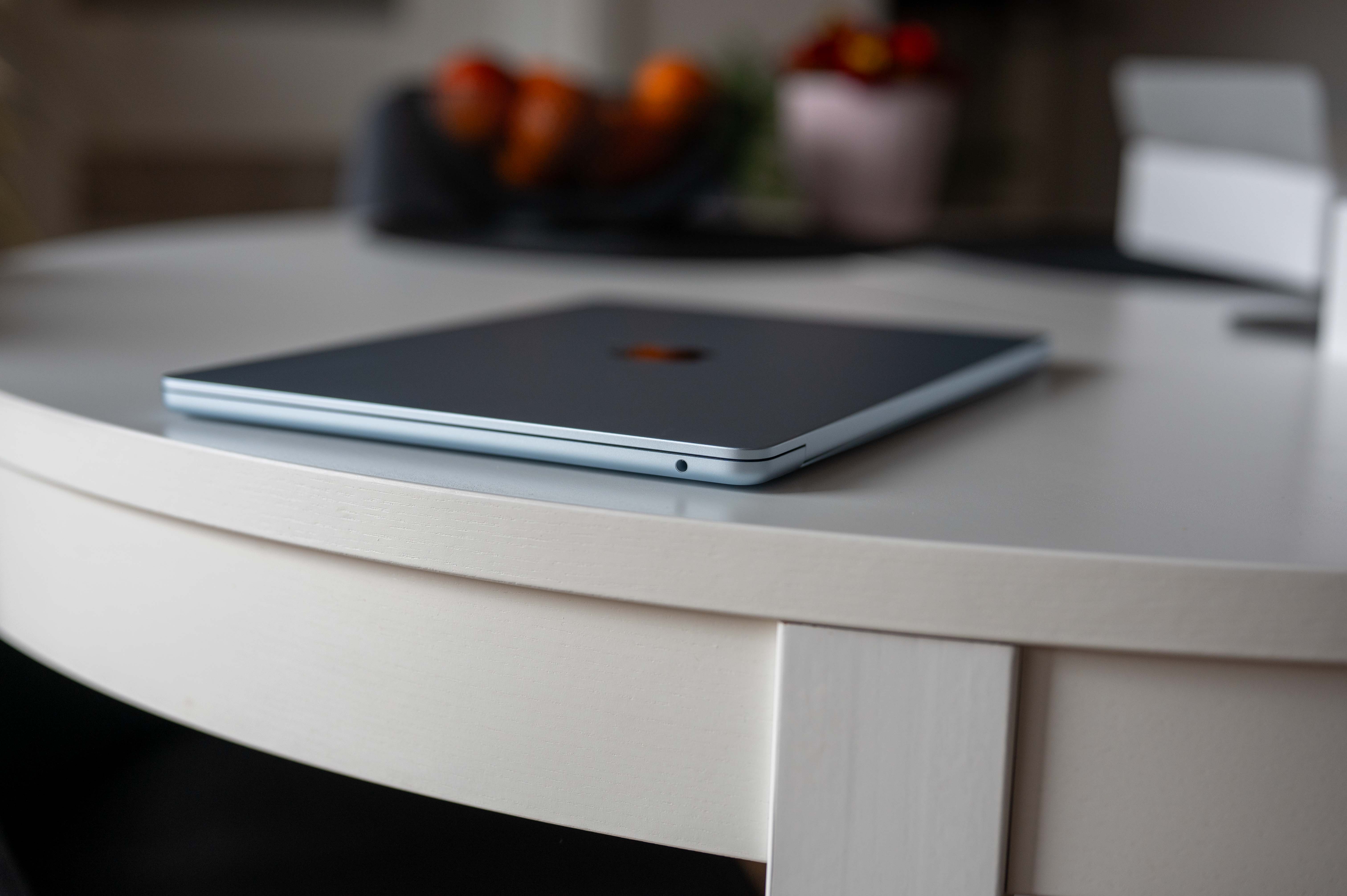
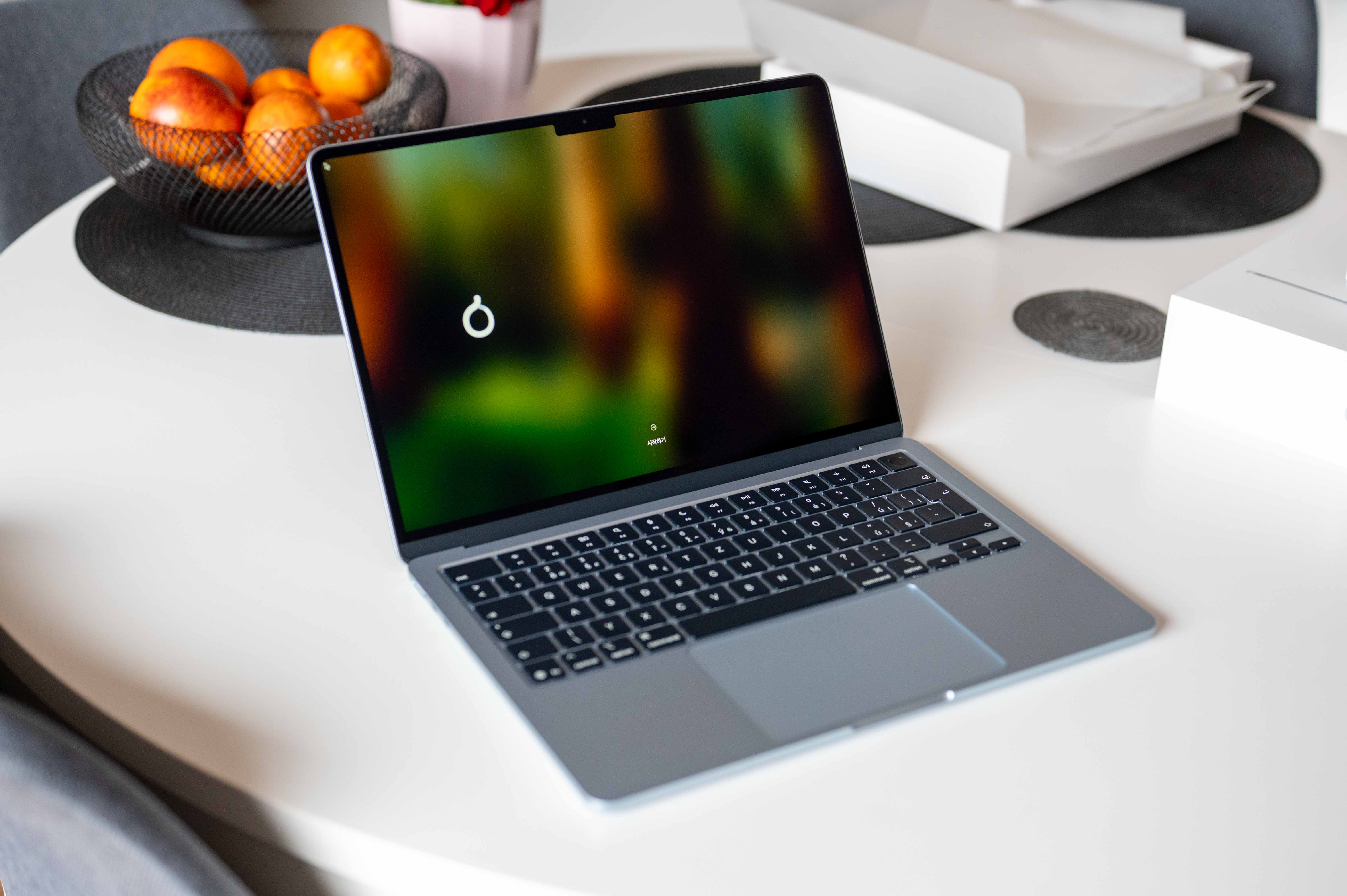
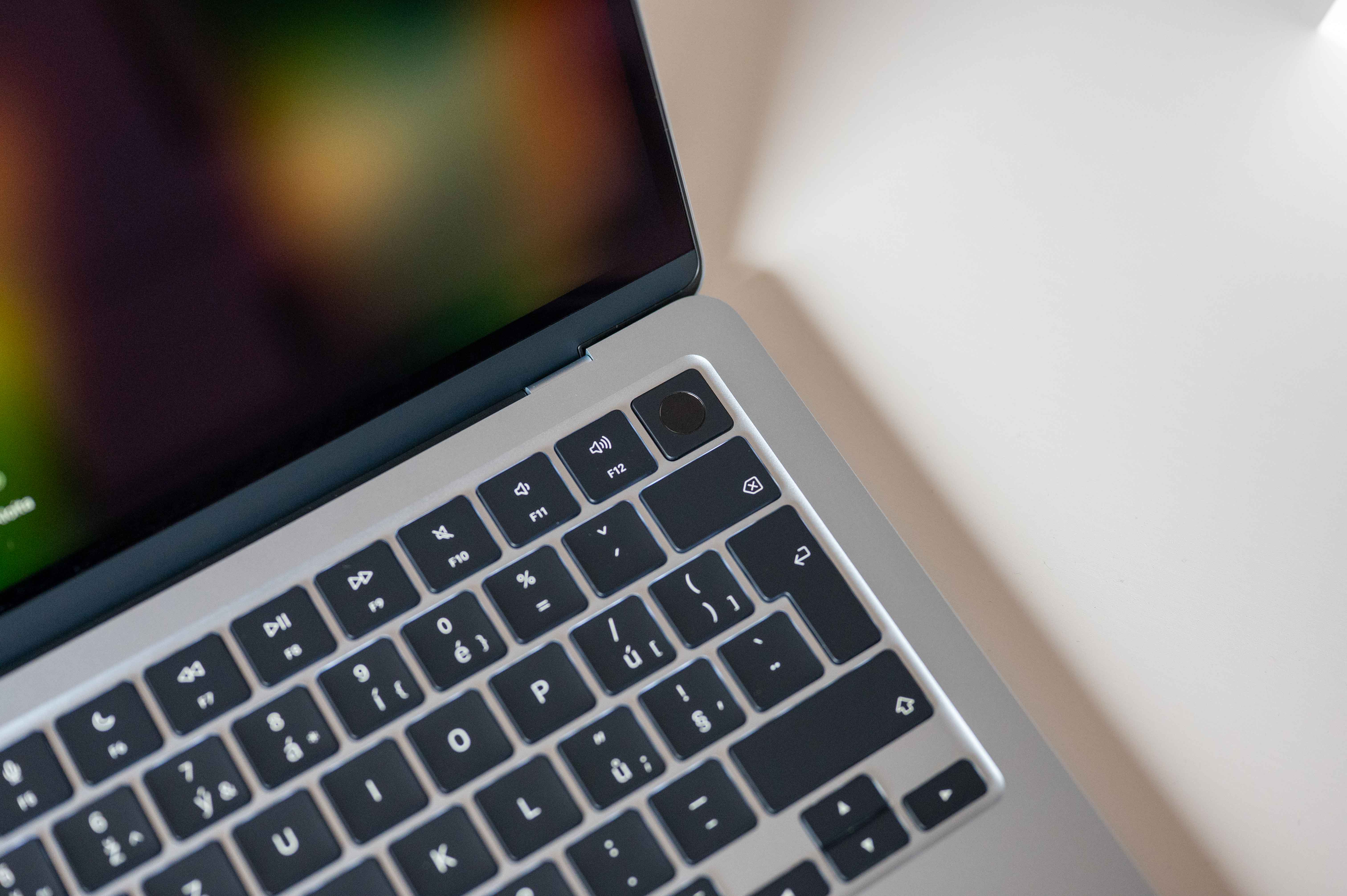
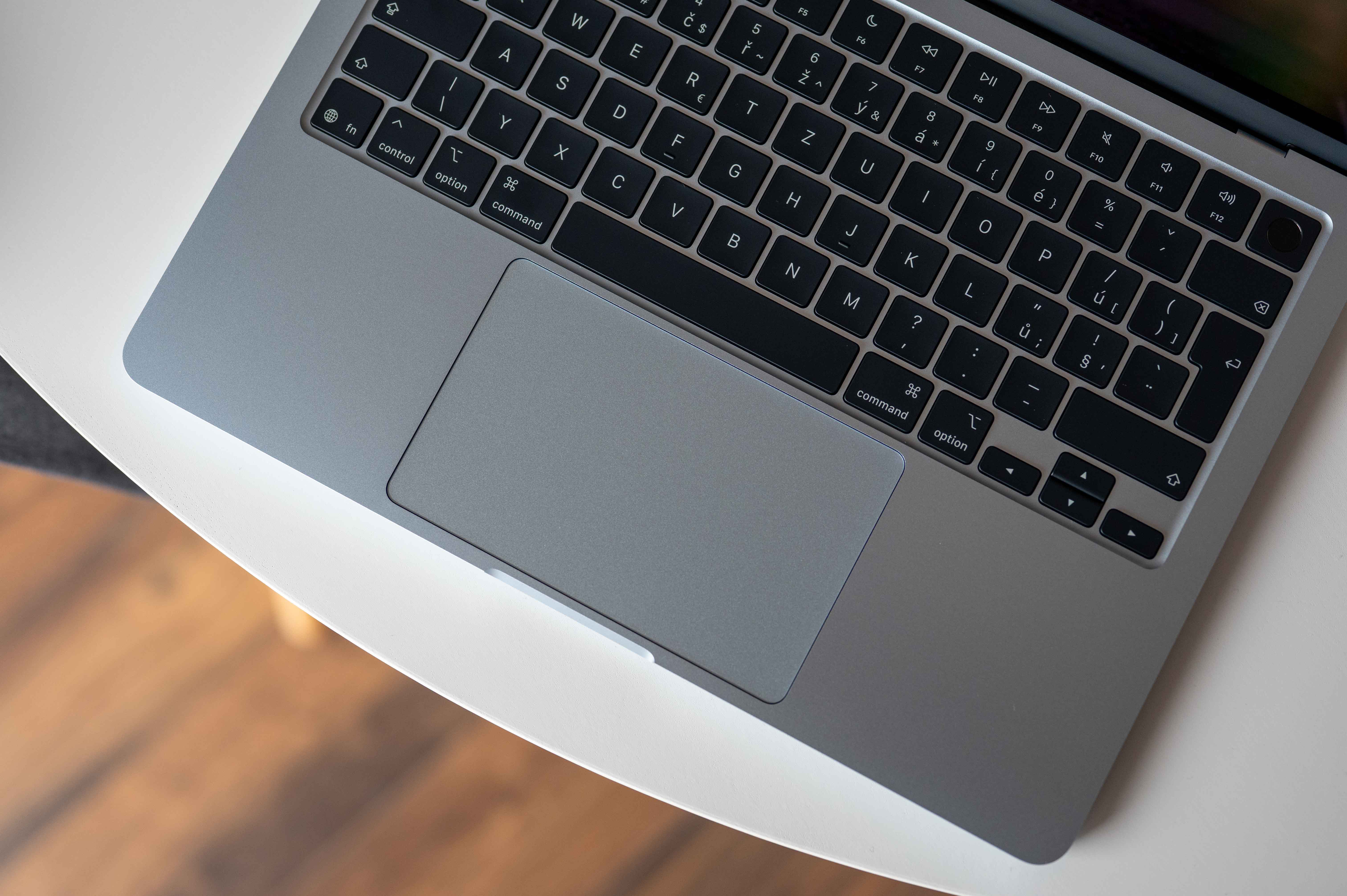
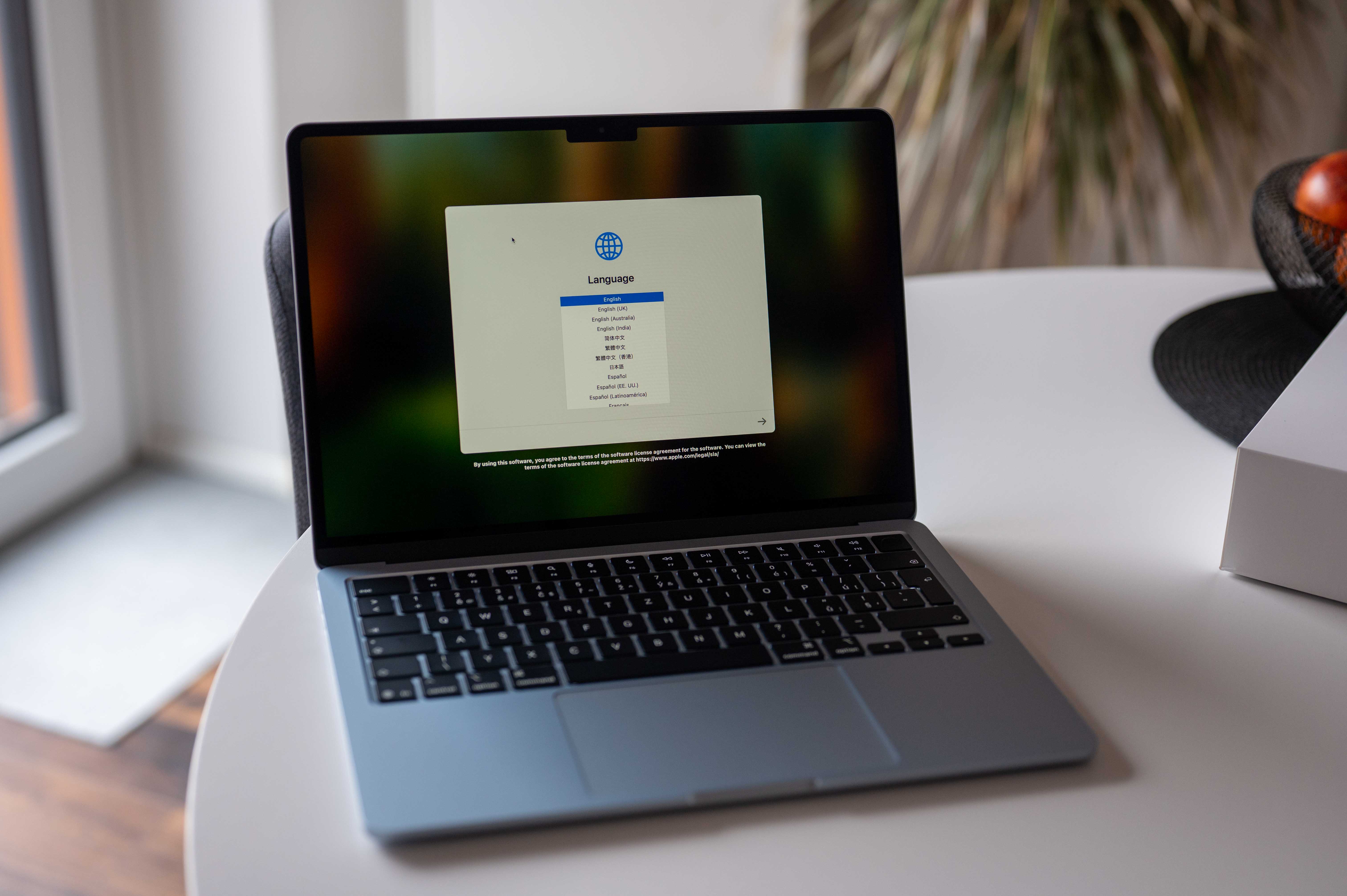

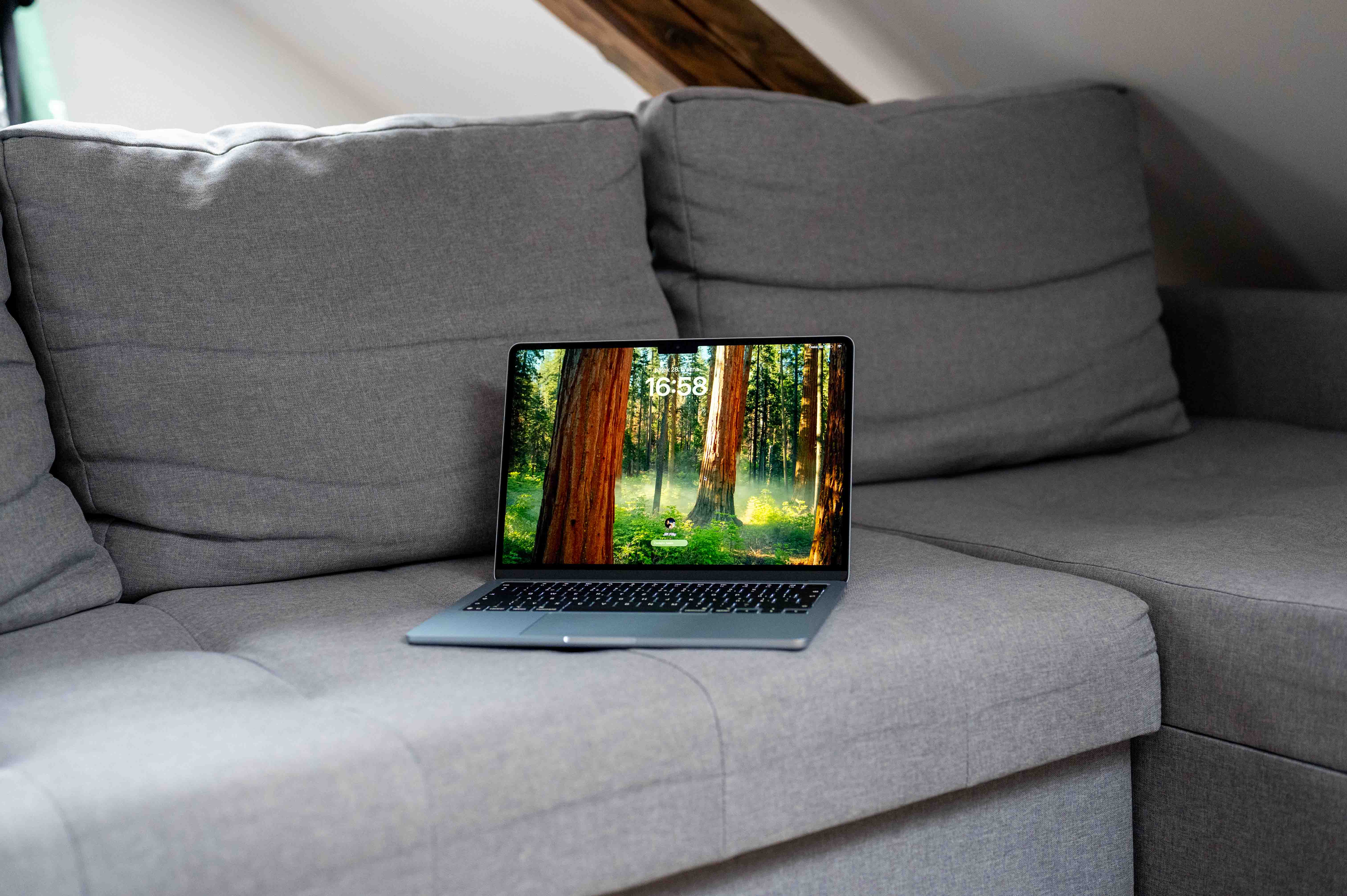
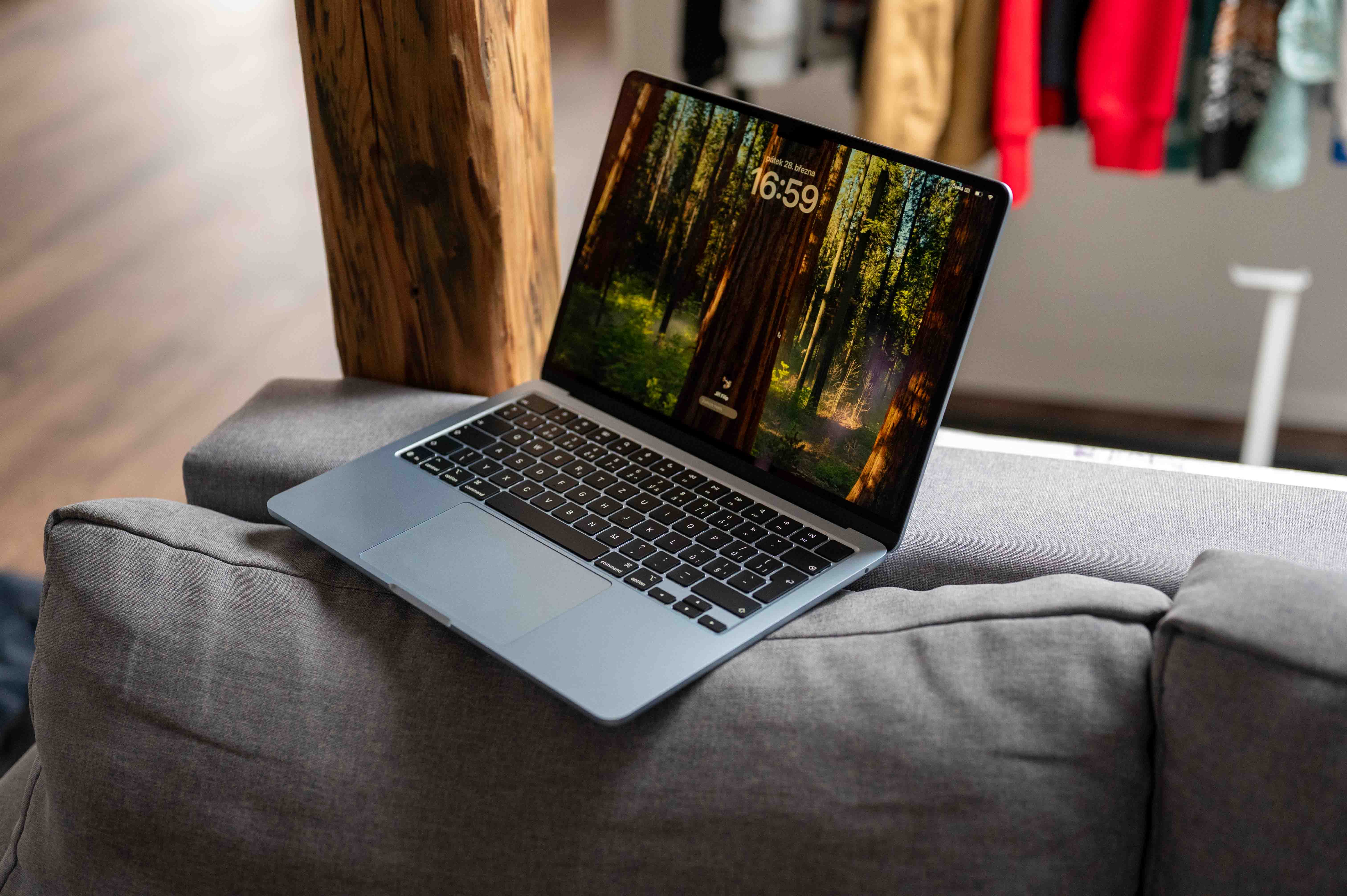





So, if only desktop synchronization is turned off, that's OK, but desktop sync is also tied to Documents, which I really don't want anymore. MacBook Air M1. What bothers me more is how Wifi is collapsing on the Mac. And it's not the router or the internet connection. Everything works normally on other devices.
Oh? So I'm home. And I didn't know what to do with the Wifi anymore. Everything else works and on my Mac I sometimes have to turn off the connection three times in 10 minutes. Thanks.
So in my case it didn't help... PS: I've been experiencing the problem since 26.0.
The window bezels are disgustingly large and after waking up it had a problem with peripherals. I have it connected to a DELL 40″ and it usually wouldn't load from it Apple keyboard connected by cable. I returned to Sequoia.
It's a shame you can't go back to iOS 18. The upgrade was a bad decision.
These are features like in Linux. However, the developers make them for free.
It doesn't work for me since update 26.0. Mac mini a MacBook Air backup Time Machine on NAS. I tried QNAP even Synology and the first backup won't even complete. Does it work for you Time Machine on the NAS? Even the latest patch didn't solve it.
That has already been discussed here.