
Crop, draw, explain: edit photos directly in chatu
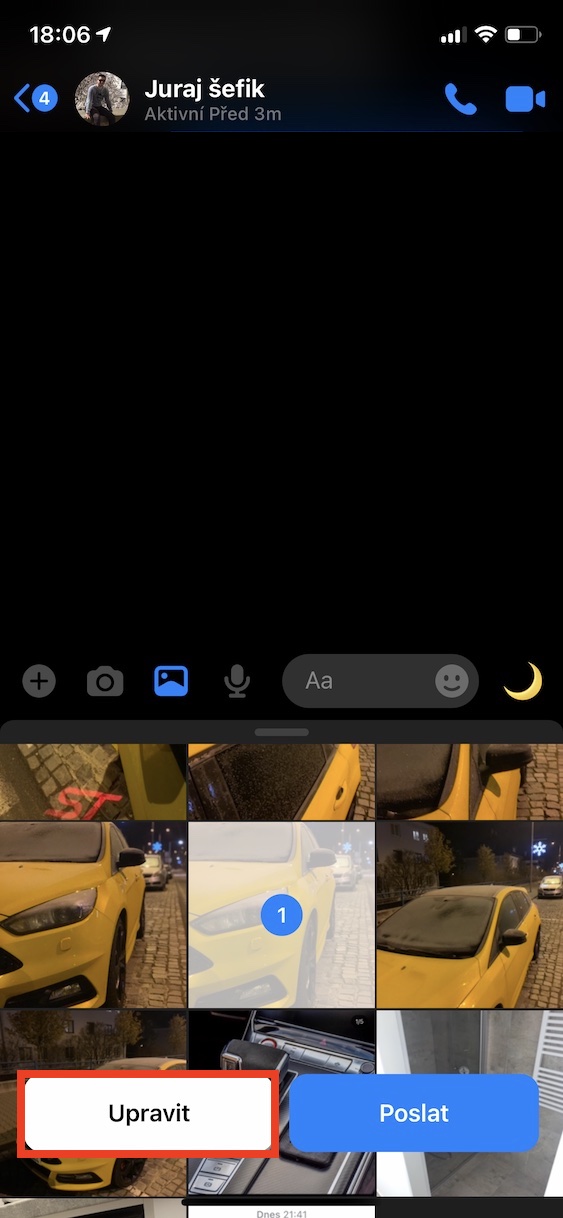
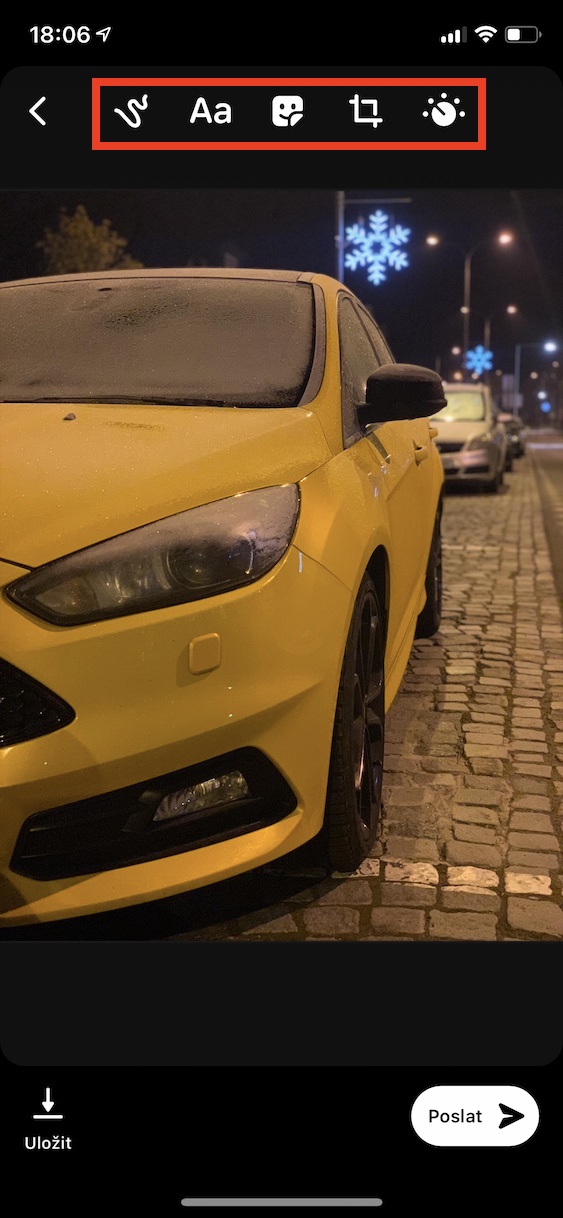
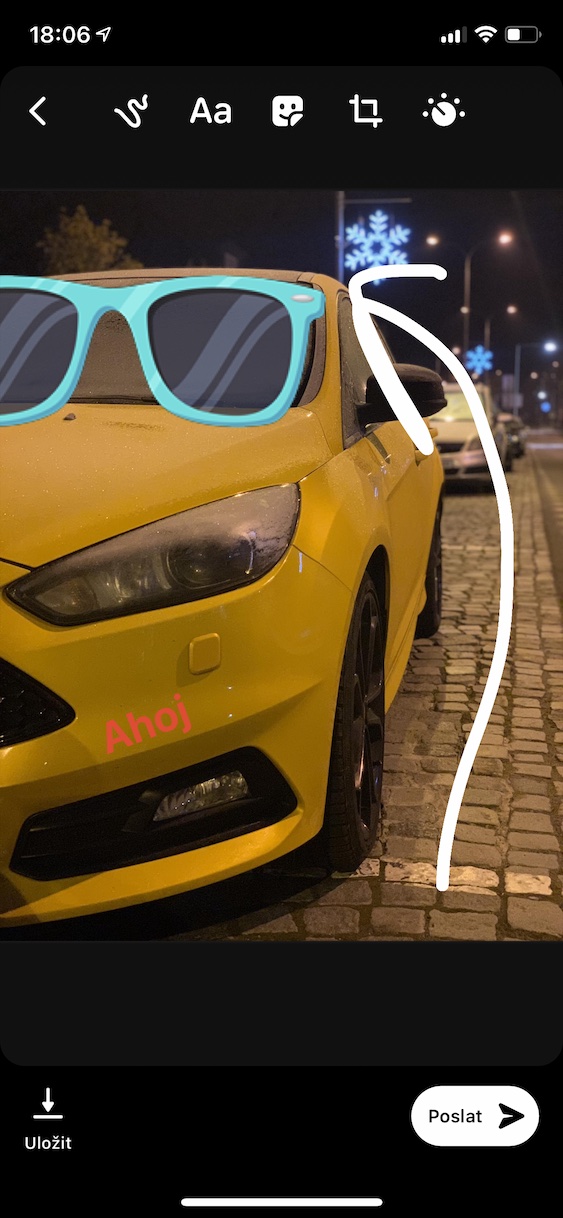
Sharing photos in Messengeris nothing new. But did you know that you can edit your pictures before sending them? Whether you want to add a caption, circle something important, or simply add a funny smiley face, just open the photo and tap "Edit". The feature is available for photos taken directly via Messenger, so for those from the gallery. Draw what you need – and you're done without having to use another app.
Gallery
When silence heals: silencing noisy conversations
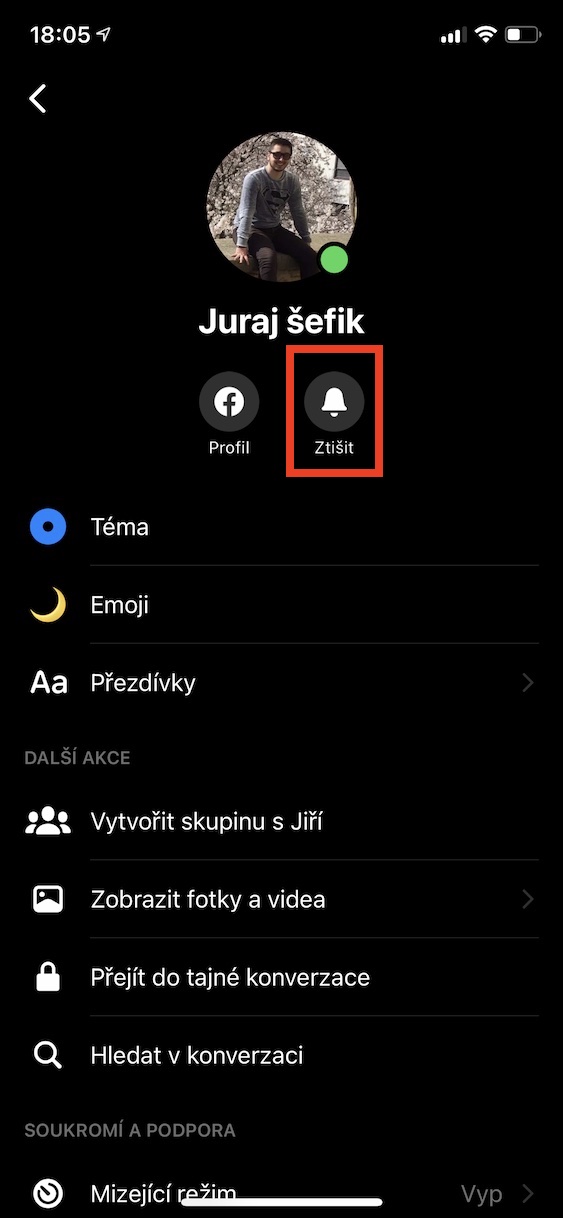
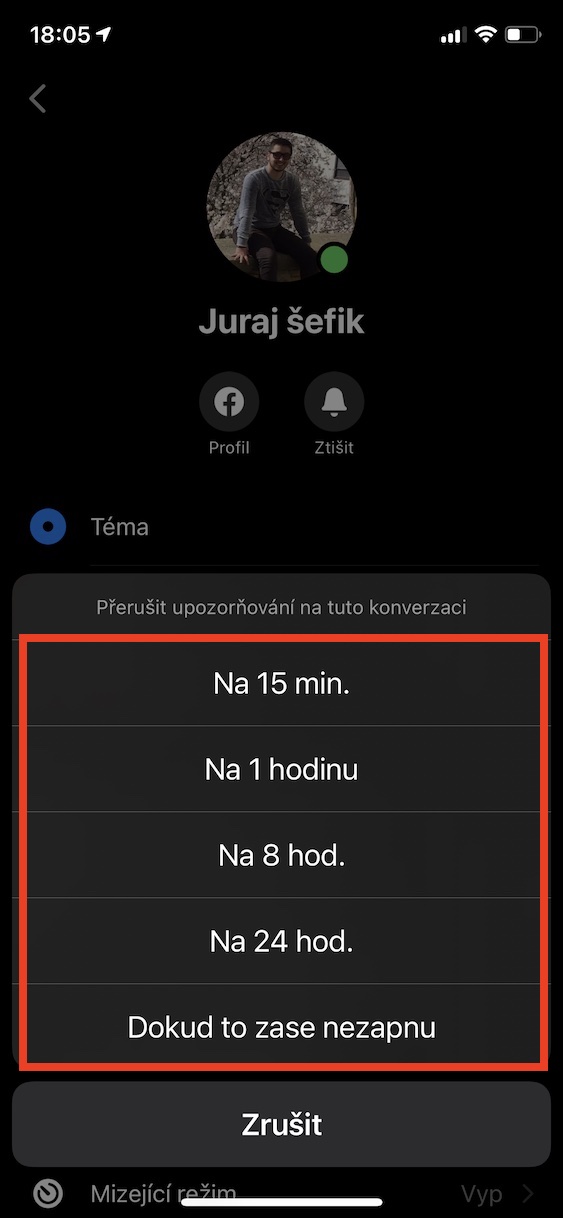
Group chatwhere there is always something going on, or an acquaintance who sends a message every five minutes? Messenger offers a simple solution: mute notifications. In particular, chatu click on the contact name or group name and select the icon fromoneYou can choose whether you want to chat Silence it for 15 minutes, a few hours – or permanently. The notifications will disappear, but the messages will still come through, of course.
Unknown people? Request first
When someone you're not friends with writes to you, the message will automatically move to the Message Requests section. You can find it by clicking on your profile picture in the top left corner of the main screen. Here you can view unsolicited messages, decide whether to reply to the person or block them outright. Extra tip: sometimes check your Spam folder, where even a regular message can accidentally end up.
You might be interested in

Groups as a planning center
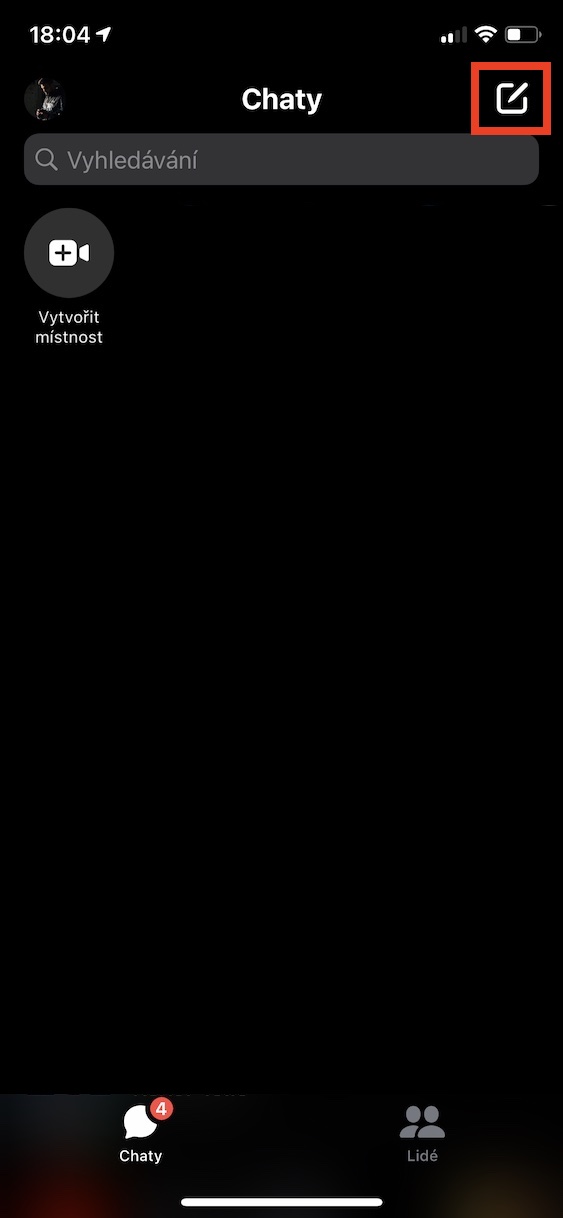
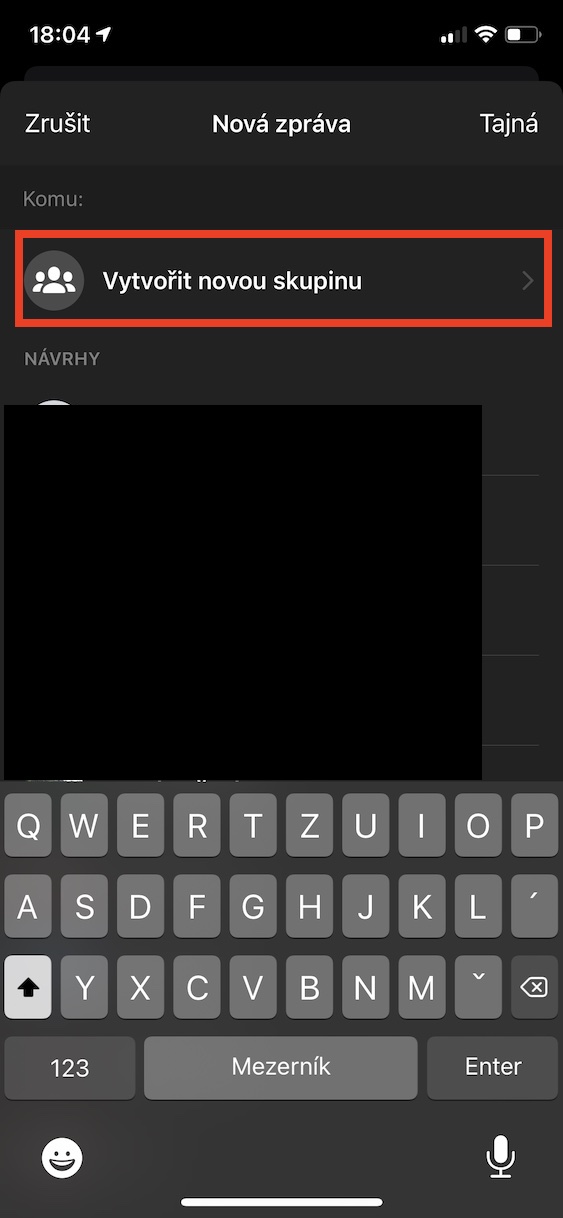
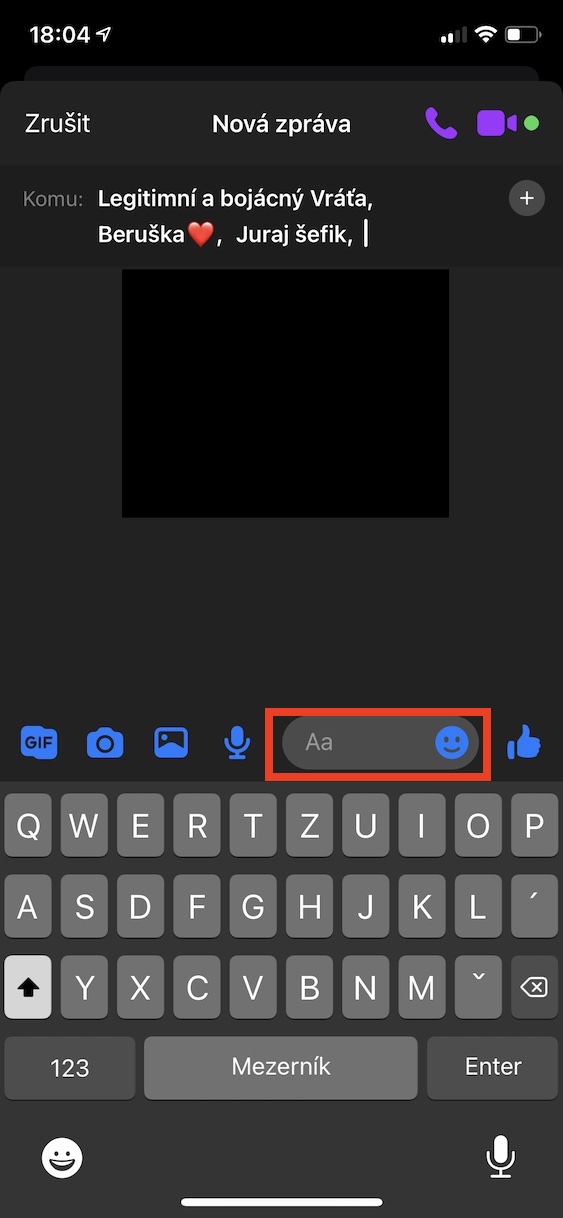
Are you organizing a trip, a birthday or just want to have all your friends together? Use group chats. Click on the pencil icon in the top right, select "New group" and select participants. You can then send messages, pictures, vote using polls, change nicknames and even set a color theme to the group. Everything is clearly in one place.
Gallery
Names according to you: nicknames in chatu
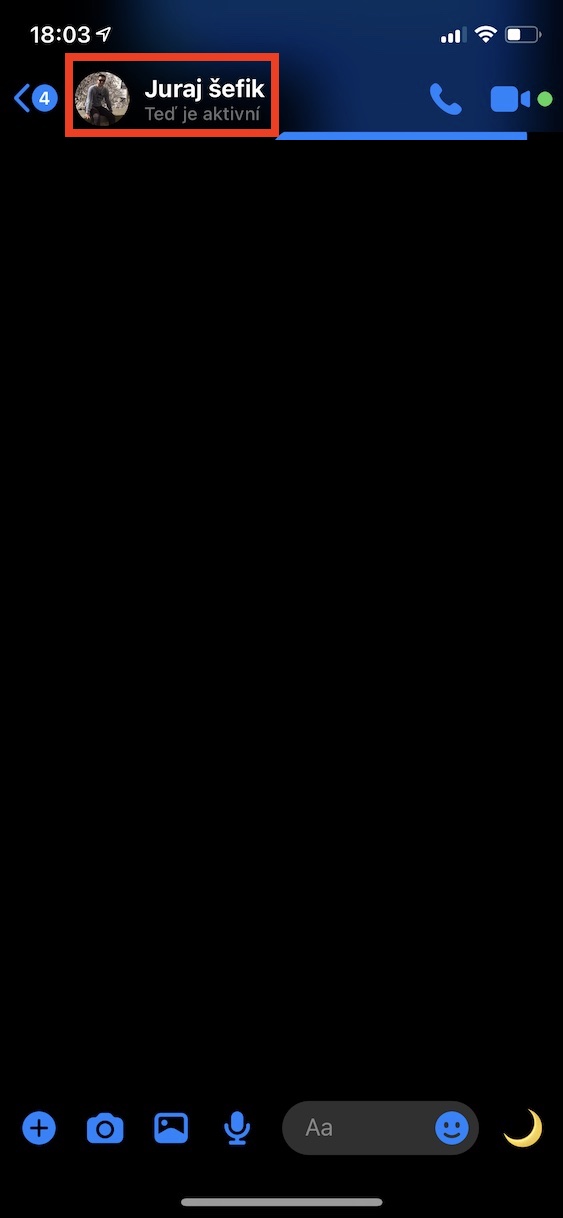
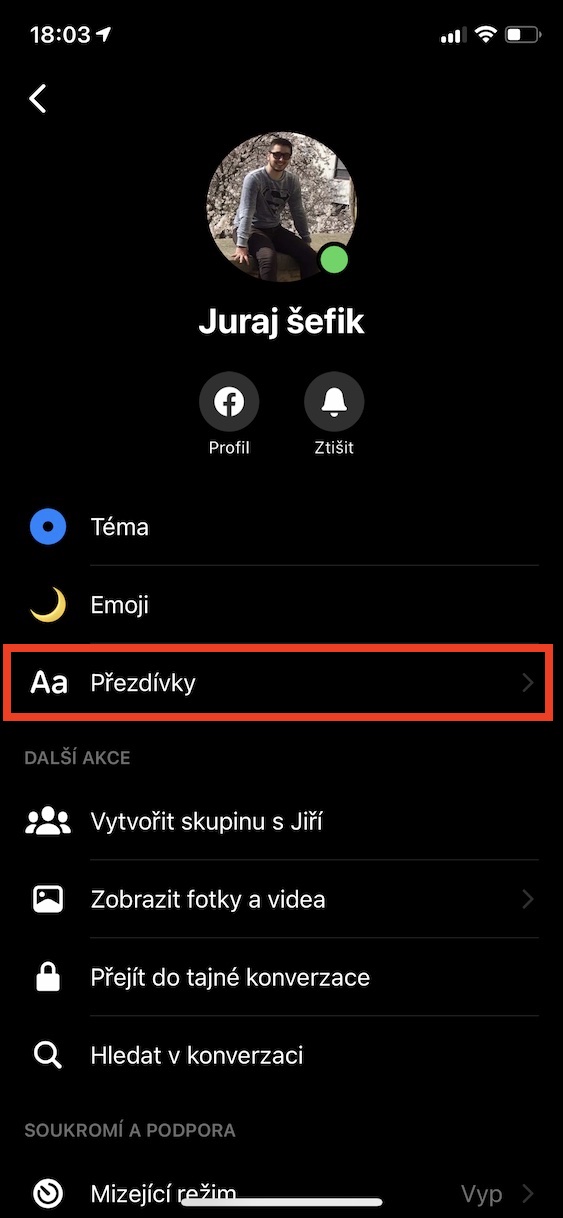
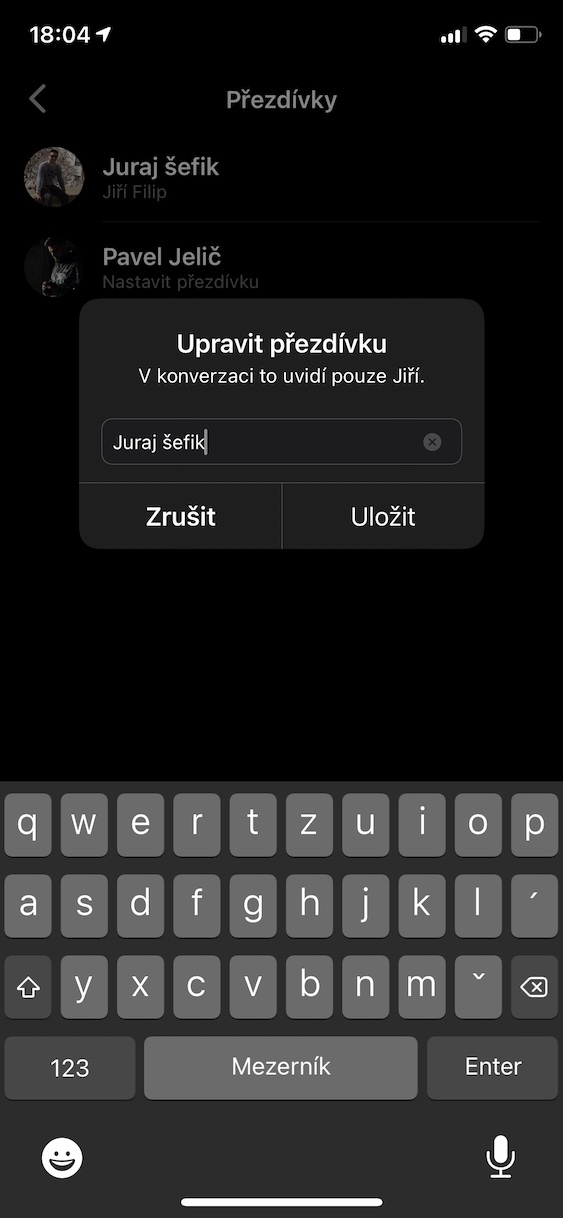
Messenger allows you to rename contacts exactly to your liking. Instead of "Peter Novák" do you want to have "Péťa z práce" or "Král krycvičny"? No problem. Open chat, tap the person's name or group name, and find the "Nicknames" option. The nickname will then be visible to you, the person, and, in the case of a group, to all members. It's a great way to spice up your conversations—and get to know them better.
Gallery




The price is almost free. But nothing works.chat, let it be finished and optimized.