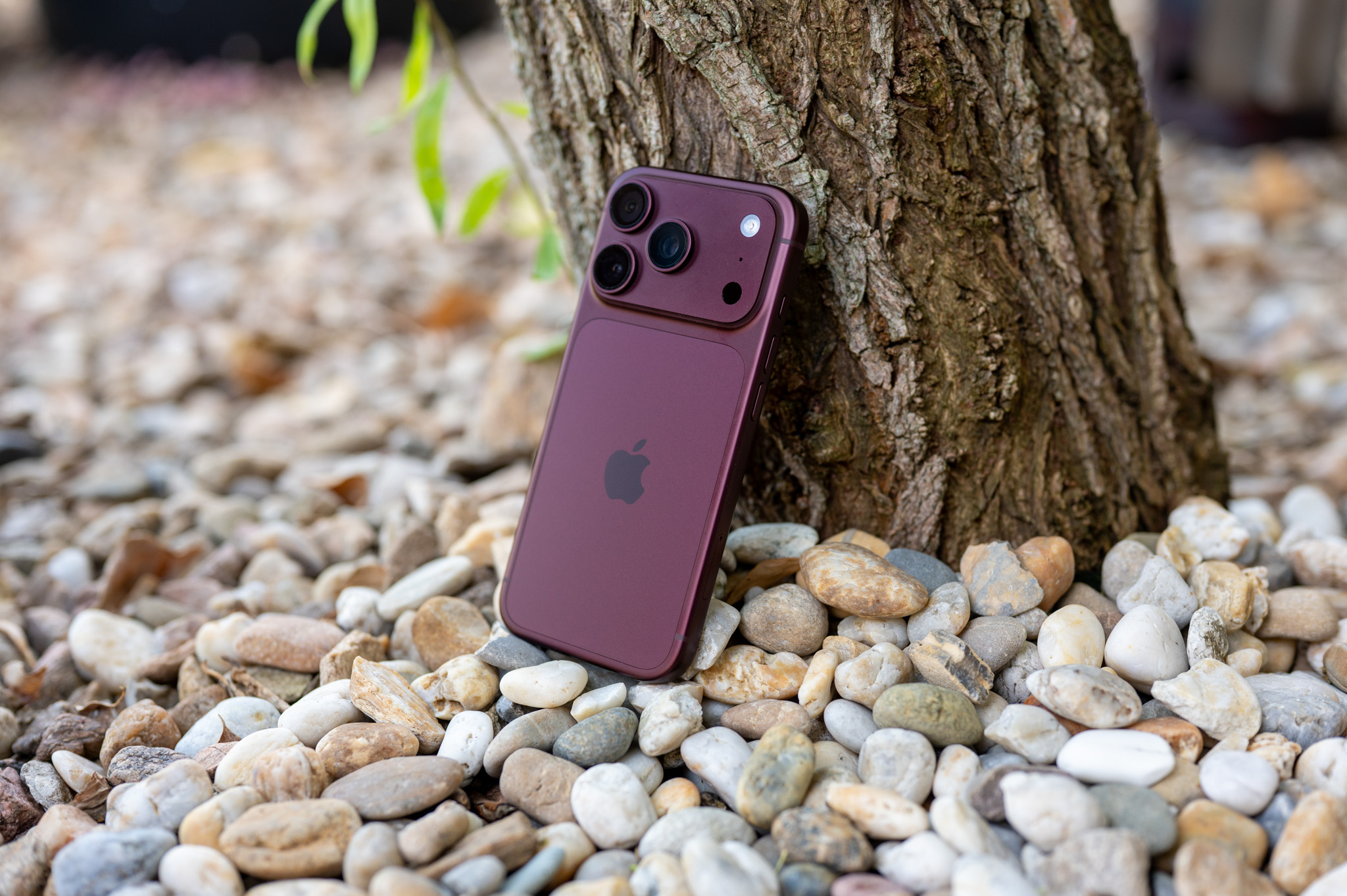
In the second beta green macOS Tahoe Apple added a new option to return the background to the top bar menu bar (top menu bar)This allows users to choose a look that more closely resembles the top bar design in the previous version. macOS Sequoia.
New toggle in settings
As part of the new visual design Liquid glass Apple removed the default background of the top bar, so it now blends in with the wallpaper or desktop background. This makes the menu bar icons appear to "float" on the screen, while Apple adds a subtle gradient to the wallpaper to improve readability.
Gallery
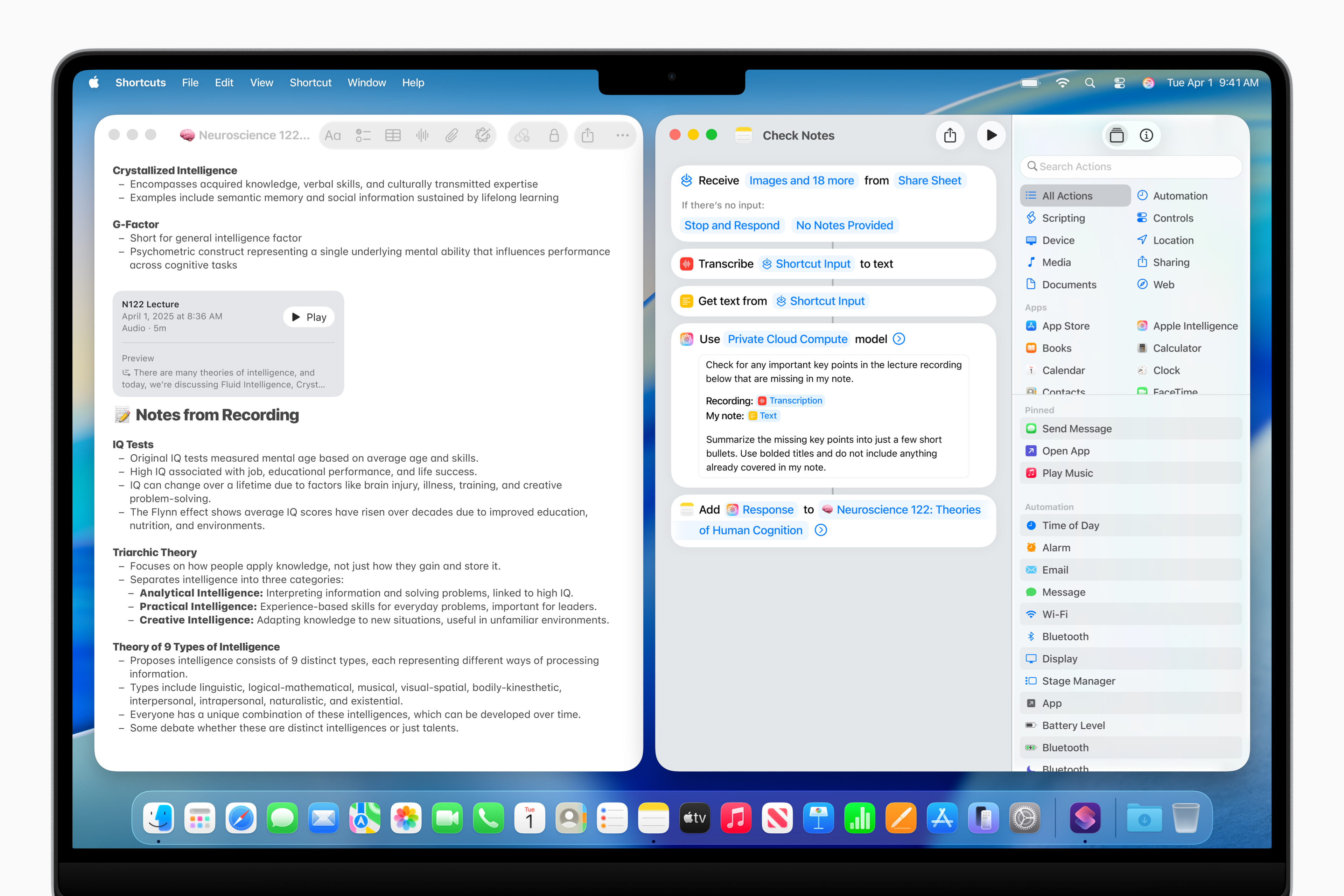
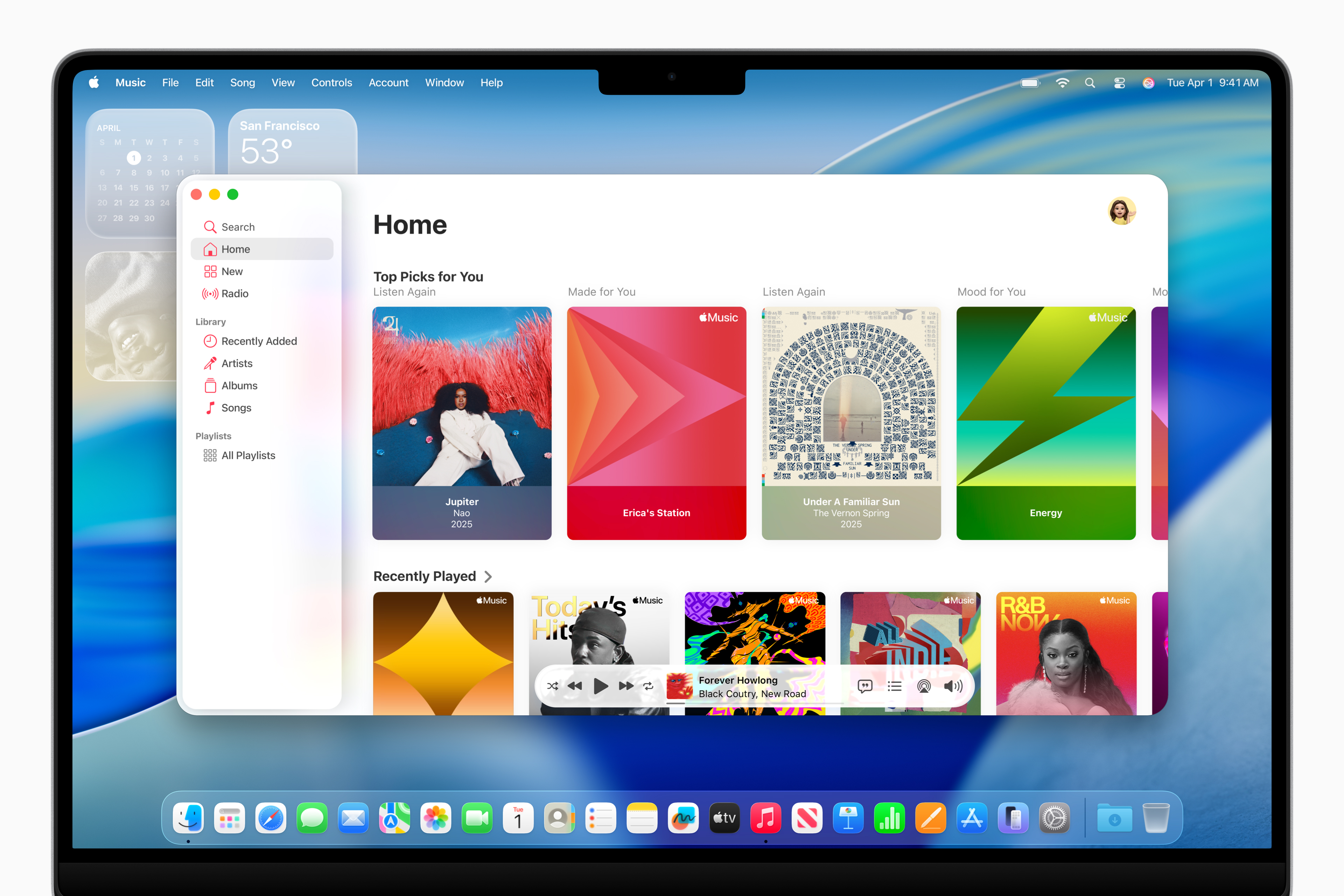
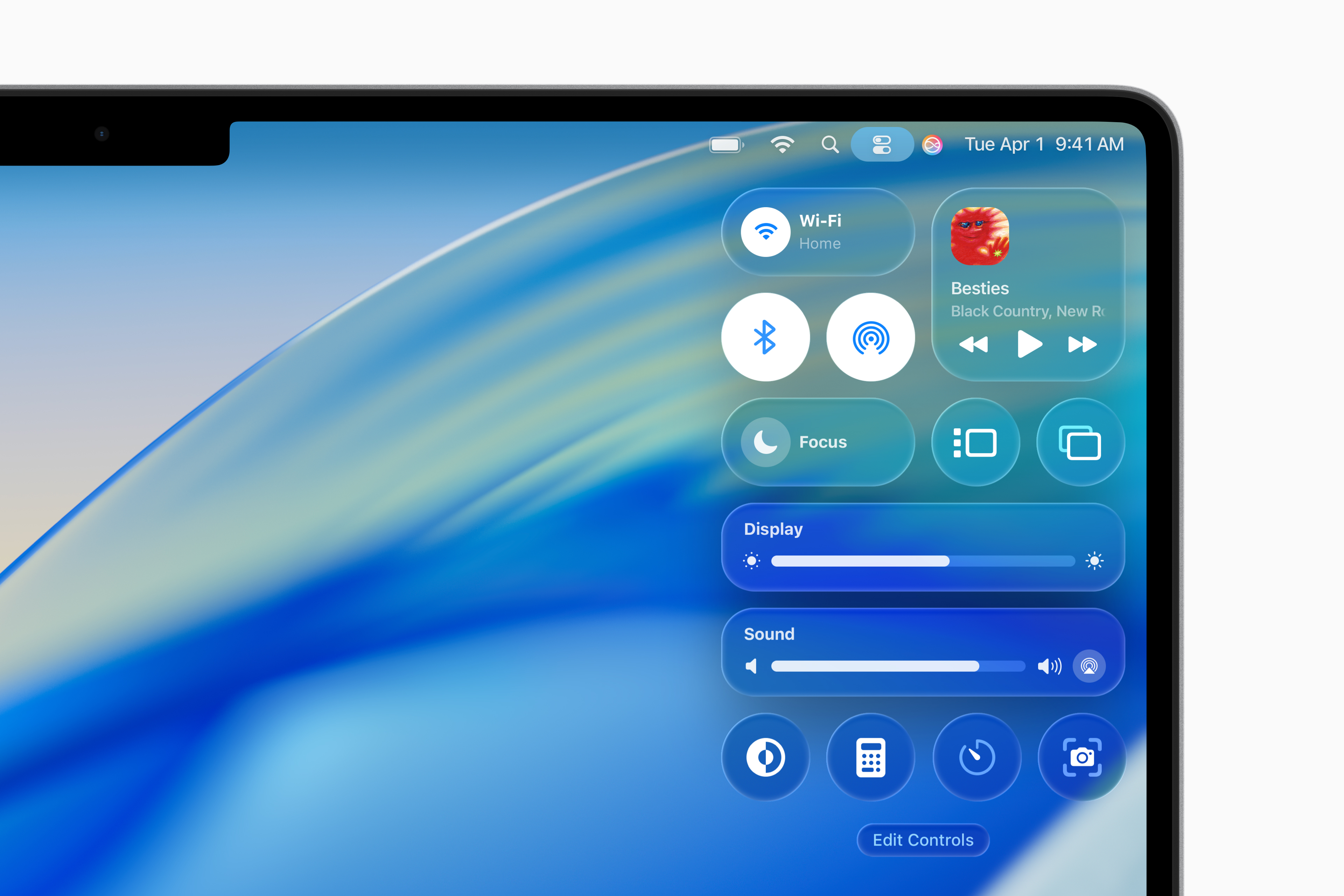
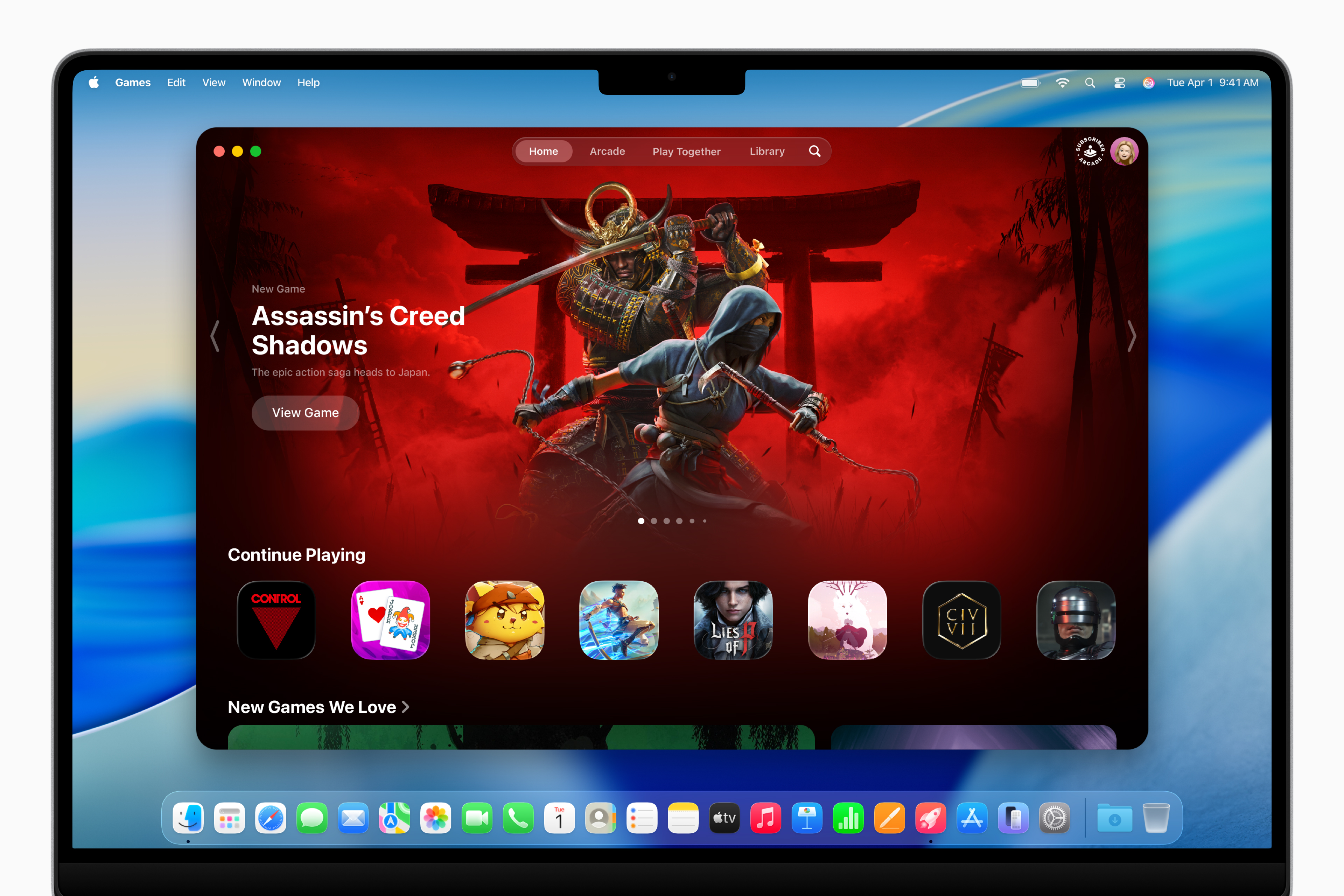
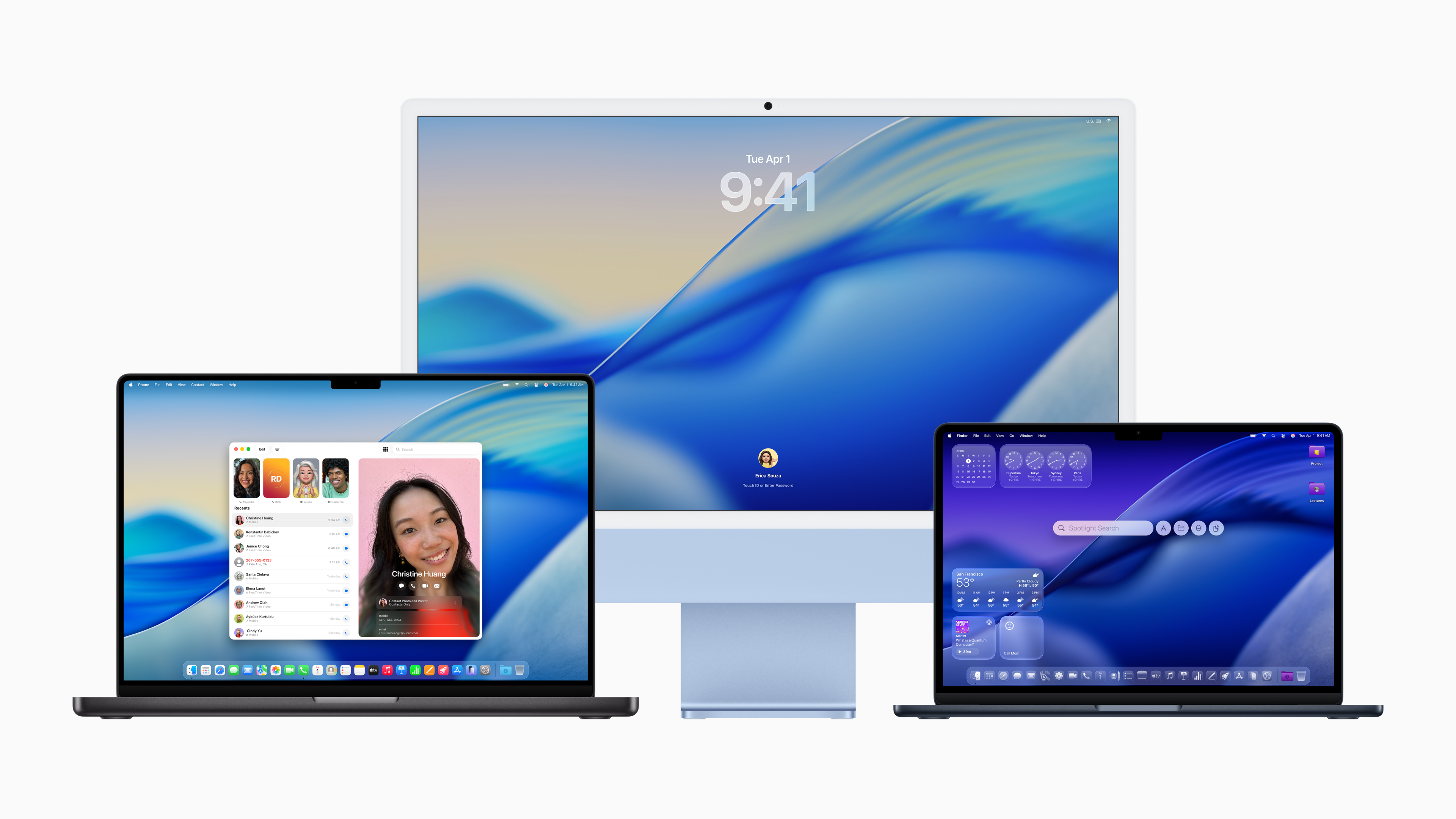
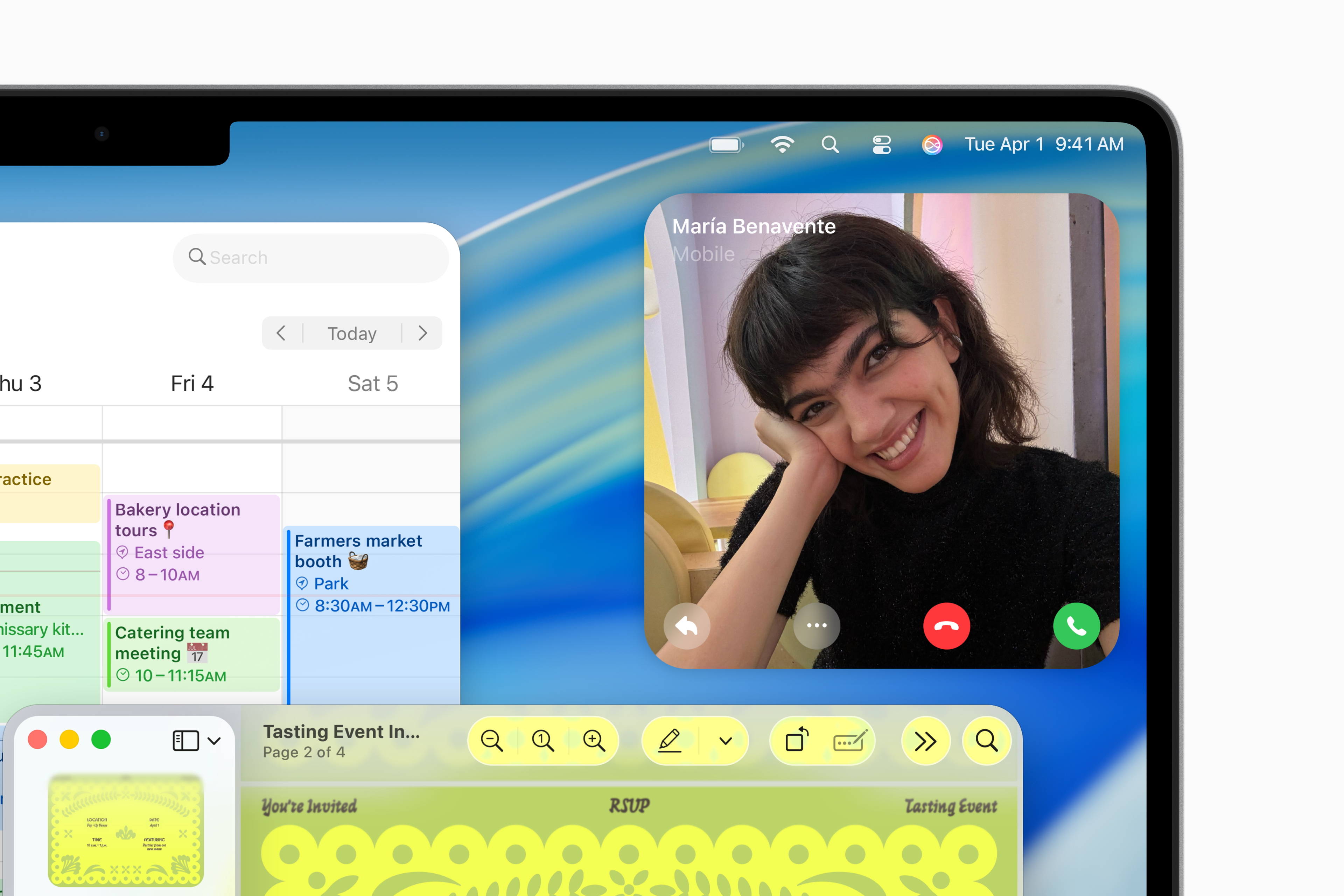
Pro those who are not comfortable with this transparency, Apple in the second beta it enabled in System Settings (in the Menu Bar section) turn on the switch that will return the classic separate background of the bar. Thanks to this, the top menu bar is clearly distinguished and resembles the look that users are used to from earlier versions of the system.
Other changes in macOS Tahoe Beta 2
Apple The second beta also focused on fixing minor bugs and feedback from developers. One of the minor things is changing the icon color. Finder, which now better matches the traditional color scheme Finderas we know it from previous versions.
macOS Tahoe with these new features shows that Apple is listening to feedback and wants to offer flexibility for users who prefer a less transparent and more readable look for their desktop.