
Not every photo is a success. Sometimes your hand shakes, sometimes the light doesn't cooperate, and sometimes you just don't have a better device than your phone at hand. Aiarty Image Enhancer is a tool that was created for exactly these situations. And what is important – it is not another AI "toy", but a solid tool with surprisingly practical results.
What's also great is that Aiarty is now offering a one-year free license to its software for a limited time, so you can try it out for free! You can find all the information, including the download option, right here.
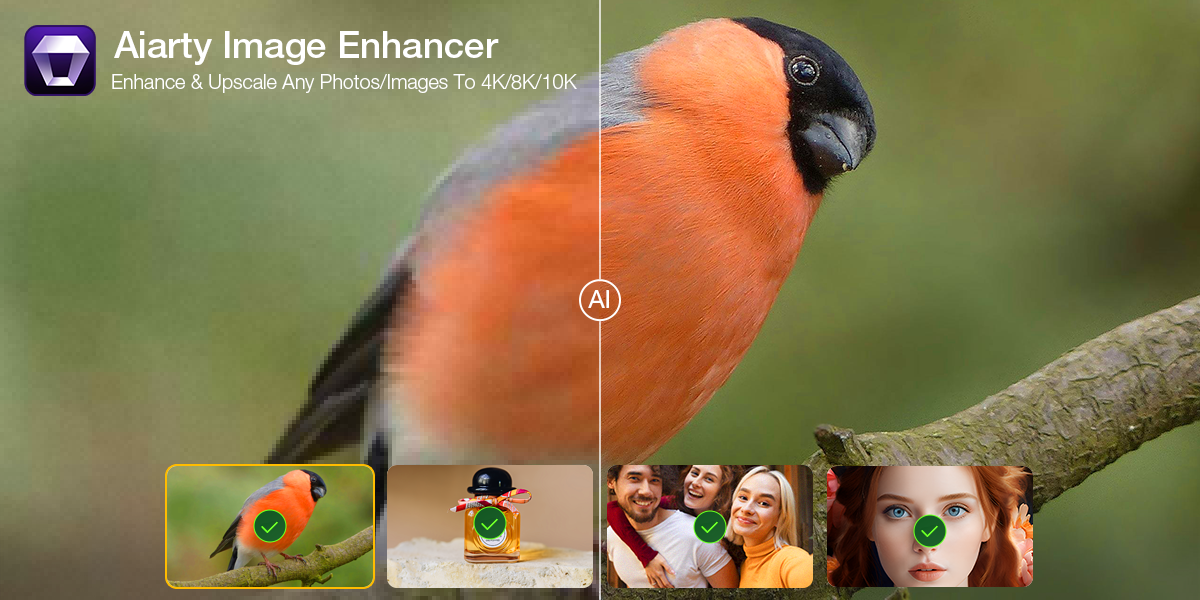
Better than an Instagram filter
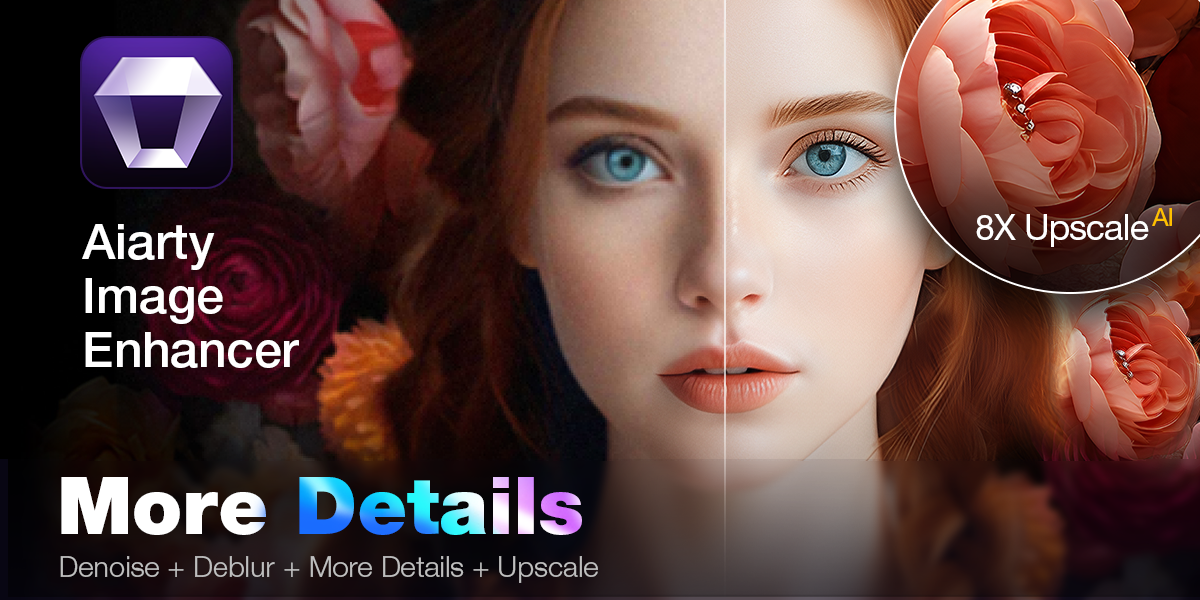
Aiarty is a desktop application for Windows and macOS, which can use artificial intelligence to enhance any image – whether it's a phone photo, a compressed JPEG, or the output of an image generator like Midjourney or Stable Diffusion. In one step, it will remove noise, sharpen, restore details, and increase resolution. And when we say "enlarge", we don't mean a few percent. Aiarty can upscale an image to 32K resolution.
This is useful for photos you want to print, or product images that need higher quality for an e-shop. But it also works great for AI images – typically those that look good but lose detail, texture, or sharpness when viewed up close.
Improved in seconds
Using the app is simple. You upload an image, choose the target resolution and enhancement mode (standard or advanced), click a button – and you’re done. The app even supports batch processing, so you can edit dozens or hundreds of images at once.
Real-world example? Aiarty can convert a 1024px image into a 2048px version in less than two minutes. And all this without complicated settings, without the need to know Photoshop, and most importantly without losing the natural look.
Pro beginners and advanced
Airarts runs on Windows 10 (from version 1809) and later, as well as macOS from version Catalina. The user interface is clear and can be handled even by a complete beginner. Pro To be sure, Aiarty also has a video tutorial on YouTube and an online user manual, so you won't get lost.
The ability to compare the original and edited image directly in the application is also useful - you can easily see the difference and decide whether the result meets your expectations.
Try it for free or get a lifetime license
Aiarty currently offers the option download a free annual license pro Windows and macOS:
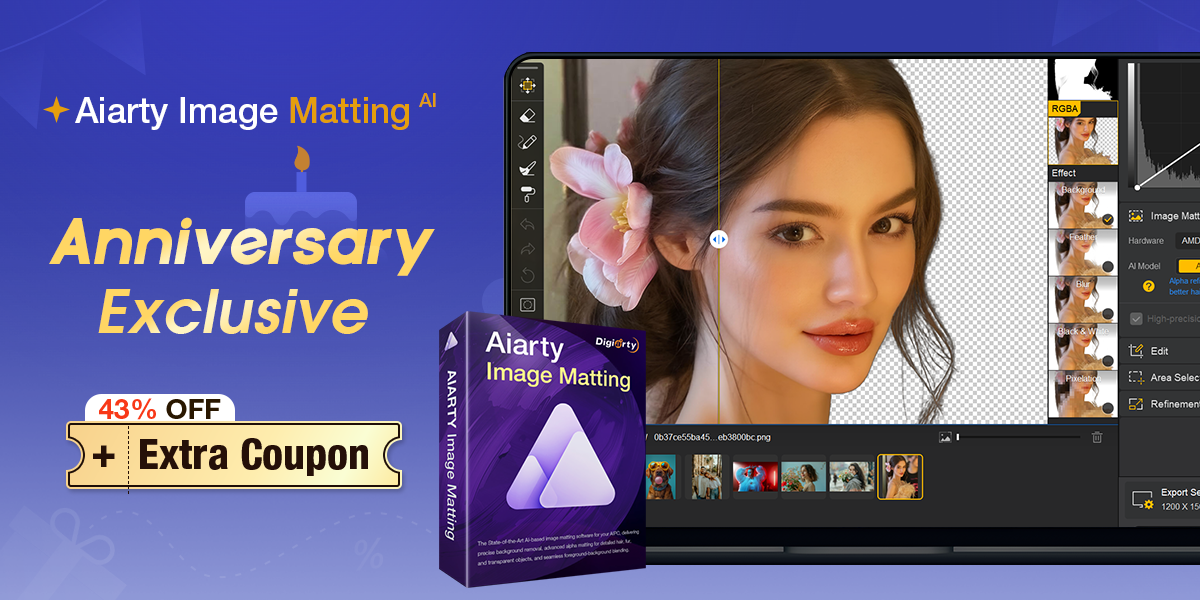
If you want to go straight to the full version, you can use limited time discount 36% na lifetime license, to which you also get AI background removal tool and video enhancerancer as a bonus:
Summary
Aiarty Image Enhancer is a tool worth trying – not just for graphic designers, photographers or e-commerce shoppers, but for anyone who wants to take their images to the next level. It offers excellent results, easy to use and accessible for both Windows, for macOS. And when it's now available for free or at a significant discount, there's no point in hesitating.






Think carefully about the installation, the website aiarty.com has a hidden owner:
https://ph.godaddy.com/whois/results.aspx?itc=dlp_domain_whois&domain=aiarty.com
None of Digiarty Software, Inc.'s websites list the address of the company's headquarters in China, so why is it 'ashamed' of its origin?
https://www.dnb.com/business-directory/company-profiles.digiarty_software_inc.d276173927ff2b7a1c5c1296e2f960d5.html
Think carefully about the installation, the website aiarty.com has a hidden owner:
https://ph.godaddy.com/whois/results.aspx?itc=dlp_domain_whois&domain=aiarty.com
None of Digiarty Software, Inc.'s websites list the address of the company's headquarters in China, so why is it 'ashamed' of its origin?
Sorry for the redundant info, system LSA had a problem primarily with the display.
strange, no one else has it.
https://www.dnb.com/business-directory/company-profiles.digiarty_software_inc.d276173927ff2b7a1c5c1296e2f960d5.html
Sorry for the redundant info, system LSA had a problem primarily with the display.
I tried registering with two emails, I received codes, but the combinations were supposedly invalid
It works for me, but the result is almost none. I tried various methods that the program offers, but the result is basically as blurry as the original.