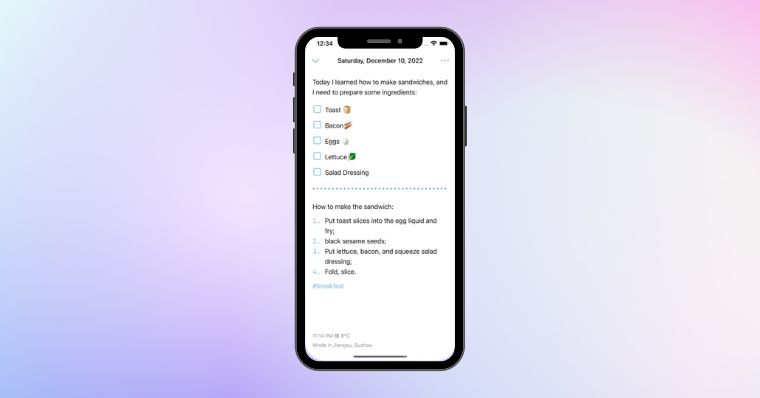
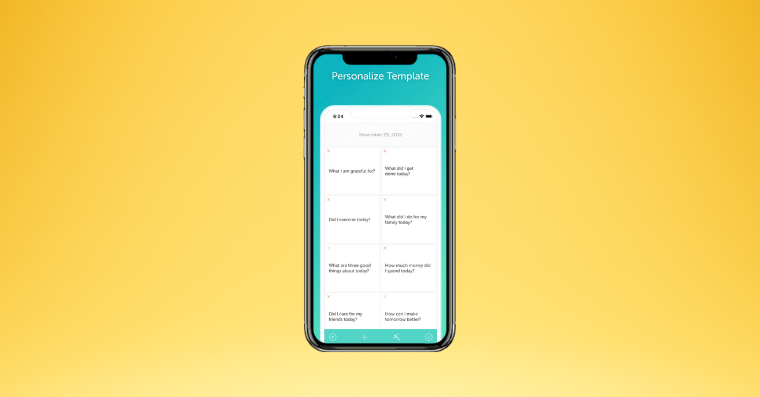
How to enable notifications for Journal entries on iPhone? Do you want to regularly write down your thoughts and experiences in the Journal app, but need a regular reminder? iPhoneIt's easy. Let's set up reminders together that will prompt you to write in your journal regularly.
You might be interested in
The Diary app is a great tool for recording your daily thoughts, feelings, and experiences. It can help you better manage your emotions, track your personal growth, and simply preserve precious moments. However, to fully enjoy all the benefits of this app, it's important to make time to write regularly. That's why it's helpful to set reminders to remind you to write in your journal.
How to set a reminder to write in your Journal on iPhone
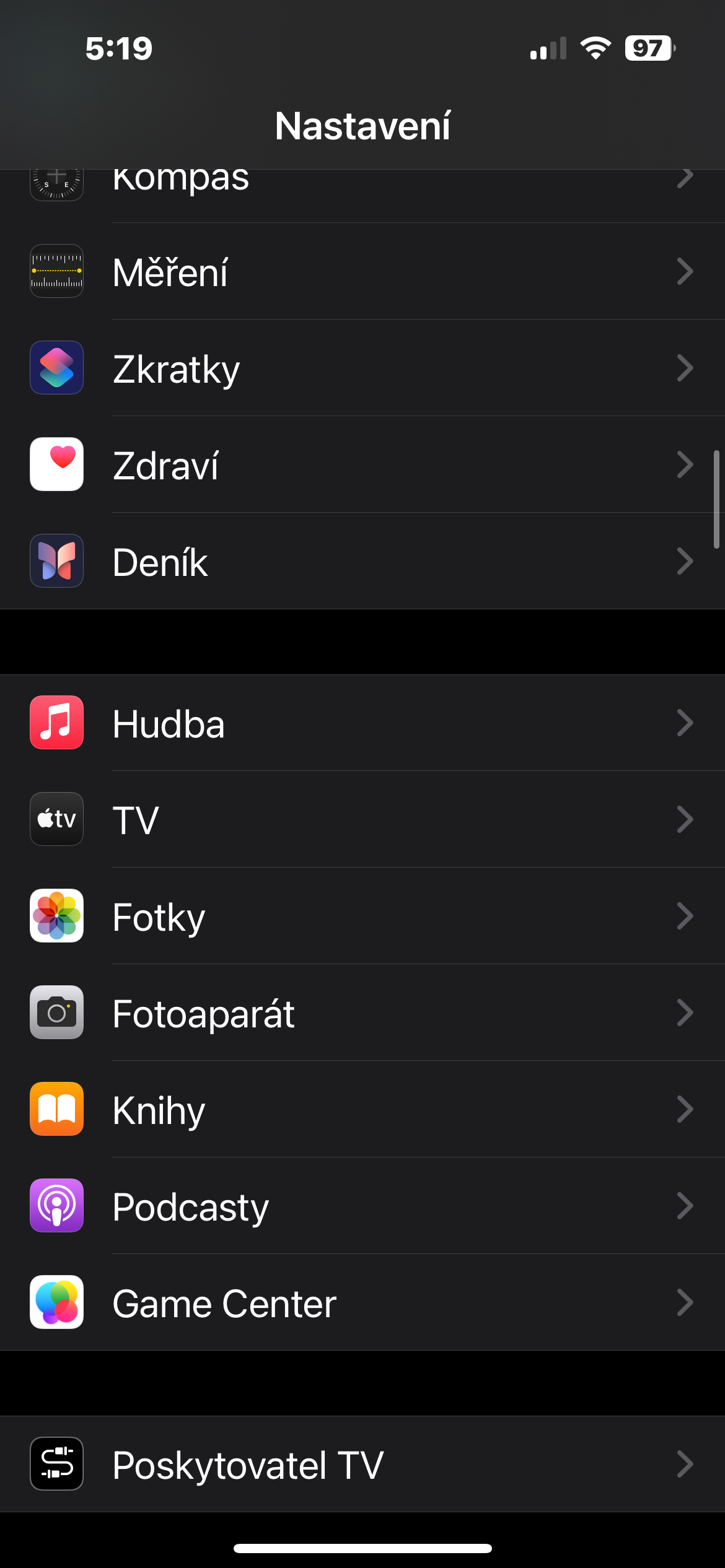
- Open Settings.
- Select Applications -> Diary.
- Customize your journaling suggestions: In the Journaling Suggestions section, you can set how often you want to be notified of new entries. You can choose whether you want to be notified every day, a few times a week, or just occasionally.
Customize your privacy: In this section, you can also adjust your privacy settings and determine what information to include in your note suggestions.
Gallery
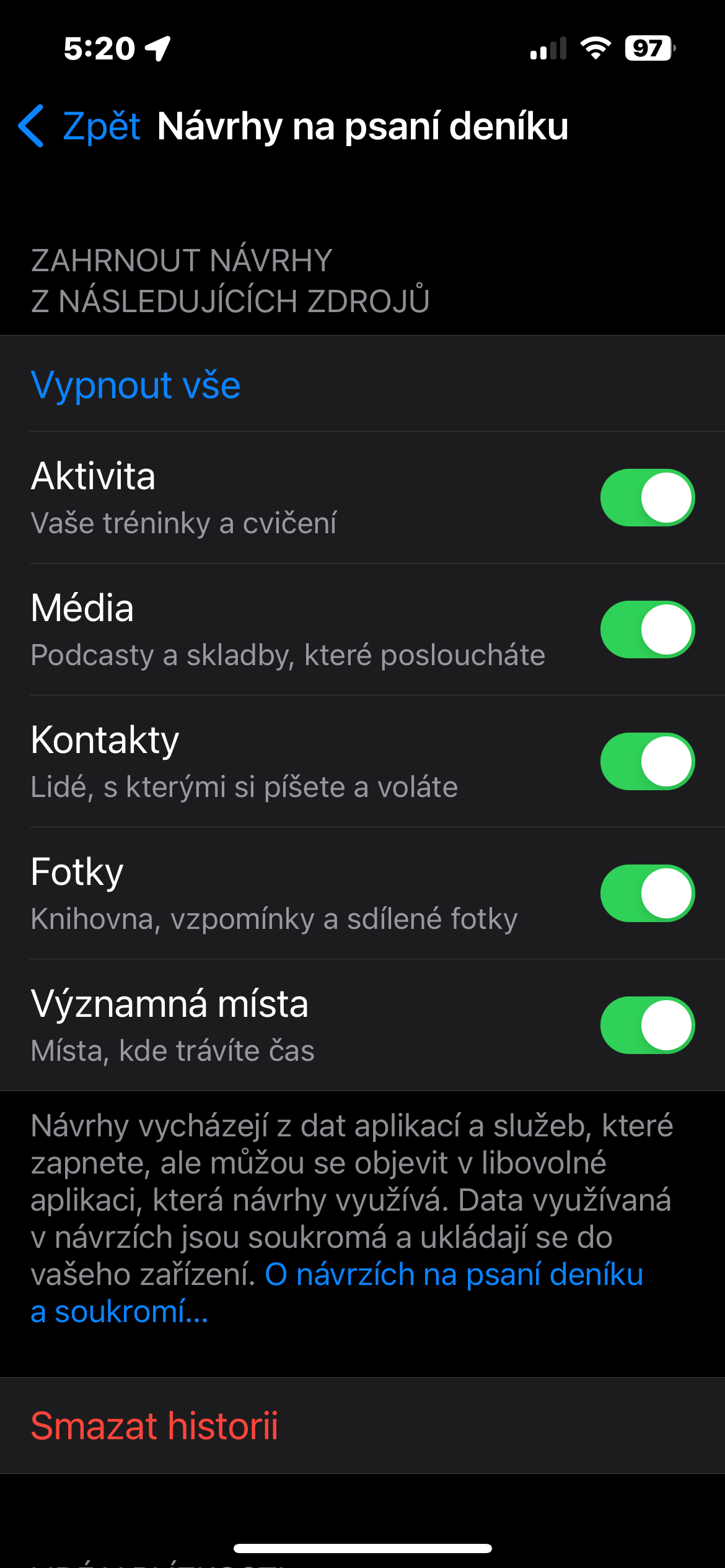
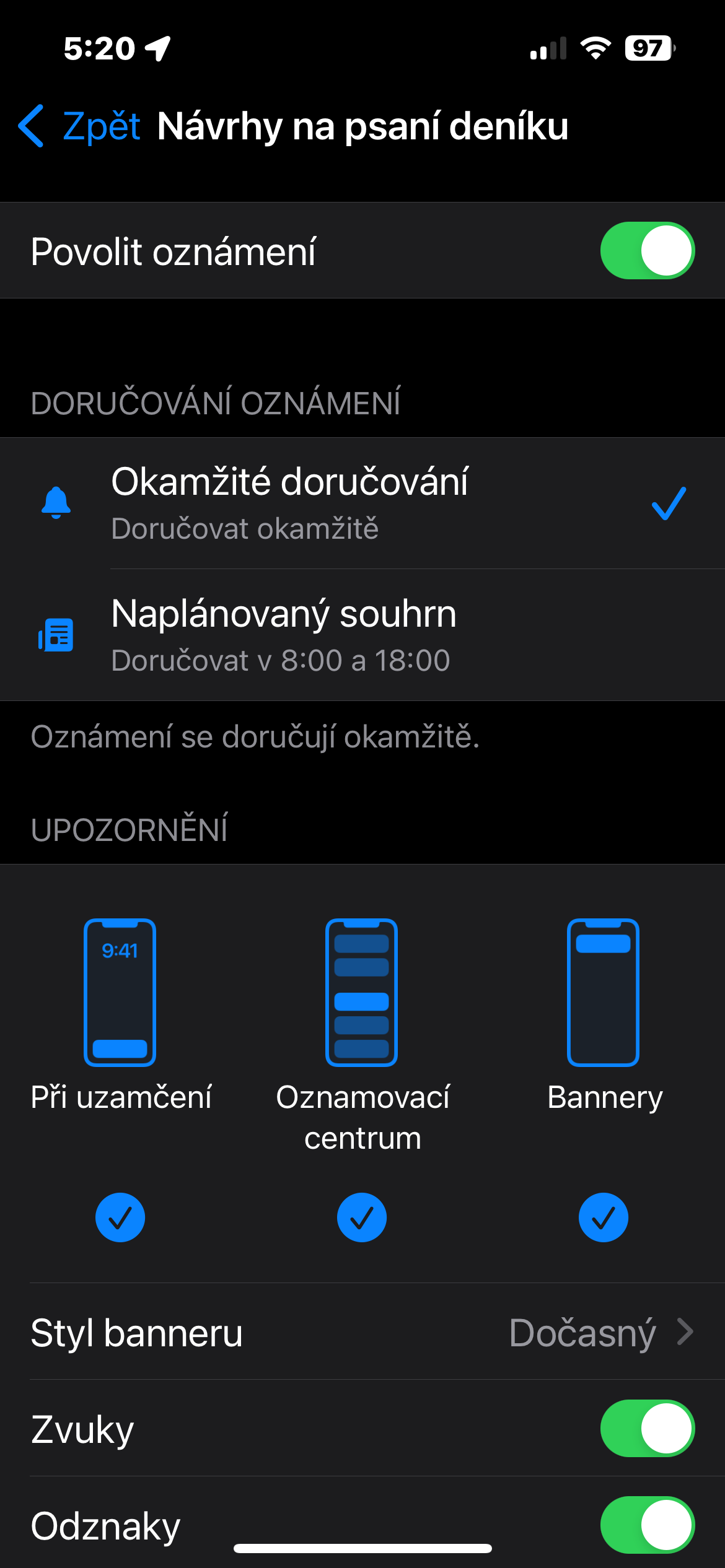
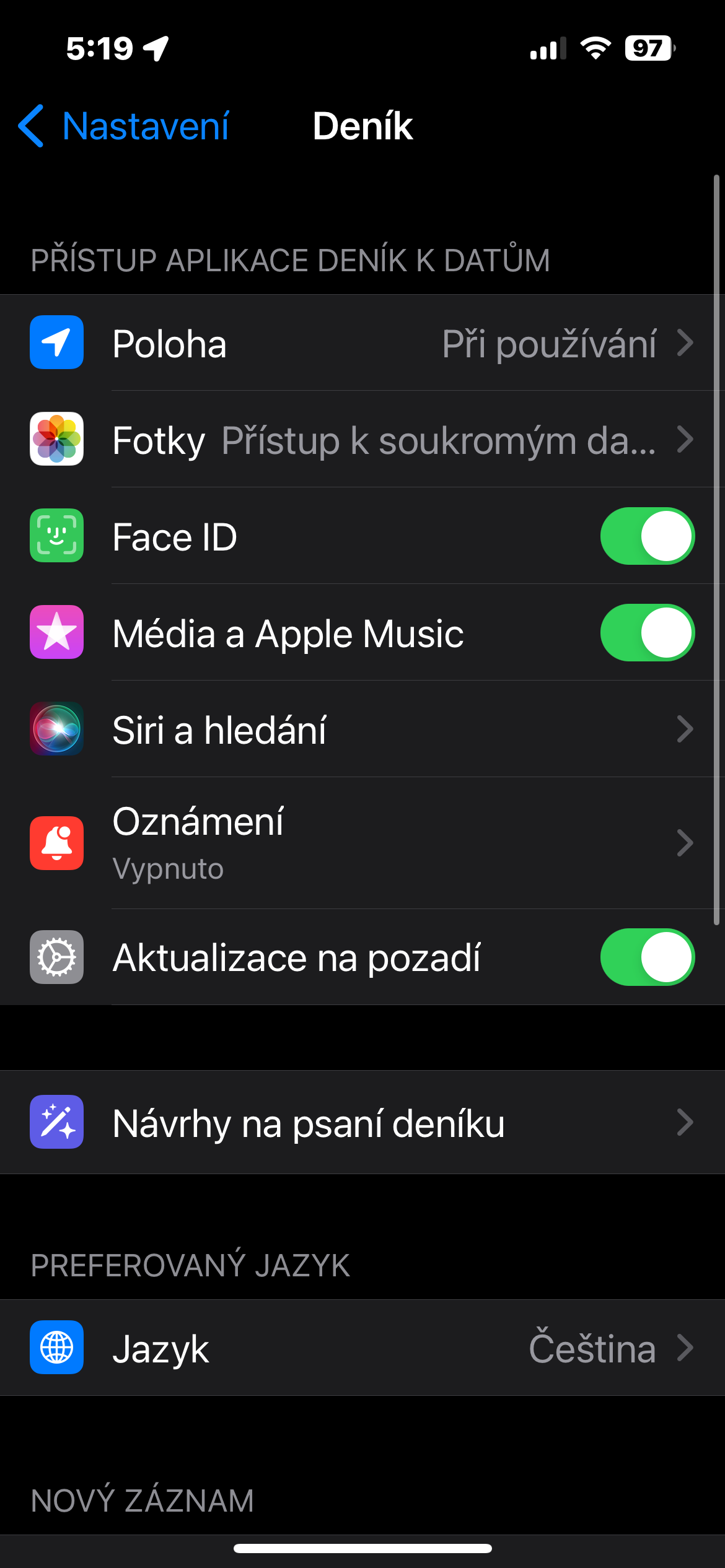
Done! Once you have set all the required parameters, notifications for new entries will be automatically activated. Setting up notifications for new entries in your diary is very simple and only takes a few moments. Thanks to this feature, you will be able to regularly write down your thoughts and experiences and thus better understand yourself.