Popular communication apps WhatsApp starts atoneWe are excited to share an interesting and useful feature with all users that will improve their conversations. What exactly is it and how do I activate the feature?
You might be interested in
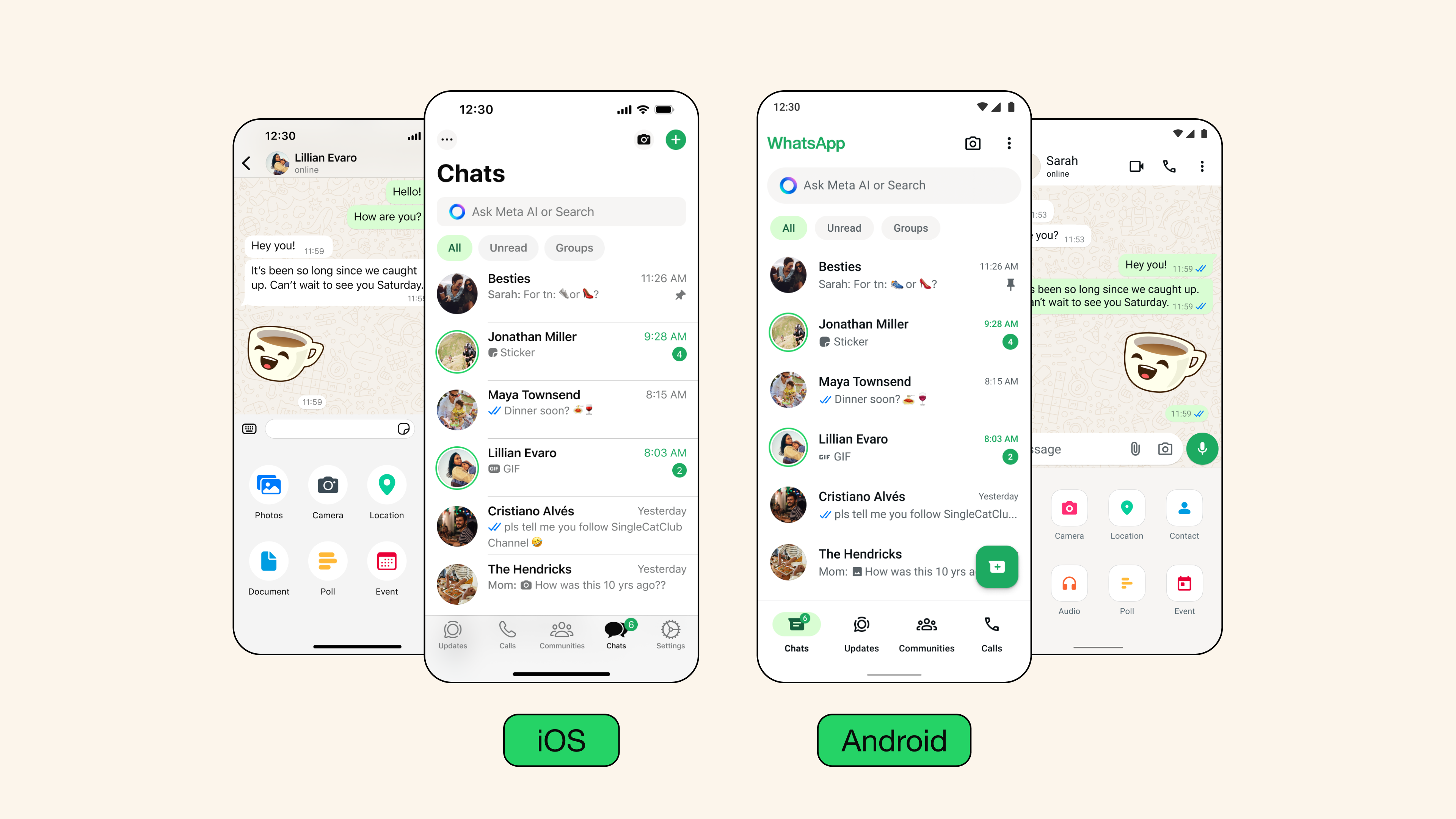
WhatsApp is once again bringing a new feature that aims to improve the user experience when communicating. This time it is about improving the appearance chatwhich will offer users a new option to customize the appearance of their application.
The application has decided to meet the long-awaited demand for personalization and offers a feature that allows you to change the appearance chatbased on themes. This new update, which is gradually available to all users on iOS and Android, brings new possibilities to chaty enriched with colorful bubbles and brand new wallpapers.
Previous wallpaper change option in chatThe text remains, but it is now possible to edit other visual elements. User bubbles now have more colors variant and options for users to choose from. There are also preset themes that automatically adapt to changing backgrounds and bubbles, but each element can be set individually.
As for wallpapers, WhatsApp offers 30 new options, or you can use your own photo as a background. The customization feature applies not only to individual chaty, but also on channels. If you wish, you can set the same theme for all your chaty, or for each chat separately.
It is important to note that changing the theme will only affect your device. Other users will not see the theme you have chosen. The feature is available for both private and public users. chaty, as well as for public channels.
Gallery
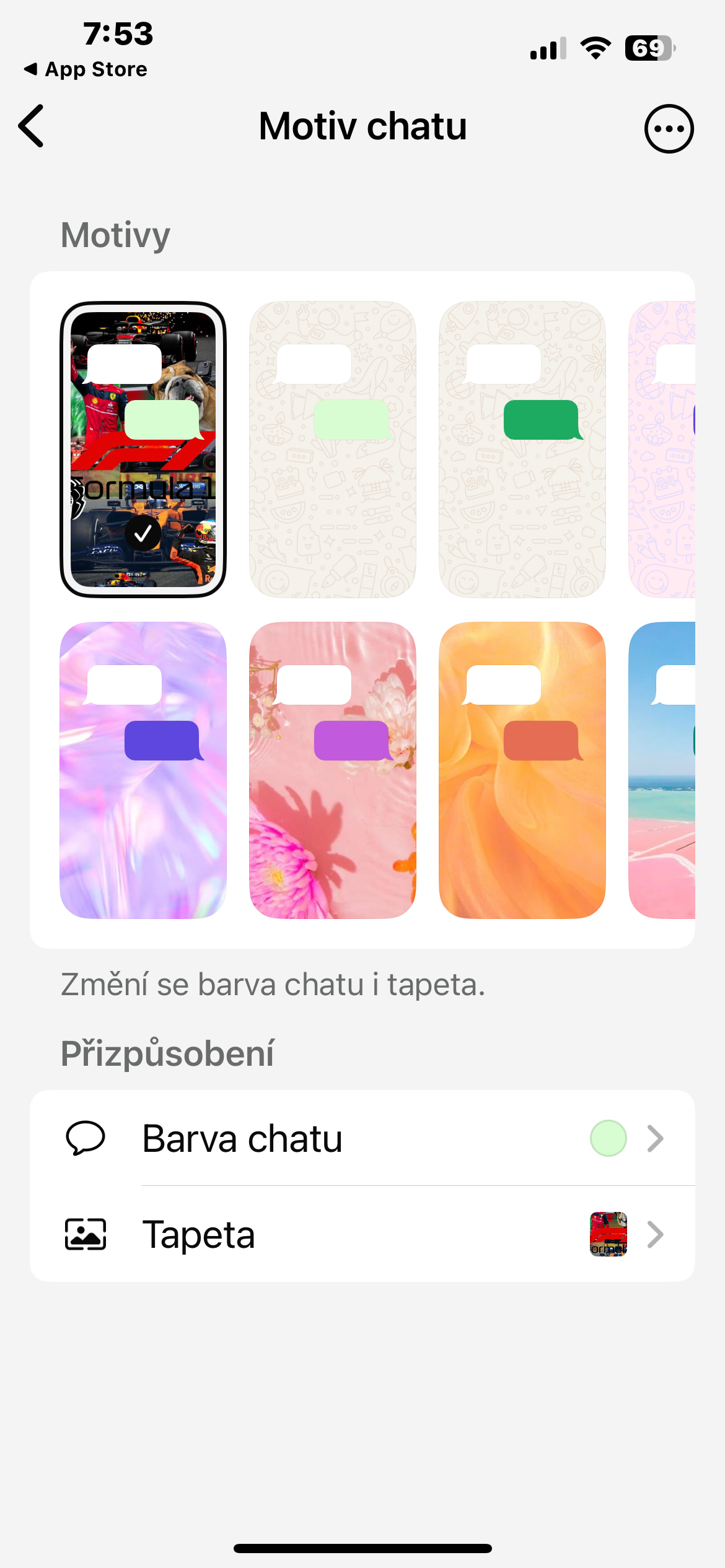
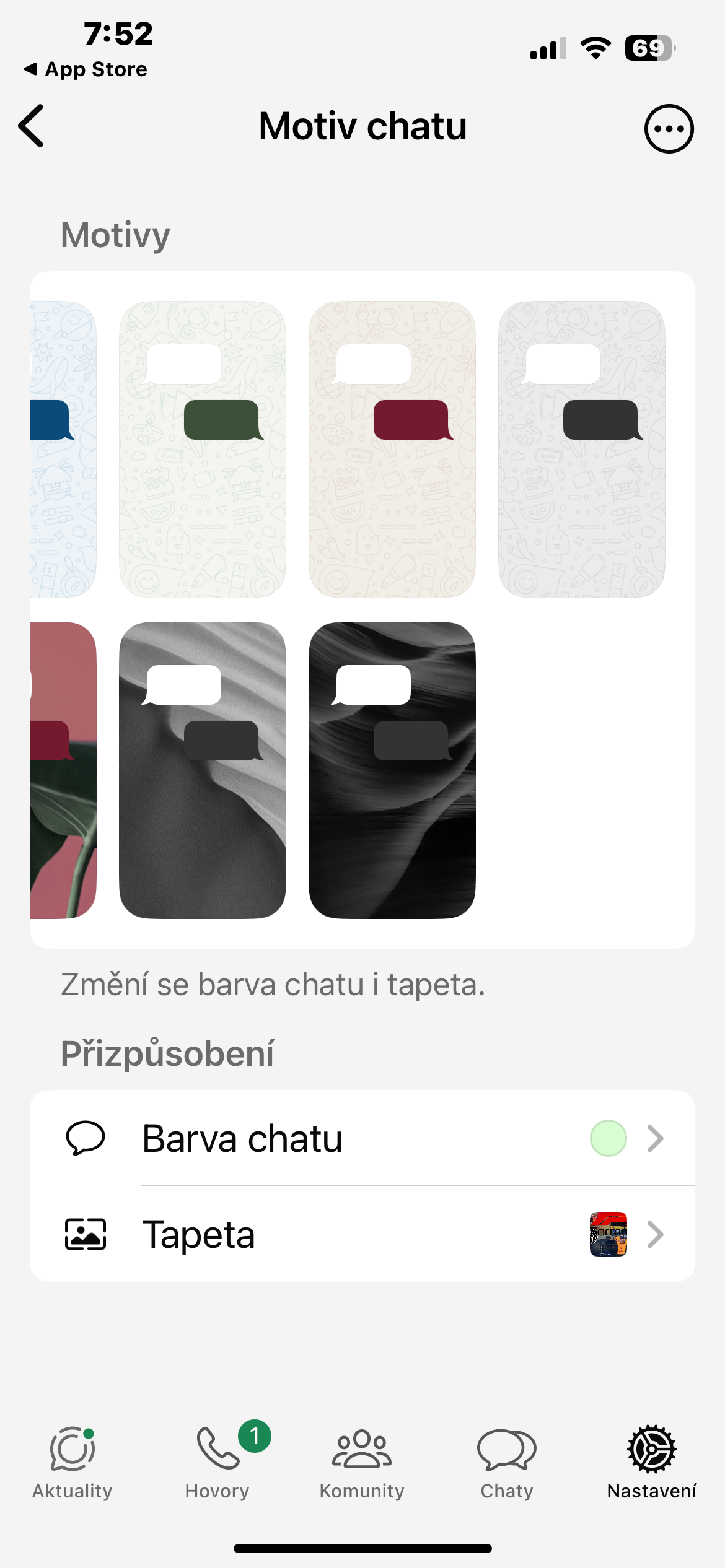
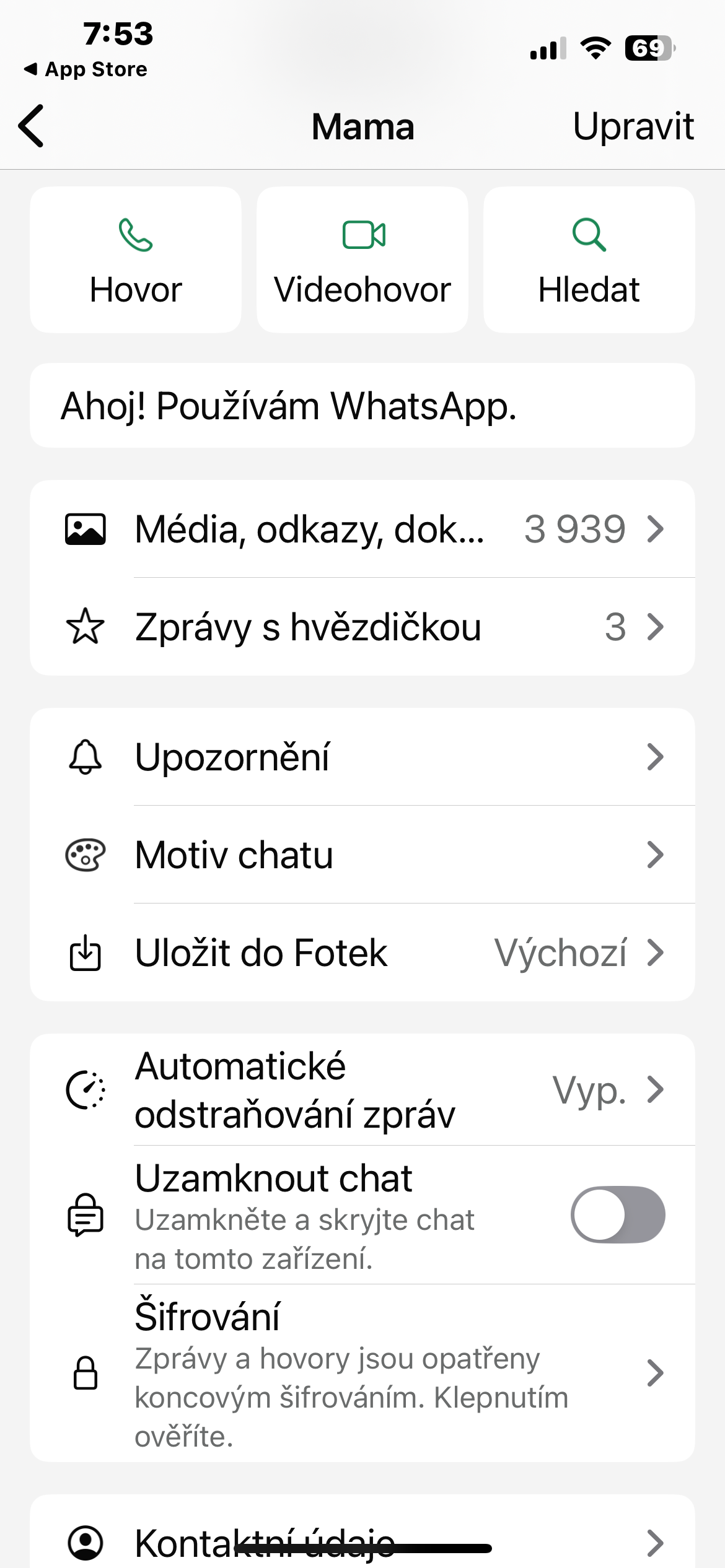
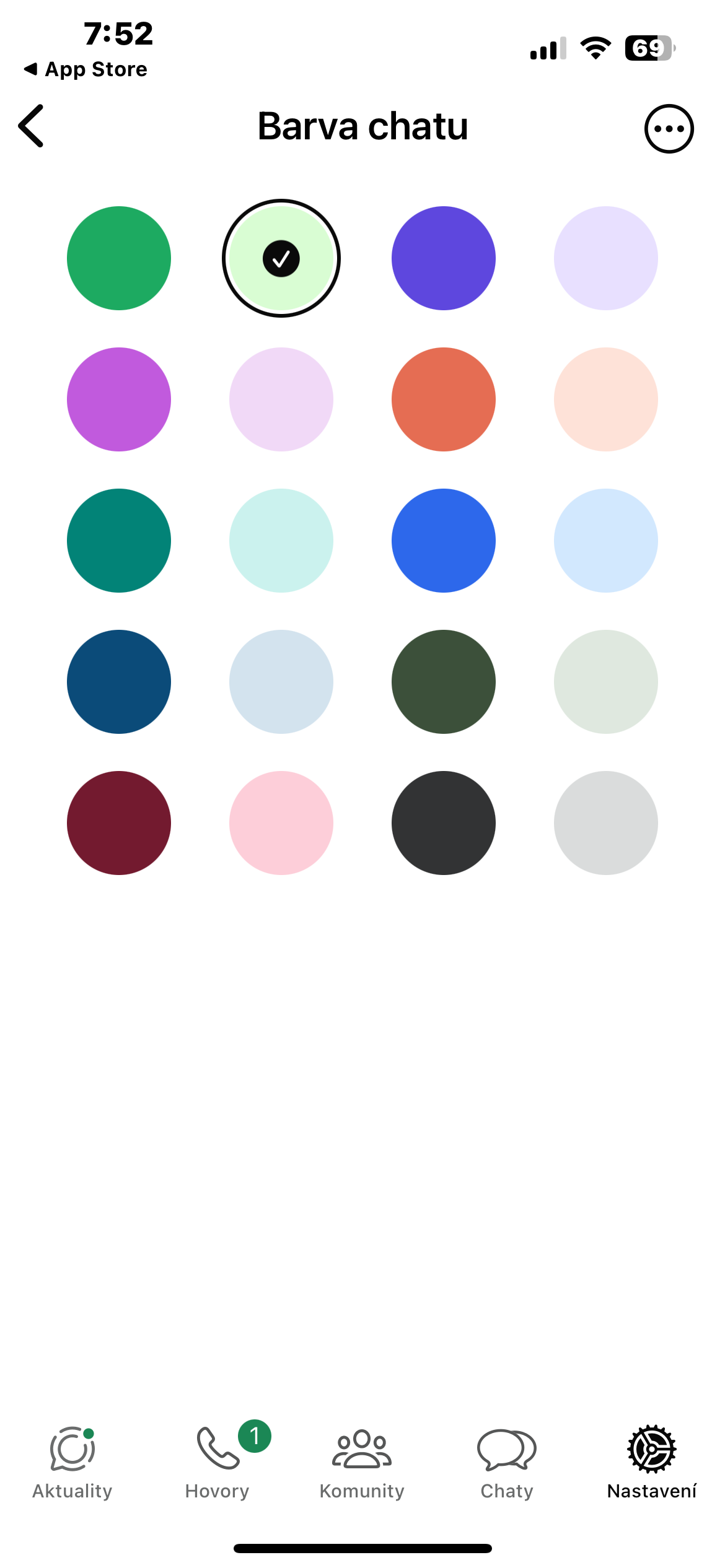
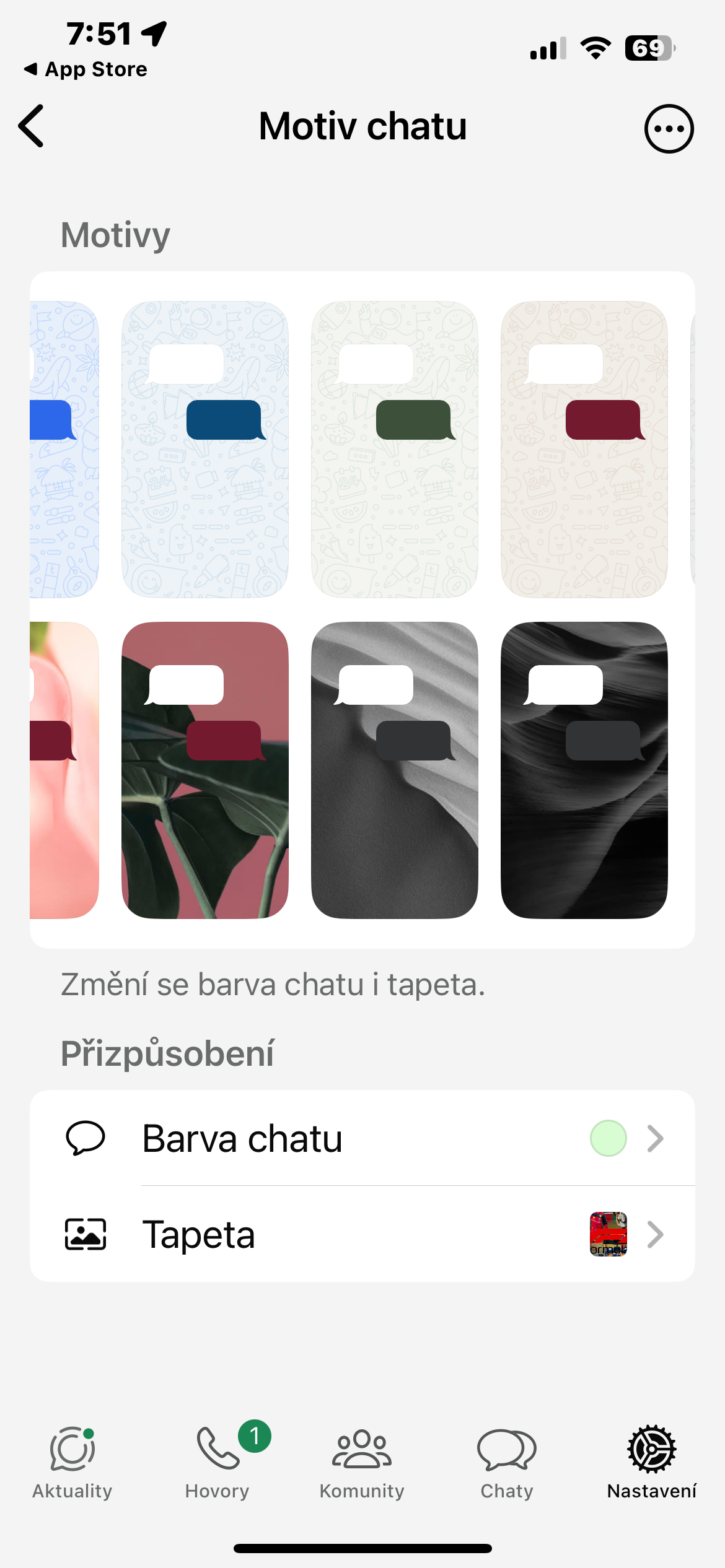
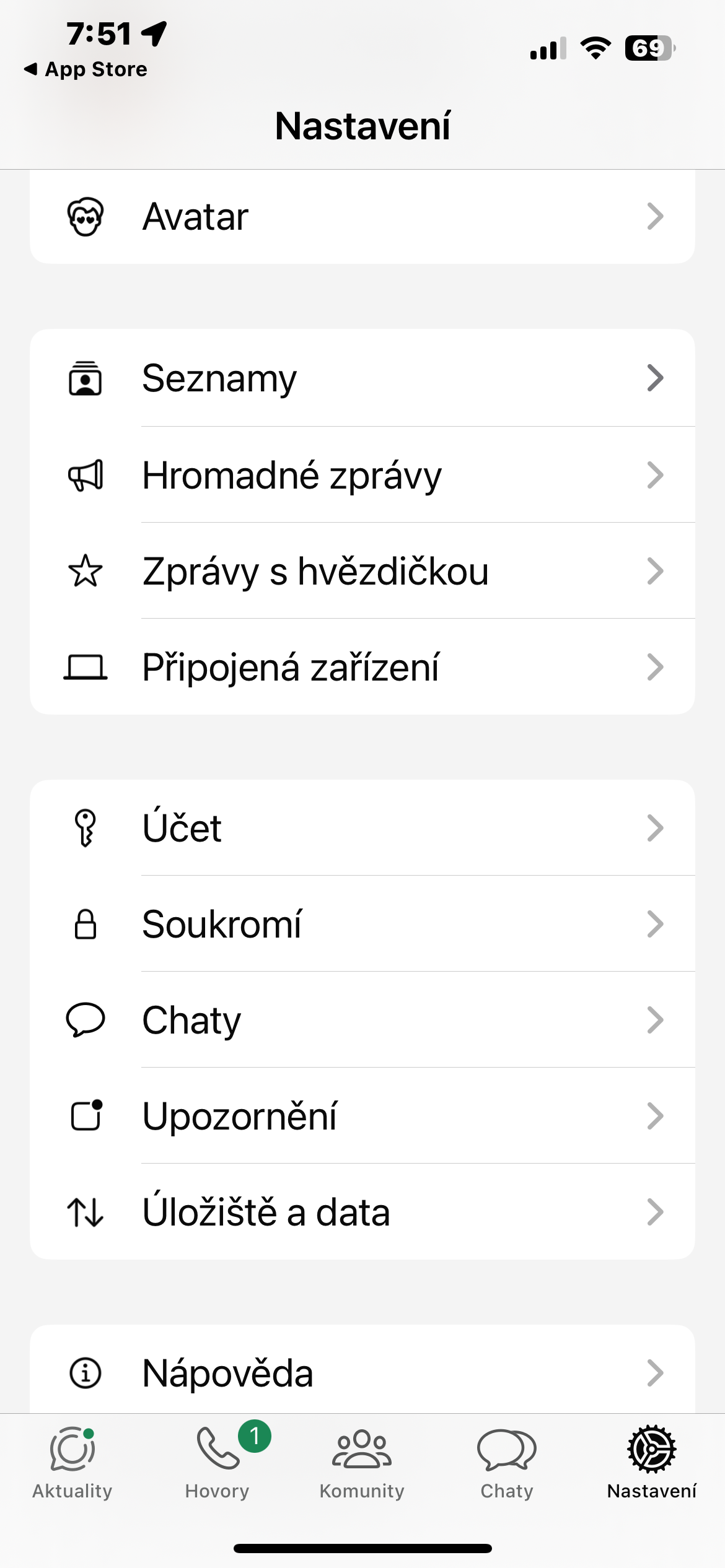
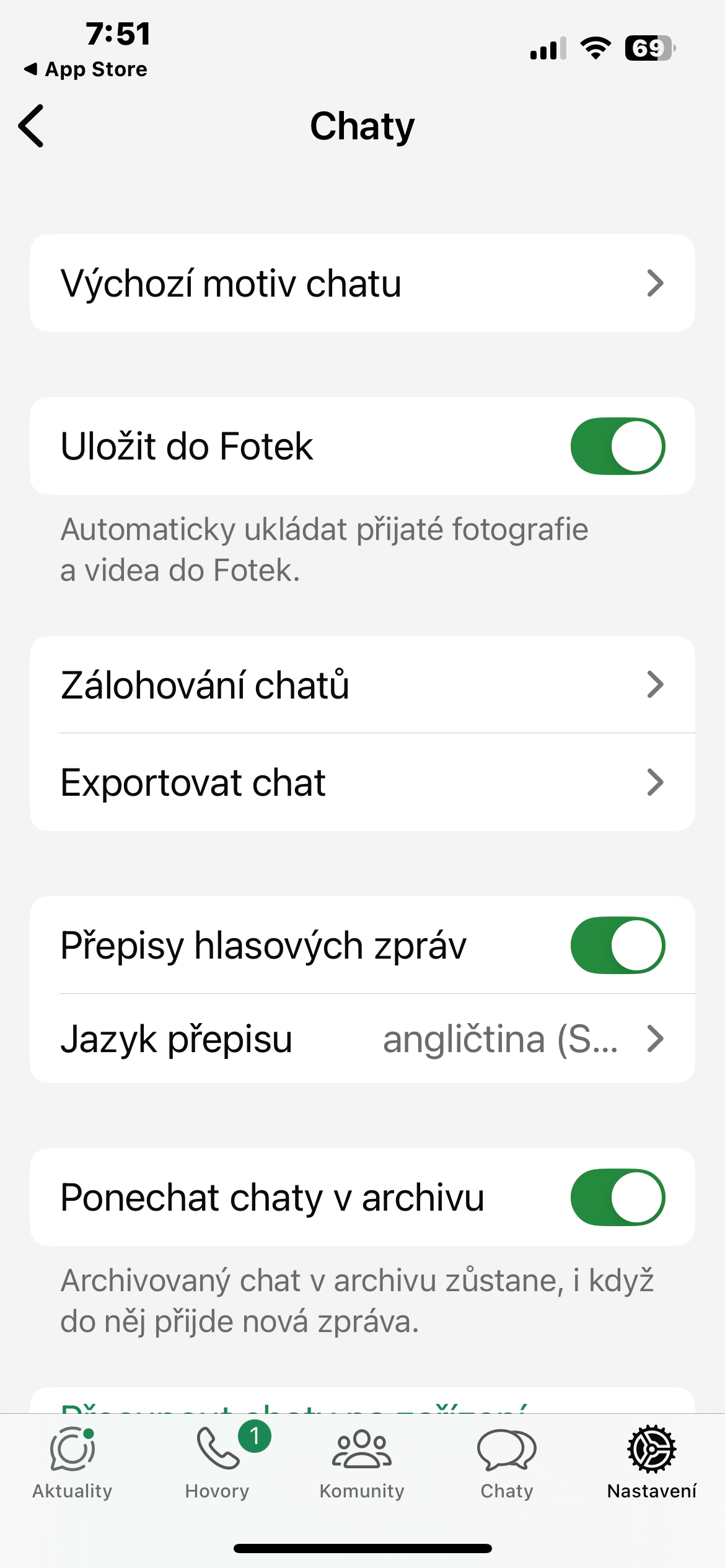
How to change the theme to WhatsApp
If you want to set themes in the app after updating WhatsApp on your iPhone, head to Settings -> Chaty -> Default theme chatu. Here you can customize everything you need. The settings you make here will be reflected in the appearance of all your conversations. Pro setting the themes of individual chatFirst, open the conversation, tap the conversation name at the top of the screen, and select Theme. chatu.