
Smart lighting is becoming increasingly popular due to its convenience, energy efficiency, and automation capabilities. If you are a user of the ecosystem Apple, you have the opportunity to take advantage of Apple HomeKit, which allows for easy integration of smart lights into your home.
You might be interested in
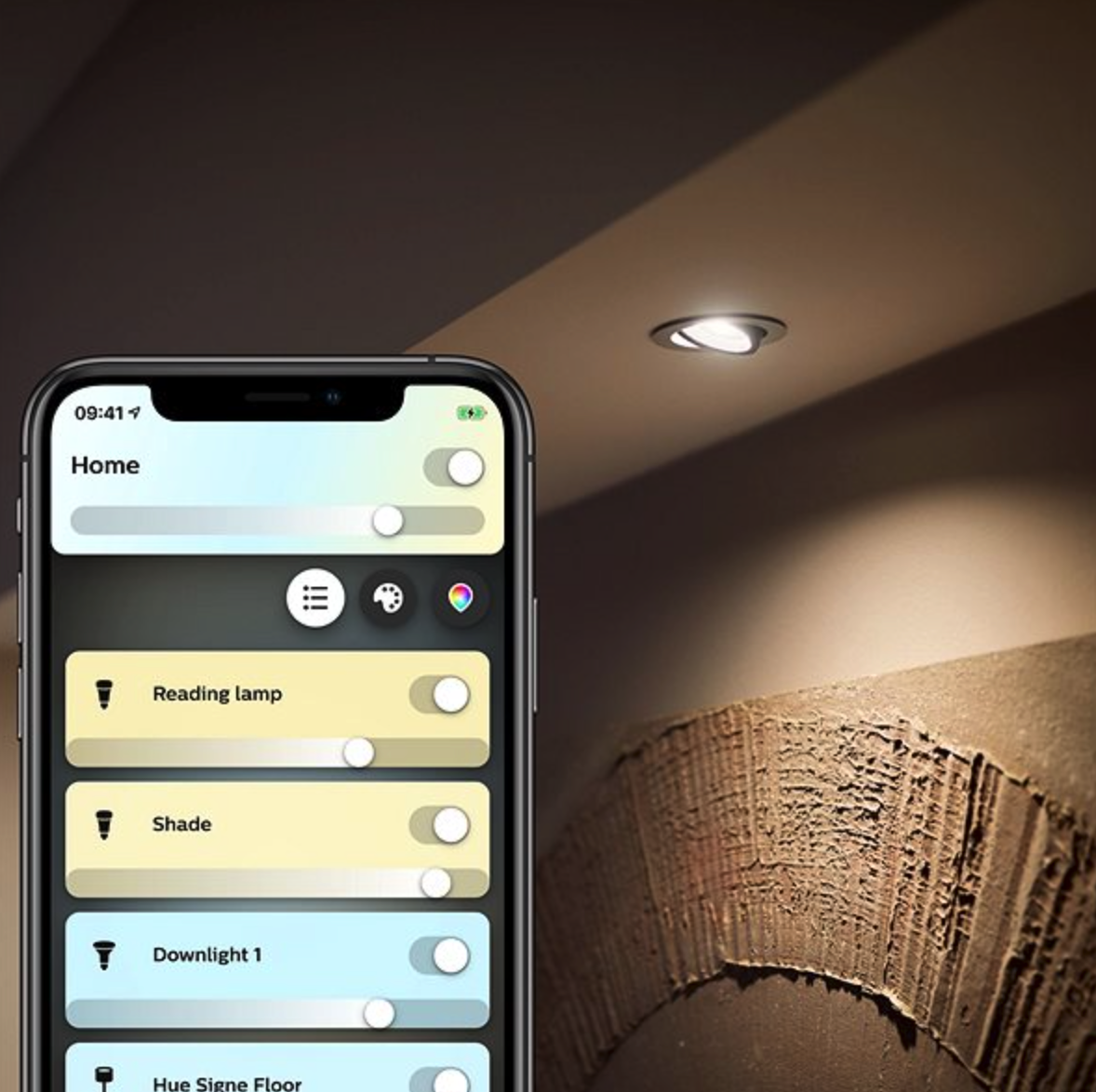
What products will you need to get started and how do you set them up correctly?
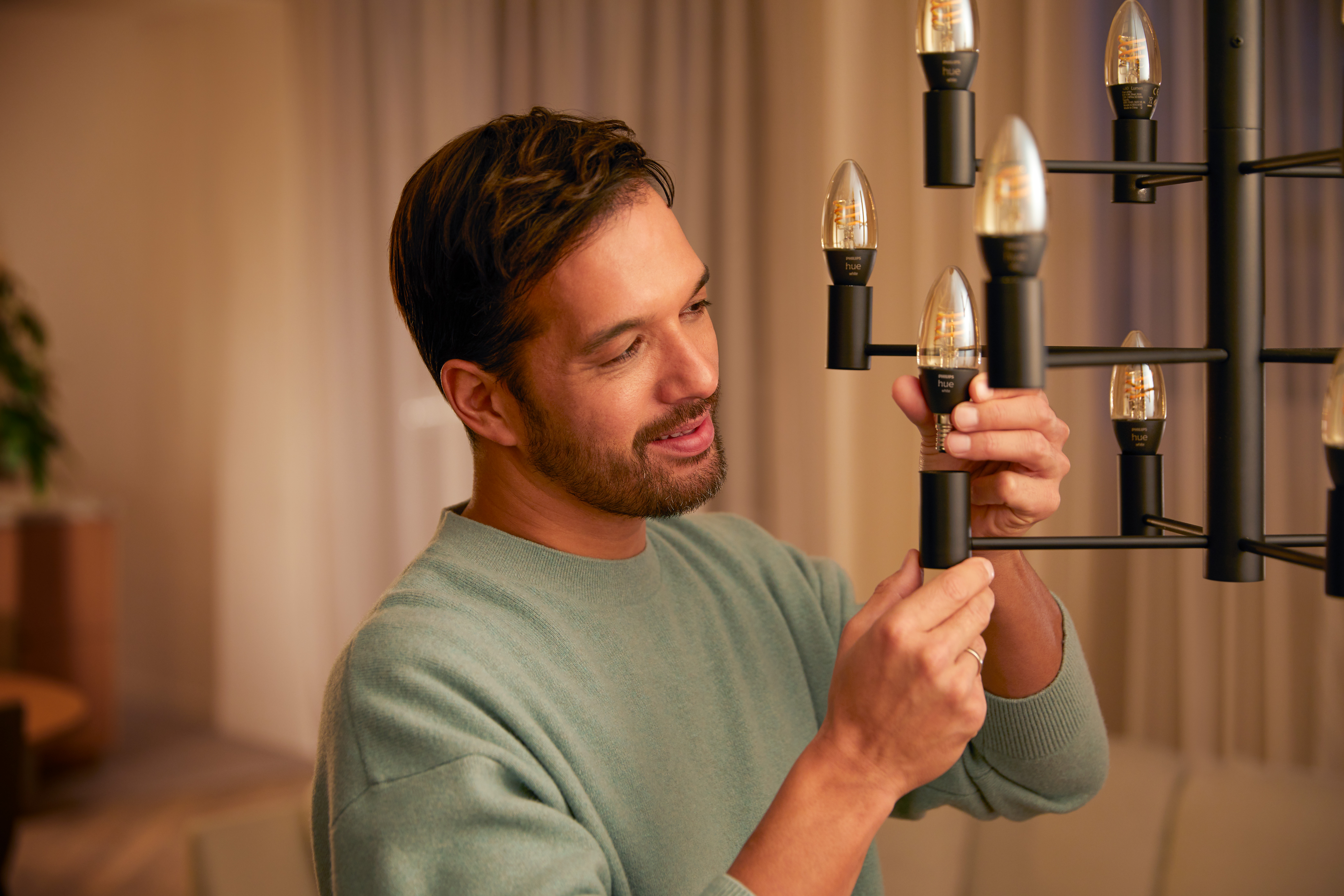
Smart bulbs compatible with Apple HomeKit
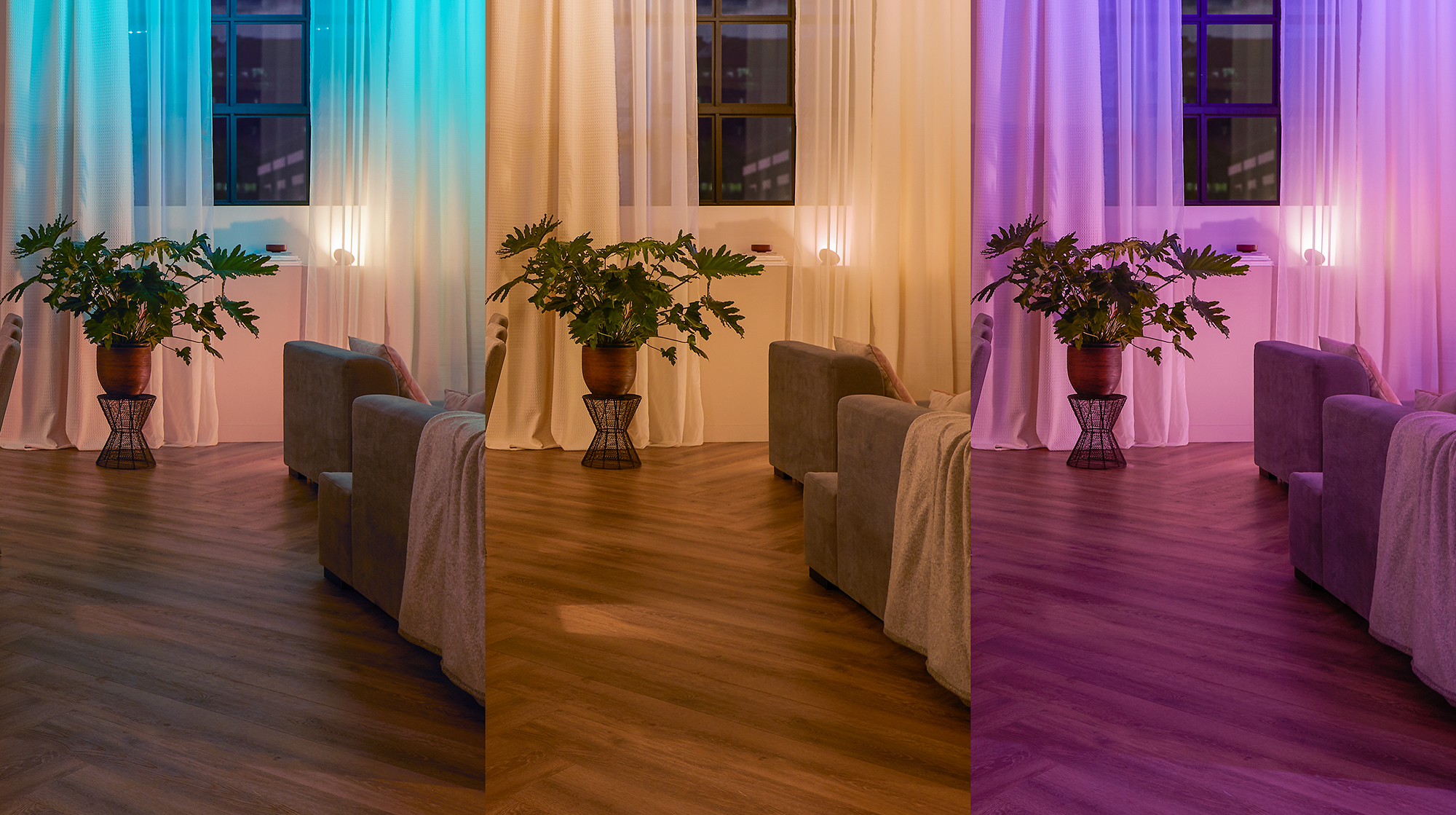
The easiest way to get started with smart lighting is to get smart bulbs . These connect to Wi-Fi or Bluetooth and allow you to control them through the Home app on your iPhone, iPad, or Mac.
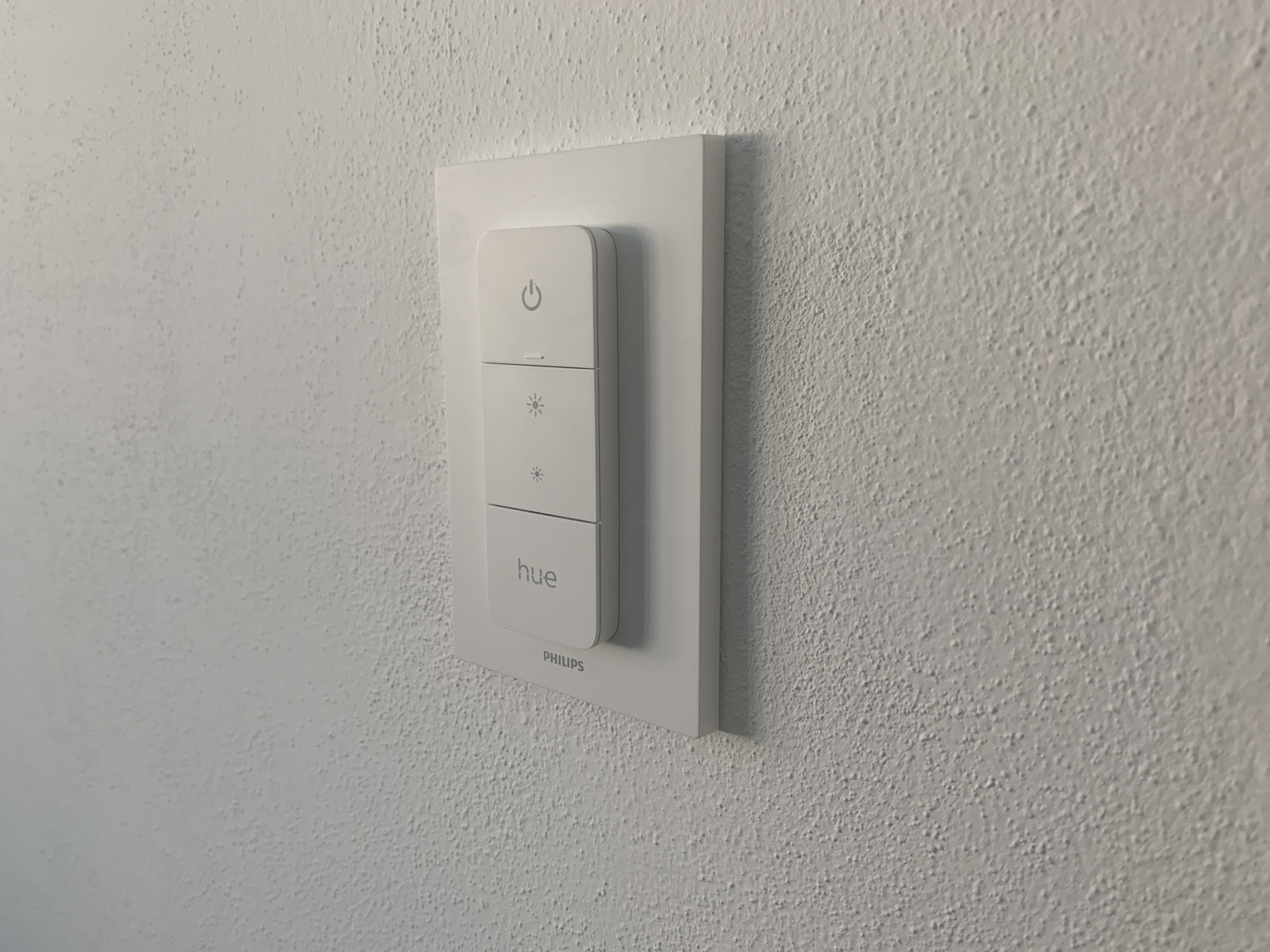
Smart switches and dimmers
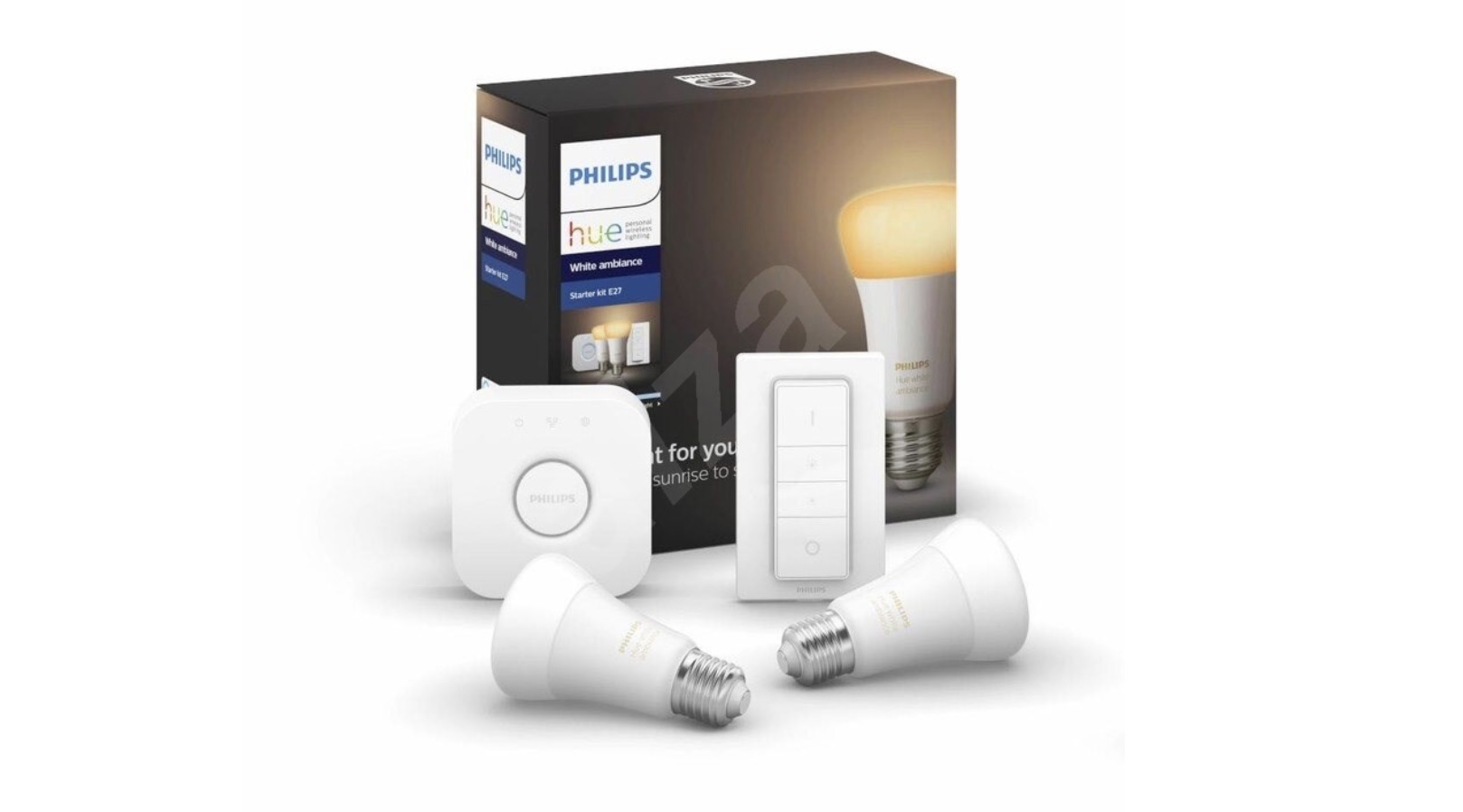
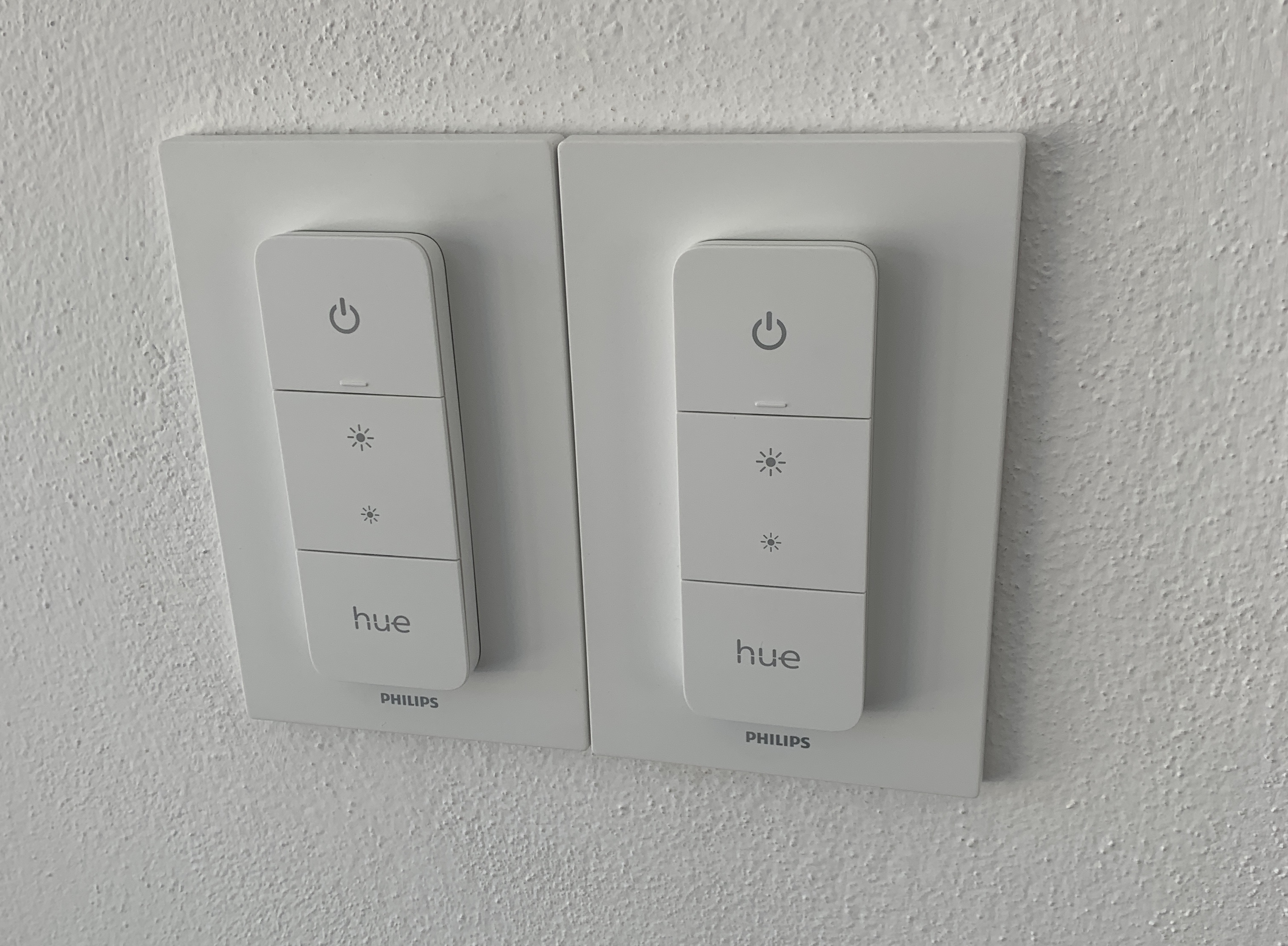
If you want, you can also use smart switches to control regular lighting in your home. Installing smart switches in the wall is a bit more difficult, but there are also remote switches that are included with some smart bulbs, such as Philips Hue.
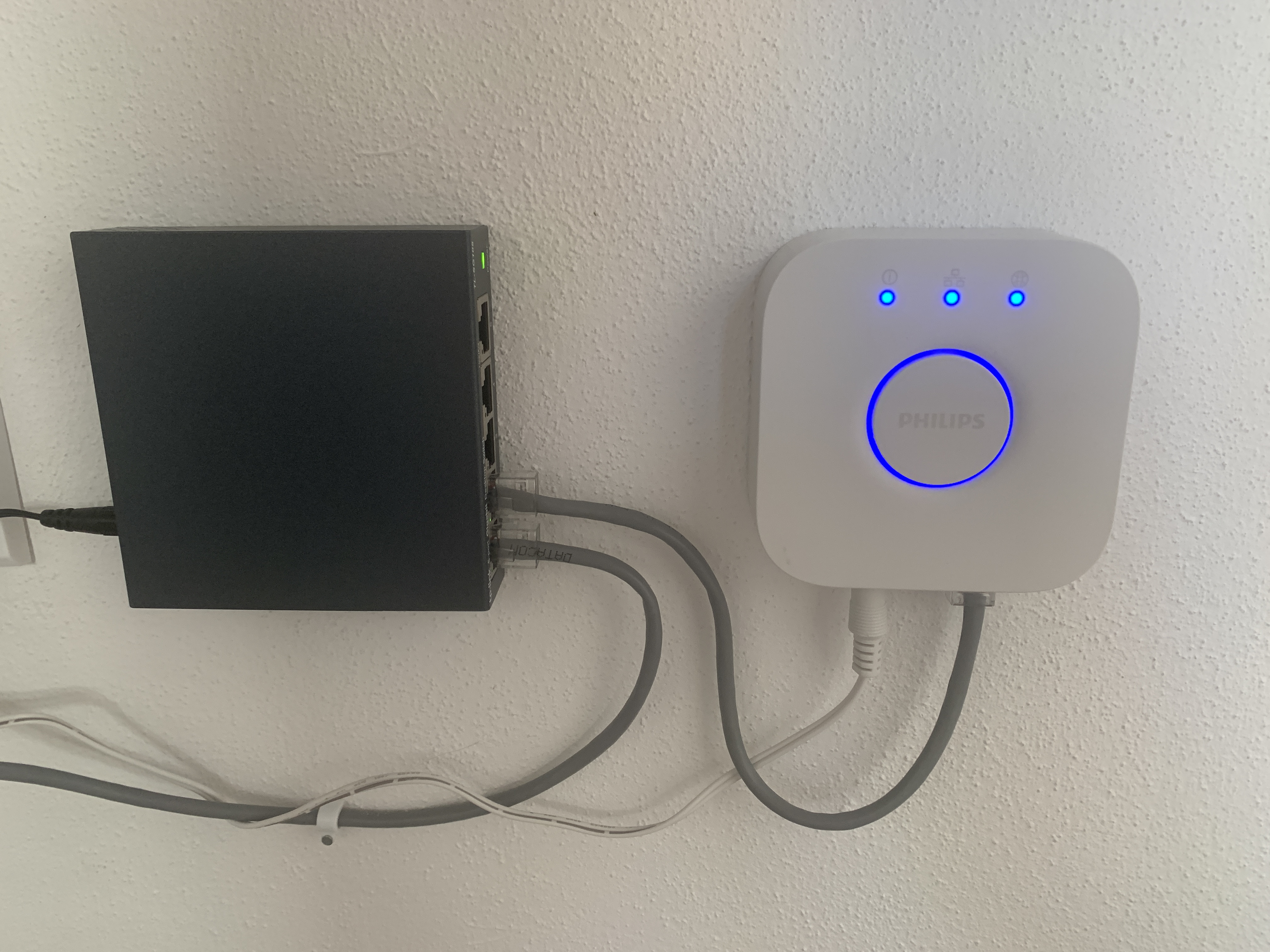
Smart LED strips and control center
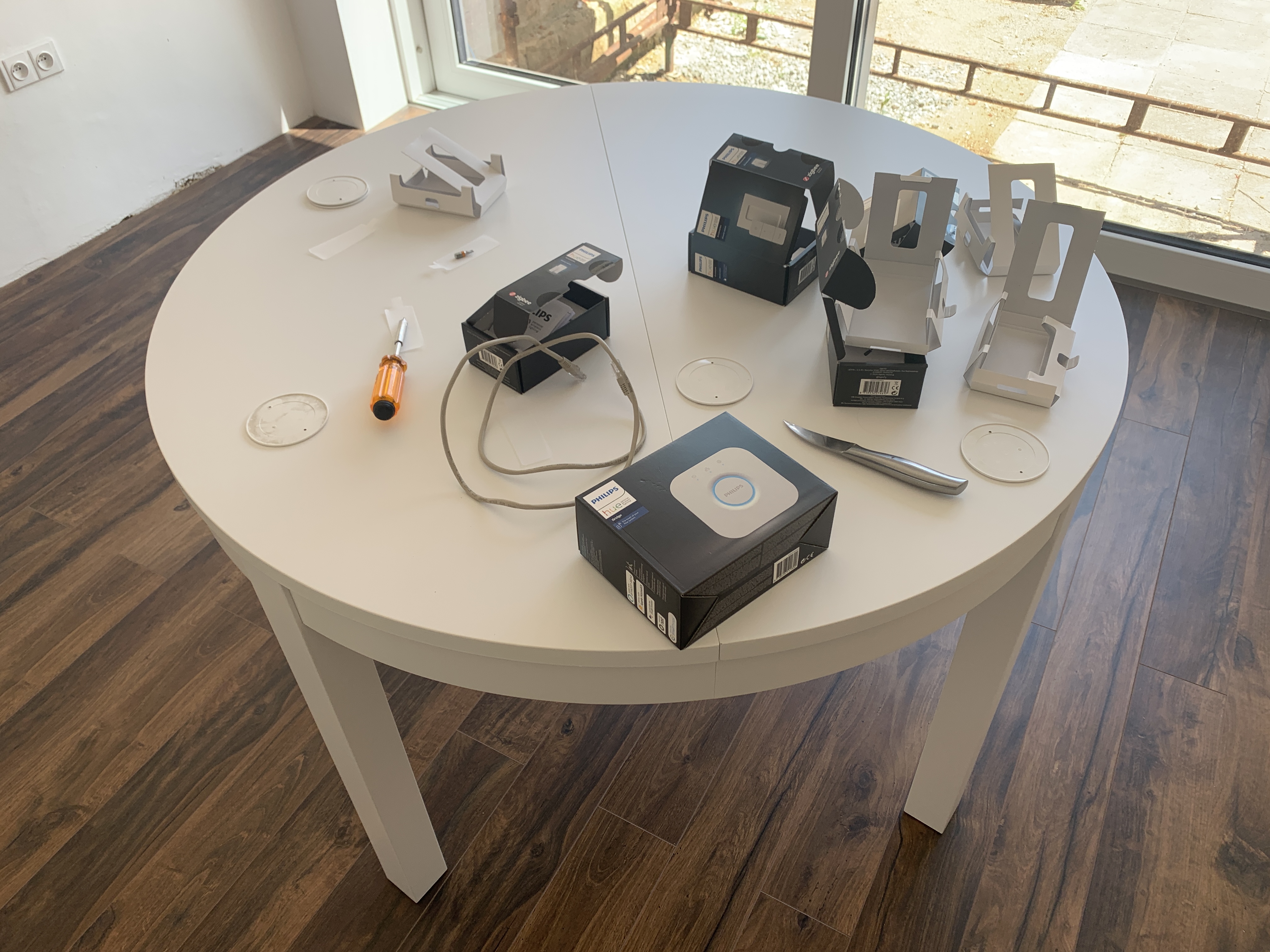
Pro LED strips are suitable for ambient lighting, which you can place behind the TV, under the sink or around the desk. If you want to control smart lighting remotely and use automation, you will need a home hub. You can easily turn your HomeUnder mini or Apple TVWith these products, you can create smart and comfortable lighting that is fully integrated with your Apple ecosystem.
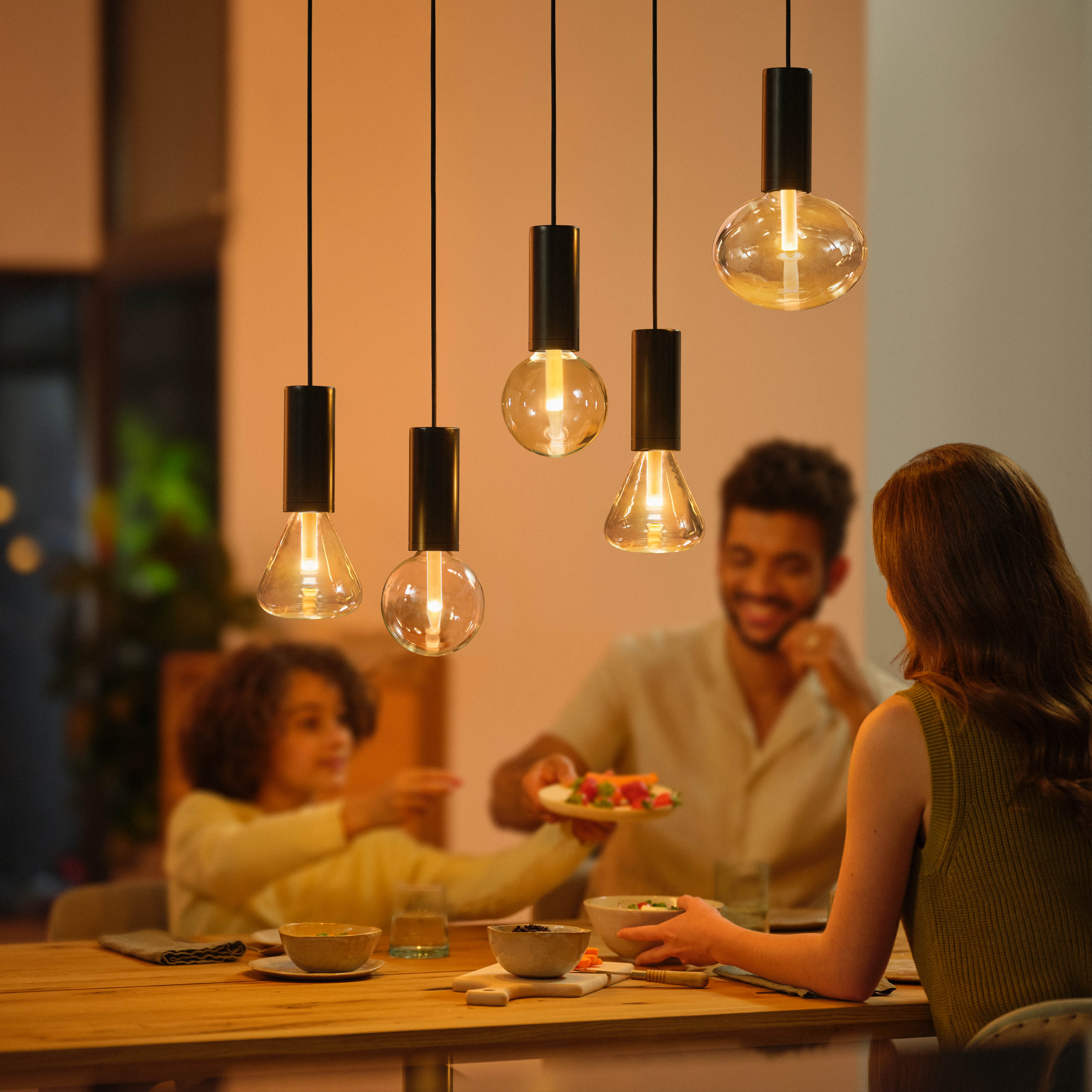
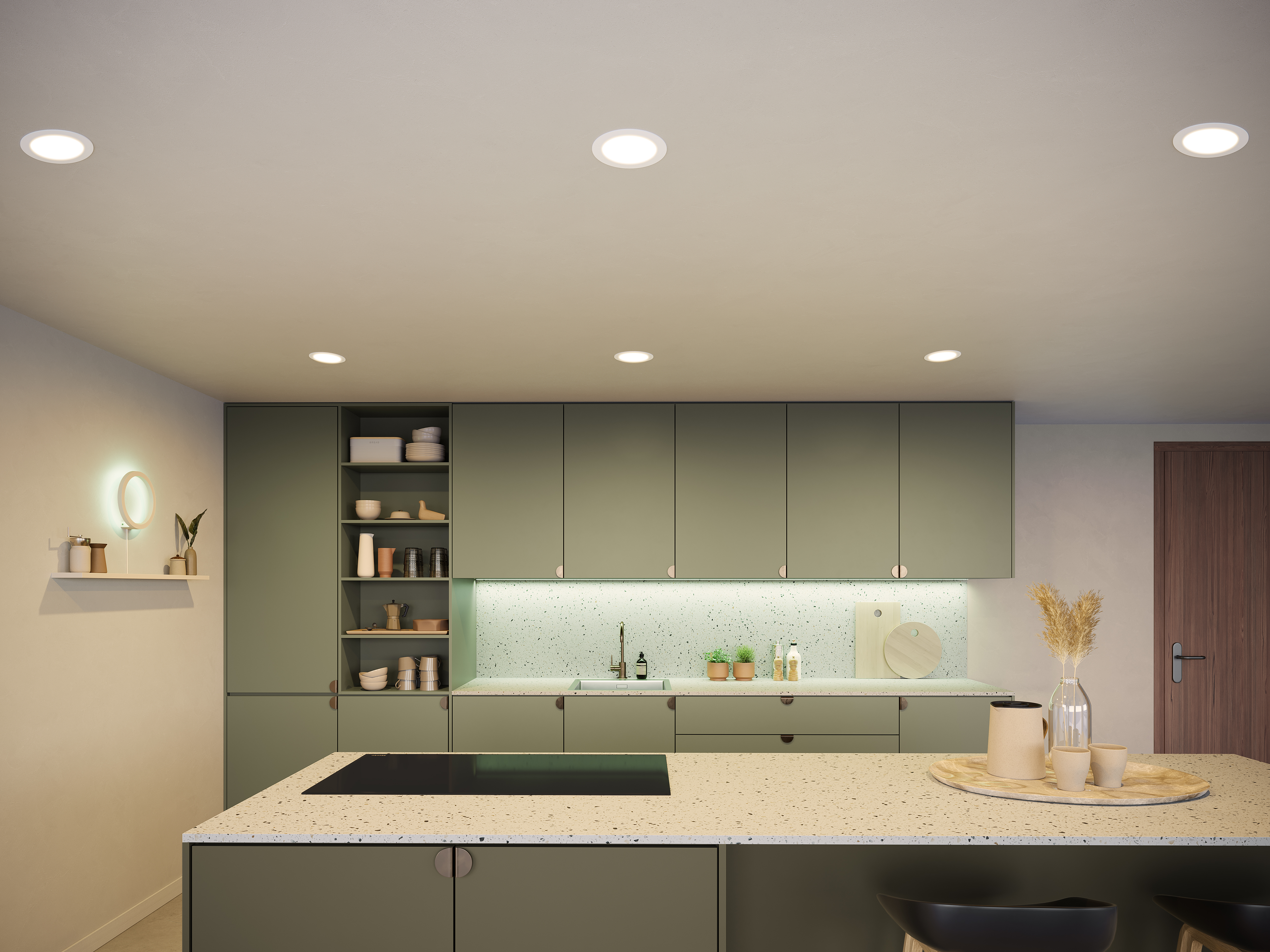



Philips hue is expensive and nice lighting. But it is far from smart. For example, it does not handle adaptive lighting at all. It does not work either through the app or through HomeKit. Not to mention the mess it makes in saved scenes when you select the “natural light” scene. Horrible. I wouldn’t buy it again. Golden ikea.