
Christmas time is magicand unwrap new ones under the tree Apple Watch is like finding a technical miracle straight from Jesus Christ. Watches from Applu are more than just a fashion accessory – they are your personal trainer, assistant, and even a health guardian! To make your new watch as easy as possible, we have 10 basic steps for you on how to best set it up and start using it.
We know that the following tips and tricks are really for beginners, but this article is also aimed at them. So simply take this fact into consideration and do not engage in unnecessary criticism. In that case, this article is logically not for you.
Pair them with iPhonem
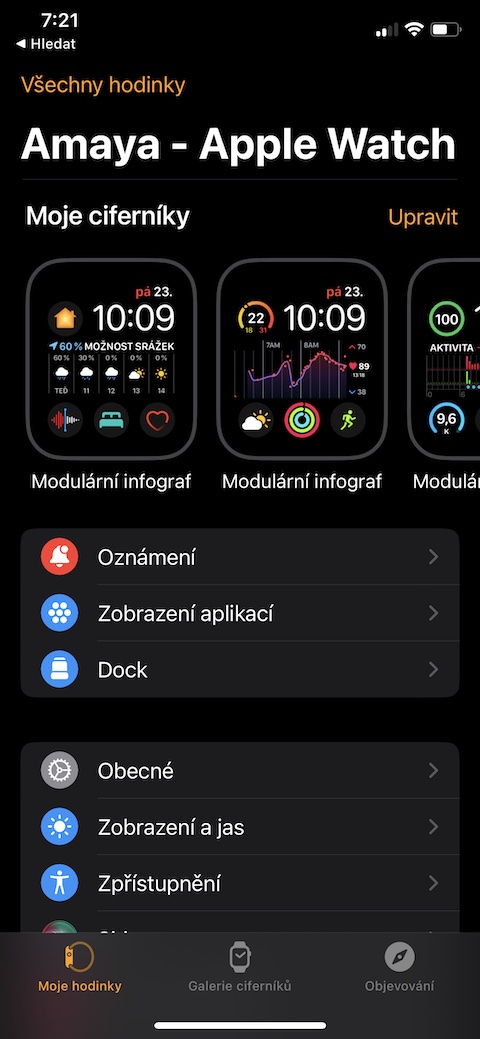
Like decorating the tree with candles and lighting up the whole house, the first step to start your new ones Apple Watch is paired with iPhonem. This is the foundation that will introduce you to a world of smart features that will shine like a Christmas star in the sky. When you first turn on your watch, open the Watch app on your iPhone to help you pair your new watch.
- Open the app Watch on your iPhone
- Pair up iPhone through the app with your new Apple Watch
- Connect the watch to your Apple ID
- Follow the instructions on the screen
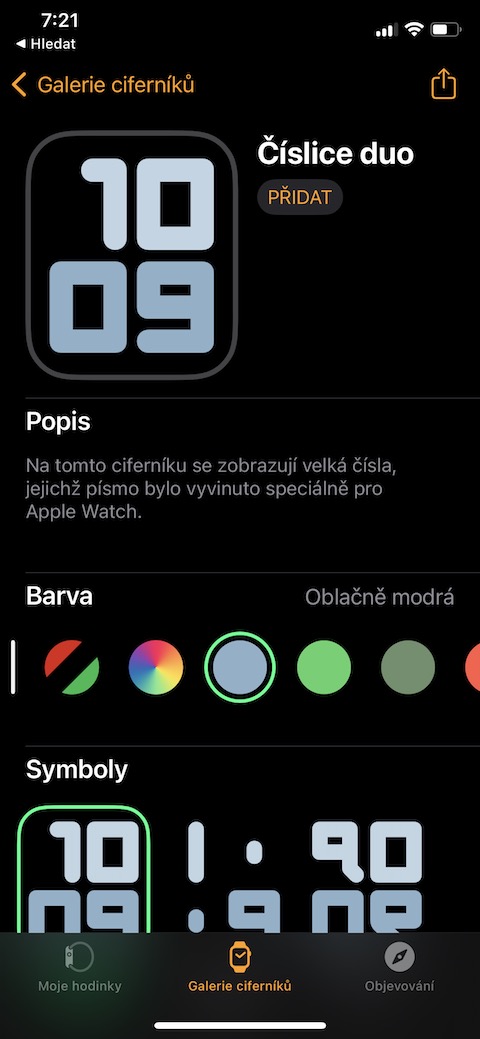
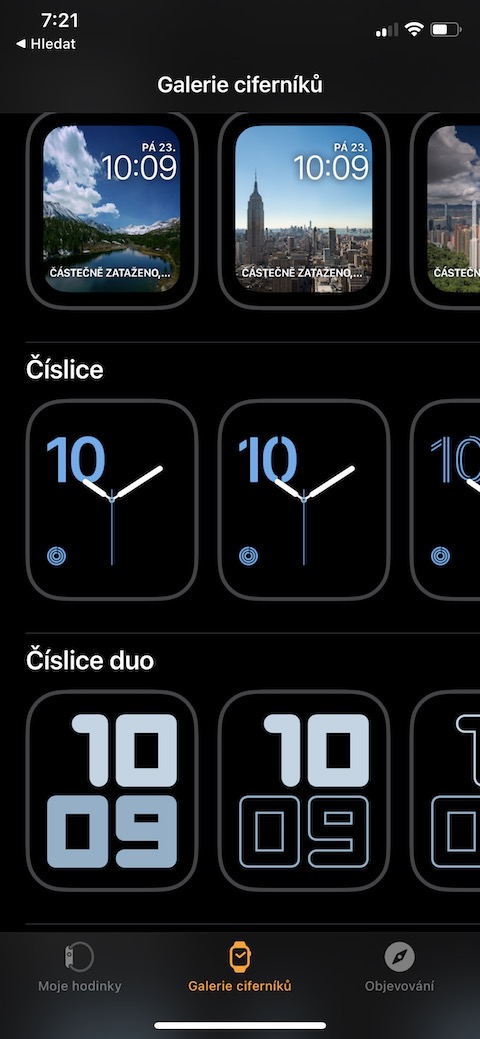
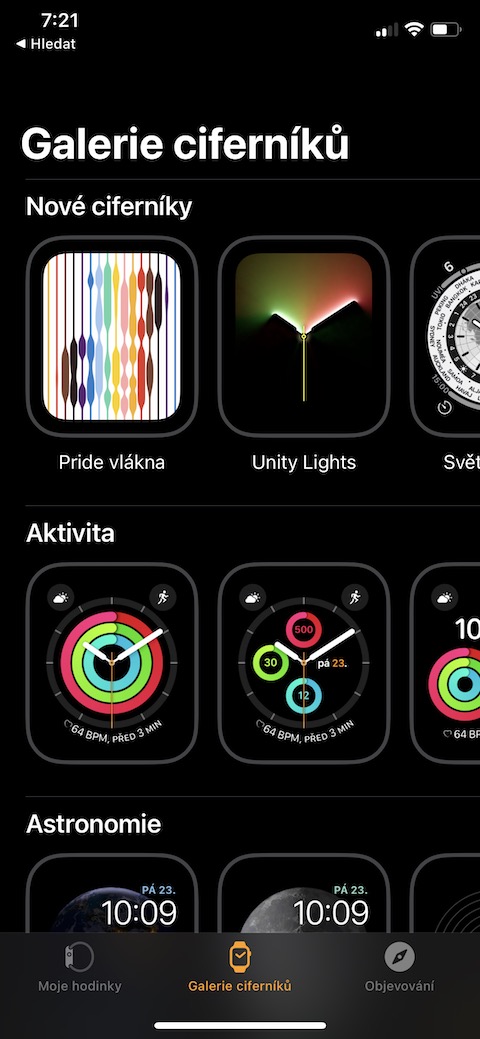
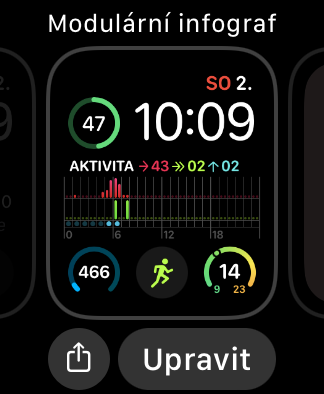
Adjust the watch face to your liking
Choosing ornaments for your beautiful Christmas tree is like choosing a new dial. Remember to choose to reflect your personality. Whether you like traditional themes or want a bit of Christmas playfulness, every screen lighting up will fill you with the Christmas spirit.
Gallery
Proexplore the "Find" function iPhone"
No one wants to experience the Christmas stress of searching for a lost iPhone. Using the “Find My” feature iPhone" is like always having a little miracle under the tree - one button and your phone will ring like a belloneA call from heaven. The function can be found in the control center of the watch, which you activate with a single press of the side button. The given function then has a phone icon with "parentheses" on the left and right.
You might be interested in
Learn to use Apple Pay
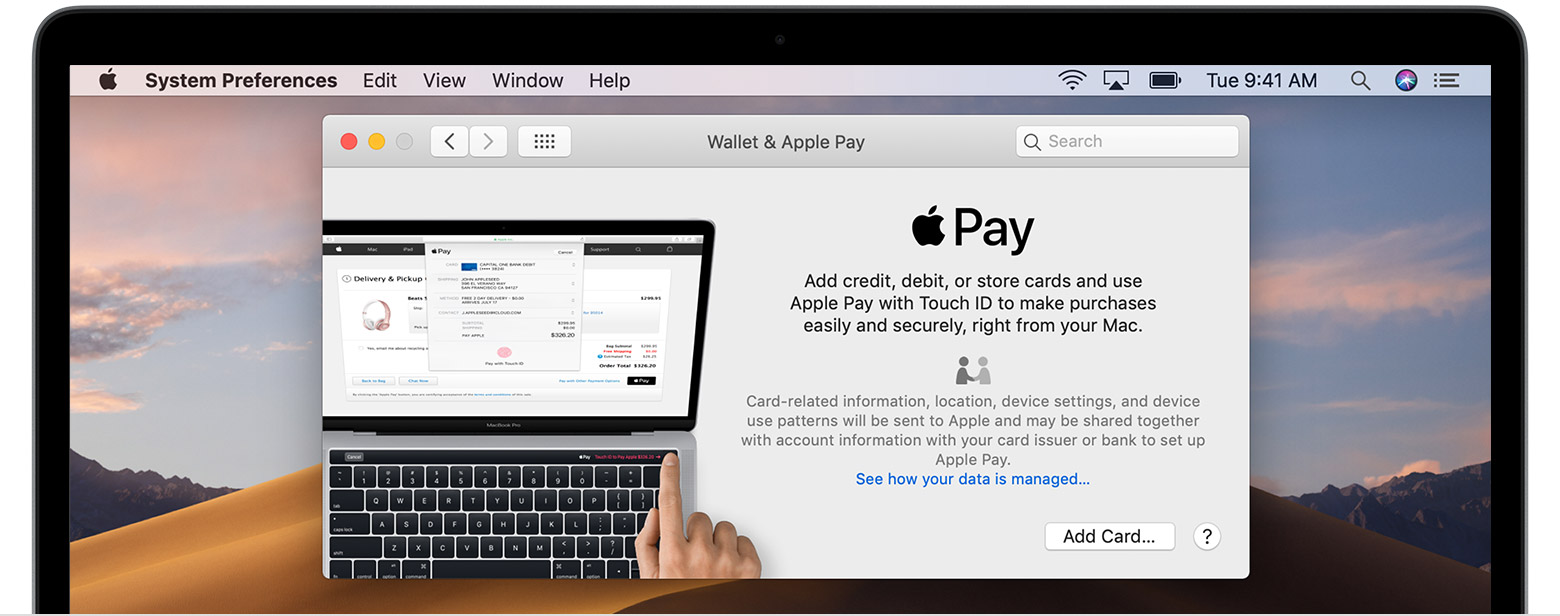
Forget searching for your wallet in the post-Christmas shopping frenzy! WITH Apple Pay you can pay for everything you need with a simple wave of your wrist, as if you were sending out Christmas cards. You only need to press the side button twice and the card will be immediately loaded for payment at the contactless terminal. As for adding cards, this is done either when pairing the watch, when Apple Watch they will take over the cards added in your iPhone and you only need to confirm them afterwards, or in the accompanying Watch application, where you just need to visit the Wallet and add cards to it.
You might be interested in
Monitor your health
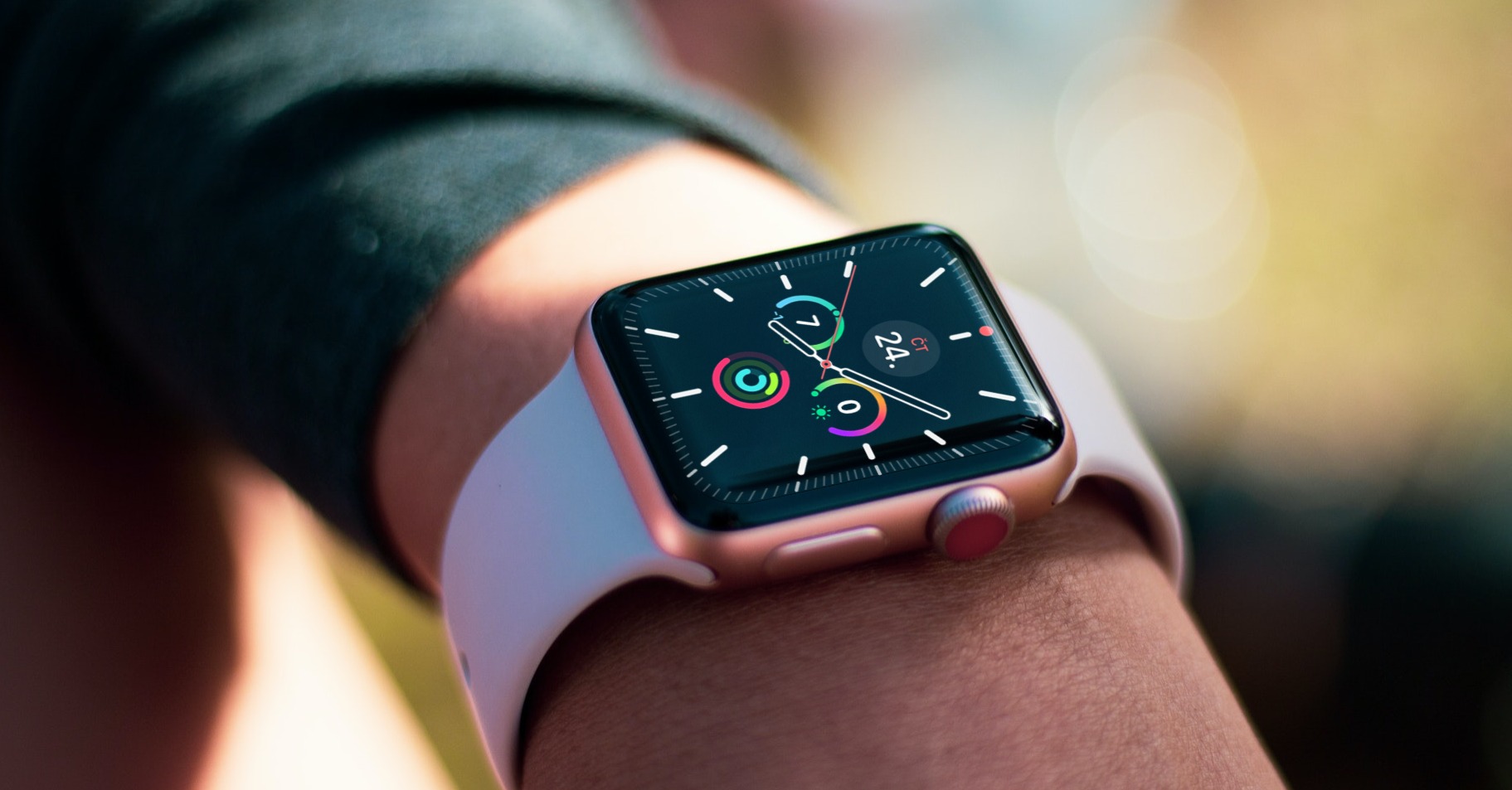
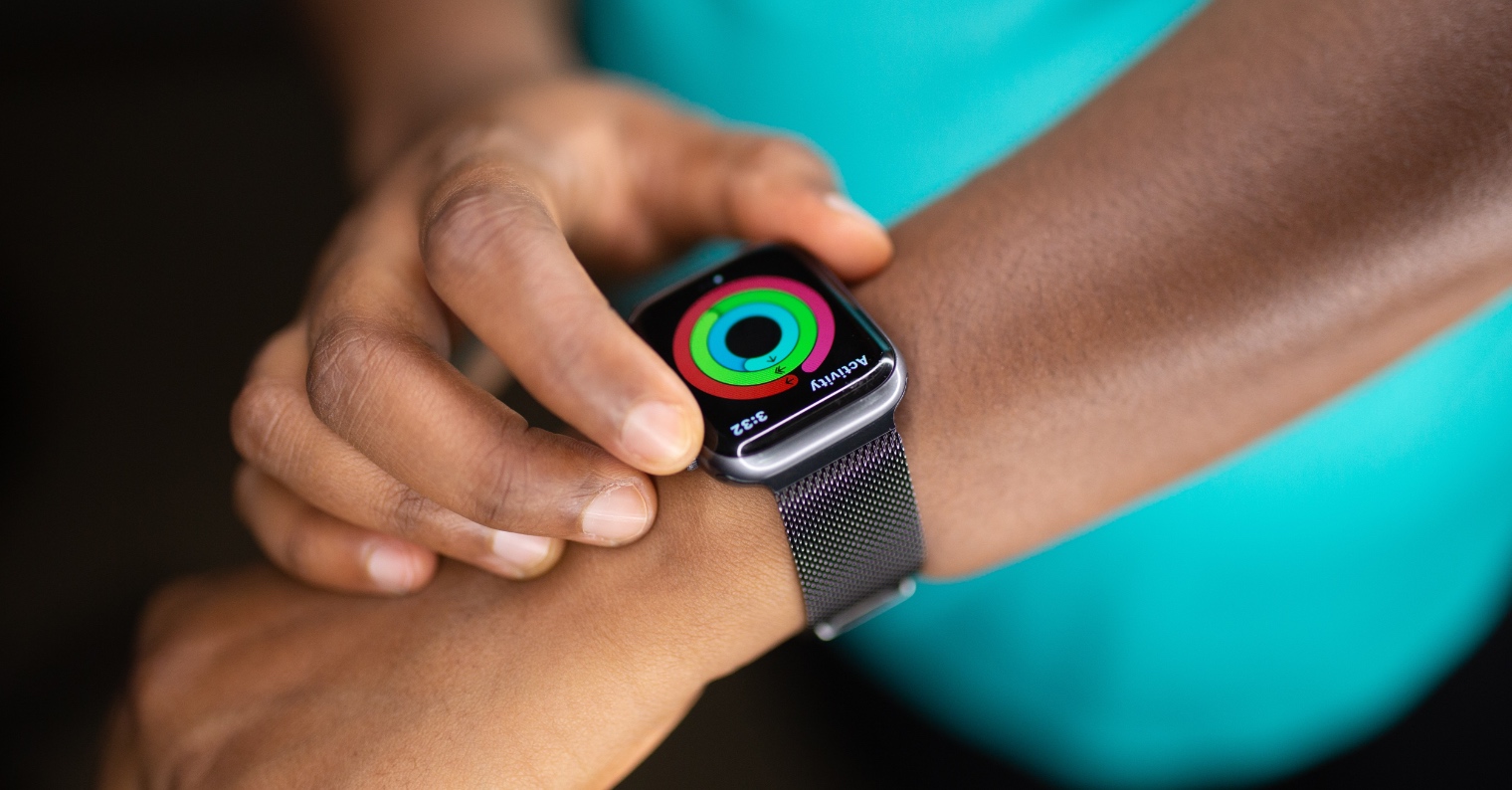
New Year and new resolutions? After all those Christmas feasts, it's time to stay healthy. Smartwatches from Applu are like your personal trainer, helping you burn off the Christmas cookies and stay fit. Completing your activity circles is almost like wrapping all the Christmas presents – joyful and satisfying! Plus, for completing the circles, you get AppYou will receive a small reward in the form of digital badges for your activity. Everything can be easily managed in the Watch app on your iPhone, and you can check your activity via the circles icon on the Apple Watch.
You might be interested in
Discover the "Exercise" app
Give yourself a little Christmas challenge and try new exercises! Whether it's after Christmas price or before New Year's celebrations, your watch will be with you every step of the way just like the best holiday companions. You will find exercise monitoring (logically) in the Exercise application, with the fact that there are really a lot of different workouts to choose from, which are your Apple Watch able to record. By recording the exercise, you will then unlock activity badges, which should ideally motivate you.
You might be interested in
Set breathing and relaxation reminders
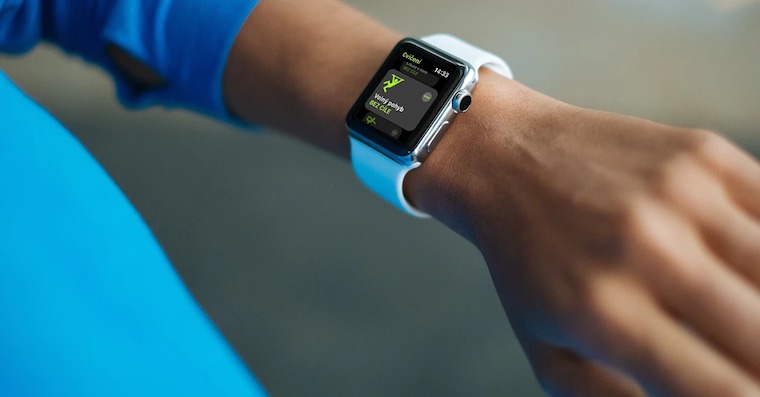
When the Christmas rush is at its peak, the "breathing" function on Apple Watch it's like a little Christmas stop. Calm down, breathe deeply and enjoy a moment of peace just as you enjoy Christmas coziness by the fireplace. To relax you Apple Watch they will bring you through the native Mindfulness application, which will guide you through breathing exercises perfectly through animation.
You might be interested in
Try a voice assistant Siri
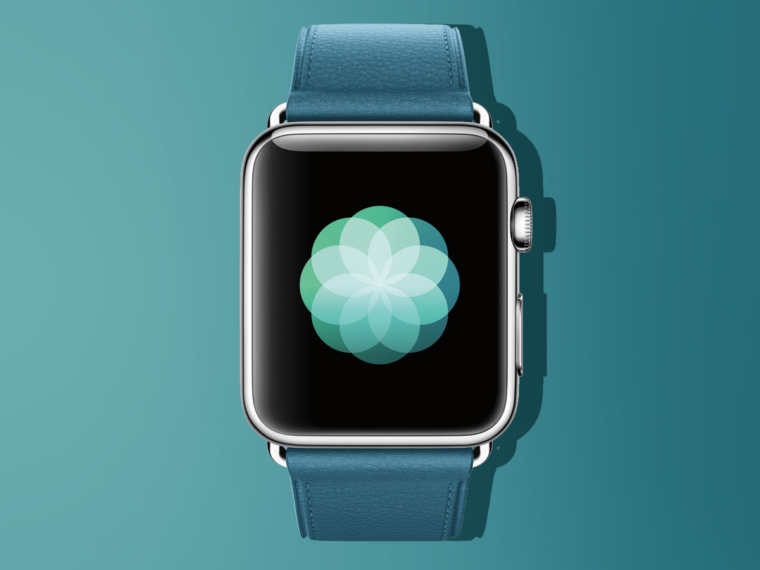
Don't leave Sirito be your Christmas elf! Whether you need to find out how long to bake the Christmas Eve carp or how much time you have left until the midnight celebration. Siri She will gladly arrange everything for you – that is, if her knowledge and skills are sufficient. You activate her by saying Hey Siri, or by pressing the digital crown on your watch. However, to do this, you must of course have this feature turned on. You can check this in Watch – Siri.
You might be interested in
Personalize your alerts
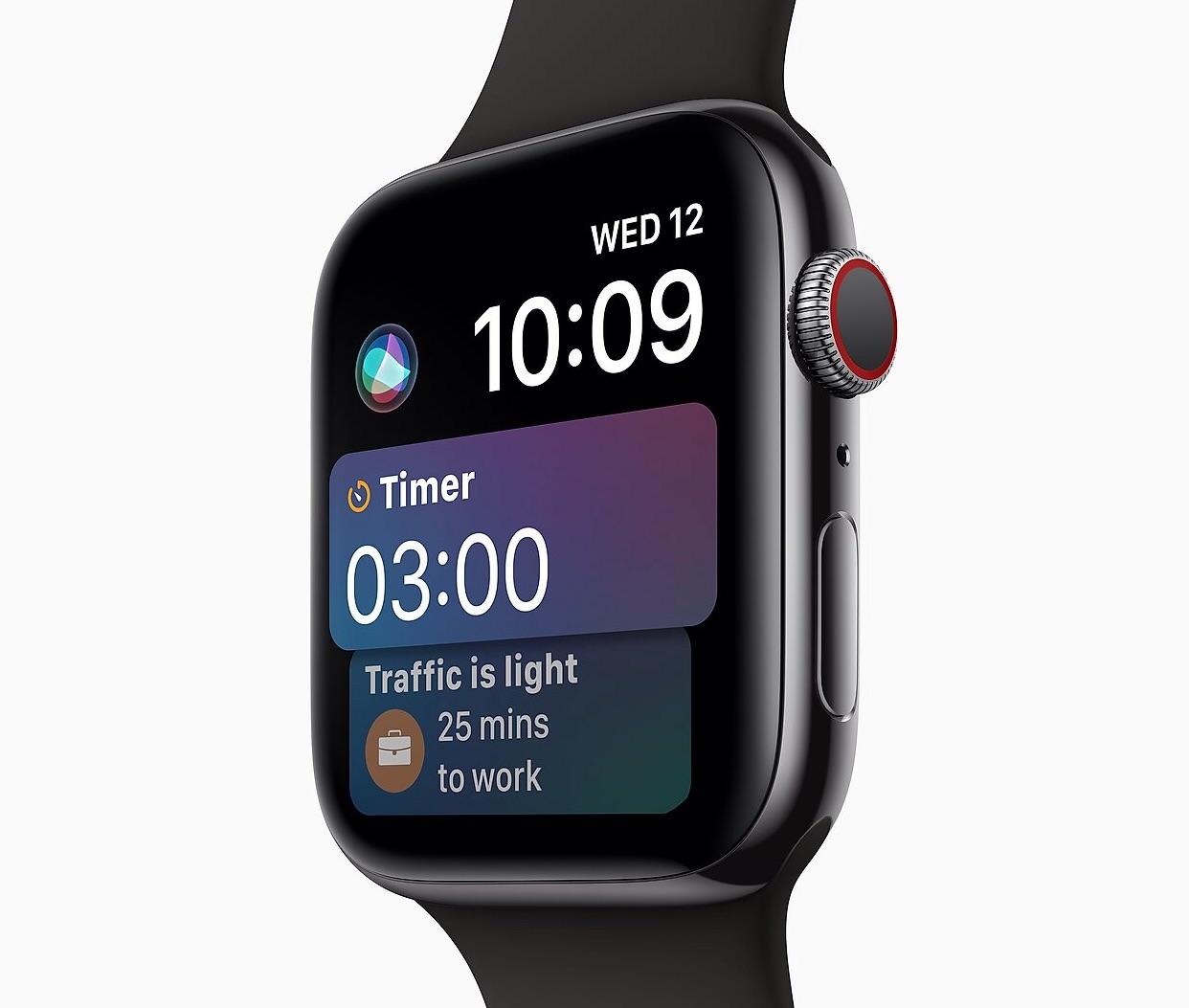
Christmas cheer should remain intact, so set your notifications so that only the really important ones come to you, so that no unnecessary interference distracts you from family holidays and tree lights. Notifications are again set in the Watch application in the Notifications section, while everything here works on the same principle as on the iPhone.
Gallery
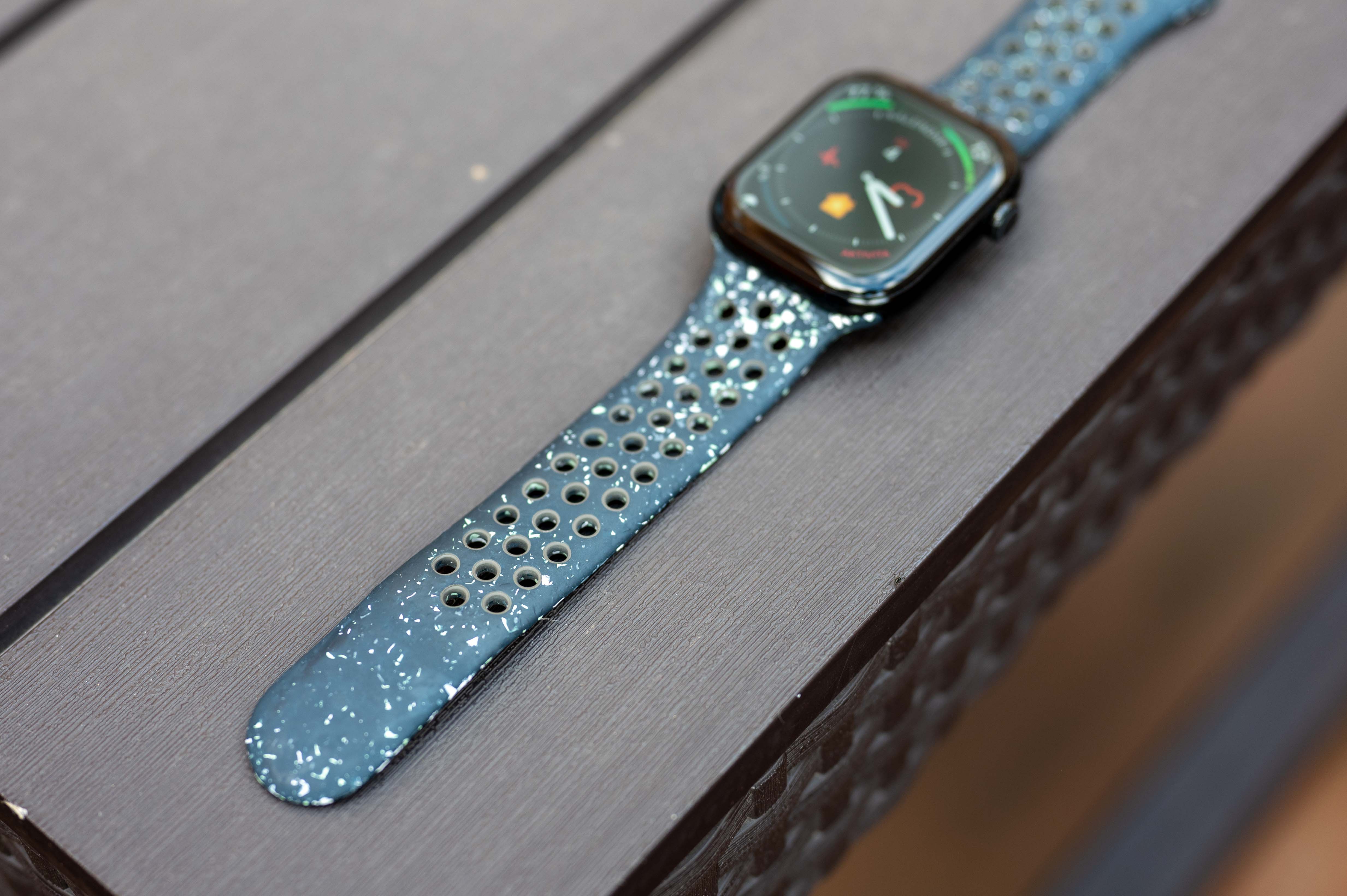
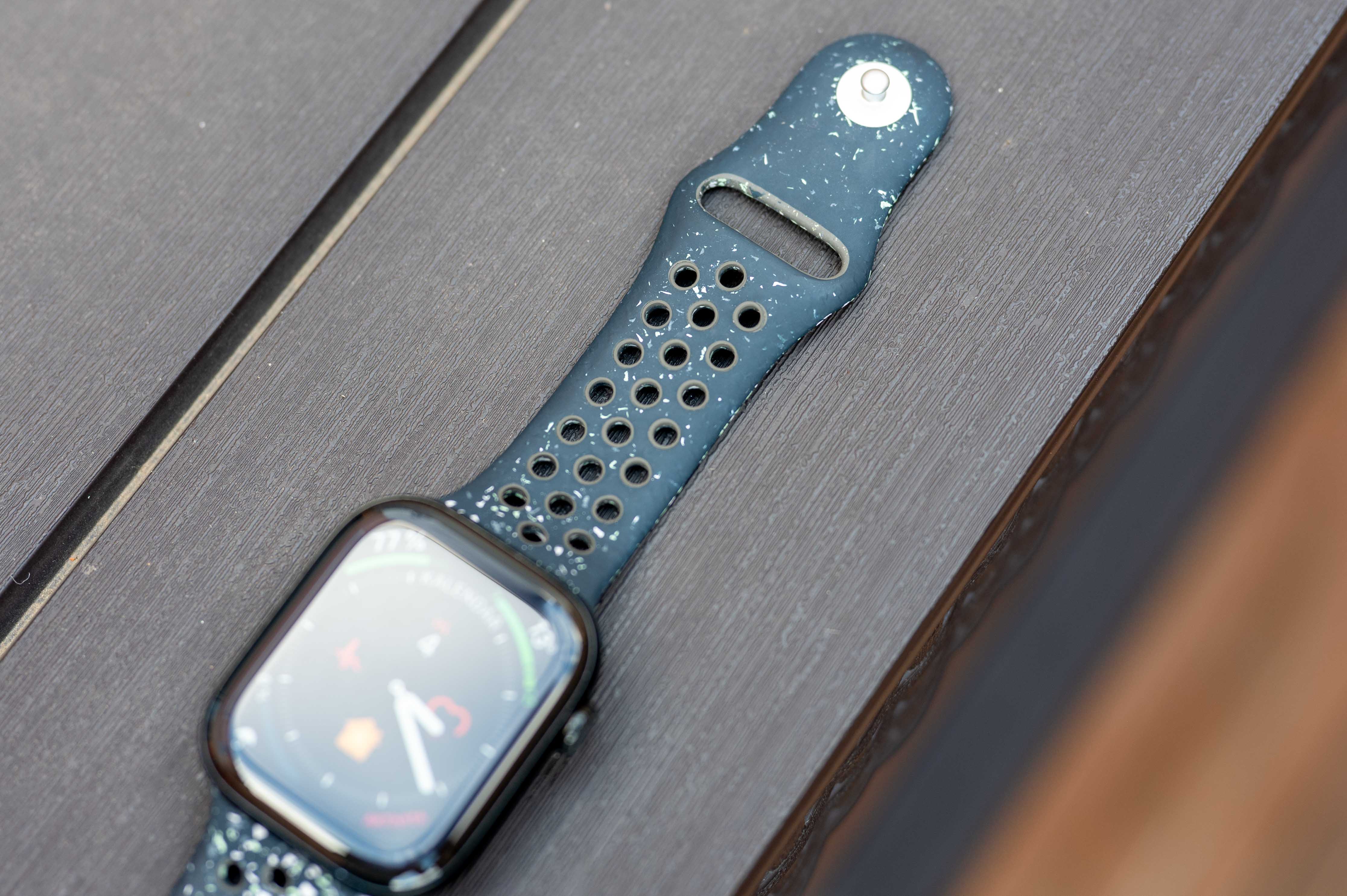
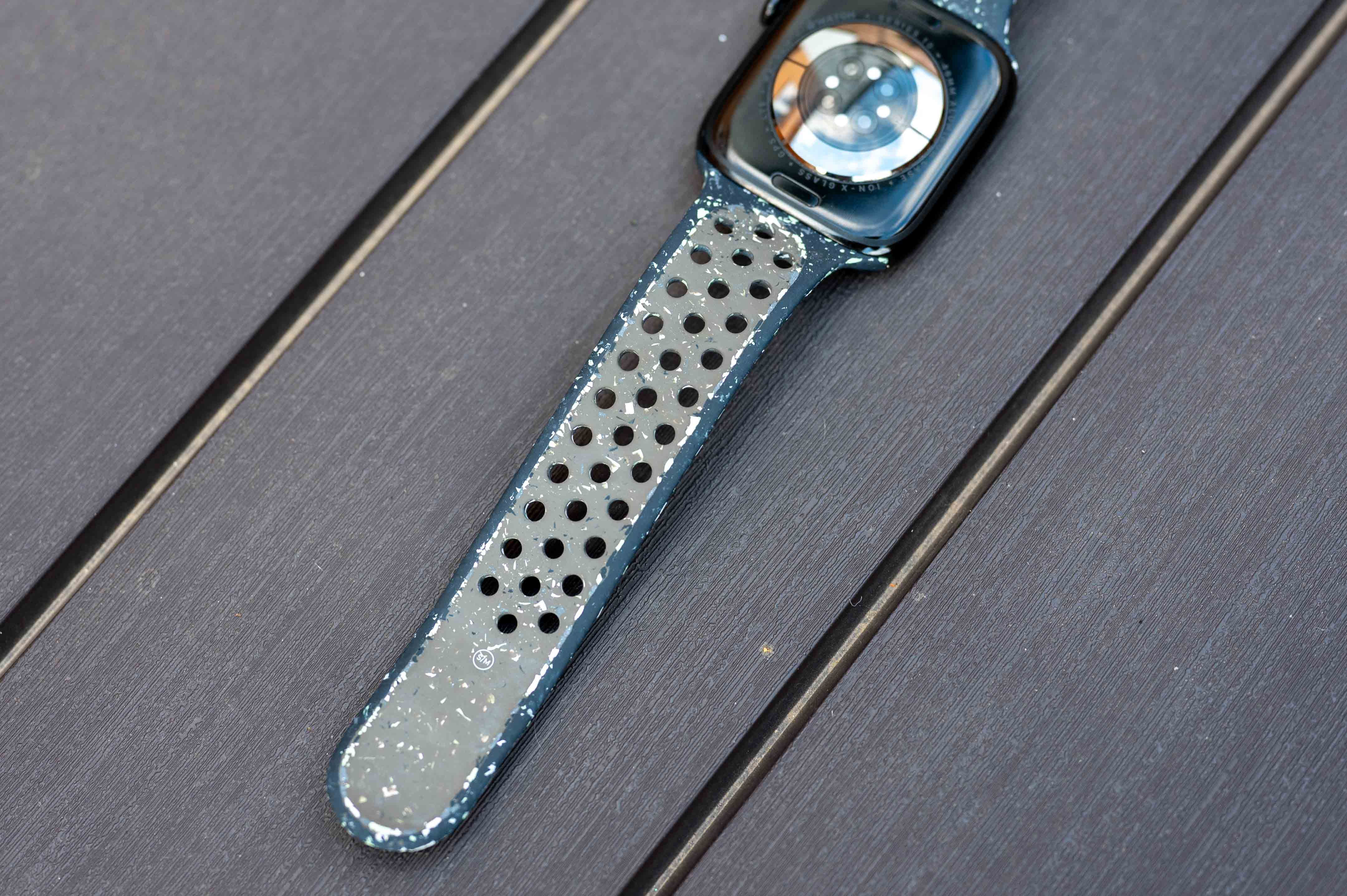
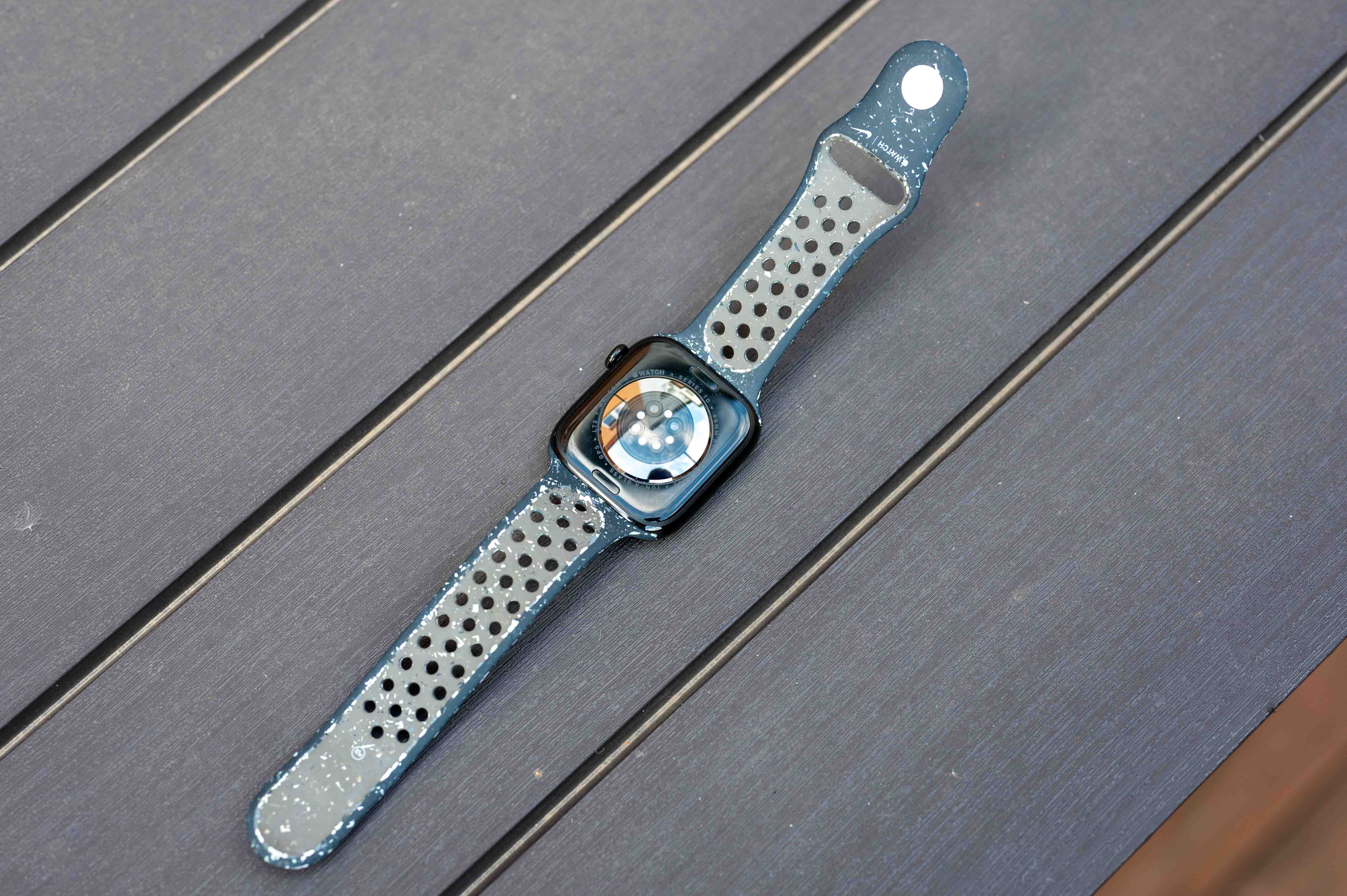

Invite friends to joint activities
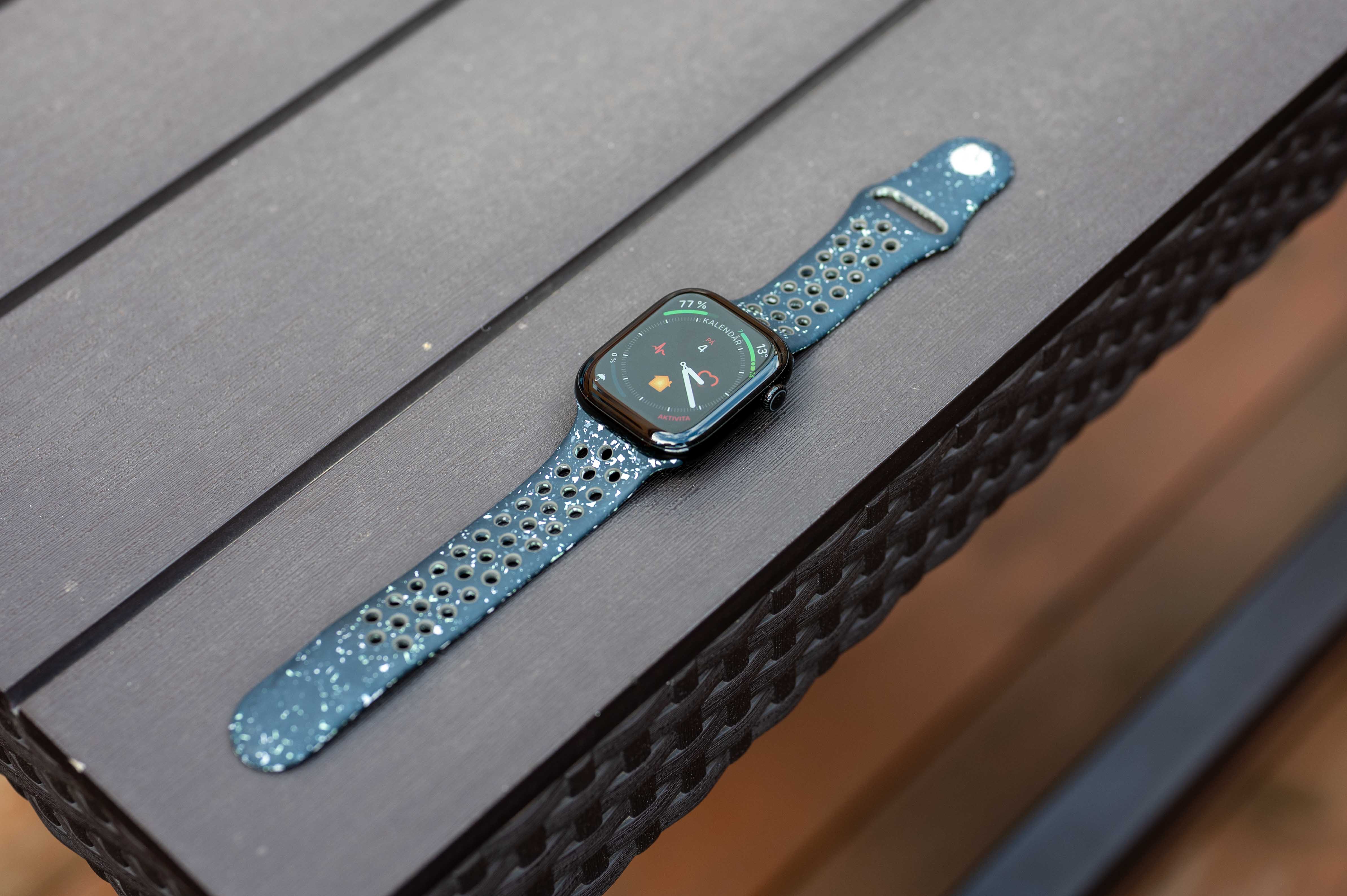
Stay connected with friends over the Christmas break and motivate each other to move. Whether you're competing to burn more calories after Christmas price or sharing your progress, it's like a playful Christmas game. You can invite to the competition quite easily via the Activity application on the iPhone, where in the Sharing section you either invite an already added contact, or you add them via the icon in the upper right corner and then invite them to the competition. If he accepts, it's just n avás.
You might be interested in







Start enjoying to the fullest? Well, most of all, don't move away from the charger 😂