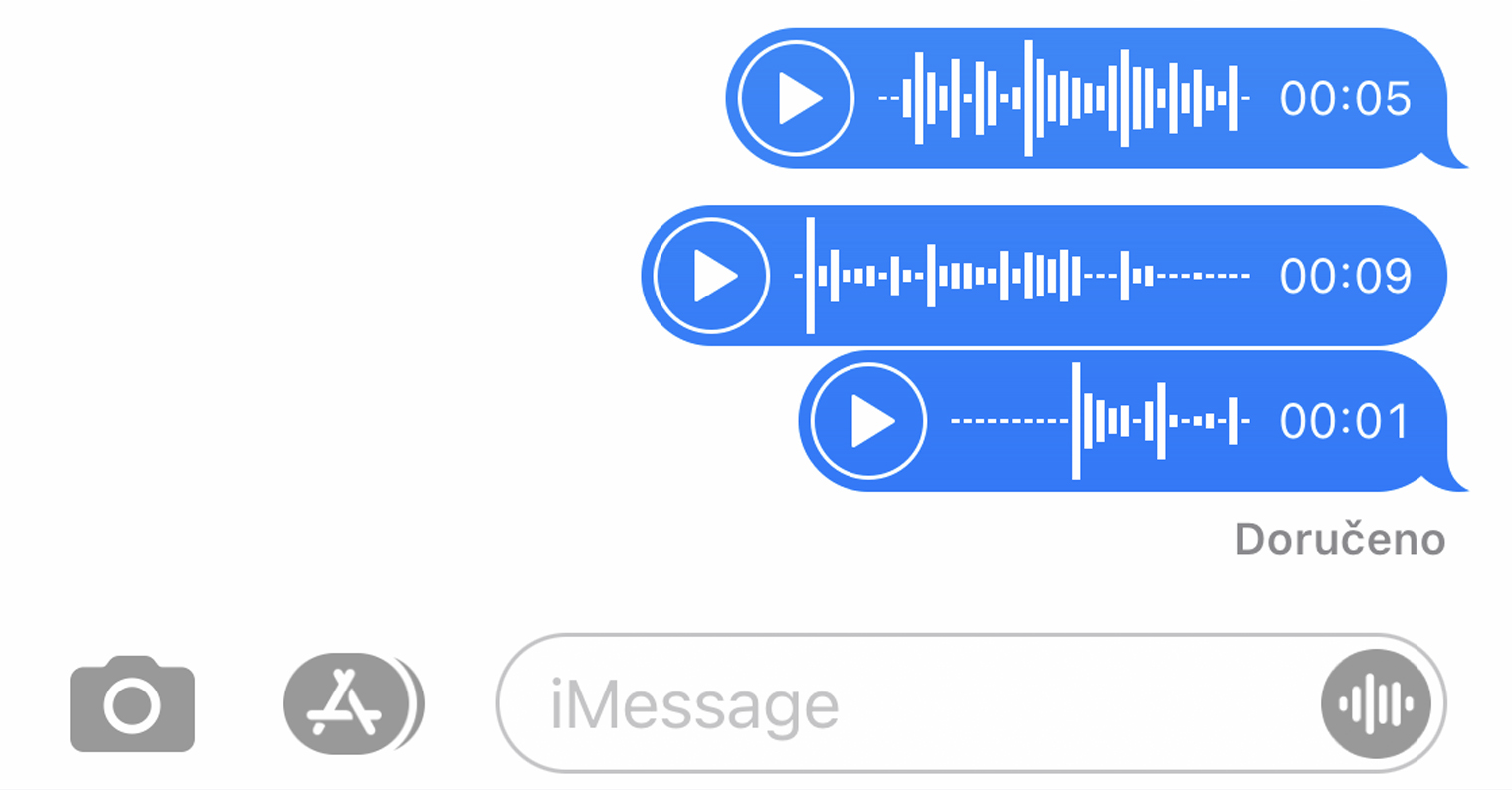
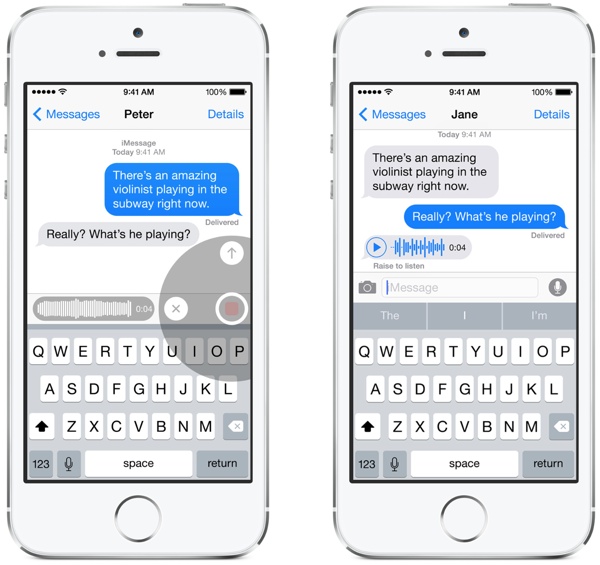
How to save a voicemail on your iPhone? Voicemail on your iPhone offers a convenient and fast way to communicate. But what if you want to save an important message for later listening? No problem! Saving voicemails on iPhone It's easy and only takes a few moments.
You might be interested in
Whether you want to preserve a funny memory from a friend, important instructions from your boss, or just want to create your own memo, saving voice messages on iPhone makes it easy and organized to keep audio recordings. This tutorial will show you step by step how to do it.
How to Save a Voicemail on iPhone
Approach:
- Open the Messages app: Find the conversation that contains the voice message you want to save.
- Find the message you want: Go to the conversation and find the voice message you want to save.
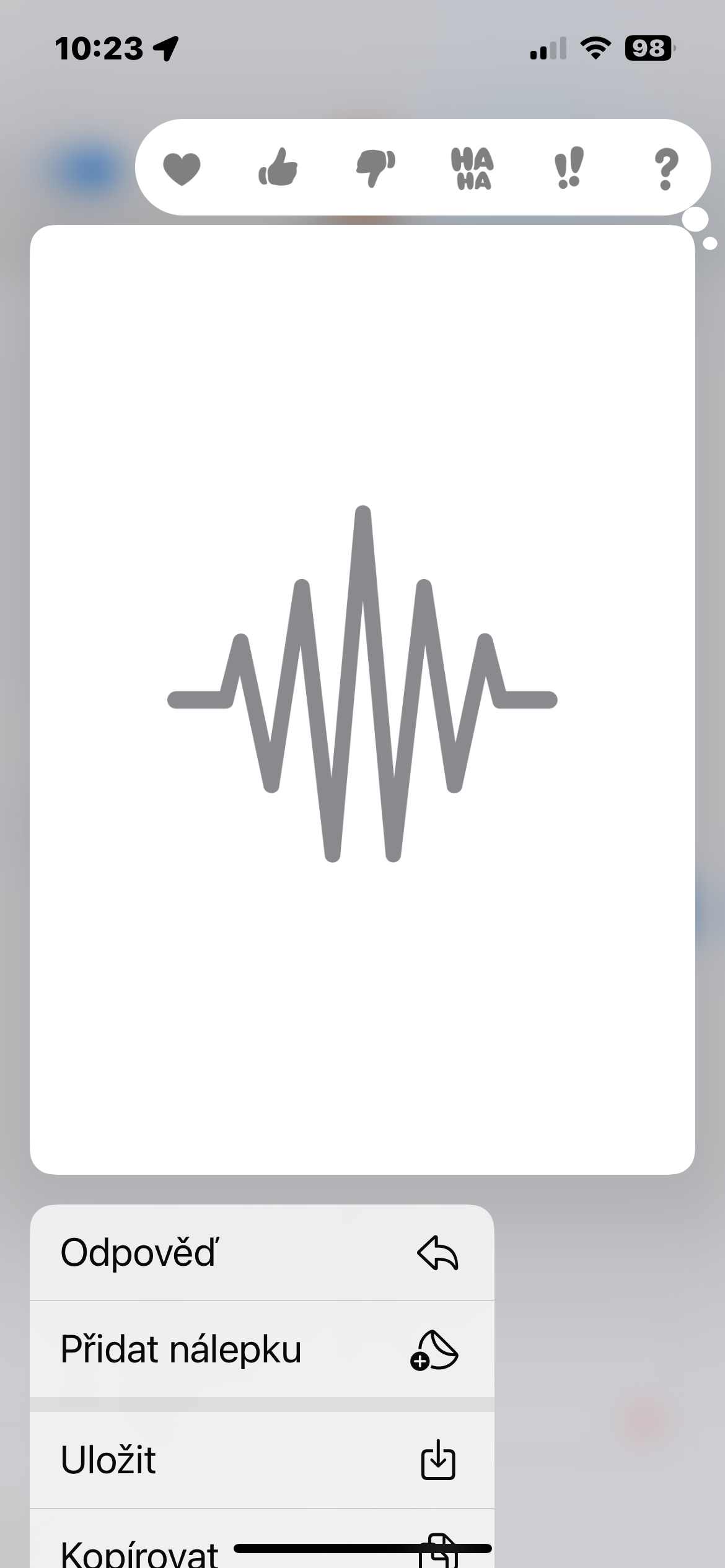
- Long press the message bar: Hold your finger on the voice message bubble until the menu appears.
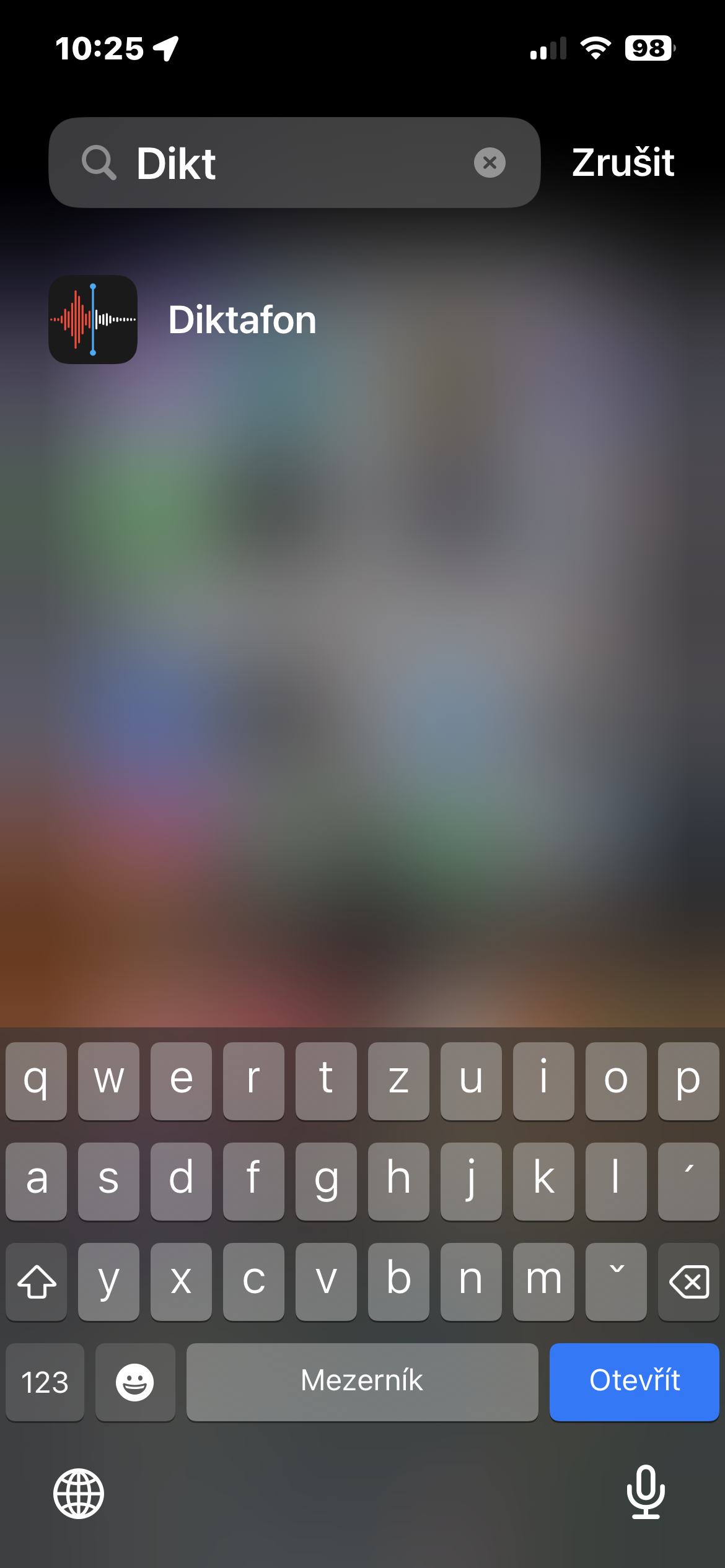
- Select Save: In the displayed menu, click the Save button - the saved message is automatically moved to the Dictaphone application.
Gallery
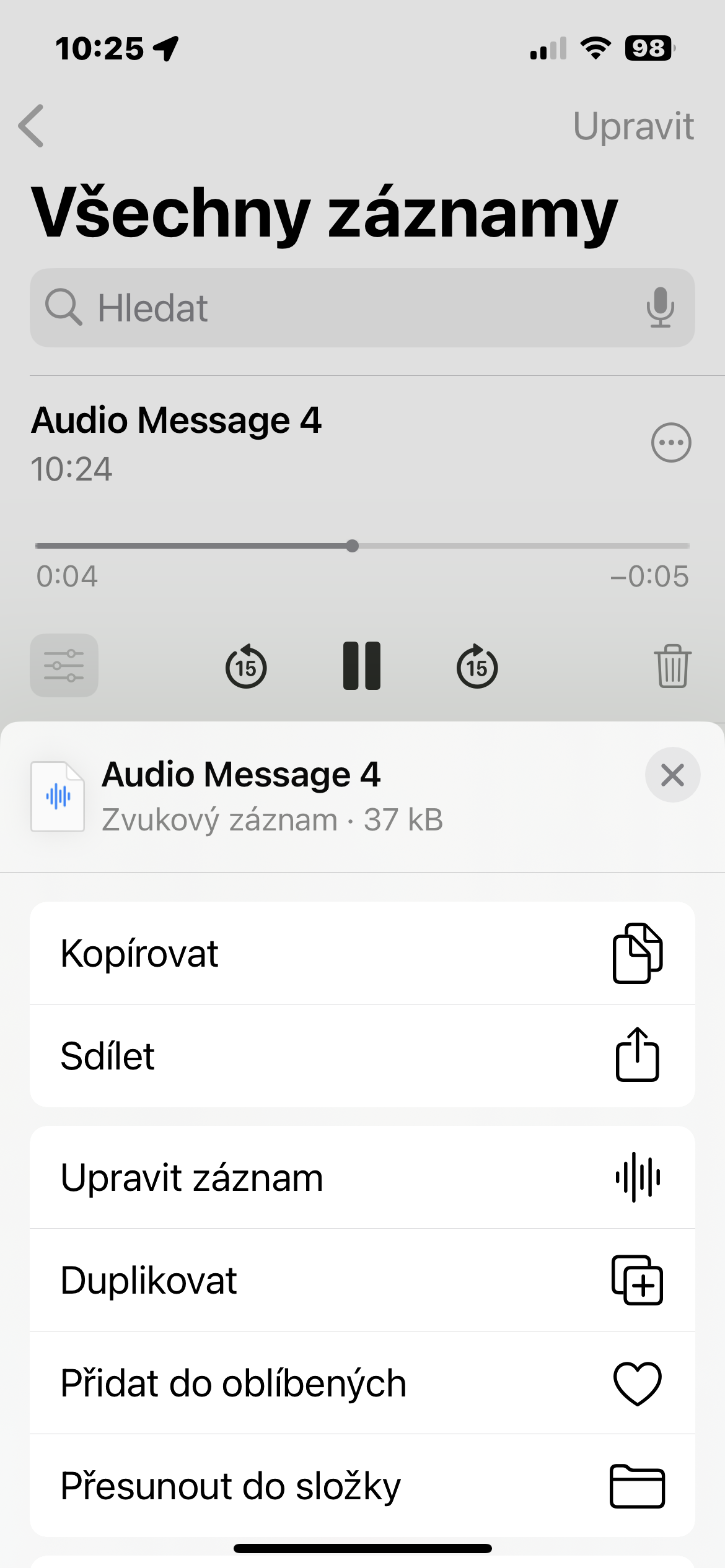
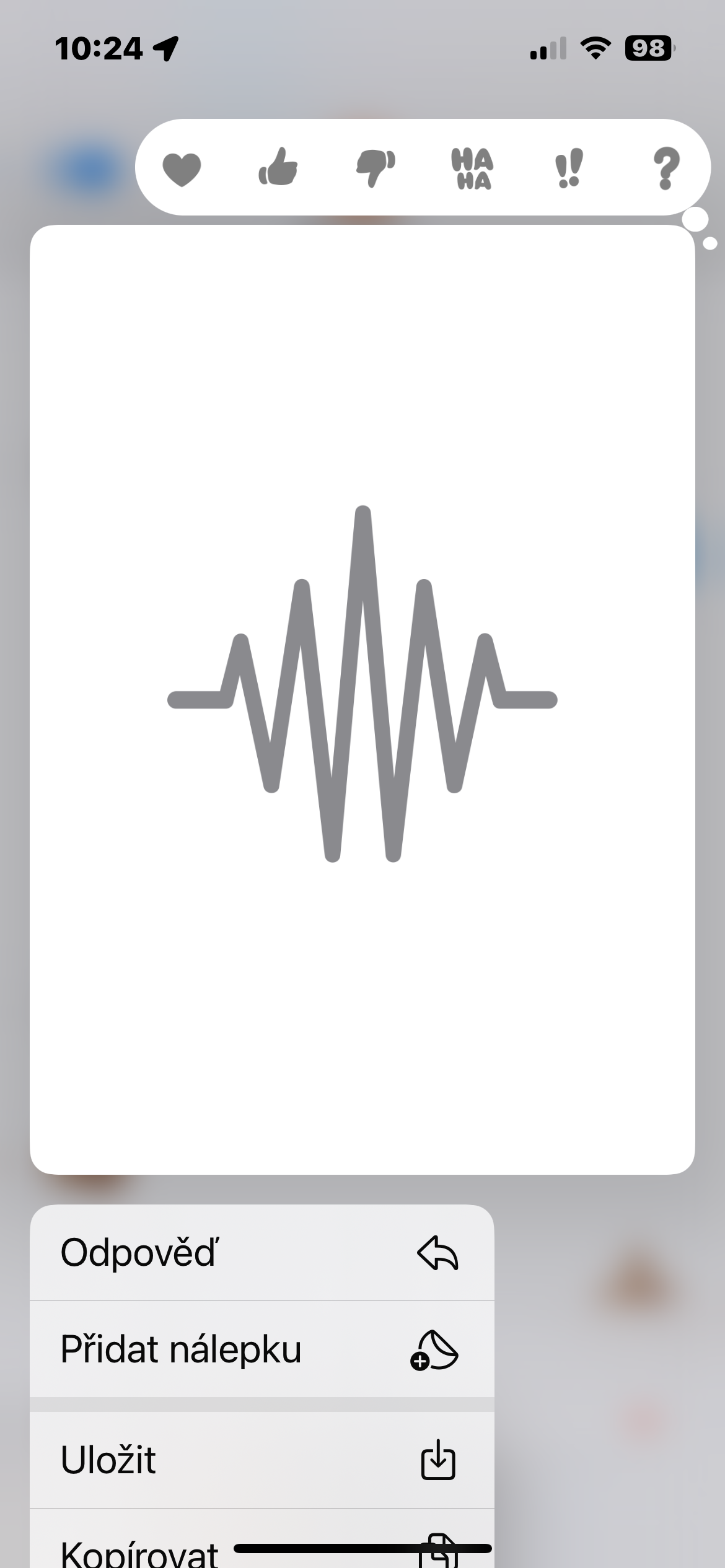
Saving voicemails on iPhone is a simple process that allows you to preserve important records and memories. With features like save, rename and delete, you have full control over your recordings. Use this handy feature to keep important moments on your iPhone.