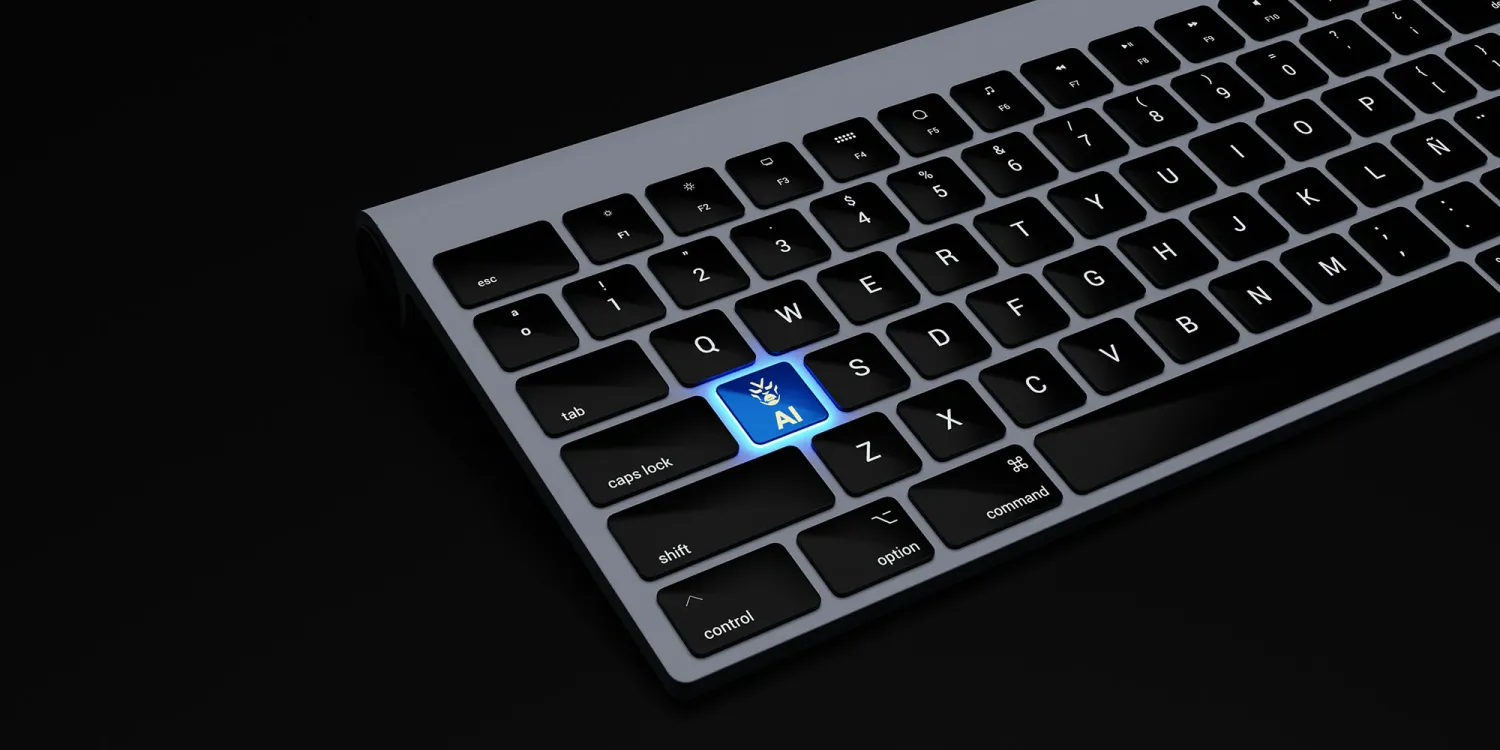
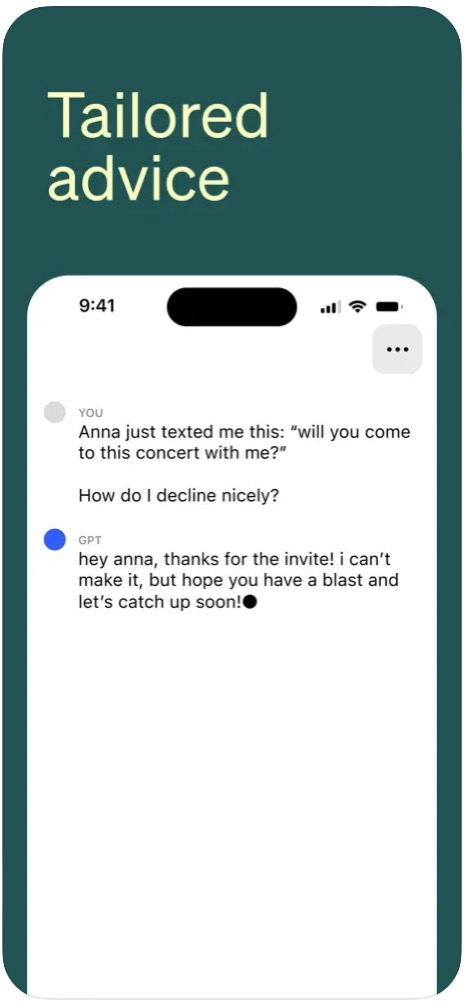
OpenAI recently released an official app ChatGPT for Mac. The application offers most of the features from the version for iPhone, including immediate access to ChatGPT using a keyboard shortcut. This makes it ChatGPT accessible from anywhere and at any time, making it a valuable tool for anyone who works with text.
You might be interested in

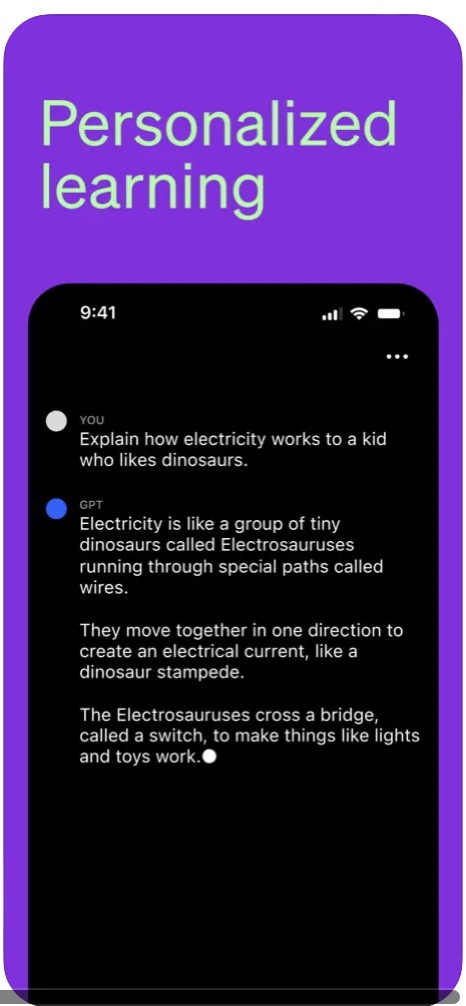
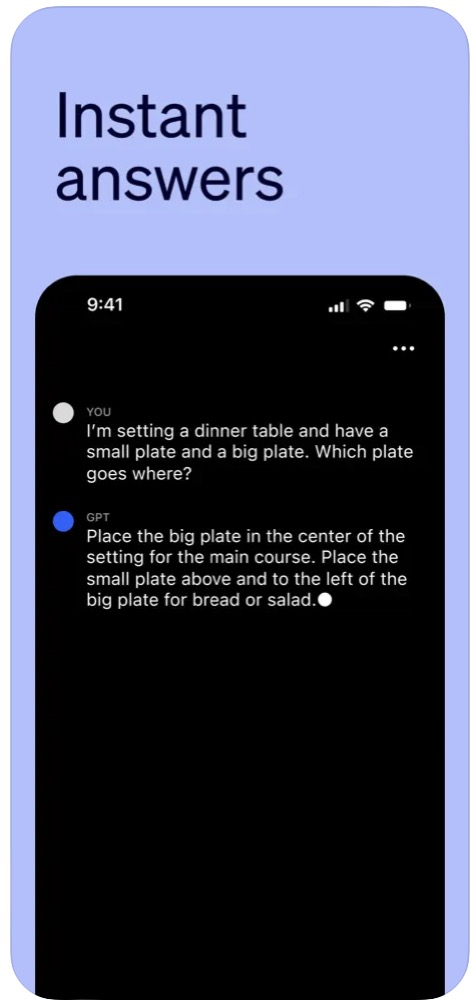
Company OpenAI koneofficially released the application ChatGPT for Mac. This new release brings most of the features from the popular version for iPhone, making it easier for users to access powerful artificial intelligence for text generation. With a keyboard shortcut for instant access, ChatGPT available at your fingertips and ready to perform a variety of tasks, from writing emails and summarizing documents to creating creative texts. In this article, we will look at the key features of the application ChatGPT for Mac and explore its potential for streamlining work and expanding creative possibilities.
Option (Alt) + Spacebar - hotkey for immediate access
The best feature of the Mac app is definitely instant access to ChatGPT from anywhere with a simple keyboard shortcut. The default is Option + Spacebar, but you can set your own. Before the app arrived ChatGPT on Mac, users who wanted instant access had to use bookmarks in their web browser, or they had to place the appropriate web application in Dockon your Mac.
Abbreviations for automation
Shortcuts supported by the platform ChatGPT v iOS, also work in its version for the macOS operating system. In theory, they should sync automatically and work immediately without any problems, but of course it is also possible to set them up manually in the native Shortcuts on the Mac. ChatGPT offers two shortcuts – Ask ChatGPT and Start Voice Conversation with ChatGPT. Users already in the operating system iOS they use a voice app ChatGPT to create a generative version Siri with artificial intelligence. The same option on Mac extends the voice assistant capabilities on PC.
Gallery

Other options
It also turned out that ChatGPT is pretty good at giving step-by-step instructions on how to create a shortcut based on what you're trying to do. How the options ChatGPT They are constantly improving, combined with the promised new capabilities in the field of artificial intelligence, which should come in new versions of Apple's operating systems, could not only bring many new options to ordinary users, but also save and make work more efficient in many areas.
ChatGPT for Mac is currently only available to premium users.