Do you have a Google account? And do you have an idea of what your Google account knows about you, what information it stores about you, and how to stop sharing this data? We use Google for almost everything: navigation, planning, shopping, playing games, finding information, and of course searching itself. We're looking for recipes, vacation destinations, historical facts, health information, news, and pretty much anything a person could need to know these days. And all this is free with Google (unless we count the price of the device and paying for internet and electricity).
You might be interested in
But what does Google get from us in return? Our time, attention and our data. Google — like many of its industry competitors — is constantly collecting information about where we go online and in real life, what we do there, and what questions we ask online. Google knows how often you go to the grocery store and when your birthday is. He knows you're thinking about buying a new houseplant, and he probably knows your political views.
Although this may seem scary, it is actually common. Google claims that it does not violate your privacy - it only analyzes anonymized data. For example, it can hide your data in a group of similar people, say by grouping you and your neighbors by zip code.
But there are tools that let you see what Google knows about you — and seeing it all at once can be pretty annoying. Google’s “My Activity” and “My Account” features , introduced in 2015 and 2016, give us a sometimes disturbing glimpse into what the company really knows about us. The former offers a glimpse into the information the company collects about us and, most importantly, lets us change our settings. And the latter lets us see almost all of our online activity that’s linked to our Google Account.
The good news is that these tools allow you to delete your history and prevent Google from tracking it.
It's no surprise that the popular search engine collects a lot of data about us through our search history, location, and voice searches. Moreover, since devices are iPhone and Android are linked to our Google accounts, all activity on the web or in apps – including search history and activity in Maps – is automatically turned on for tracking.
ProSo what is Google doing?
Tracking our preferences improves Google services and provides us with relevant advertisements. But it was also revealed years ago, when Google launched Google Activity, that Google can see all the data it has about you at any time. While Google claims that it doesn't sell the information on the My Activity page to any third party, it's still a bit of a pain to know that it has a comprehensive file of your entire internet history. Google can also track your location, which gives it more data about your interests, places you visit, and career. All of this information helps Google analyze what products you're most likely to be interested in, and therefore what ads you're most likely to click on. Files cookies also connect to targeted advertising, so make sure you know how cookYou can delete it from your phone.
How to view your activity?
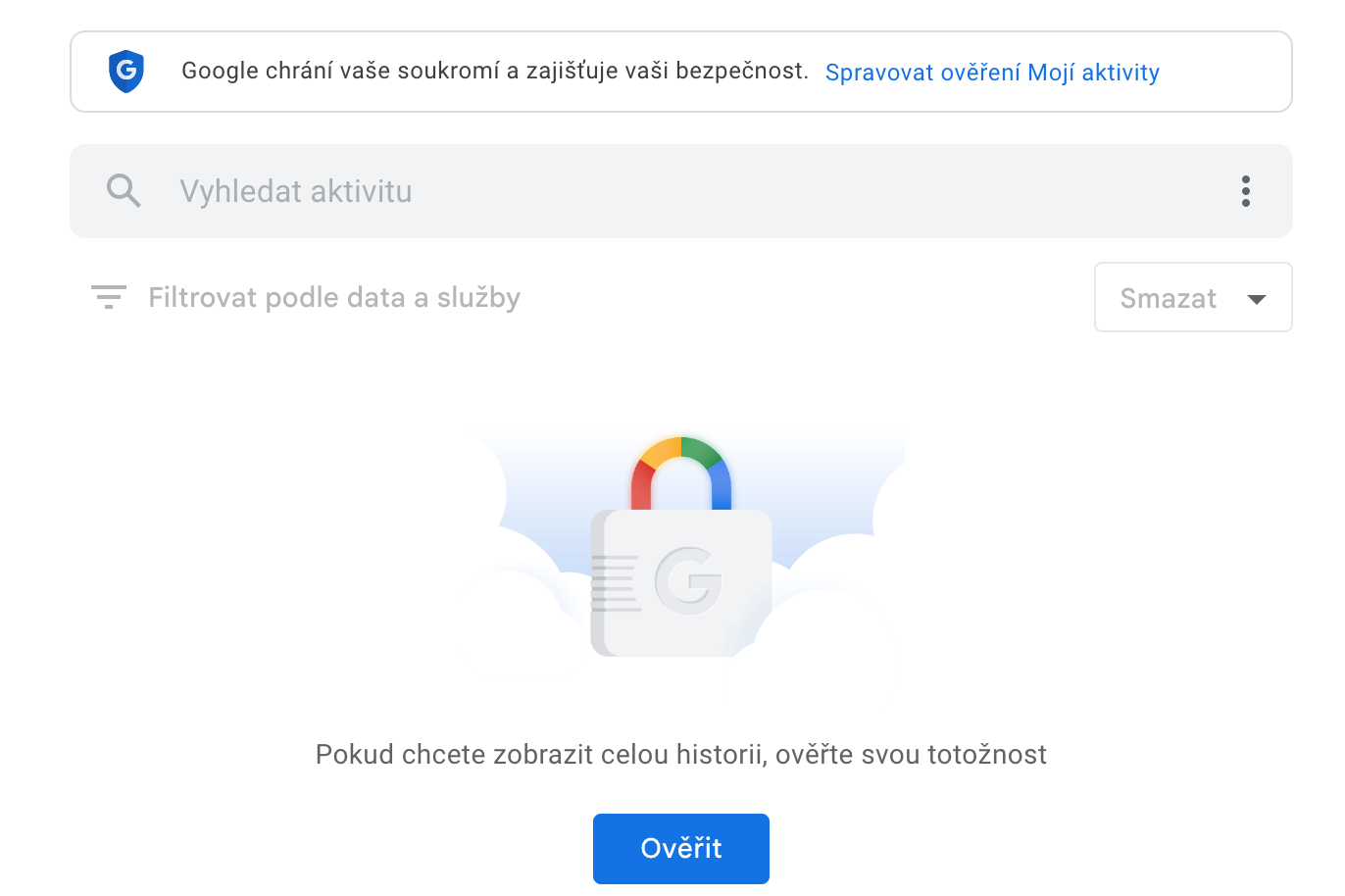
Make sure you're signed in to your Google Account and go to myactivity.google.com . On this site, you can scroll down to see your internet history, which may go back years.
Gallery
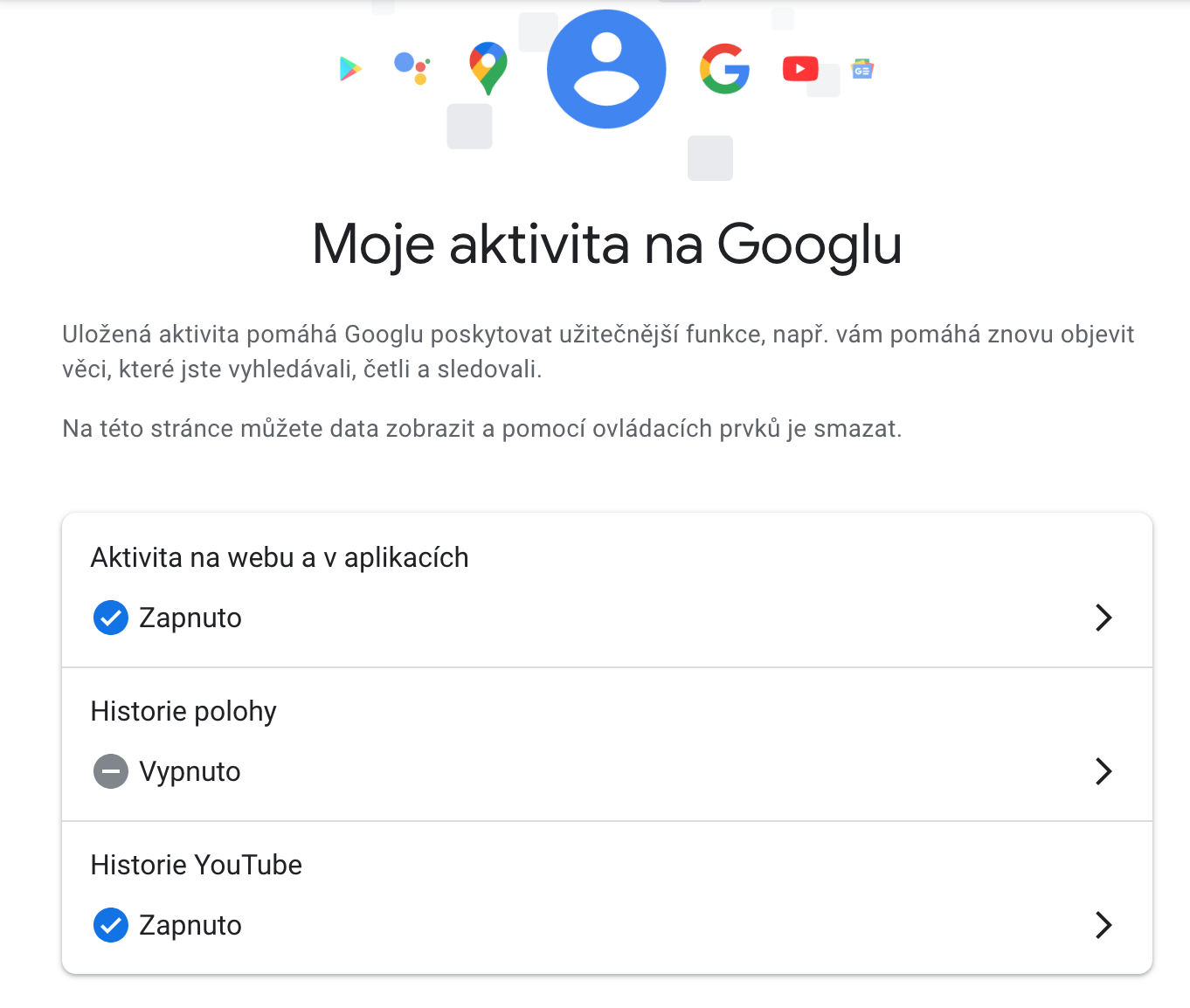
How to pause tracking?
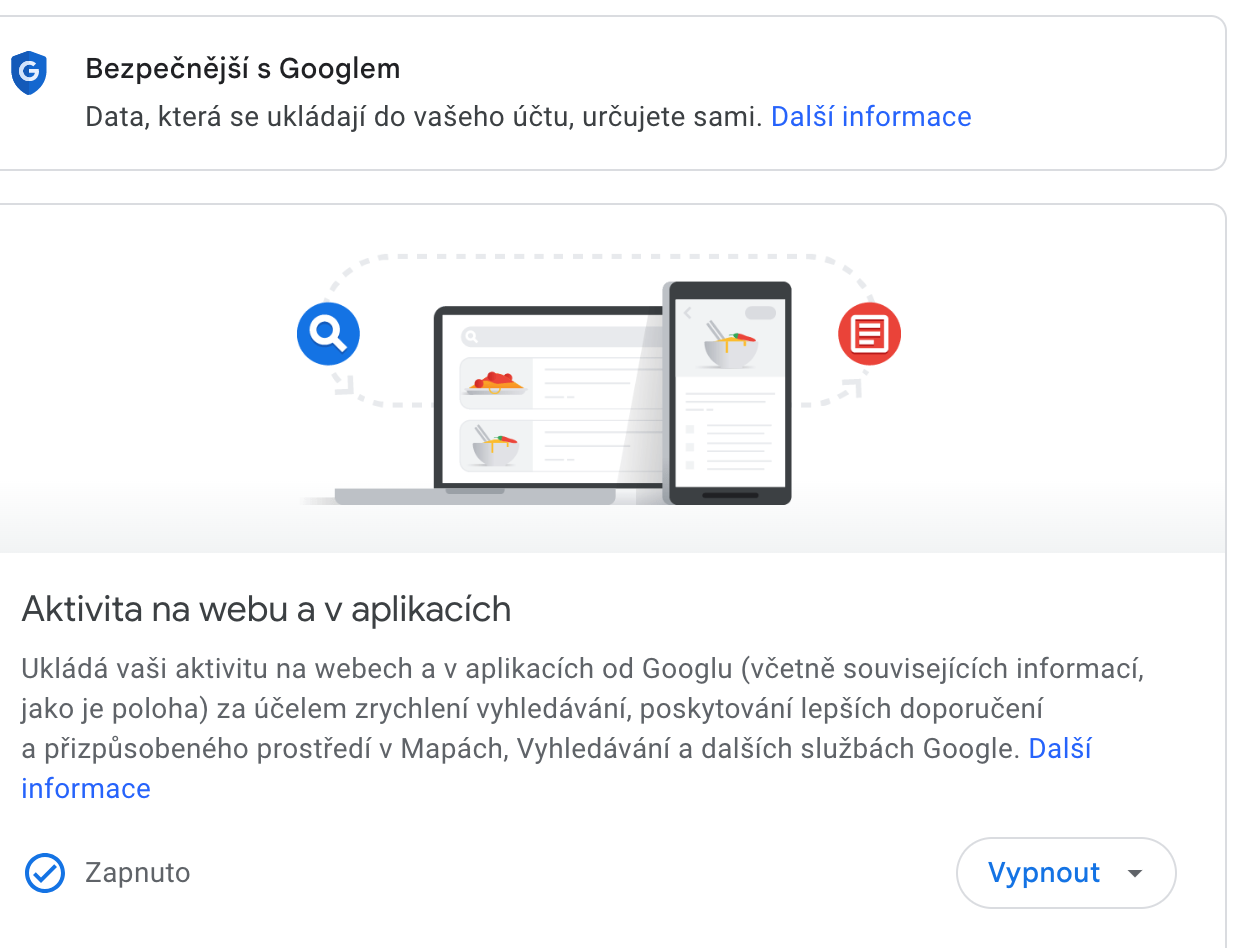
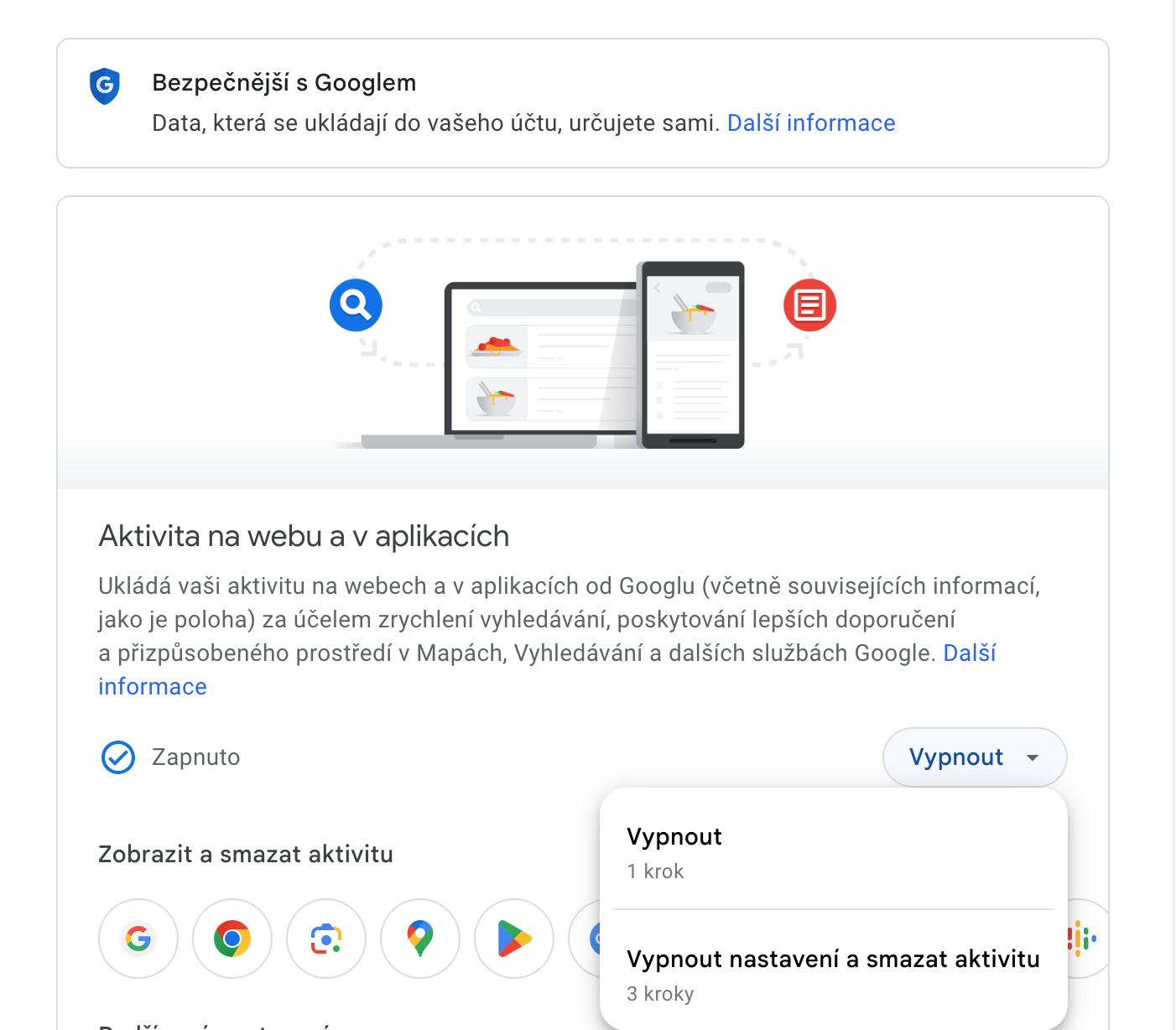
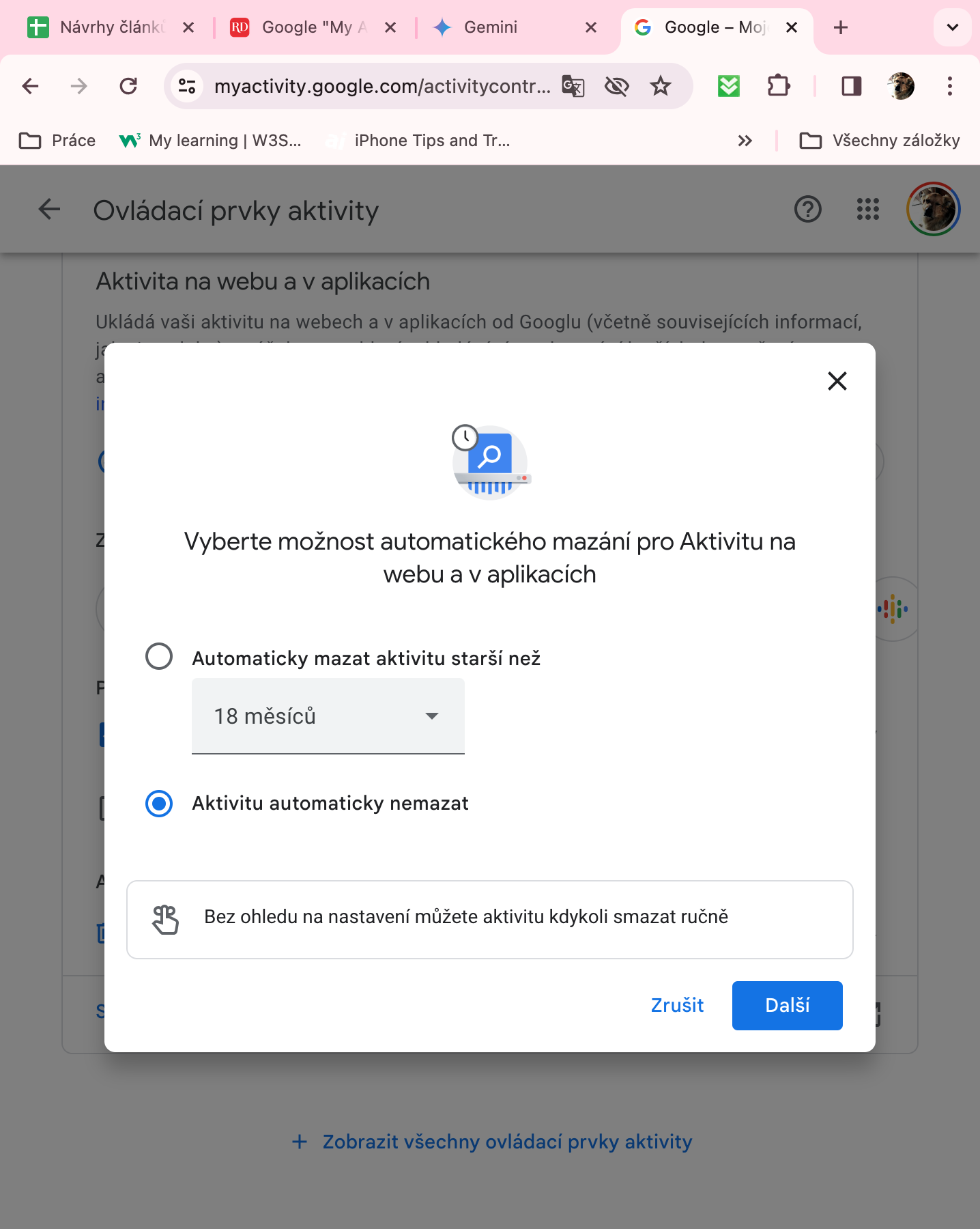
If this fact scares you, there is nothing easier than clicking on Web and app activity and turn off the history here, or view the activity and delete it completely. You can here too set automatic deletion. Maybe Google knows everything about you (and your smartphone)one knows the same thing), but happy customers are still a priority for him, which means that pausing, deleting, and otherwise managing web activity is a relatively simple process.