
How to disable reminder suggestions on iPhone? Are you annoyed by reminder suggestions when you add new tasks to your lists? This quick guide will show you how to turn them off. In the operating system update iOS 17 company Apple has significantly expanded the capabilities of its native application Reminders.
You might be interested in
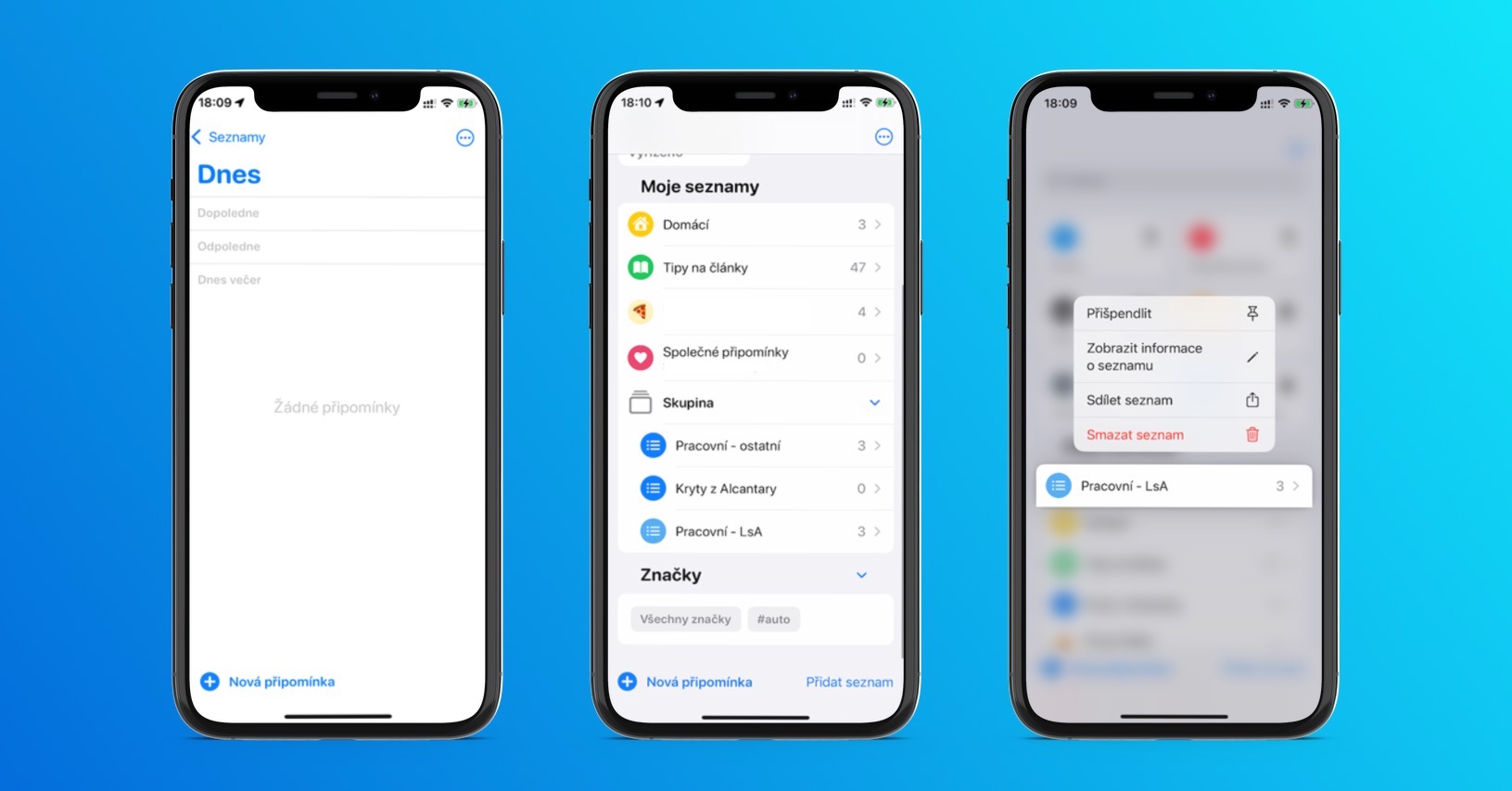
It now, depending on language and region settings, offers practical features such as automatic grocery lists, list sections, and a view of these sections that allows users to set up simple Kanban-style columns for reminders.
The native Reminders app also got a new suggested reminders feature. This feature generates suggestions based on previously completed tasks as soon as the user starts typing. This can be especially beneficial for users who frequently use the Reminders app for daily tasks, as it eliminates the need to repeatedly enter common reminders.
However, users who use the app less frequently and are distracted by the suggested reminders when adding a new task have the option to turn this feature off. By default, suggested reminders are enabled in the new update.
How to Disable Suggested Reminders on iPhone
If you want to disable suggested reminders on your iPhone, follow the instructions below.
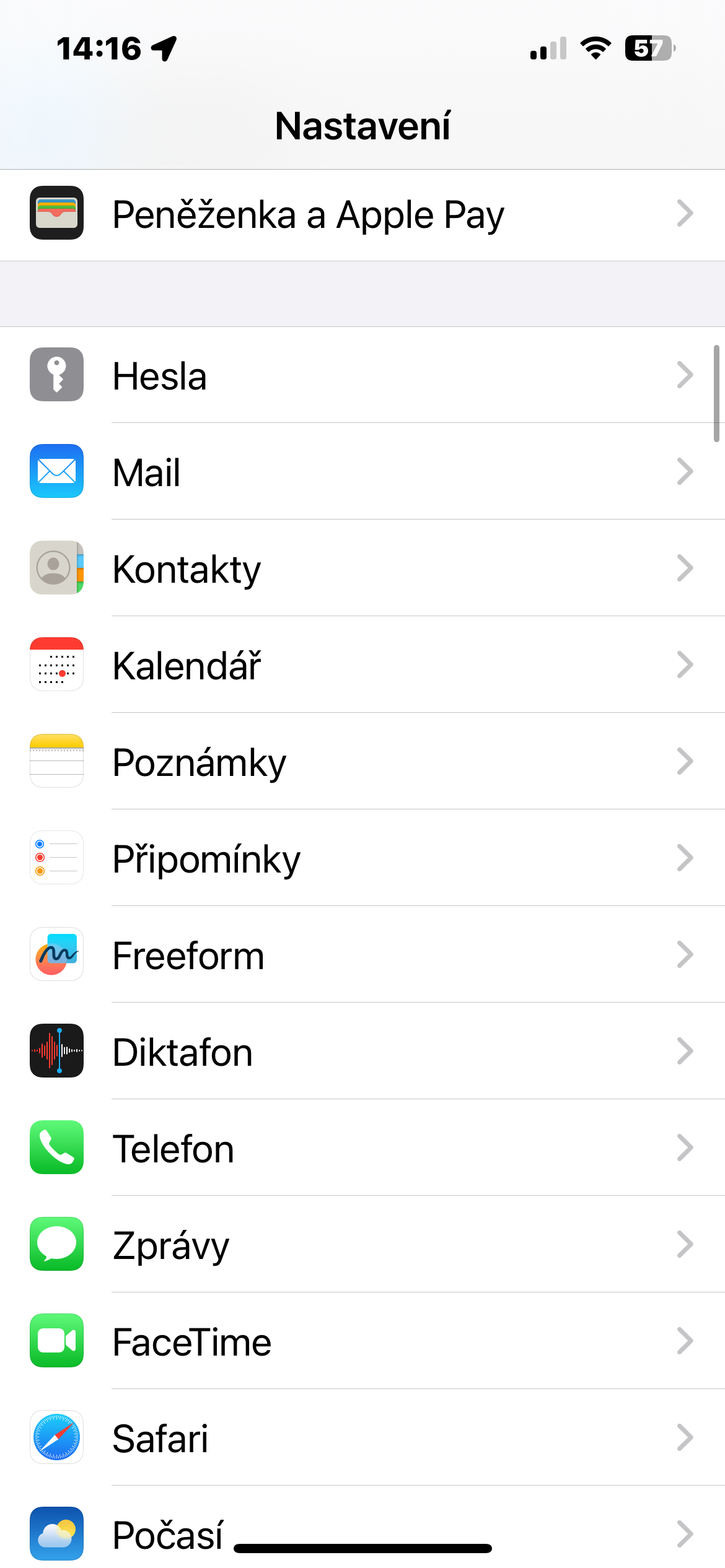
- On your iPhone, launch Settings.
- Tap Reminders.
- Aim all the way down.
- In the When adding comments section, disable Show suggestions.
Gallery
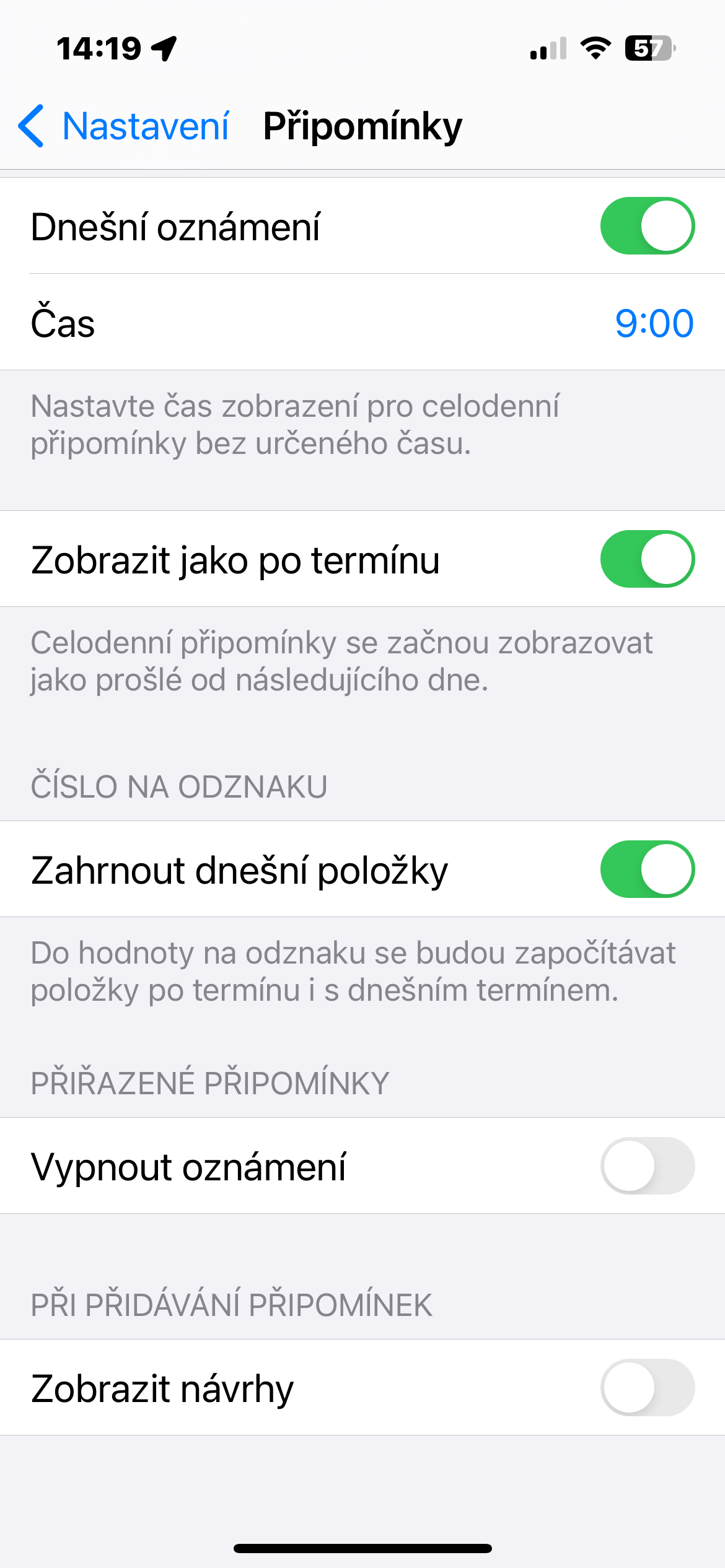
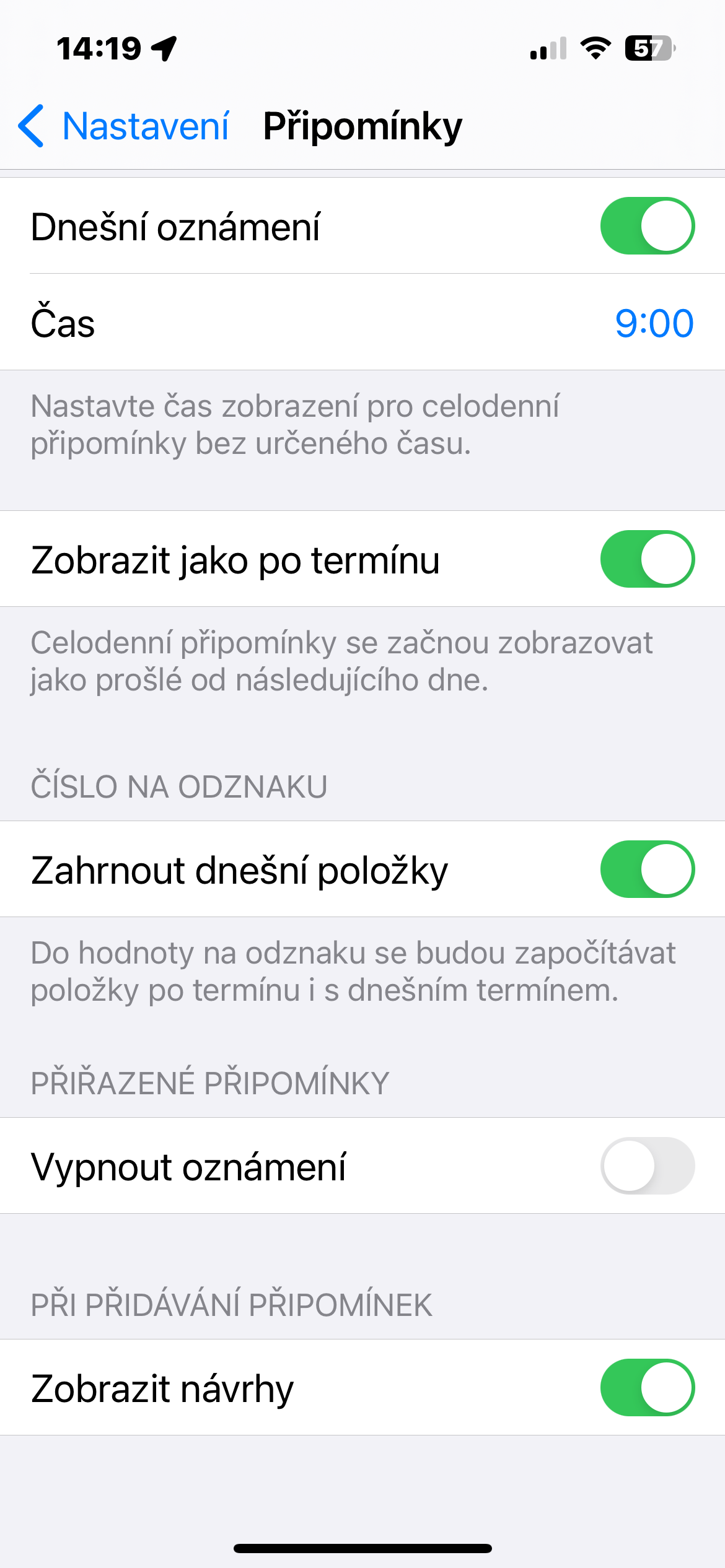
That is all. The Reminders app will no longer show suggested reminders when you add a new reminder to one of your lists. If necessary, you can, of course, reactivate the comment suggestions at any time.


Thanks for the tip. But I have a slightly OT question about macOS and the share button... Does anyone know how to set it so that in the context menu after clicking the share button in macOS under the contacts bar iMessage there was also a contact strip for sharing content to apphunting email? Thanks a lot!