
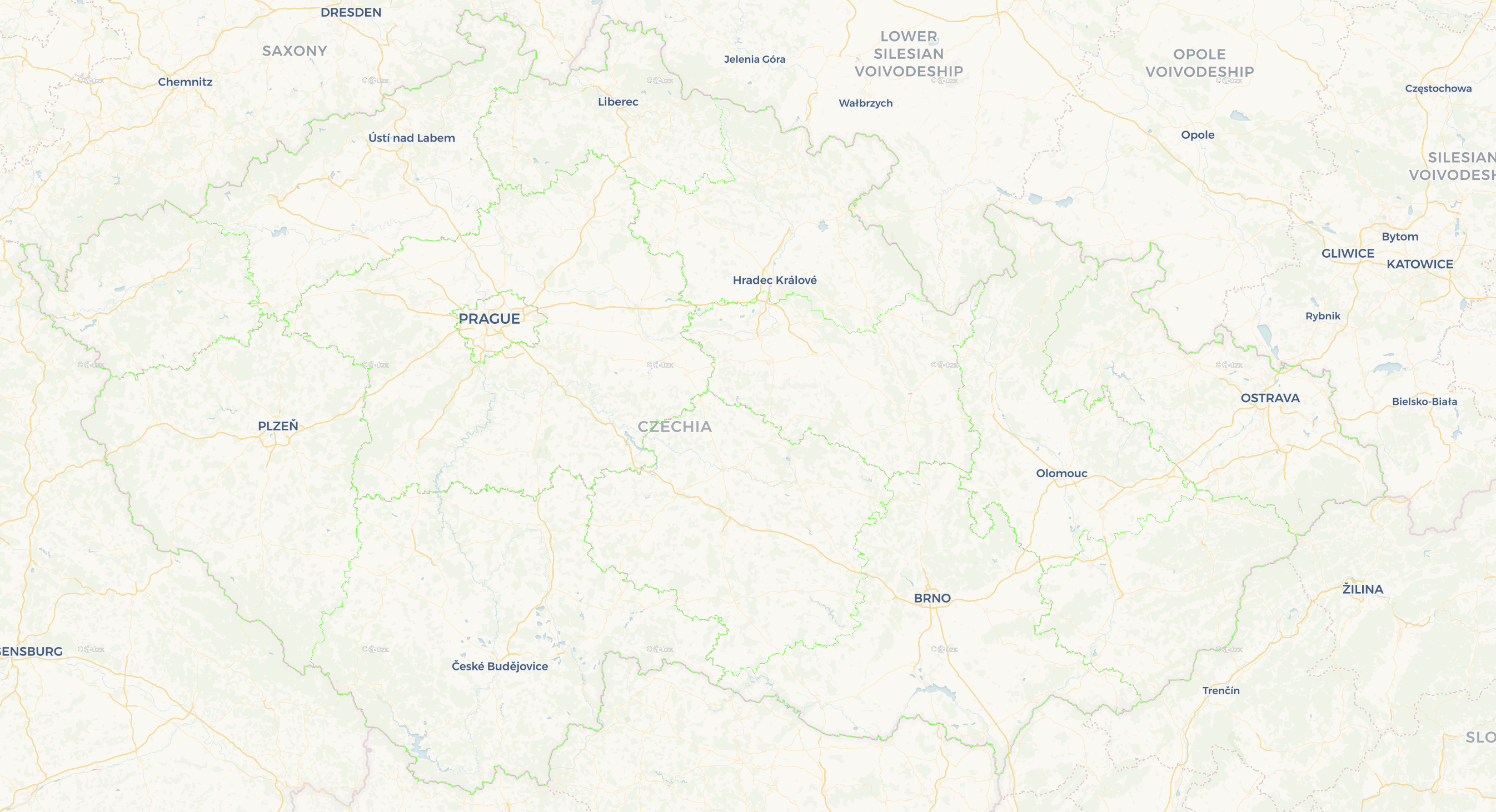
Mapy.cz is a very cool and useful Czech application that offers a wide range of different functions. In addition to planning a route, finding out the weather on the route, finding interesting tips for trips around the area and other functions that you will use especially when traveling, Mapy.cz also offers iPhone another very useful tip.
You might be interested in

Among other things, you can use the Mapy.cz application on your iPhone to find out information about real estate in the Land Registry. This is a useful, free feature, thanks to which you can find the desired object directly on the map and immediately find out who it belongs to.
Finding information from the Land Registry through the Mapy.cz application is fast, reliable, and does not require any fees or entering personal data. The only thing you will need to do after the redirect is to enter the verification captcha.
How to find information from the cadastre on Mapy.cz
If you want to use the Mapy.cz application on your iPhone to find out information from the Land Registry, follow the instructions below.
- Start Mapy.cz on the iPhone.
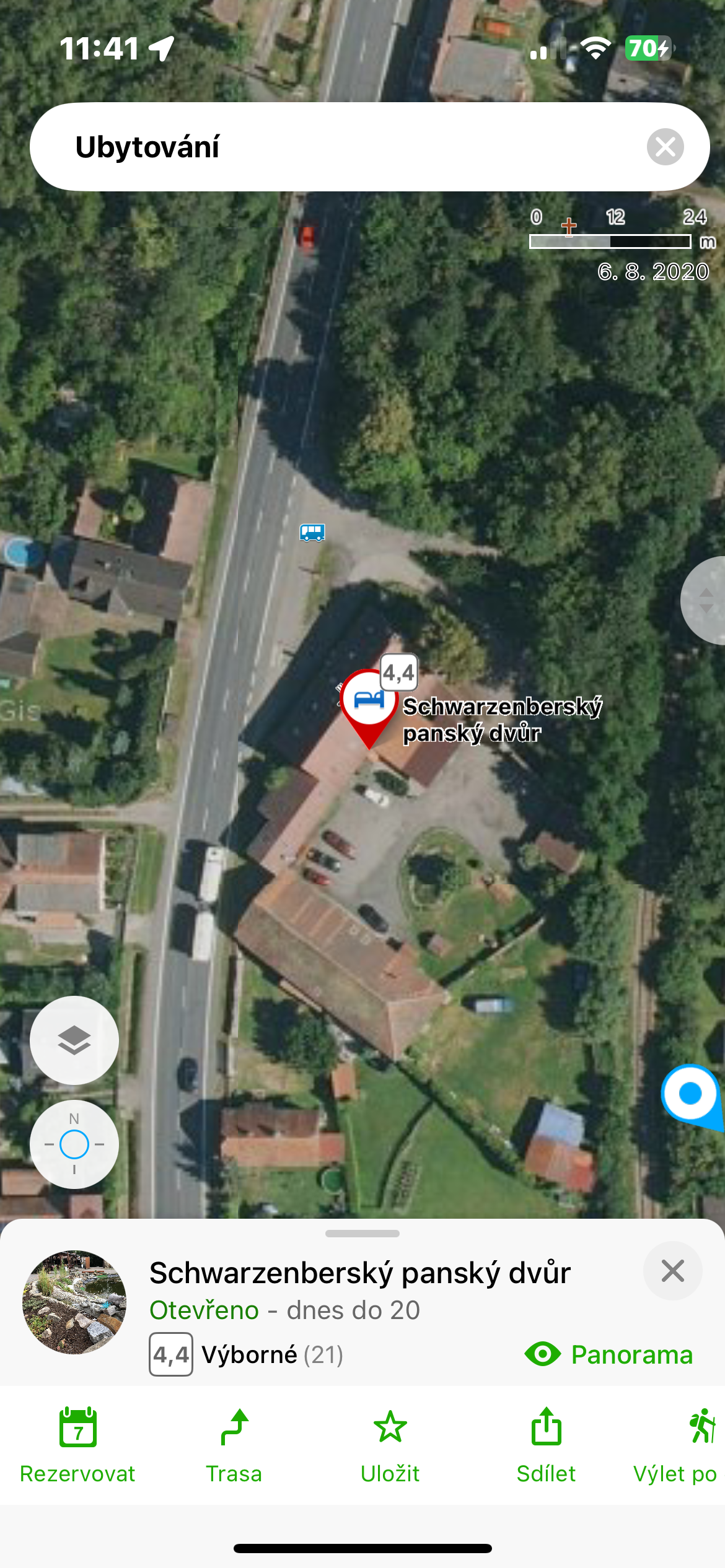
- Search for the relevant building or plot.
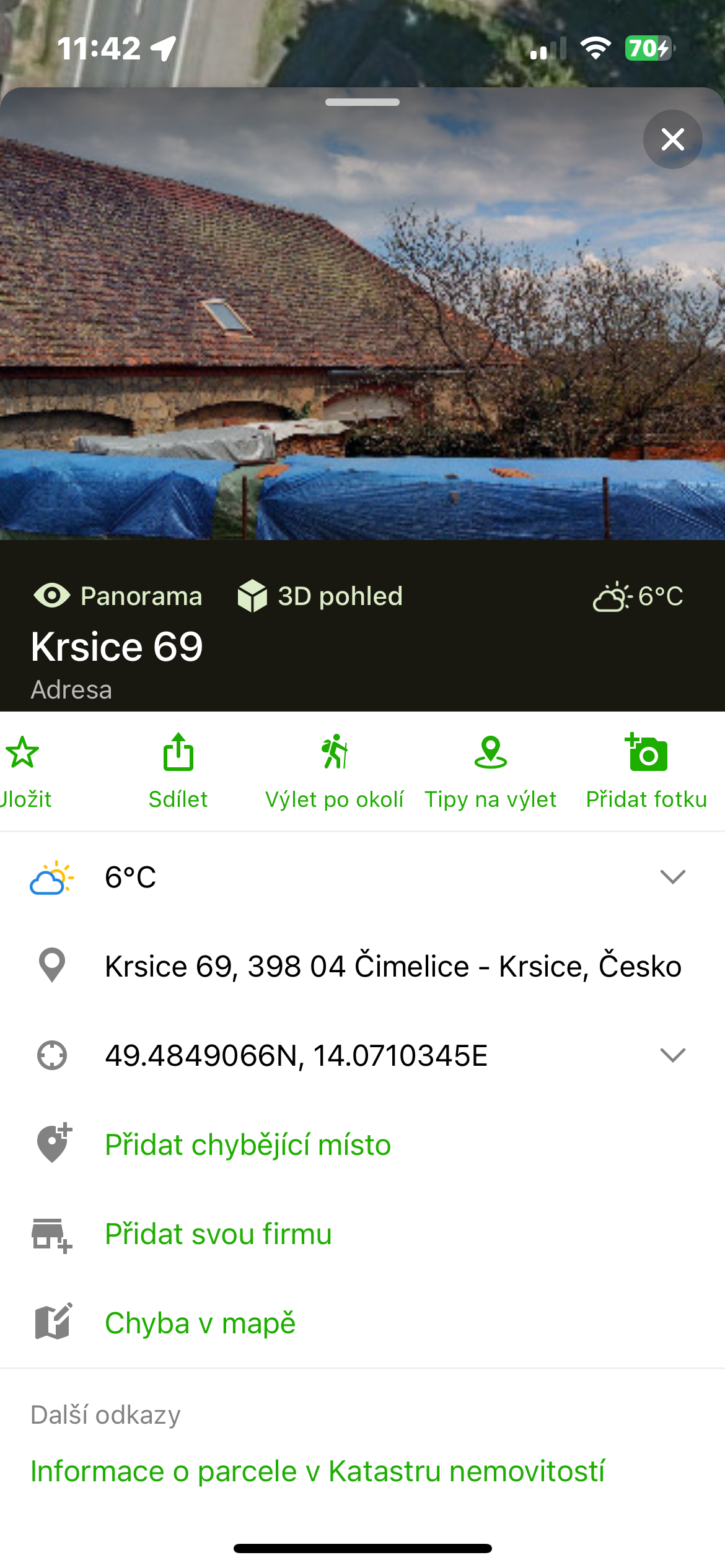
- Long press to place the pin in the given location.
- Pull the tab from the bottom of the display and click on Parcel Information in the Land Registry.
- You will be redirected to the nahlizenidokn.cuzk.cz website, where basic information will be displayed.
Gallery

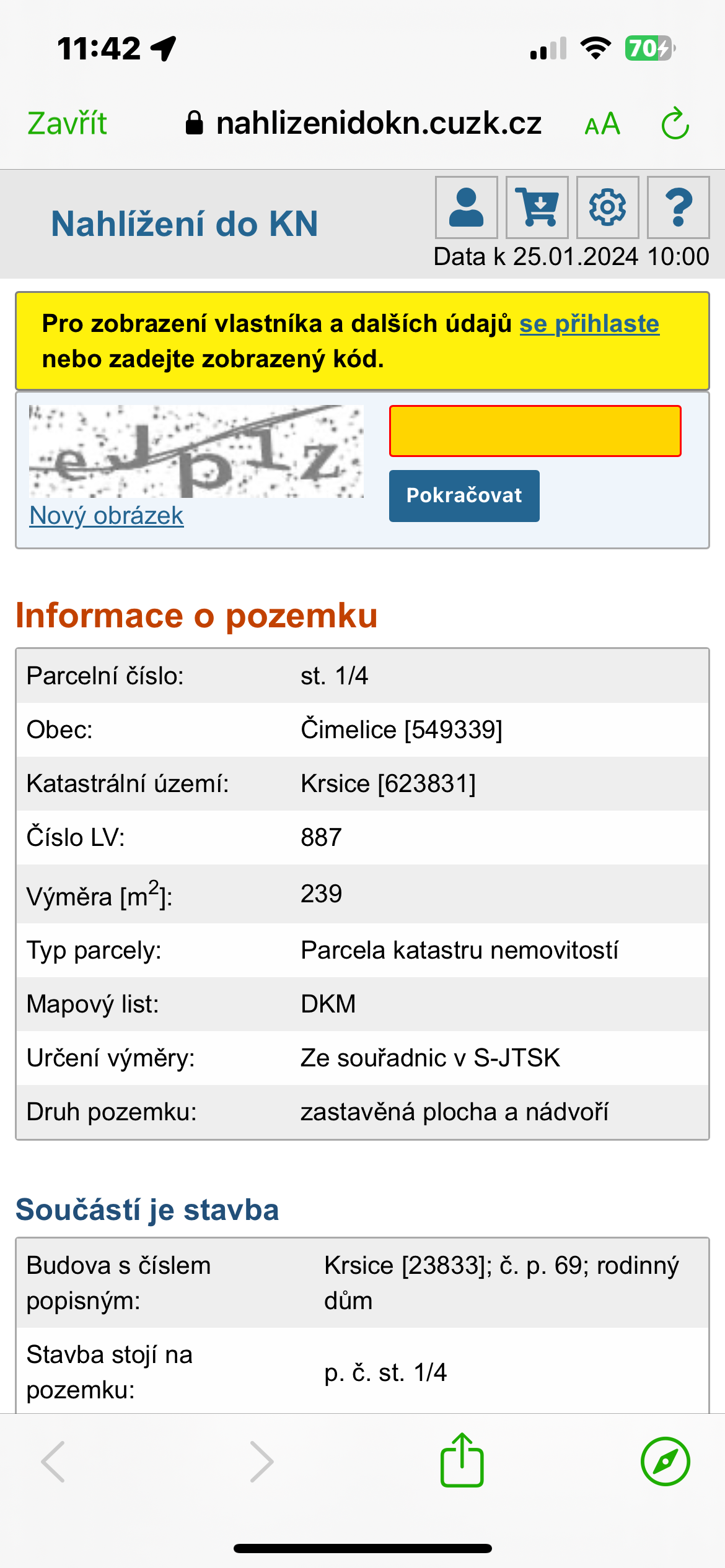
If you would like to find out more details about the ownership rights to the given address, you need to enter the so-called captcha verification at the top of the website, i.e. rewrite the code that appears here.
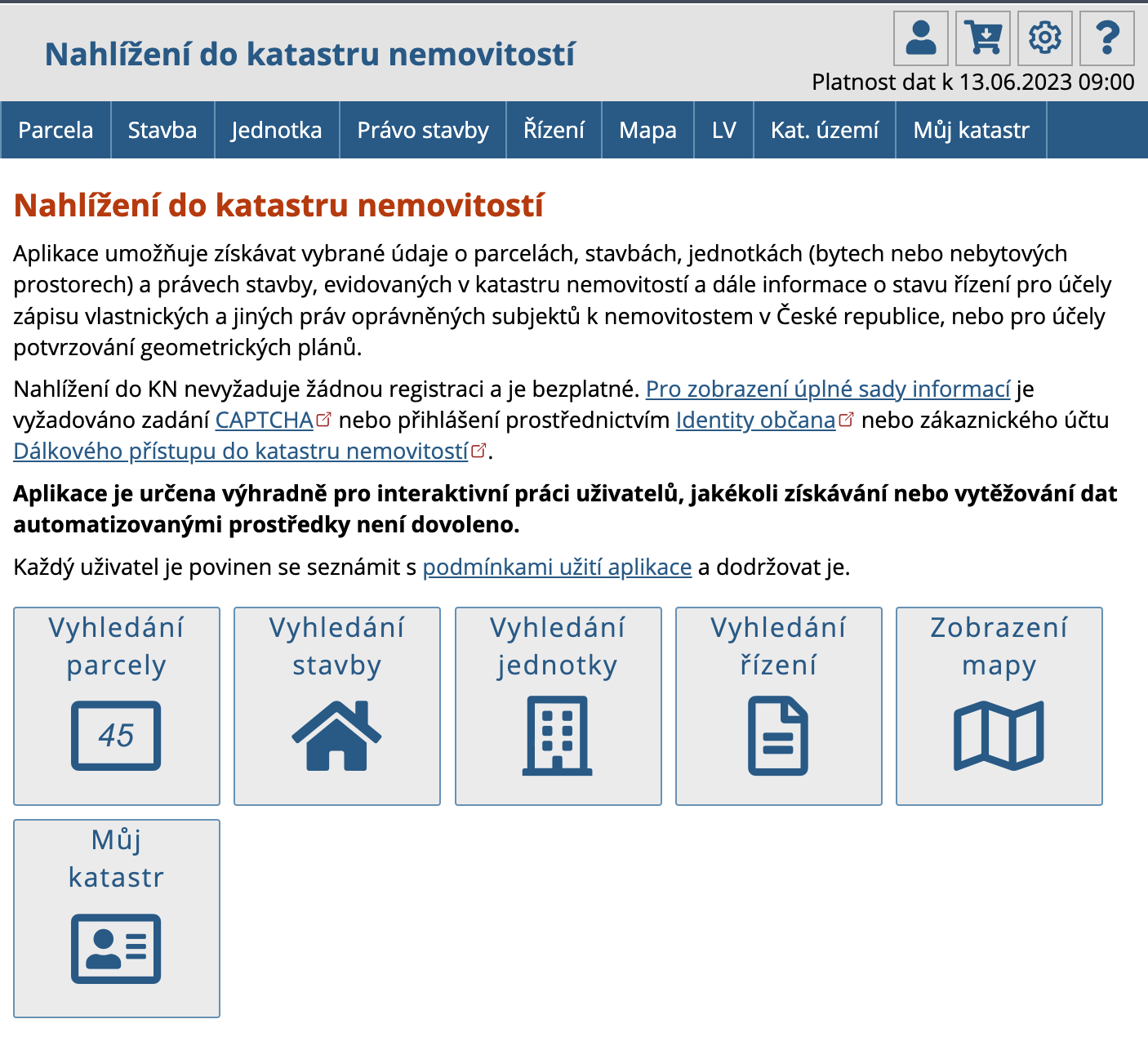







I would also like to add to the article that after logging in via a national identity, for example the Egovernment Mobile Key, detailed information from the cadastre will also be displayed.