
If your iPhone battery is regularly draining faster than you expect, there's a way to make it charge faster. Sirito alert you with a voice alert, even if it is iPhone in silent mode. In our article today, we will show you how to do it.
You might be interested in
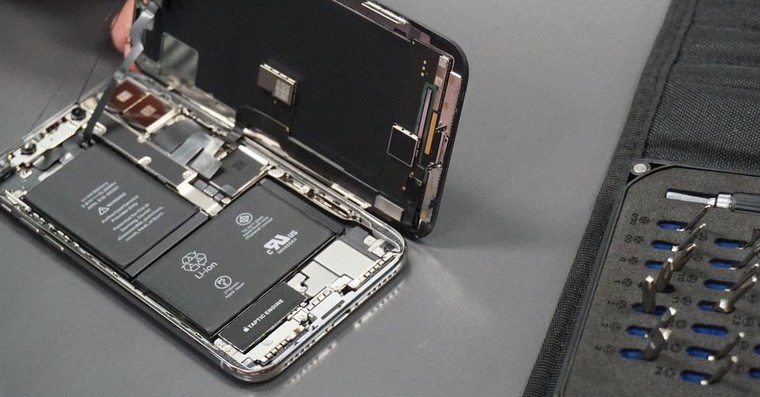
V iPhoneEvery time your device reaches 20% battery level, the system will display a prompt on the screen suggesting you turn on Low Power Mode. However, if the display is off or you happen to be away from your iPhone for a while, it's easy to miss this visual reminder. One solution is to force Sirito give you a verbal warning when the battery is low.
In the following steps, we'll show you how to set up a simple automation using the Shortcuts app that will do just that. When your battery level drops to a percentage you choose, Siri it will say whatever you want to hear to make you aware of this fact.
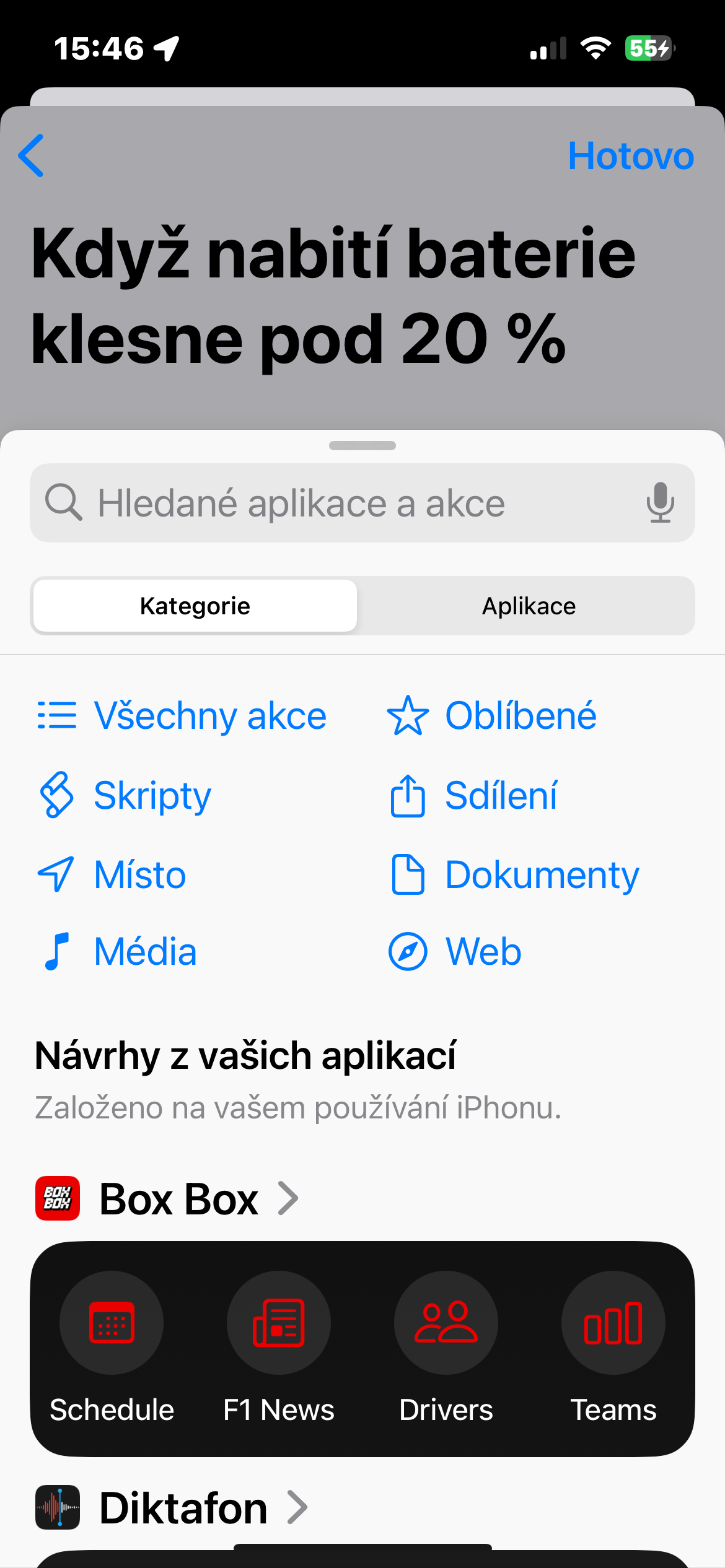
- On your iPhone, launch Shortcuts and tap Automation.
- Click on + in the top-right corner.
- Enter in the search field Battery charging.
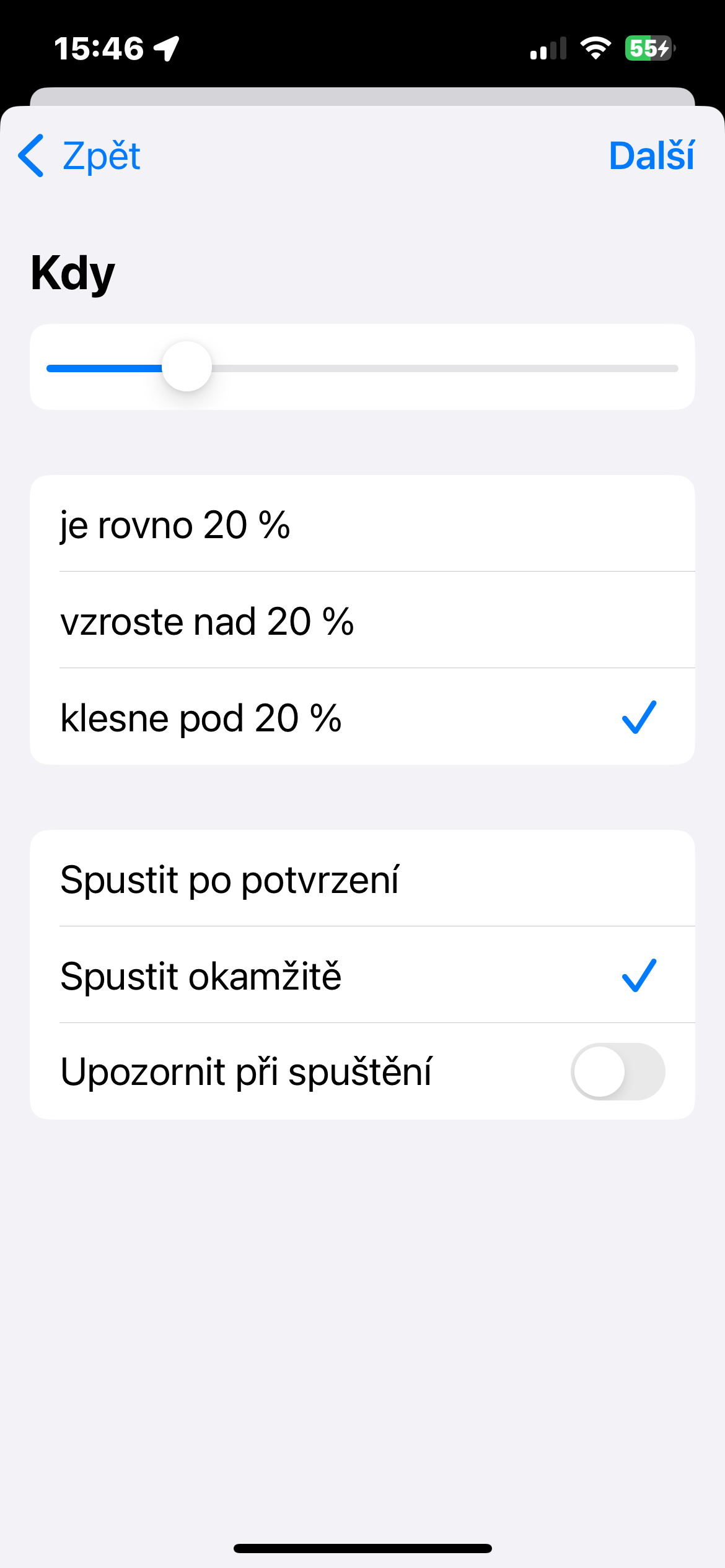
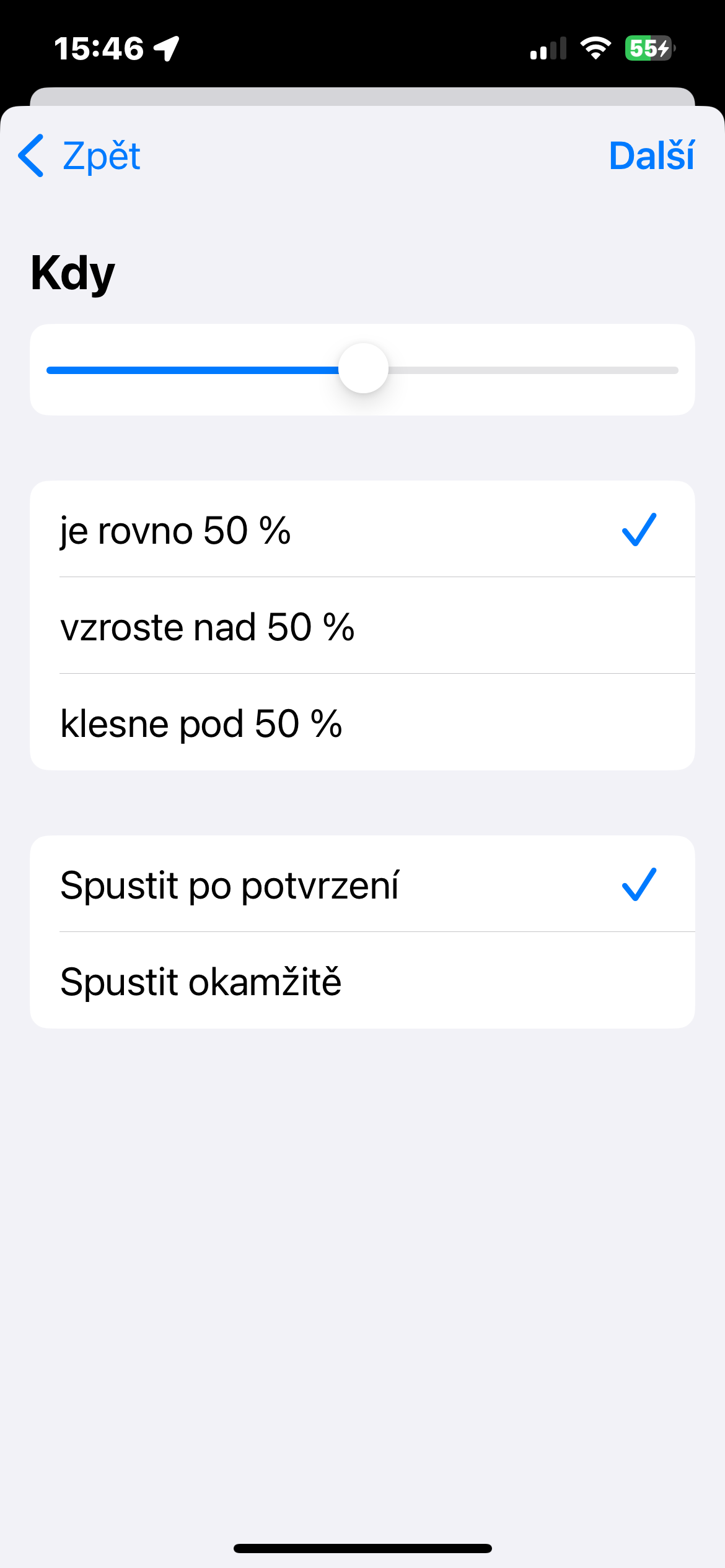
- Set the desired level on the slider and select the item It falls below.
- Check the item Run immediately.
- At the top right, tap Další.
- Click on the tab of the newly created automation.
- Click on Add action.
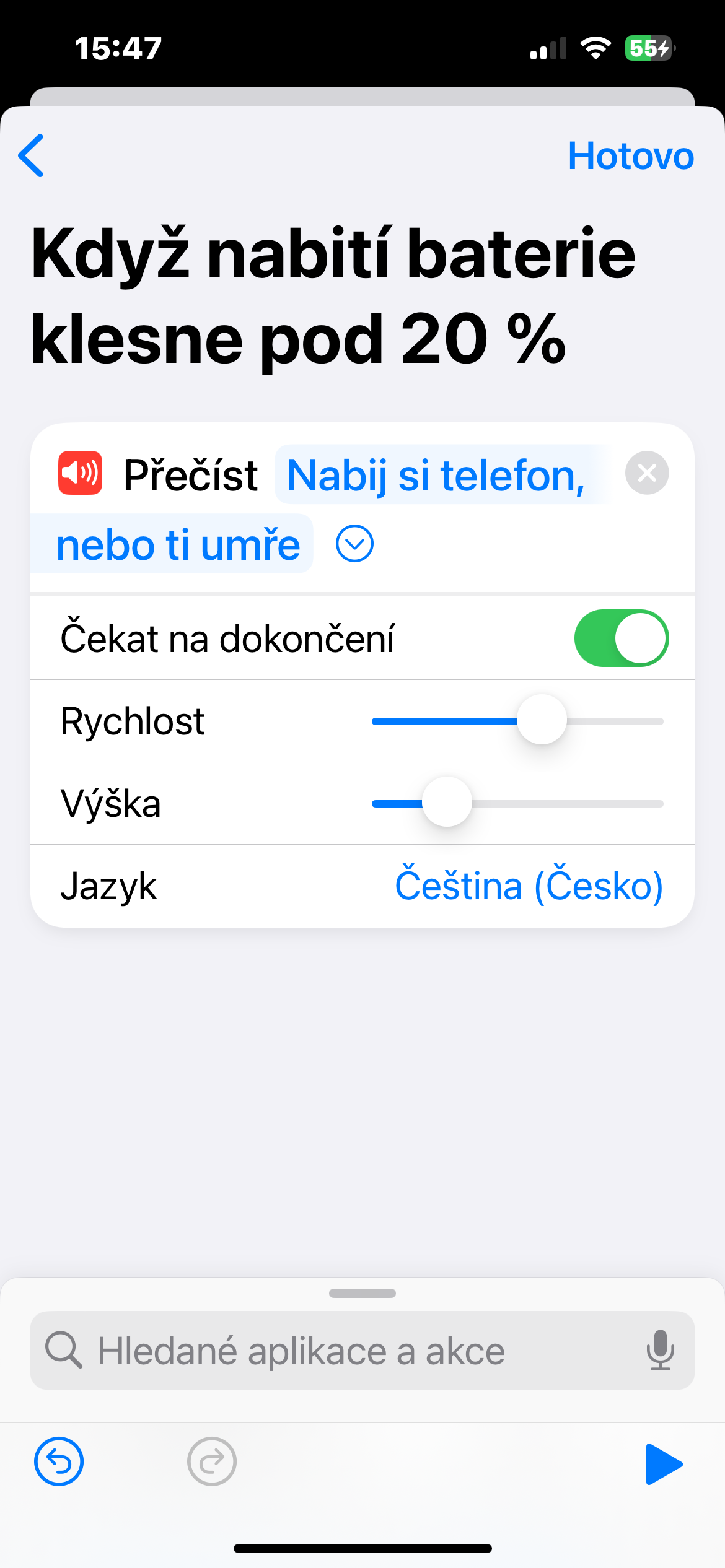
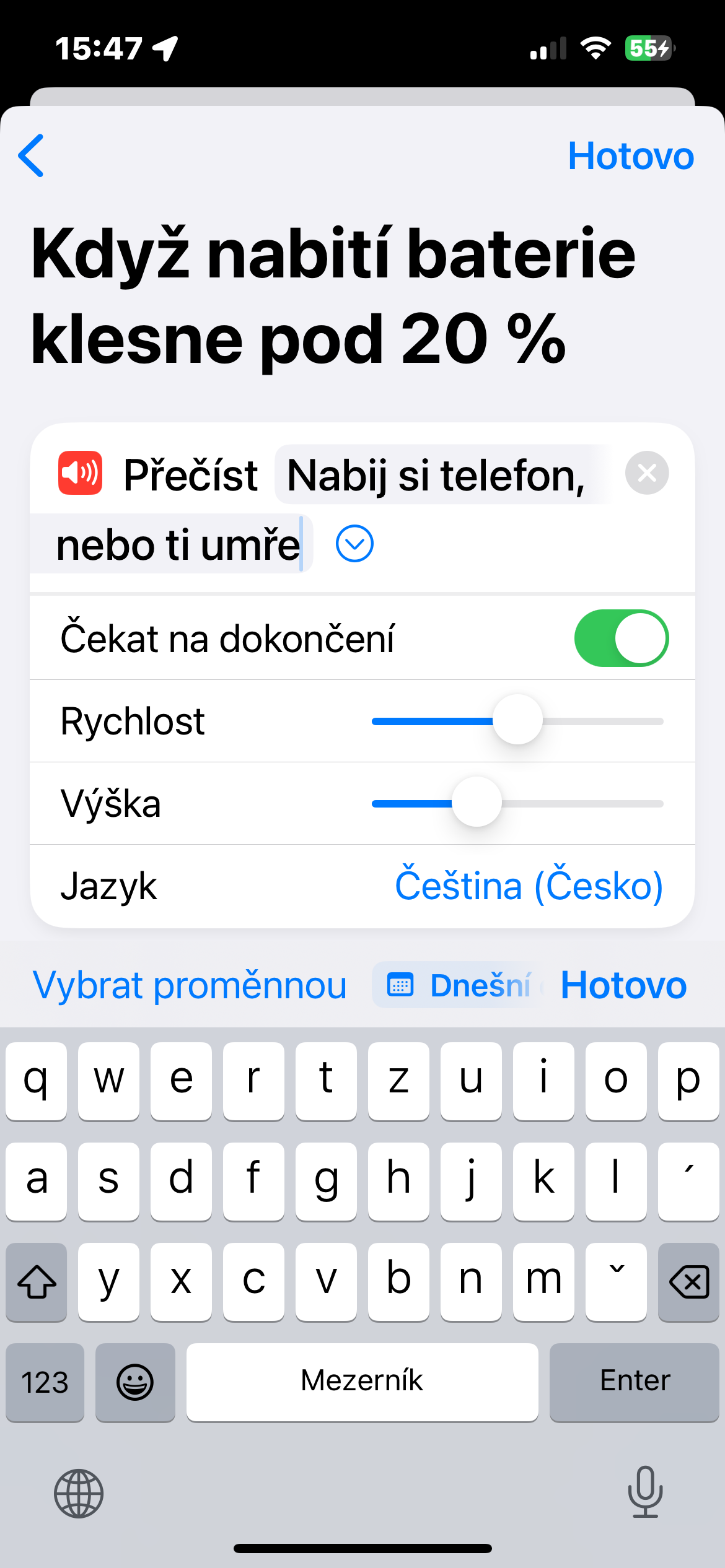
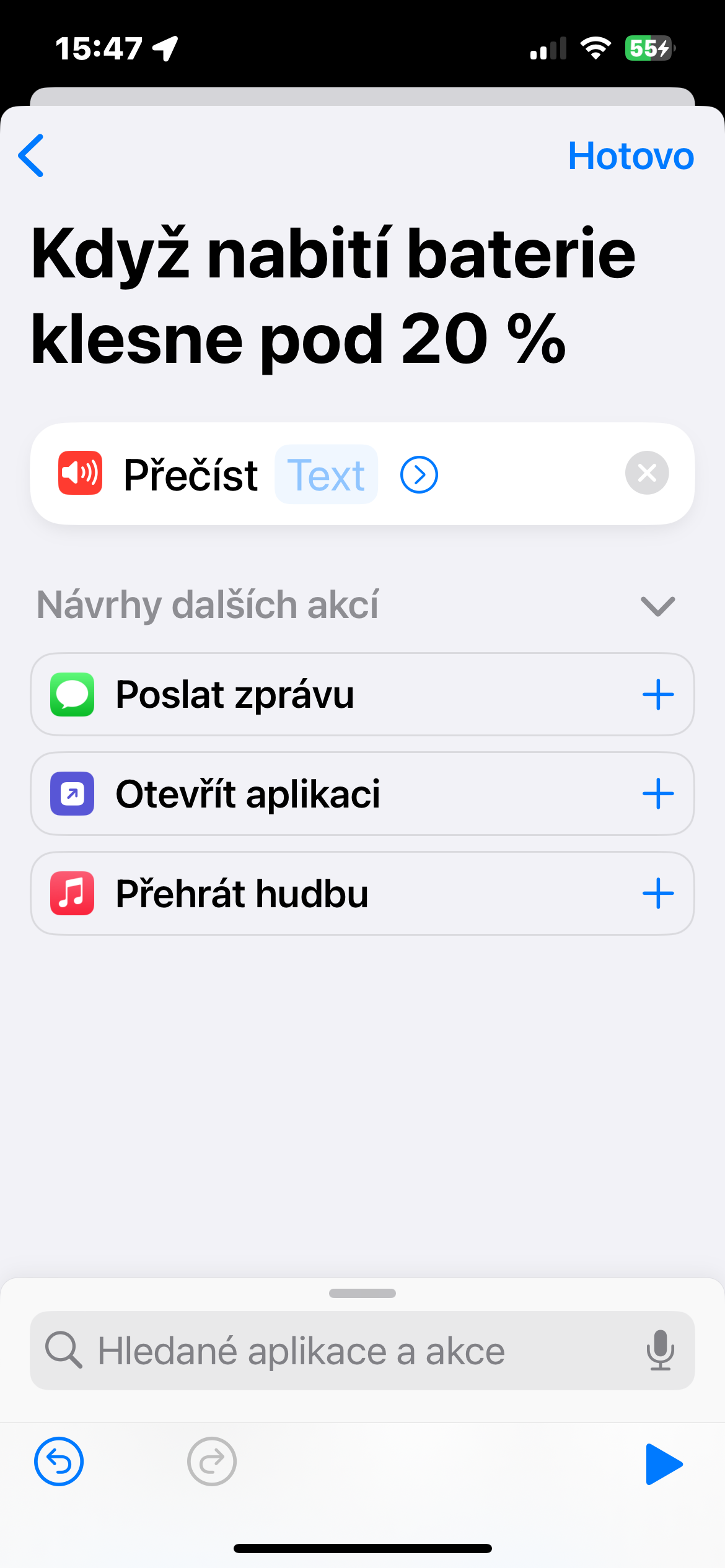
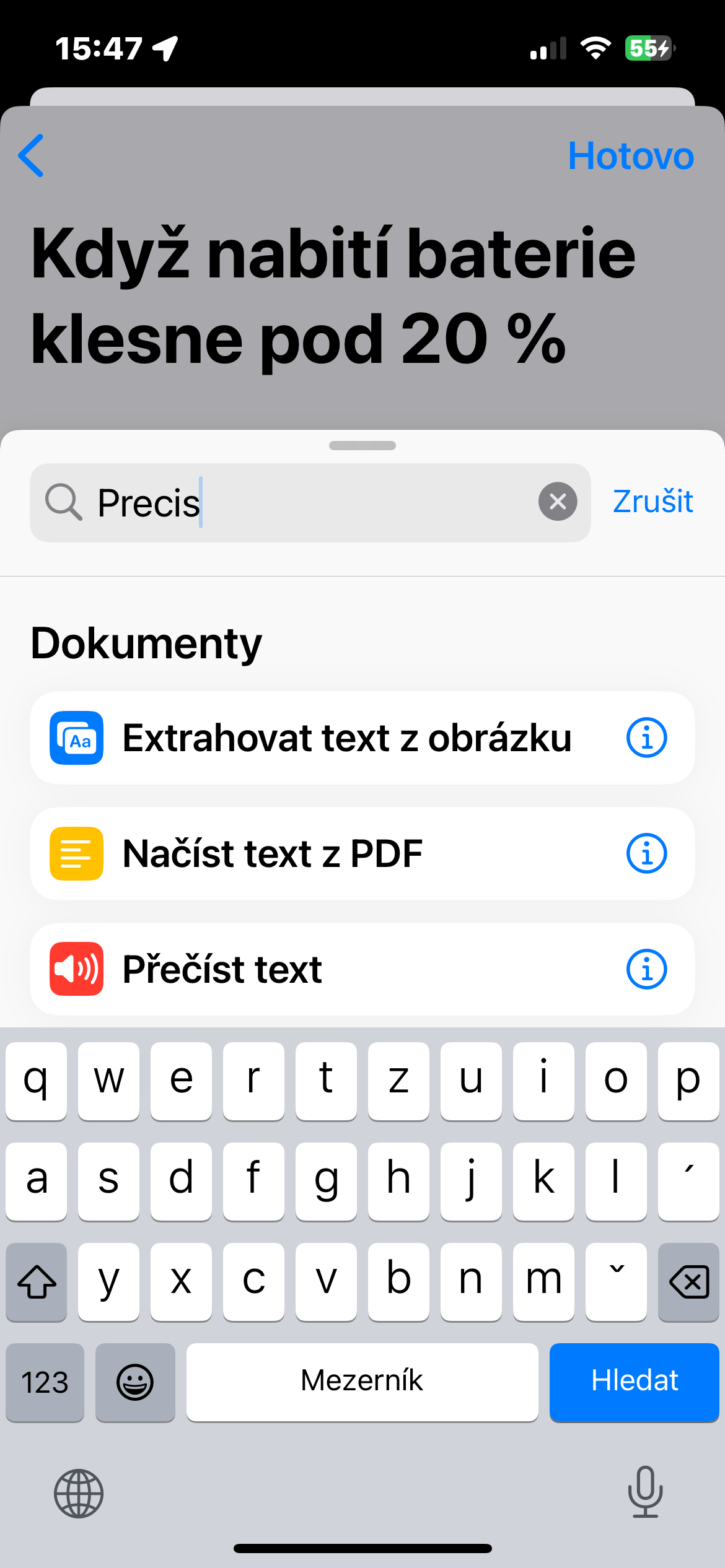
- Enter in the search field Read the text, add the appropriate action and tap Text in box. Write the text that has Siri to read
- Click on Done in the top-right corner.
Gallery
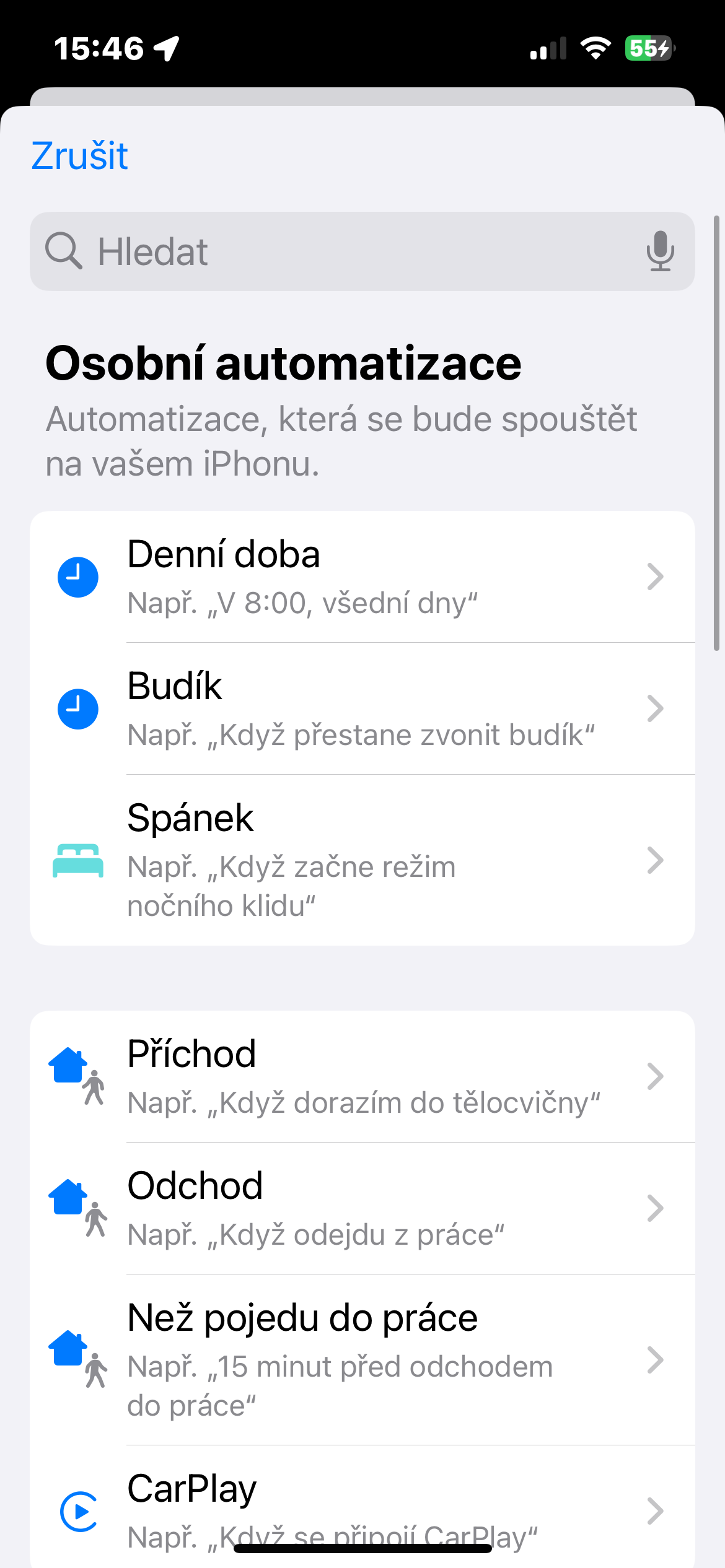
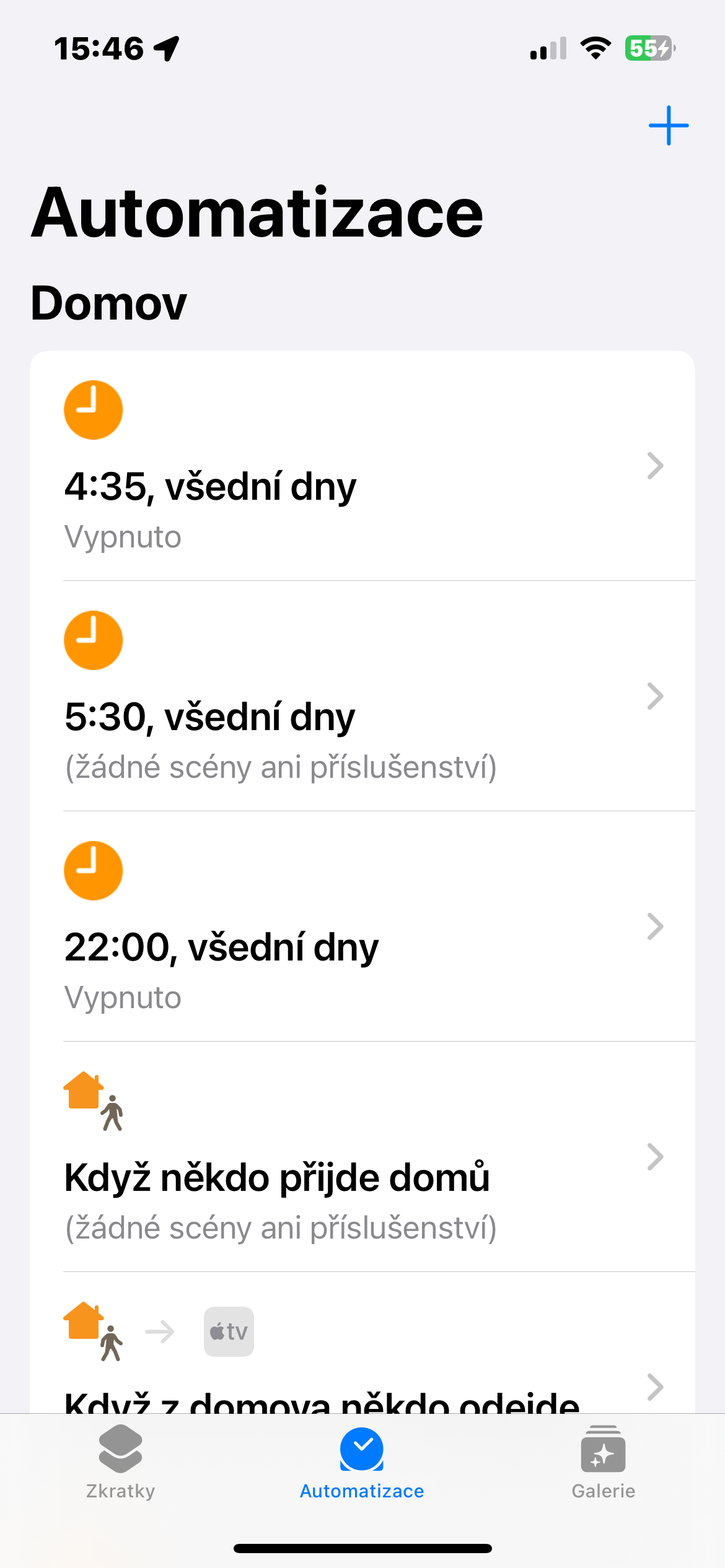
iOS Abbreviation Siri low battery warning
That's it. You can also use a similar process in native Shortcuts to set a notification when your battery level is low, which is great if you don't want to always wait for your iPhone's battery to reach 100%. The great thing about this method is that you can be notified when a certain battery percentage is reached, and it works even if your iPhone set to silent mode, so you won't have to worry about it in the future nestYou wouldn't know the battery level was low.


Would you also add instructions on how to set this up for a tablet as well? But in such a way that when the battery level on the tablet reaches a certain level, a notification will be sent to the phone. A real problem we have at home. We don't use the tablet that often and every time we need it, it's beaten up. Thank you :D
Thank you for the tip.
I already have it set up on my tablet.
It works.
and will the notification come to your tablet or phone?
If only I could find the automation in Shortcuts...but unfortunately not
How to adjust the volume of this notification?
It's very quiet even though I have the volume on max. (Developer Beta 17.3 2.beta)
Hello, for the created automation, click the Read text tab in the "Pro". To the right of the text, there should be a small arrow in a circle. After you click on it, you should see a screen where you can adjust the speed and height of the notification using the sliders.
I'm looking for a shortcut that would help me AppleWatch reported that I don't have it with me after leaving home iPhone.