
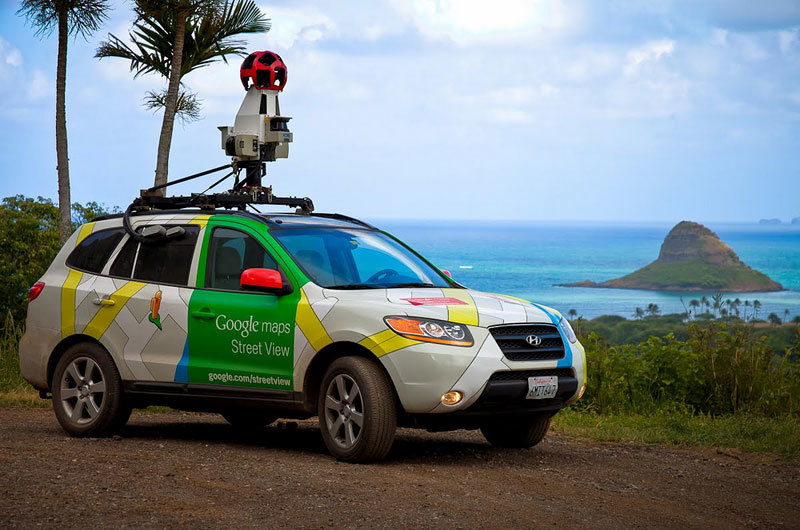
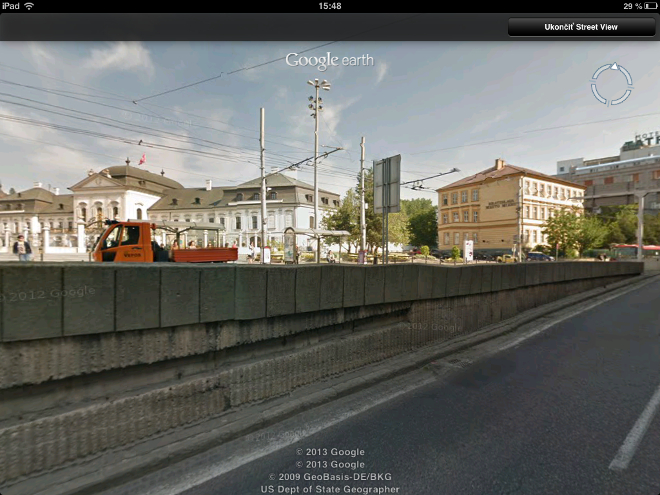
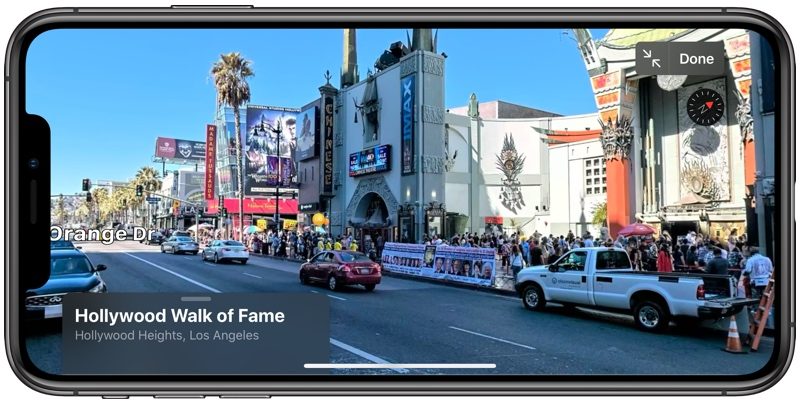
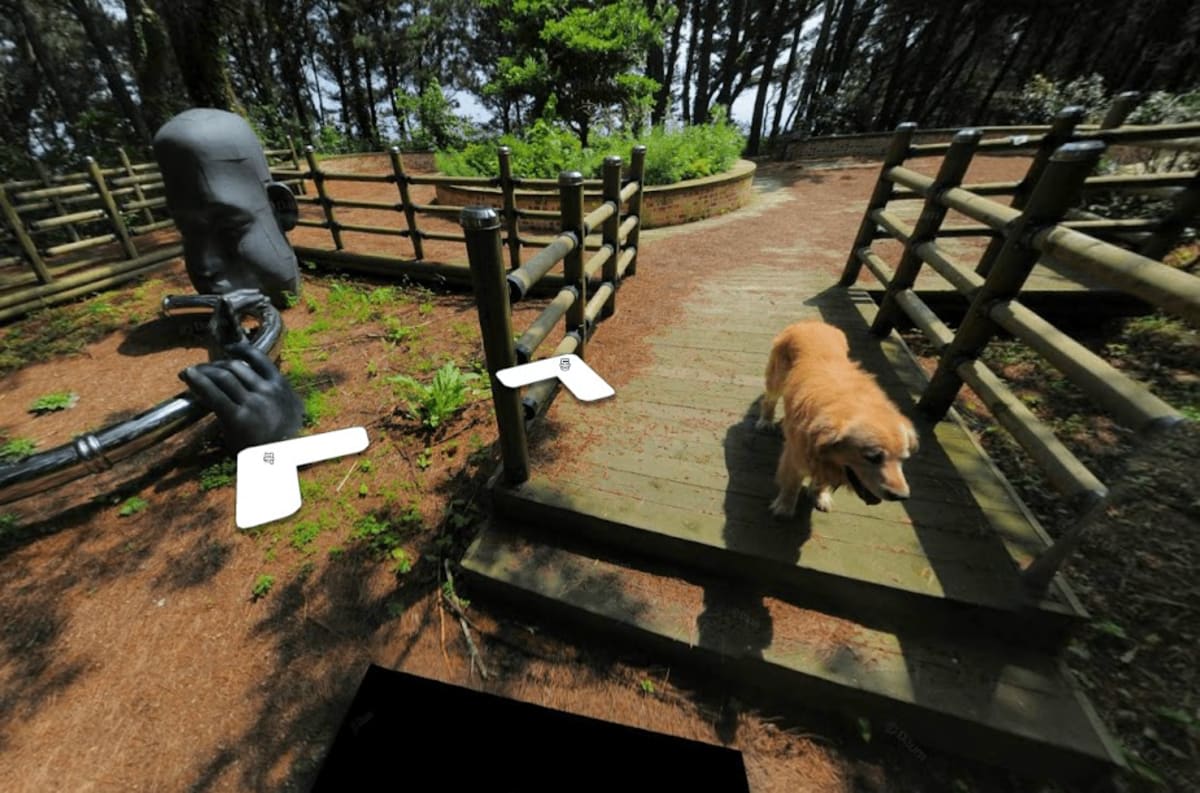
Google Street View is an incredible helper and I always use it myself when I travel to other countries and I want to get my bearings in advance and find out what the traffic looks like in the place where we have a hotel and where it is most convenient to get to the place. However, what can be a helper for someone can be a nightmare for someone else. Google has fairly detailed photos that capture houses, people, cars, and more in Street View. While license plates or faces are rarely blurred, houses are never blurred.
Gallery
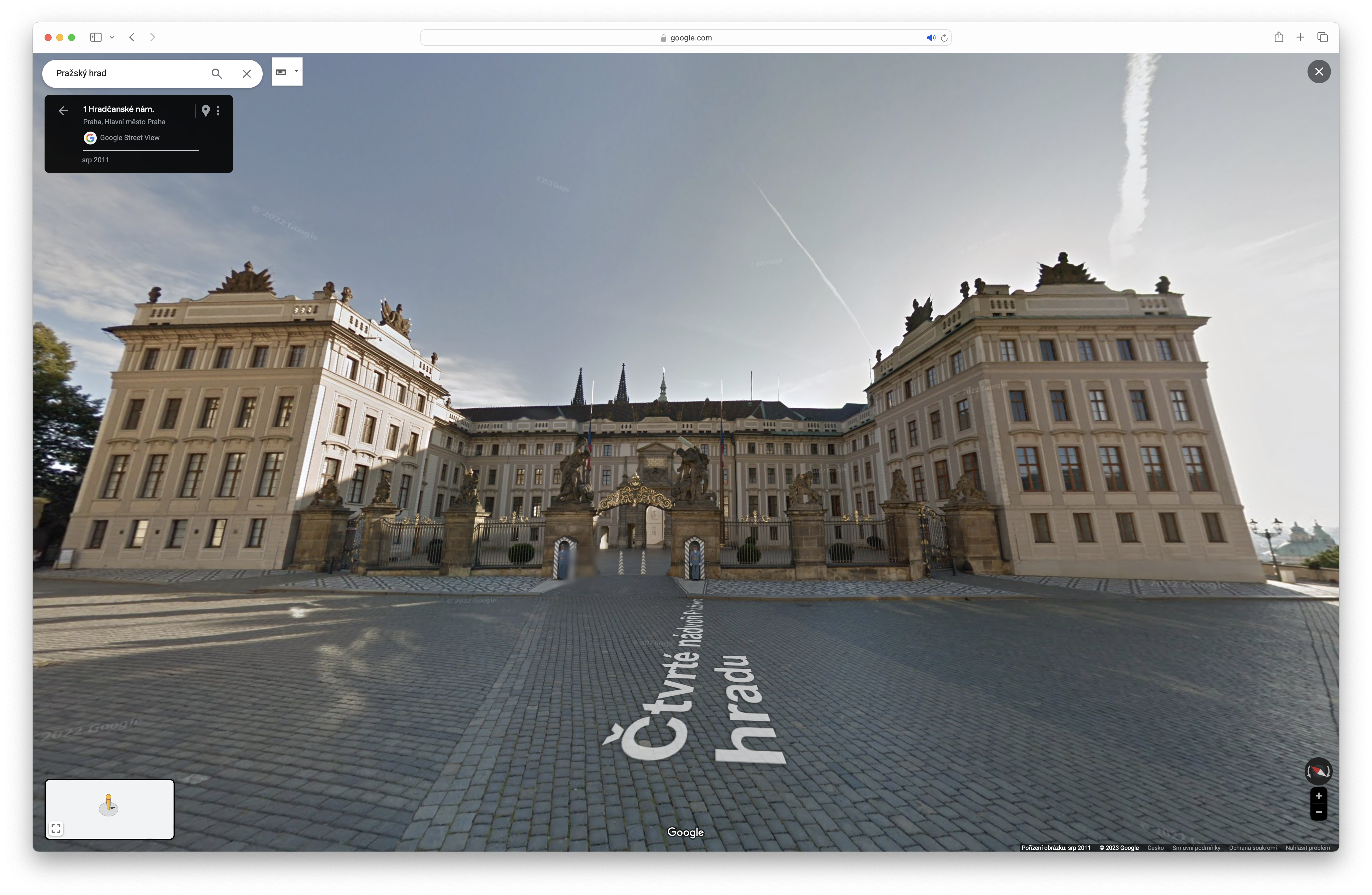
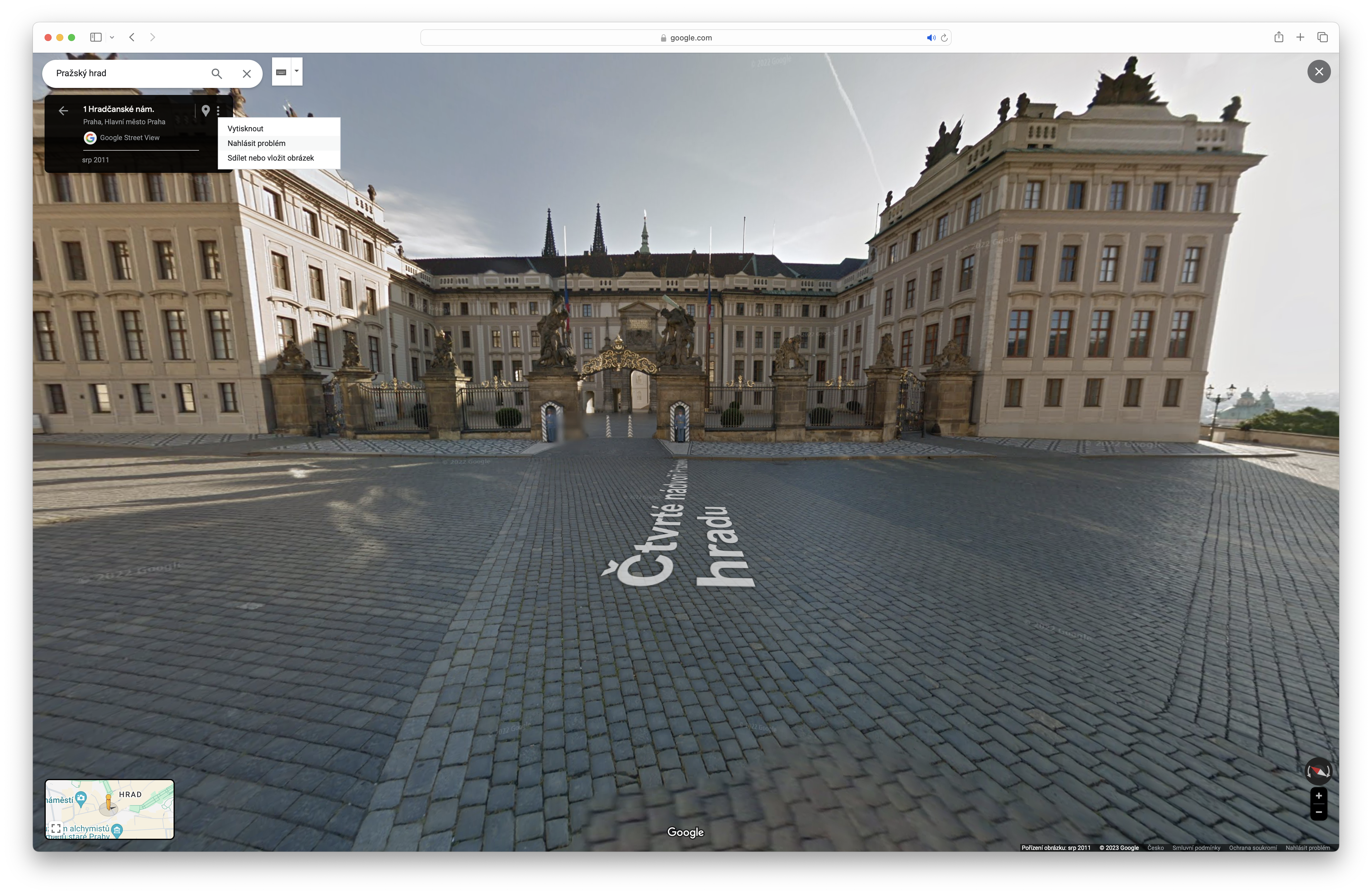
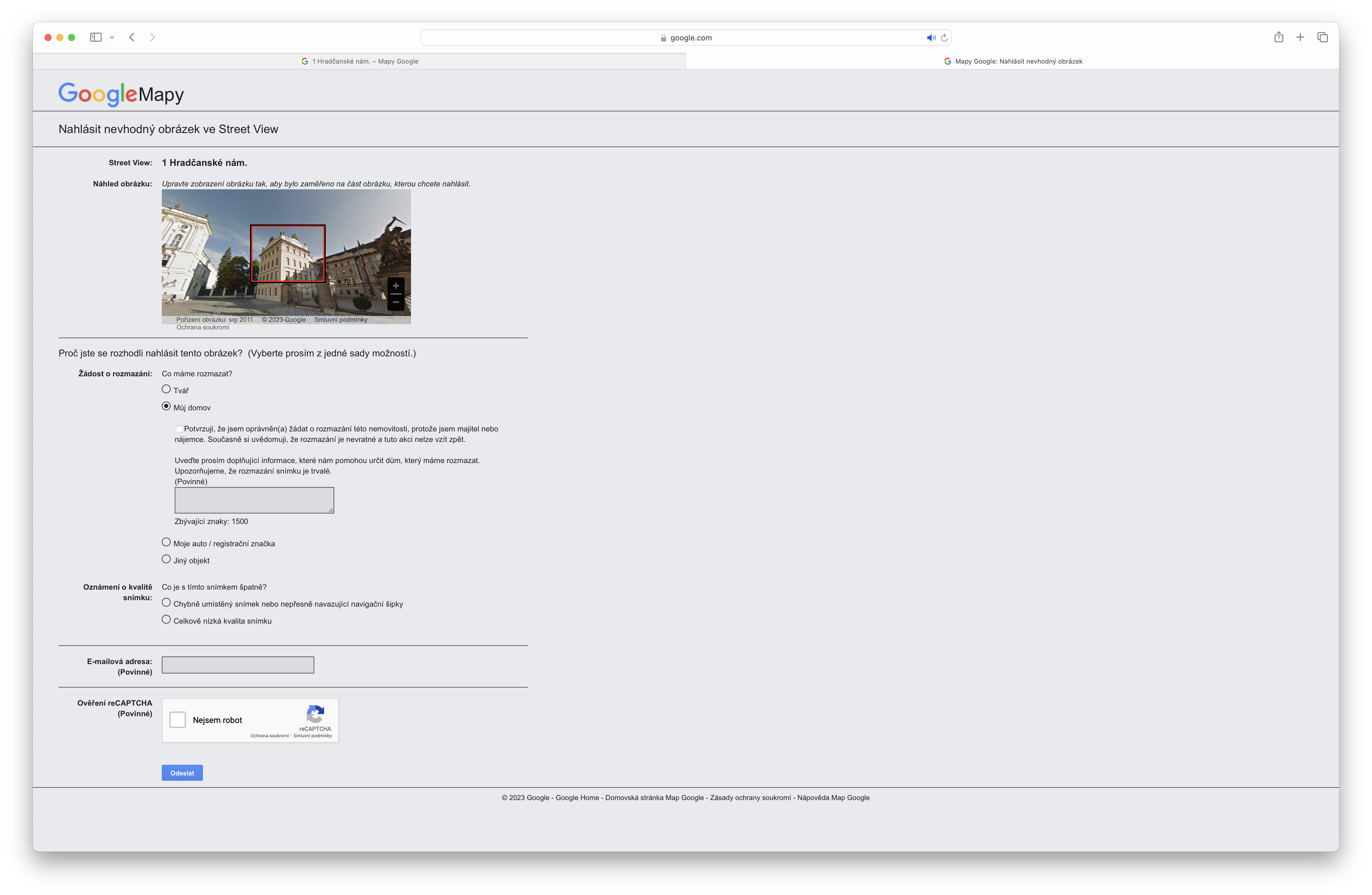
If you want to hide your house or, for example, your car from the eyes of others who use Street View, you have the option. All you have to do is find an object on Street View that you own and that you do not agree with being displayed on Street View. Of course, you have to take into account that after reporting, Google will ask you to prove that you are actually the owner of the object, whether it is a house or a vehicle, so that you cannot delete, for example, Prague Castle. So if you do not want your house to be on Street View, just find it on Street View and then select the three dots in the upper left corner under search and select the option to report a problem. Now all you have to do is select and describe what problem you have with the photo and Google will contact you based on your request. If you actually submit that you are the owner of the property or vehicle, the object will be blurred in Google Maps Street View. A blurred house on Street View, for example, Tim Cook.





What about mapy.cz, maybe you can do it there too? Otherwise it's worthless in the Czech Republic.
I think it can be done there too, using a similar procedure: Panorama - report a problem.