
With iPhones, you can really say that – how Apple they like to report - "they just work". But the exception proves the rule, so it can happen that even the best-functioning iPhone will simply experience certain difficulties. Fortunately, in the vast majority of cases, these are not unsolvable problems. What are the most common problems with iPhones and how to solve them?
ProWi-Fi connection problems
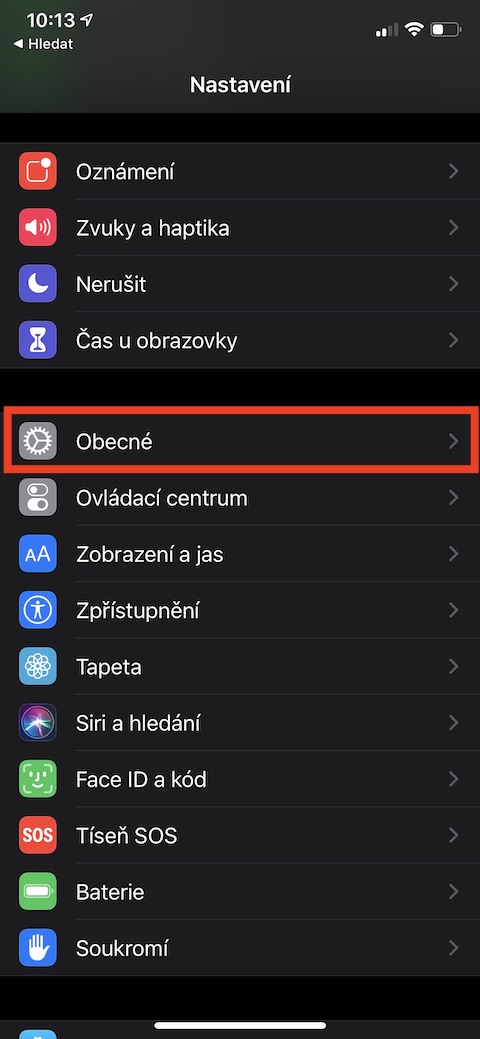
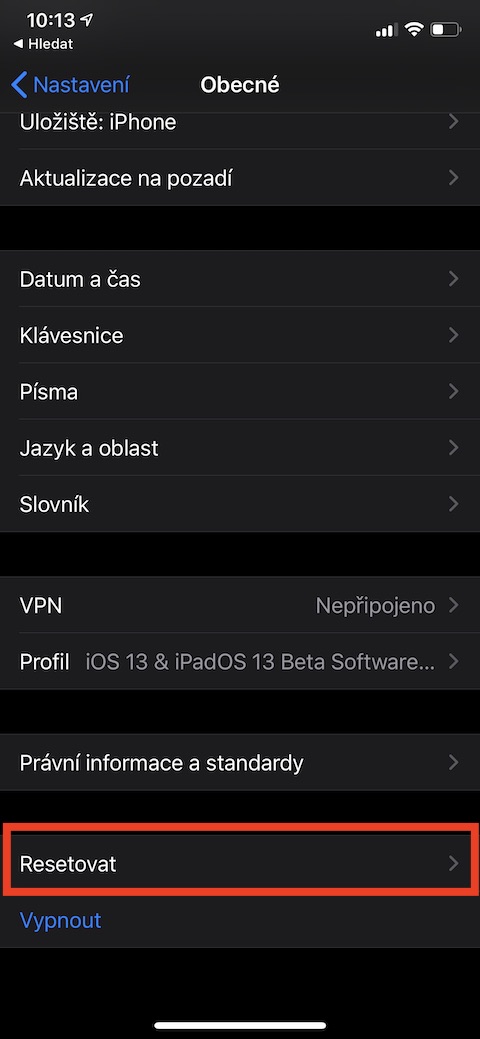
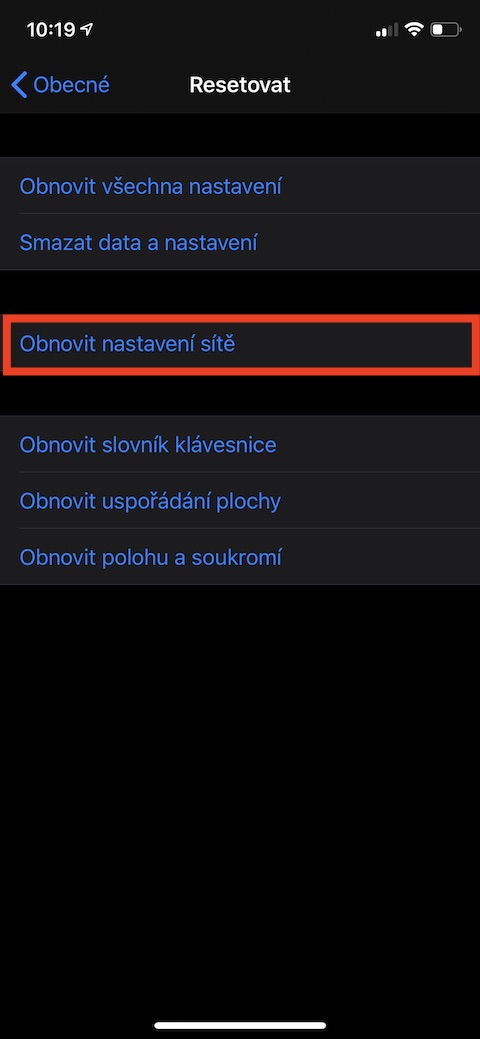
Occasionally, there may be a situation where the Wi-Fi on the iPhone does not work properly. Common problems are the network dropping out or not being able to connect to it. In that case, you can tell iPhone to ignore that network and then reconnect to it. Proceed in such a way that in Settings → Wi-Fi tap the icon ⓘ for the selected network and then select an option Ignore this network → Ignore. If that doesn't help, try resetting the network settings in v Settings → General → Transfer or reset iPhone → Reset network settings.
Gallery
Keyboard jams
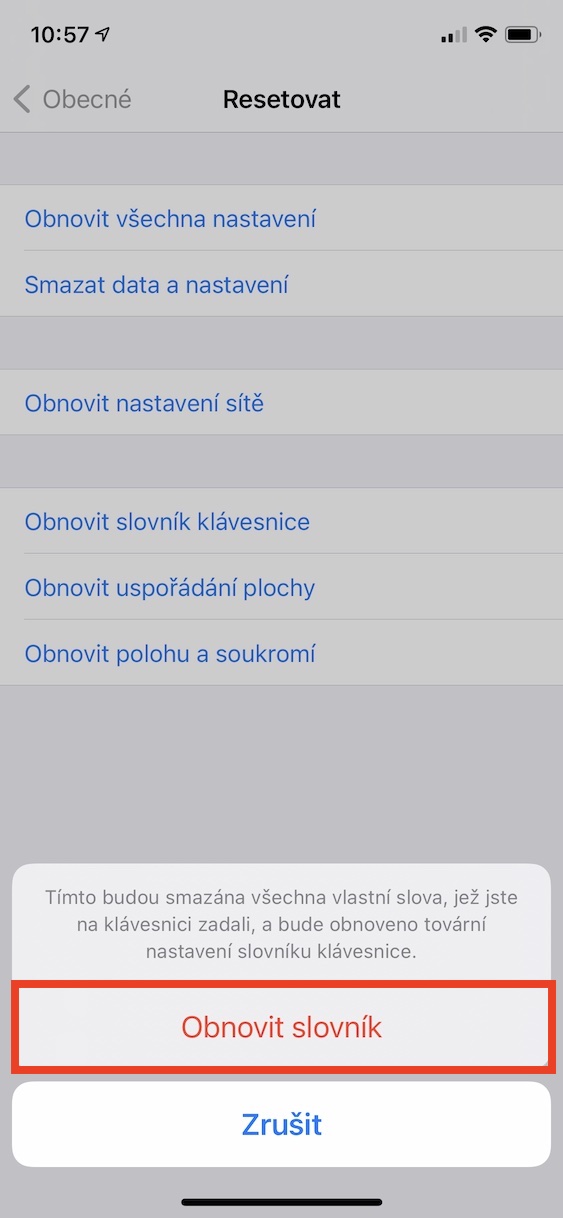
One of the fairly common errors in the operating system iOS, which usually occurs after updating to a new system version or after using the same iPhone for several years without restoring to factory settings, is a problem with the keyboard sticking. This problem manifests itself in the fact that when typing on the keyboard, there is a temporary loss of response for a few seconds, and then all the characters pressed may be written at once. Fortunately, this situation can be easily resolved by resetting the keyboard dictionary. To do this, go to Settings → General → Transfer or reset iPhone → Reset, to select an option Reset keyboard dictionary and then confirm the reset. After performing the reset, it will take some time for the keyboard to adjust to your typing again, so be patient.
Gallery


Cannot activate iMessage and FaceTime
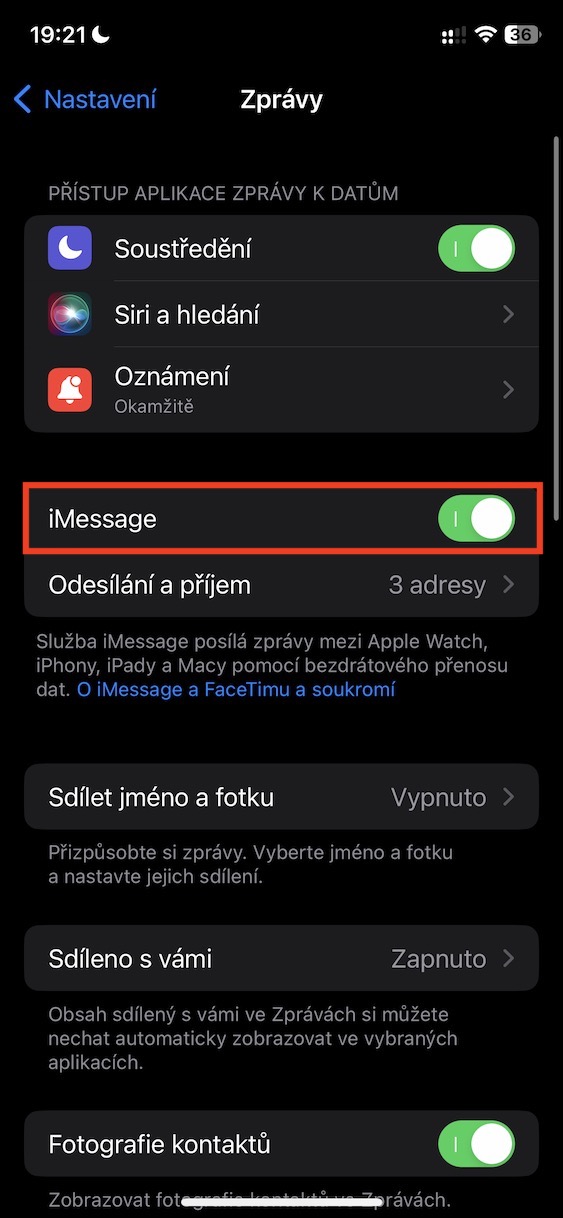
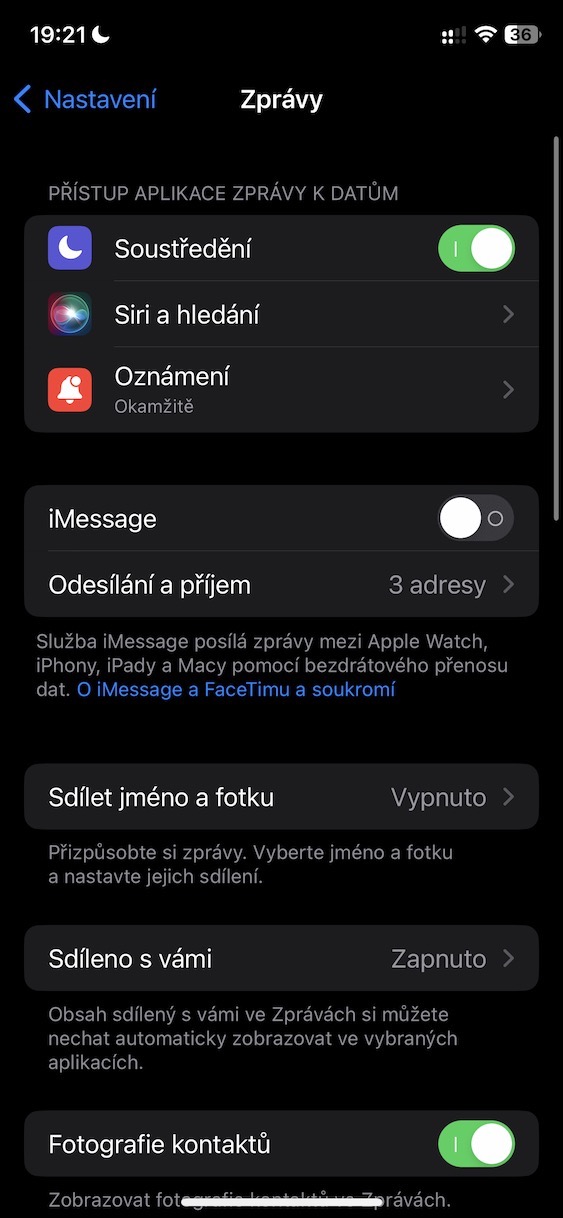
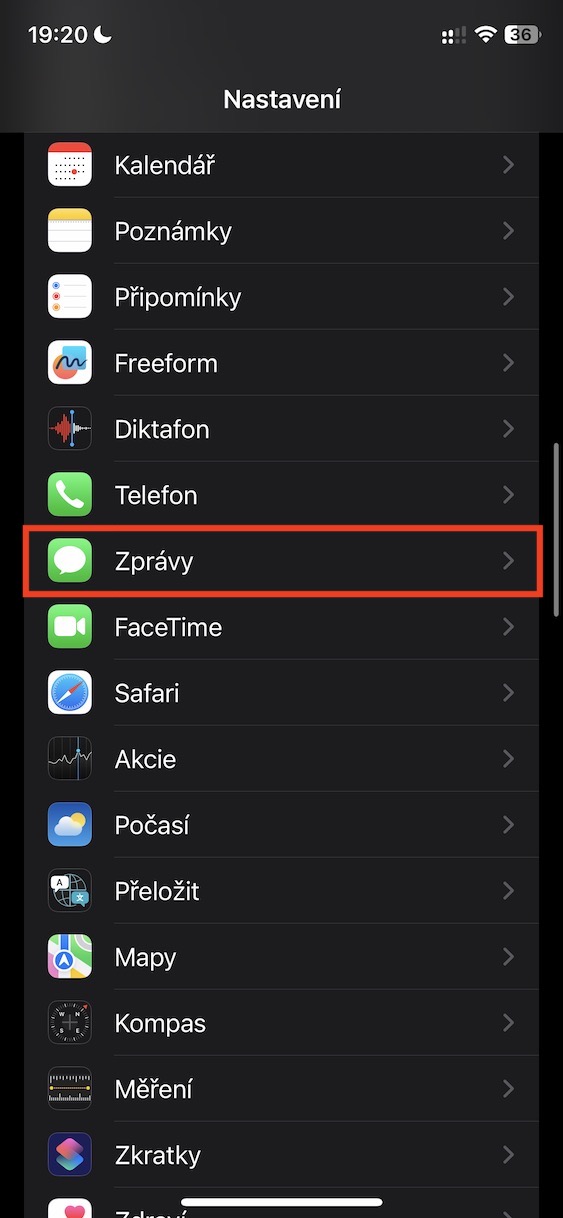
Activation is essential after starting a new iPhone for the first time iMessage and FaceTime. However, sometimes there may be problems with this activation. Since iMessage and FaceTime are key features, their inoperability can cause significant inconvenience. If you experience problems with activation, consider disabling both features and then re-enabling them. You can do this in Settings → Messageswhere you turn off iMessage, and subsequently in Settings → FaceTimewhere you turn off FaceTime. Wait a few minutes, then turn it back on gradually iMessage and FaceTime. If that doesn't work, contact support Apple via phone number 800 700 527, describe your problem and request a remote reset of both services.
Gallery
Fast battery drain
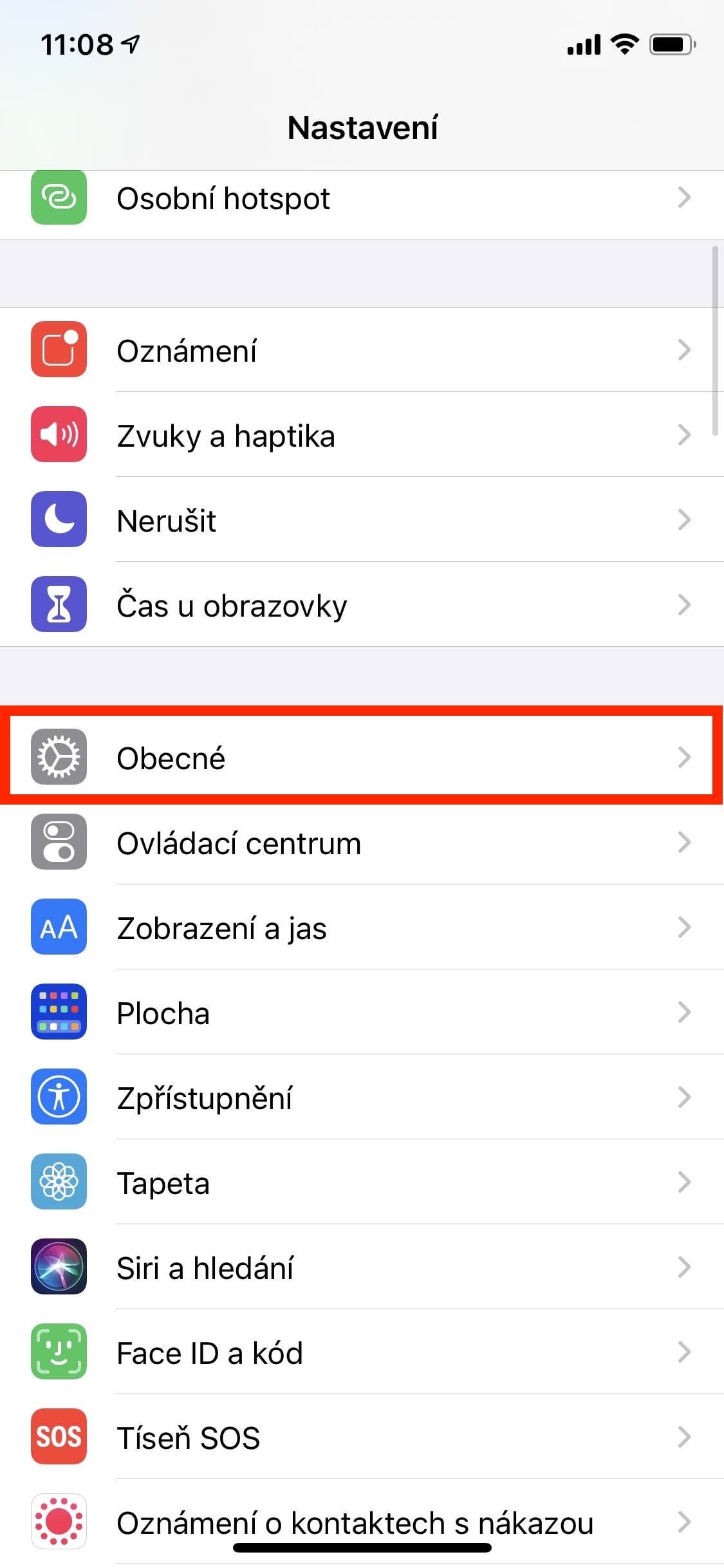
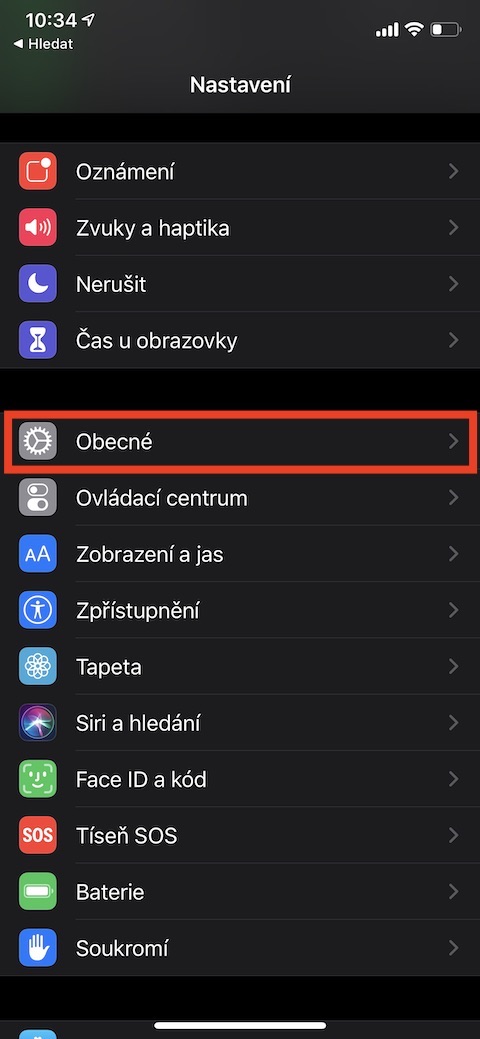
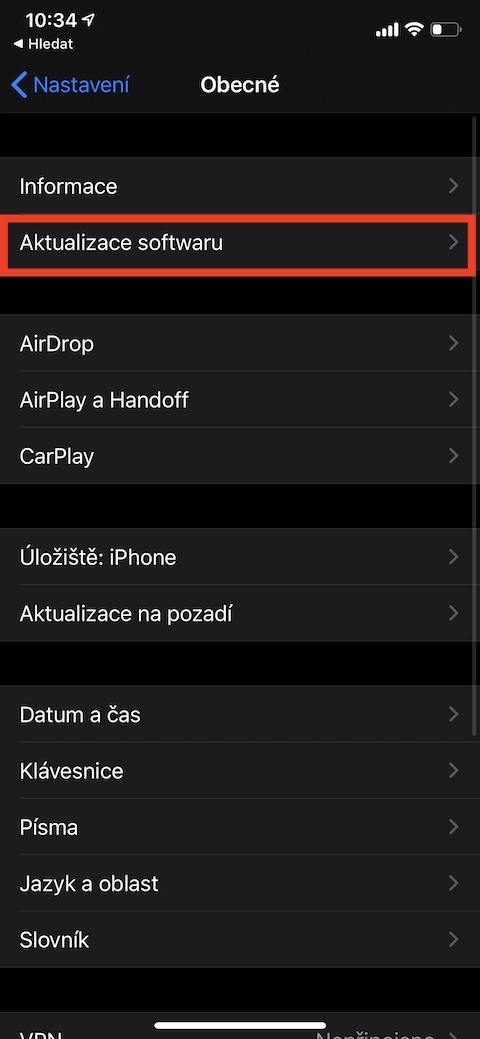
ProThe problem of low battery life is also common among users of new iPhones, although it is of course not limited to them. There are several factors that can cause this situation. First of all, it is important to check if you have the latest operating system iOS, which you can do in the section Settings → General → Software UpdateIf you have the current version iOS, there are several other recommendations for extending battery life, such as turning off background app data updates, enabling power saving mode, removing unused apps, muting animations and effects, and more. You can find more detailed information and tips in the article attached below.
Gallery

Face ID cannot be set
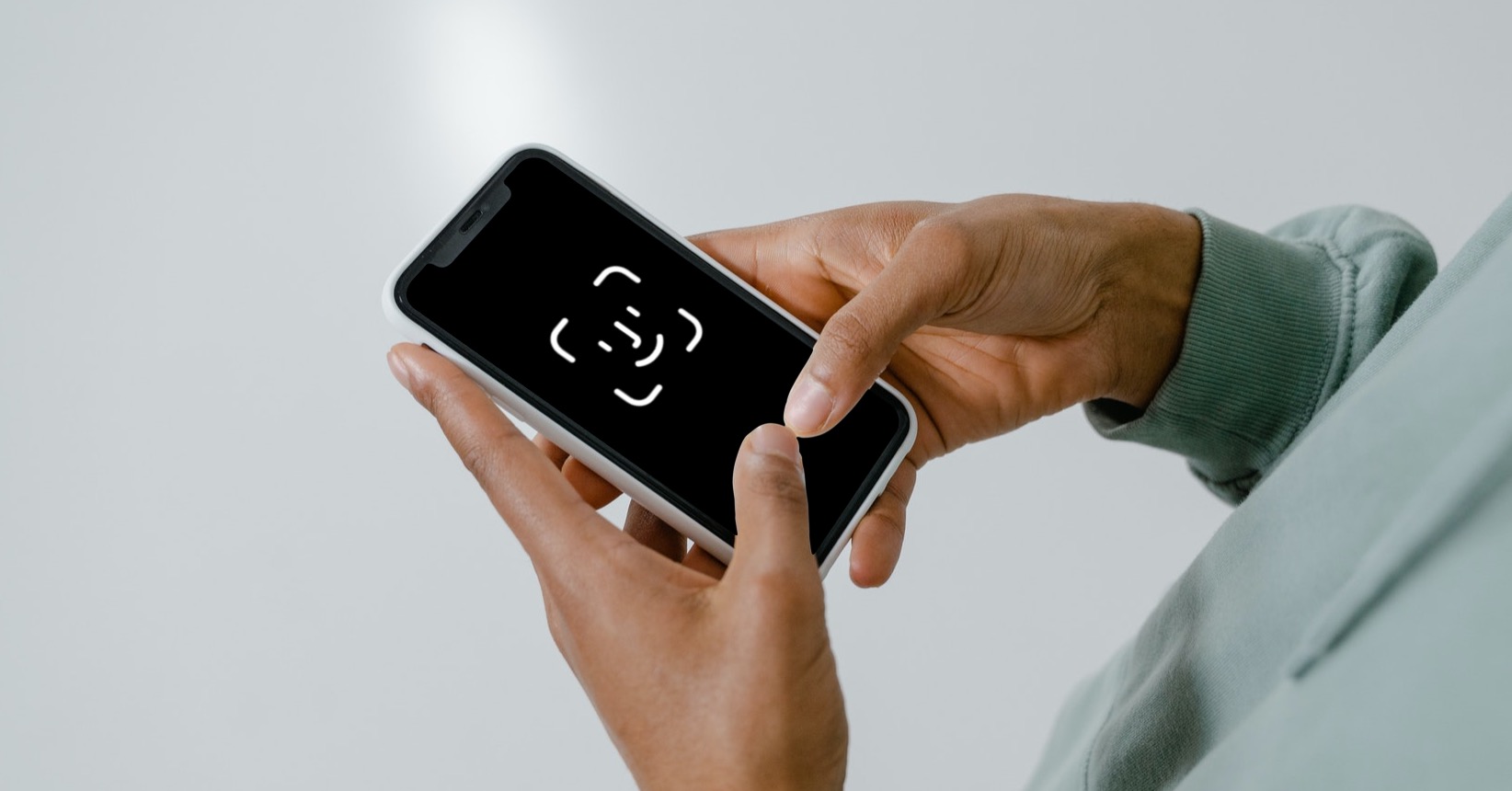
Face ID is a key feature of modern iPhones. So it's really annoying when this technology, which allows for quick verification when unlocking or making purchases, fails. Even with the latest and best-performing iPhones, we can sometimes encounter problems. However, there's no need to despair, because Face ID It usually does not fail inconspicuously on its own. Its functionality is often impaired after improper installation of the protective glass, when bubbles can form or dirt can remain in the cutout. These imperfections can then prevent the system from recognizing faces and thus prevent proper function Face IDWe recommend carefully checking the condition of the protective glass and, if problems are found, following the further steps in the article attached below, which contains additional tips for restoring functionality. Face ID.
You might be interested in



an old problem has been missing for a long time (more than 10 years) and that is low call quality 😏
Crap
Try buying a newer model and switching from a 10 year old one. 😉
And to find out that it didn't help :-)