
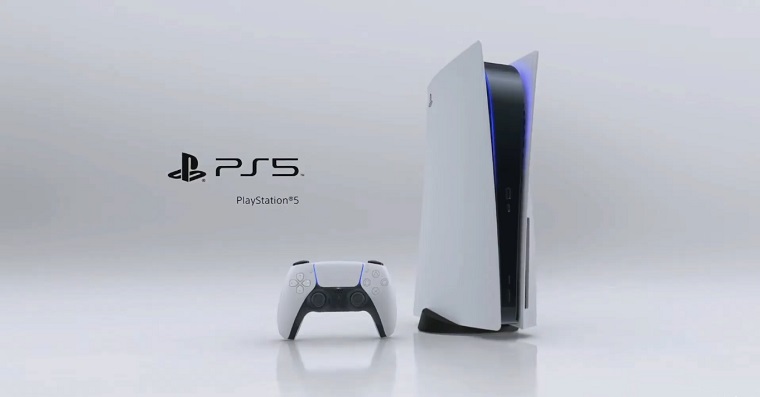
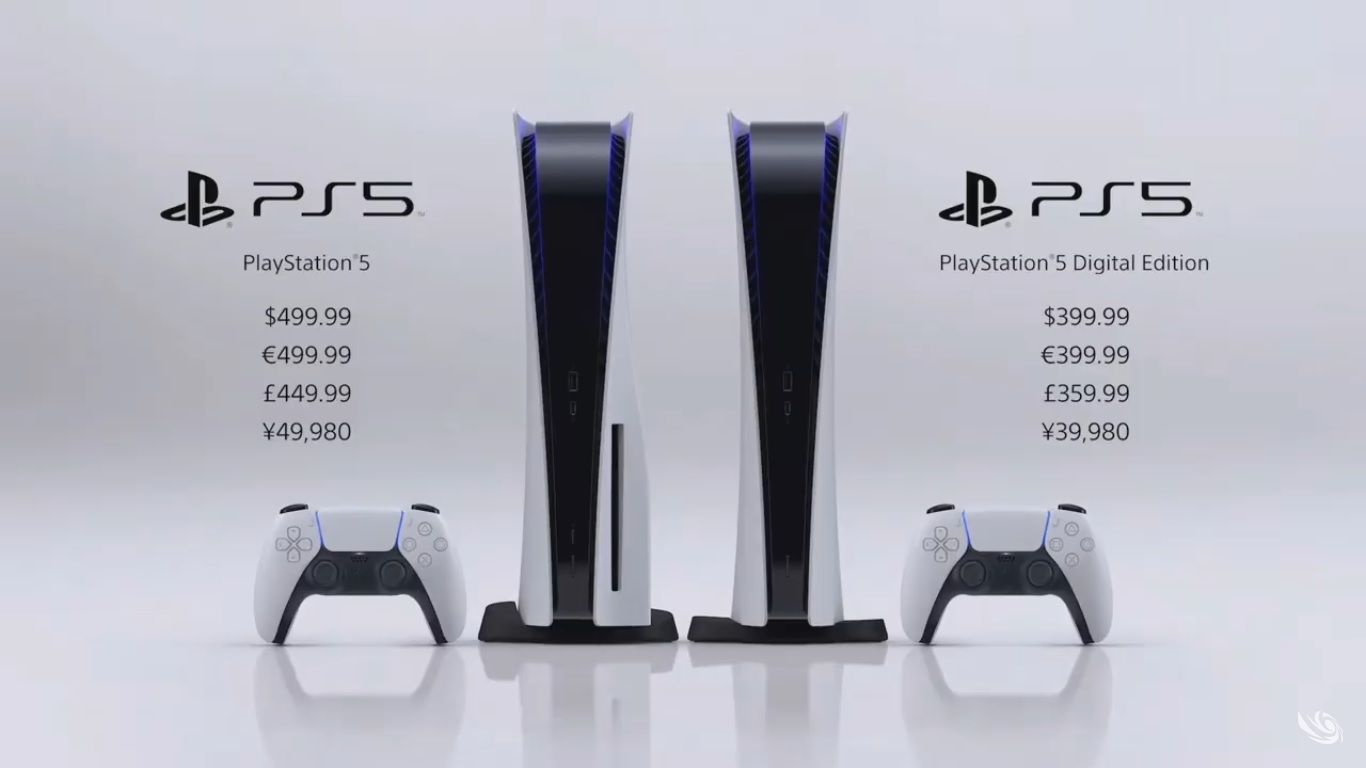
I consider the PS5 to be one of the best tech gadgets I've bought in the last few years. Thanks to the speed with which the games load, you can turn it on for just a few minutes and it will still pay off. Precisely because I really like my PS5, I decided that if I was going to solve the only thing that bothered me a little about the console, I would share it with our readers. I know it's not related to AppleI believe I will be forgiven. The only thing that bothered me about the PS5 is its capacity. The console is only available with one single variaThe internal memory is 825 GB, of which only 667 GB in the PS5 is intended for the user. Unfortunately, if you install, for example, the latest CoD including Warzone and High Resolution textures, you suddenly find that you don't have even half of the original space left. Fortunately, the console can be easily expanded with an M.2 SSD memory, which you insert directly into the PS5 and thus increase its capacity, without losing the warranty.
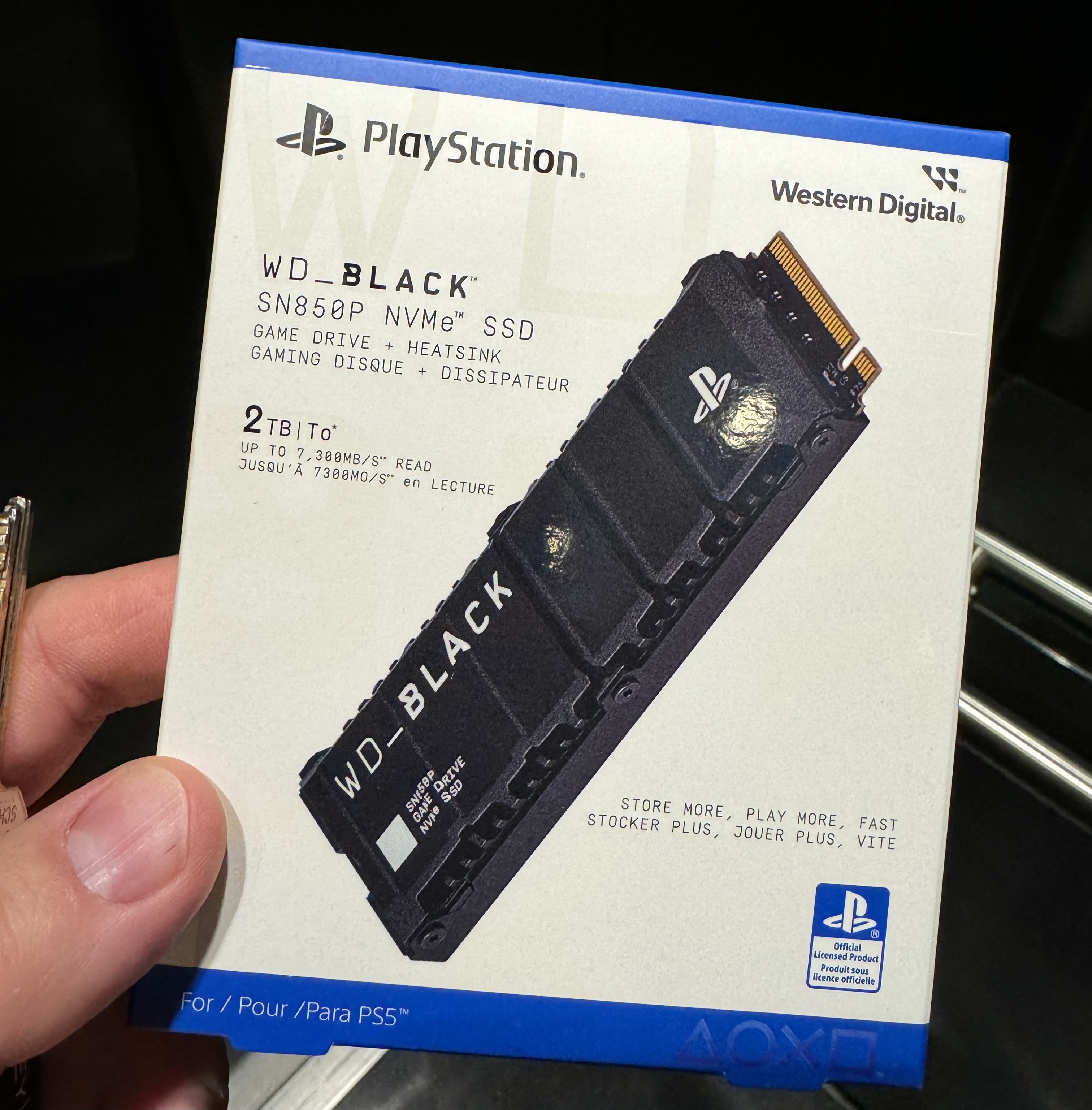
What disc to add to the PS5 and why?
When added to the PS2, the M.5 drive allows you to install games designed for the PS5 (and for the PS4, of course) and run and play them directly from this drive. This is internal storage, which when added to the PS5 essentially becomes another sector on the internal storage. Although you can see it separately, it does not matter what you install on the internal original drive and what on the new storage. Of course, the PS5 also has the option of connecting an external drive via USB, but in this case, you are only able to install and run games designed for the PS4 on the external drive. So if you want to install more games for the PS5 and nestIf you have integrated memory, the only way to expand storage is with an M.2 disk. It is important that the disk meets the following requirements that Sony and its system in the PS5 have for it. This means that the PCI-Express Gen4x4 disk supporting M.2 NVMe SSD (Key M), has a physical size of up to 25 mm in width, up to 30/40/60/80/110 mm in length and a thickness including the heatsink of up to 11,25 mm (up to 8 mm above the board, up to 2,45 mm below the board). The disk capacity can then be from 250GB to 4TB. MiniThe minimum data read speed is then 5500MB/s and of course it must be a drive for Socket 3 (Key M).
Gallery
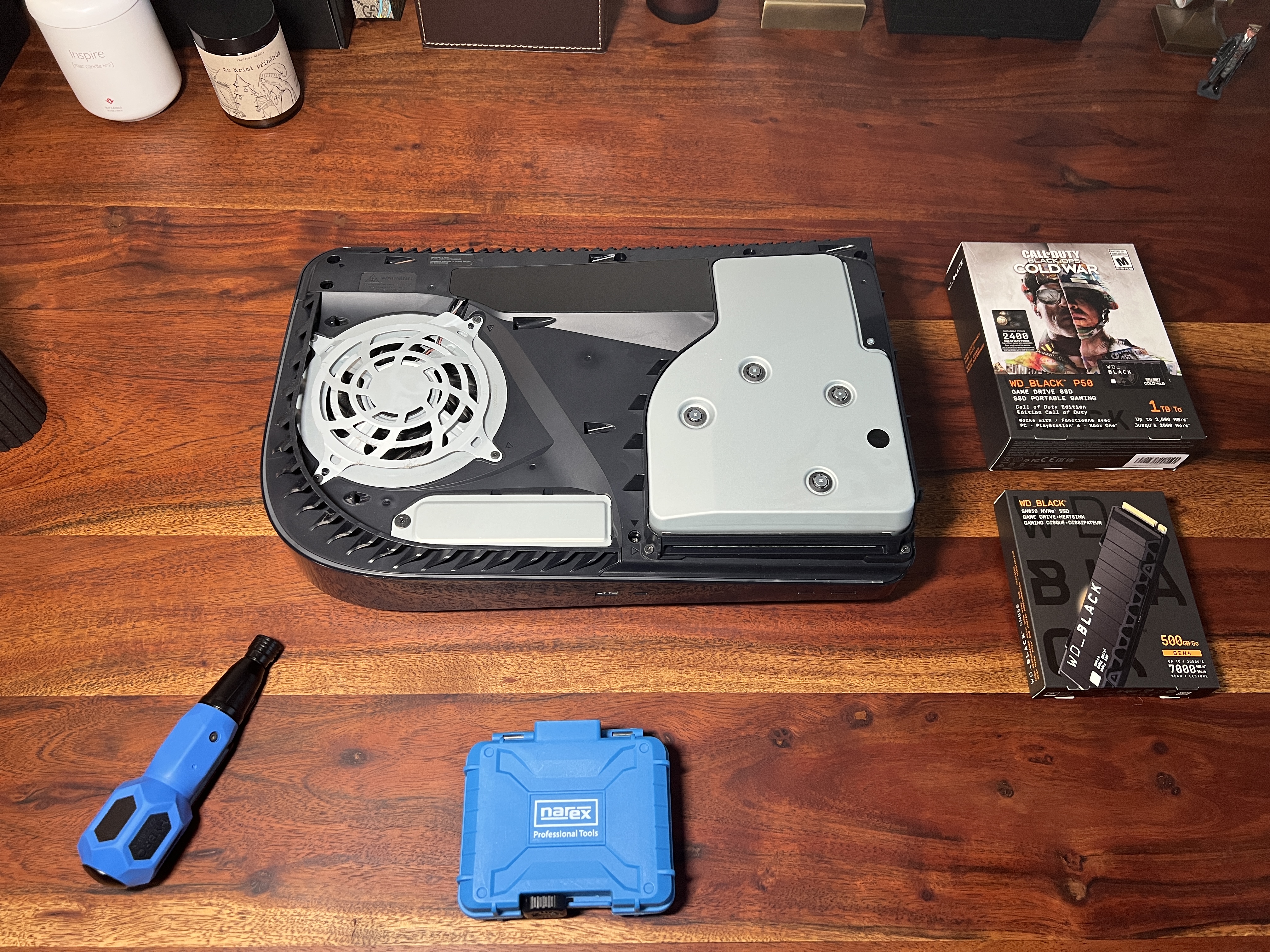
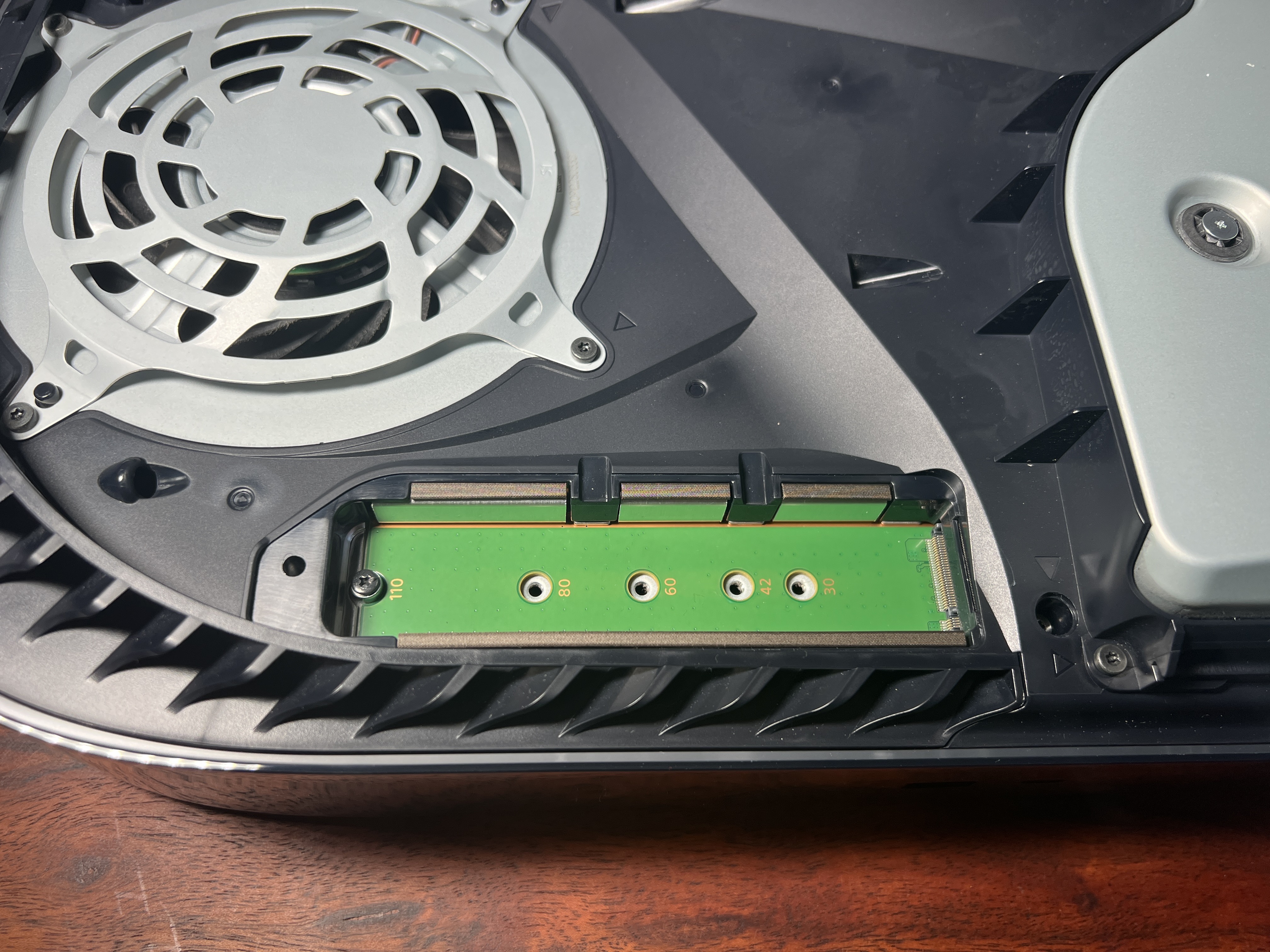
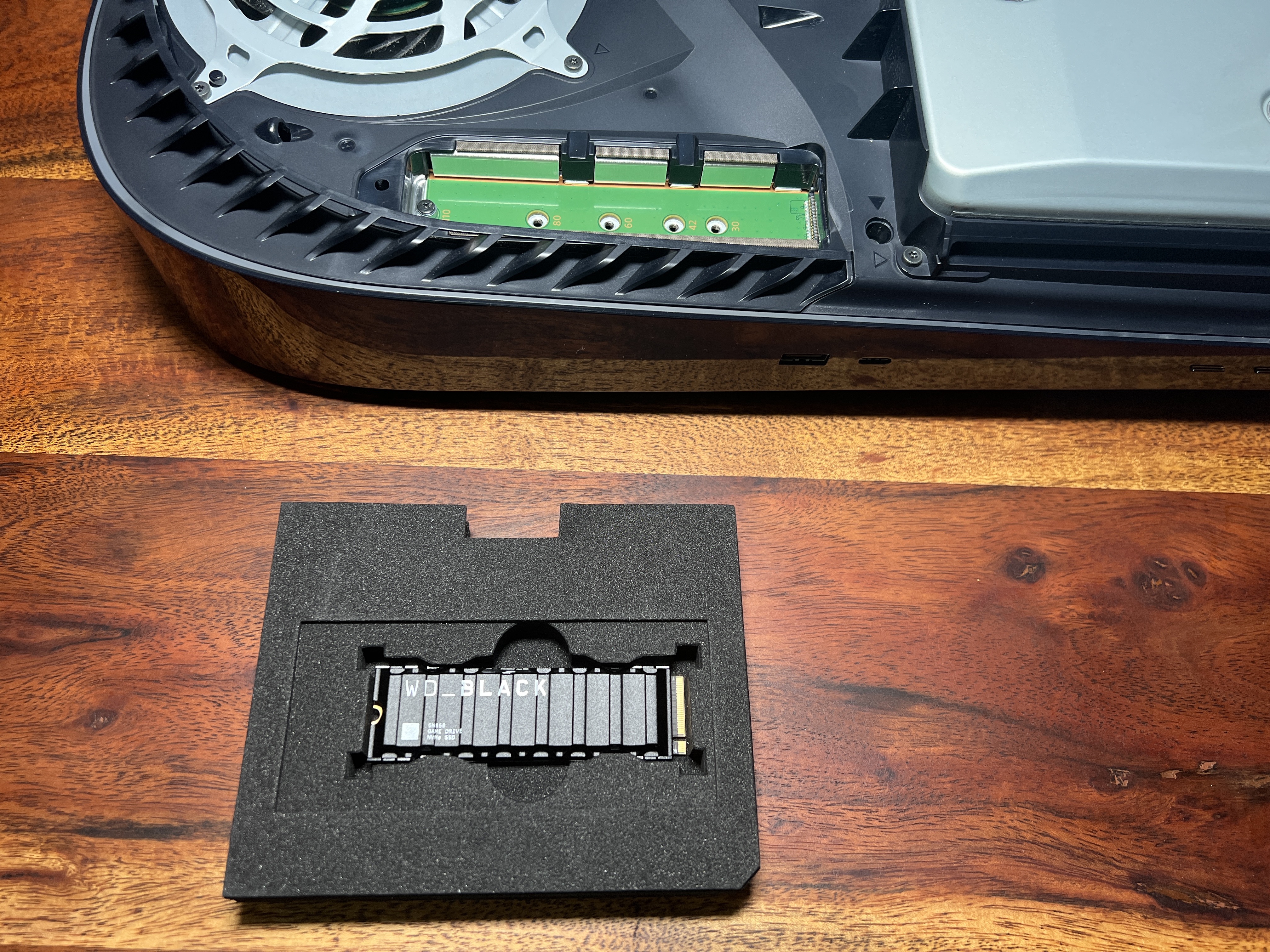
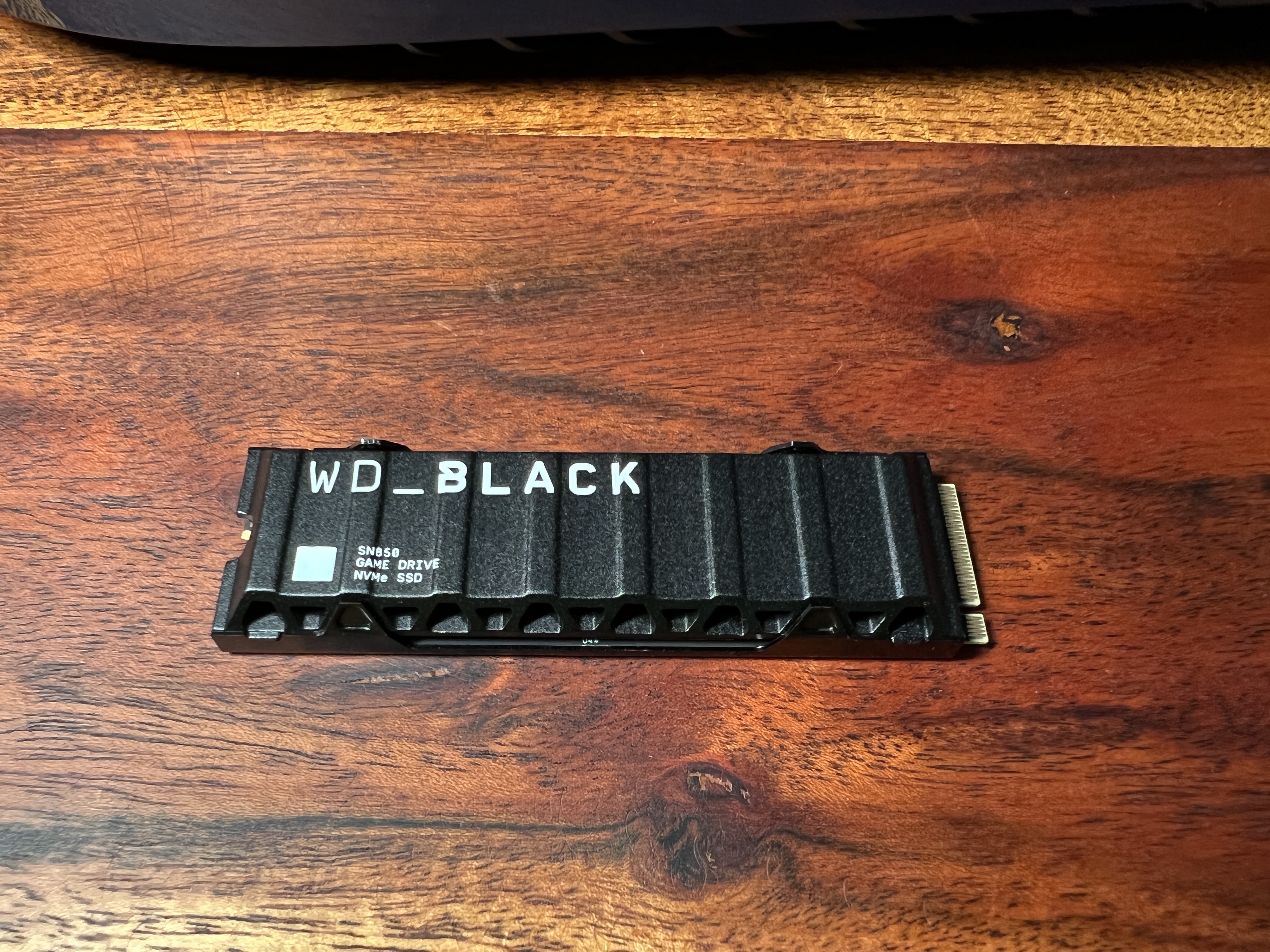
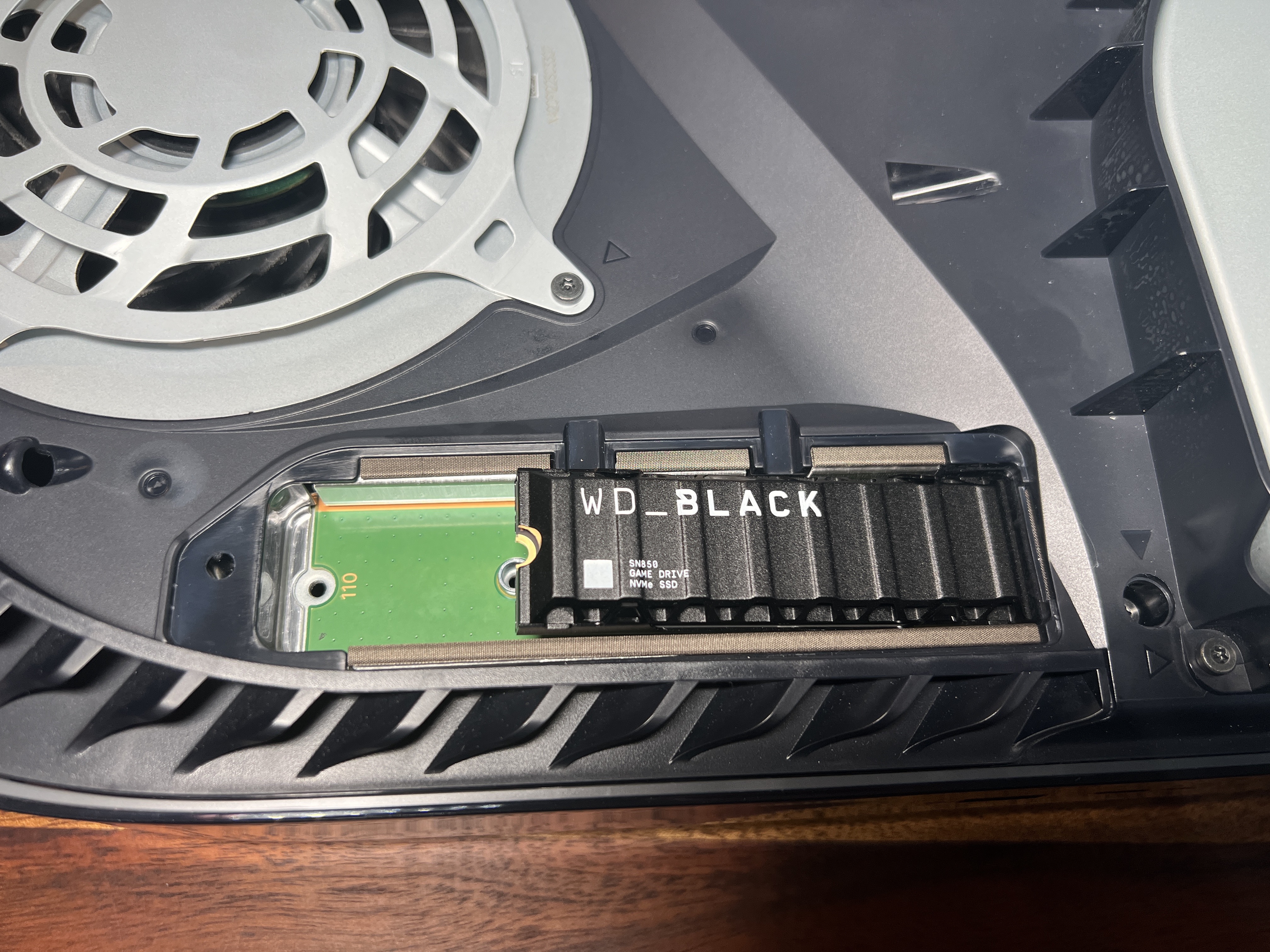
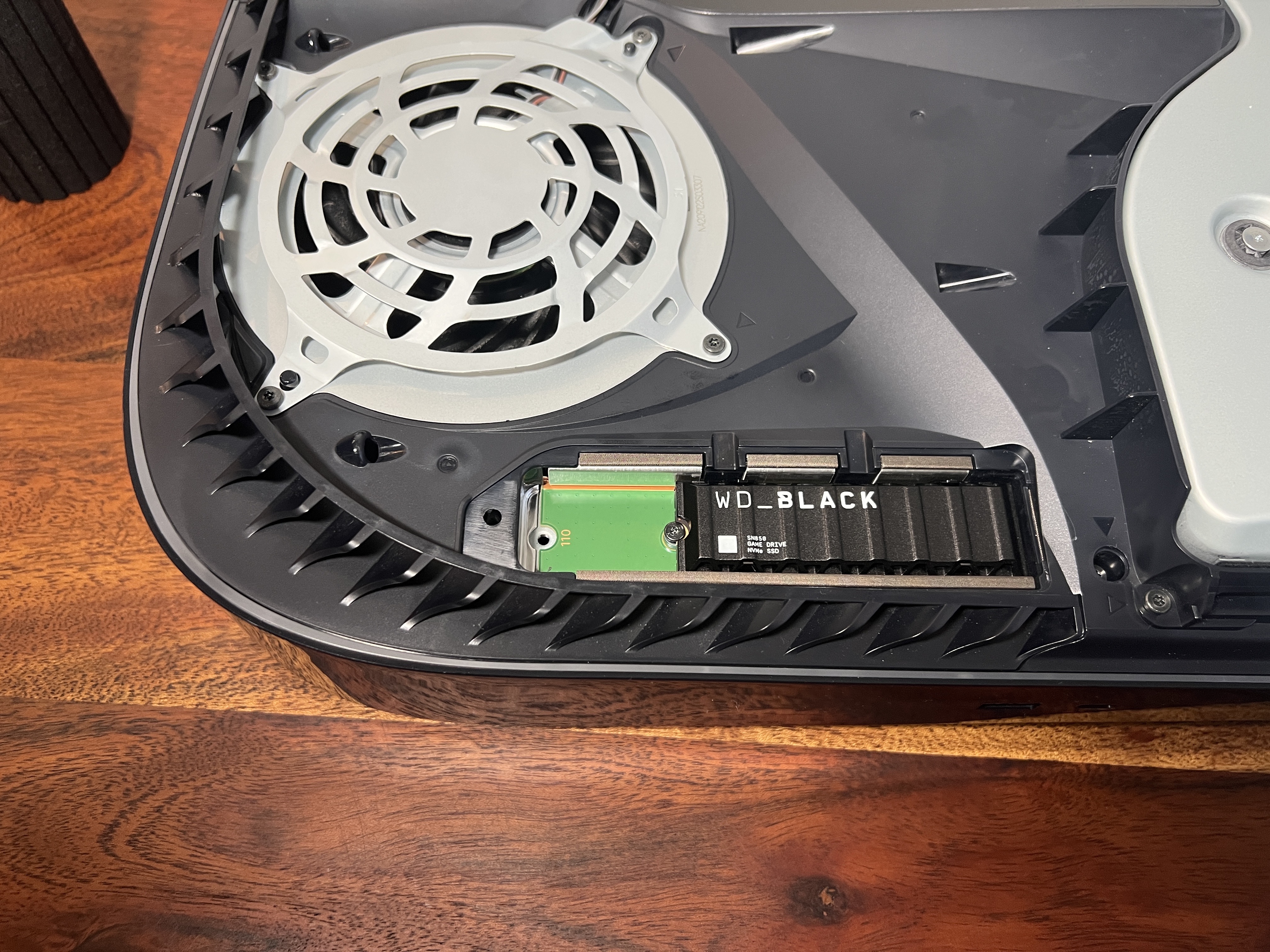
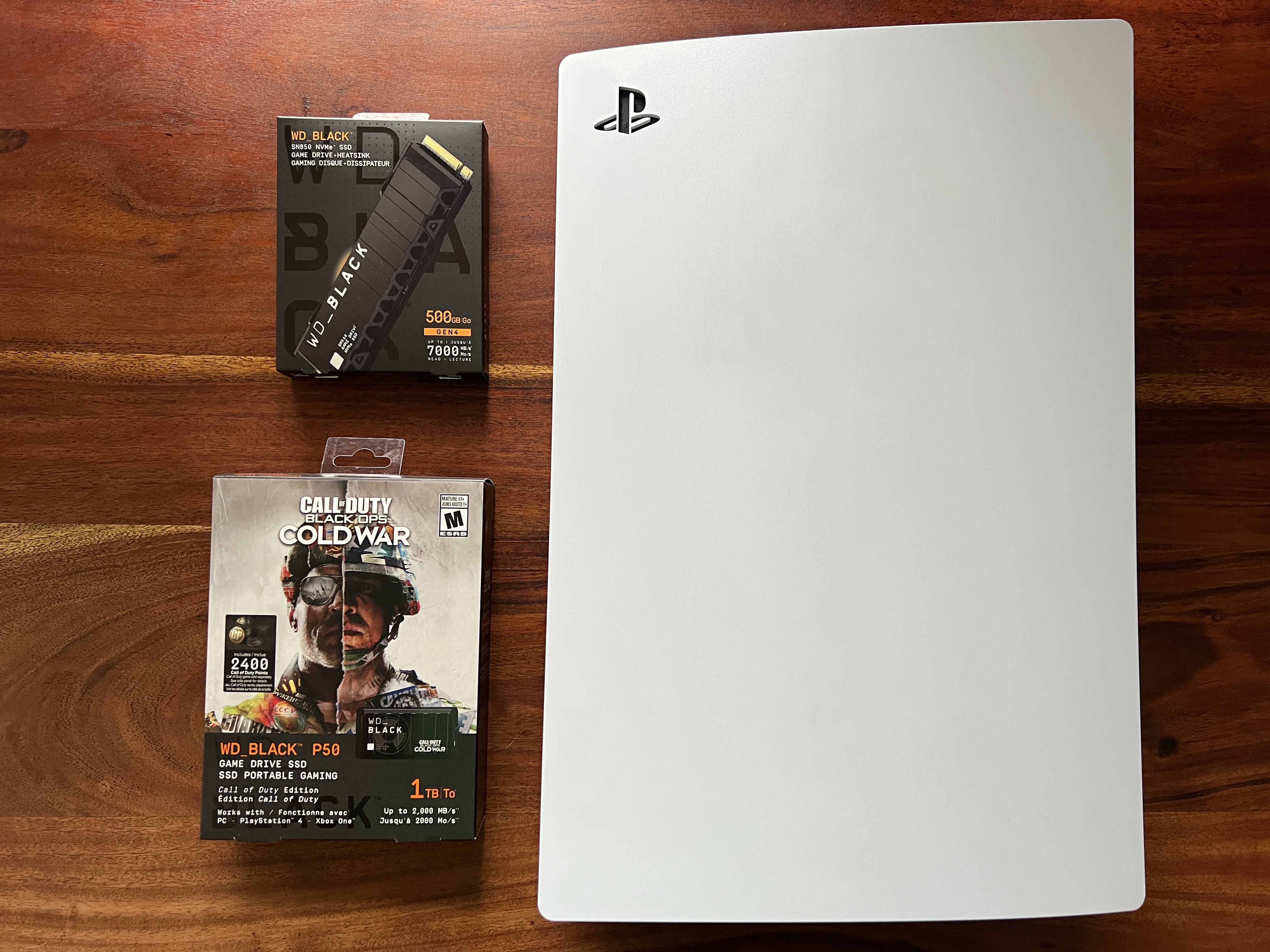
Installing storage to PS5
I specifically went for the WD_BLACK SN850, including the integrated cooler, in the 500GB version. The speed of this disc when reading data is up to 7000MB/s, as already mentioned, this is one of the discs that are directly intended for the PS5 and meet, or even exceed, all the requirements that Sony has for discs for the PS5. In addition, it is already equipped with an integrated passive cooler from the factory, which is also one of the conditions for the disc to be used in the PS5. Sony directly requires that you use either a pre-installed or custom cooler with the M.2 SSD storage. In the case of WD, we have a complete disk including a cooler. Due to the integrated heatsink that is mounted to the drive from the factory, you just need to open the console and insert the memory into it. The console is ready for the installation of additional storage, and inserting a disc does not void the warranty. At the same time, adding storage is a great opportunity to dust off your PS5 after more than a year of use. Let's get down to it.
The installation itself is really very simple. Just disconnect the console from the cables, turn it off beforehand of course, and then just remove the side panels, which is the easiest way to do it according to the official video from Sony. After that, you just unscrew the cover to add internal memory and insert the SSD memory including the cooler. It is really important even if you buy a disc without a cooler to buy a cooler, and Sony itself states in the manual that a cooler must always be used. After that, you fasten the memory into the slot with just one screw and screw the memory cover back on. That's all the fun as far as hardware is concerned. On that occasion, it's a good idea to clean off all the dust and check if everything looks fine visually or if there's a problem. Once you're done, just snap on the plastic covers and connect the console back to the TV.
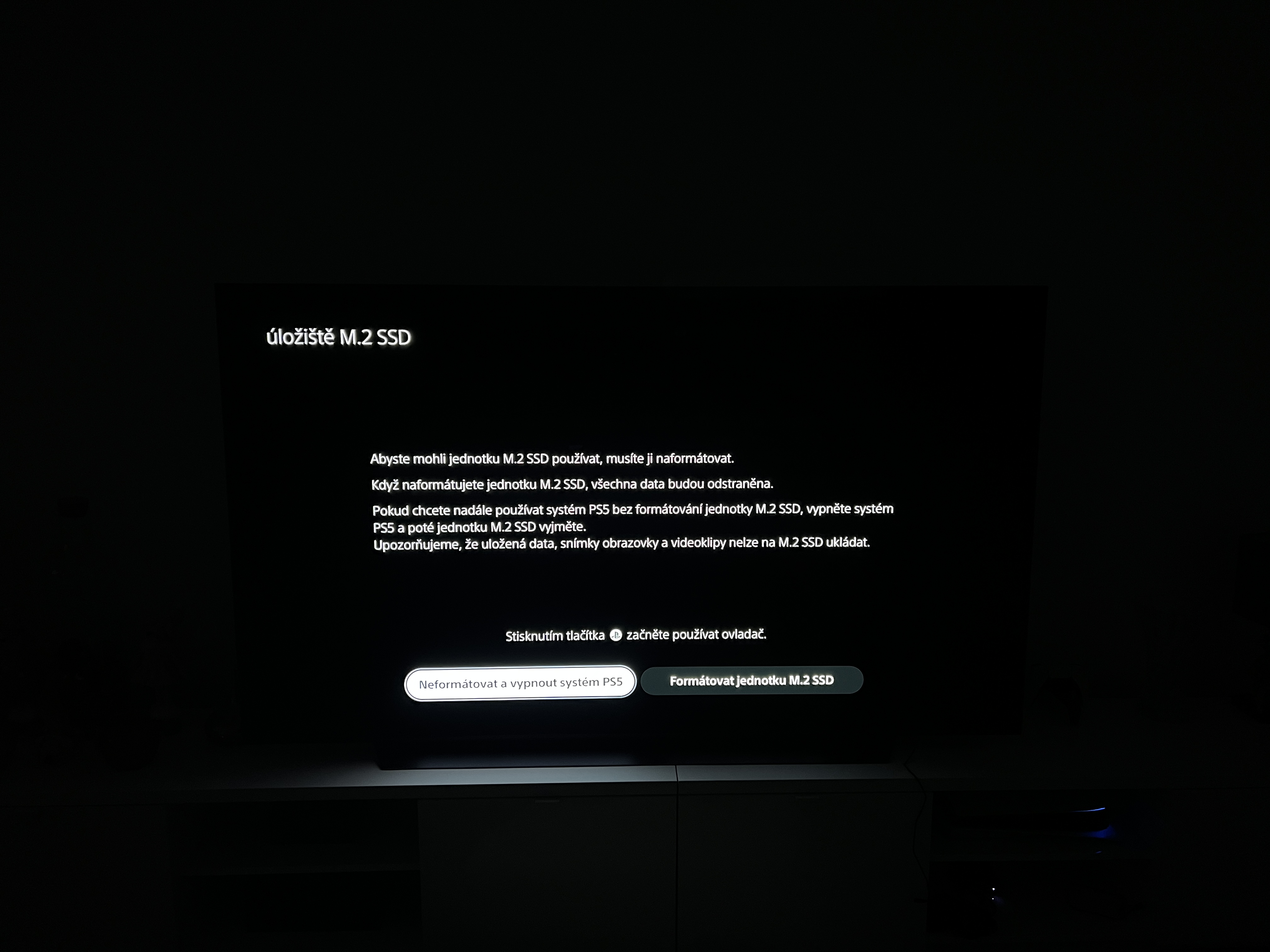
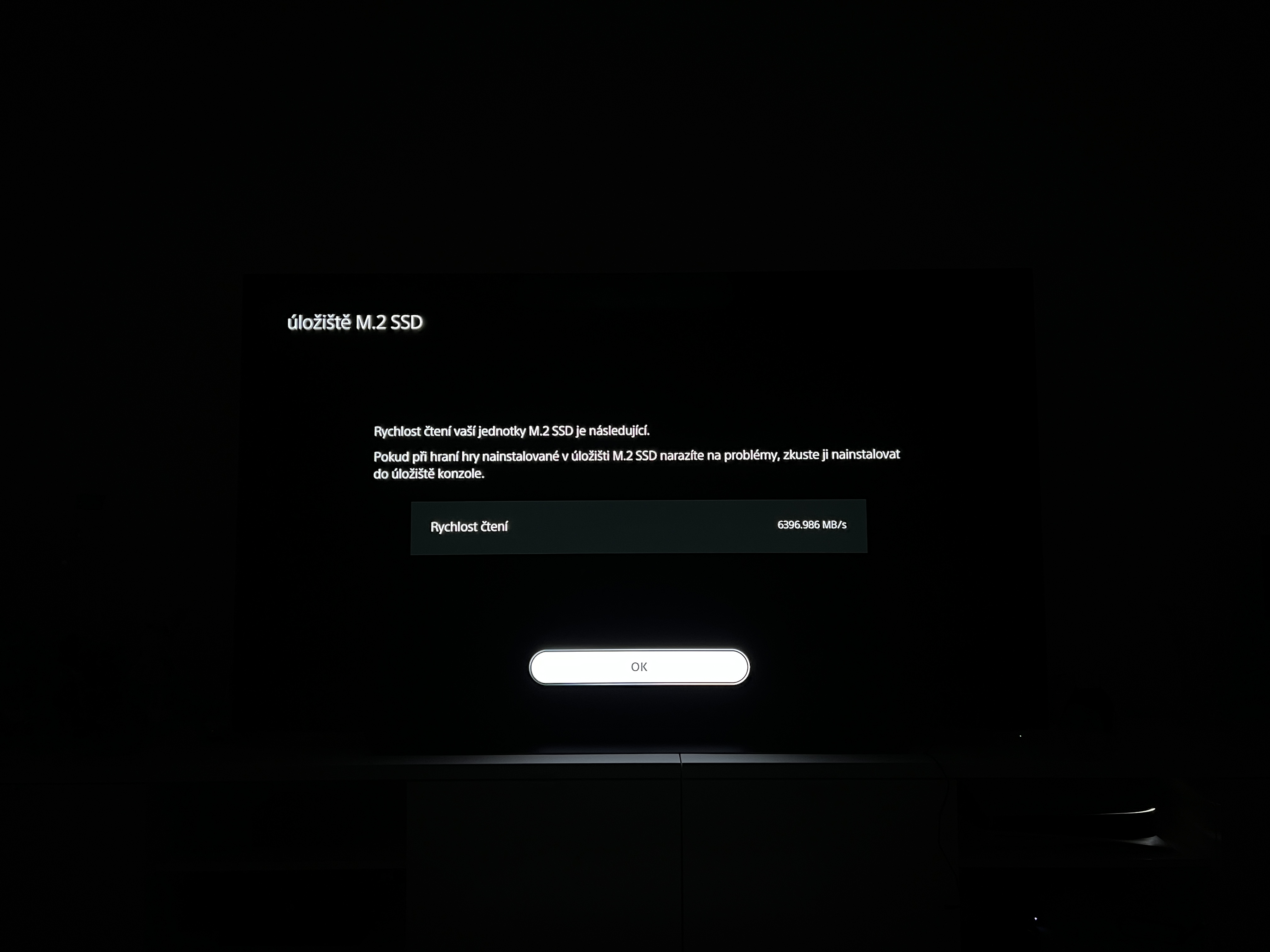
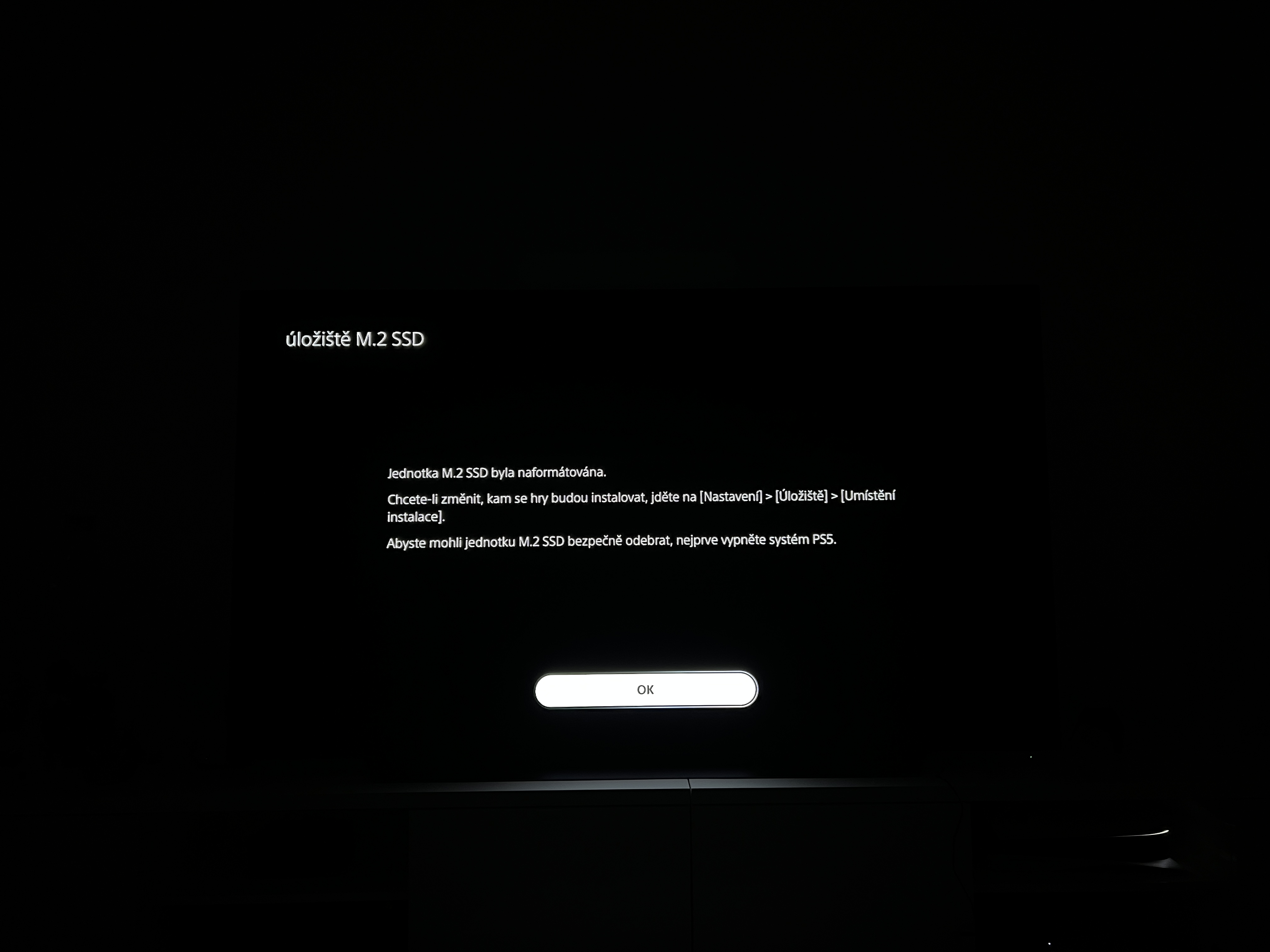
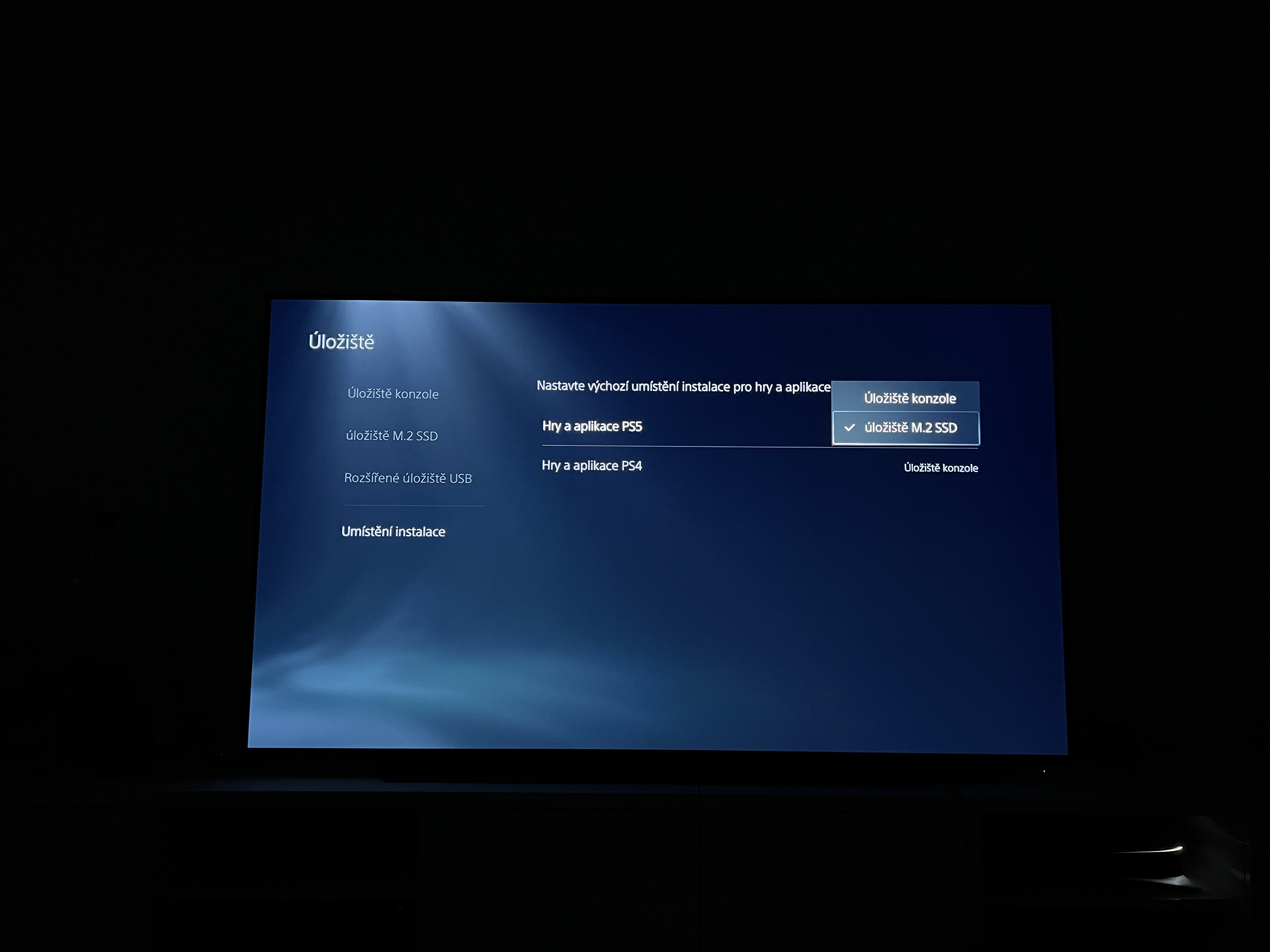
As soon as you turn the console back on, it will immediately show on boot that you have added a new M.2 SSD storage and it must be formatted for use. Once you've formatted it, there's also a disk read speed check to let the PS5 know everything's going as it should. However, just to be sure, a message will appear that if the games do not load as quickly as you are used to, you should install them on the internal storage that you have in the PS5 from the factory. Subsequently, you can only choose where you want to install the games in the settings, and you can also choose for each game how it should be installed. I tried installing F2 1, NBA 2021, CoD Cold War and a few other games on the new M.2022 SSD and I have to say that the games seem to load even faster than before. That's probably nonsense, but what I mean by that is that you definitely can't tell the difference between the factory-installed memory in the PS5 and a high-quality storage such as WD Black. Everything works as it should and the PS5 suddenly has twice as much space. It's plenty enough for me, but if not for someone, then they can reach for a larger storage capacity.
You might be interested in
Double the memory in PS5 in a few minutes
As I already wrote in the introduction, if there is something that bothered me about the PS5, then it is precisely the small storage, thanks to which I had the opportunity to have basically only a few versions of Call of Duty with high textures installed, and that was the end of all gaming. Since I'm a casual gamer and really only spend a few hours a week on the console, I don't feel like having to figure out every time what game I want to install and what I need to delete in order to play something else. I have now solved this one ailment and it is impossible to tell the difference between where the game is installed in any way. So the only change is that I suddenly have double the space for games on the PS5. So if you're having the same problem, then installing an M.2 SSD into your PS5 is a very simple, quick, and frankly quite cheap affair. If, like me, you can get by with 500GB of memory, then you just need to prepare a little over 3000 crowns, which I consider to be a completely adequate amount considering that you will no longer have to limit yourself too much.




I put this in my PS5, it works great and is half the price. Fascinating speeds. Longevity in TBW higher.
https://www.alza.cz/apacer-as2280q4u-1tb-d7625796.htm
Thanks bro, I also thought that the Wedecka is already past its zenith.