If you are shooting videos iPhonem in low light, you may not always get the results you want. This is true whether you're recording video in 720p or 1080p, or even 4K. However, there's an easy way to improve video quality when shooting in dark environments. maxto minimize as much as possible.
You might be interested in
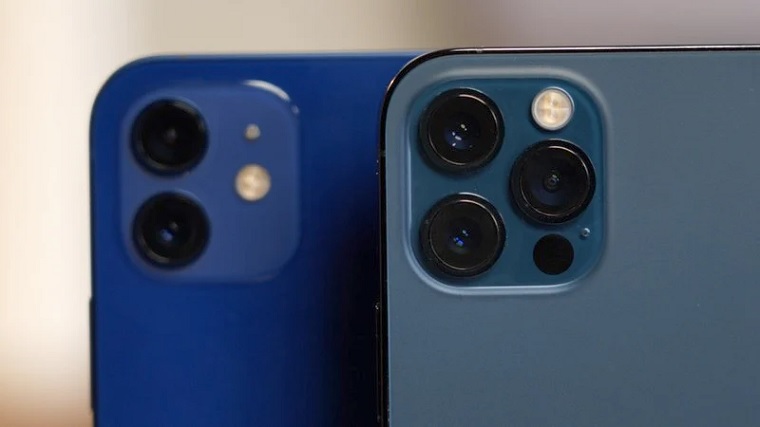
When taking photos on any model iPhone Series 11, 12, 13, or 14, the Camera app can intelligently detect when a scene is too dark and activate Night Mode to help improve image quality. Models iPhone 12 Pro, 13 Pro to 14 Pro it can do this even in portrait mode.
How to improve video quality on iPhone
When shooting at 60 frames per second (fps), less light can pass through the shutter, as it takes one frame every 16,67 milliseconds. Less light in dark situations contributes to grainier footage with a loss of extended dynamic range. It also means the codec has to work harder in fast-moving scenes, which increases the size of the resulting file. The result looks more like a cheap home video than the high-quality footage you might expect from an iPhone. Pro To improve, just take the necessary steps in Settings.
- On iPhone, run Settings.
- Click on Camera.
- Click on Video recording.
- if you have iPhone 12 and later, tap Automatic FPS and activate the option On at both 30 and 60 fps.
- if you have iPhone XR and older, if applicable iPhone series 11, click Automatic FPS and choose 720p HD at 30 fps, 1080p HD at 30 fps or 4K at 30 fps.
Gallery
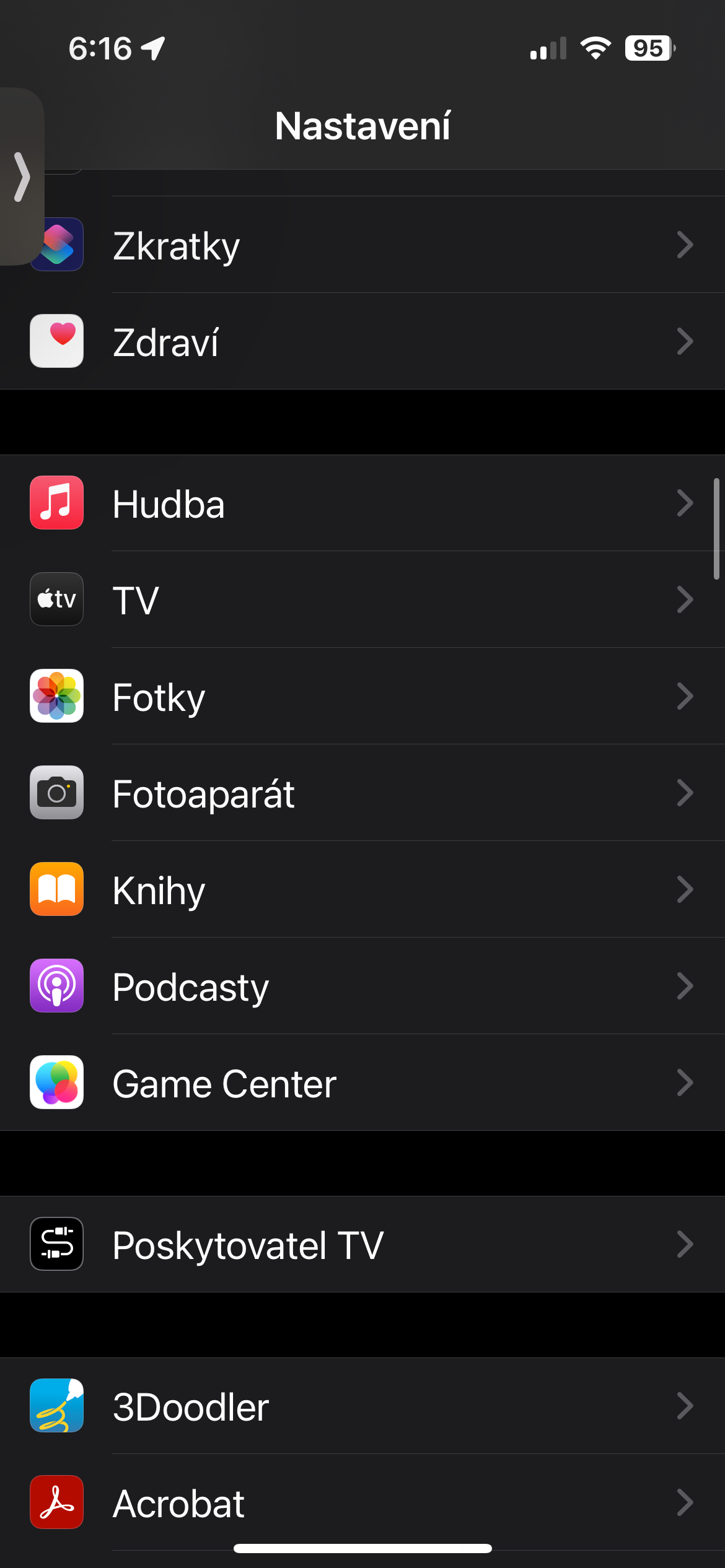
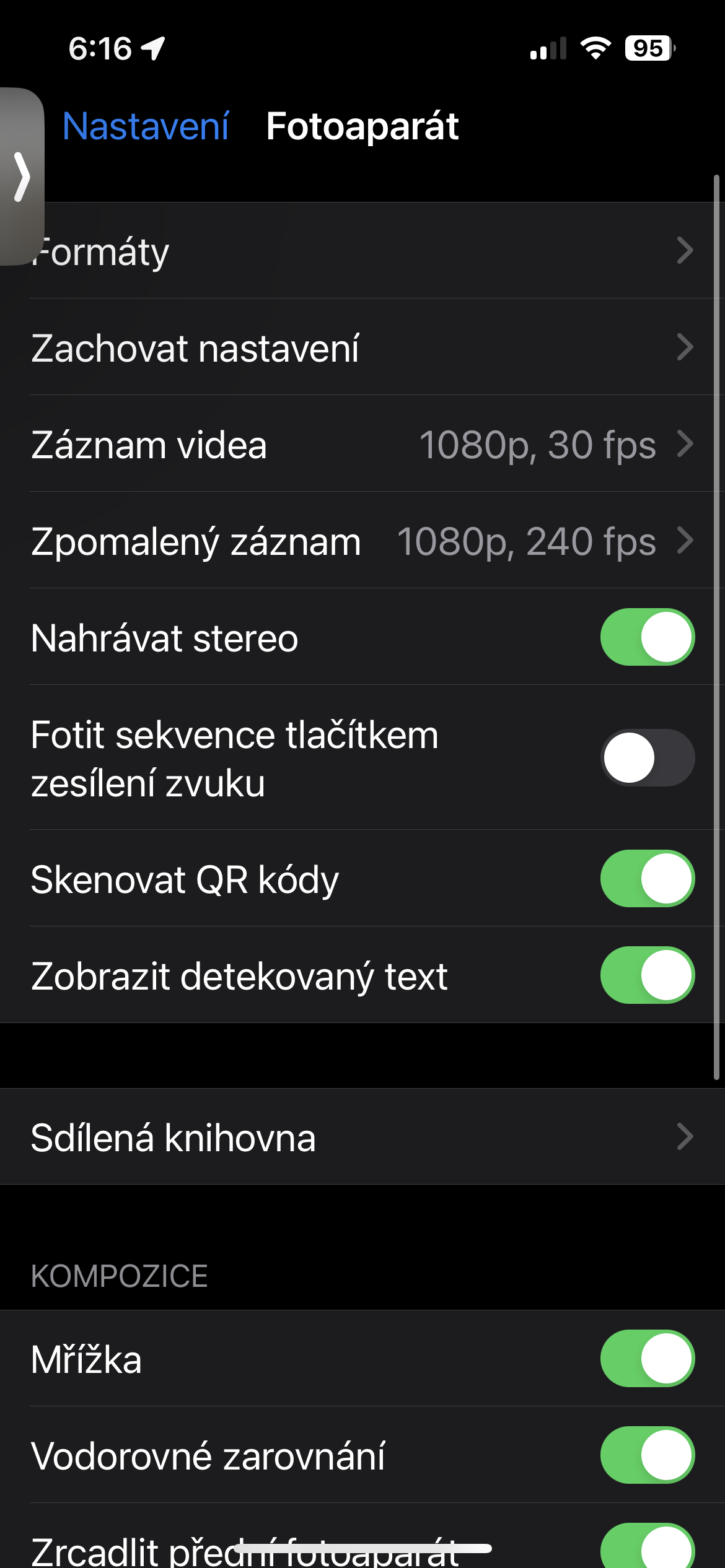
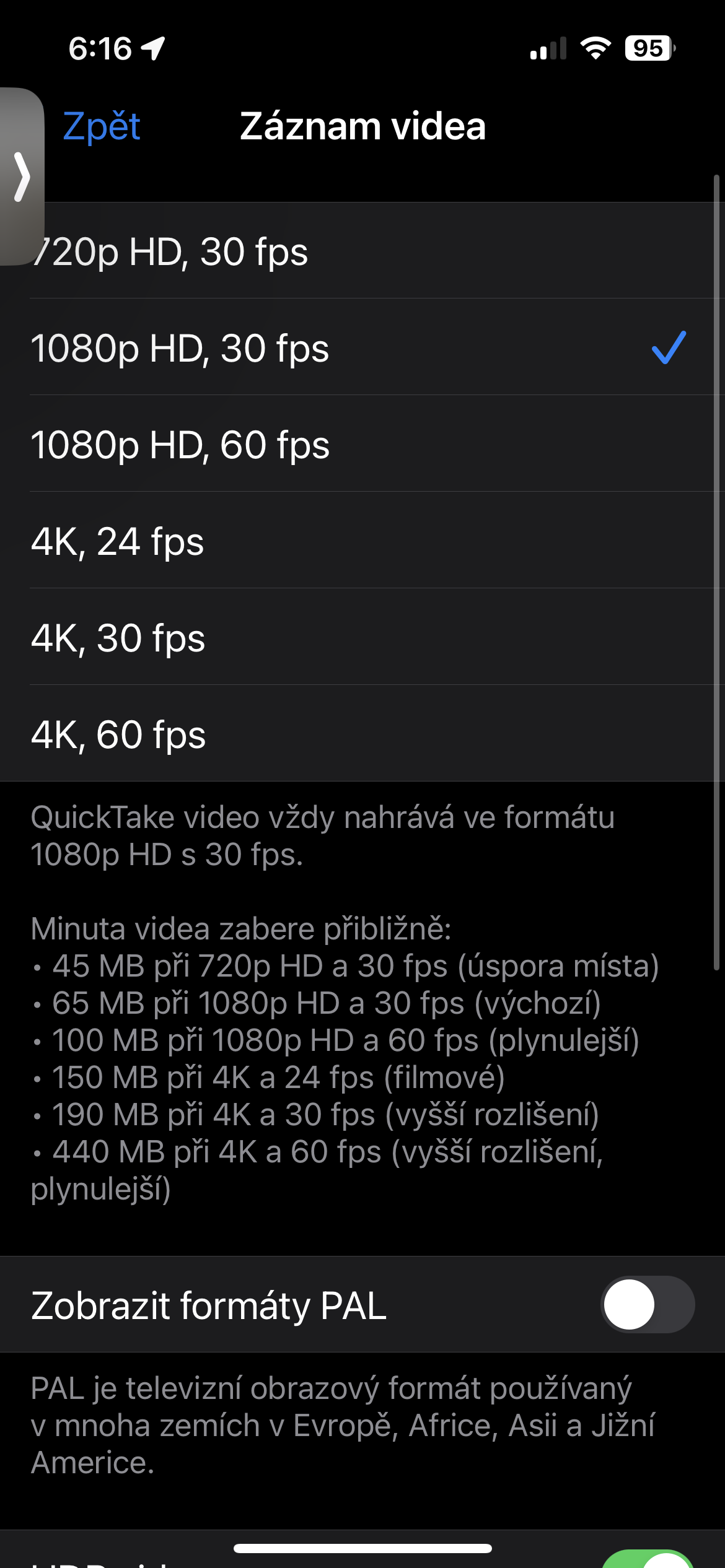

In this way, you can slightly increase the quality of videos shot in low light conditions. This only applies to standard video, not slow motion for example.