
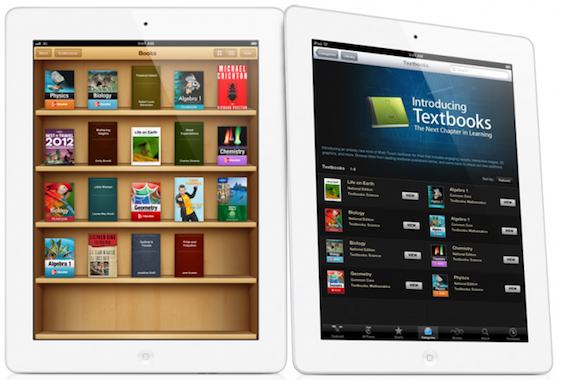
Company Apple makes various changes to many of its native applications over the years, and Apple Books (formerly alsoBooks) is no exception in this regard. Among other things, one of the updates disabled the nice animation of turning book pages. How do I get this animation back?
You might be interested in
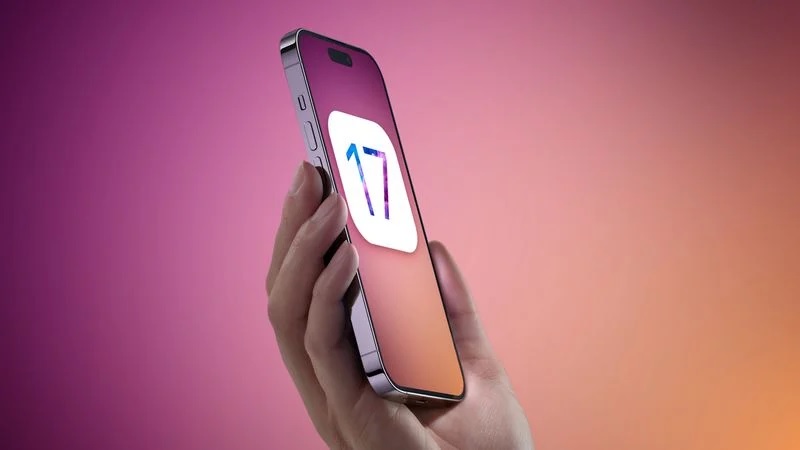
The page turning animation of e-books looked like this in older versions of the operating system iOS (and iPadOS) really realistically, and many users have come to love it. Of course, disabling it is not a tragedy, but if you want to return it, just follow the instructions below.
How to bring back page turning animation on iPhone and iPad Apple books
Since the release of operating system versions iOS 16.4 and iPadOS are offered by the company Apple solution that should work for everyone. First run on your iOS or iPadOS device native Apple Books and open the book you want to undo the mentioned animation.
- Open the desired title in Books.
- In the bottom right corner, tap small icon.
- Choose Themes and settings.
- Under the Themes and Settings heading, tap page icon with a bent corner.
- In the menu that appears, select Turn.
Gallery
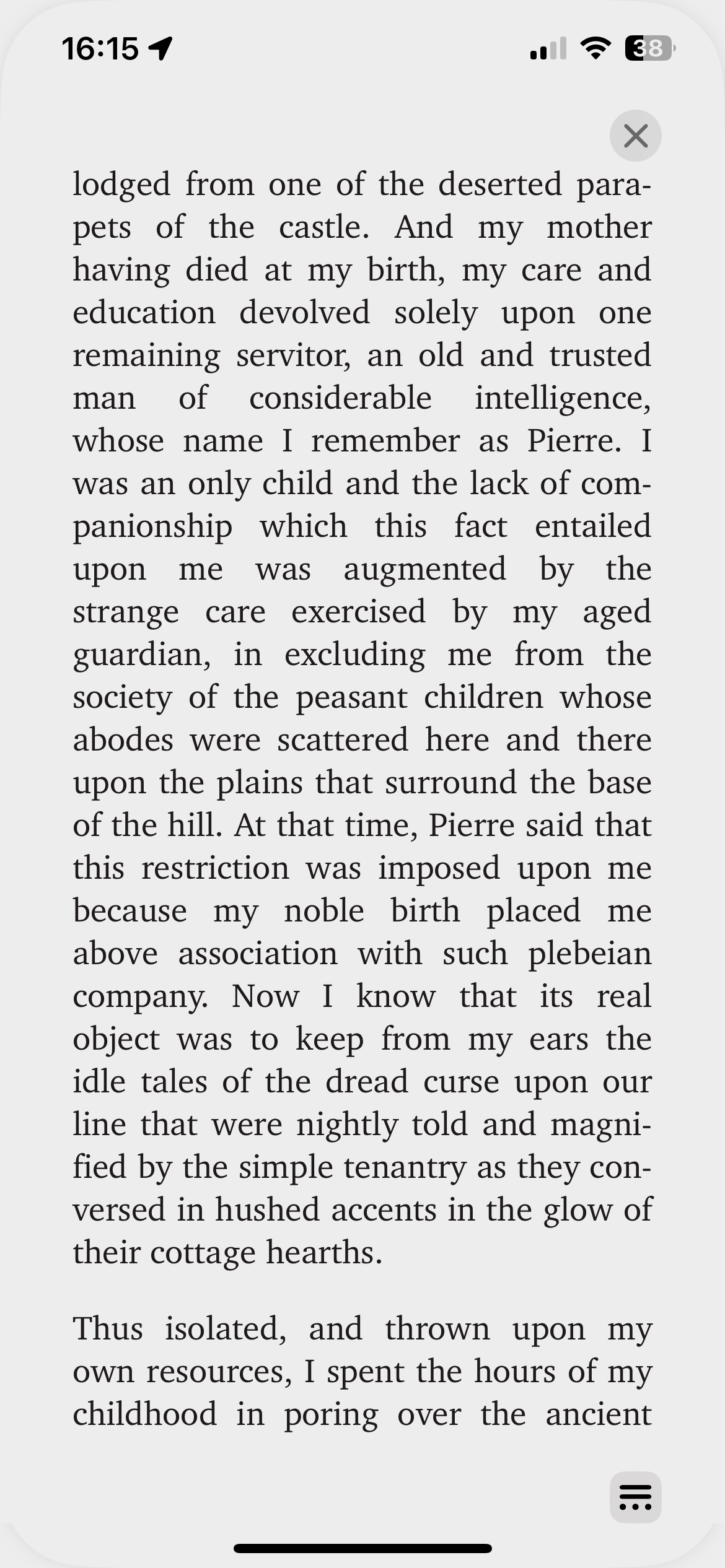
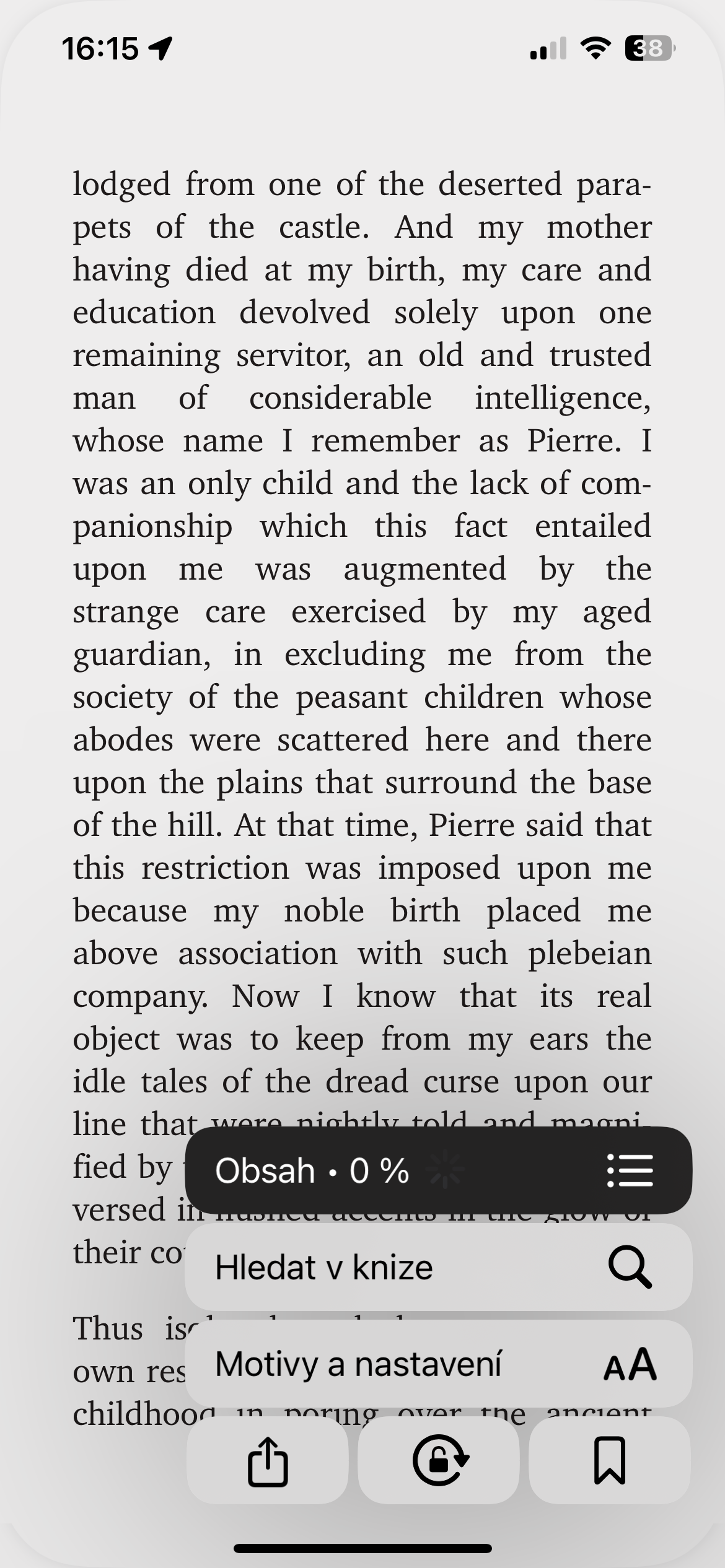
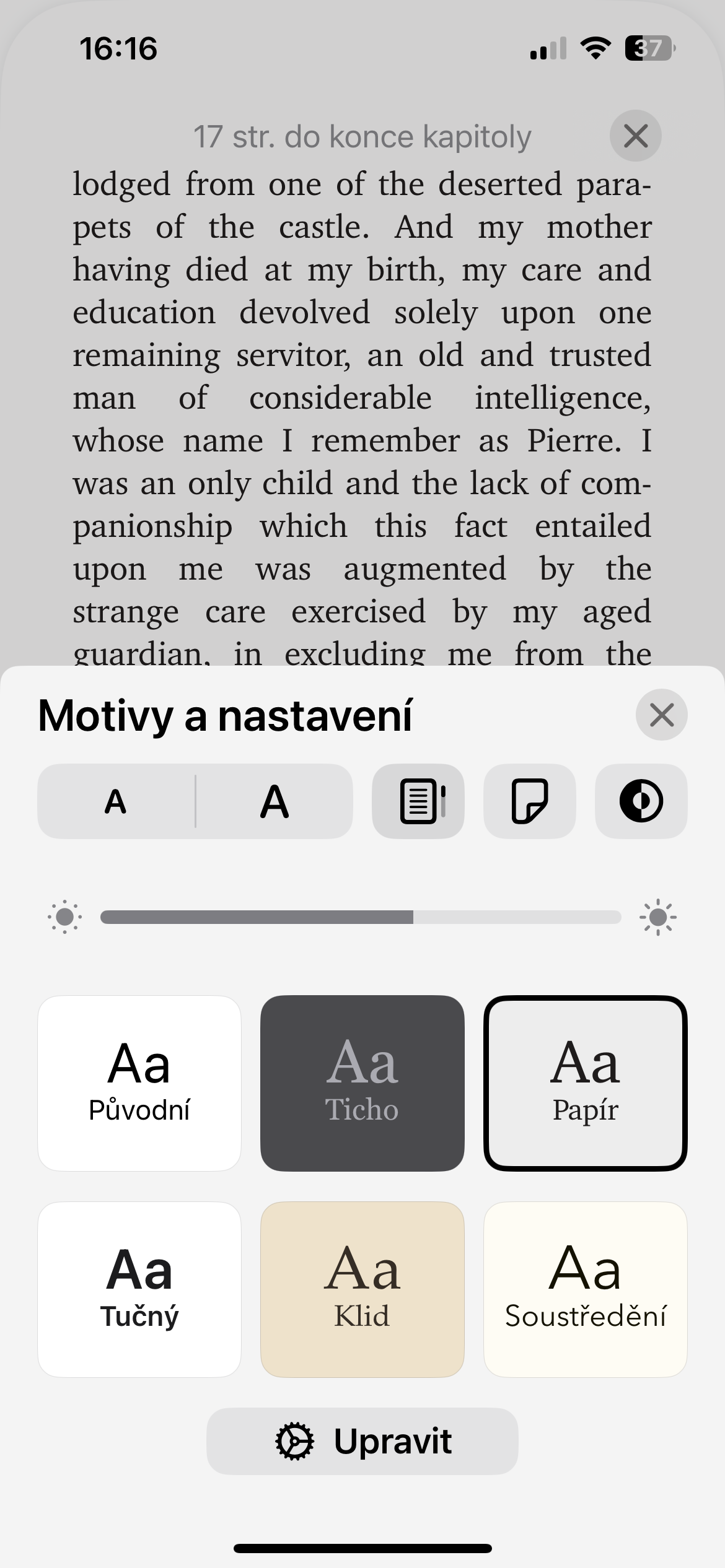
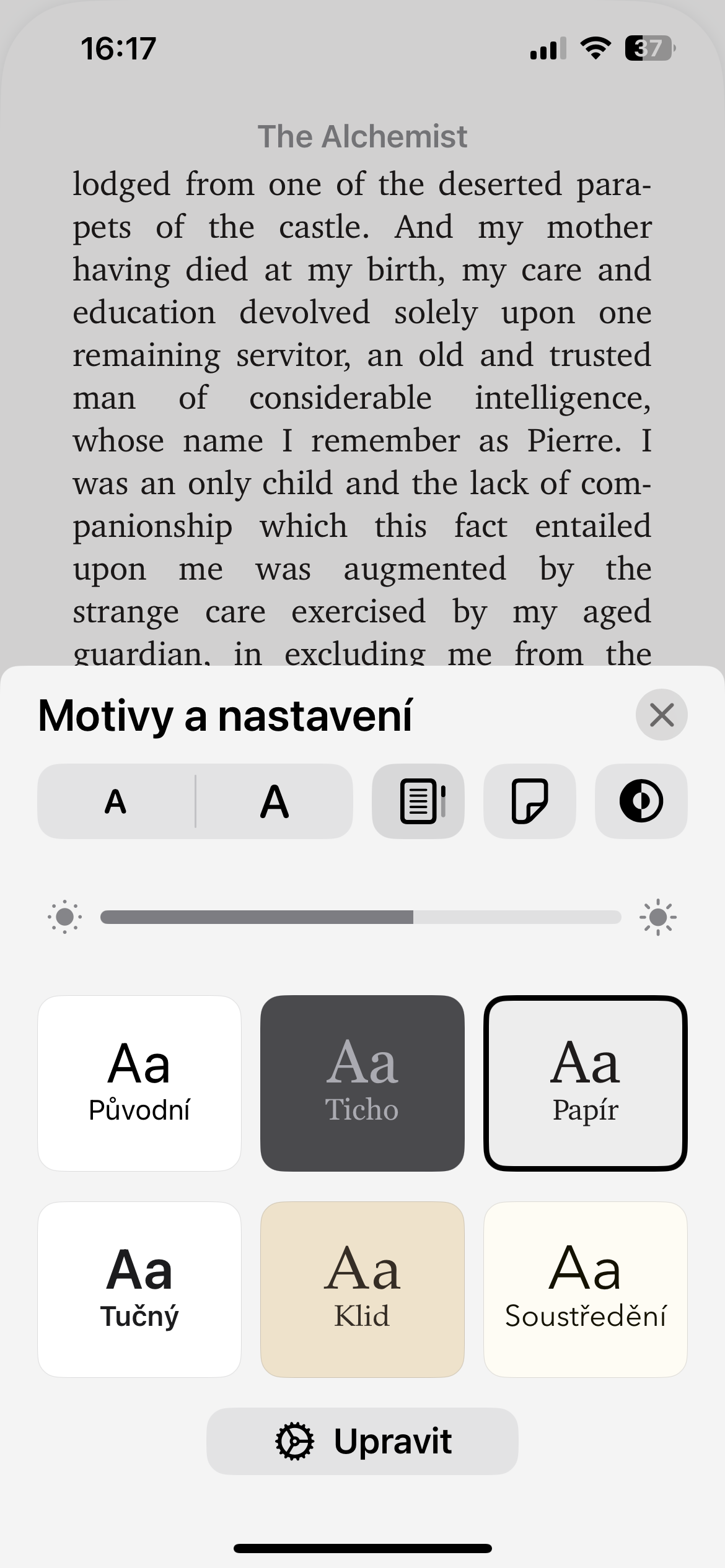
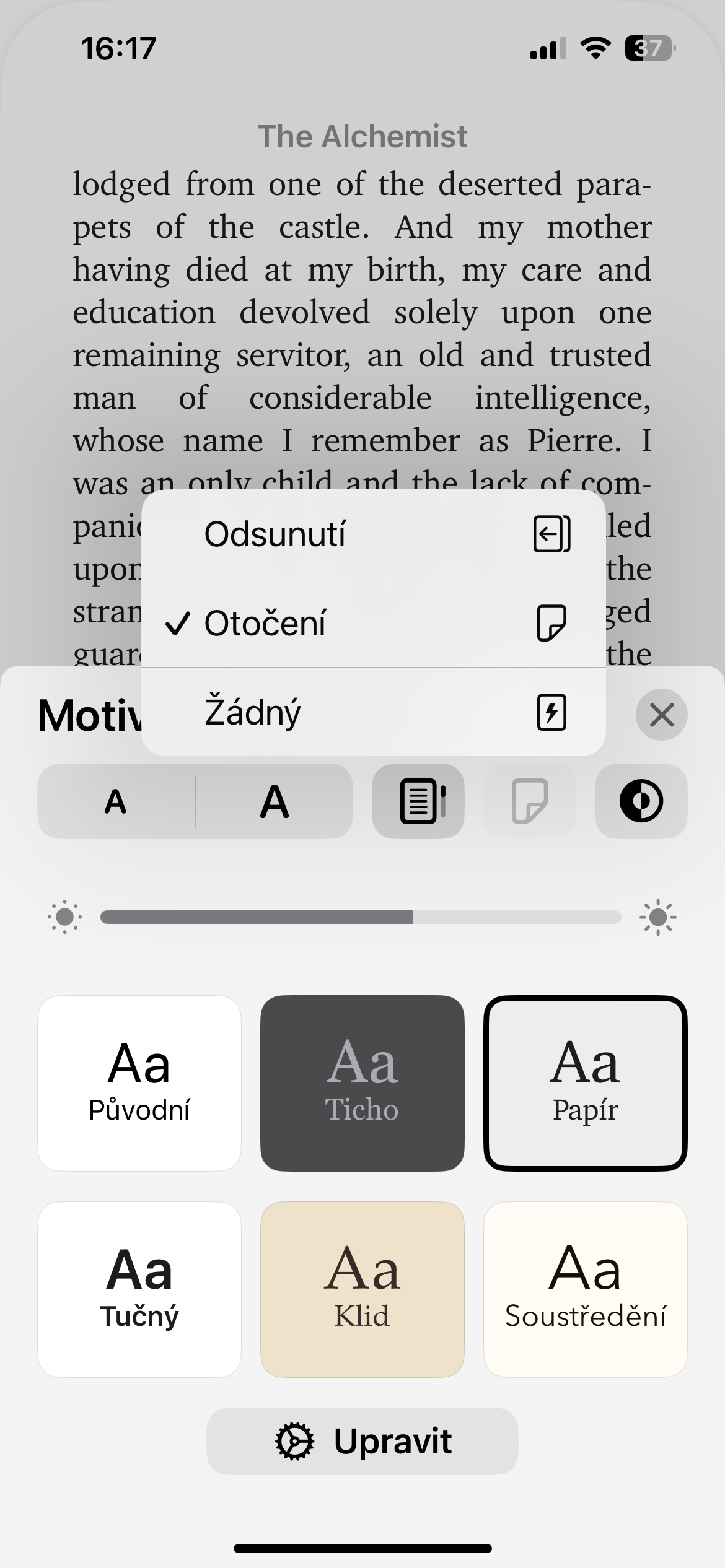
This is how you can revert the page turning animation of books in native Books on your iPhone or iPad. Other variaThe options available here are displacement or the complete absence of any effect.







Great, thanks.
Thank you I missed this but honestly, I wasn't even looking for this setting. But I'm glad it's there.