
What if I told you that there was a camera that no matter what angle you held it at, how much you moved it, or even how you rotated it on its own axis, you would always get perfect shots of the exact spot you wanted you want You'd probably think I'm crazy. What if I add that thanks to such a camera, you can change what you are filming at any time by 360 degrees in all axes, even after you have already shot the shot. And if they added that you will get the result in 5K and 30fps or in 40K and 60fps? Now stop imagining what such a camera might look like and come read a review of the Insta360, which can do all this and much more.
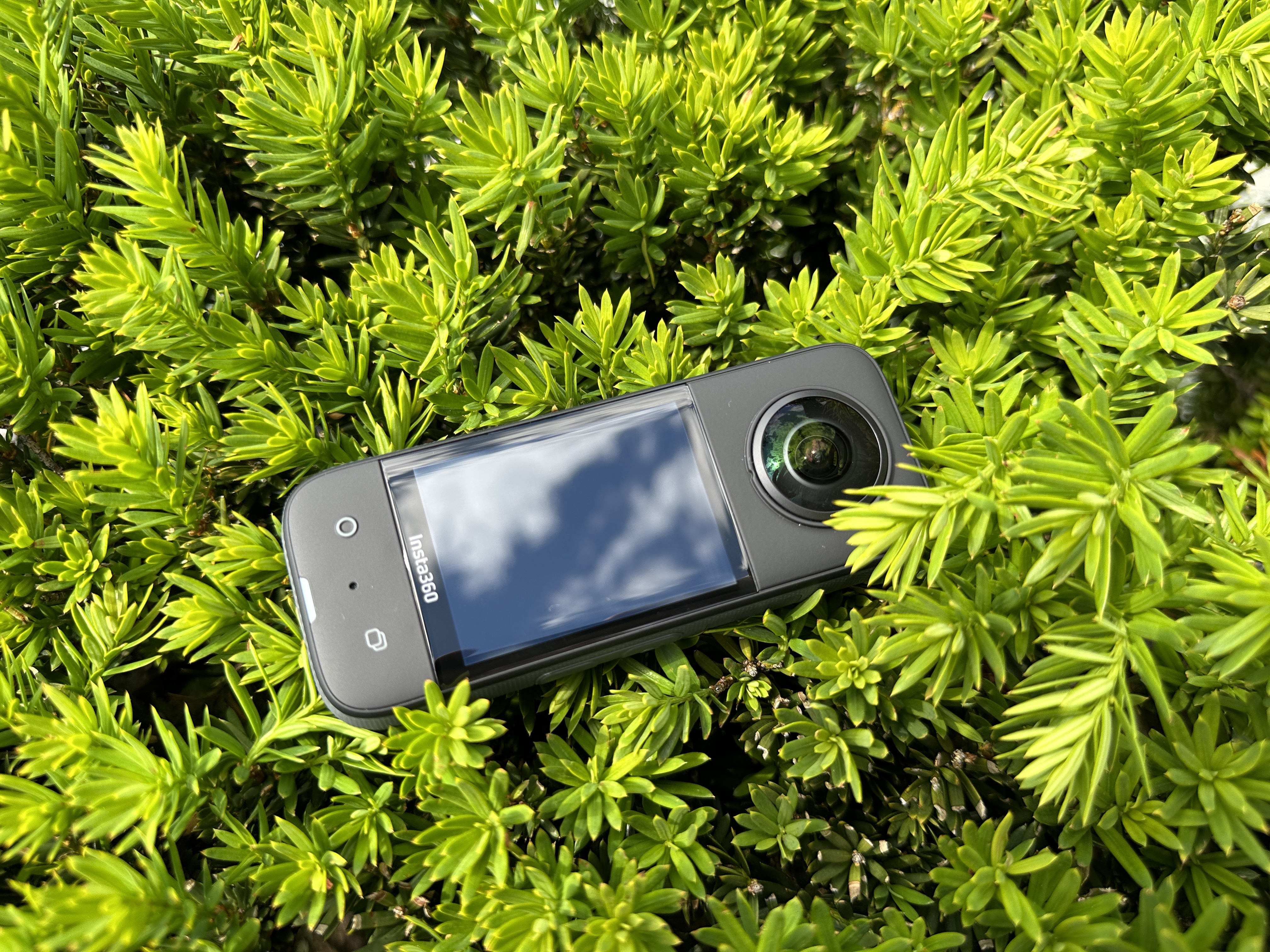
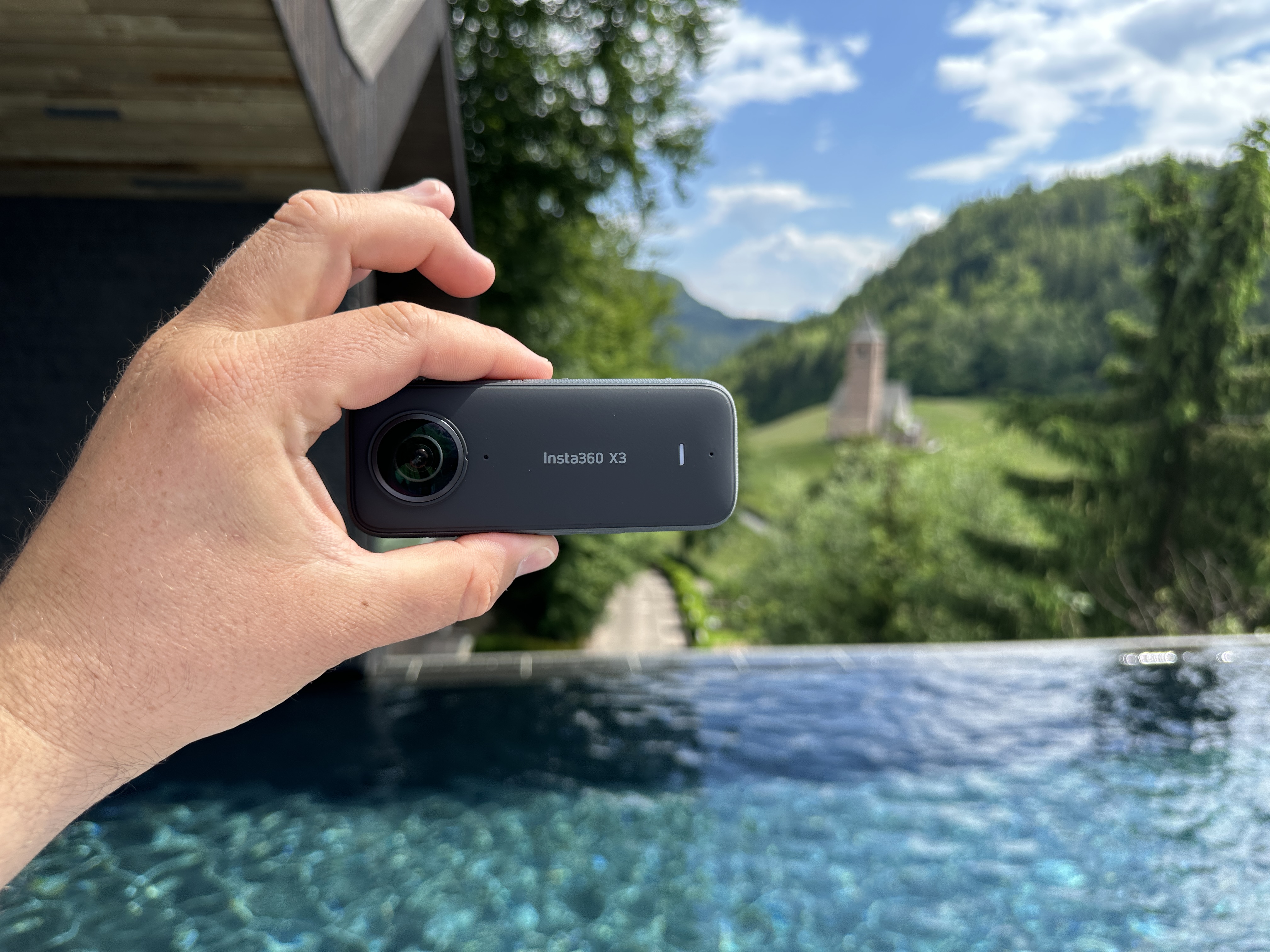
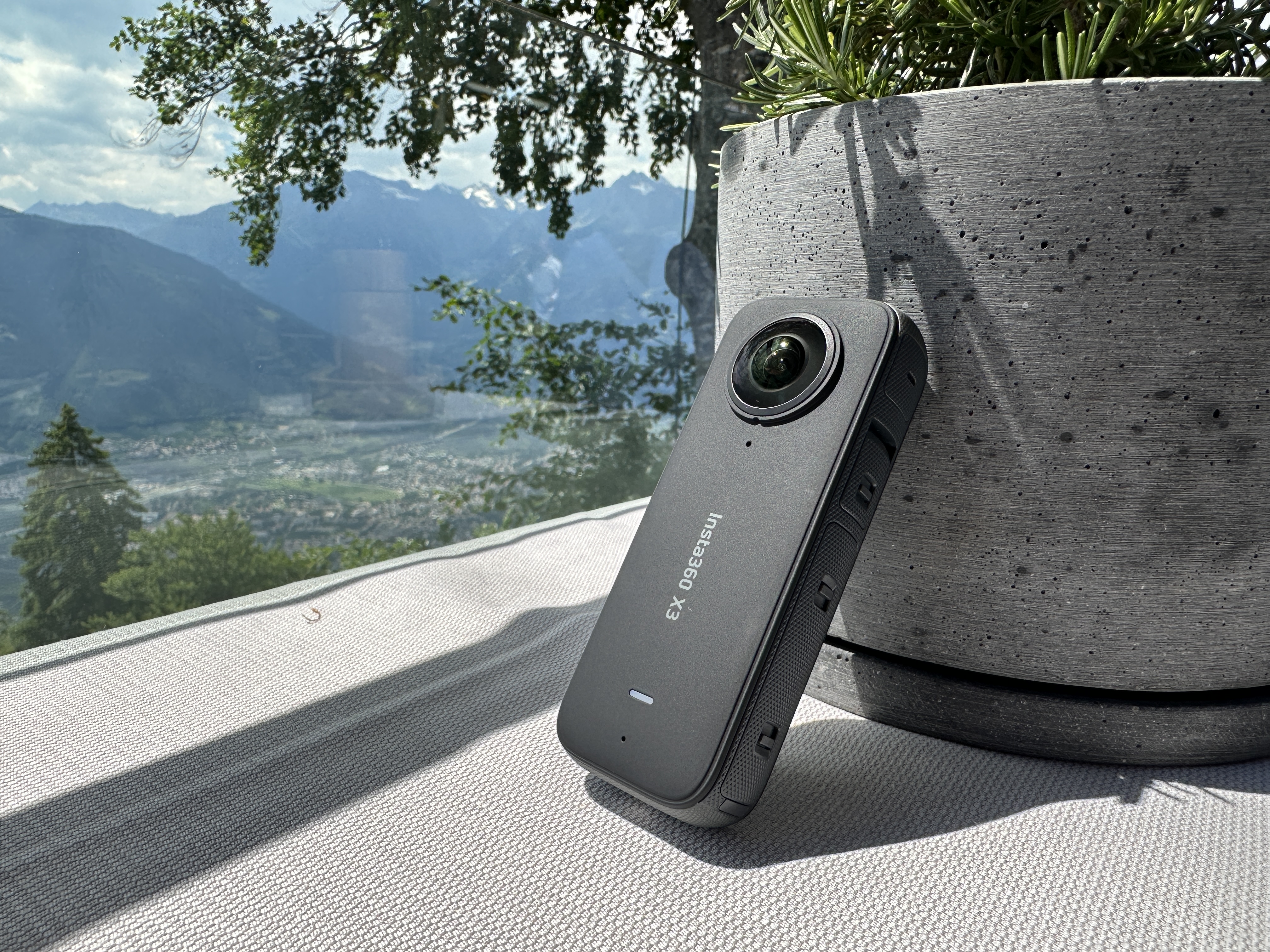
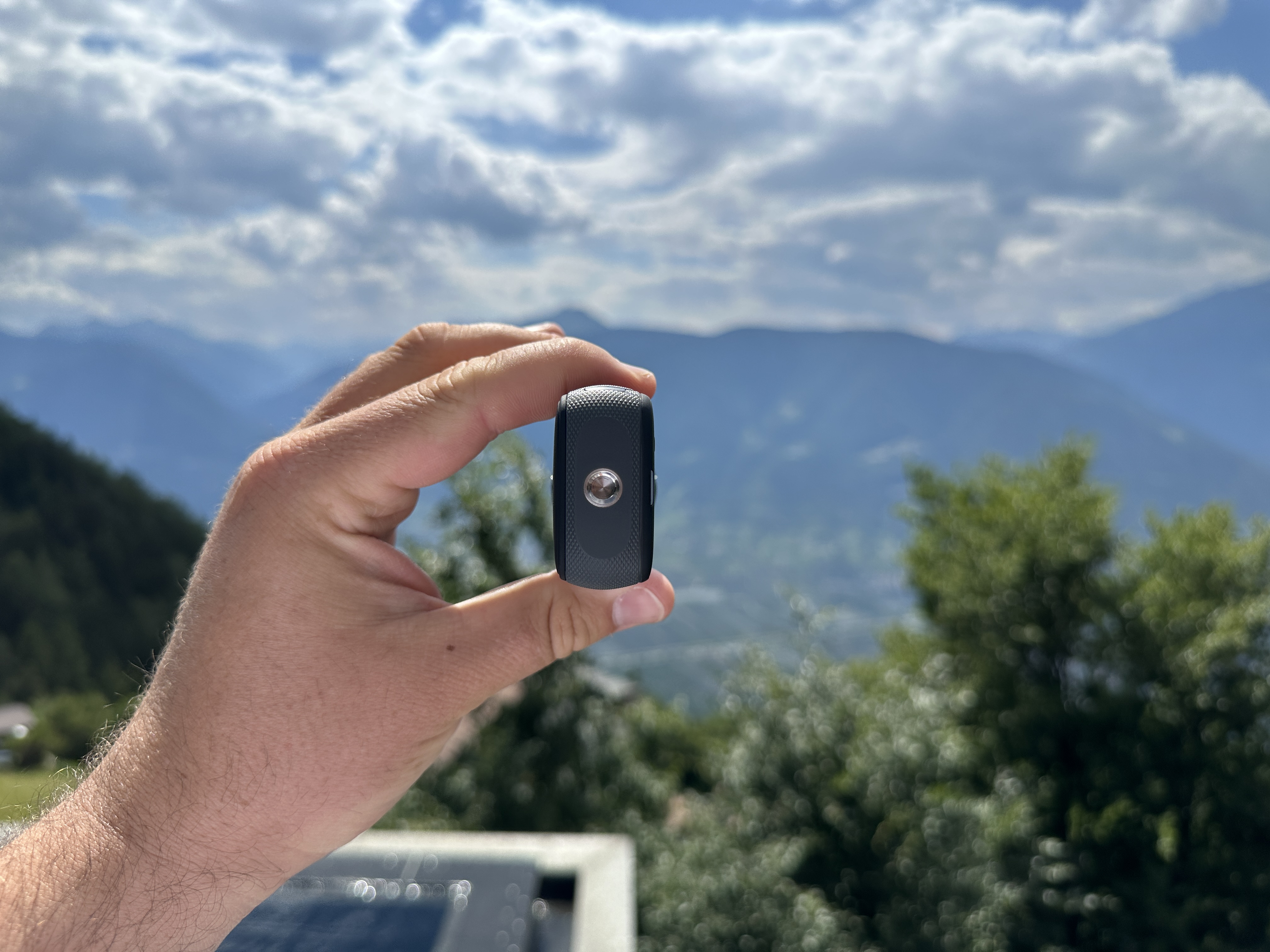
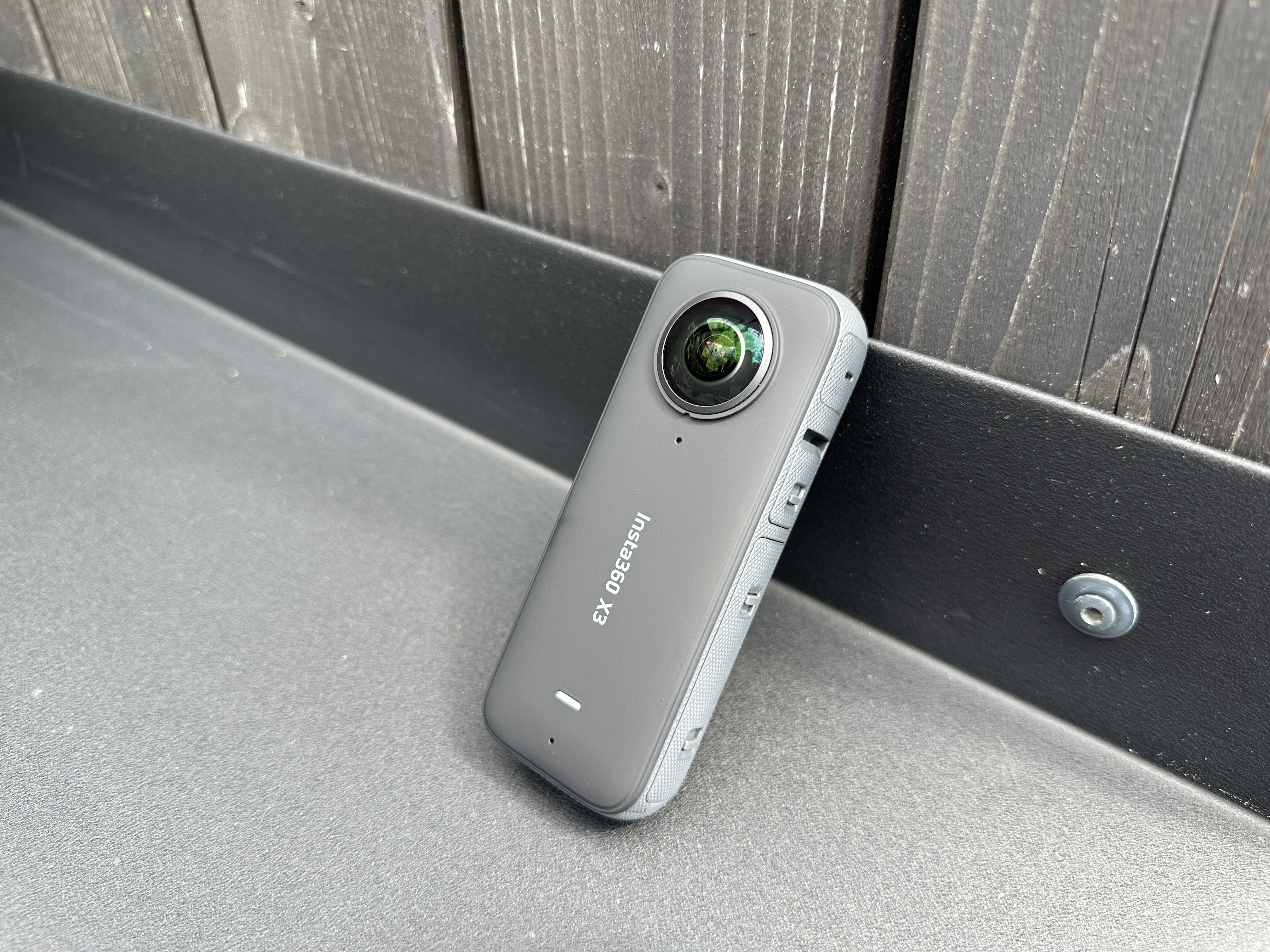
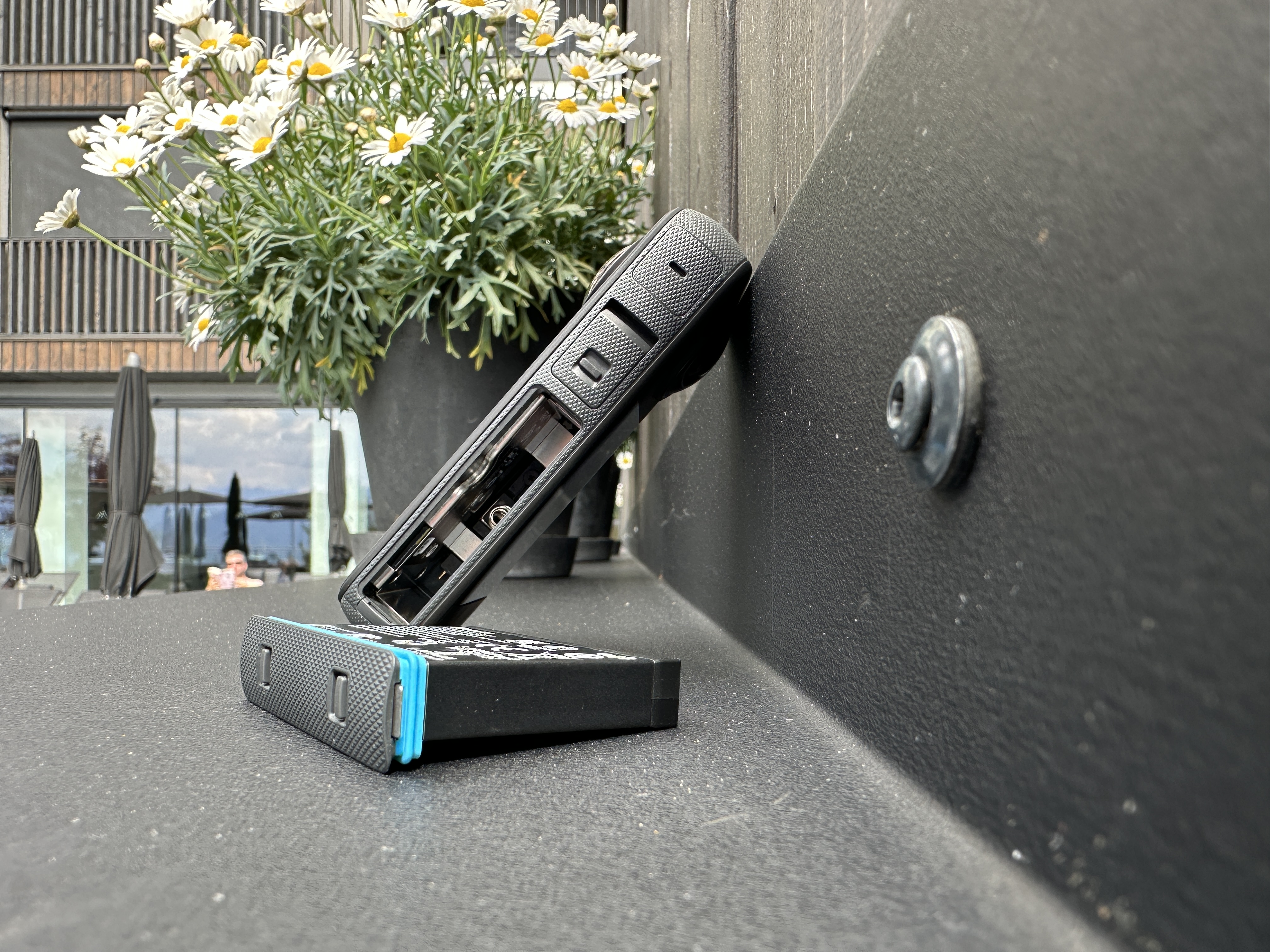
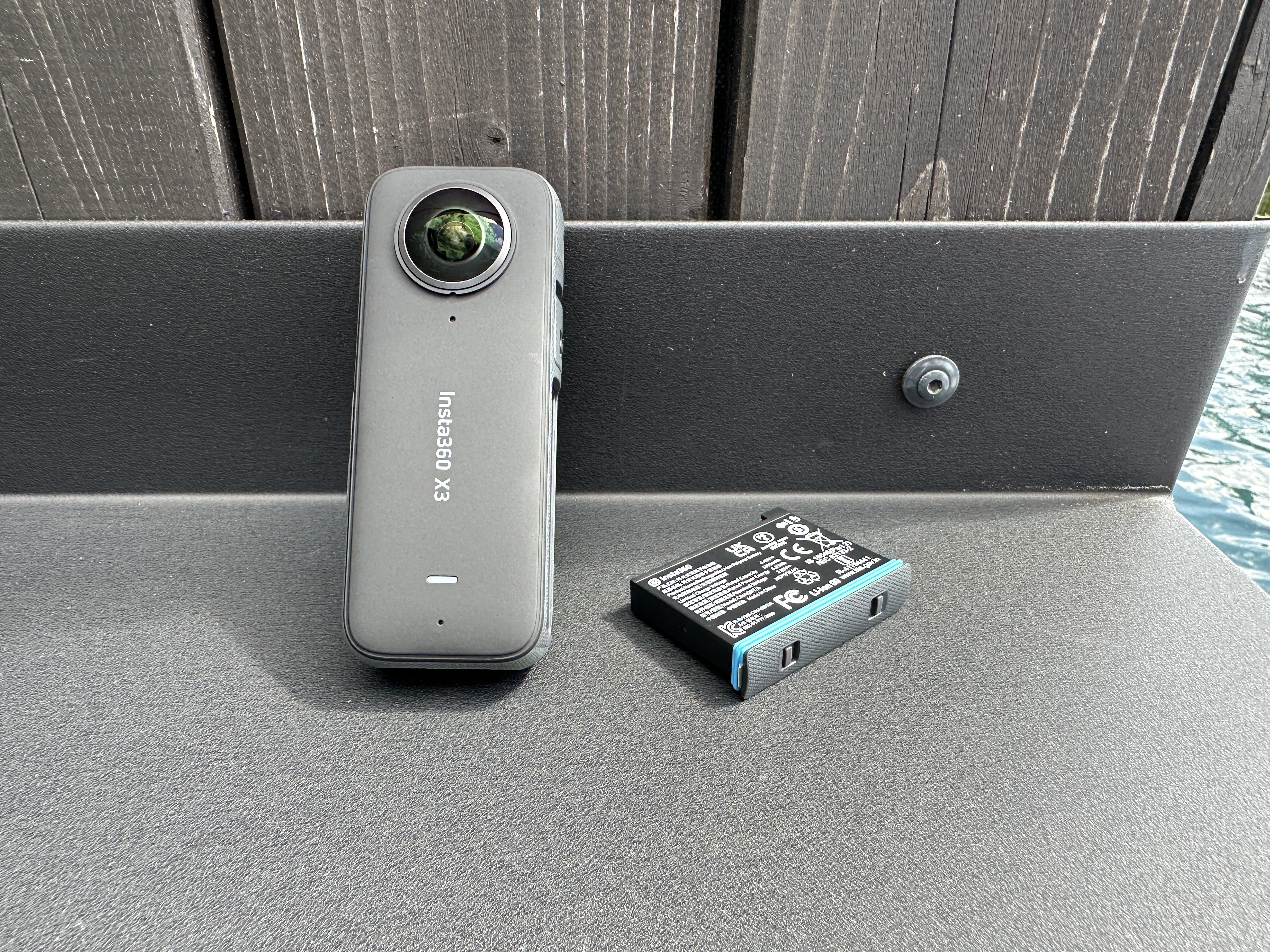
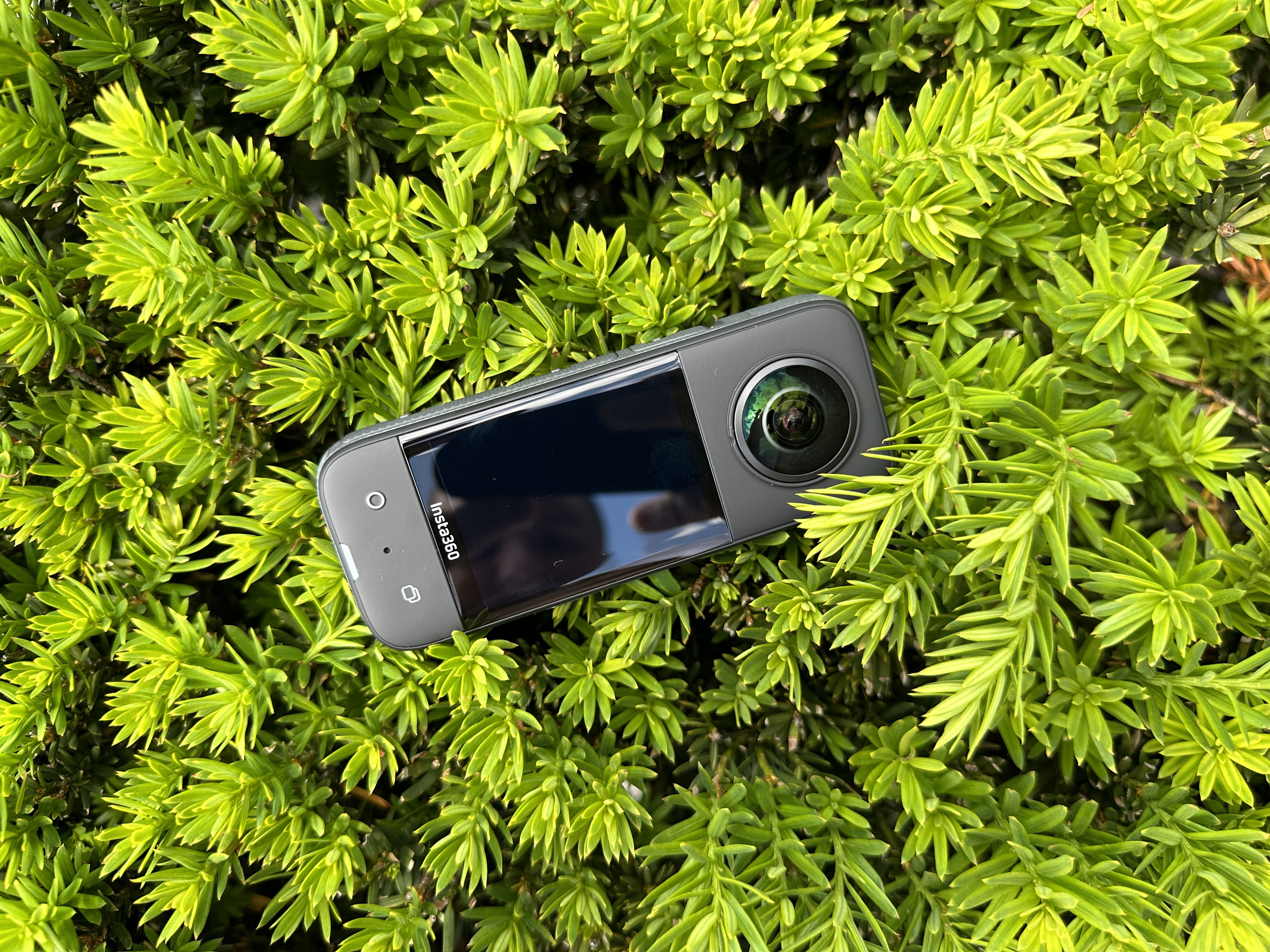
The camera itself is a relatively small toy, the size of which resembles, for example, the size of Magic Mouse. On the bottom side it has a classic tripod thread, in which you can place, for example, an invisible selfie stick or any regular tripod. On one side it has a pair of buttons and microphones, and on the other side you will find, in addition to one microphone, also a cover under which is USB-C port used for charging and connecting the camera to a computer. You will also find a larger cover under which there is a removable battery with a capacity of 1800 mAh. On the front side, although honestly, with a 360-degree camera it doesn't matter where the front and back are, you will find a status LED, a logo and also the first lens.
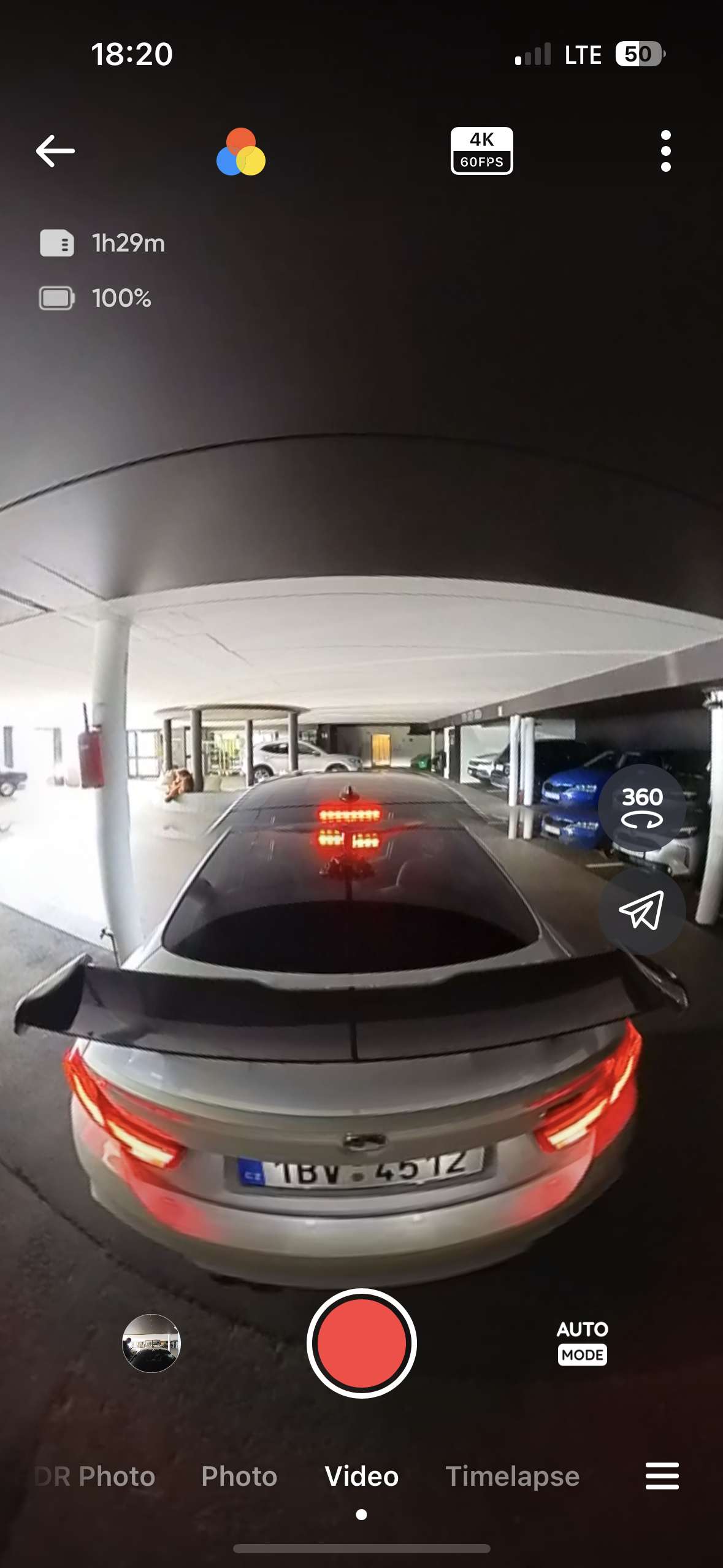
On the other side is the second lens and the display. Through it you can control all the camera settings and I must say that the software and the quality of the display are top-notch and everything works quickly and without any problems. The camera interface is intuitive and allows you to create your own modes for individual shots and much more. The overall processing of the camera is top-notch, the only thing to watch out for is the fact that you actually can't put the camera down without it touching the pad with one of the lenses. So it's better to keep it in the included case whenever you want to put it down.
Insta360 X3 technical specifications
Before we get into the actual shots that can be taken with the camera, I believe you will also be interested in its technical specifications, which I must say are really respectable, especially considering the price at which the Insta360 is sold. If we are talking about recording in 360 degrees, then it is possible to record video in 5,7K resolution at 30/25 or 24 frames per second. Of course, this is not very suitable for action sports or, for example, driving in a car or on a motorcycle, so most people will choose to record in 4K resolution, which can then be taken at 60/50/30/25 and 24 frames per second. If 3K resolution, i.e. 3008×1504 pixels, is enough for you, it is possible to record at 100 frames per second.
Gallery
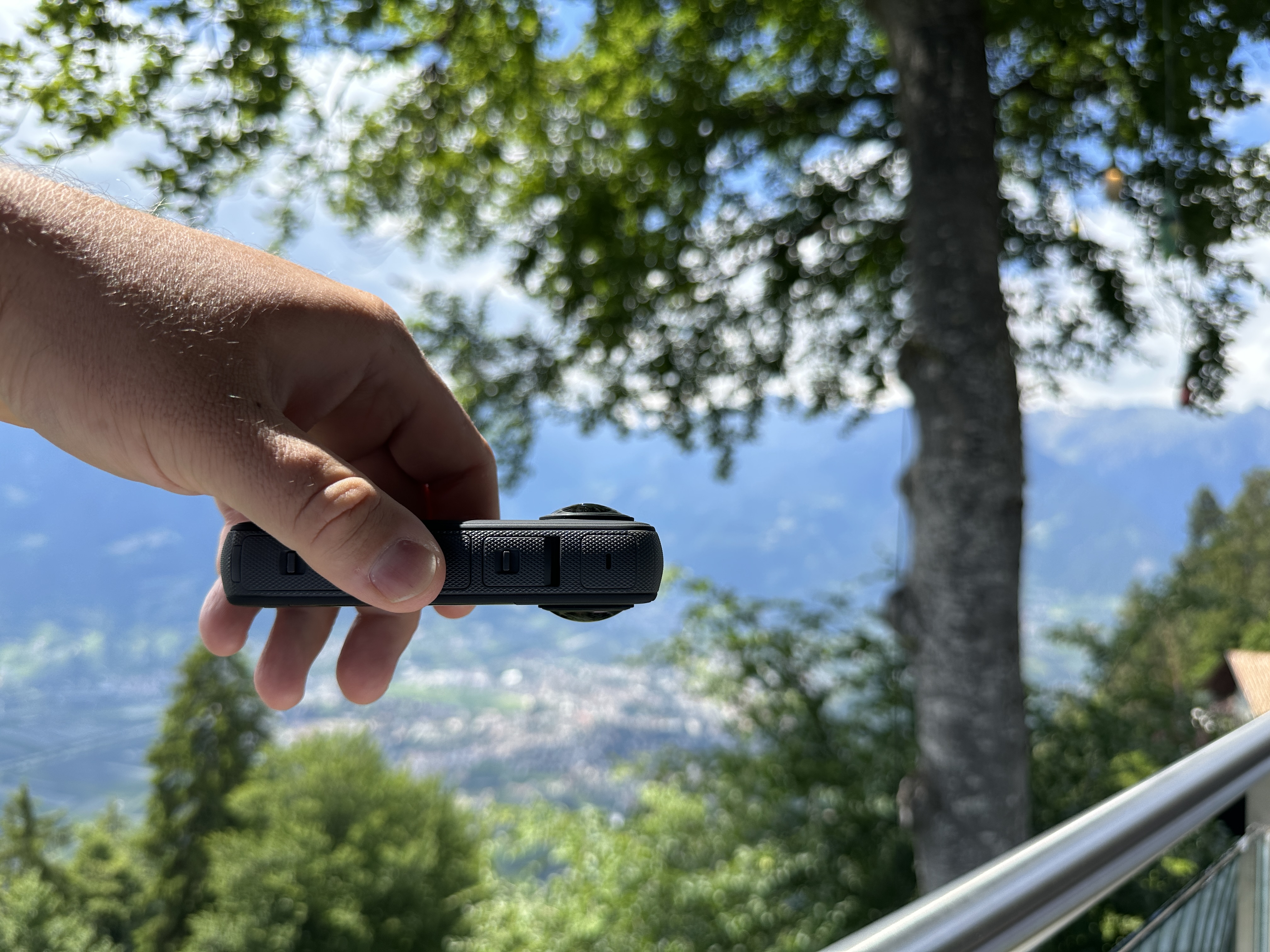
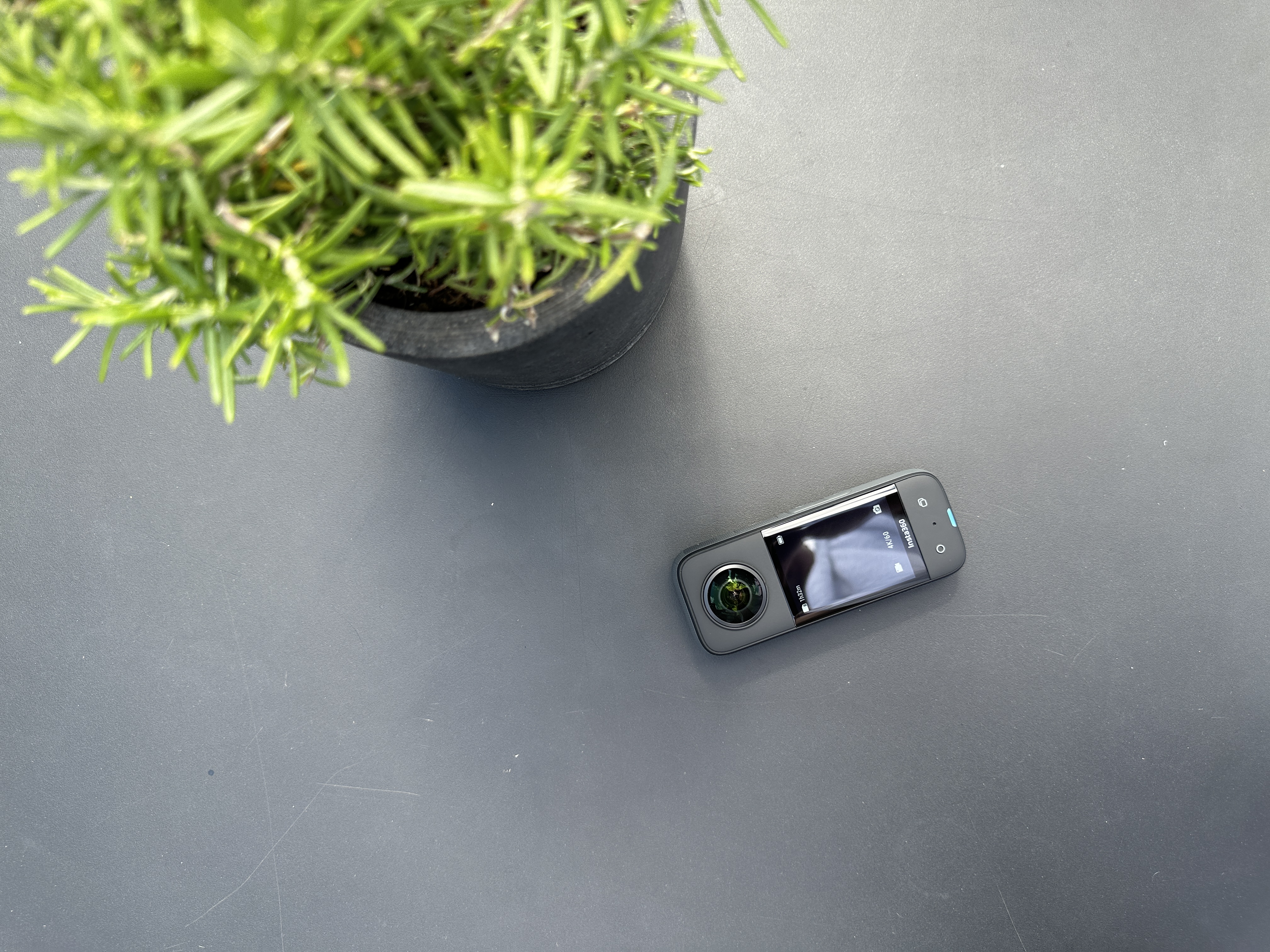
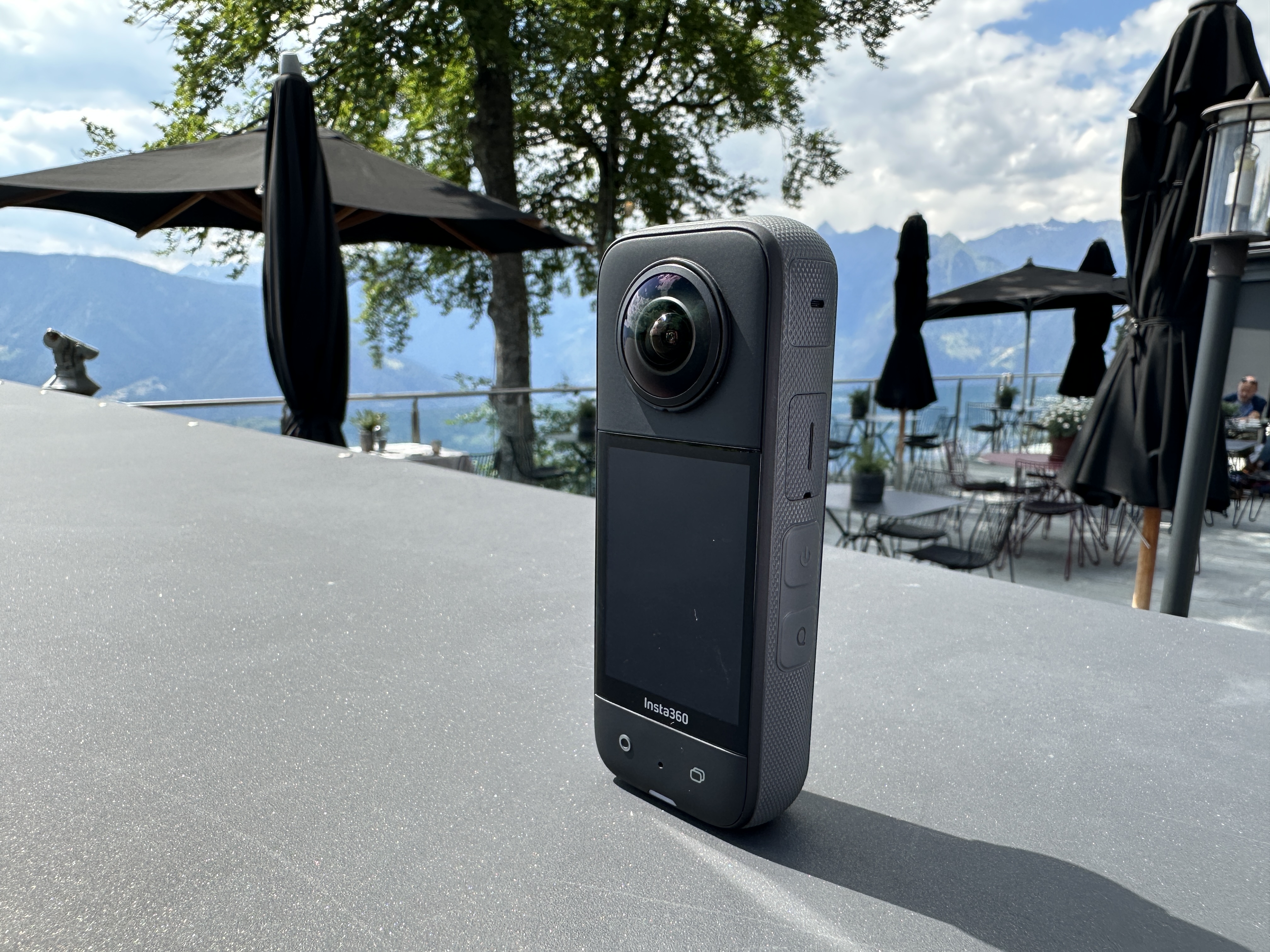
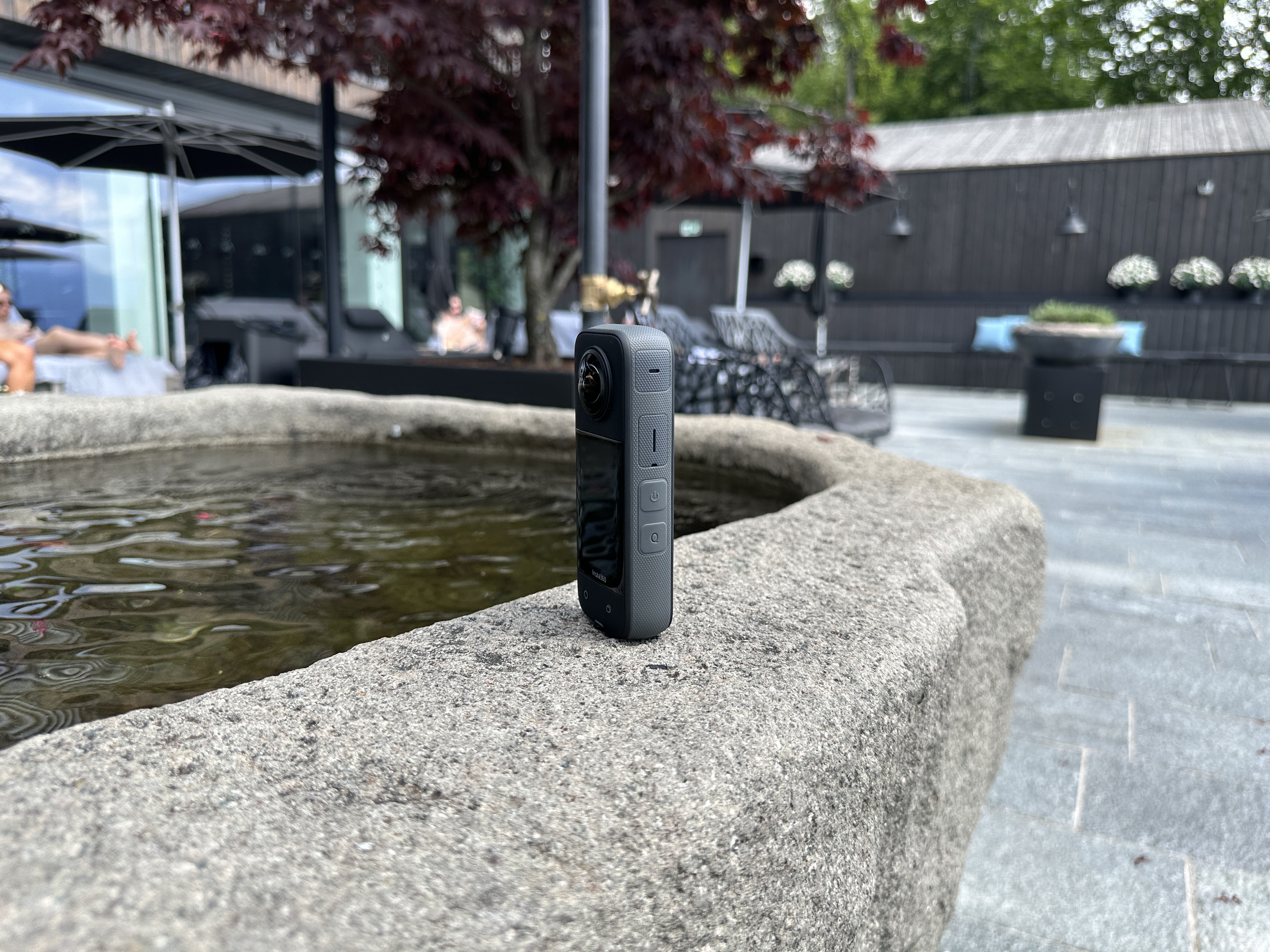
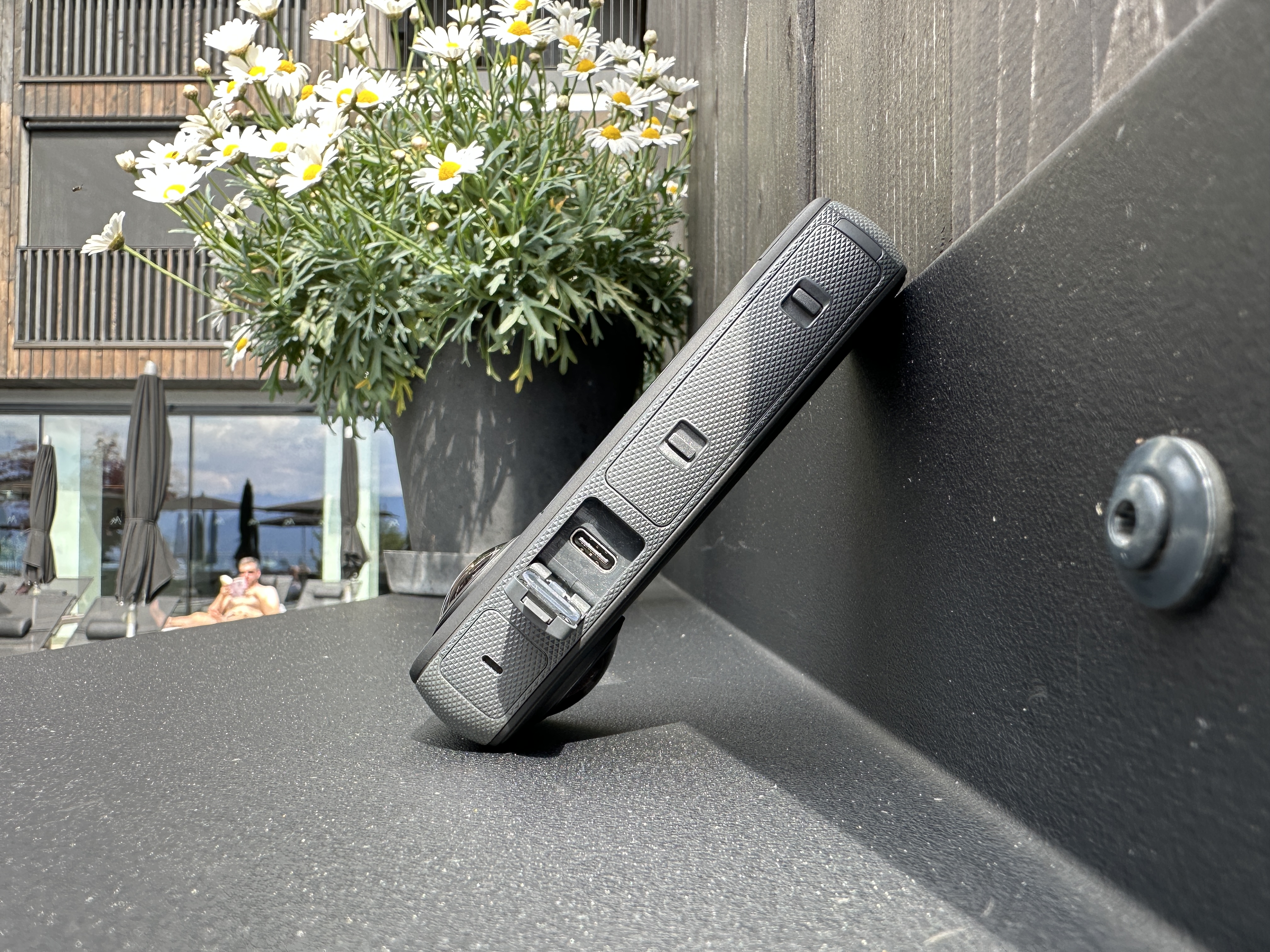
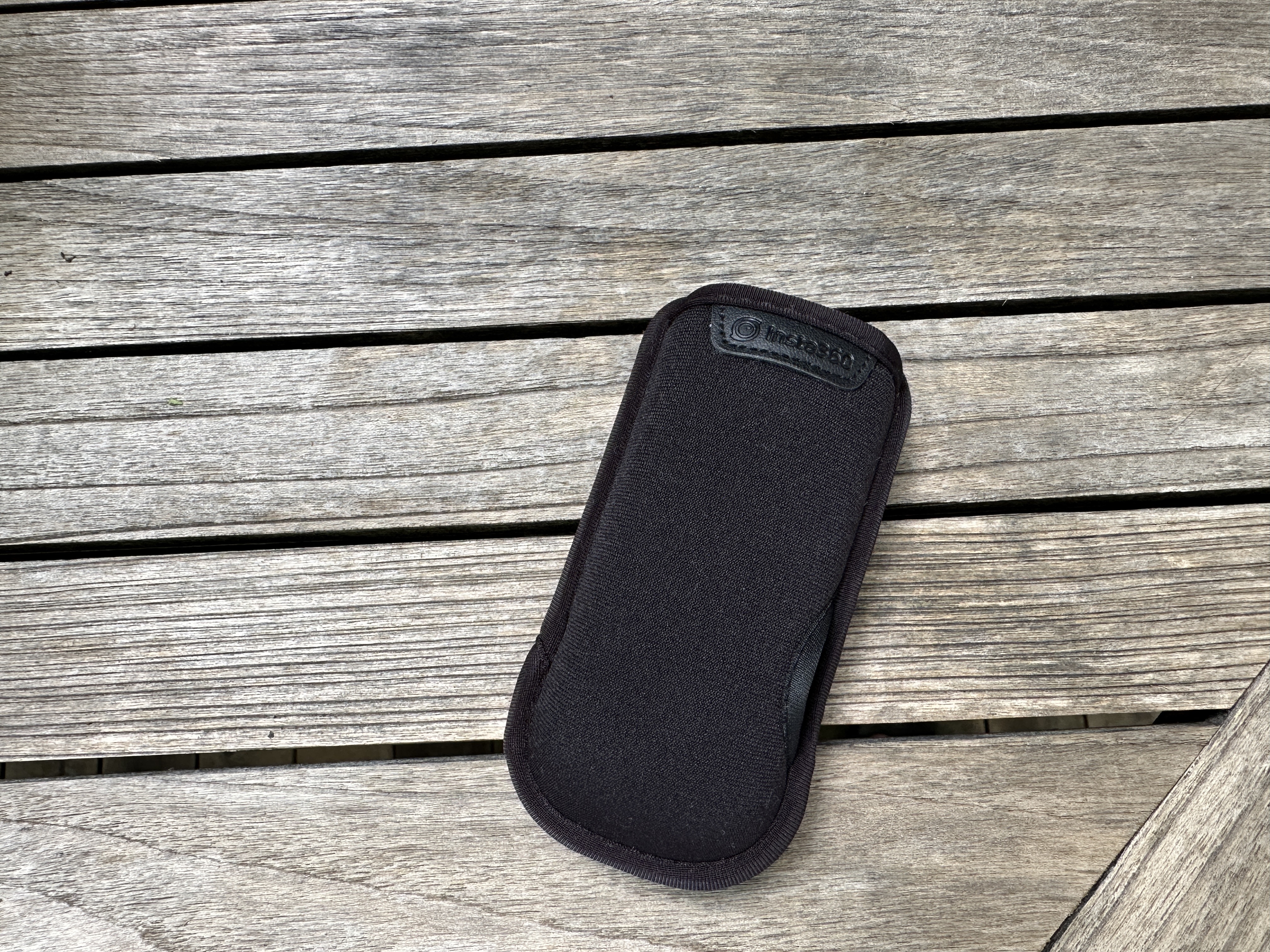
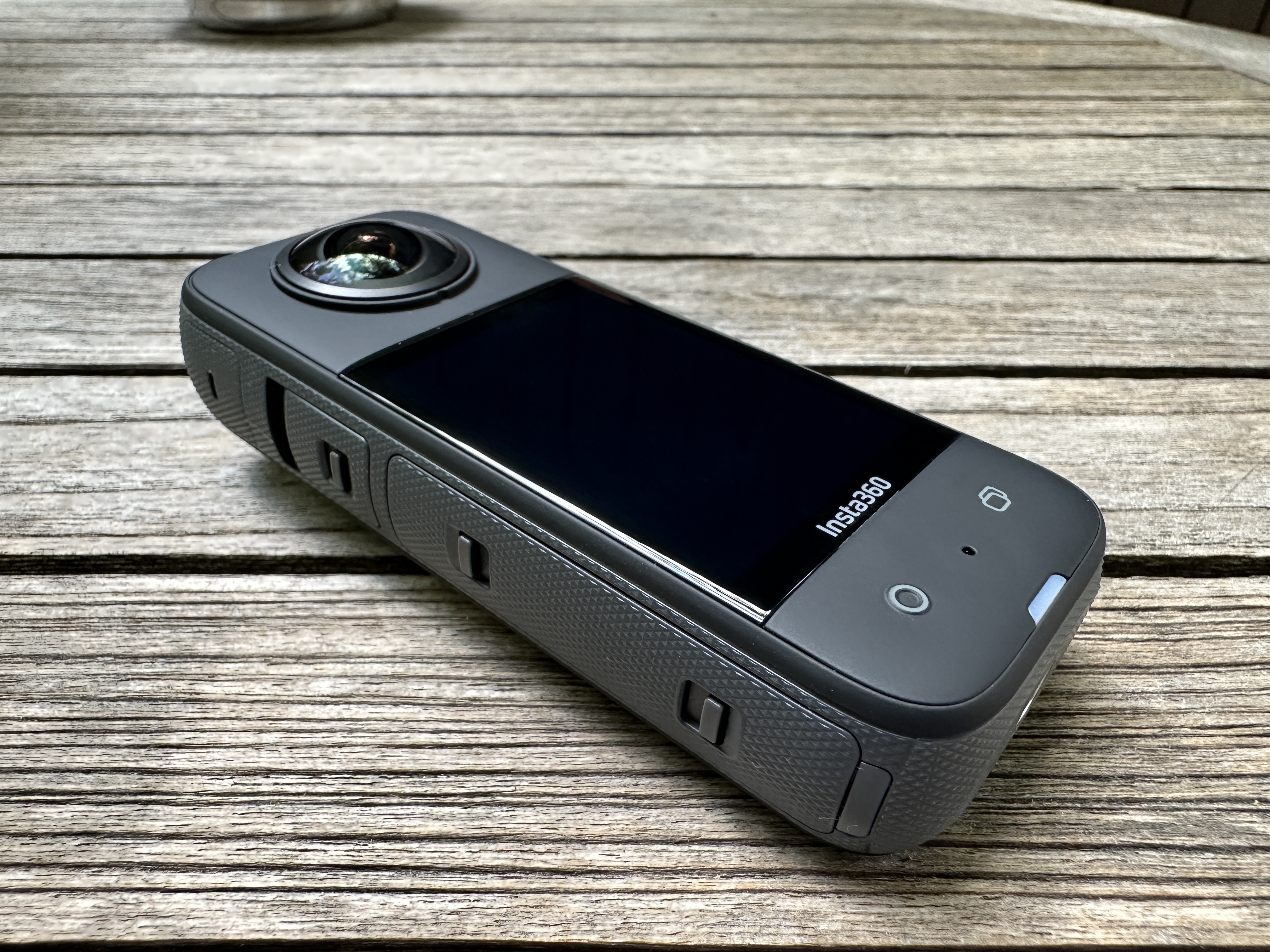
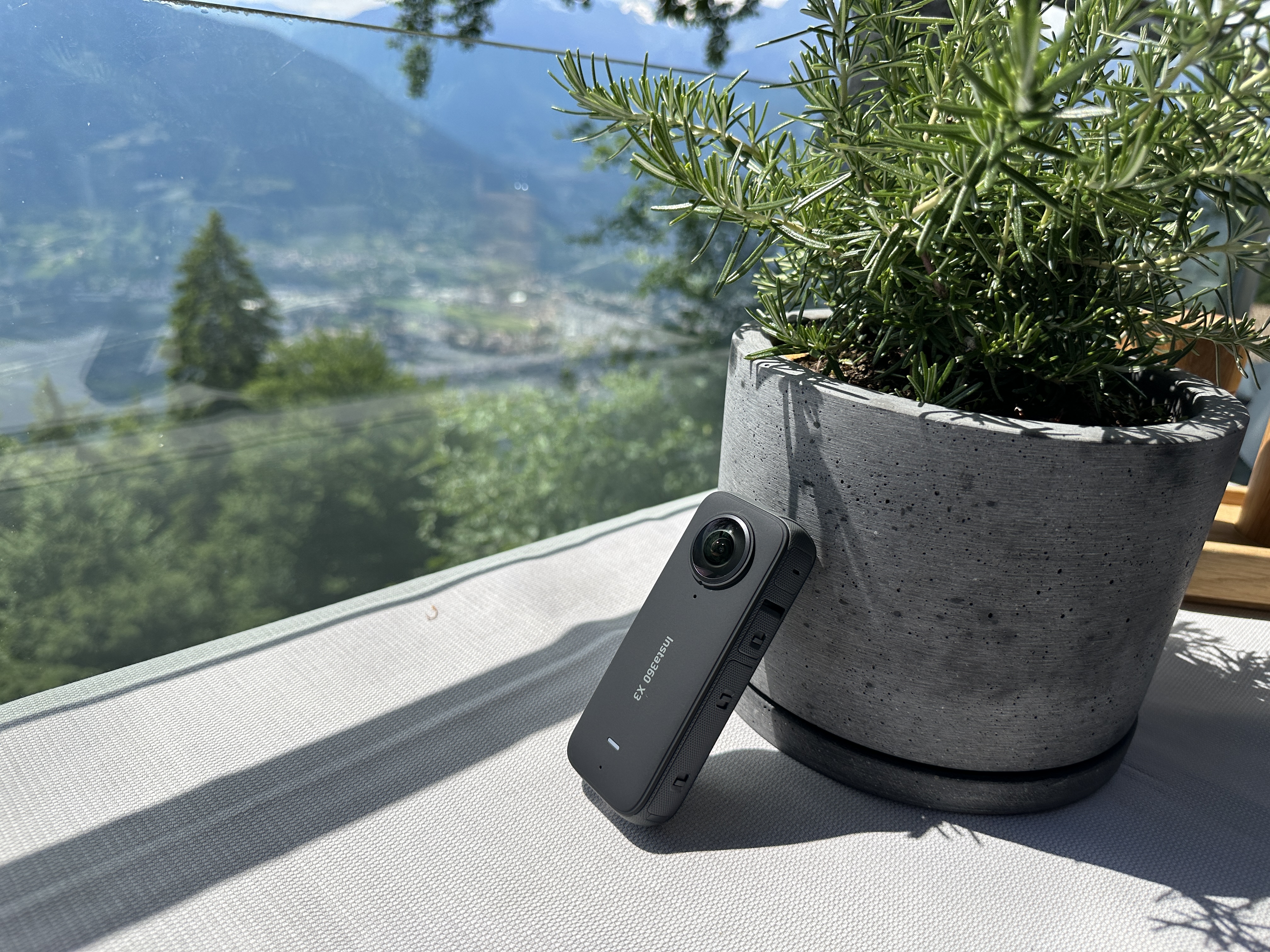
As for video recording when using a single lens, it is possible to record in 4K resolution, i.e. 3840×2160 at 30/25/24 frames per second or 3.6K, i.e. 3584×2016 at 60/50/30/25/24 frames per second, or 2.7K, i.e. 2720×1530, at 60/50/30/25/24 frames per second. MaxThe minimum frame rate, or fps, for the Insta360 is 100 frames per second. Frankly, however, recording in 4K and 60 frames is more than enough, which is perfectly sufficient quality even for action shots. If you shoot footage with one lens, the camera will save the recording in the classic MP4 format. If you decide to make 360-degree videos that you can work with further or upload as 360-degree videos to YouTube, for example, the INSV format is available.
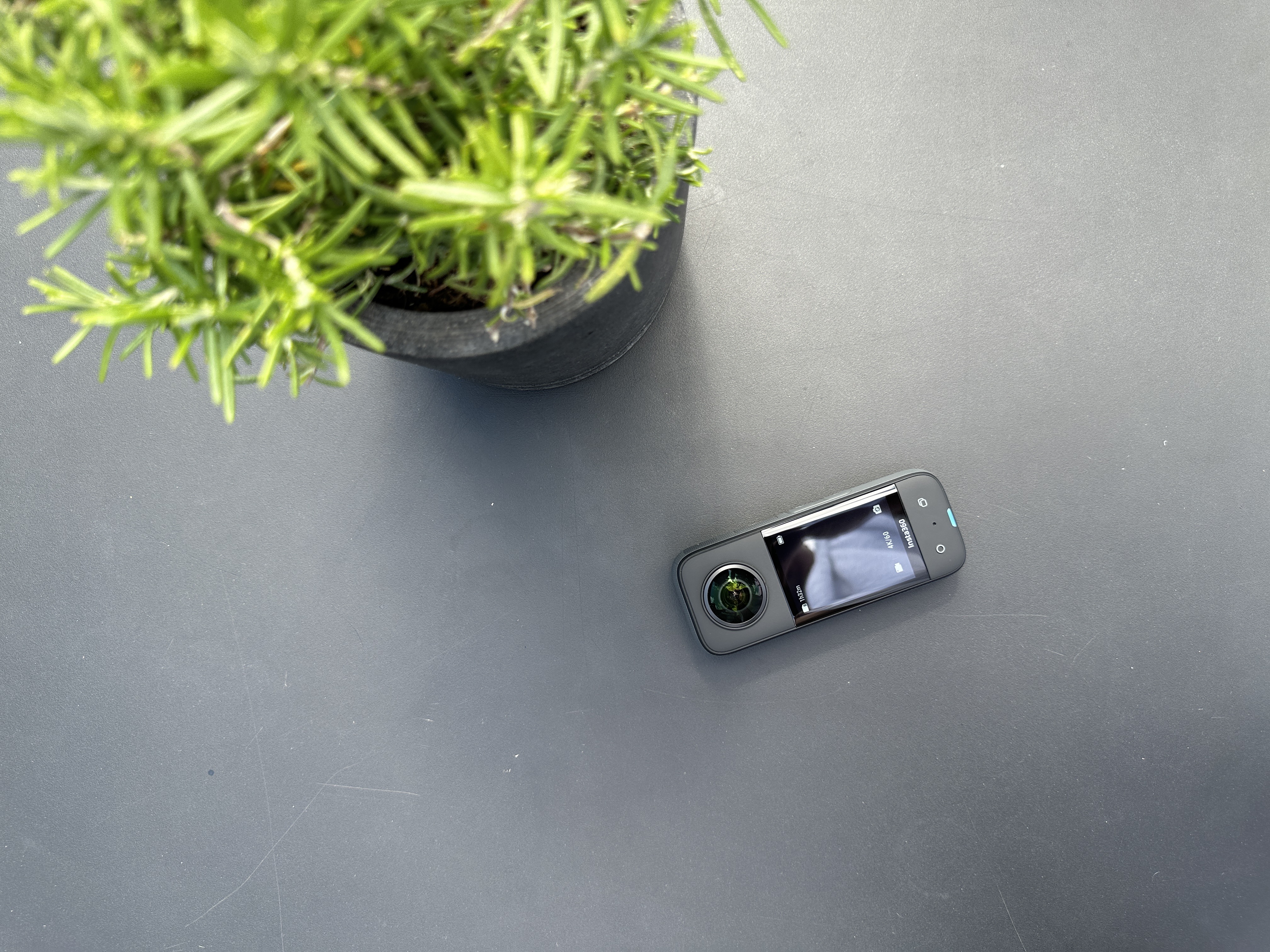
The camera is of course equipped with six lenses to allow for shooting at any angle.iosIt has a gyroscope and a digital compass, thanks to which it can always determine its position. MaxThe minimum video bitrate is 120Mbps and so that you can record as much footage as you need, there is of course a slot supporting up to 1TB microSD cards. Just as you can shoot 360-degree videos, you can also take 360-degree photos. There is also the option to take classic photos in DNG or JPEG. As for battery life, the camera can exceed an hour of battery life when fully used, i.e. when recording in 360 degrees. If you record with only one lens, for example, the battery life is about 80 minutes. Charging takes 90 minutes and is done via USB-C. However, the camera has replaceable batteries, so you can buy several and charge them using the charging station. Insta360 weighs 180 grams and you can connect it to your phone via Bluetooth 5.0 or Wi-Fi.
What is the magic of the Insta360 X3?
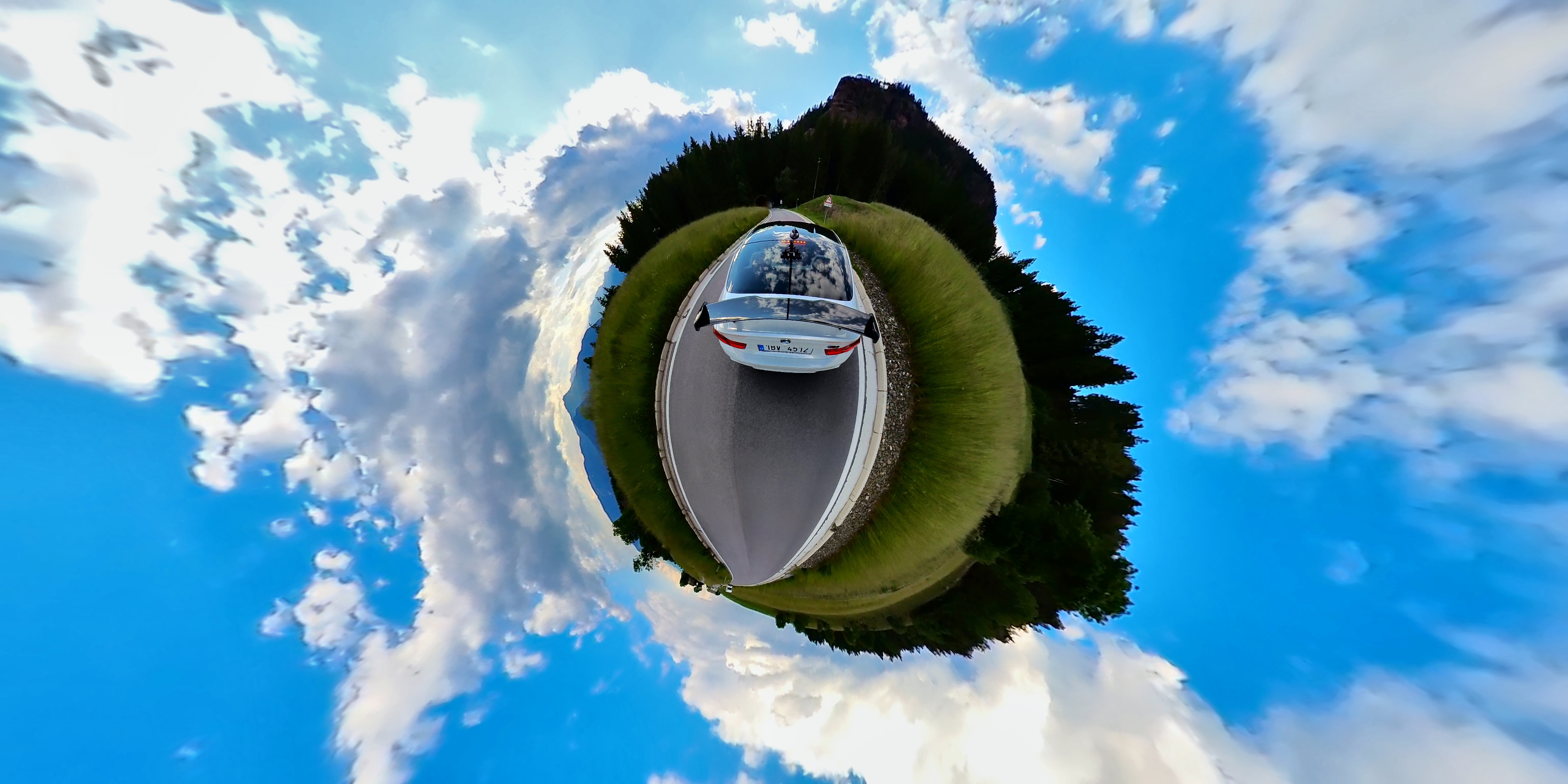
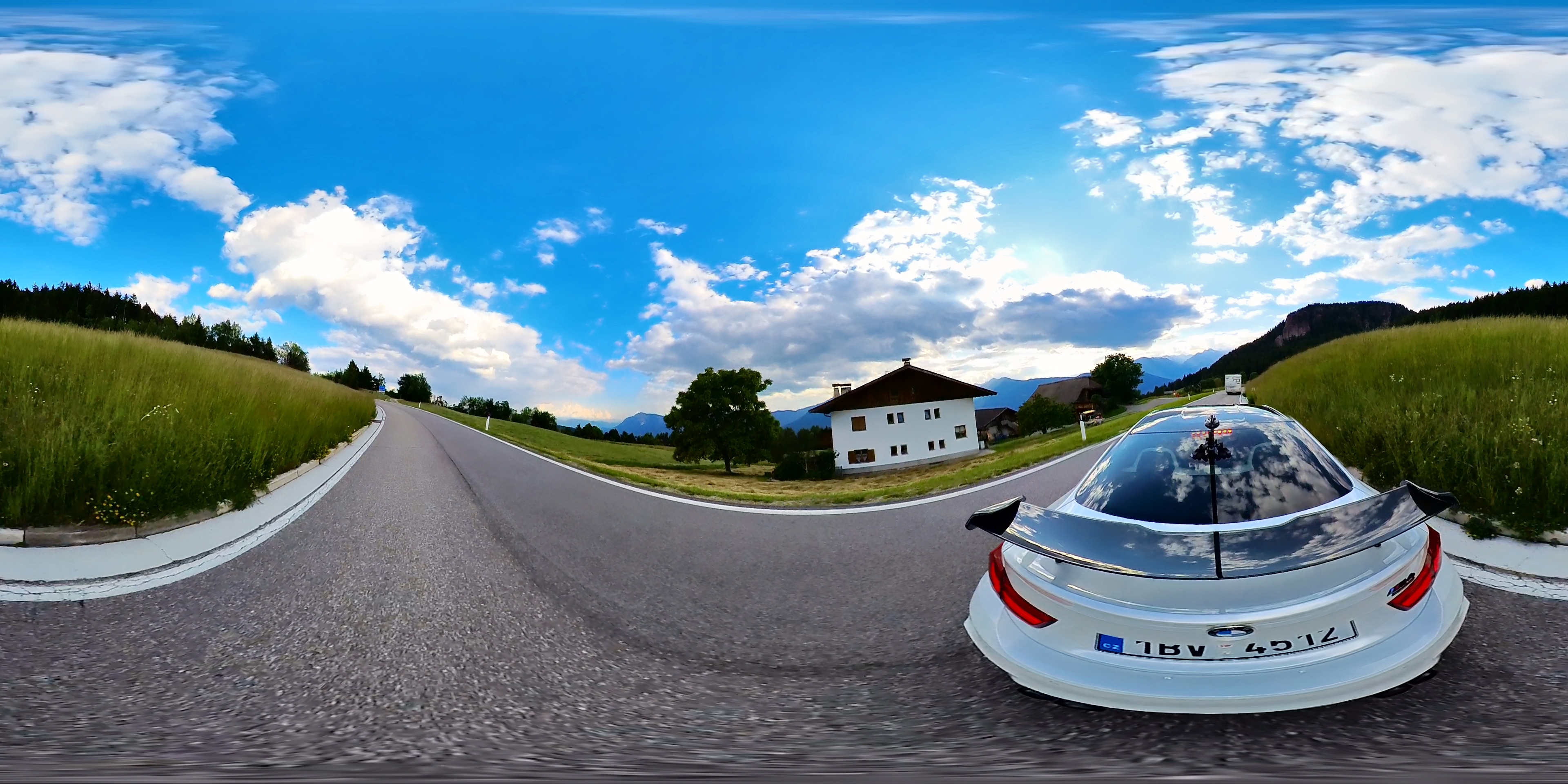
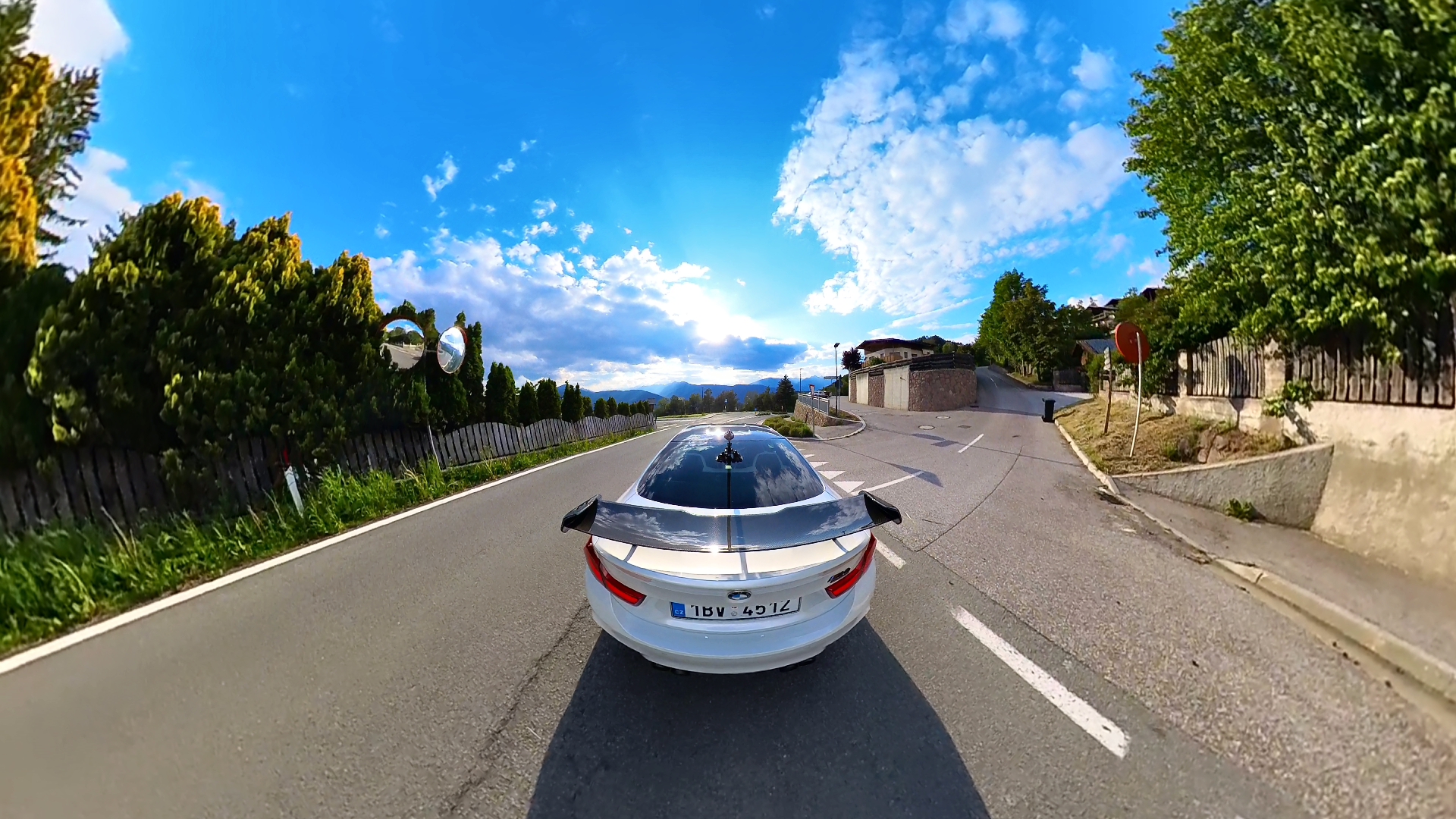
When filming or taking photos, you can always choose whether you want to shoot with just one lens, i.e. in 180 degrees, or if you want to use both lenses and take shots in 360 degrees. If you want to be able to work with the shots without any restrictions, then just choose 360 degrees, and in that case you have a shot of everything around the camera for the entire time of filming. And that's all the fun the camera can do. It doesn't matter at what angle and where you place it and it doesn't matter how you turn it. You always have footage in 360 degrees and you can then choose what you want to show your viewers in the video. To make it easier for you, the camera offers editing software of course features such as image fixation, no matter how you move the camera. In this case, you always have one slice of the entire shot, and you can see that, no matter what happens with the camera. This is what makes it perfect for action sports shots, and since I mainly played with the camera while filming my car, you can see the tricks that can be done with it in the following video, because it would take several books to describe them.
The most important thing that the camera offers is the ability to change the angle of view at any time, and that is why you can take shots that cannot be created with any other camera than a 360 degree camera. For example, you can watch the track from inside the vehicle and look at the driver himself at once, or, for example, split the image and take several outputs from one camera, thanks to which several different images can be viewed. You can make an essentially unlimited number of shots from each recording, because you can always find a different angle and then use it as the video itself. After all, see for yourself what the Insta360 X3 can do.
How to film your car to look like Need for Speed? Easily!
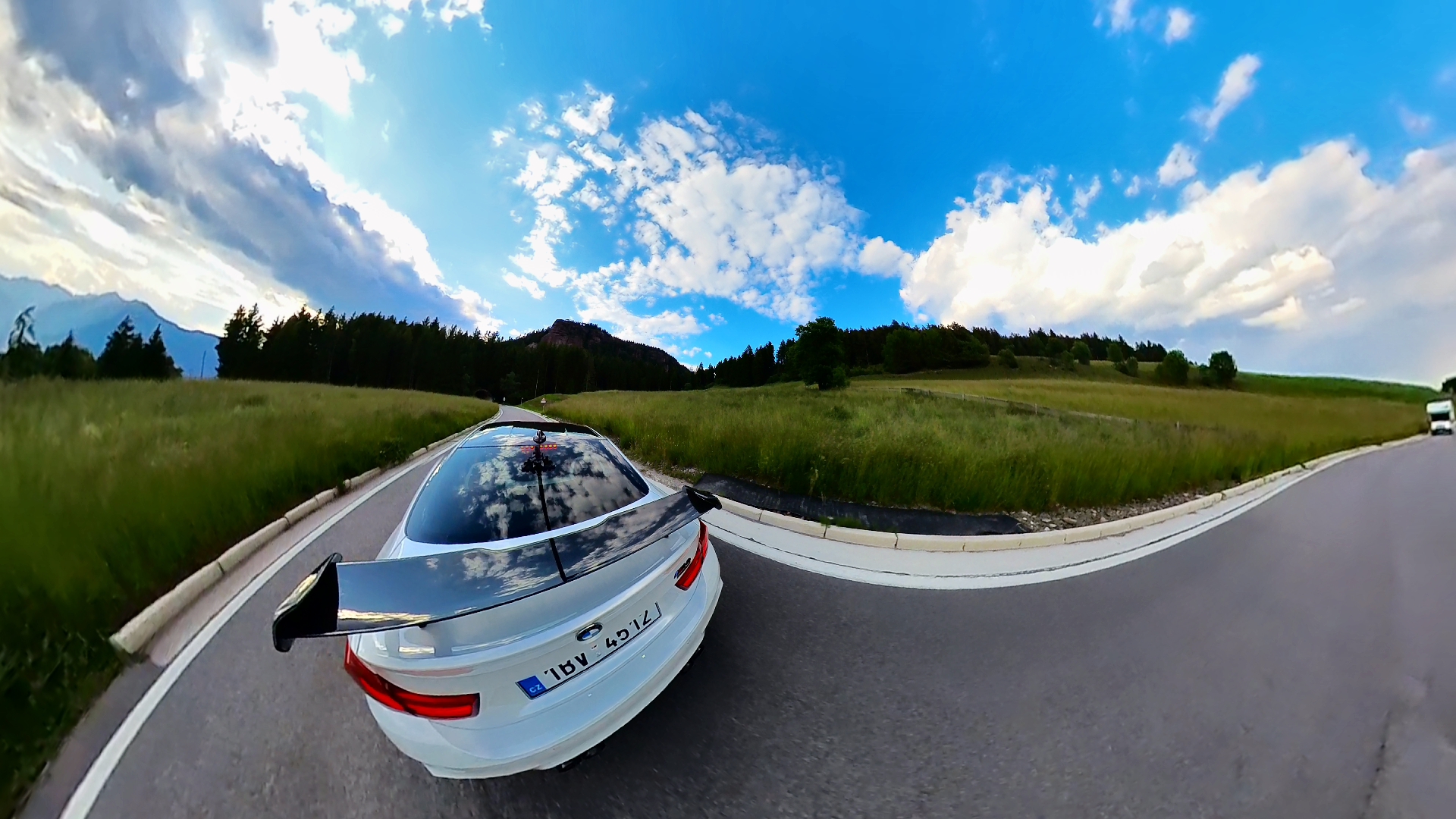
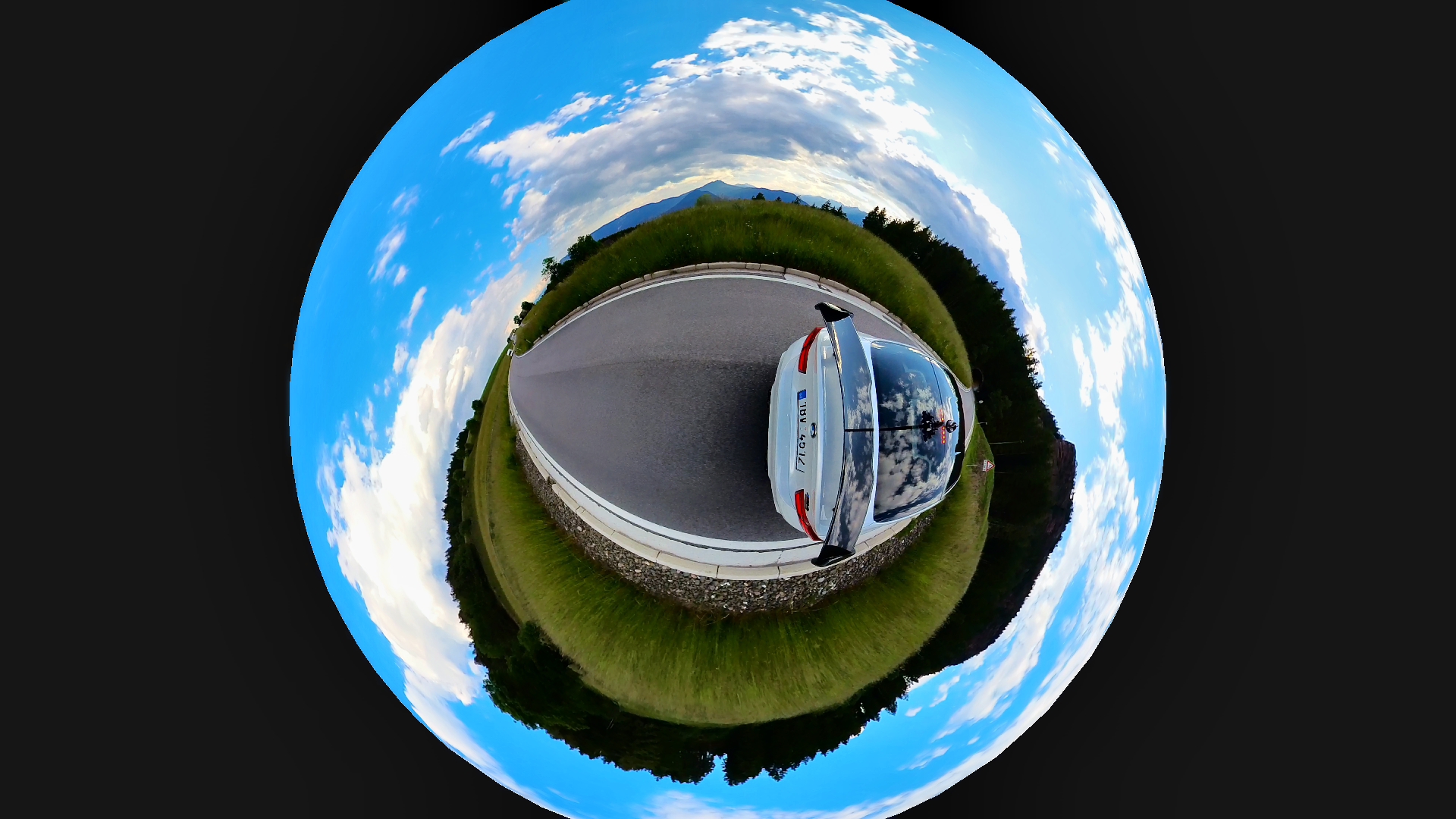
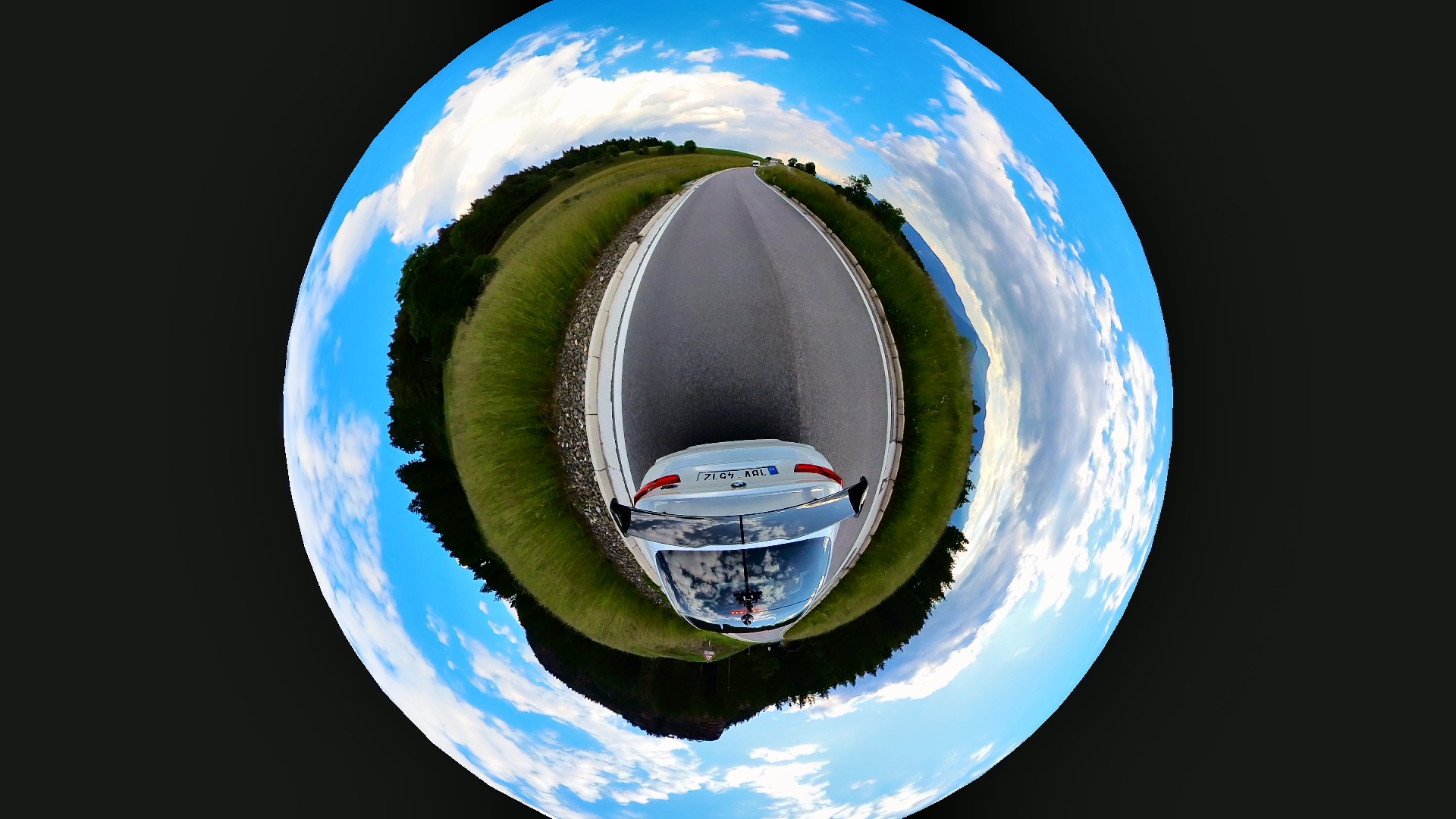
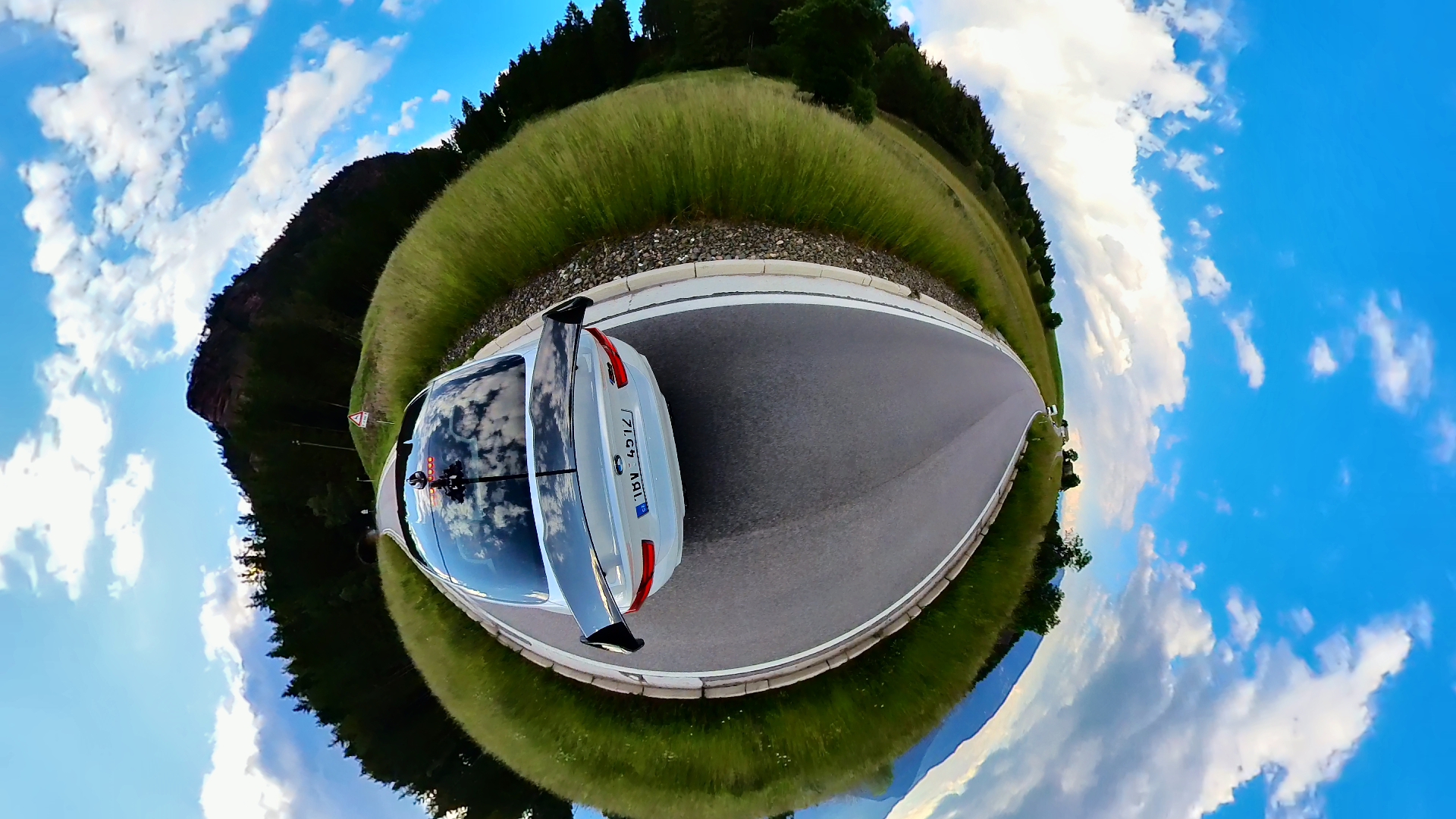
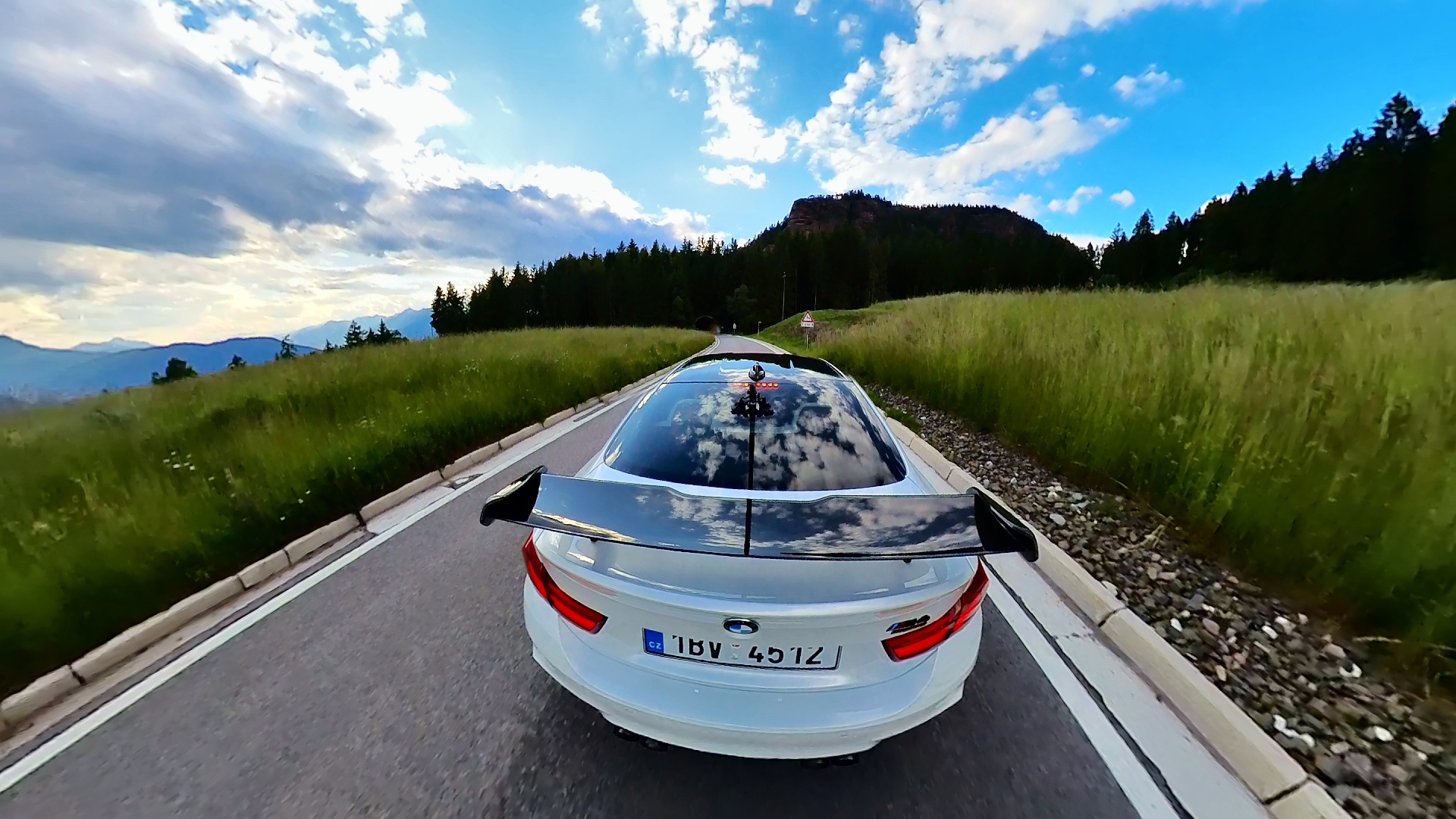
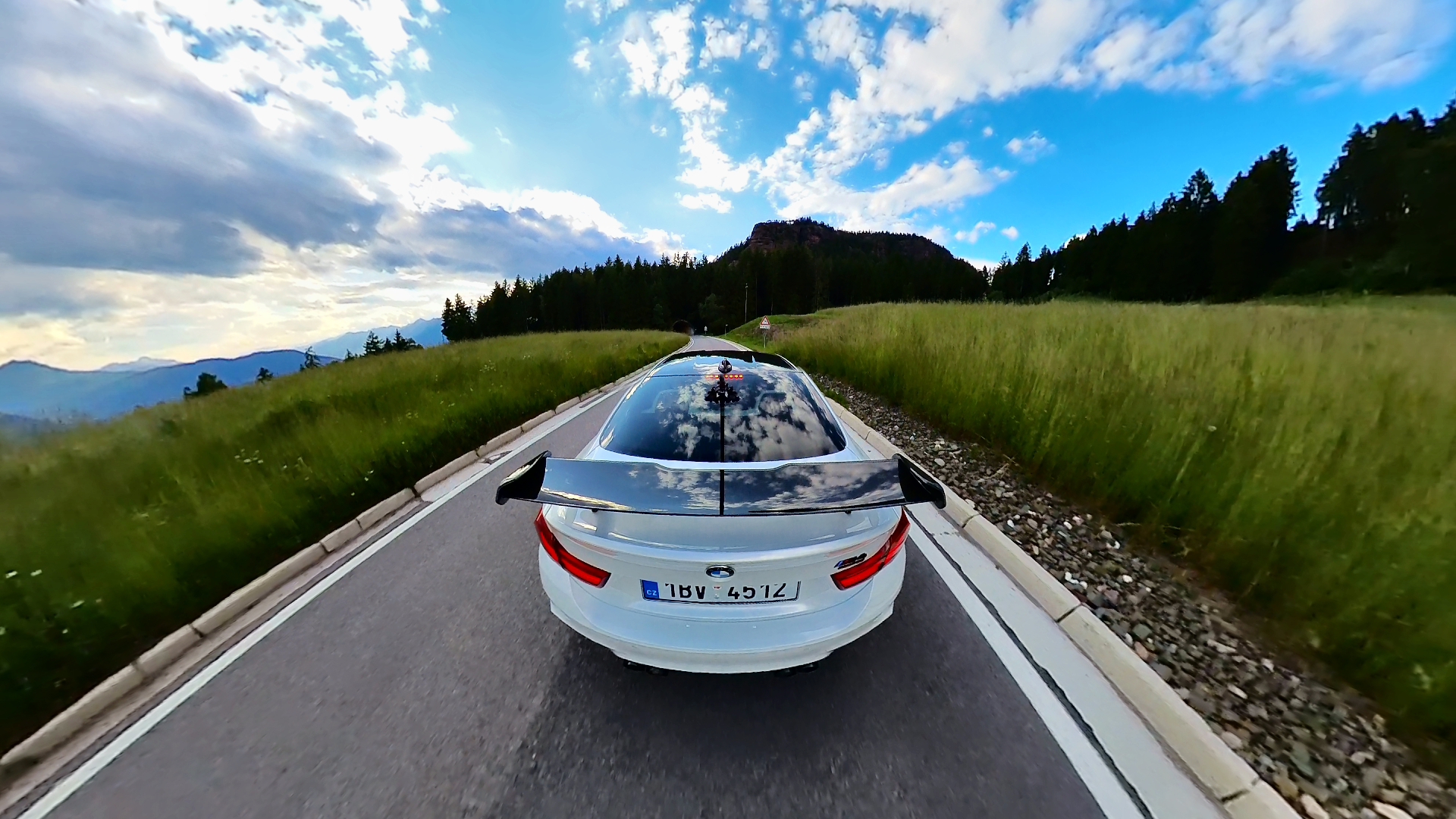
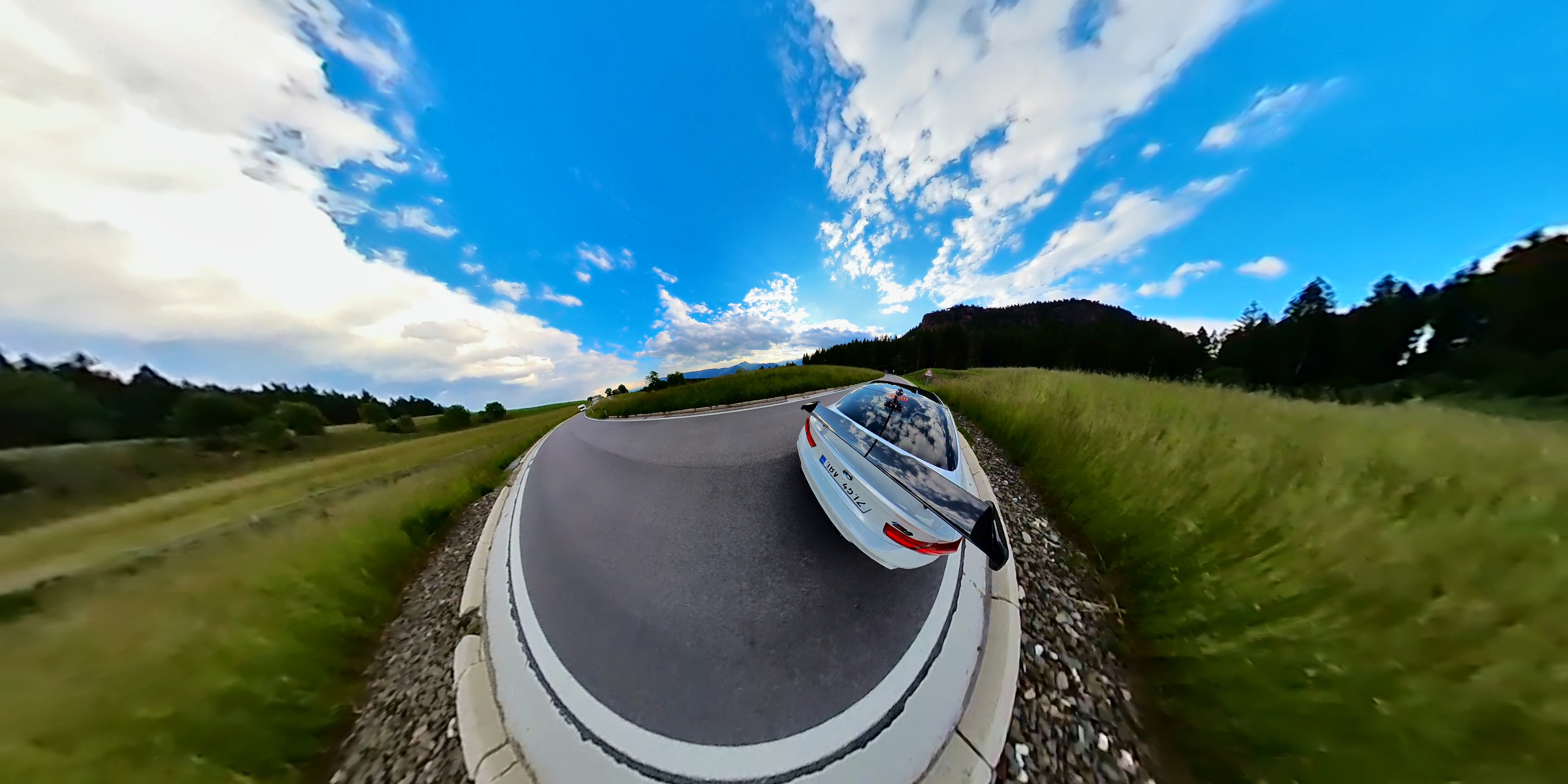
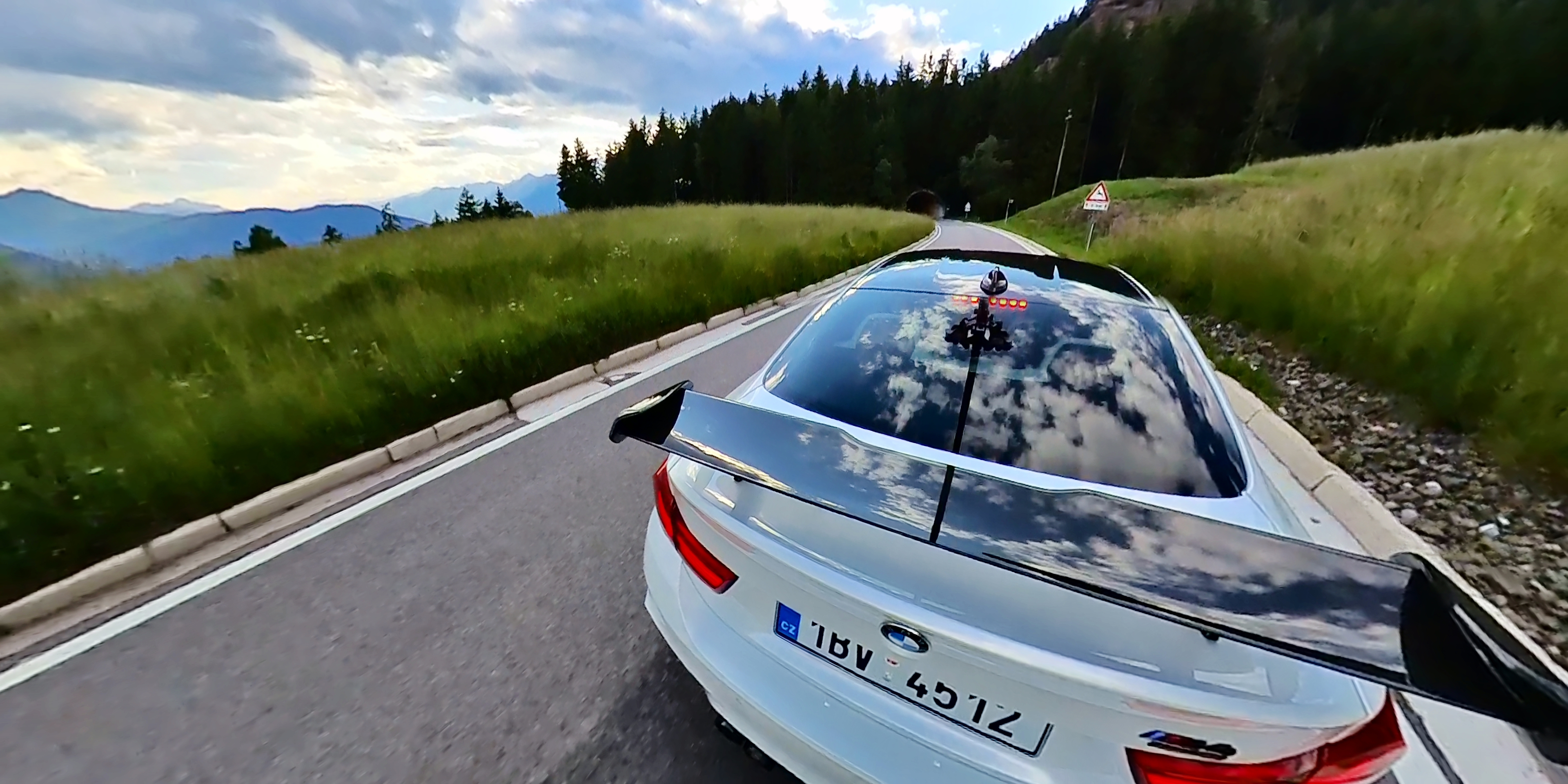
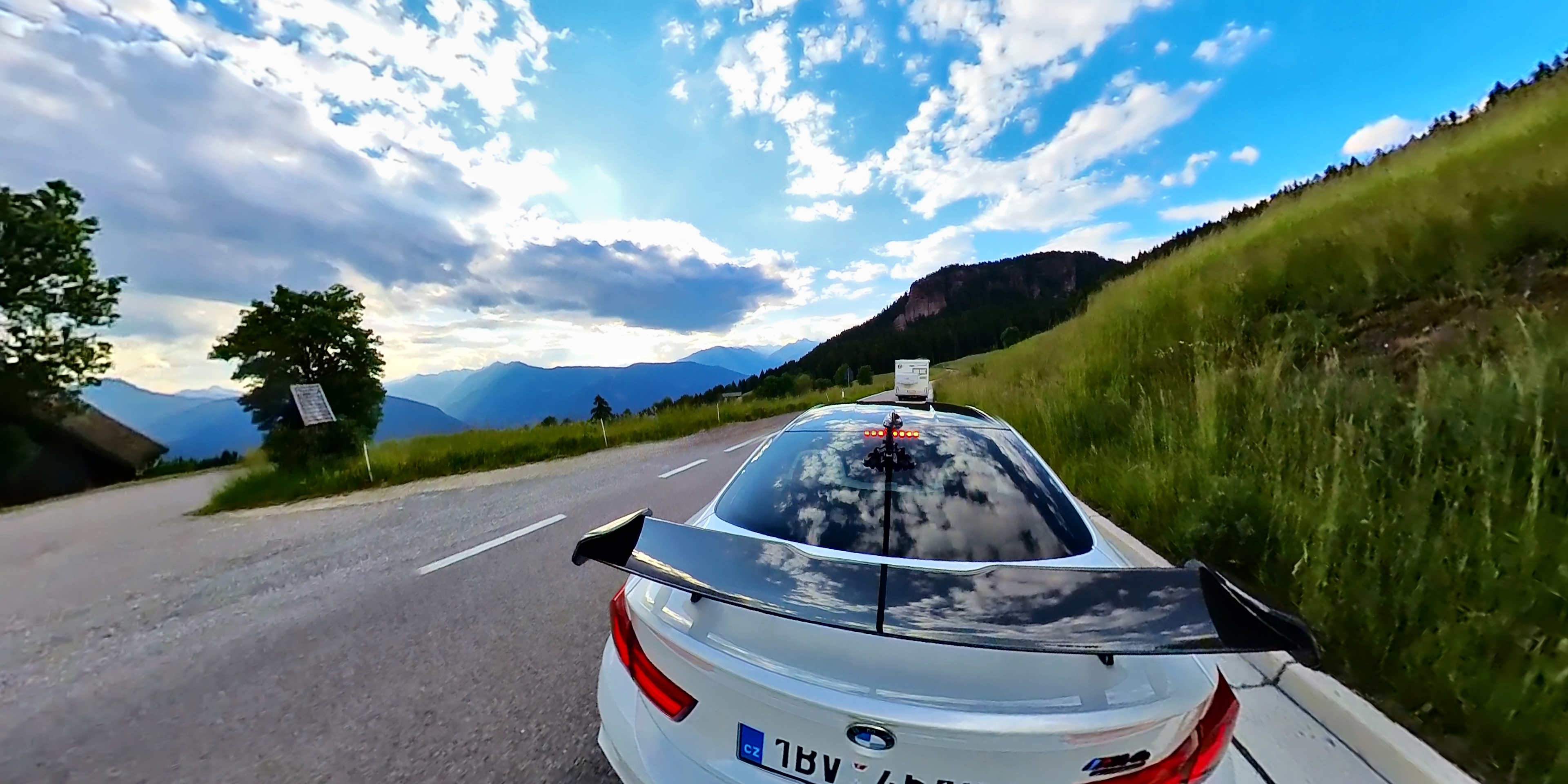
In order to be able to shoot footage where your car is visible as in a video game, you will need three things. The first is of course Insta360, i.e. the action camera itself, the second is the Invisible Selfie Stick with a length of 114 cm and last but not least, you also need the only thing that Insta360 does not produce directly, which is a holder with which you attach the Invisible Selfie Stick to the car itself. You have dozens of solutions to choose from, from those for a few crowns to those that are more expensive than the camera itself. I wanted to try everything first, so I chose a solution for about a thousand crowns and as you can see, the image shakes in some shots, precisely because of the attachment to the car. Three points are used as standard for attachment, which are locked and glued to the rear window. If you have an older car or you are not worried about your car and have, for example, film, then the further back on the car you have the stick attached, the better the shots you will have. I usedonec rear window.
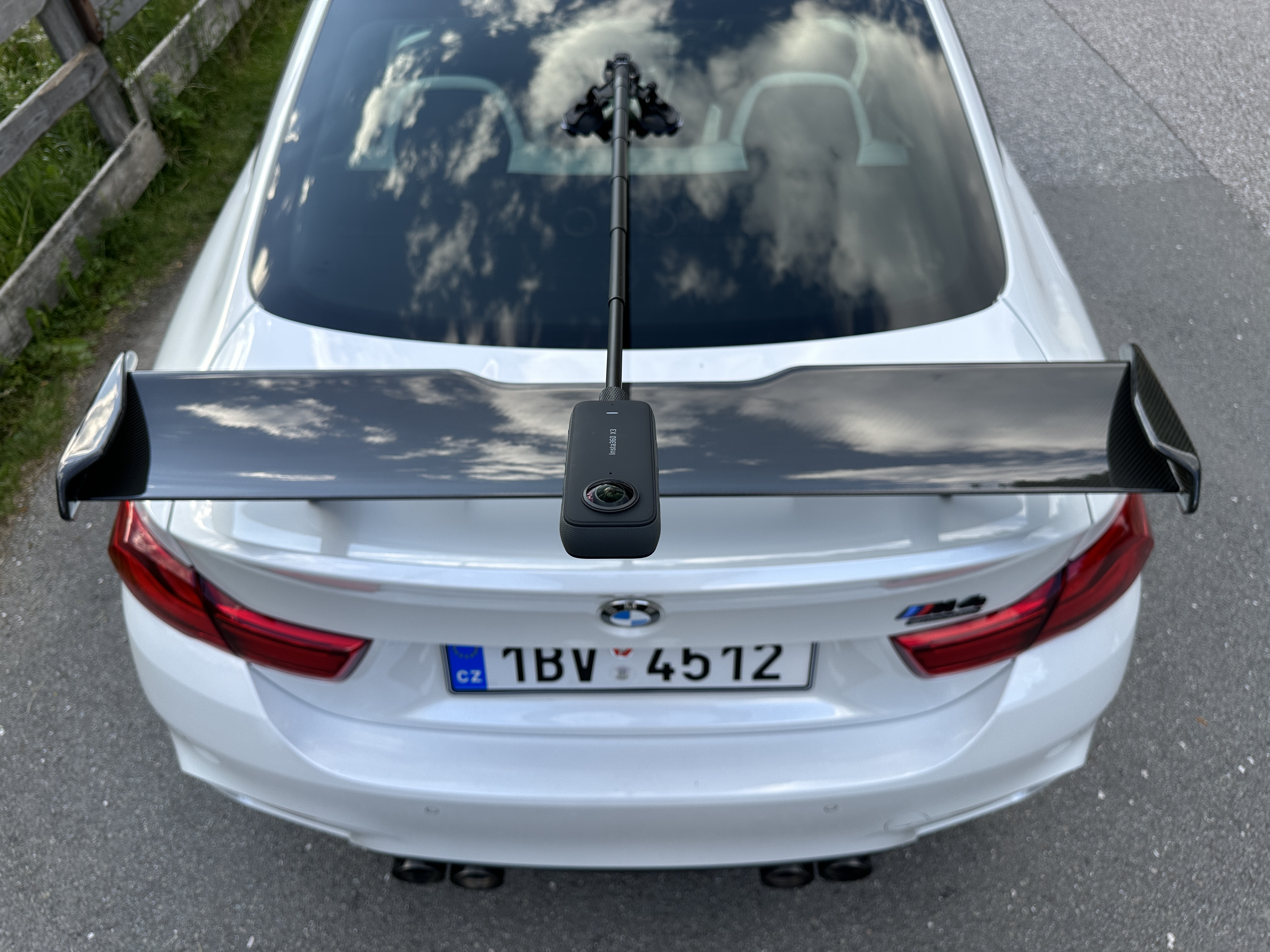
What I would also recommend for shooting similar shots are the so-called Sticky Lens Guards, because the camera lenses are protected by glass that cannot be replaced, so it is ideal to really stick protective glasses directly from Insta360 on them, thanks to which you don't have to worry about the camera. What is great is the fact that the camera takes into account everything that Insta produces in its software, so you just need to select that you have these protective glasses, use the Invisible Selfie Stick, and so on, and the camera automatically reflects this and it has no effect on the shots. You can see how the camera is attached to the car in the photo gallery below, and as I already mentioned, I plan to buy a better quality, or more solid, mount in the future. ProThe problem is not in the attachment to the car, but in the fact that it moves in the joint and this creates onen movement in the footage, which I would like to completely eliminate. Of course, while filming, you can control the camera via a mobile app, so you can check the footage directly in the car and once you are satisfied with what you see, you can hit the road.
Gallery
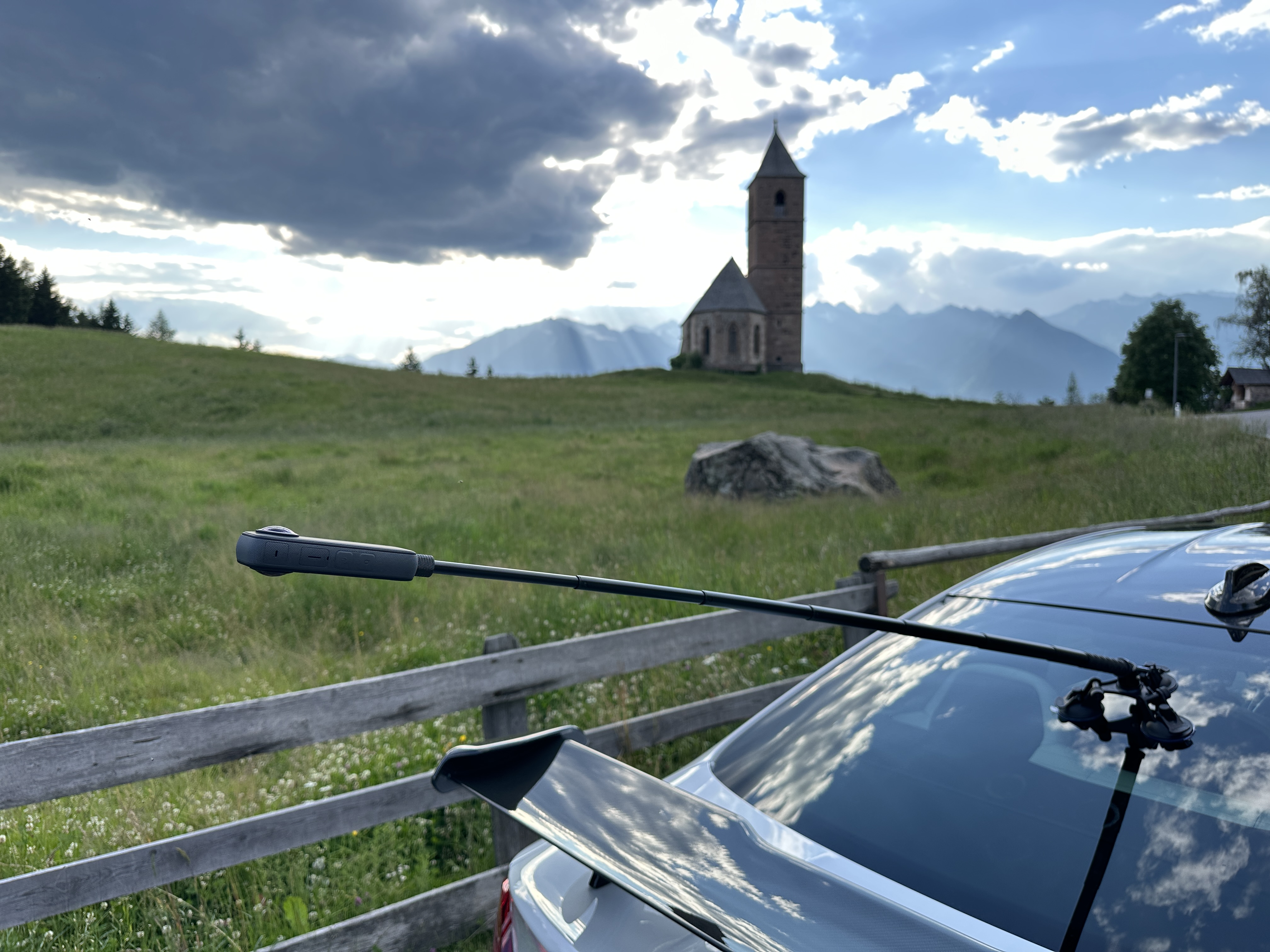
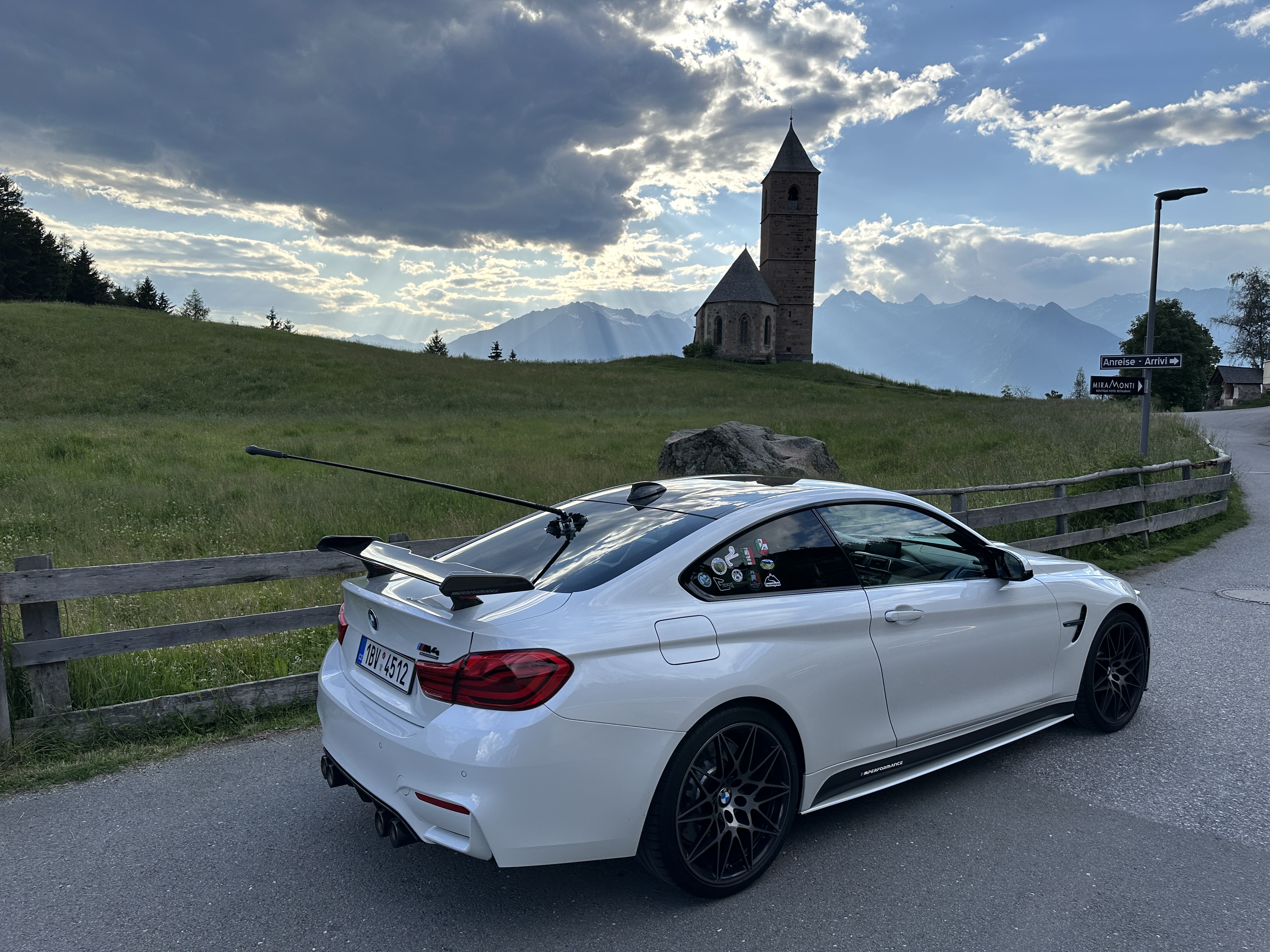
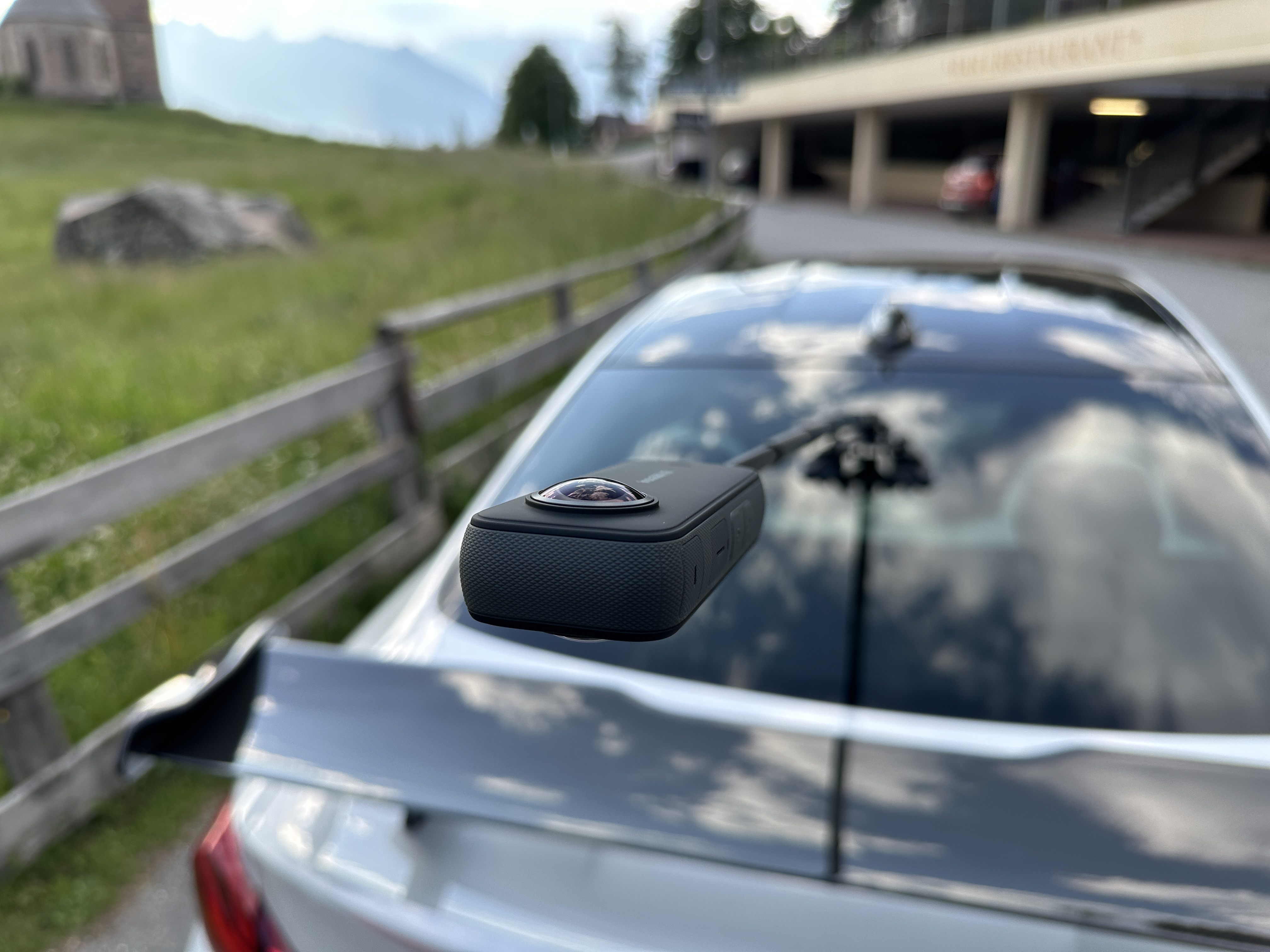
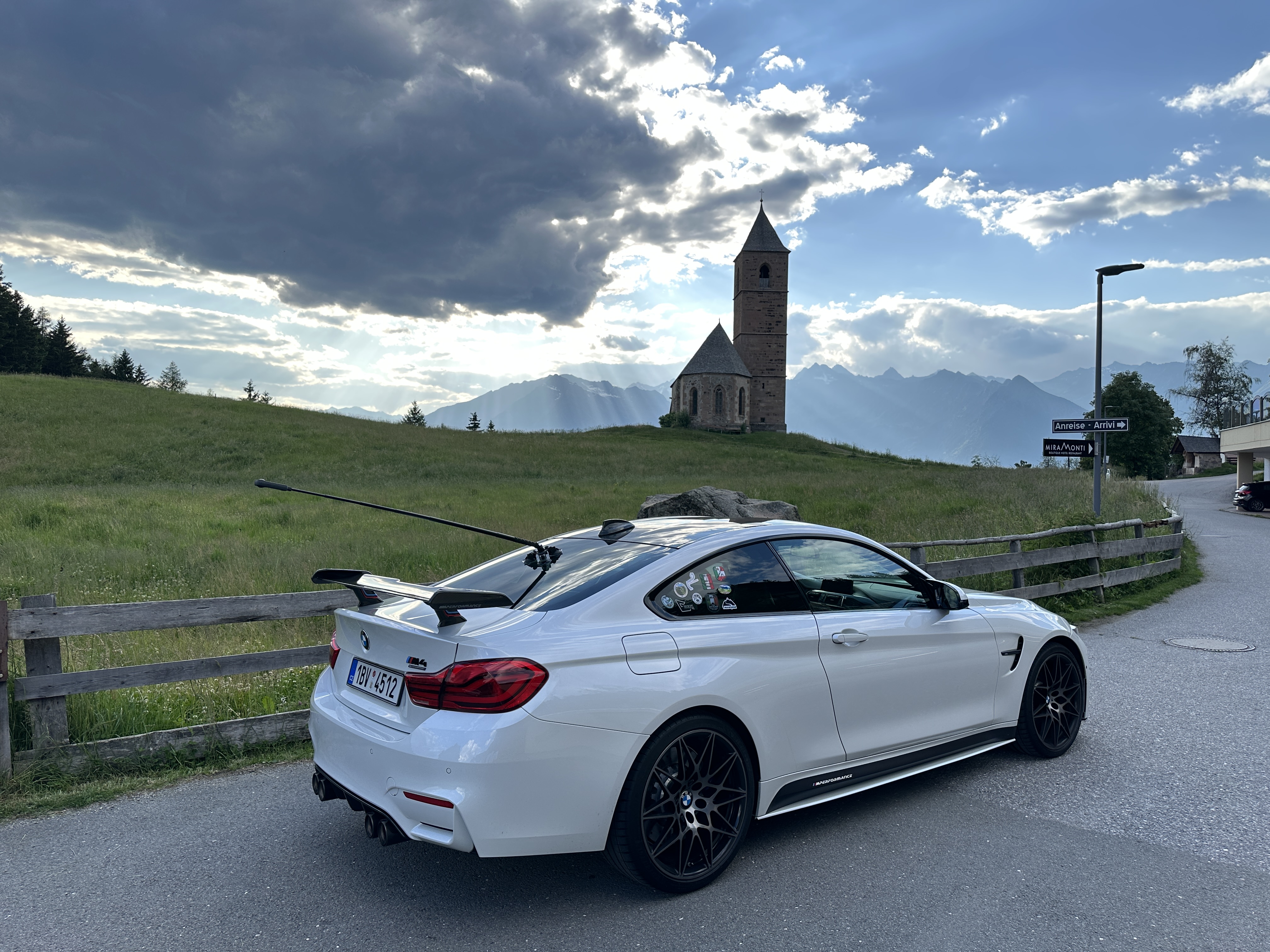
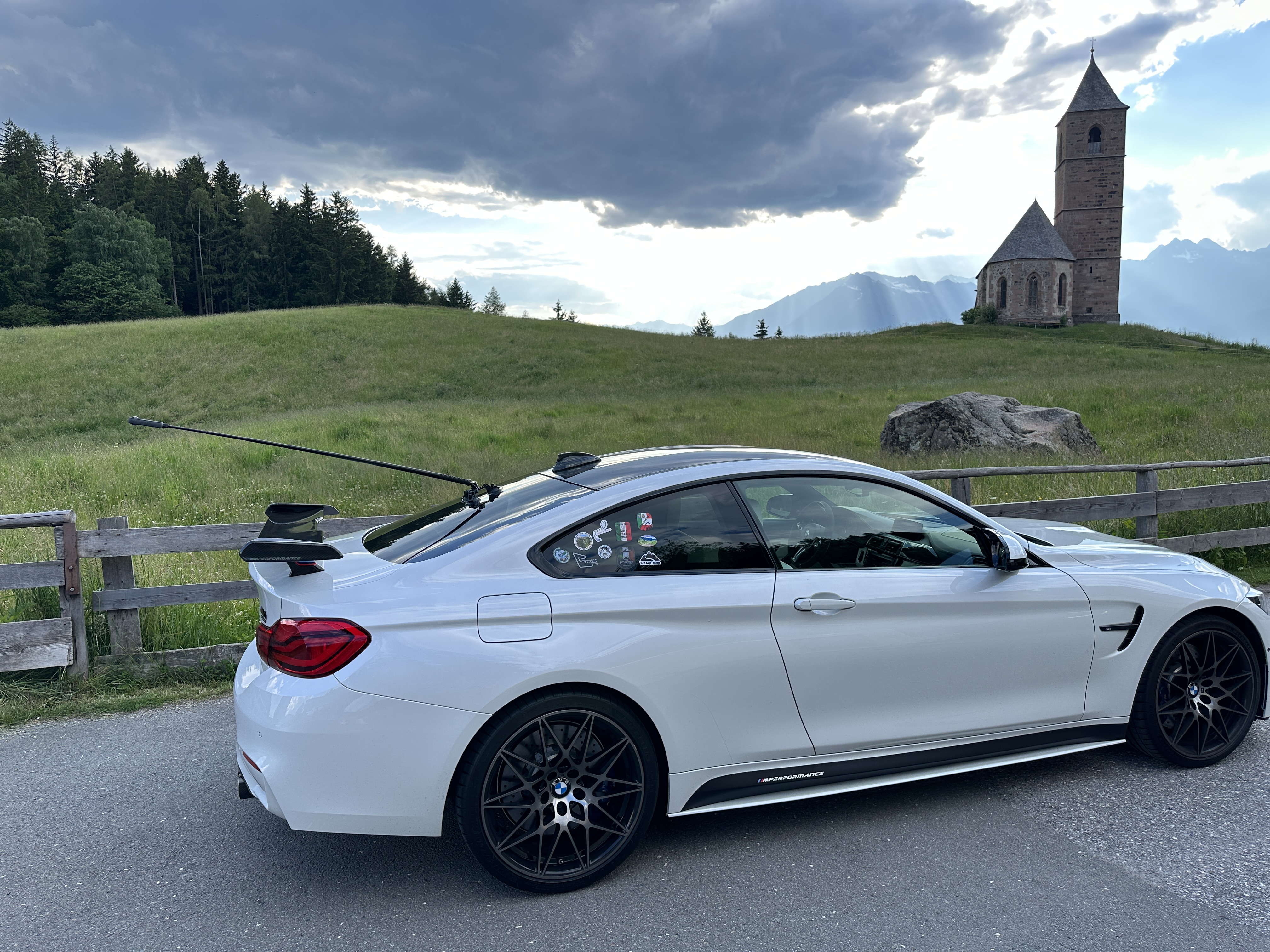
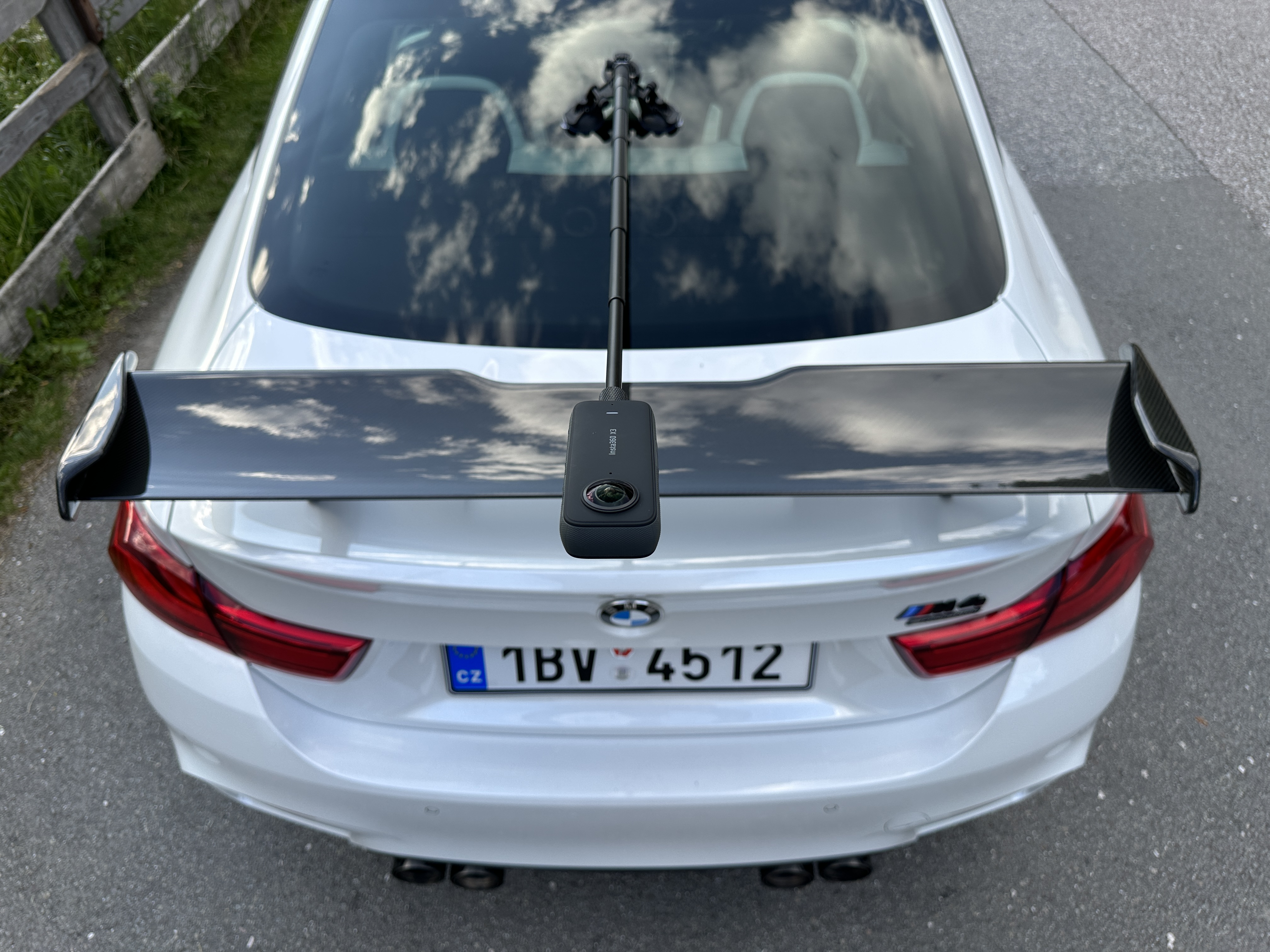
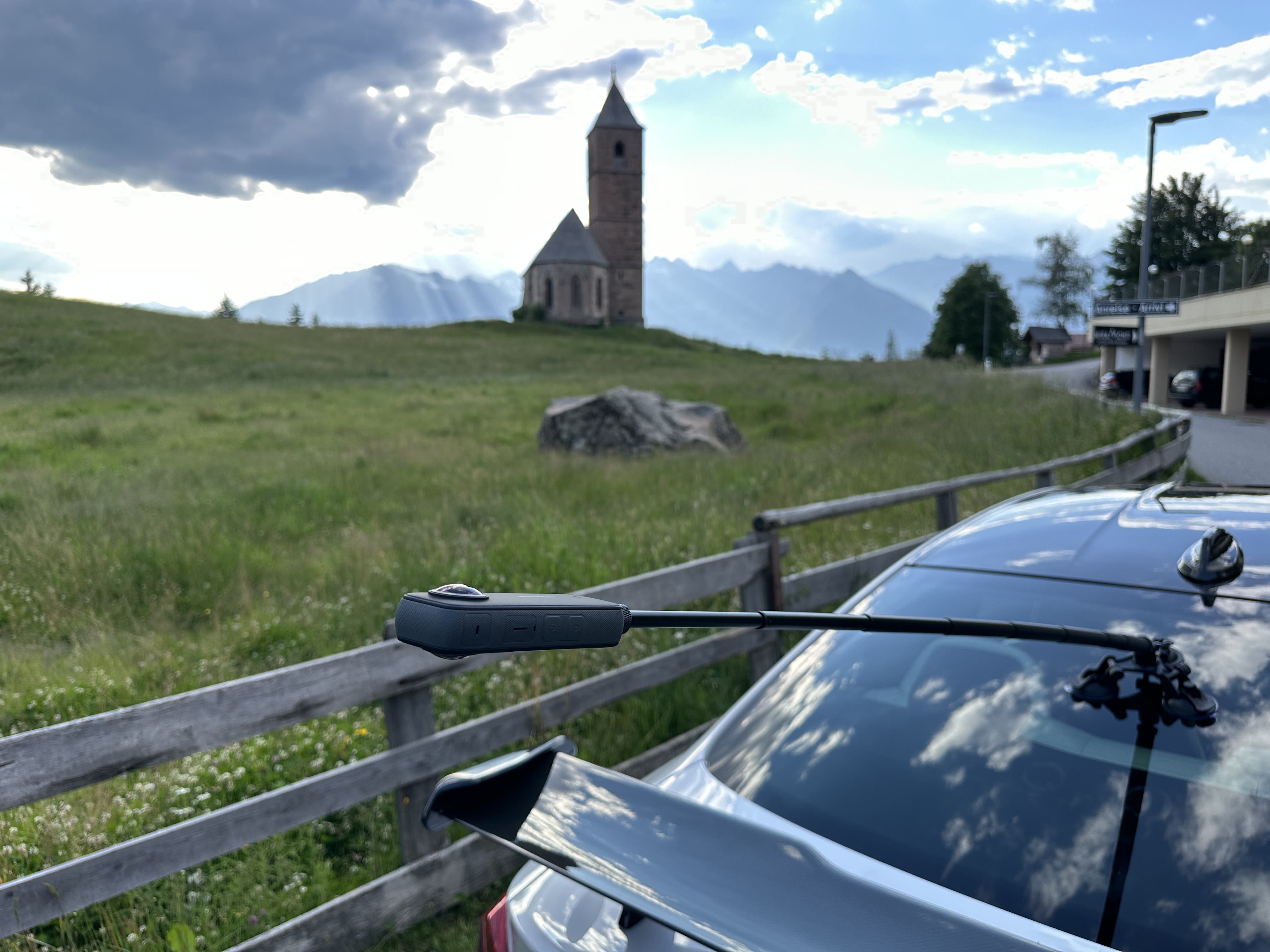
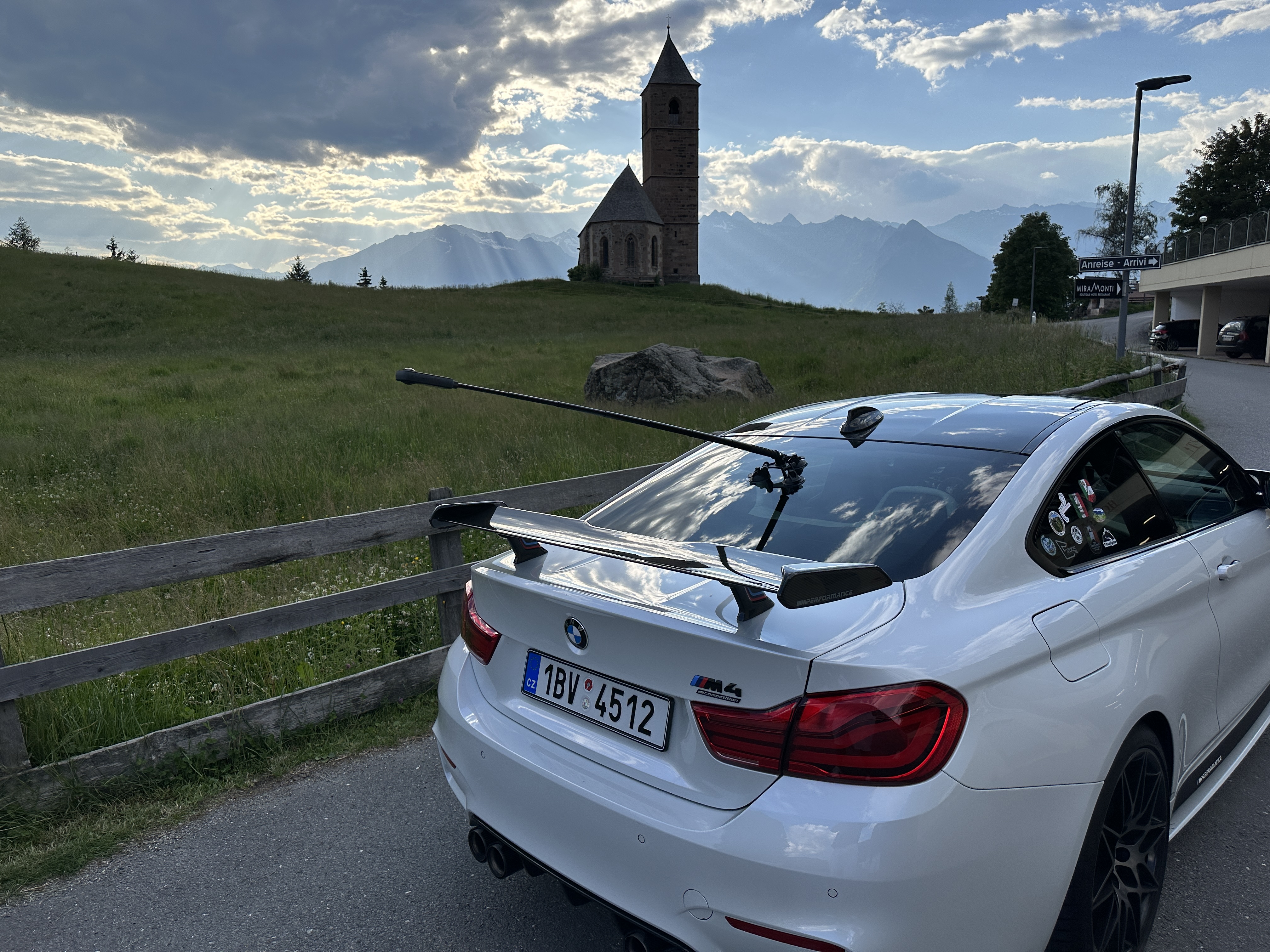
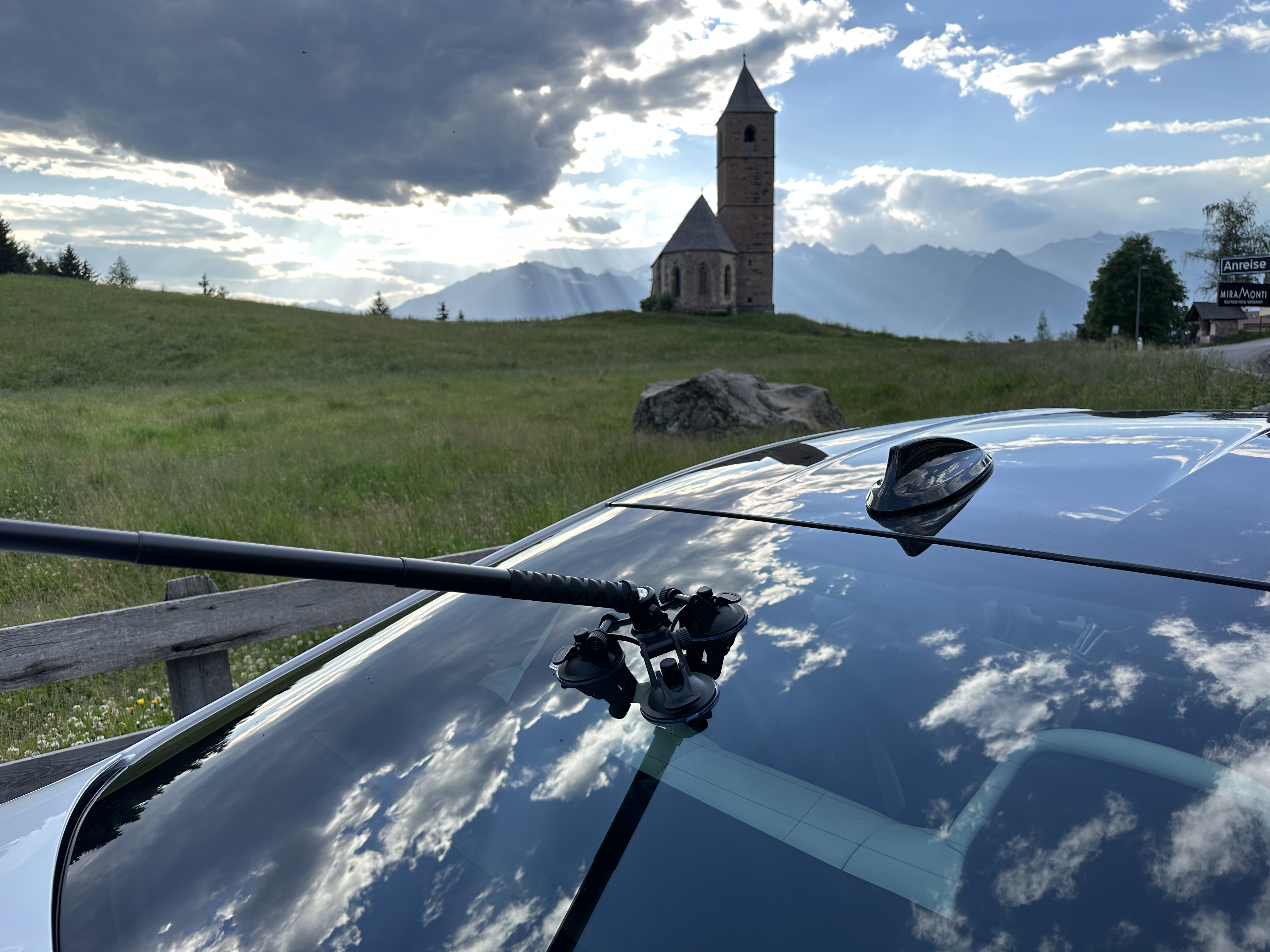
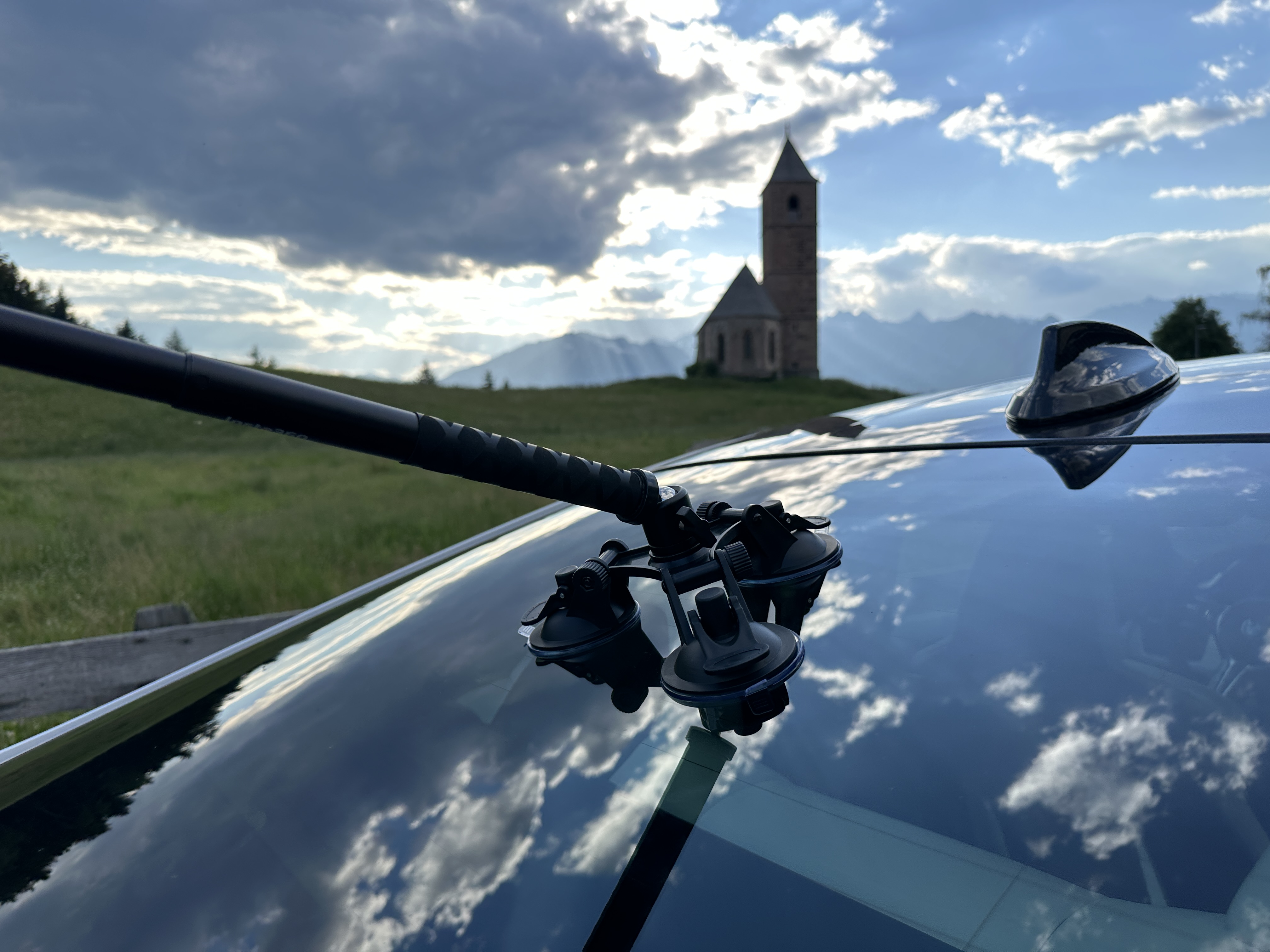
You can see what the photos from such a trip look like in the gallery below, and of course you will also find a couple of videos here. The first video is a classic one, and the second offers the opportunity to look around in 360 degrees. However, for this option to work, you must use either the YouTube mobile app or the Google browser on your desktop. Chrome. Then you have the opportunity to look around the video wherever you want. In the following gallery you will find both classic photos and special effects that the editing program allows. In the videos I intentionally left the sound recorded by the camera, because I did not have an external microphone during testing, but it is necessary to take into account that if you drive a car and record footage at any speed above 30 km/h, then the air pressure on the camera is so great that it is notancto capture high-quality sound. It is therefore ideal to use small wireless microphones that you place near the engine and also near the exhaust and then insert high-quality sound into the video.
Gallery
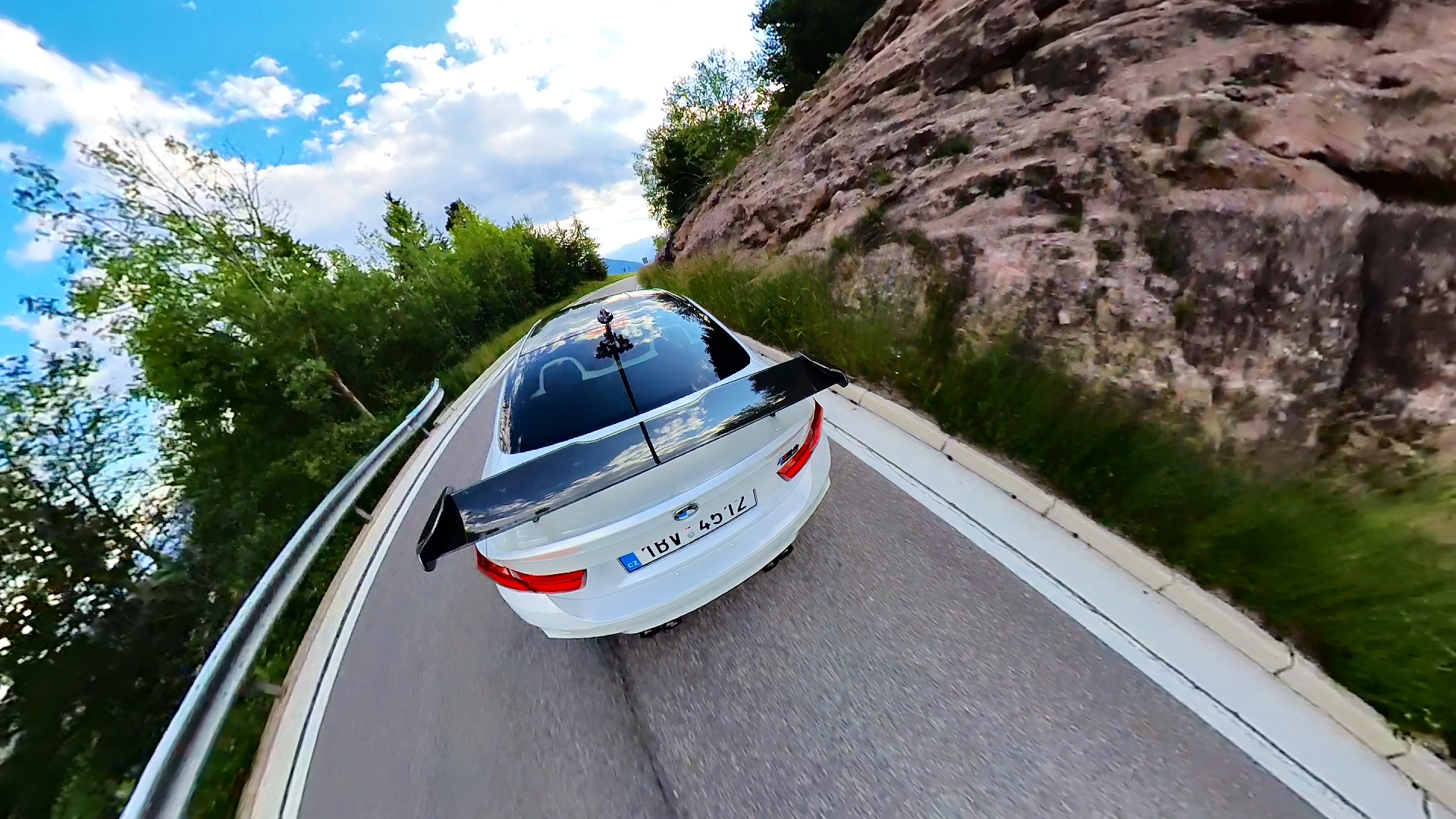
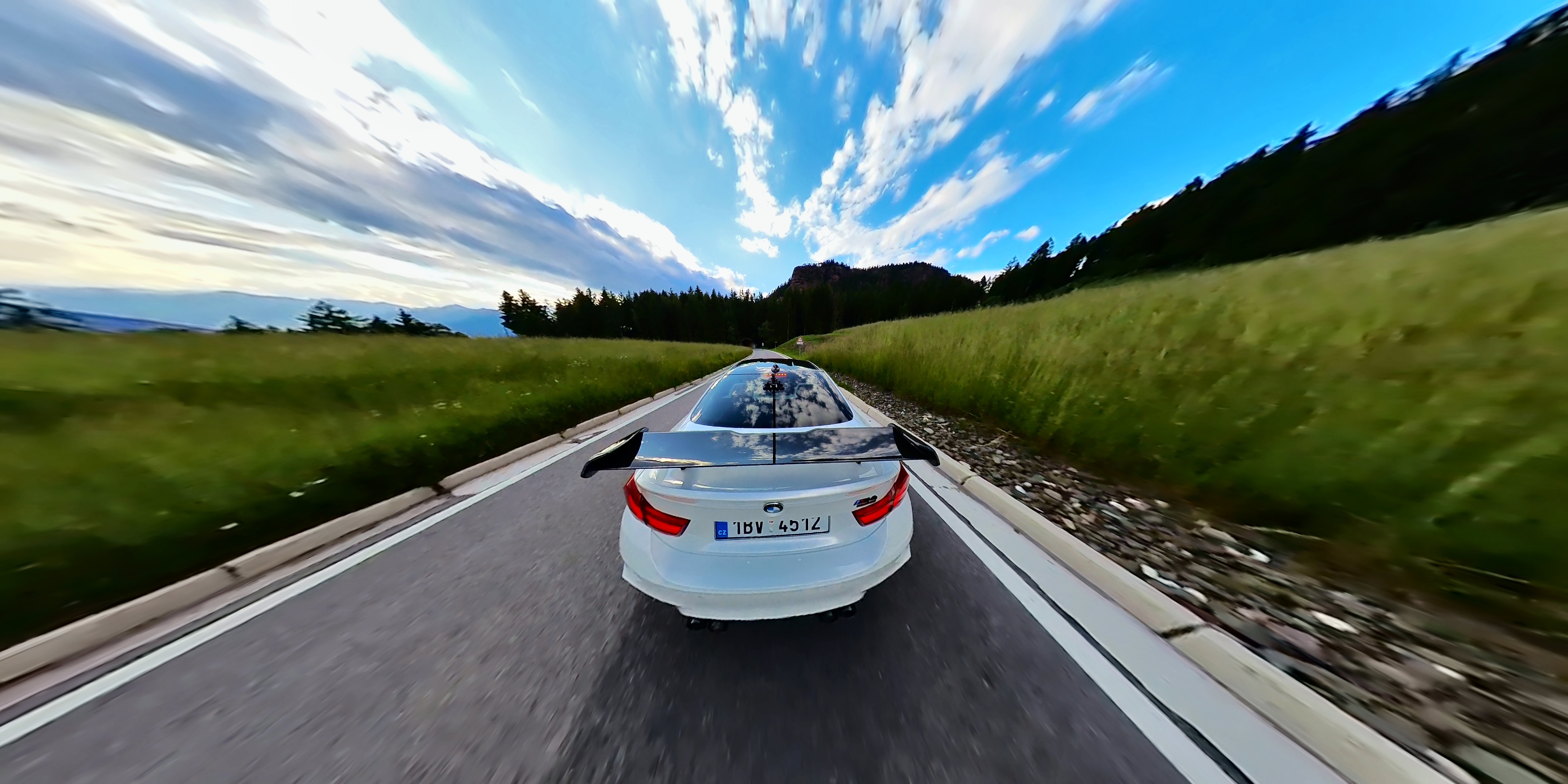
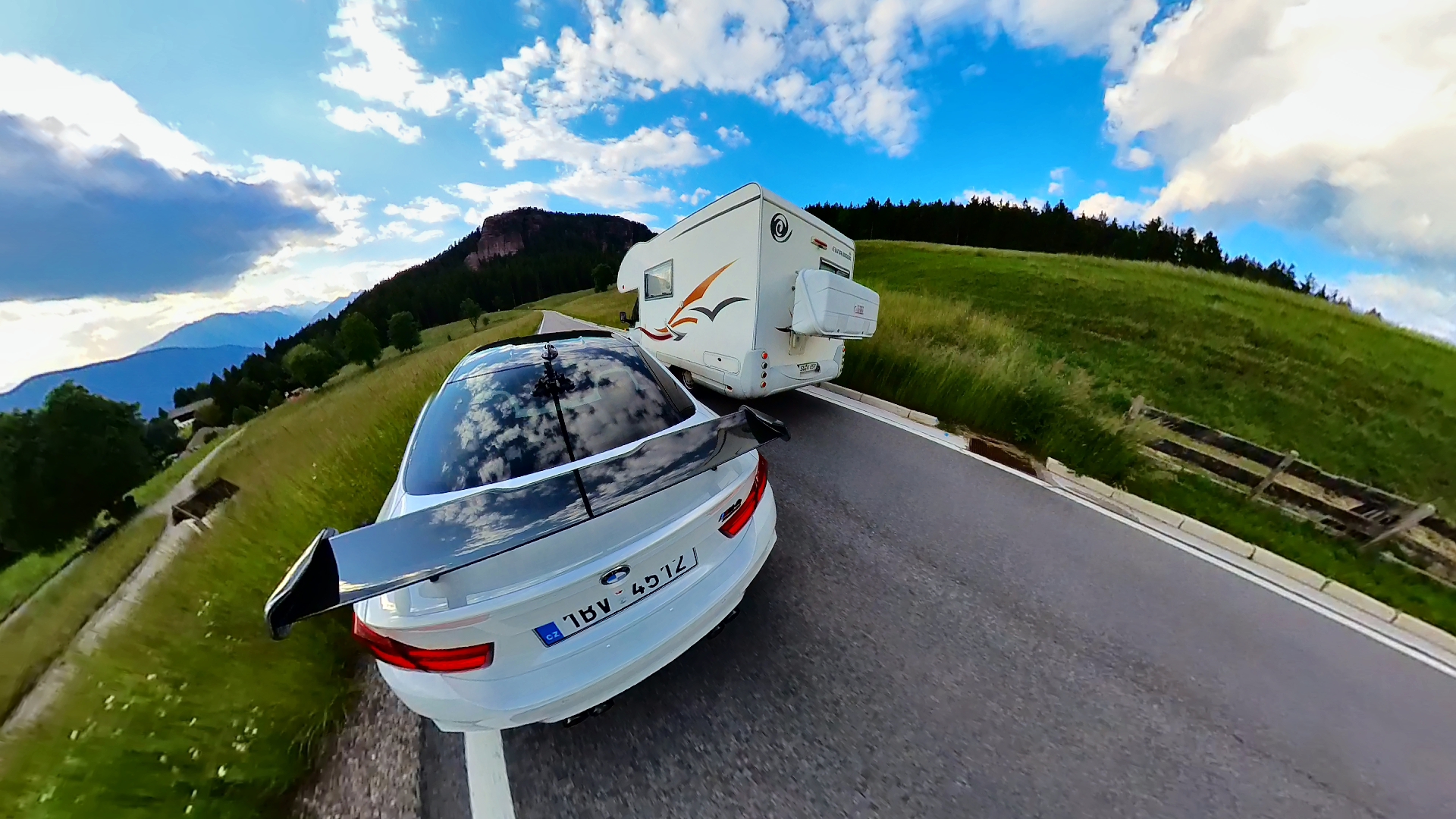
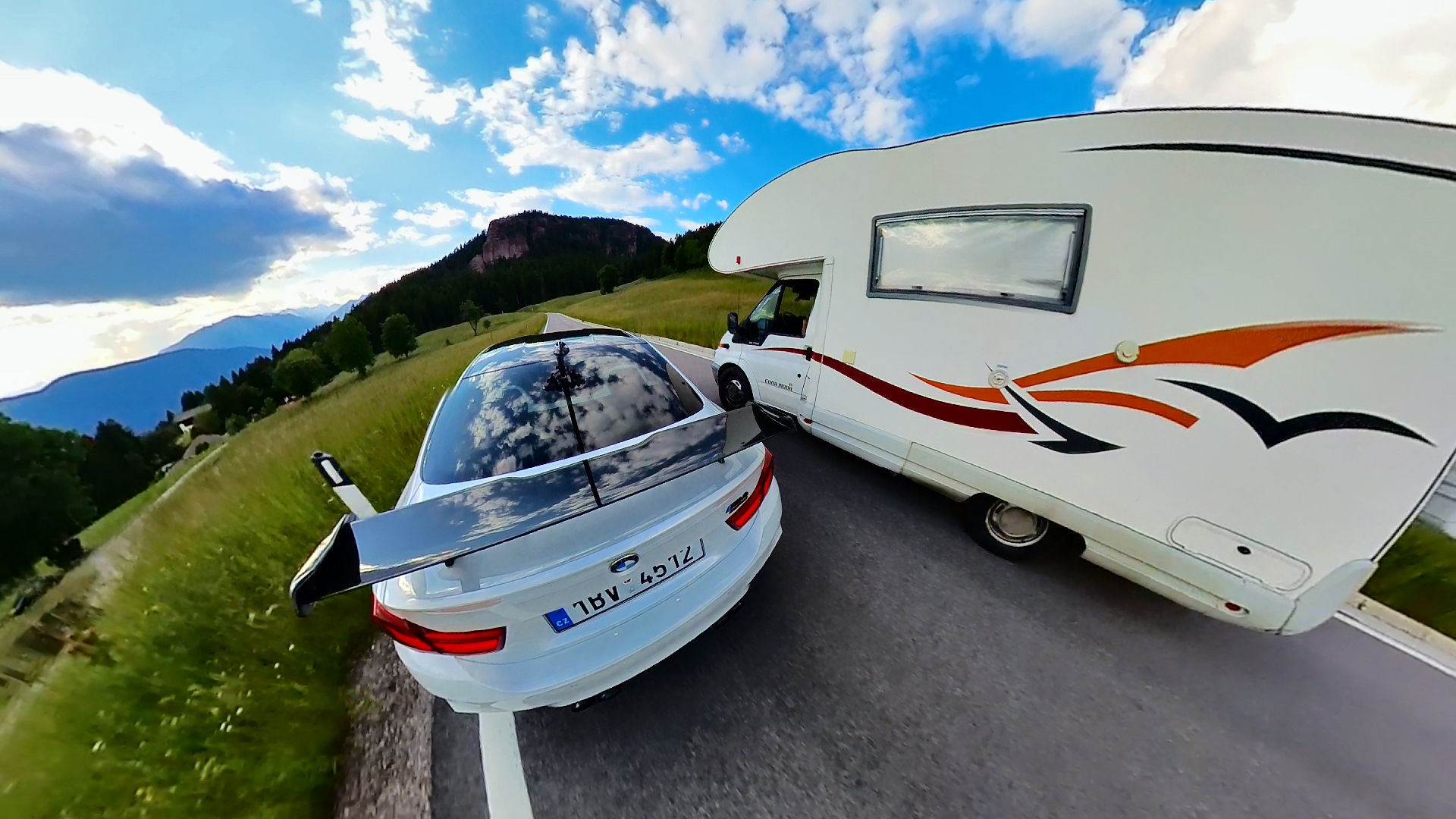
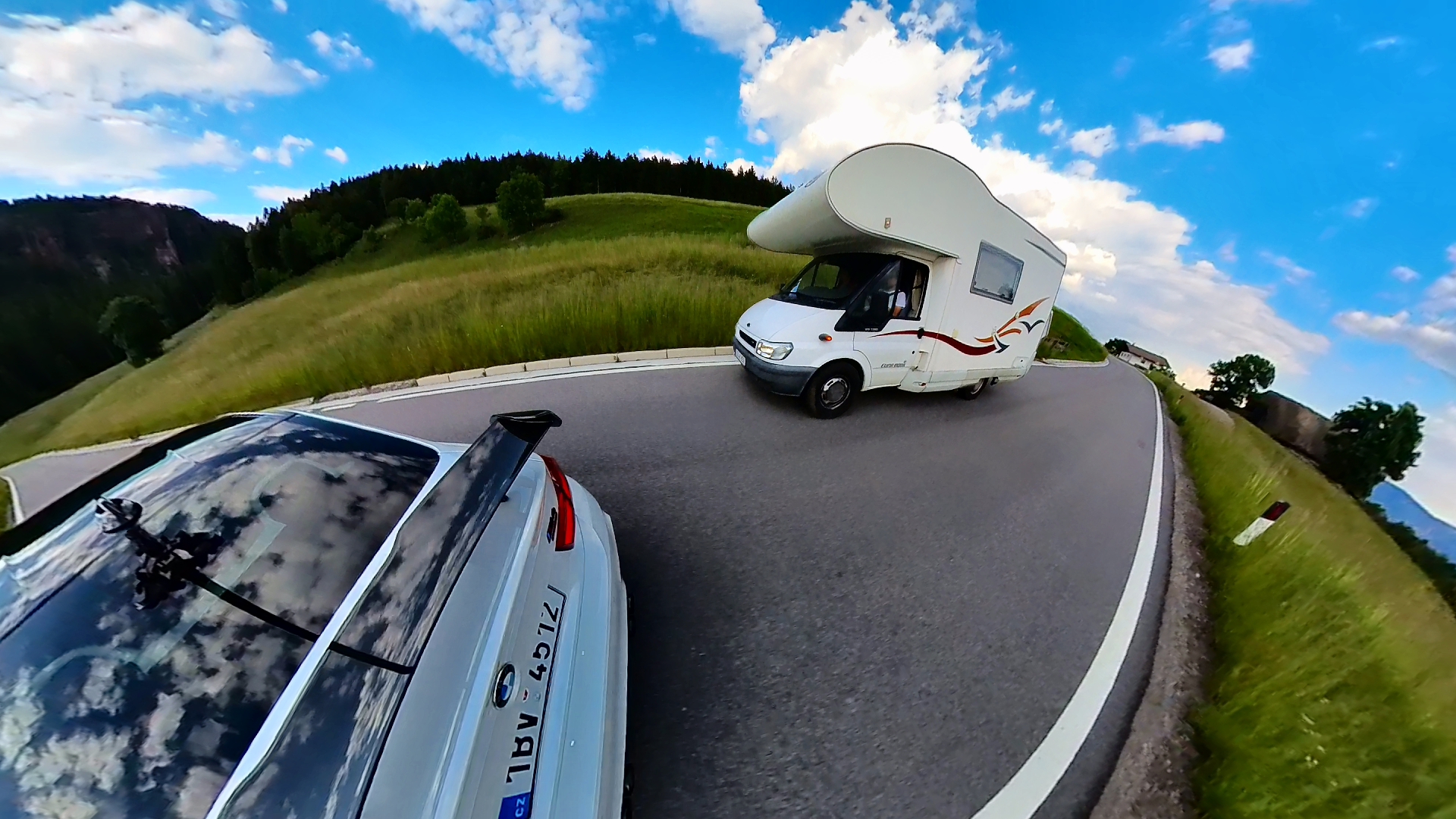
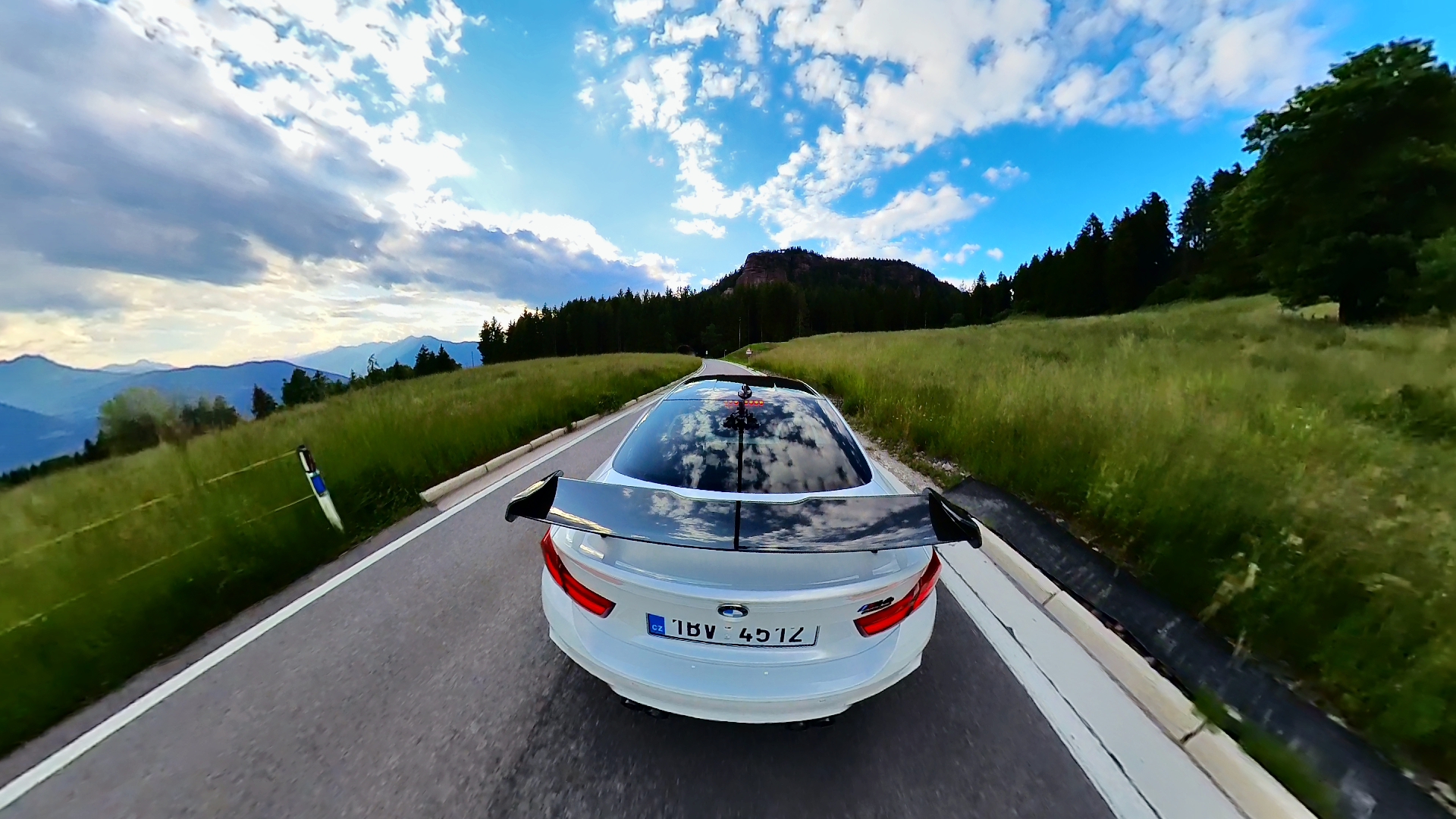
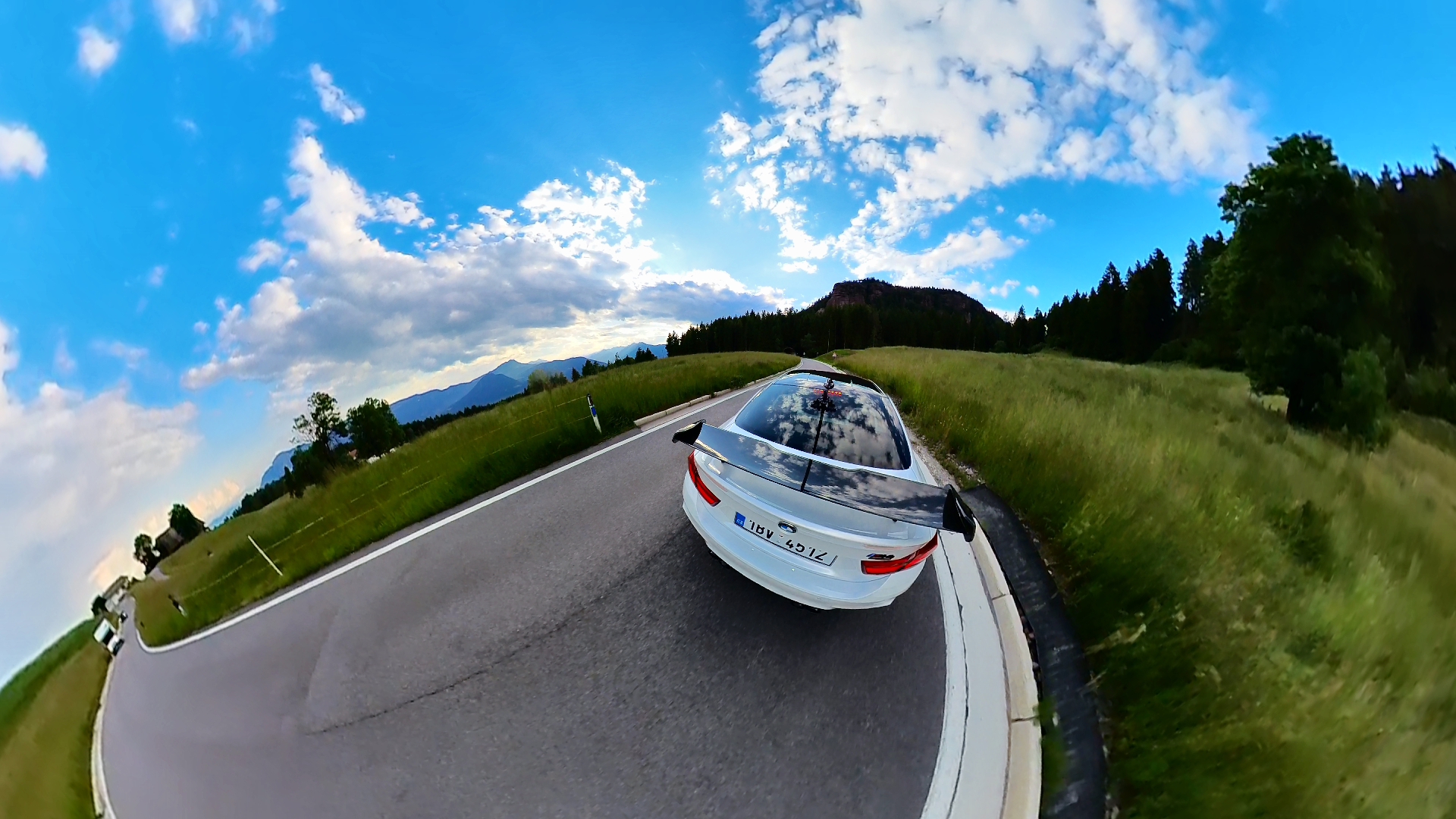
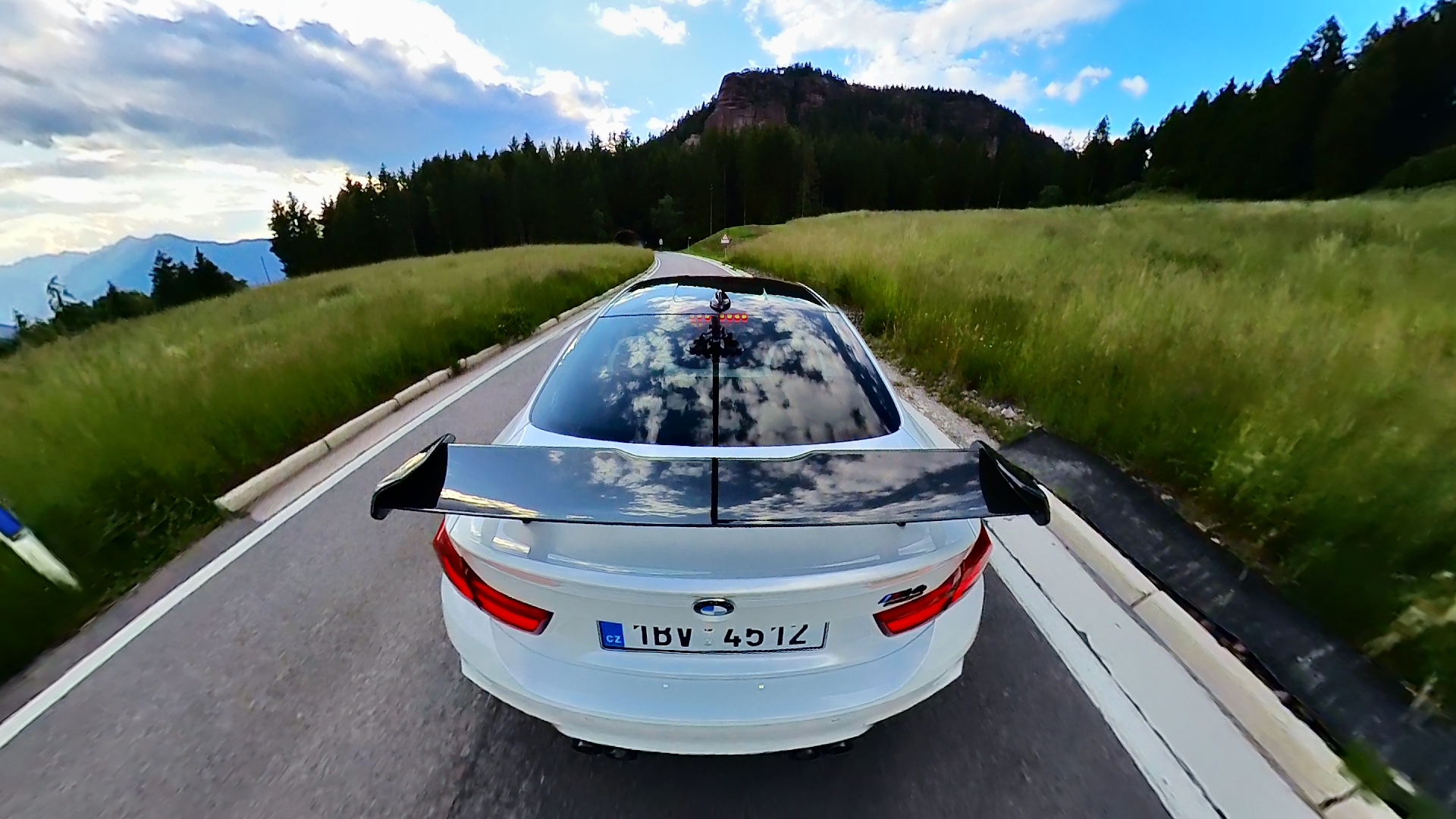

Classic video from Insta360 X3
360° video from Insta360 X3
Insta360 studio – editing quickly and easily
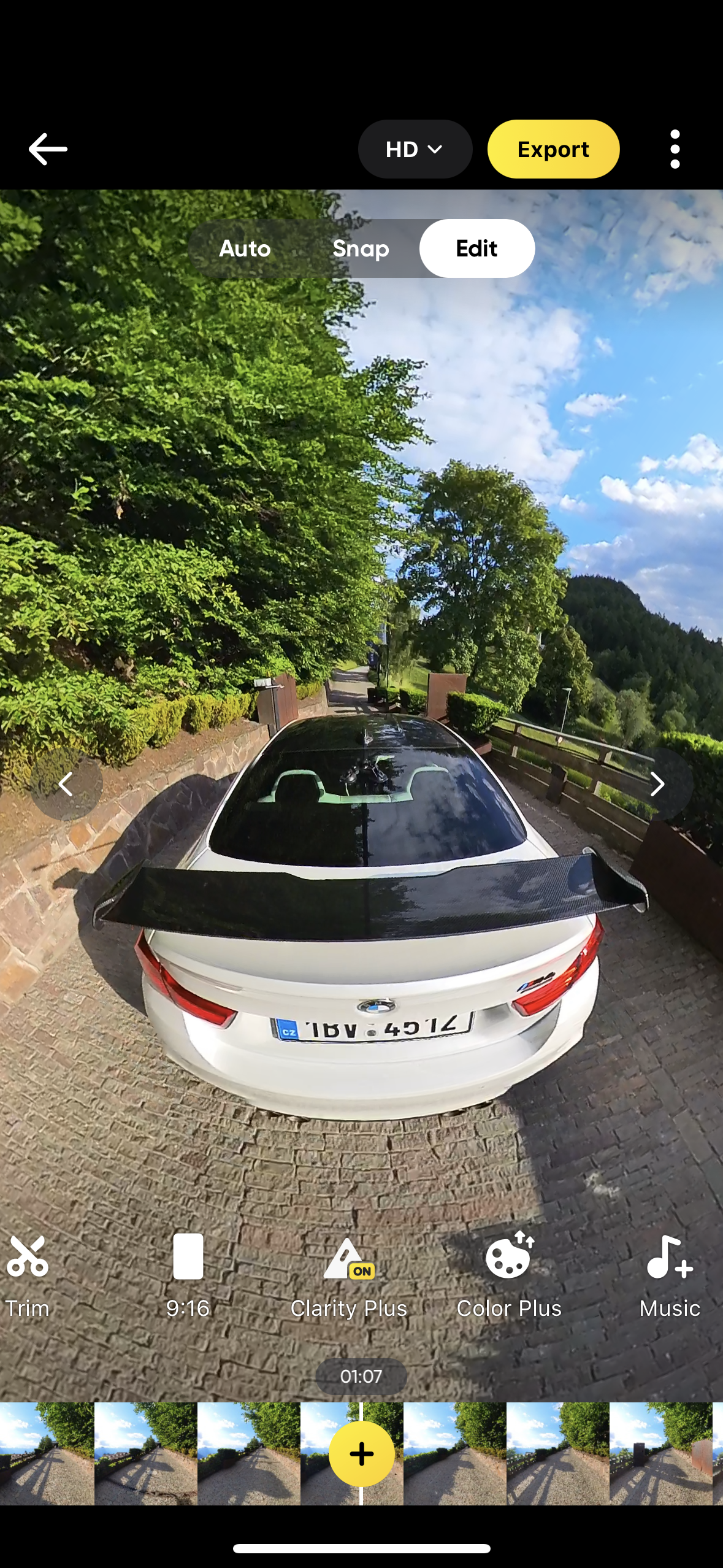
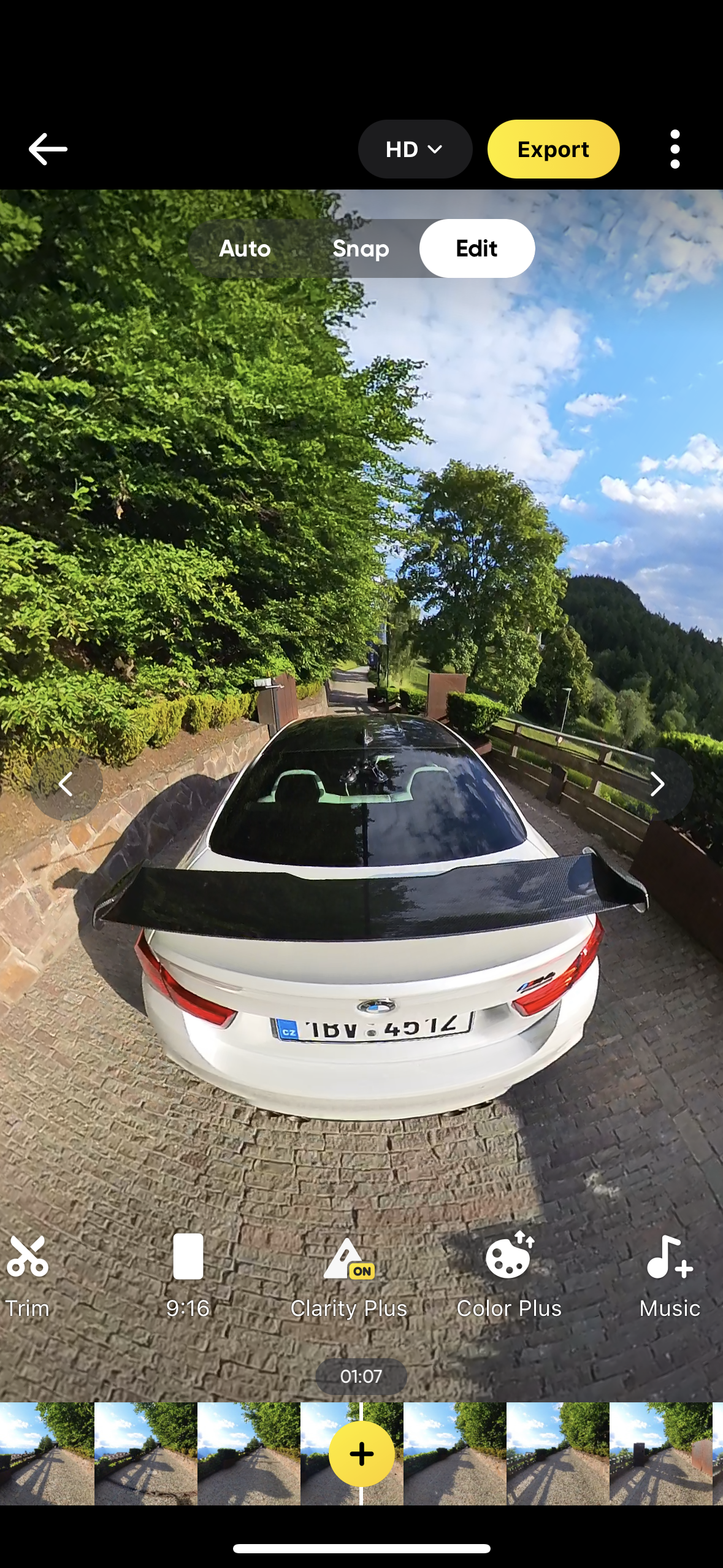
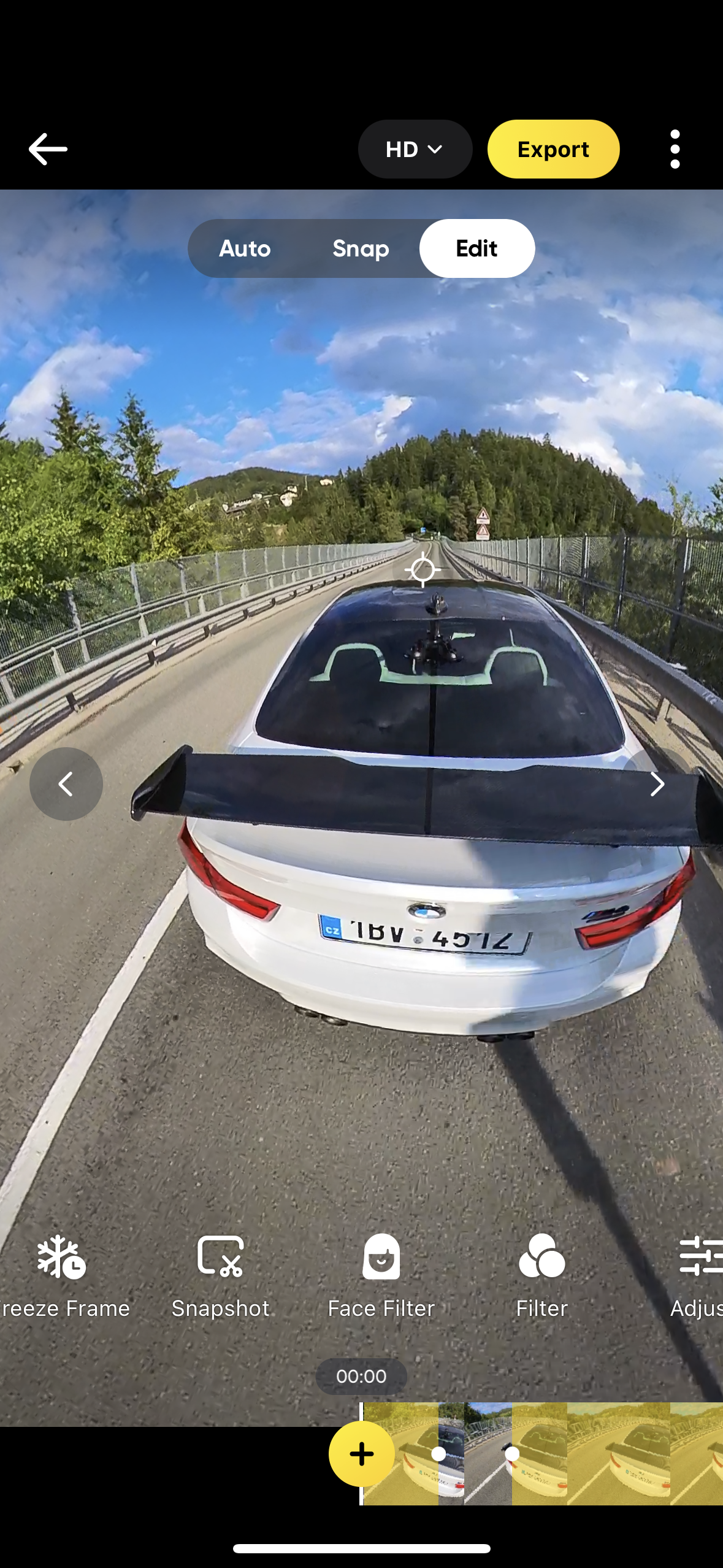
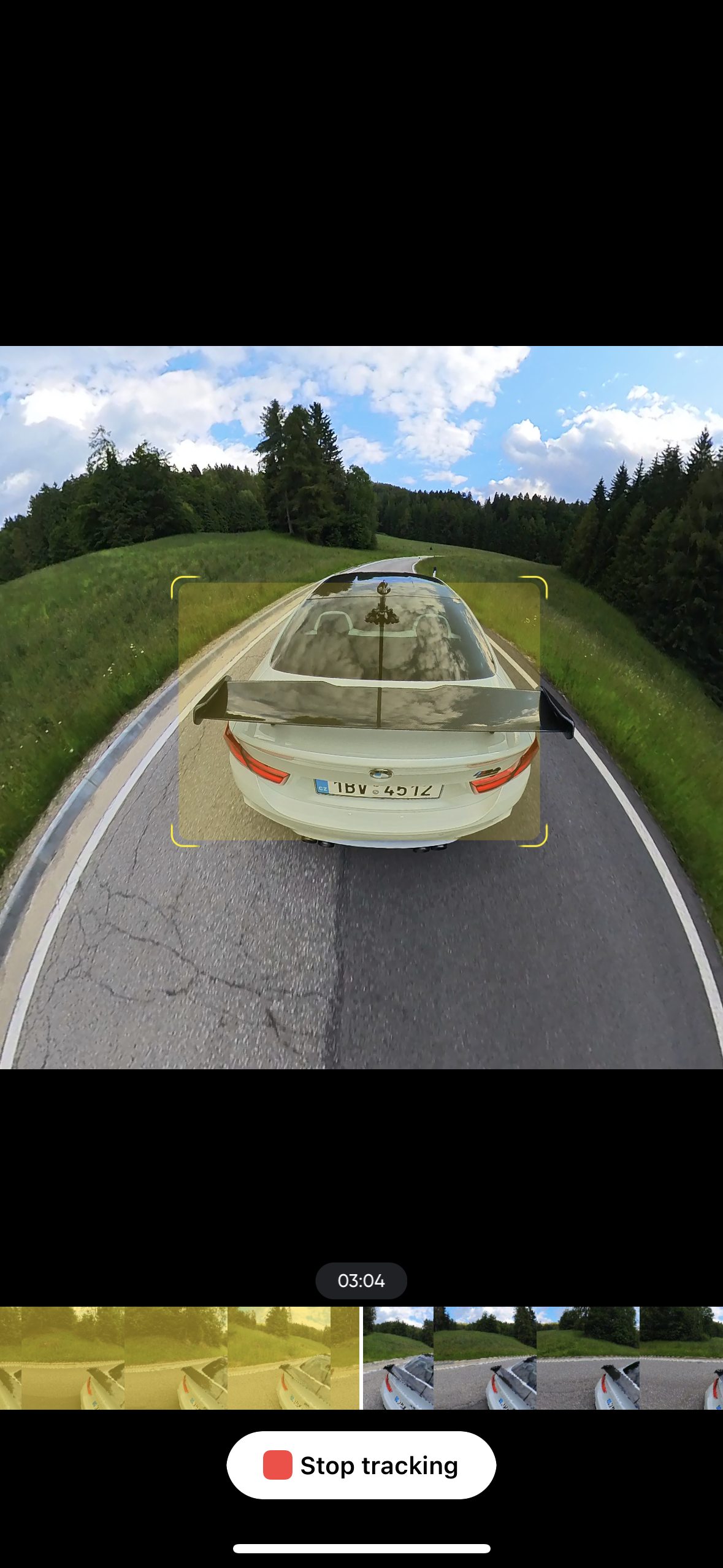
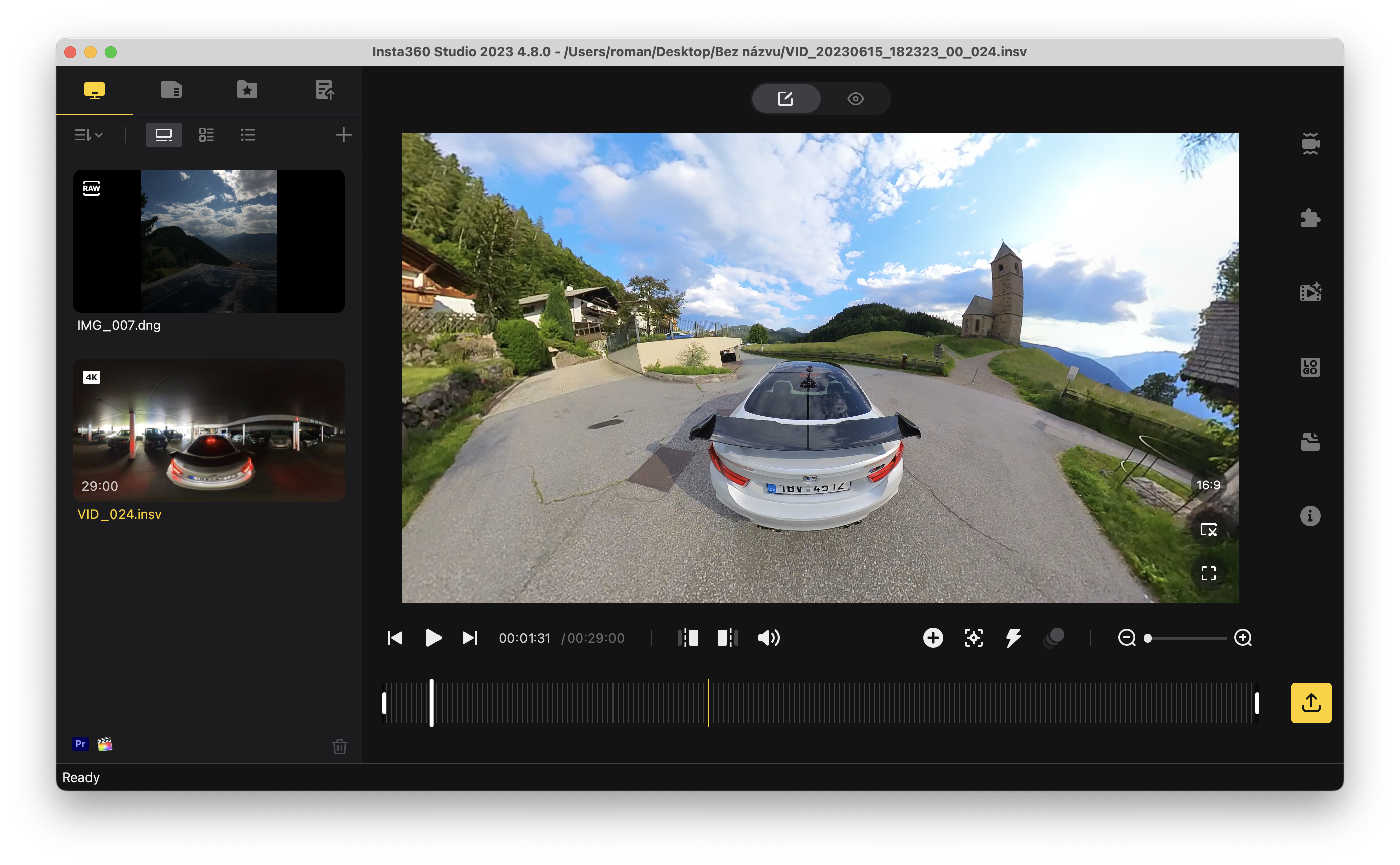
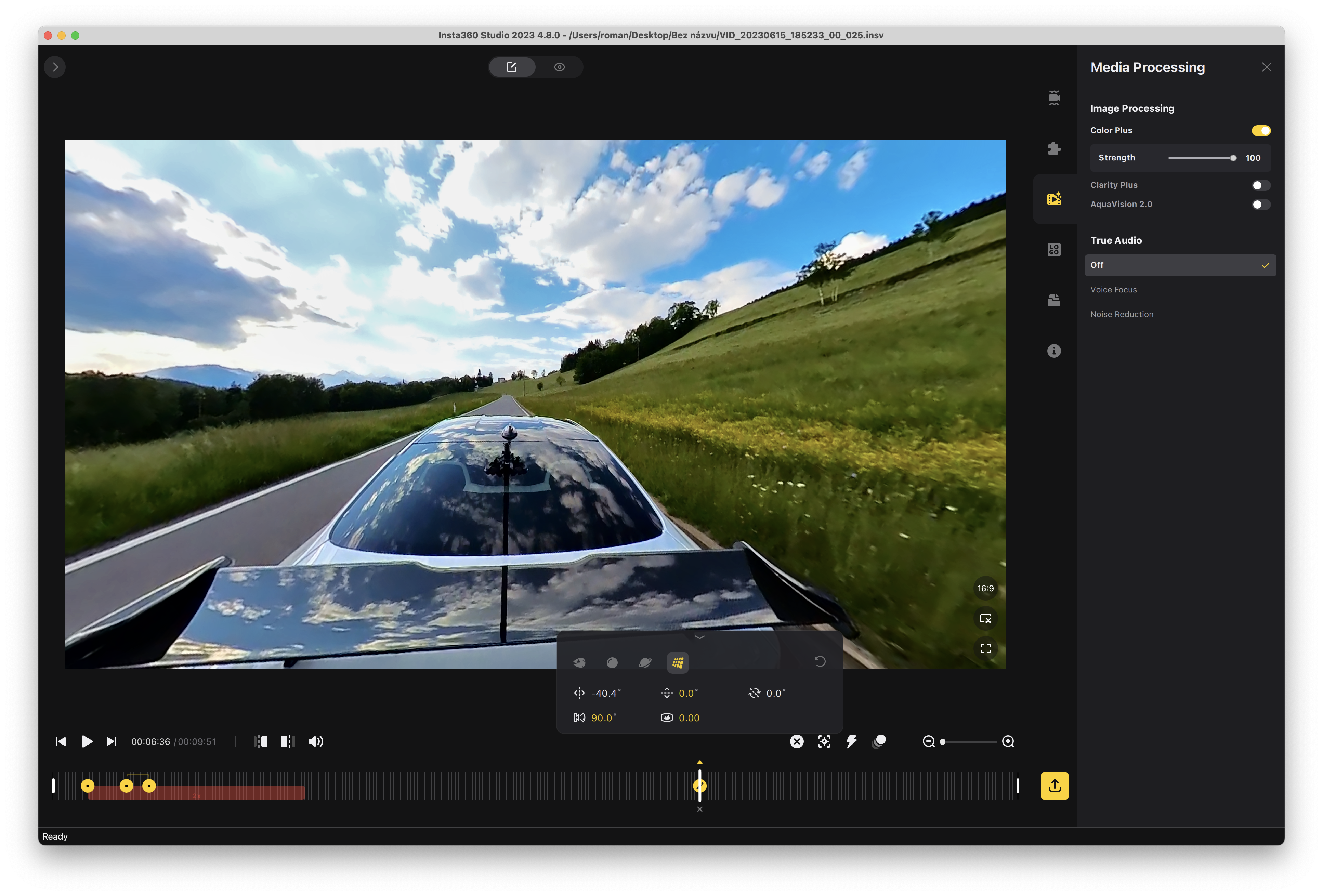
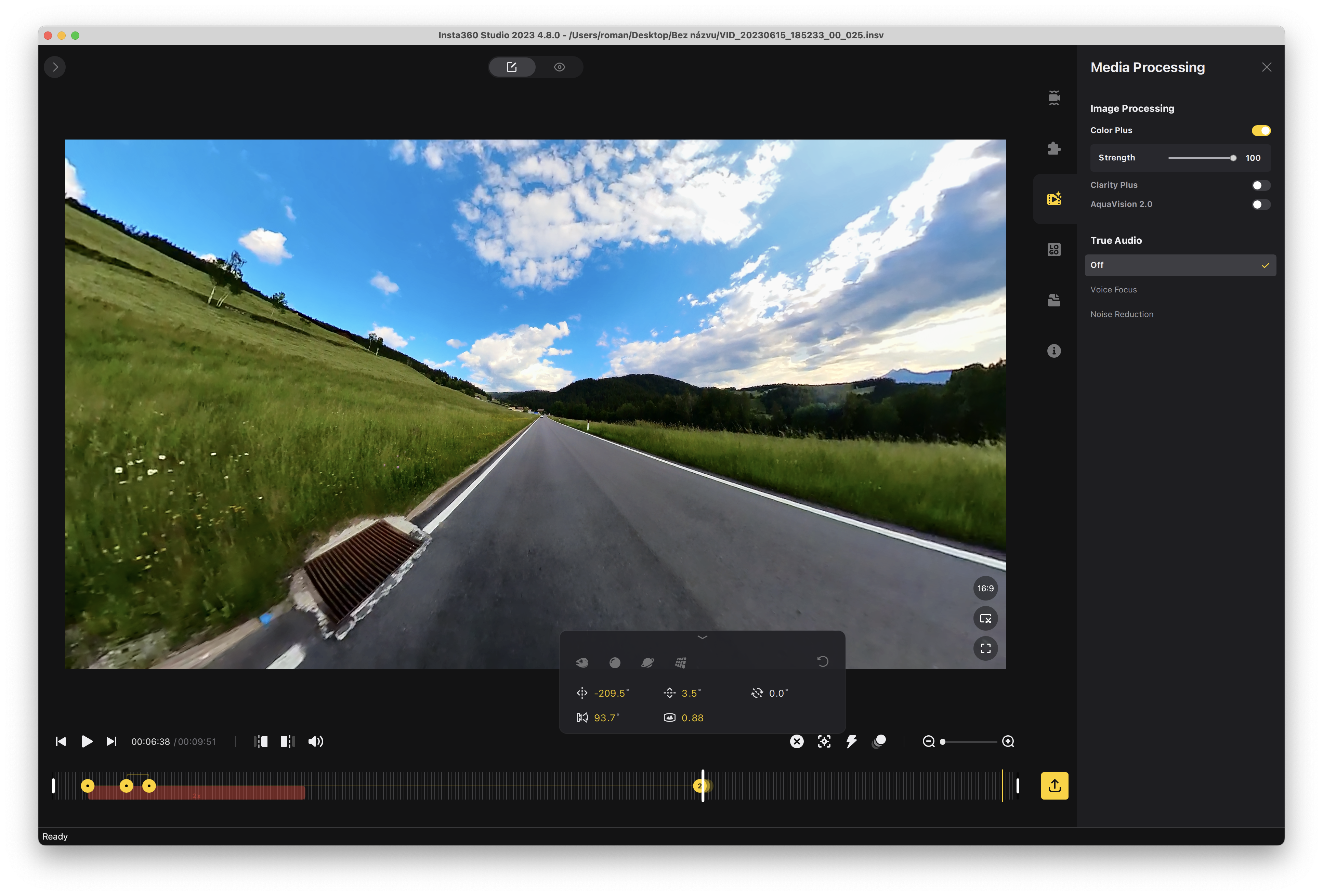
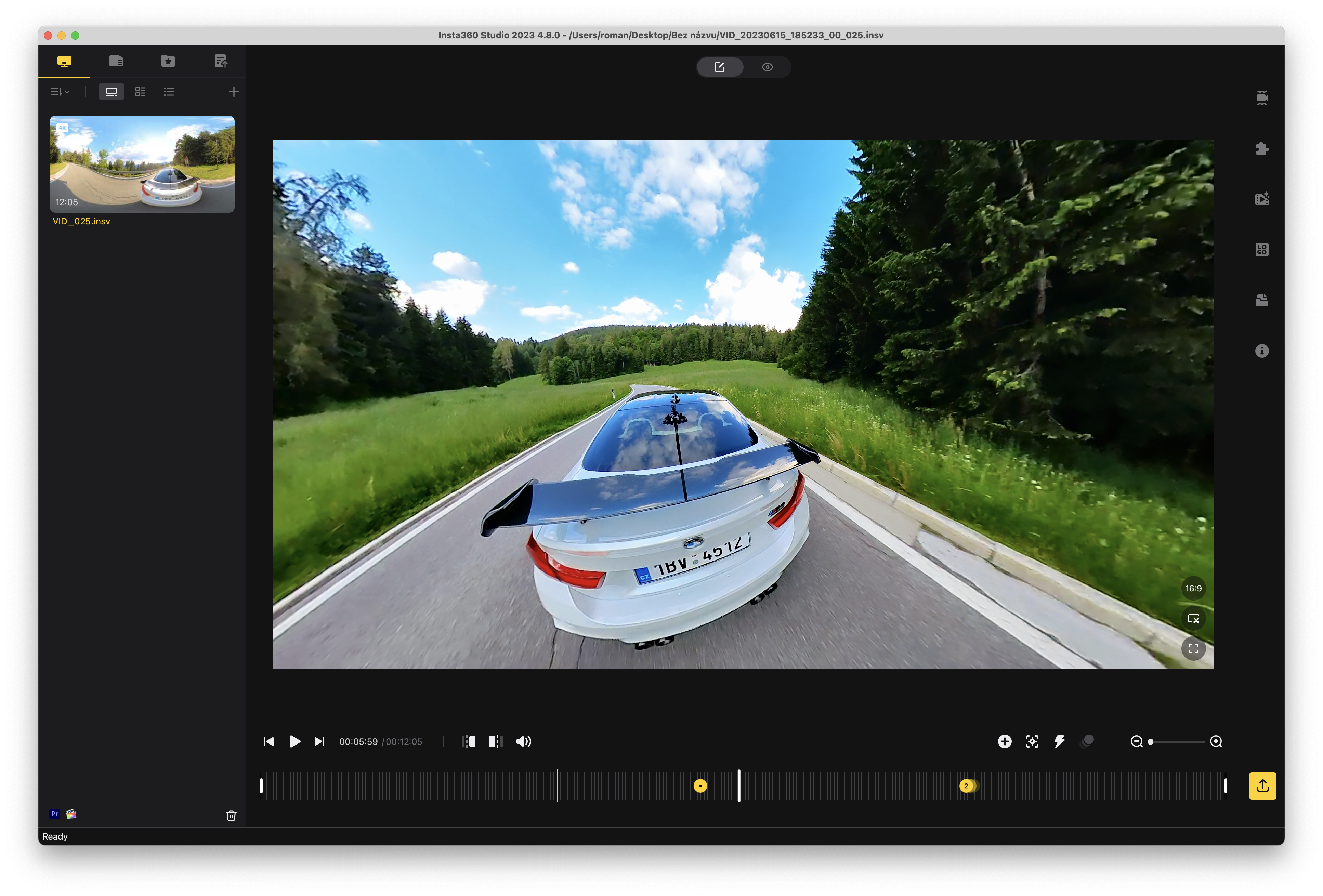
Once you have recorded your videos, you can easily transfer them to your mobile phone/tablet or computer, either via cable or wirelessly. Editing is done with the Insta360 app, which is available for both iOS/Android, as well as for desktop, both for macOS and Windows and Linux. On the desktop, the application is called Insta360 Studio 2023 and to download it you need to own the camera and enter its serial number. I must honestly say that I was most comfortable editing the video on iOS especially because I don't have much experience with video editing programs and applications iOS It is very simple and you can achieve anything you can think of with it.
Within both applications, it is possible to edit videos in terms of editing, tracking objects, various effects, rotating the image and so on. In short, you can do anything you can think of with the image. There is also the option of automatic editing, creating snaps or using various filters. Then you just need to export the video, either to a computer or directly to social networks. You can best see for yourself how the editing is done and what the application itself can do in the following gallery.
Gallery
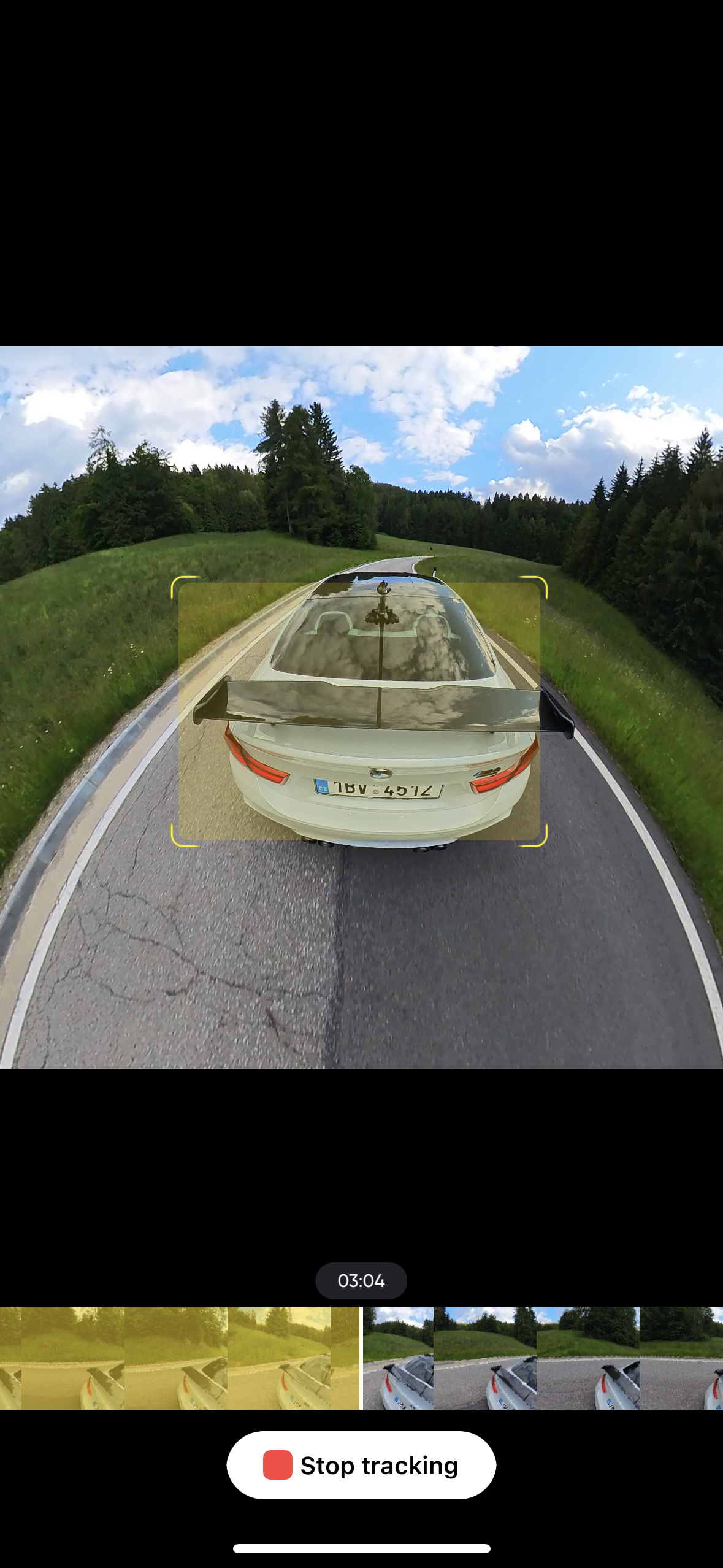
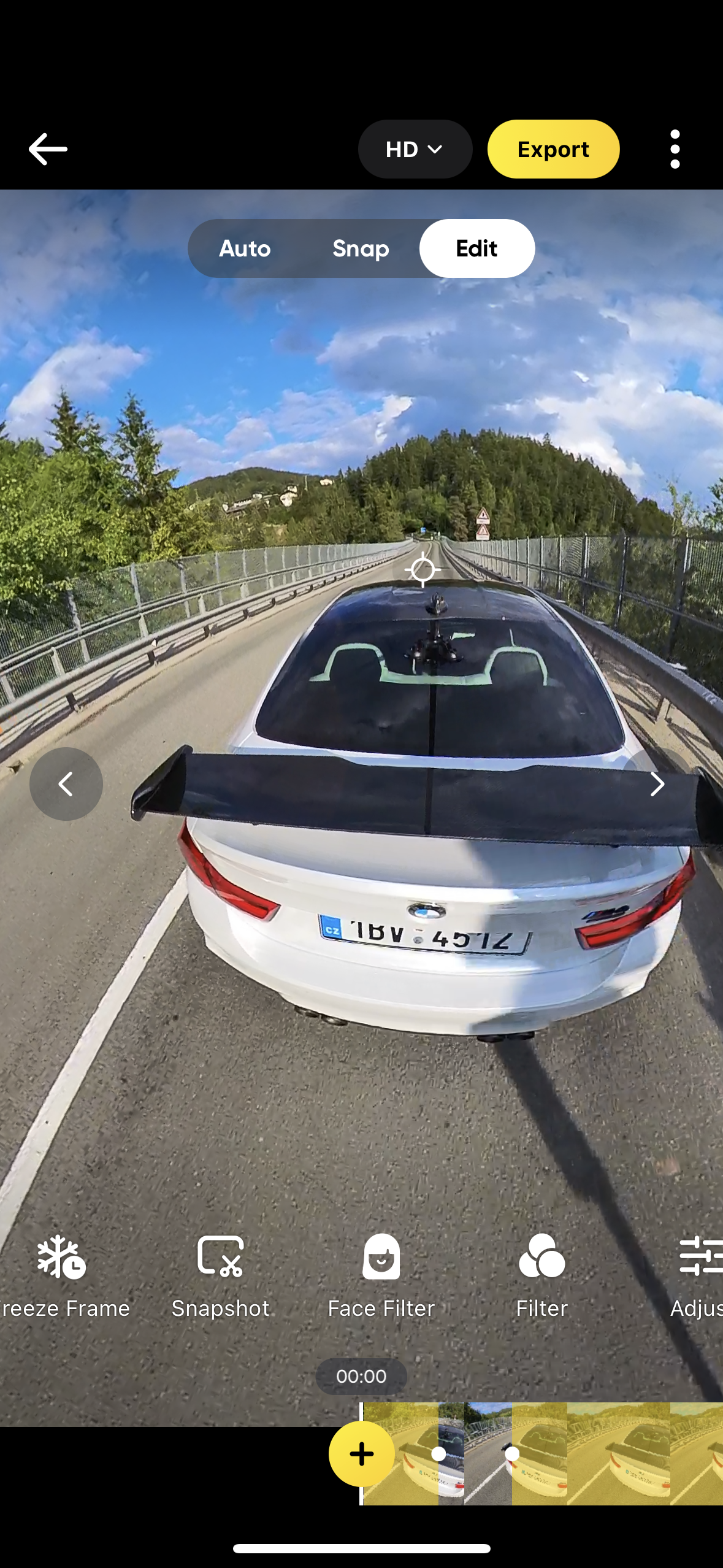
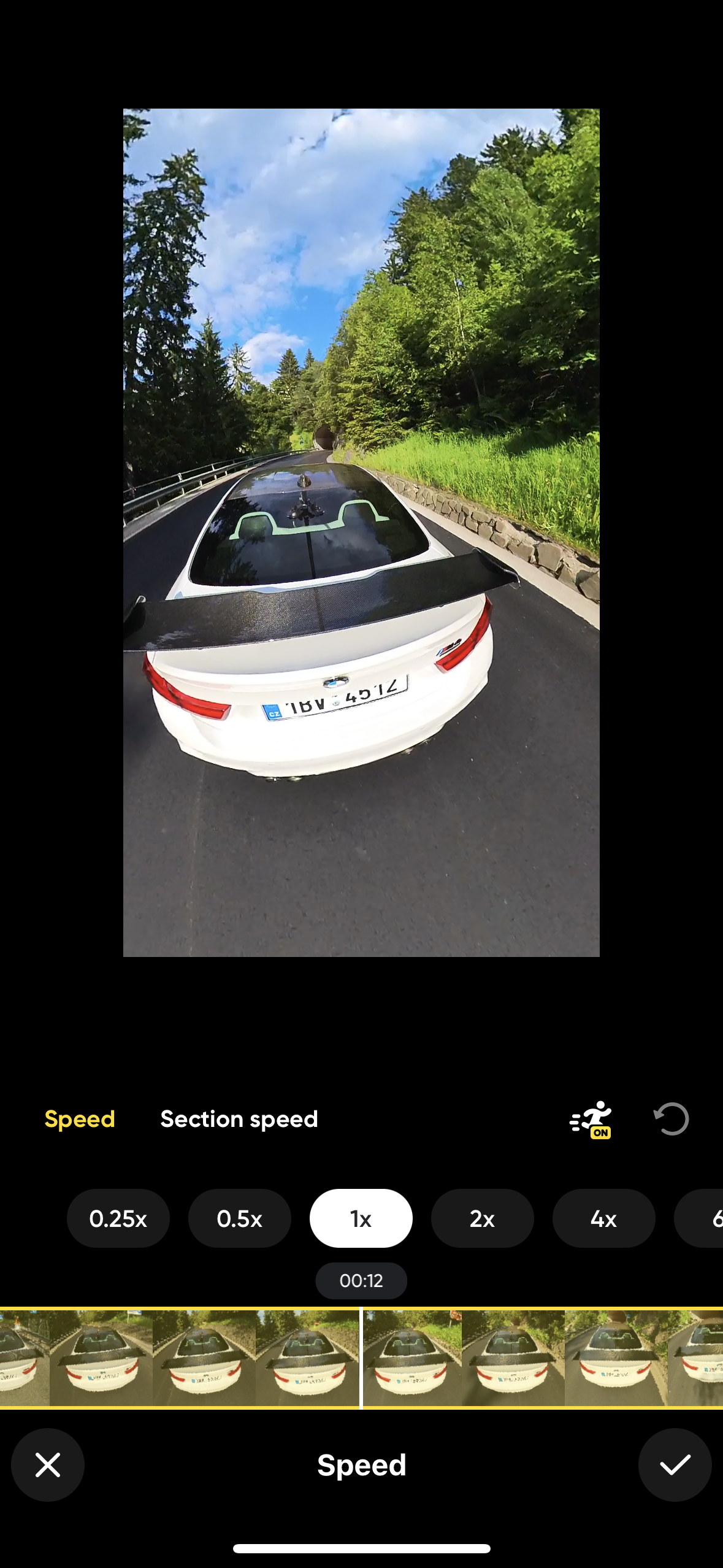
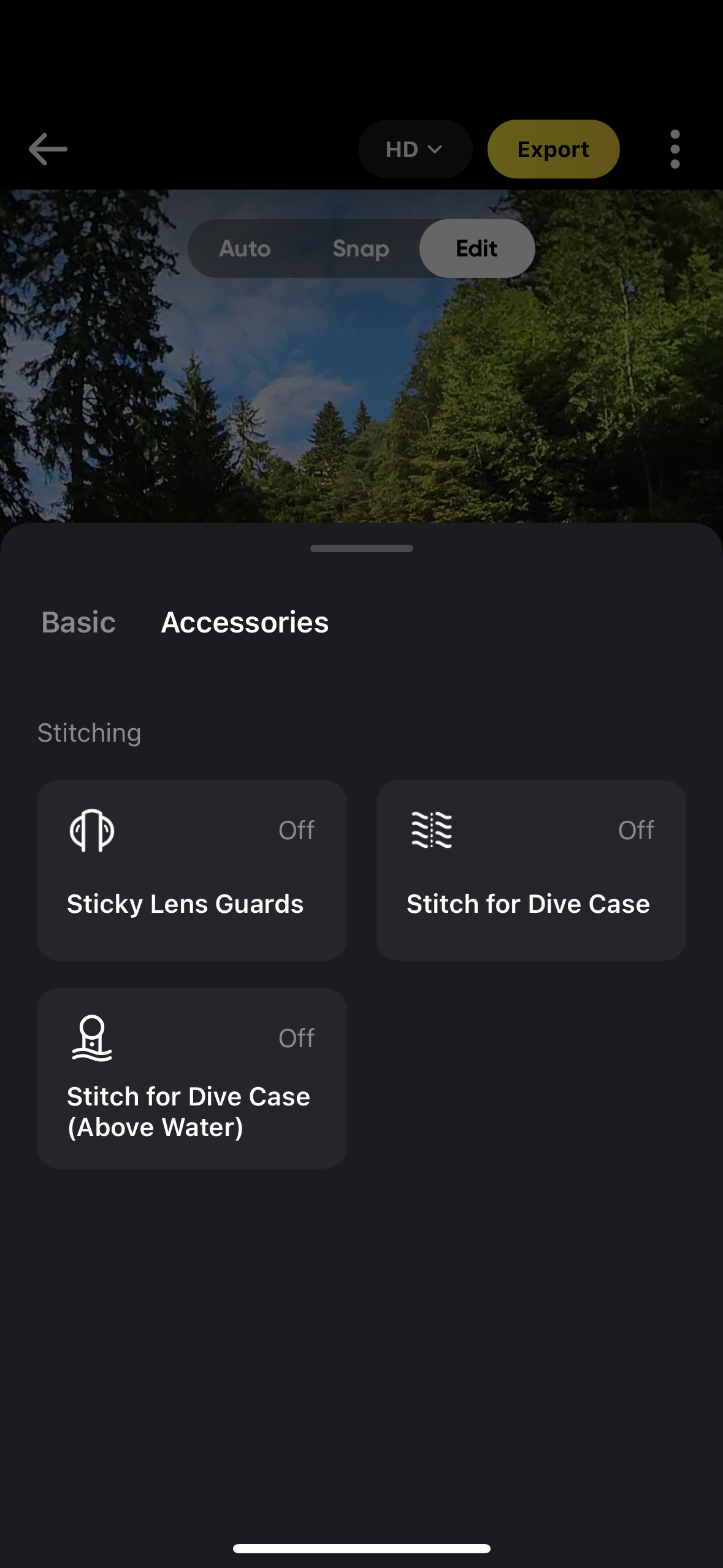
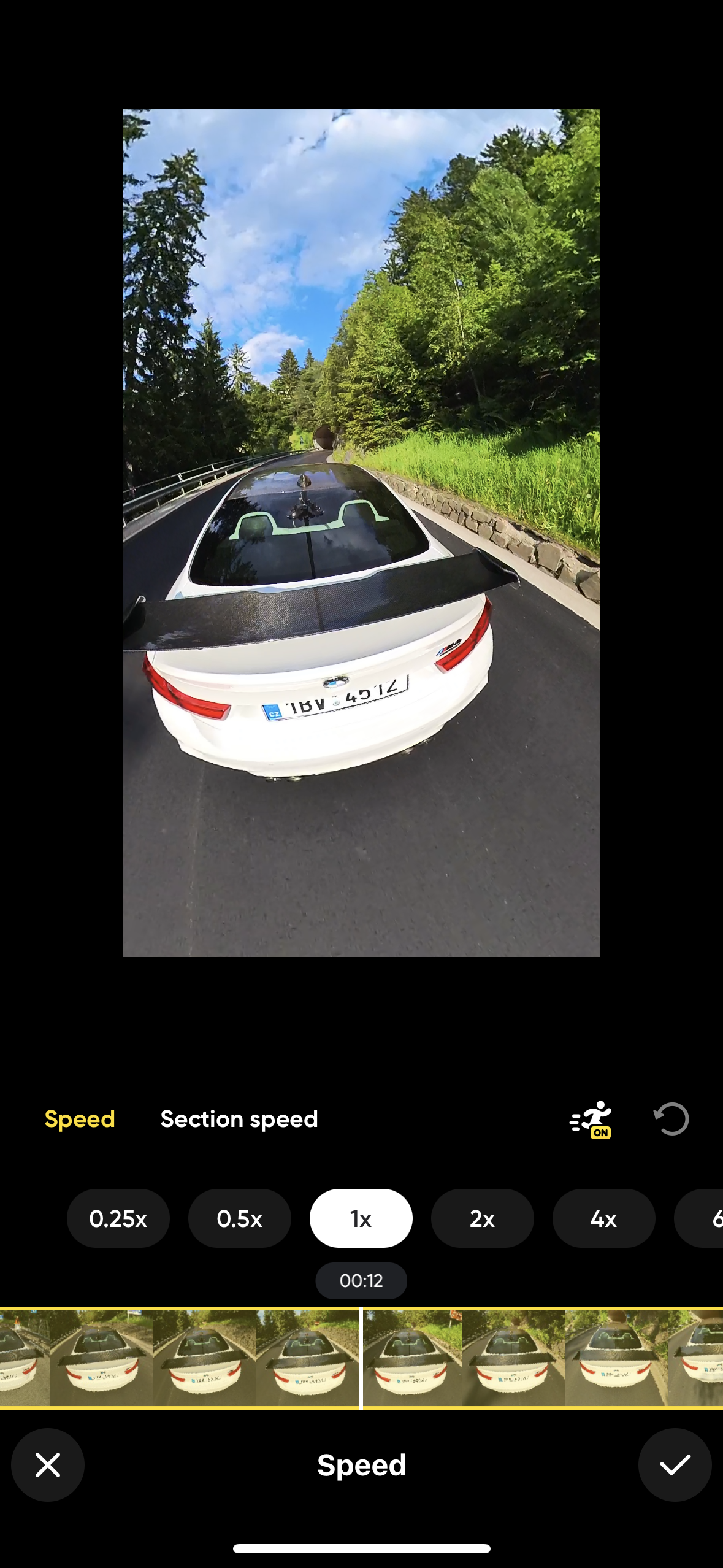
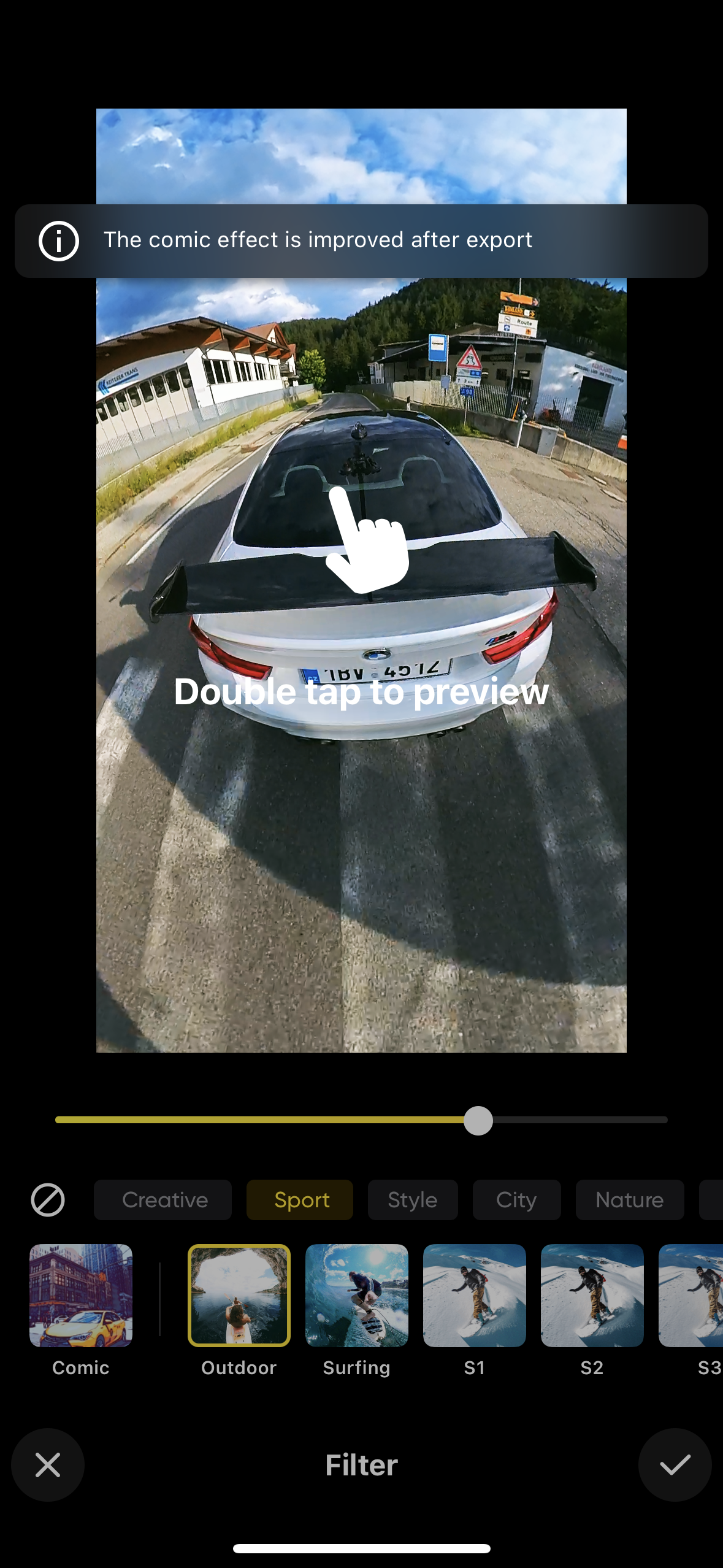
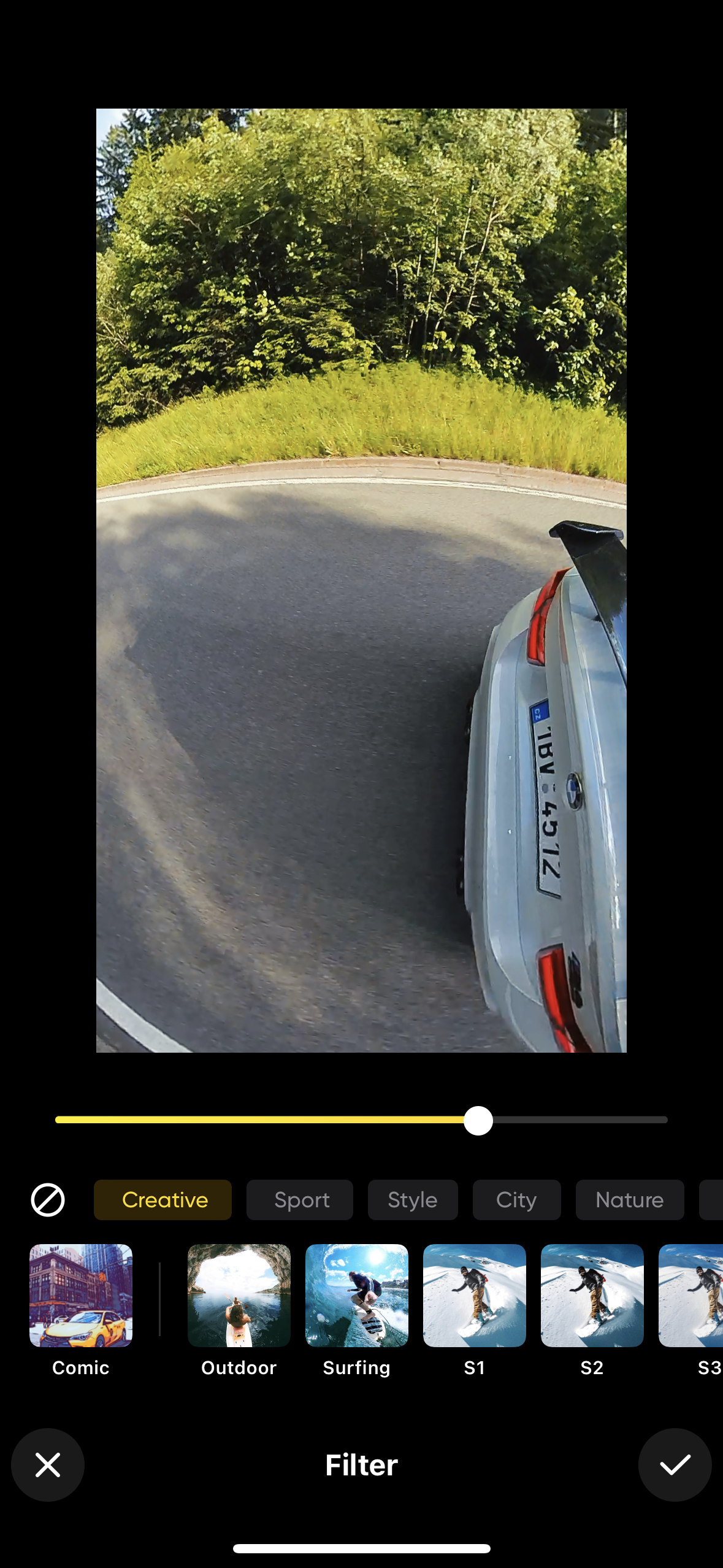

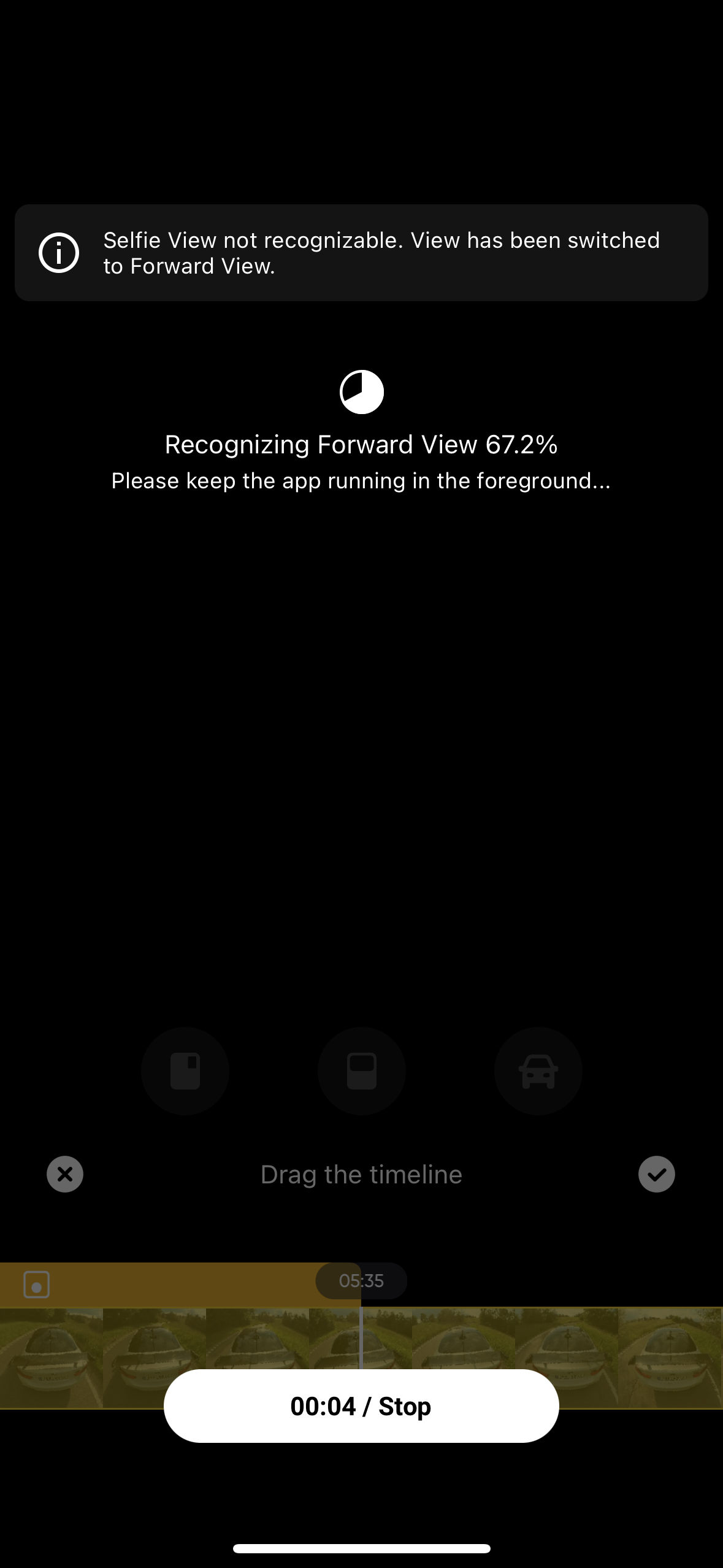
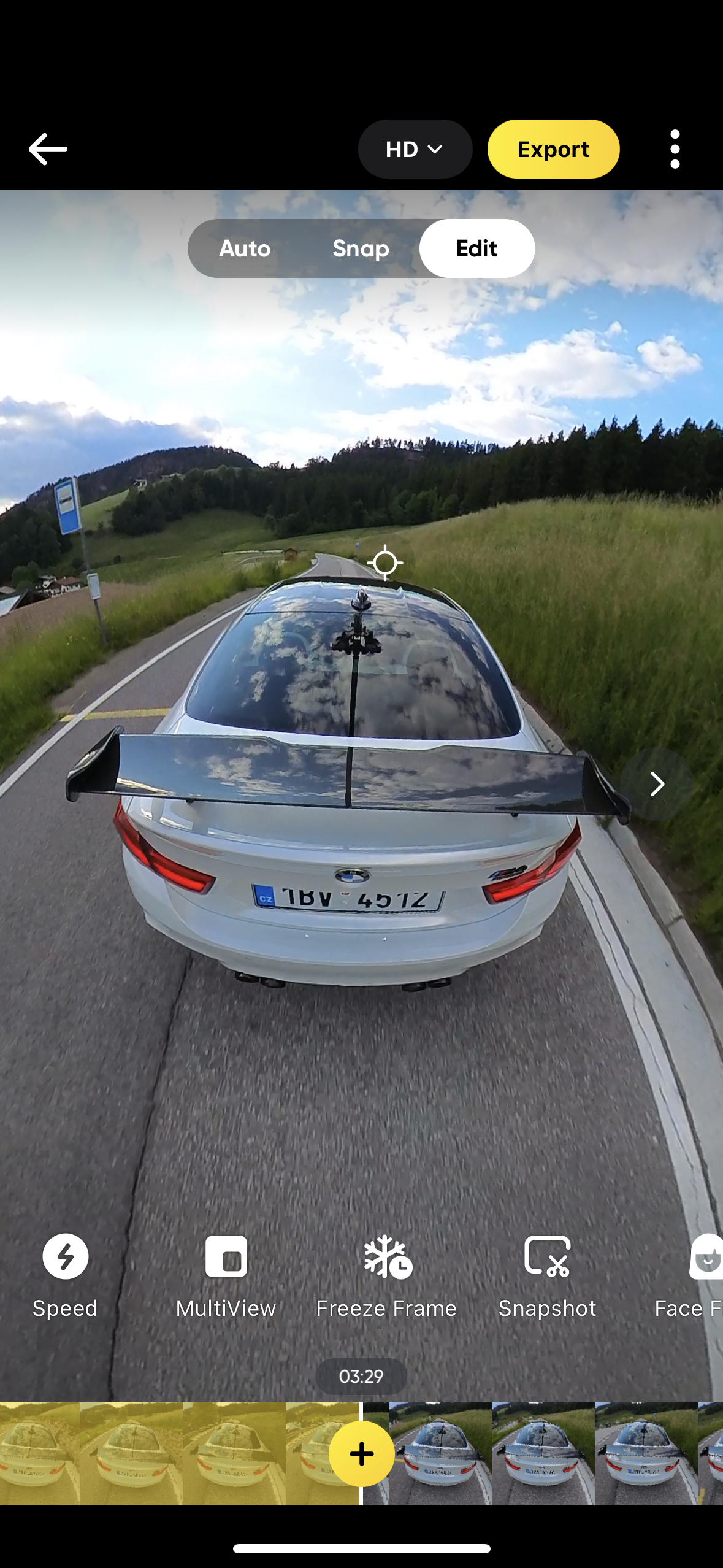
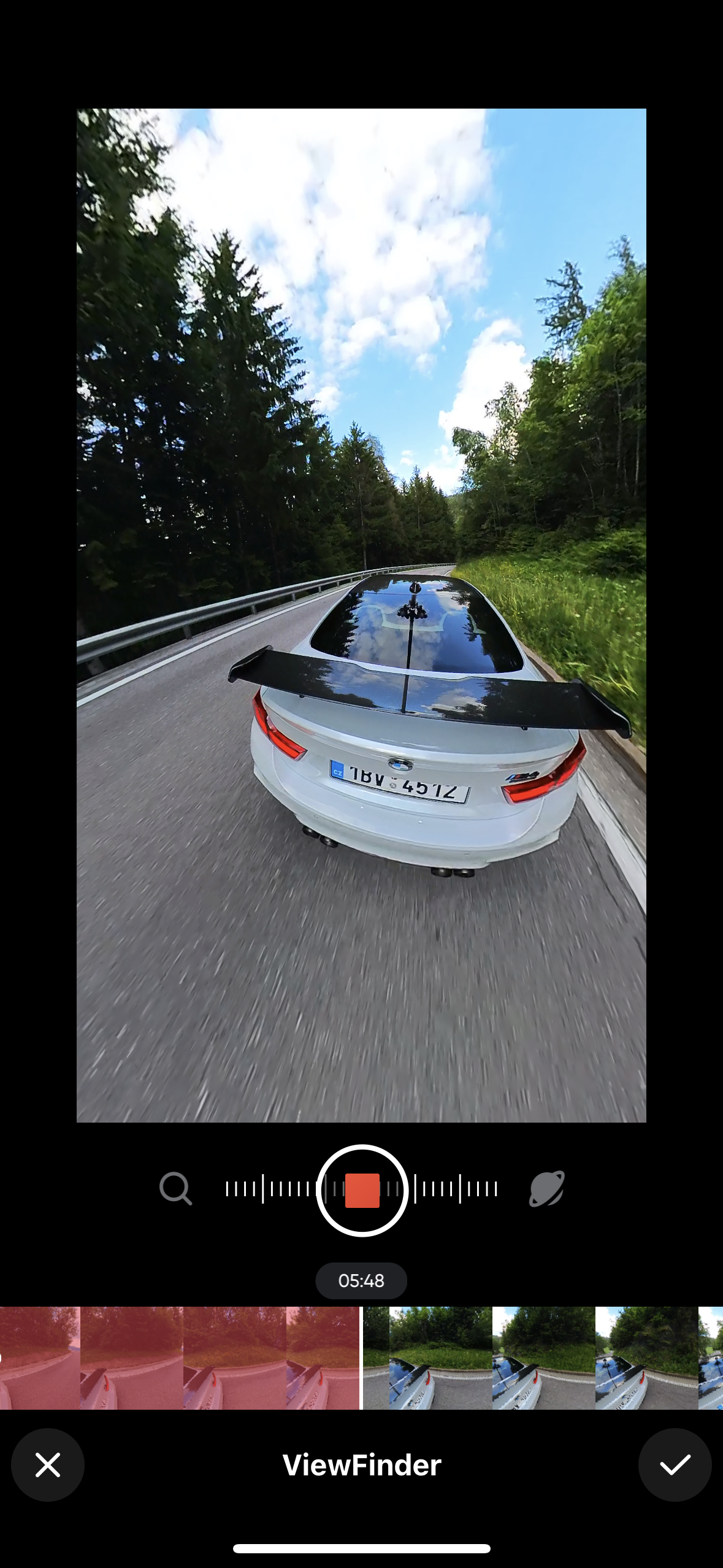
Gallery
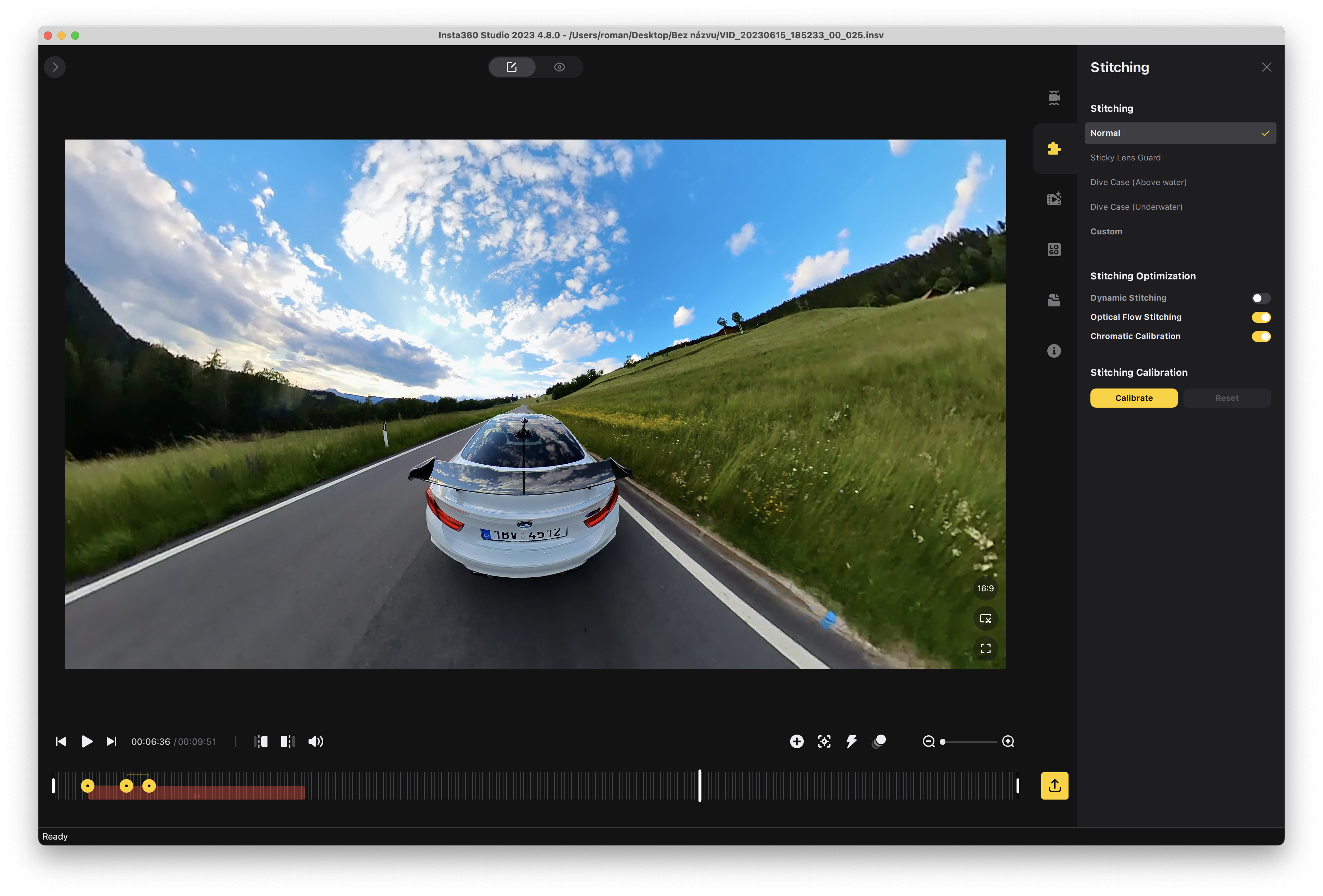
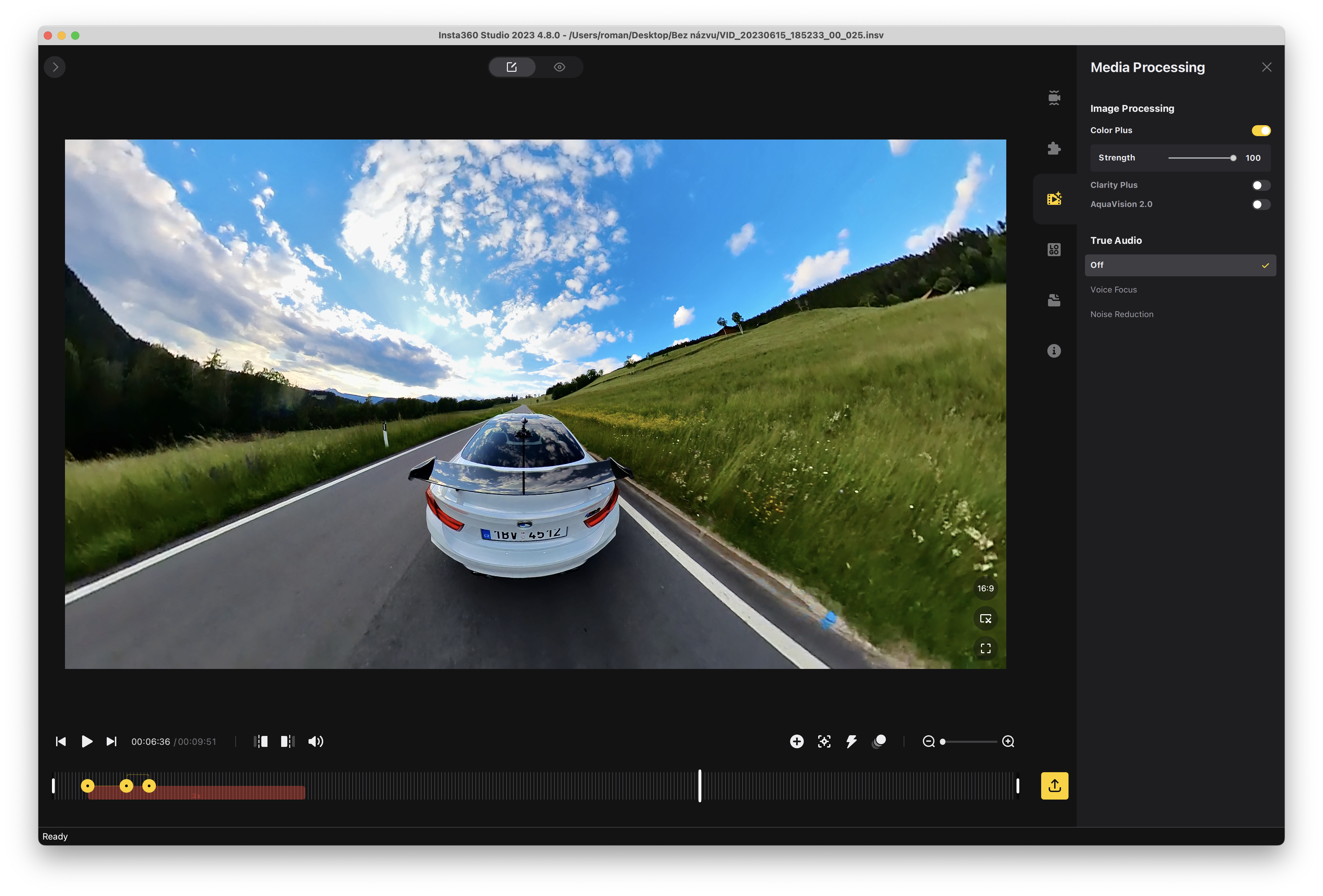
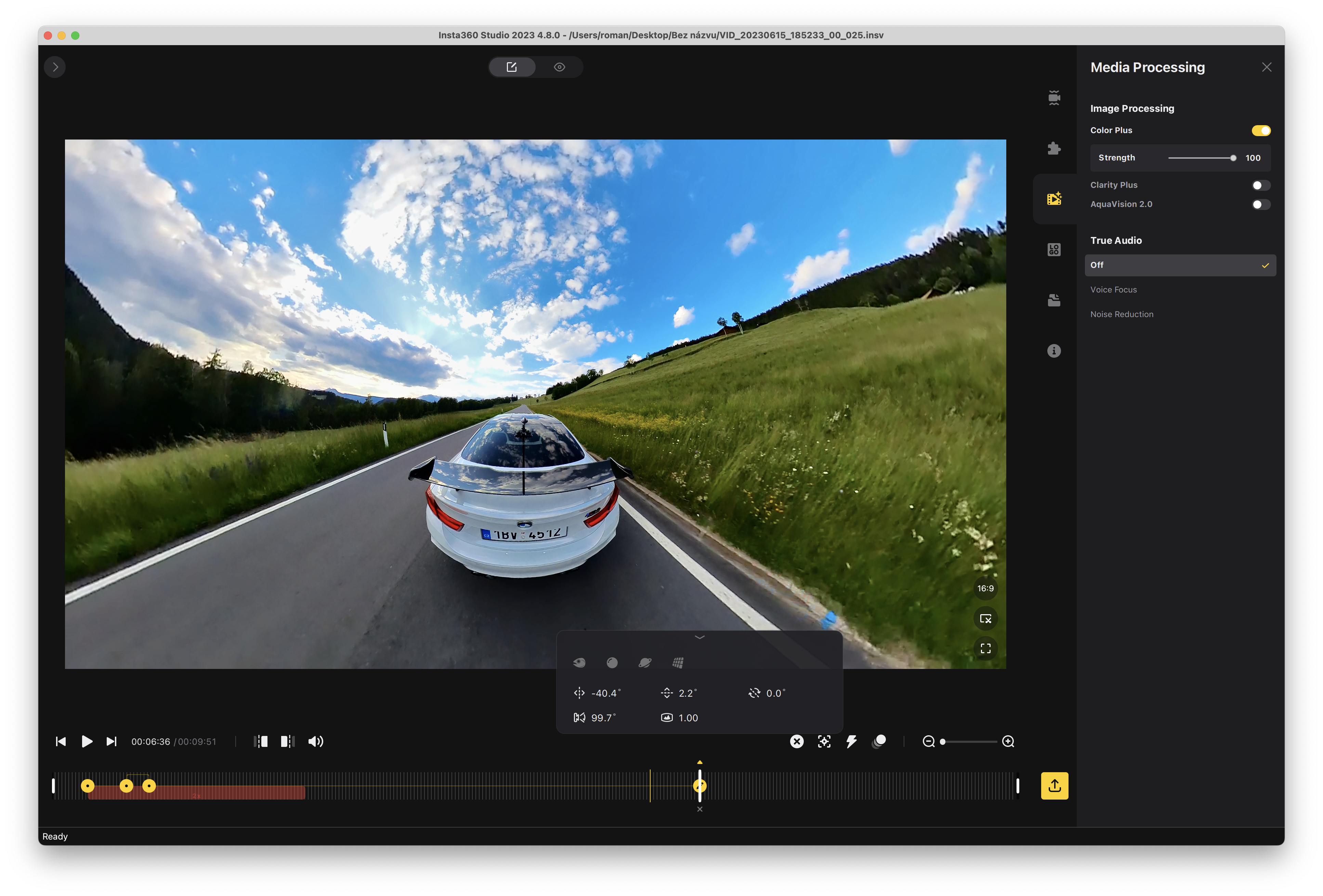
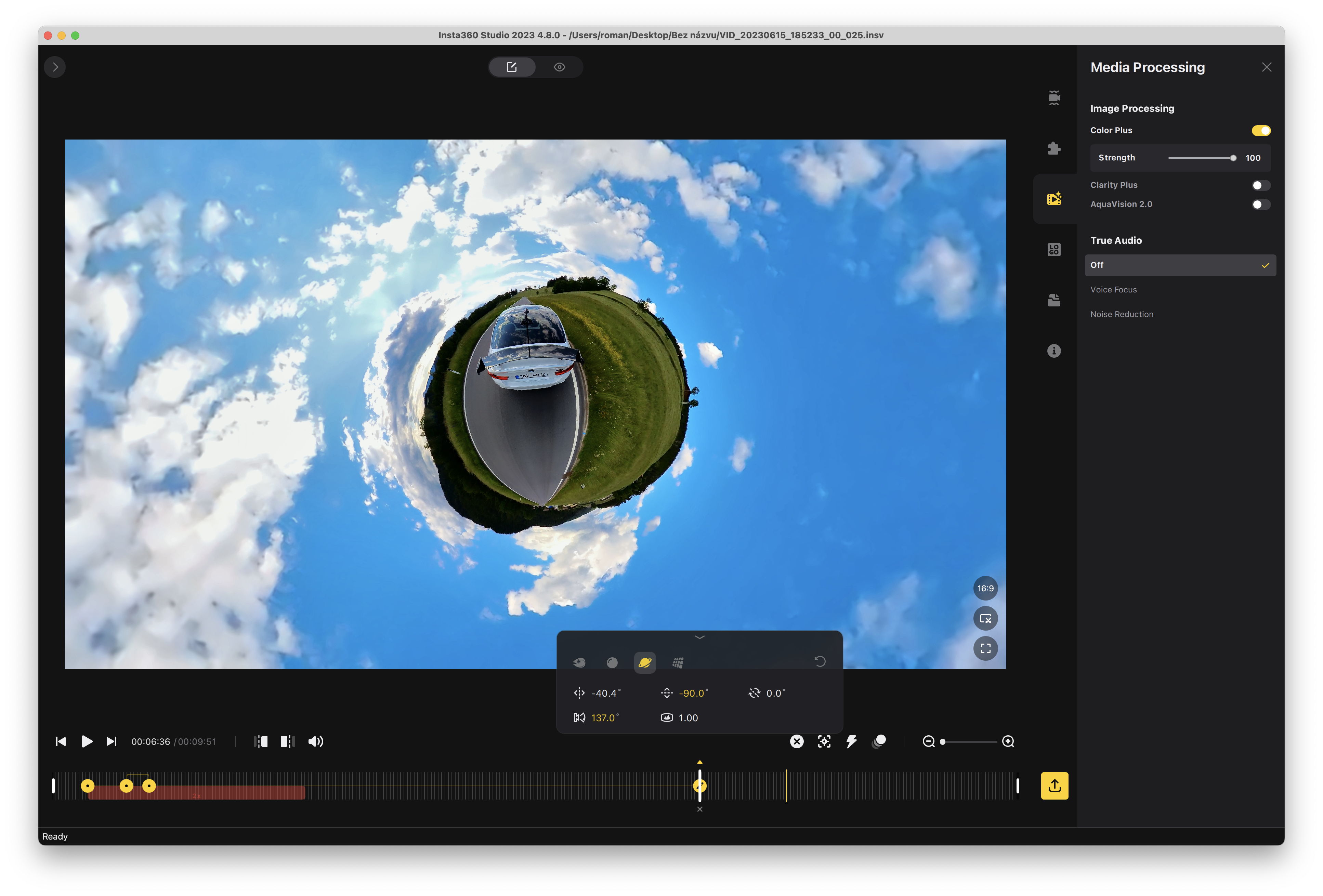
The most interesting thing you can buy today
If I had to choose just one thing to spend around 10,000 CZK on this year, it would definitely be Insta360! There is no point in considering another action camera, especially if you are not a professional action athlete. The possibilities that the camera gives you are not offered by any other. Moreover, everything is extremely intuitive and easy even for an absolute amateur. You don't have to worry about how you hold the camera, where you have placed it or what it is currently recording. ProYou turn it on, shoot, and then you choose what you actually want to shoot and how you will edit the footage. The magic that can be done with the Insta360 takes a little practice, of course, but if you have fun with it, you will learn it in a few hours and your footage can look absolutely incredible. Suddenly you will shoot videos that no one else has and ordinary people will just wonder in vain how you did this or that. oneThey managed to take a shot.
Moreover, the Insta360 is not a toy, but its workmanship is at a great level, there are a lot of quality accessories for it, and what's more, at prices that often take your breath away. For example, the Invisible Selfie Stick costs around 750 CZK and thanks to it you can film yourself, your car or anything like never before. For me personally, Insta360 and the entire ecosystem around it is one of the best technological gadgets I've discovered in recent years, and I have to say that I'm really happy about it. After all, I believe that you will find many more articles here about what and how you can do with Insta360. So if you want to make yourself happy and you enjoy similar matters, then there is not much to think about.


Can it be charged while in use? I fly on a paraglider and an hour is not much. Thanks
Yes, charging during filming is possible and the cable is not visible at all in the video.
I'm a diver, I have an insta 360 camera and an underwater case, but I can't figure out how to turn the camera on and off under water like it was on the old case. Can someone help me???