Commercial message: We encounter documents in PDF format on computers, tablets and mobile phones every day. The truth is that not every user understands them completely, but if you have a quality PDF editor at your disposal, working with this format is also a pleasure. Exactly such an editor is i UPDF AI. We will introduce it in the following lines and you can also get it thanks to it UPDF Pro 54% cheaper that plus 10 GB cloudThis repository is completely free. You will learn more information later, but now it is time to introduce the editor itself. And I can already tell you that there is really something to look forward to. UPDF enriched with artificial intelligence has the potential to revolutionize the editing of PDF files. Many of us absolutely hate them, but thanks to the smart integration of artificial intelligence, which the developers of UPDF have undoubtedly succeeded in, working with PDF files is literally a joy. You get in your handsonepossibilities that he might have thought of years ago maximal to dream like that. And all this at a price that definitely makes sense – especially when you pay it only once thanks to the lifetime license. But enough words! Try it out UPDF AI absolutely free!
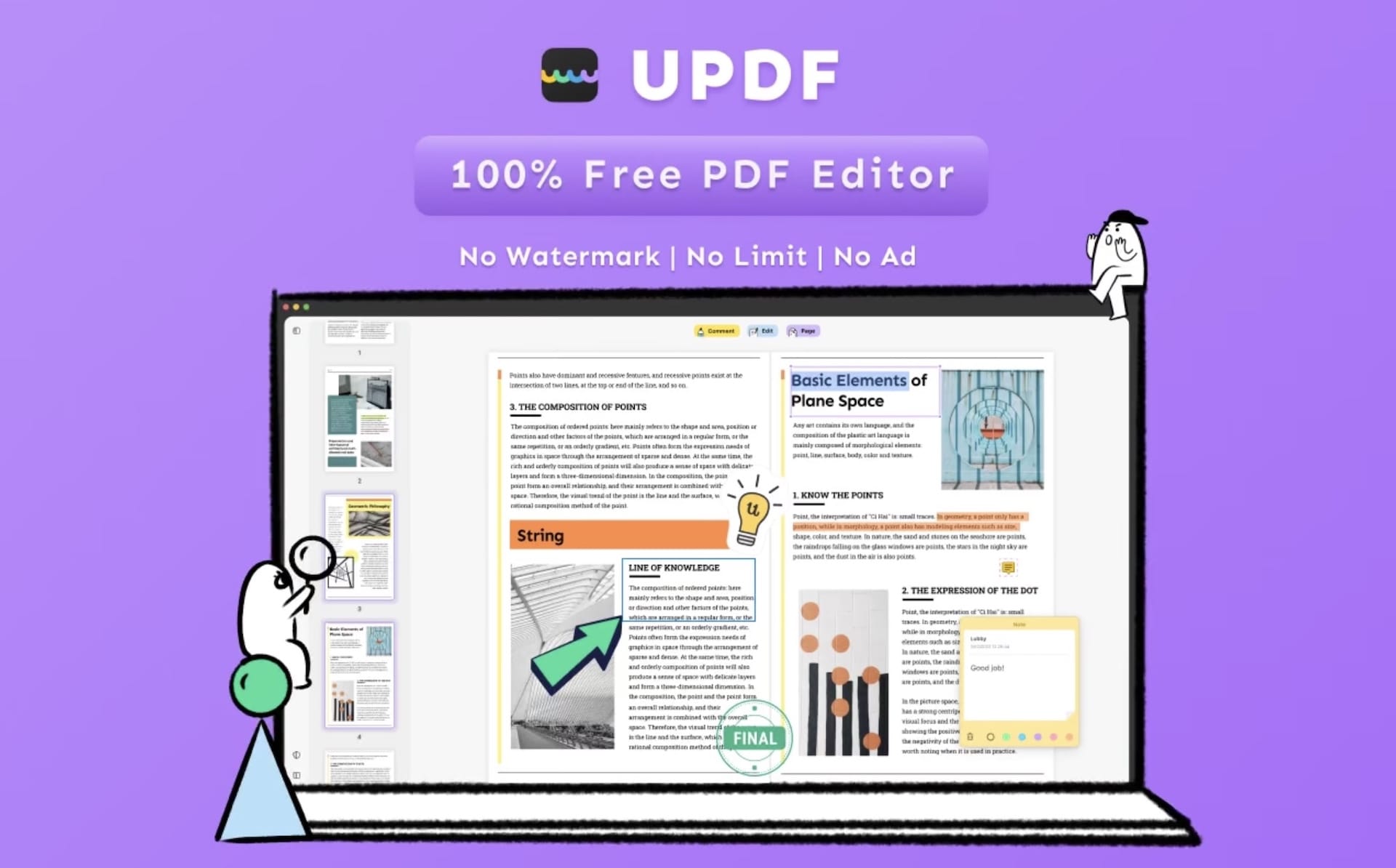
UPDF: Best PDF Editor and Converter with Artificial Intelligence (2023)
Artificial intelligence has recently enjoyed extreme popularity in the world, which is constantly increasing. It is therefore absolutely not surprising that it is now heading to one of the most popular PDF editors, UPDF. Have you no idea how artificial intelligence in PDF documents could help people at work? In a completely fundamental way! This AI PDF editor can:
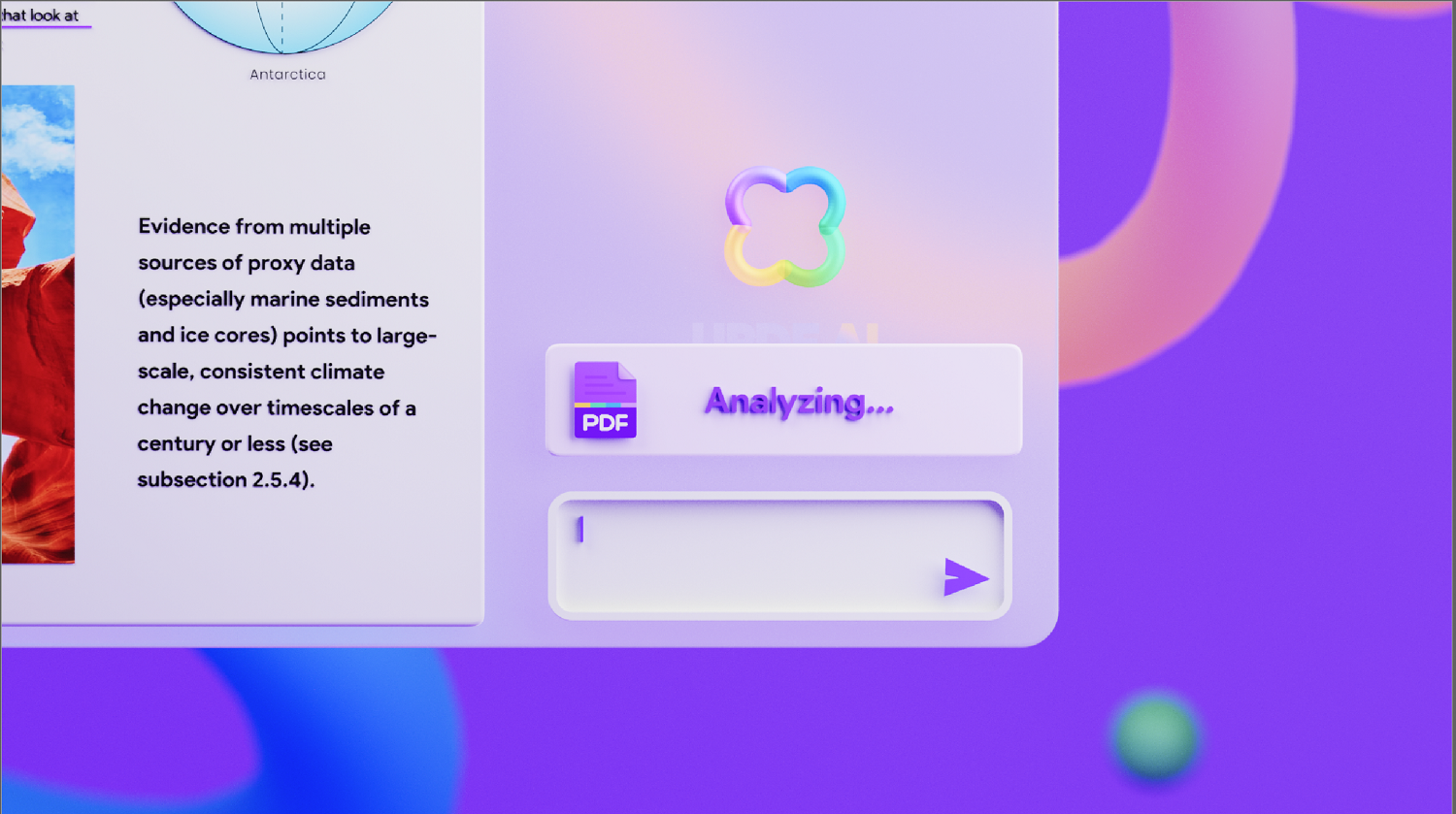
Summarize PDF – AI in UPDF can summarize PDF documents into several key points, generate a summary from the document, or extract keywords for faster understanding of the entire PDF.
Translate PDF – Working with foreign-language PDF documents has never been easier! The artificial intelligence in UPDF can translate PDF documents in a foreign language almost perfectly. Thanks to advanced algorithms, the artificial intelligence can "understand" the translated text and translate it exactly in the context in which the author created it. Thanks to this, it should not happen that the translated text will produce a completely different result than the original text due to misunderstanding of various phrases. And what's even better, there are many different languages available, so there is no problem working with a wide range of documents.
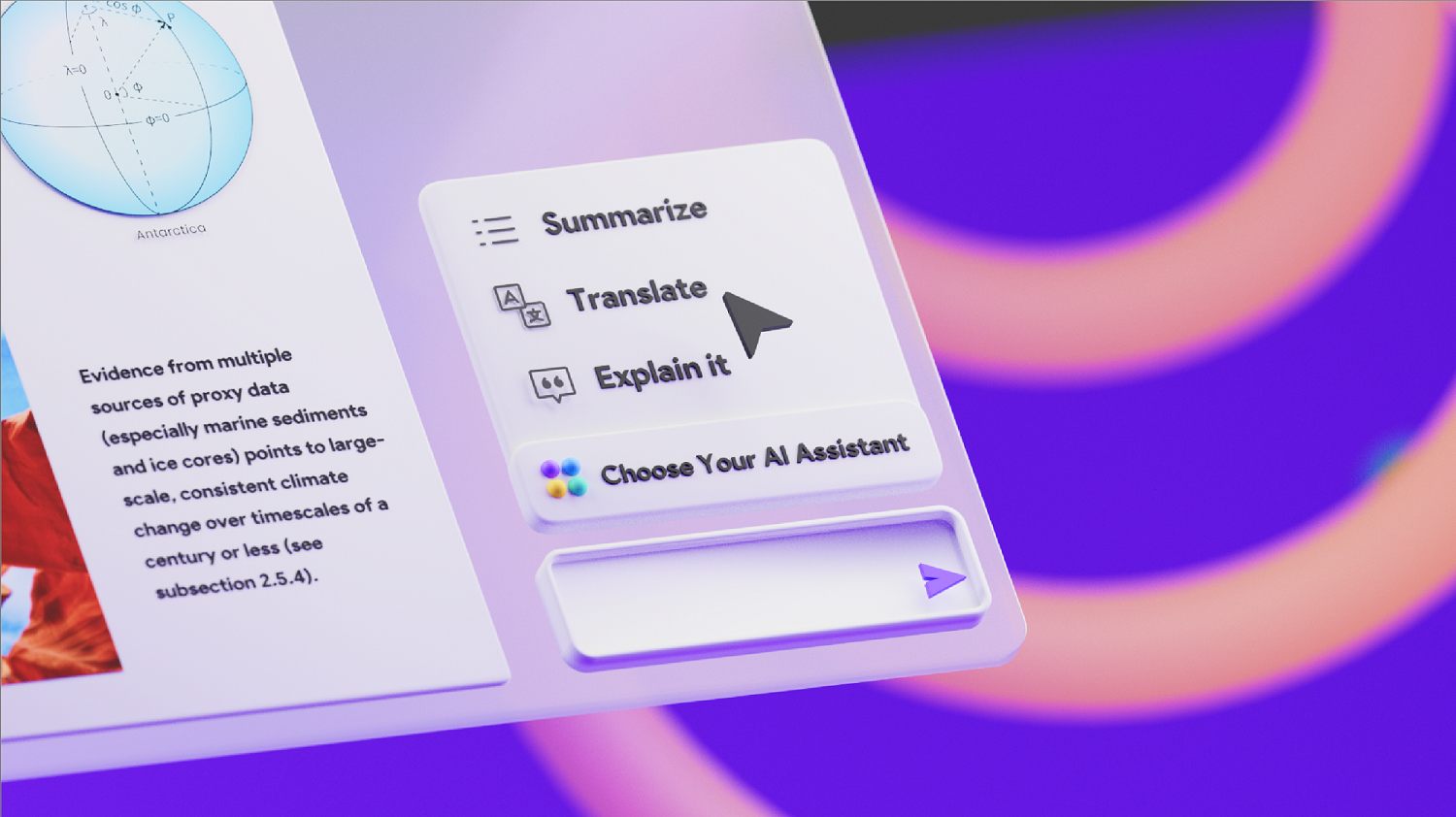
Explain terms in PDF – Probably every one of us has been in a situation where we read a document, but due to misunderstanding some of the terms in it, we were subsequently unable to understand it as a whole. But this is exactly what artificial intelligence should be able to do.onec. The AI integrated into UPDF can explain complex concepts directly in the document, making it easy to understand and therefore easy to work with. Sounds great, right?
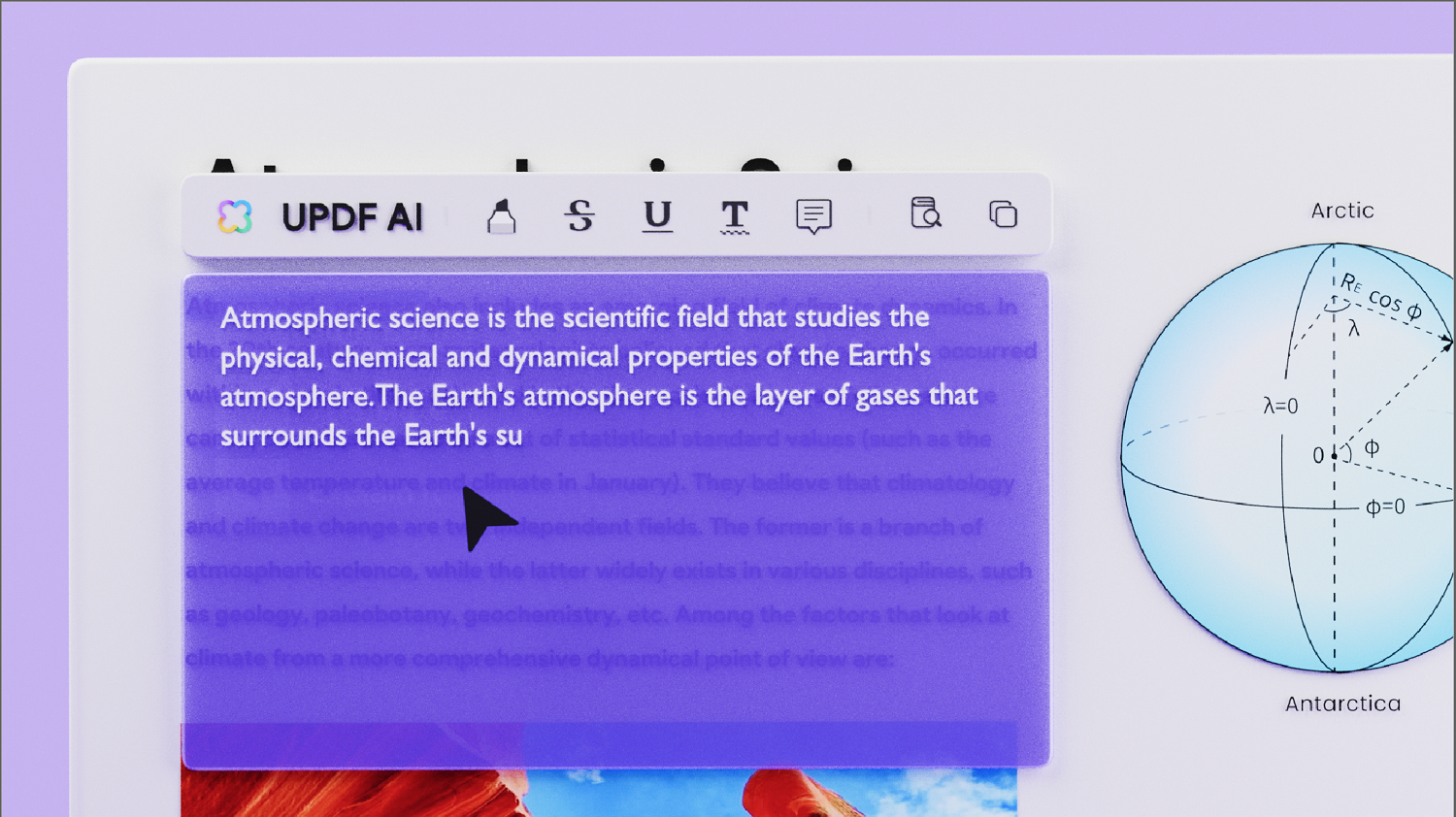
Manual data processing is a thing of the past thanks to AI
Do the previous options of the UPDF AI editor sound very interesting to you? And what if we told you that it is not a problem to combine them so that they work de facto as a whole in one document? In other words, thanks to artificial intelligence in UPDF, you will practically no longer have to worry about manual data processing, as AI will take care of everything without any problems. For example, if you receive a long foreign-language document with lots of images and so on, thanks to artificial intelligence you will understand it very quickly thanks to it creating a summary (even in points) in your language of what the text contains, while in the summary AI can even take into account images in the document and so on! In short, the unbelievable is now becoming a reality. Now you can also get a 54% discount on this best PDF editor UPDF.
UPDF is not just about AI
UPDF is one of the best PDF editors on the market due to its wide range of benefits. Let's start by saying that it is a cross-platform software that is available for macOS, Windows, Android and iOSThis means you can use UPDF on different devices and operating systems with a single license. No matter if you work with a Mac, PC, tablet or smartphone.onem, you can manipulate PDF documents for the same price. This flexibility is definitely an advantage.
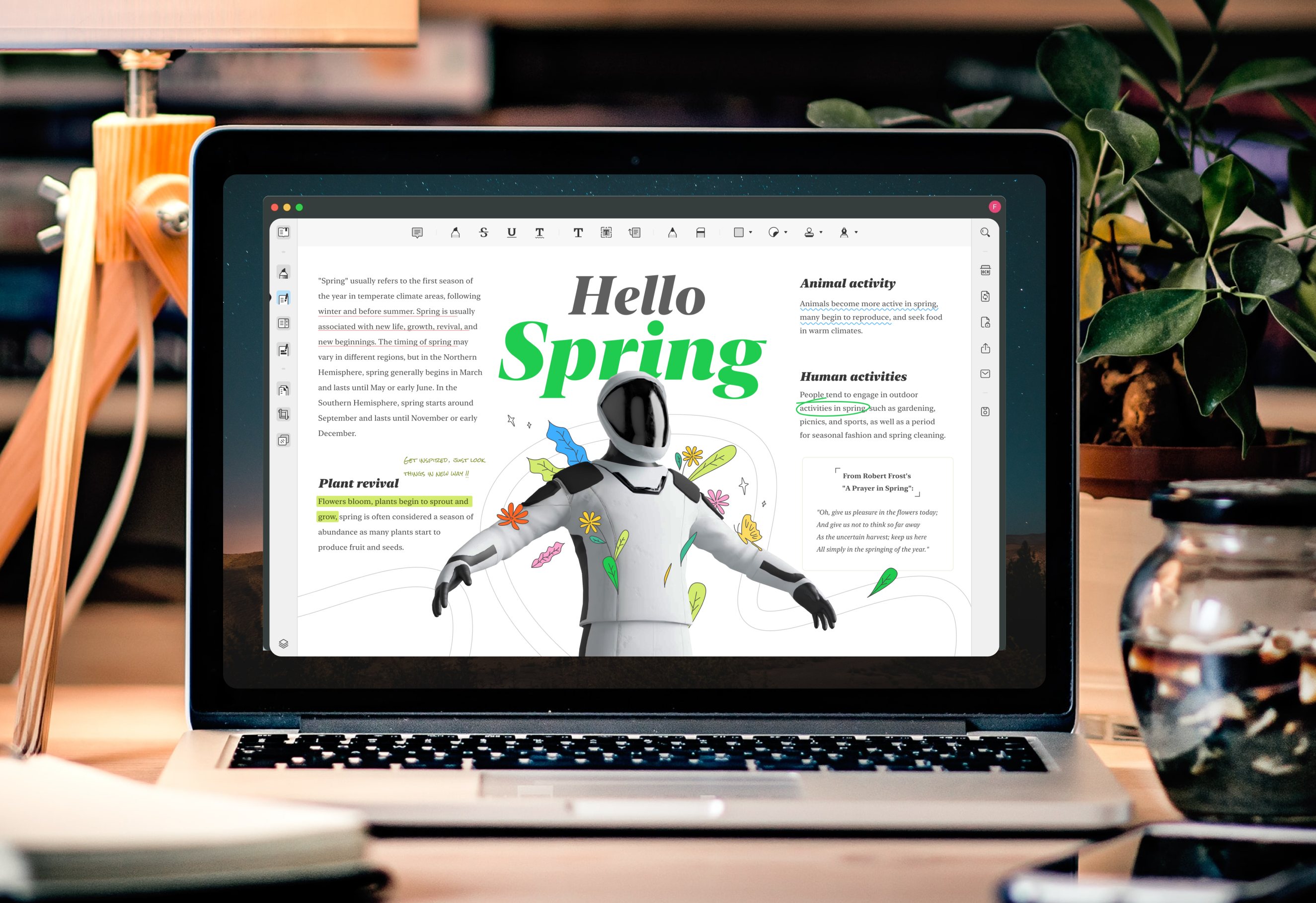
With UPDF, you can say with some exaggeration that you can do practically anything you want with PDF documents. This editor allows you to easily edit texts, images, links, watermarks, backgrounds, and even headers and footers. In addition, it has a function to convert PDF to other formats and the ability to recognize text in scanned documents with support for 38 languages. Thanks to this function, you can easily copy passages of text from scanned documents, which is useful when working with school notes, contracts, and other materials.
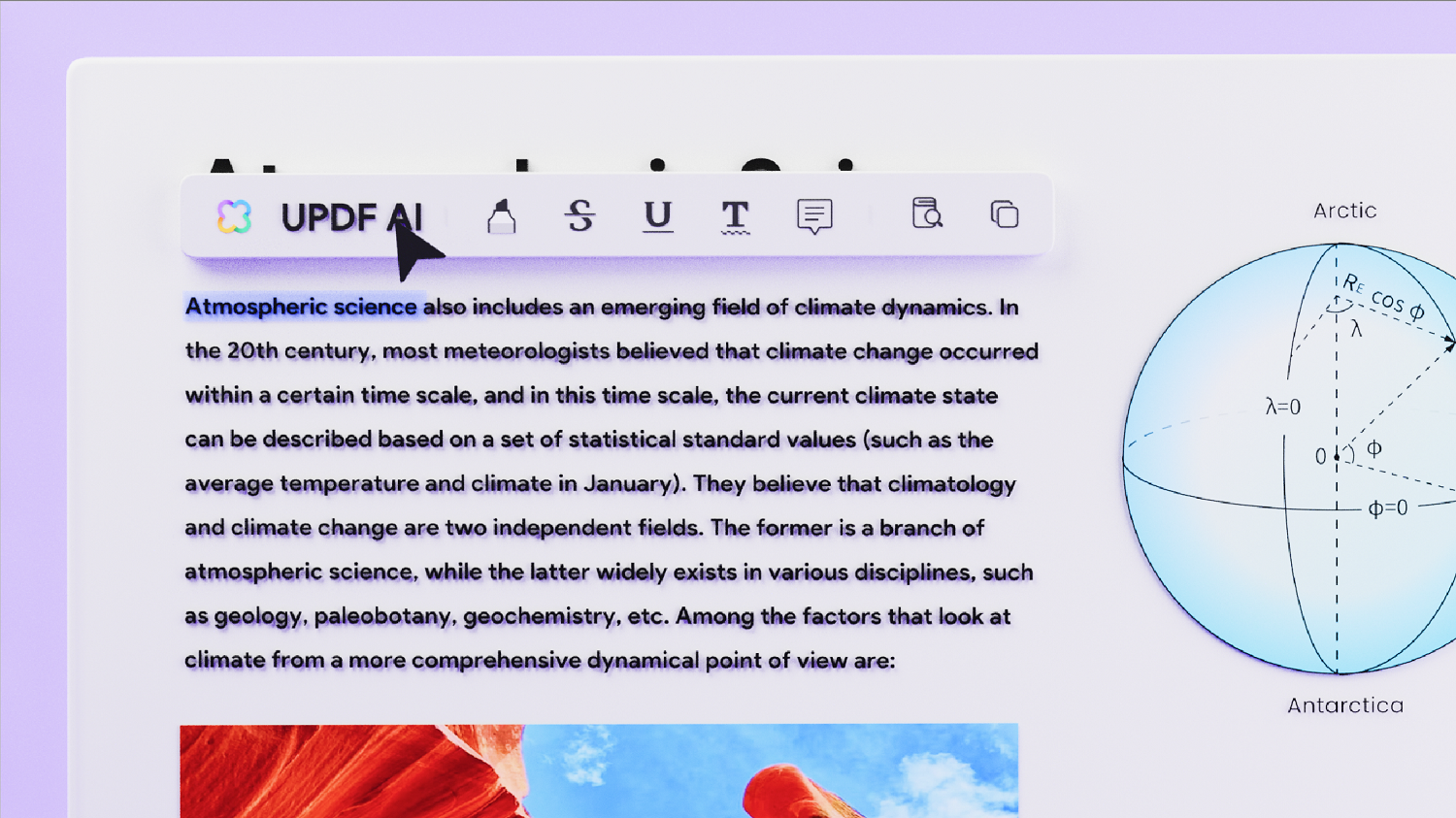
When it comes to school notes, UPDF brings the option of annotations in PDF documents, which allows you to customize them and increase their clarity. You can use the classic options of highlighting and underlining, as well as adding sticky notes, stamps, stickers and other elements that will facilitate orientation in the document. With UPDF, you can sign PDF documents, fill out forms and make other edits. Of course, there is also the option of password protection so that your PDF document remains only for selected people.
If you focus primarily on managing PDF documents and not on editing or modifying them, you will surely appreciate features such as the ability to reduce the total size of a PDF file, combine multiple PDFs into one file, change the order of pages, delete and add pages. There are many options for effective PDF management.
UPDF also offers its own cloudnew UPDF platform Cloud, which allows you to easily upload PDF files and access them from anywhere. The advantage of this solution is that you can make edits directly in cloudwhich are instantly synchronized and visible on all devices connected to UPDF CloudWith 10 GB of storage, you don't have to worry about your documents going over the limit or quickly filling up your storage space. Average PDF documents are usually only a few megabytes in size.
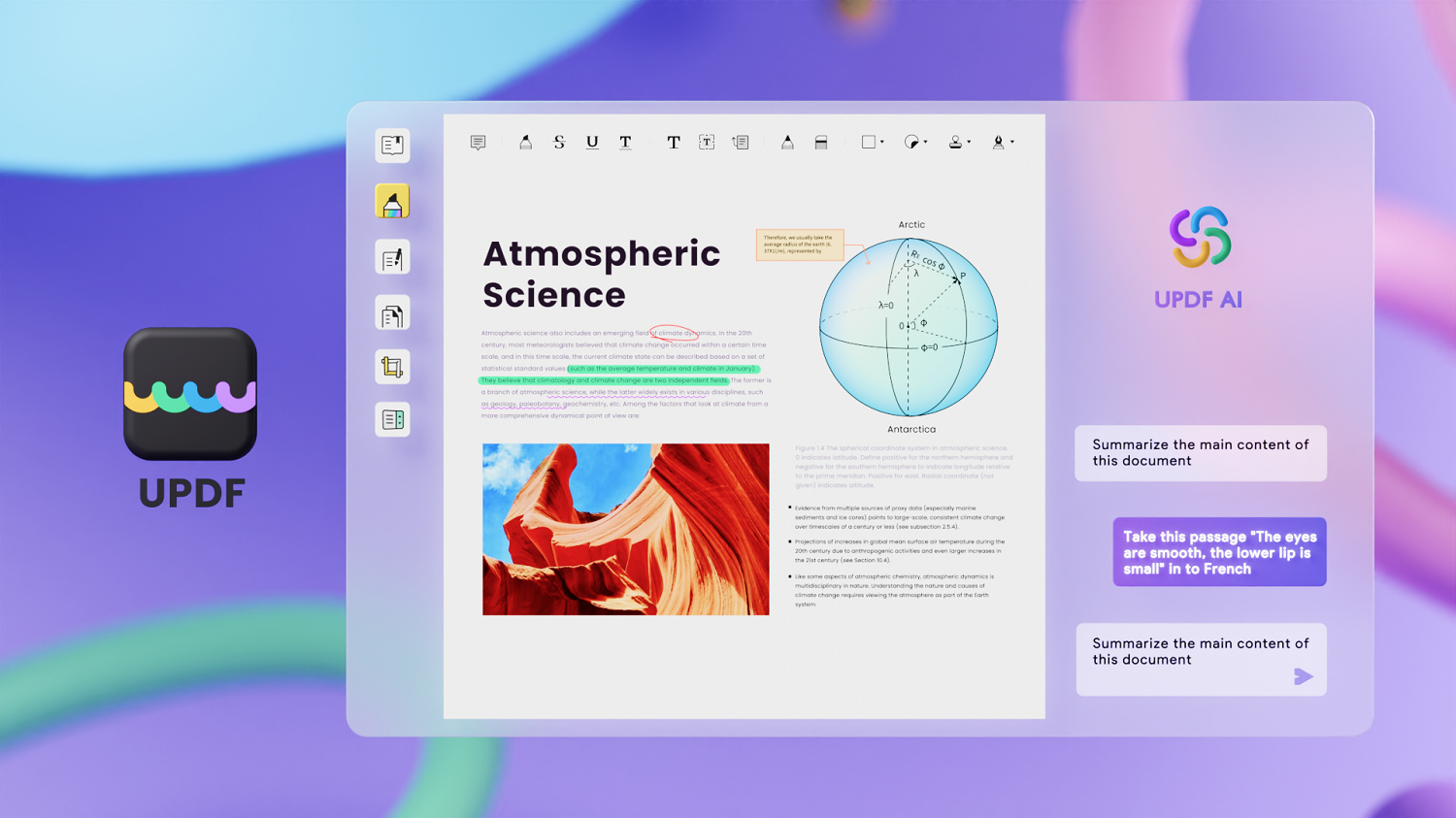
UPDF is really a good choice
As you can see from the list of features, UPDF is a very versatile software that will make your work with PDF files easier. If you choose UPDF, it is almost certain that you will not encounter any limitations that this software cannot handle. Its user interface is clear and intuitive, and it also has its own cloudUPDF is a new solution that allows you to access PDF files from anywhere. With cross-platform support, you get one of the best PDF editors available today. Plus, it's now available at a 56% discount. You also get 10 GB of free storage with your purchase. cloudstorage for your files. It is definitely worth considering this offer, there is no need to hesitate any longer. So definitely Try UPDF AI for free.
Discussion of the article
Discussion is not open for this article.