Family Sharing is part of the service offering from Applu. As Apple's range of services, products and applications expands and evolves, Family Sharing offers more and more options. How to use Family Sharing on iCloudu?
You might be interested in
What is available in Family Sharing?
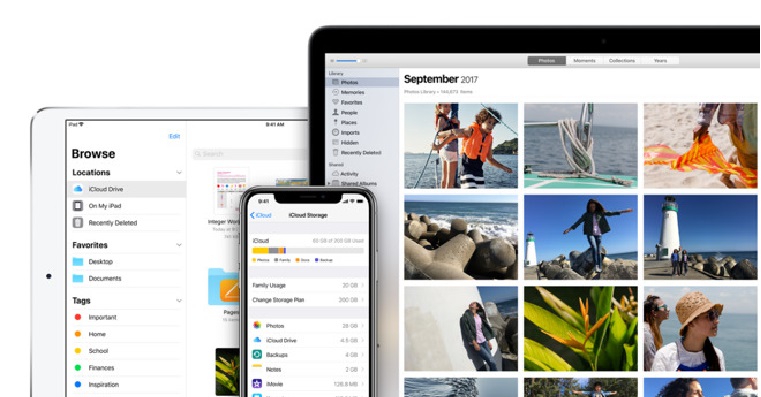
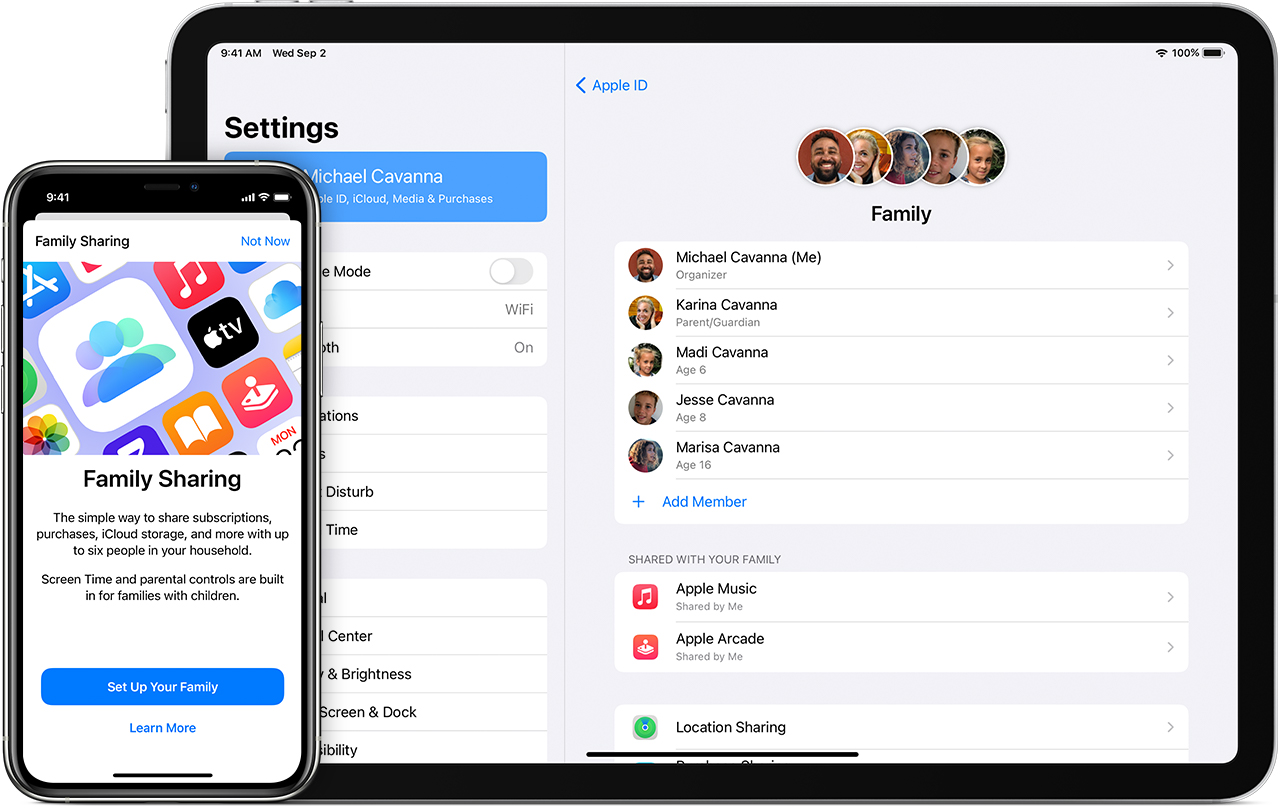
Family Sharing can be used by up to five family members under one subscription to the service.Cloud+. Depending on your subscription, you have the option to share 50 GB, 200 GB, or 2 TB of storage iCloudFamily Sharing allows you to share apps and services, as well as all paid storage plans.CloudIf you want to share paid services Apple One, you can share too. Apple One combines a number of premium services into tiered packages, available varianta for individuals (339 crowns per month) and for families (449 crowns per month).
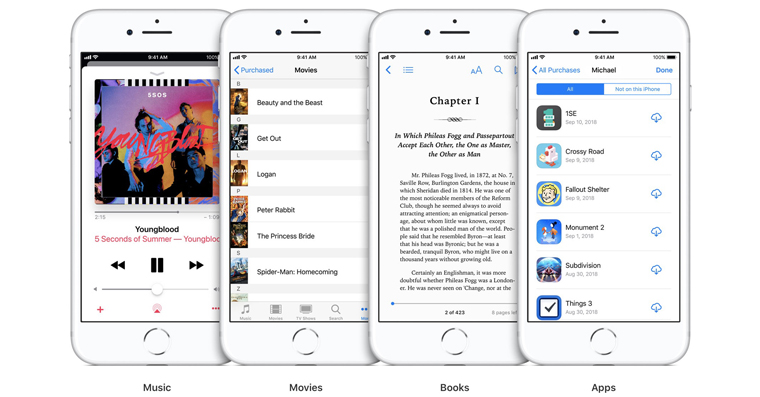
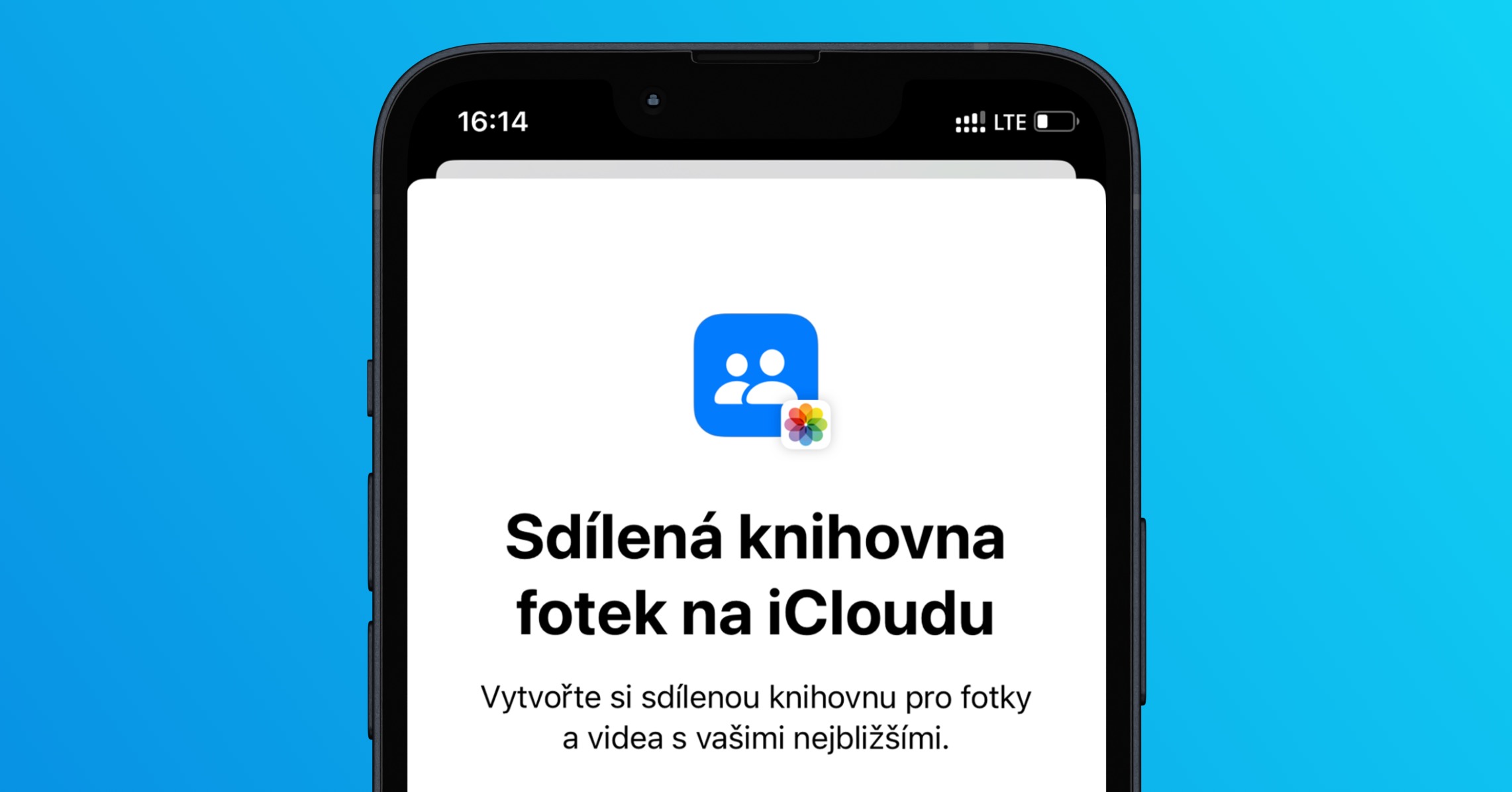
Shared features include but are not limited to: Apple Music, Apple TV+ a Apple Arcade. As of March 2023, Family Sharing supports up to 5 members. As part of Apple One are paid services like Apple TV shared across all member accounts. You can also share iTunes, Apple Books, shopping in App Storu, storage plan iCloud and a family photo album.
You might be interested in
Benefits for the family
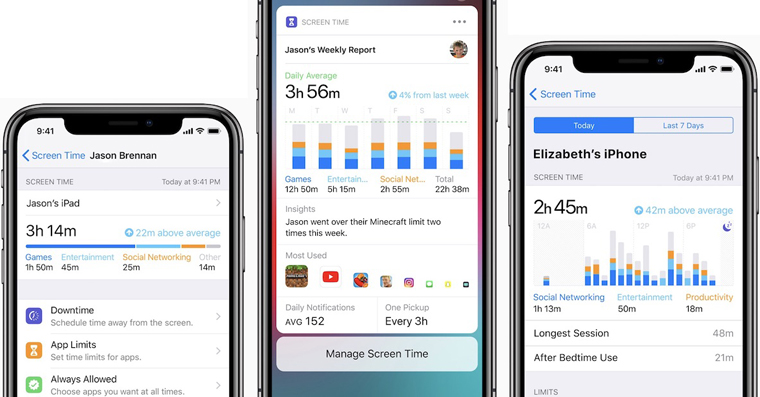
But Family Sharing does more than just share apps and purchases. It also lets you help family members find lost devices, set approval requirements for downloading apps from App Store for selected family members, and of course, remotely manage Screen Time. Families with busy schedules will certainly appreciate the ability to share a family calendar.
You might be interested in
What is not shared
You definitely don't have to worry that Family Sharing would threaten your privacy, private photos, or even documents in any way. Even with a shared subscription, each family member works under his own account, only space and functions are shared. So you don't have to worry that someone in the family had access to your photo gallery. You simply place the images you want to share in a shared photo album. Your personal documents in native Files are also safe, for example.
Gallery
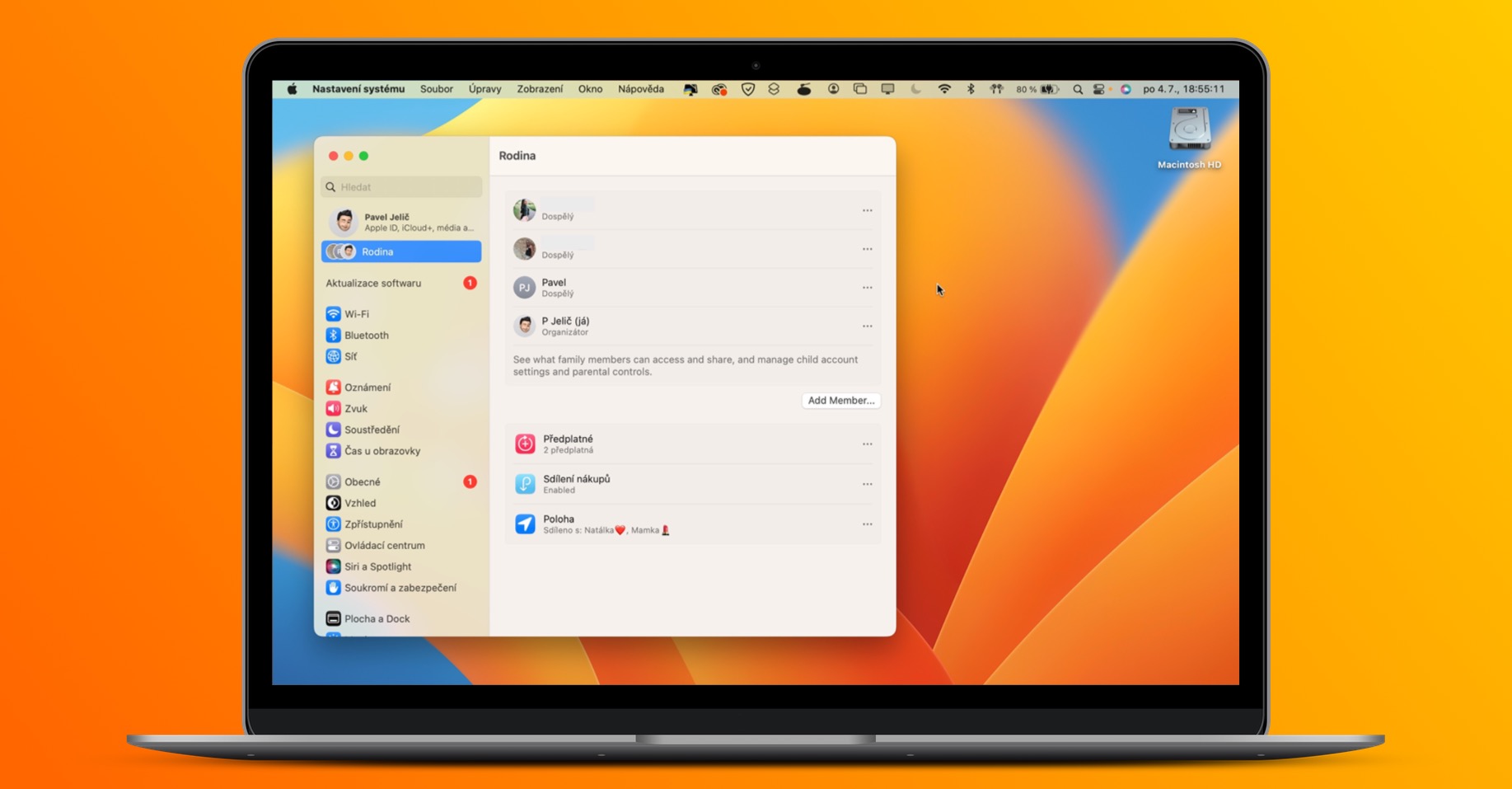
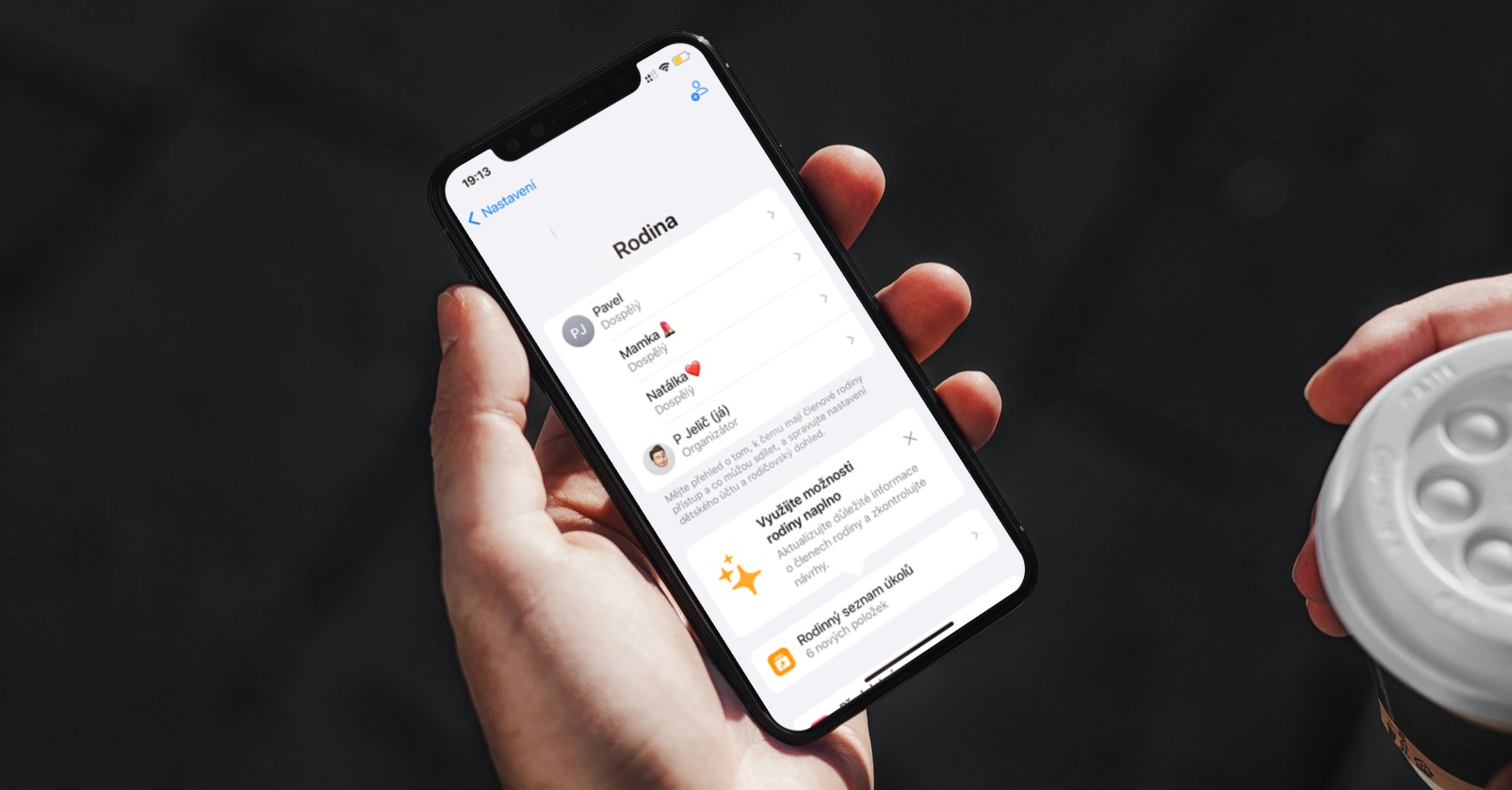
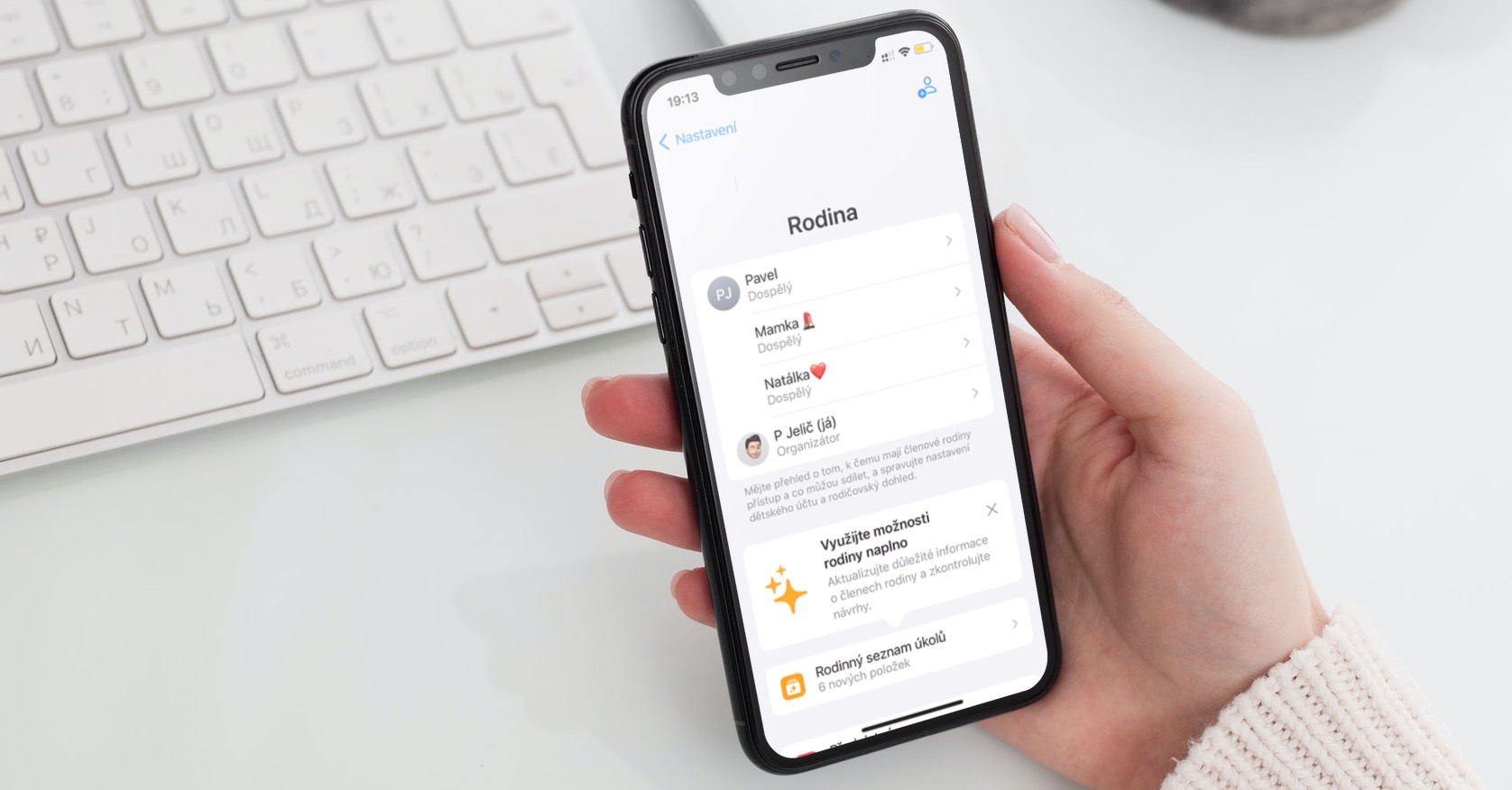
How to activate Family Sharing in iCloudu
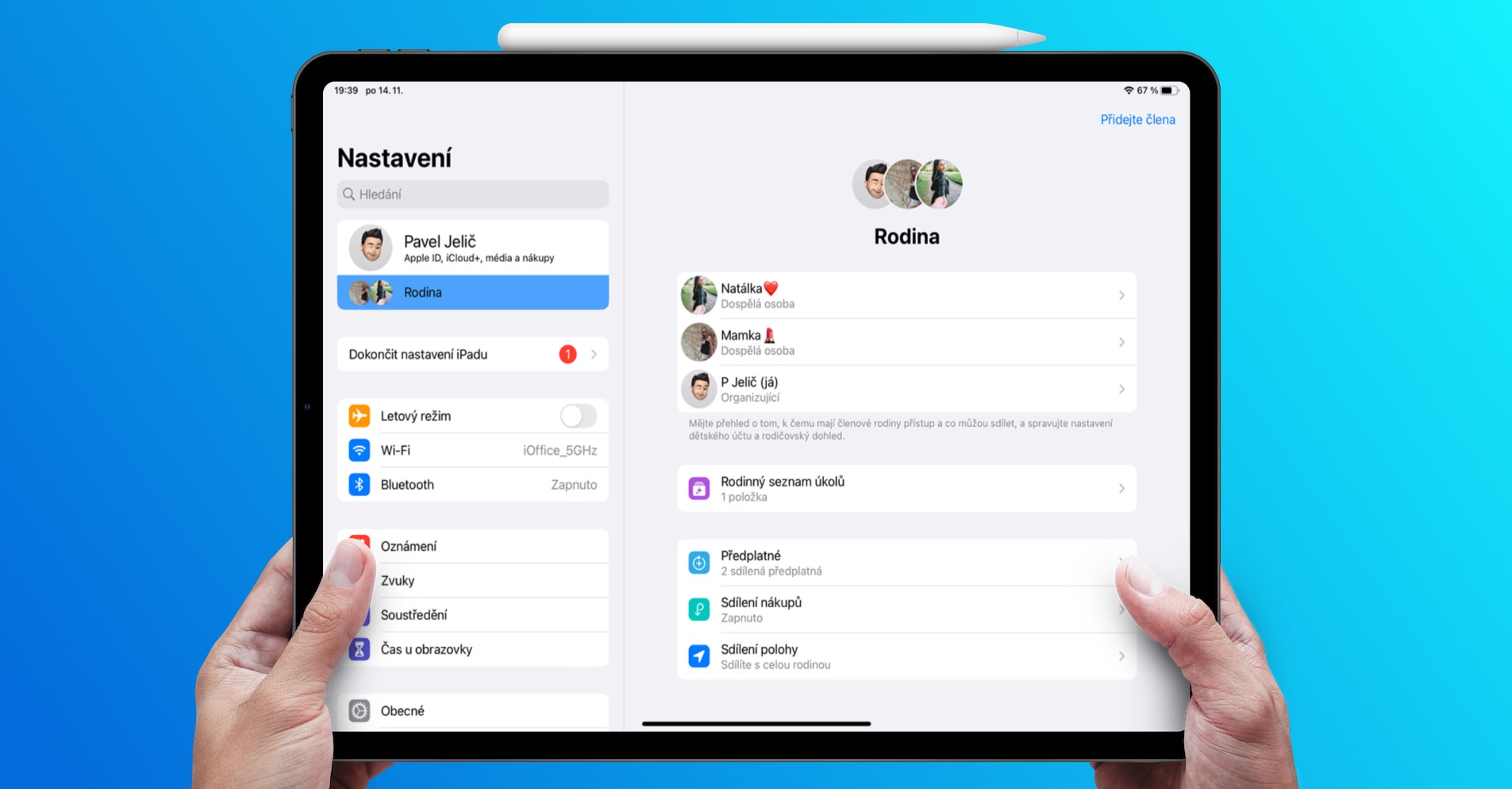
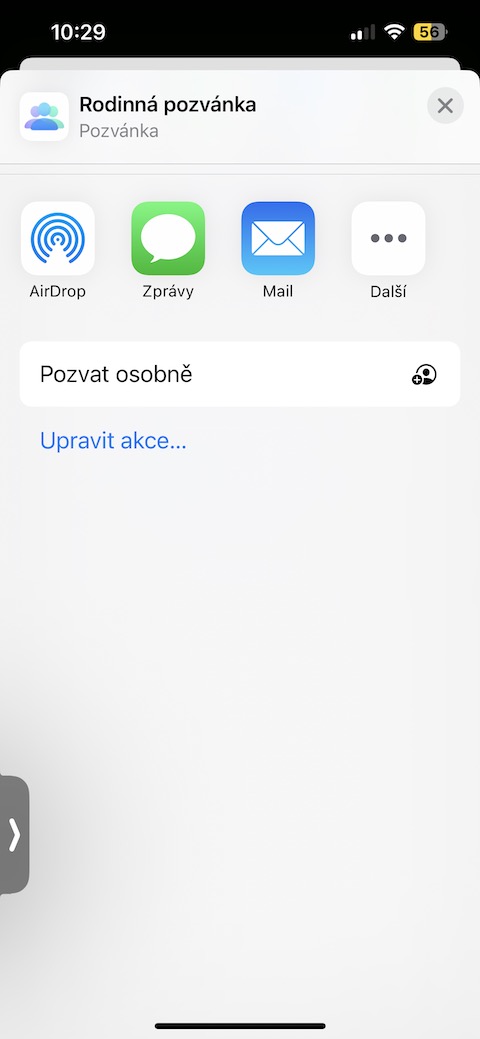
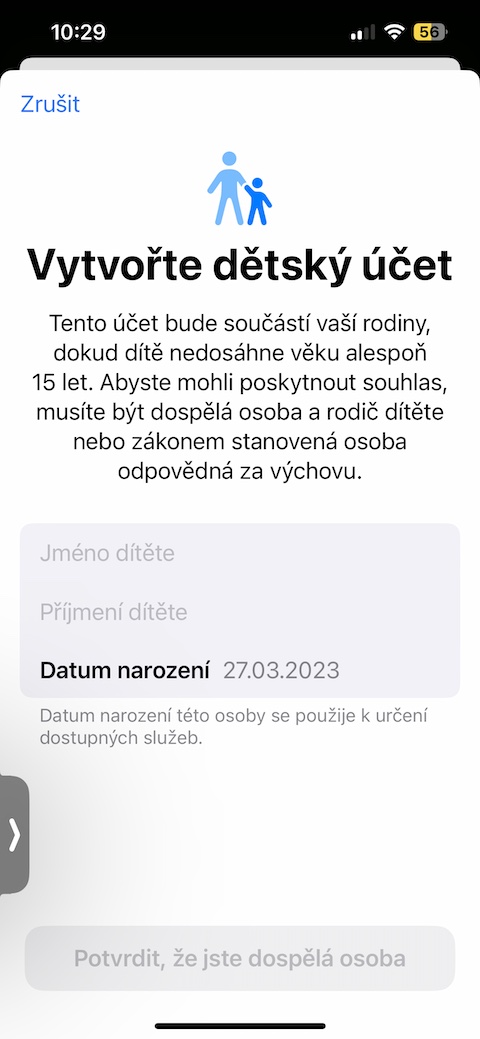
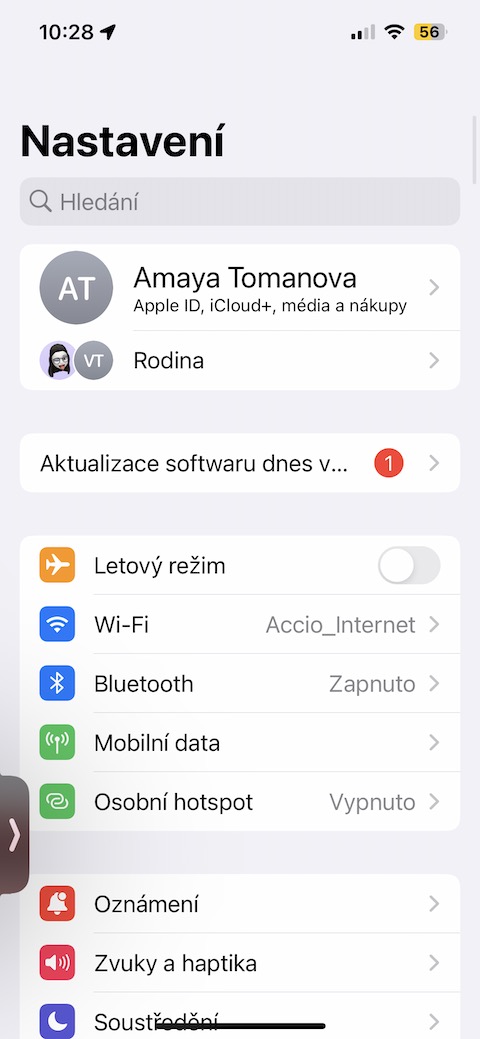
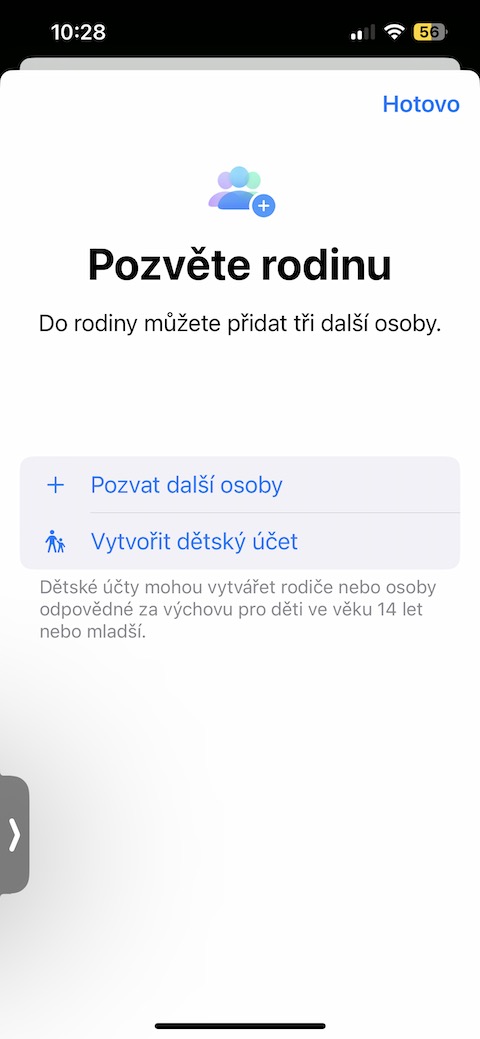
If you want to activate Family Sharing in iCloudu, launch Settings on your iPhone and tap the bar with your name. Tap Family Sharing, and if you want to add a new member, tap the portrait icon in the upper right corner. Pro To add a standard family member, tap Invite More People, to set up a child account, tap Create Child Account, and then follow the instructions on your iPhone screen.
Gallery
Finally
To activate Family Sharing, you need iOS 11 or later. Pro Seamless sharing Make sure all family members have updated devices. Only one designated family member has access to pay for a given service at a time. As part of the setup process, the person setting up the group designates group members who will also receive invitations to join. Each member will need to accept the invitation to join the group and enjoy the benefits of sharing. The Family Sharing manager can remove and add new family members, control Screen Time, and make other settings and arrangements.