In today's digital age, it's extremely important to keep an eye on the online activities of our loved ones. With the ever-increasing popularity of smartphones, text messages are becoming the primary hub of all communication between people.
If you, as a parent, are worried about your children's safety, having some supervision over their devices can be an extremely effective solution. So let's focus on how to monitor phone and messages remotely KidsGuard Pro.
What is KidsGuard Pro?
KidsGuard Pro is a very capable tool for parents that allows them to remotely monitor their child's device, allowing you to keep an eye on text messages, phone calls, location, social media, and more. This tool is a very popular solution among parents who want to protect their children from online threats. The software is also extremely simple, making it an ideal choice for anyone who wants to be able to remotely monitor their child's device.
How to monitor text messages remotely?
From choosing the right software to setting up remote monitoring, in our guide we'll look at how to have a perfect overview of your child's activities or their device. Having the supervision of our loved ones available is the most important thing.
Pro Using KidsGuard Pro Just three simple steps are all it takes:
Step 1: Create an account on the KidsGuard website Pro and select your preferred subscription model based on your needs.
Step 2: Download and install KidsGuard Pro on your child's device. Then follow the on-screen instructions to complete the installation and setup. Then log in using the account you created in the previous step on the software's website.
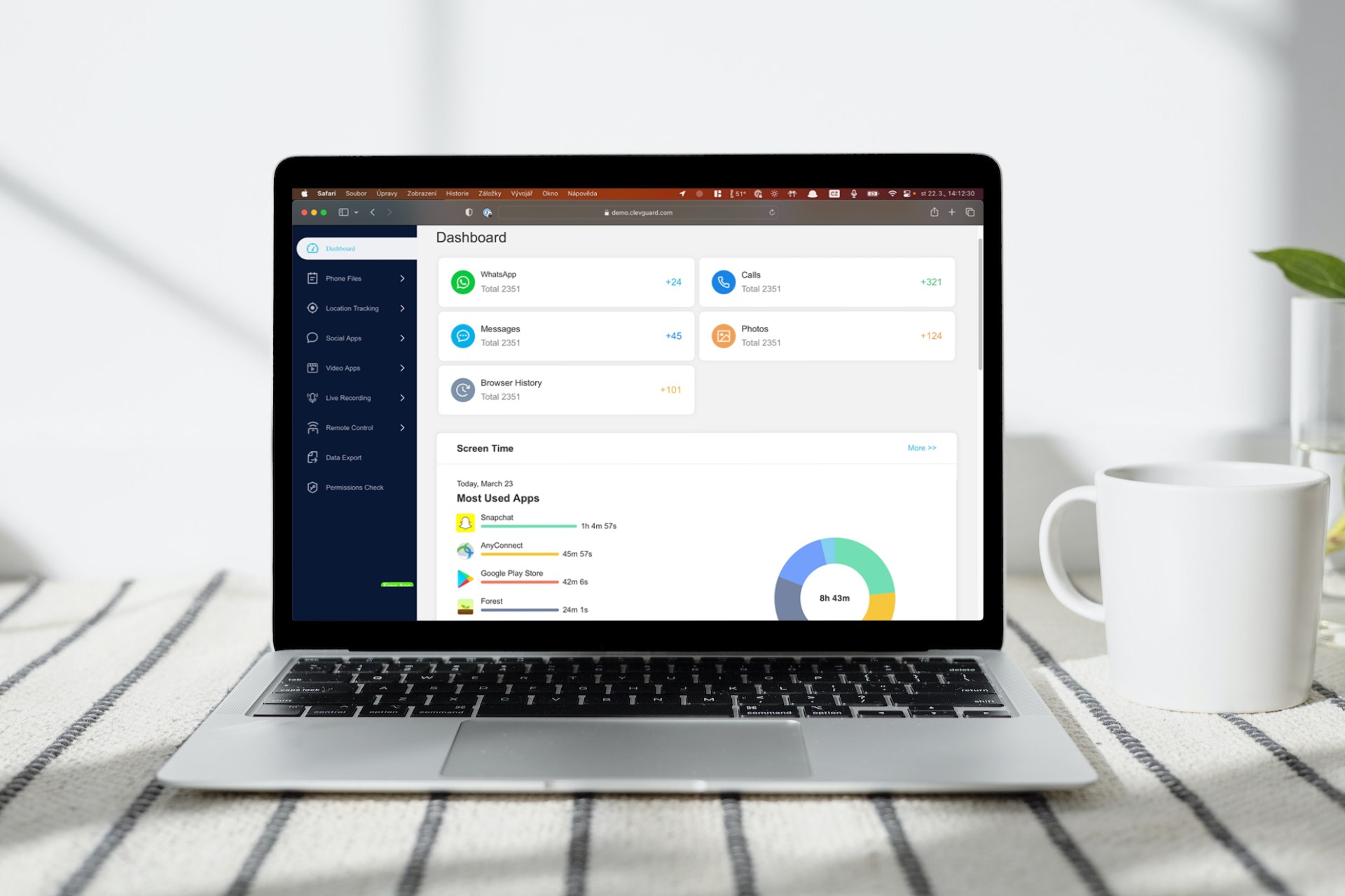
Step 3: Go back to the KidsGuard website Prowhere you can now open the Demo website and assign phone of the child. Now you can check all the information from your child's device directly on your computer.
KidsGuard's most important features Pro:
- Real-time monitoring: KidsGuard Pro allows parents to monitor all incoming and outgoing text communications in real time. This means they have access to the contact list and individual messages that have been received on or sent from the child's device.
- Message records: The application stores all text messages in the form of records, including phone numbers or names of contacts, the messages themselves, time and date, and possibly also attachments or images. Parents can thus access the information directly through the control panel on the website.
- Deleted messages: Parents can recover deleted messages from child's device.
- The function alerting to the occurrence of keywords sends notifications to parents at the moment when predefined words or even phrases appear in the child's messages. This can help parents monitor potentially dangerous content.
- Message Blocking: Parents can block selected contacts or phone numbers, which will prevent them from sending text messages to the child's device. With the help of this gadget, it is possible to protect children from the threats of online predators or from cyberbullying.
- Recording of incoming and outgoing calls: This feature is particularly helpful as it allows parents to listen tochat their children's conversations and make sure they are not participating in risky activities or talking to strangers.
- Regular recording of screenshots on the child's device gives parents insight into what the child is doing on their phone.
- Phone screen recording allows to capture the activity that the user performs on the device
All in all, remotely monitoring your child's device can be a very effective parental control, especially with KidsGuard for WhatsApp, which can help support their safety and protection. This allows parents to keep an eye on their child's phone activity, including monitoring apps, which can help prevent inappropriate behavior. Most importantly, using such a tool will provide children with better protection from online predators, which are an increasingly common threat.
Discussion of the article
Discussion is not open for this article.