
iPhone contains a number of hidden corners that can only be accessed using a special method - namely, by entering a numeric code that will reveal the interface. Although this is not new in itself, as we have been encountering similar "hidden places" since the very beginning of phones, it is worth reminding yourself of everything from time to time.
You might be interested in

Codes for iPhone
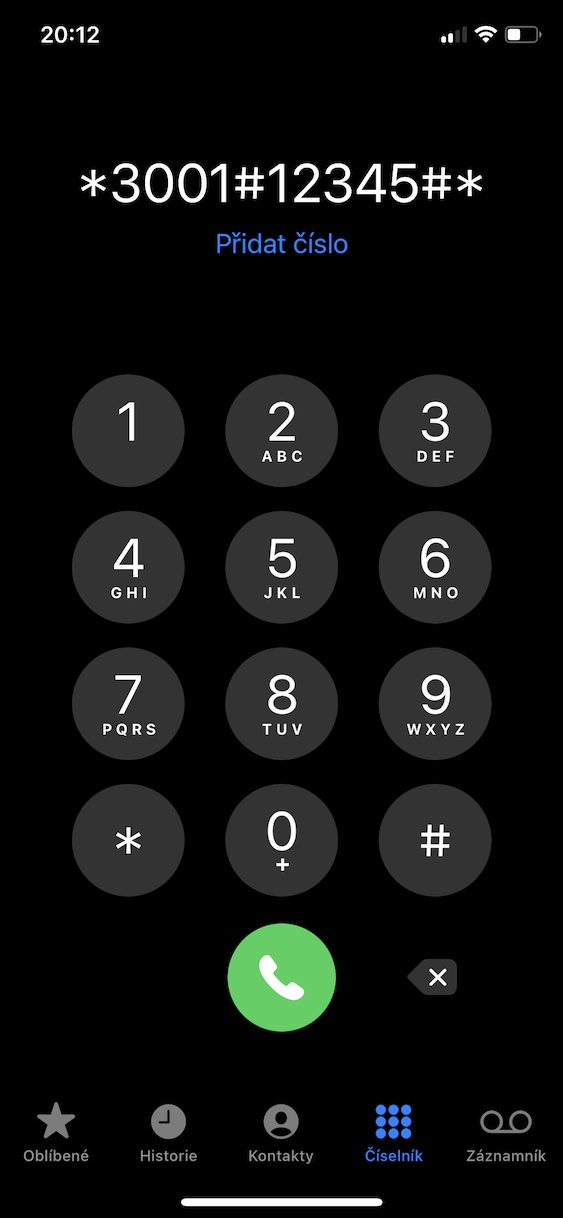
Using codes on iPhone you can view various hidden interfaces and manage features that you would find in the native Settings app in vain. It's true that most of the options can already be found in Settings, but there are a few things that this app Apple simply did not integrate. In any case, these hidden codes are not only available on iPhone – you can also use them on other devices. Specifically, these codes, which are often nicknamed hidden or secret, are called USSD (Unstructured Supplementary Service Data) codes. In order to use them, you need to know their exact wording, which consists of numbers and special characters, i.e. stars and crosses. Next to this paragraph, you will find a gallery where you can view all the hidden codes and then try them out.
Gallery
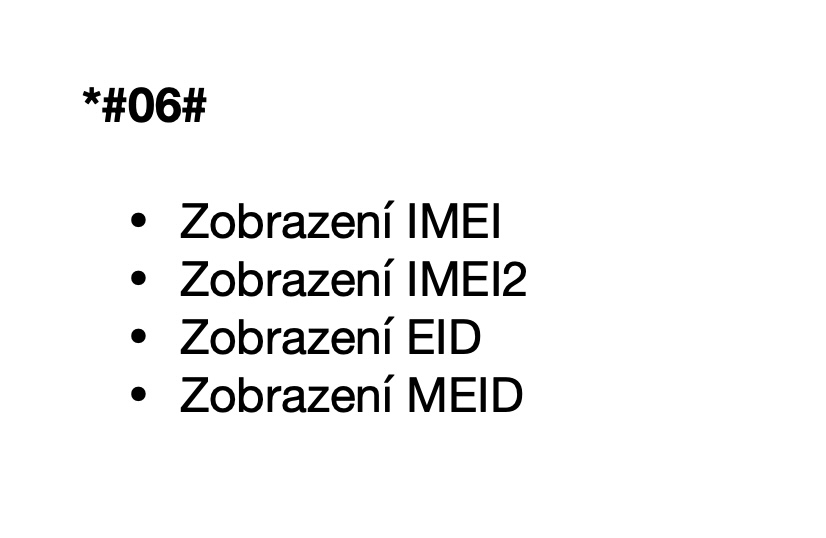
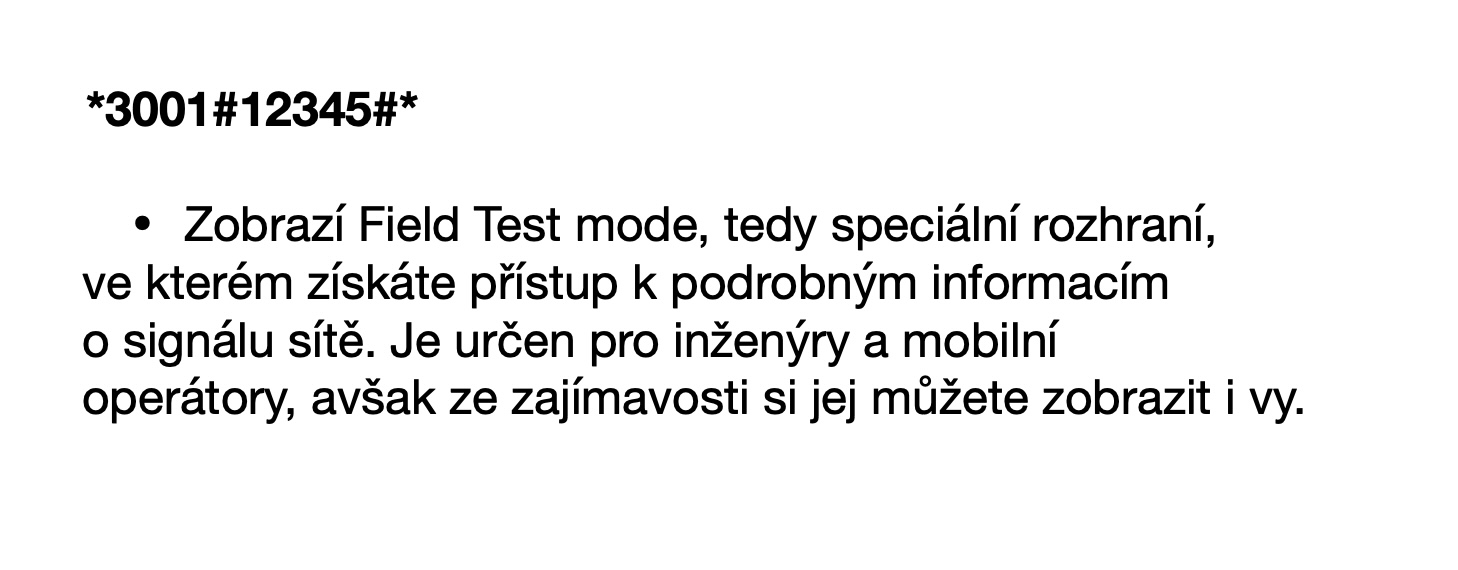
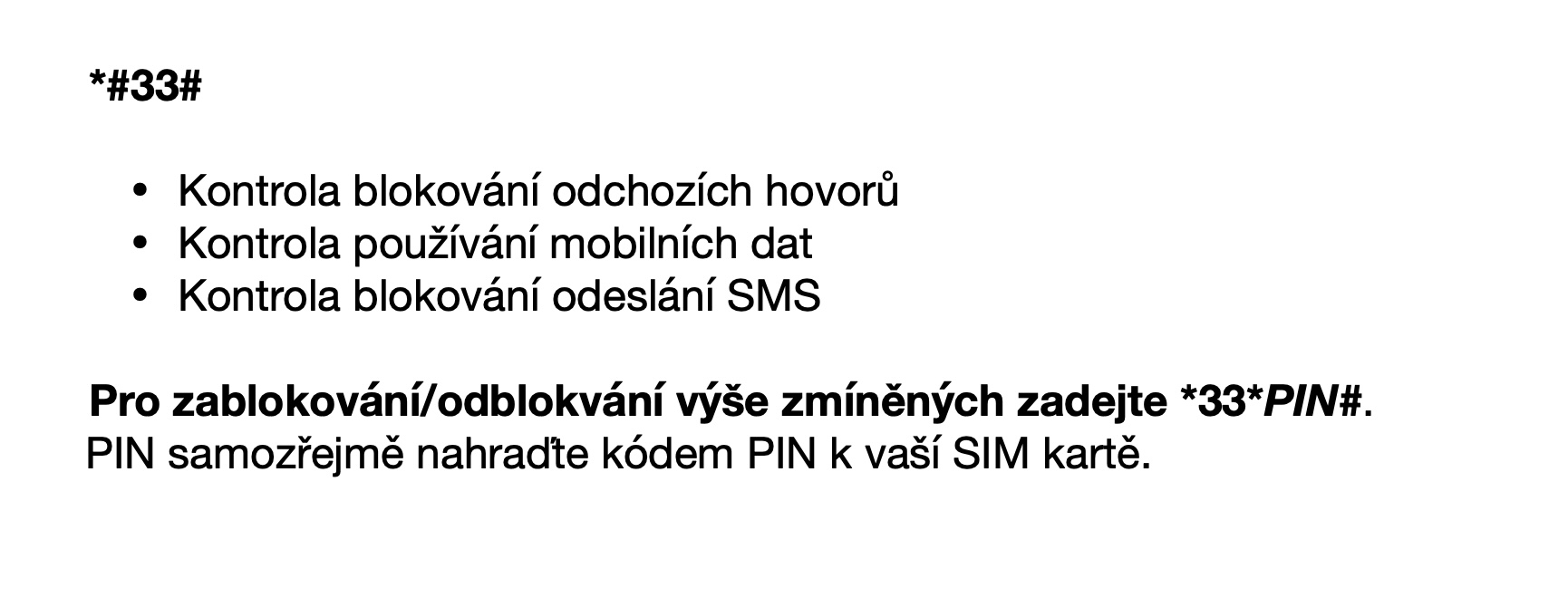
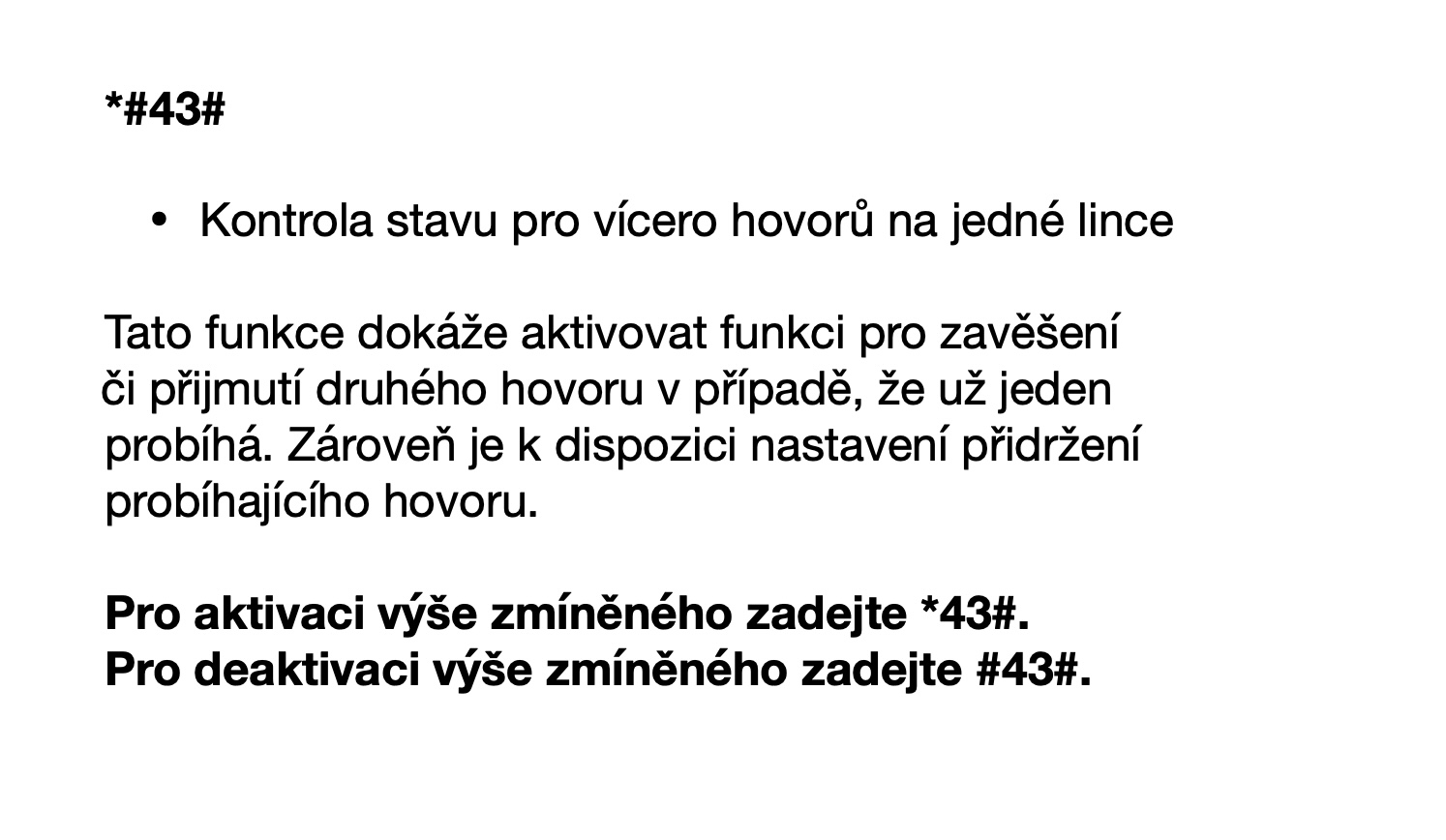
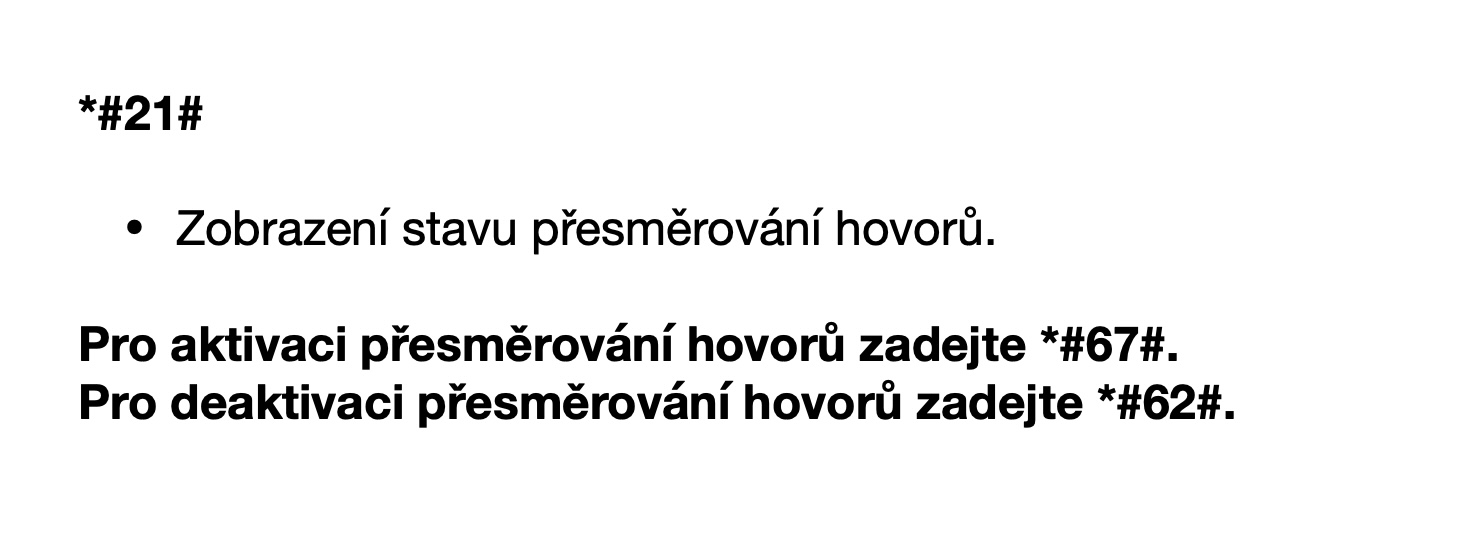

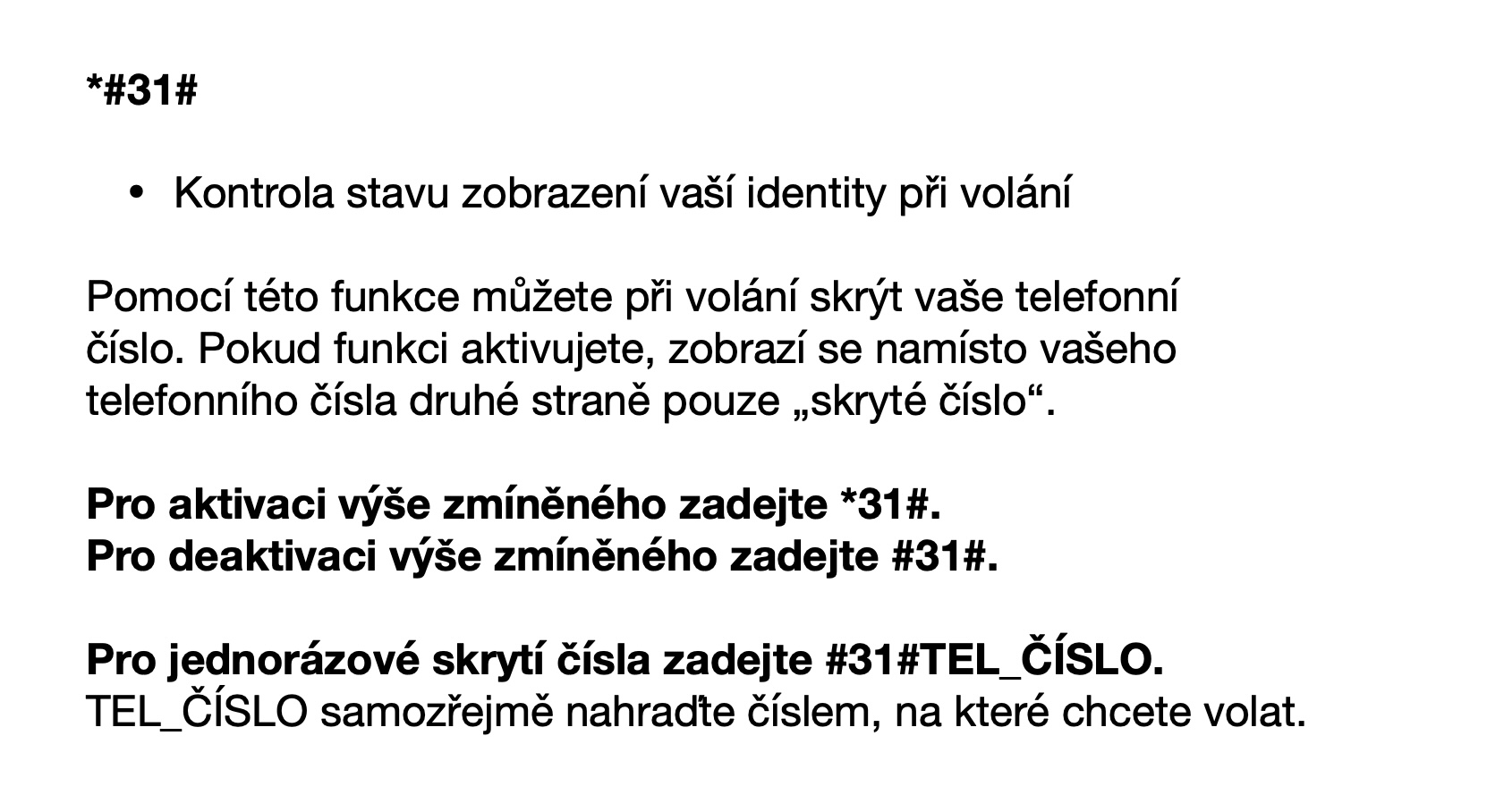
Codes for iPhone: Where to enter them
- On your own iPhone open the native app Phone.
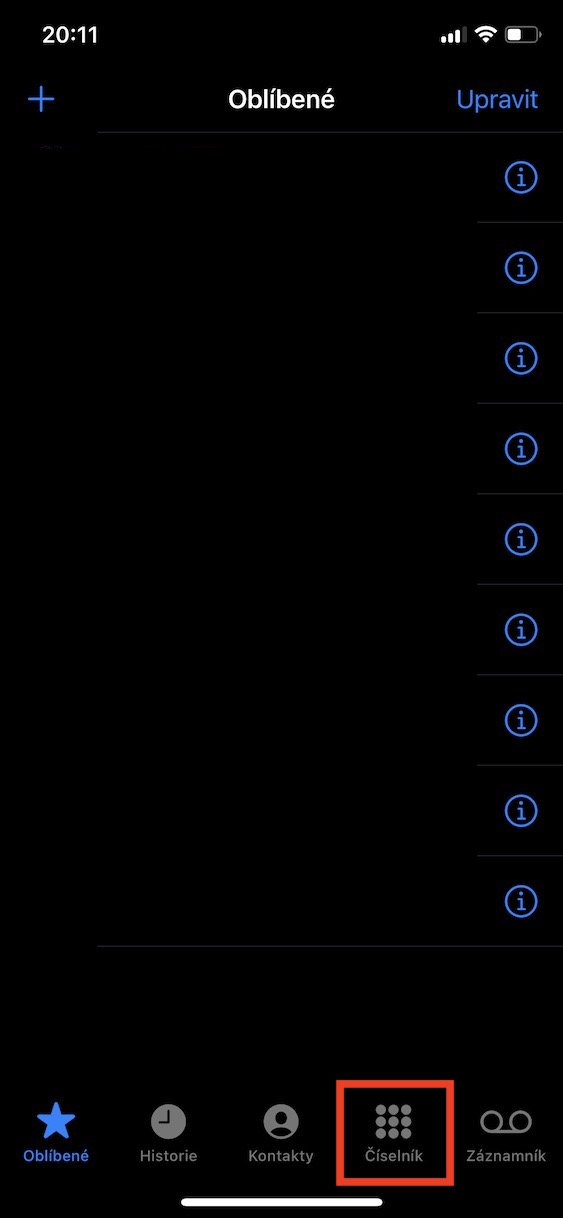
- Once you have done so, move to the section in the bottom menu Dial.
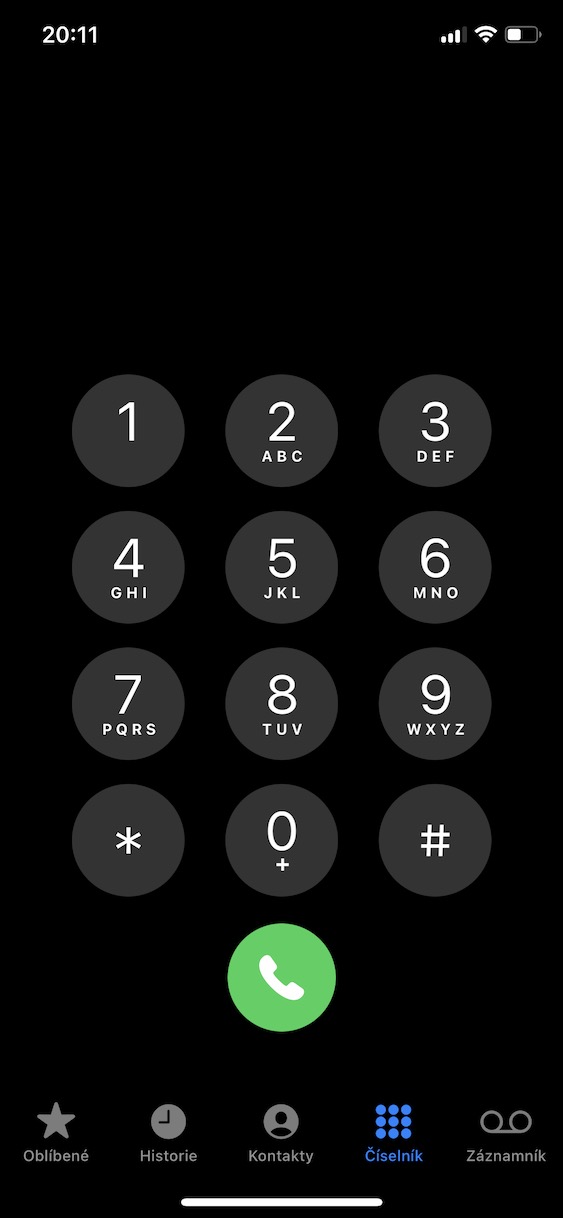
- That's enough here simply enter the hidden codes from the gallery.
Gallery




Hello, this is certainly very interesting information that I would like to study and use. Unfortunately, I'm blind, I'm reading your articles with Voiceover on a Mac, and the fact that you only put these codes here as images practically means to me that I won't read the article, because it's not text. Unfortunately, I come across this more and more often in your magazine, that instead of classic text for various samples, settings, information and the like, you only use graphics instead of writing. It's quite a shame, and while I certainly understand your reasons, I personally would greatly appreciate a reconsideration of this approach.