
The native Contacts app has been virtually unchanged for years. However, we recently saw the release of the operating system. iOS 16, which significantly improved this application. Even though Contacts is practically only used to create and manage contacts, there are definitely additional features that some users may simply appreciate. Of course, in our magazine we focus on all the news from the latest operating systems, so in this guide, let's take a look at one of the improvements to the native Contacts application.
You might be interested in
As iPhone create a contact list
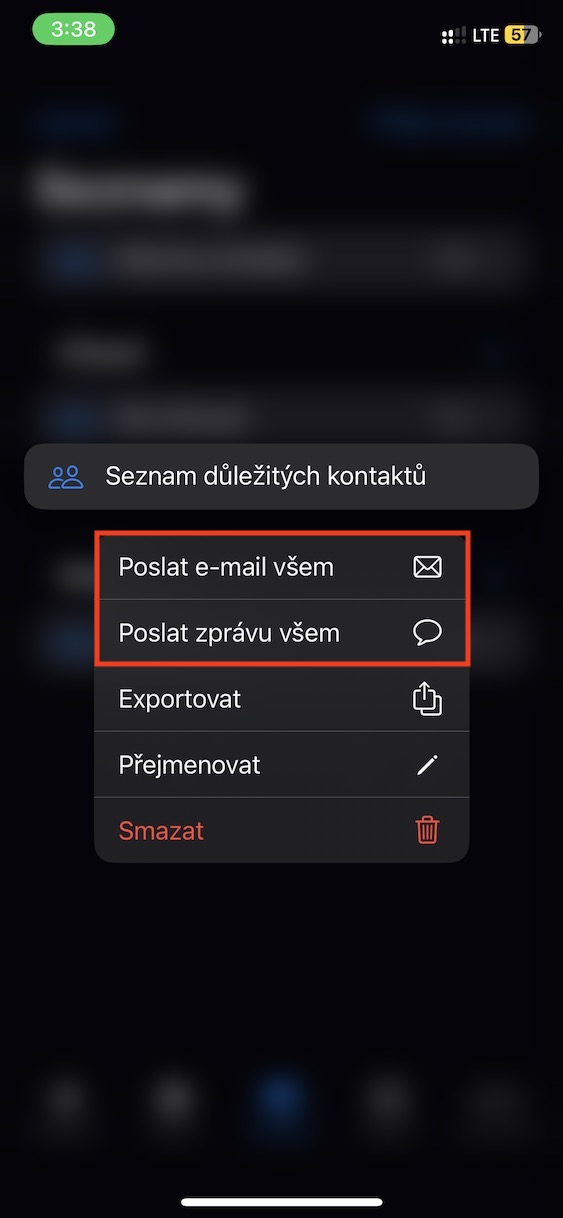
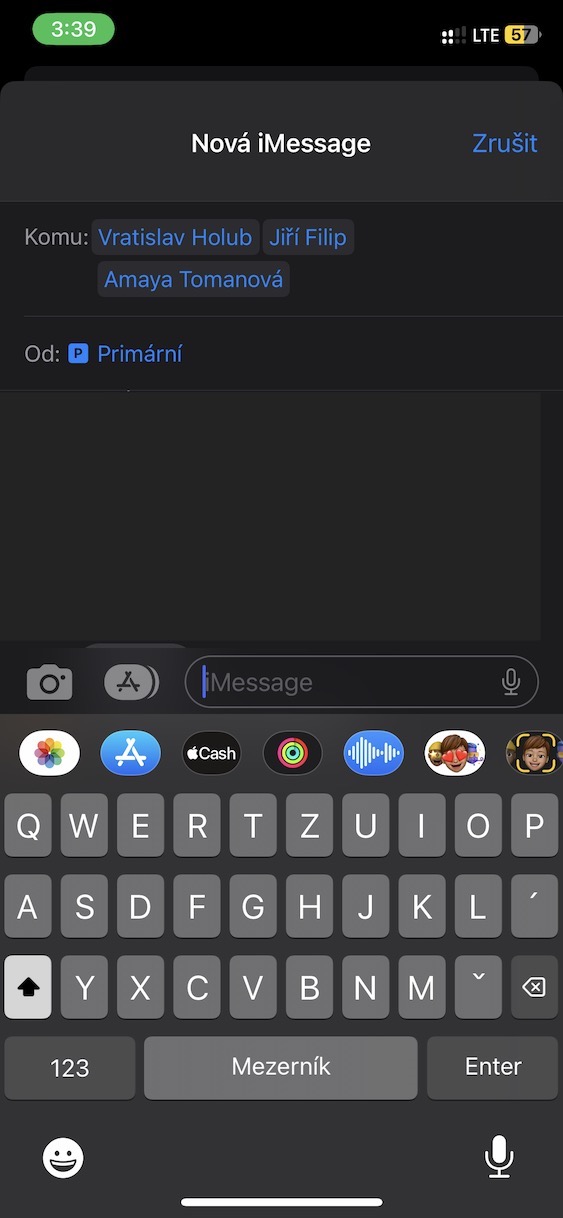
One of the big new features you can use in Contacts from iOS 16, is definitely an option for creating a contact list. This can be useful, for example, for better organization of individual contacts, if you would like to have work contacts separated from personal ones, etc. However, it is necessary to mention that the benefits of contact lists do not end with organization. With the created contact lists, you can then perform various actions, for example, send an email or a message to everyone in bulk, or you can export contacts. The procedure for creating a contact list is as follows:
- First, go to the native app on your iPhone Contacts.
- Alternatively, you can open the app Phone and down to the section Contacts to move.
- Once you've done so, tap the button in the top left corner < Lists.
- This will bring you to the section with all available contact lists.
- Then press the button in the upper right corner Add list.
- Then choose, on which account you want to create a list.
- Only after selection set the name of the list and tap on All done.
Gallery
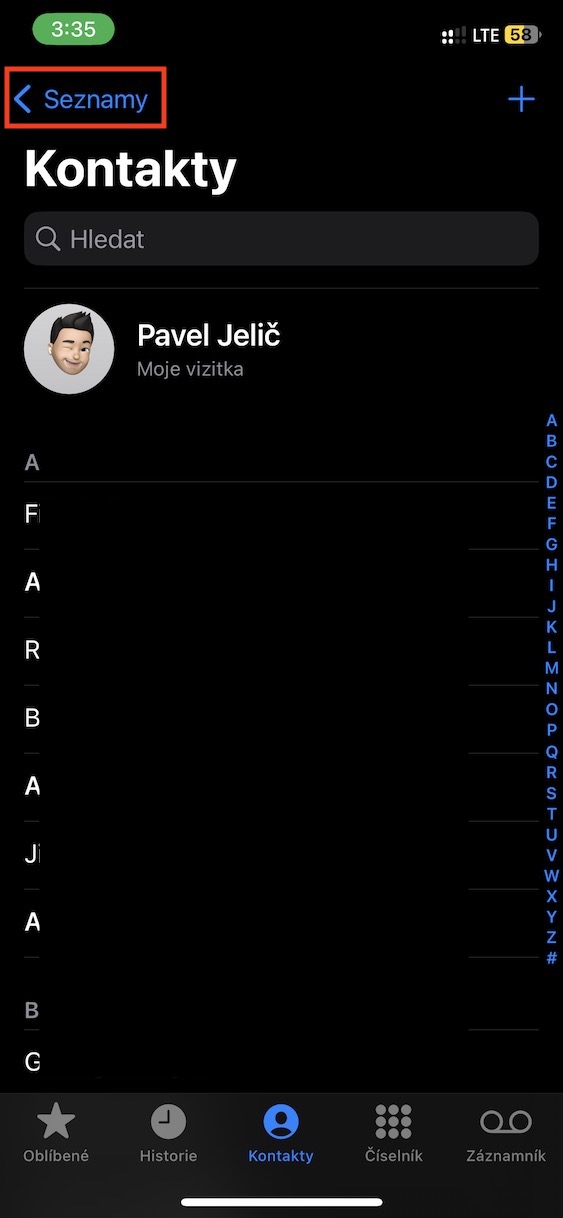
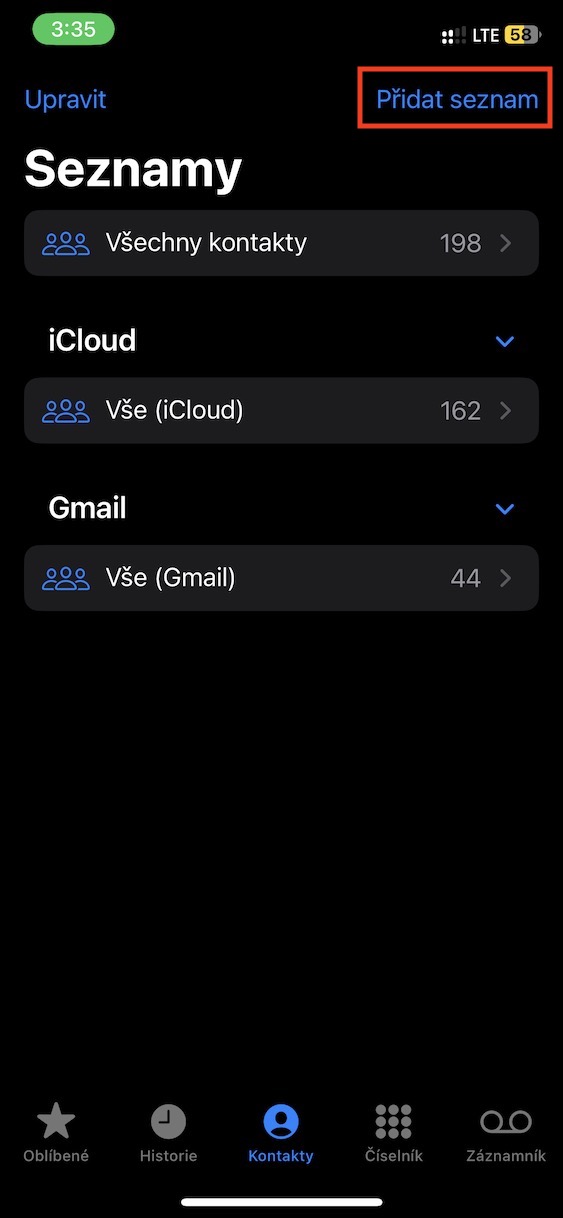
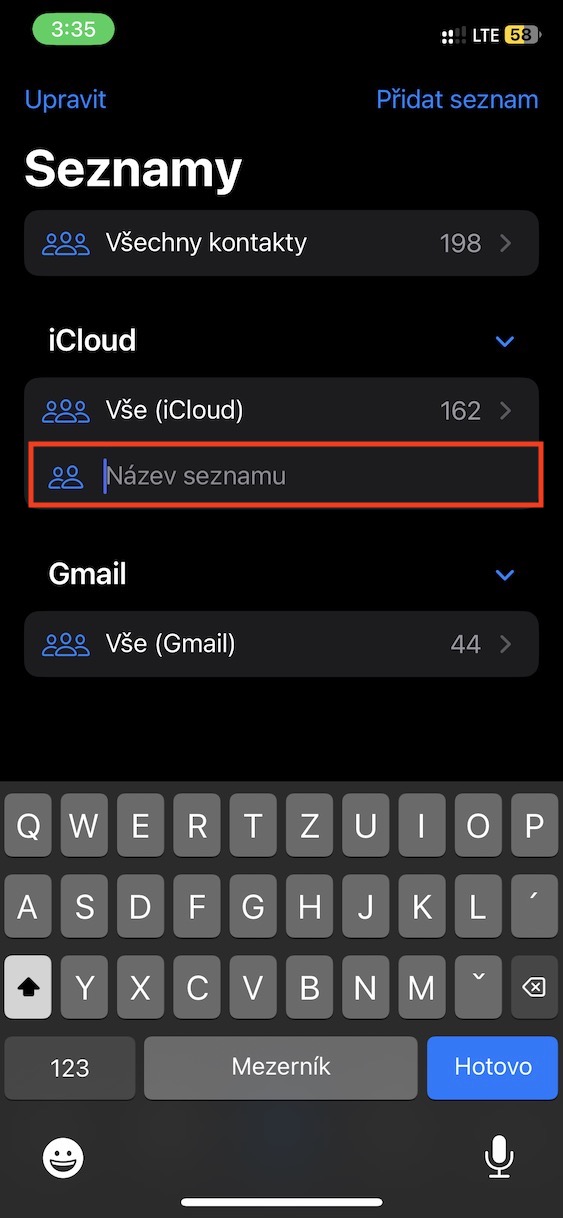
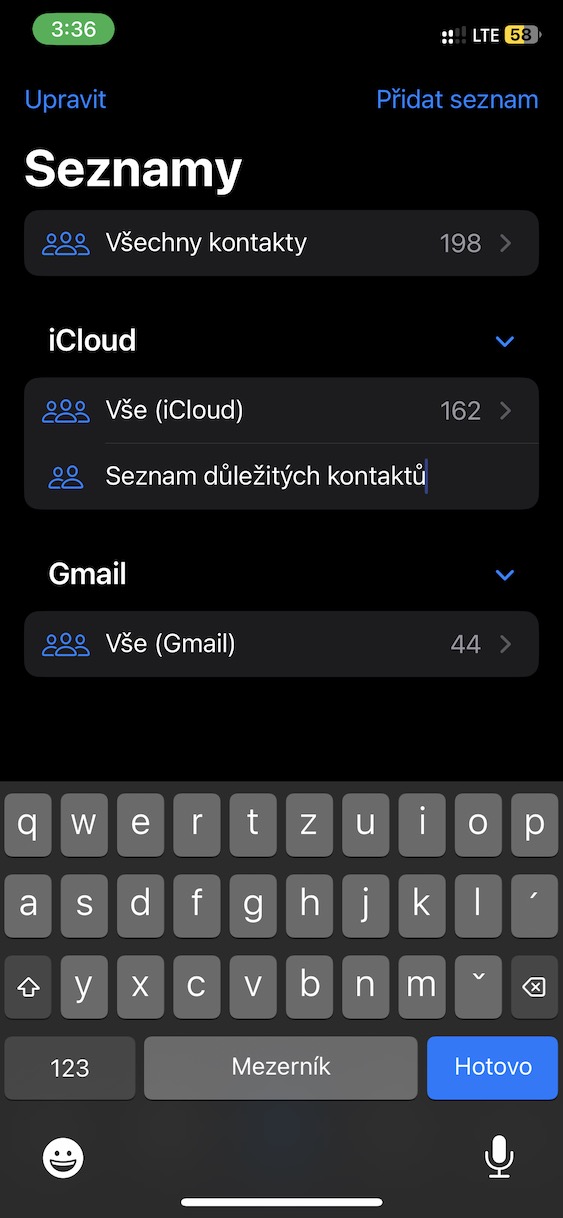
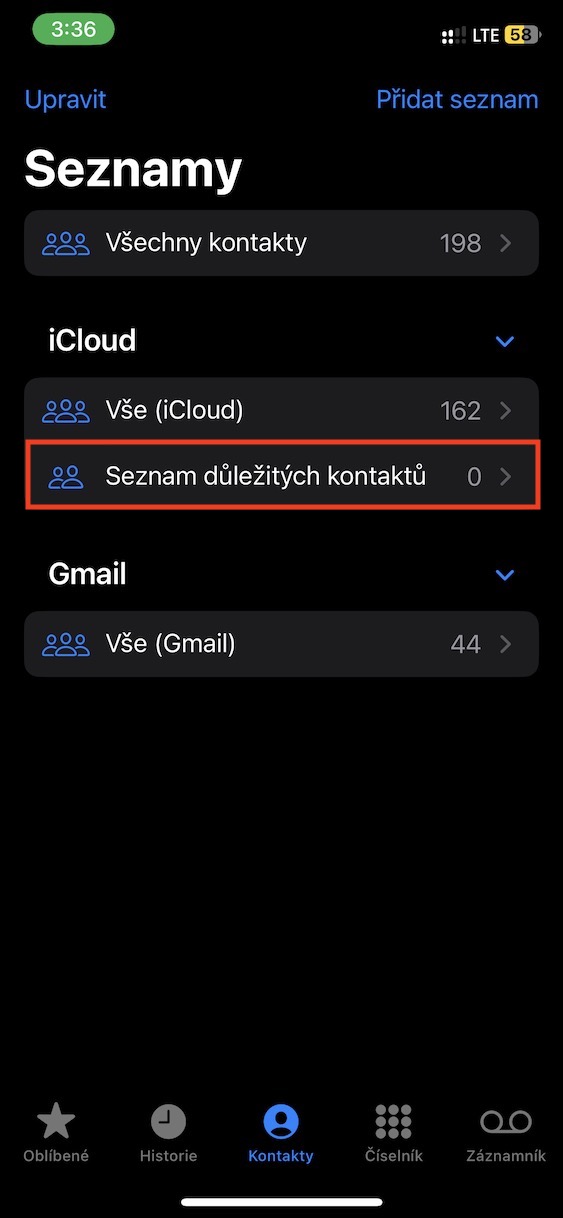

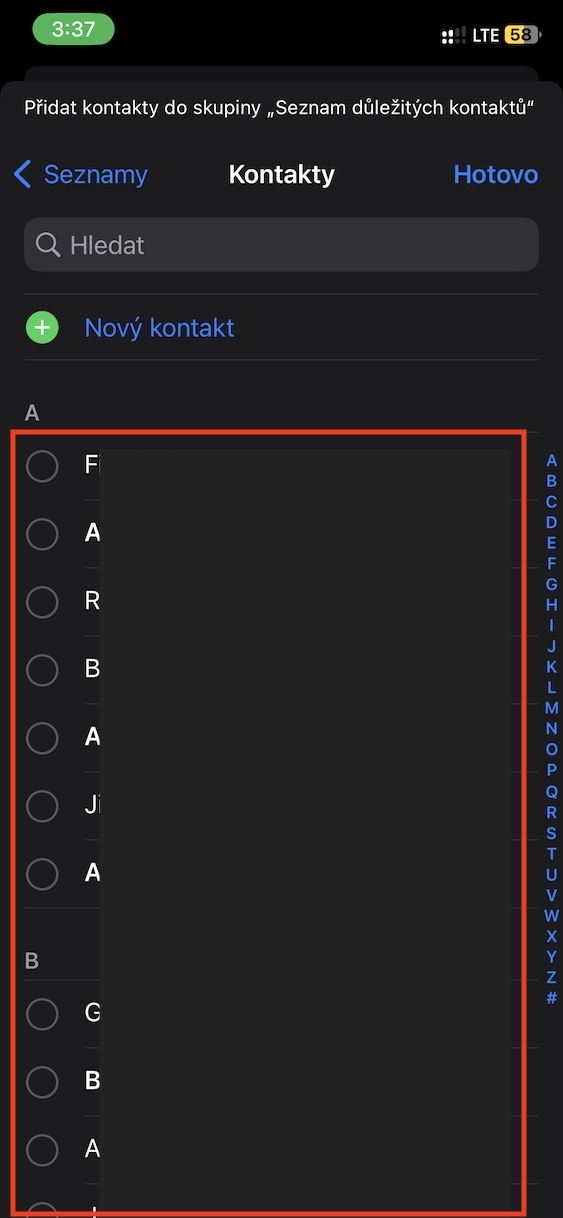

The above method can be used to create a contact list on your iPhone. Once you have created it, you can immediately add your first contacts to it via a prompt. As for adding contacts later, just tap the + icon in the upper right corner, or you can simply grab a specific contact with your finger and drag it to the created list. Pro To use the available options such as sending a mass email or message, or exporting, just hold your finger on the list.
Gallery
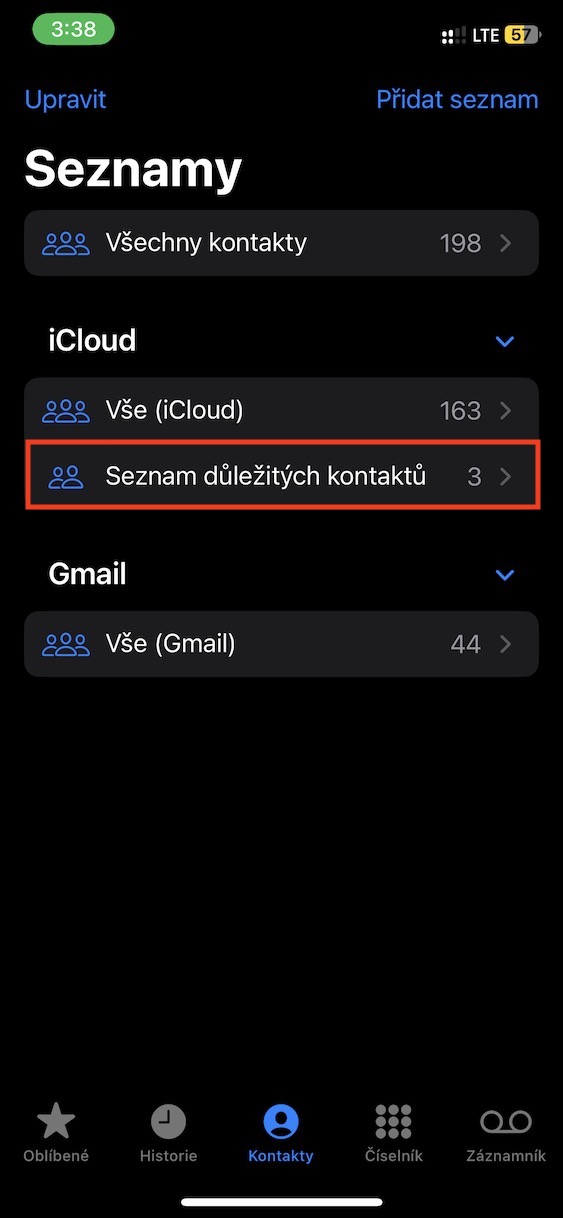












This feature would be great, but it doesn't give me the option to send a message after creating a group. Any advice?