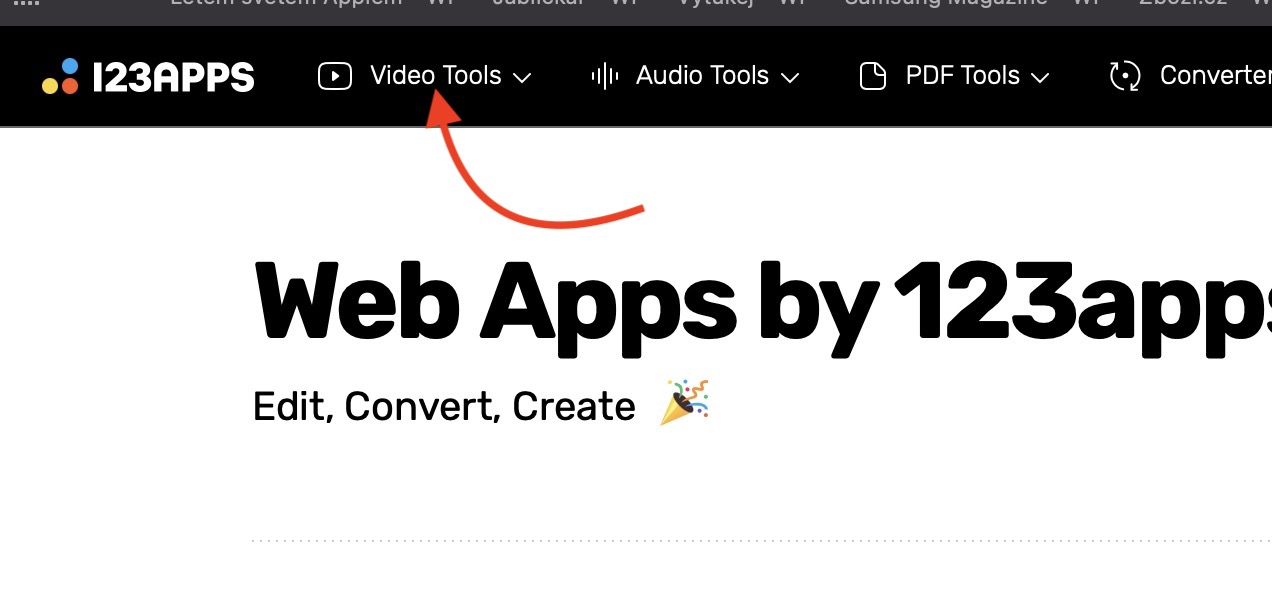
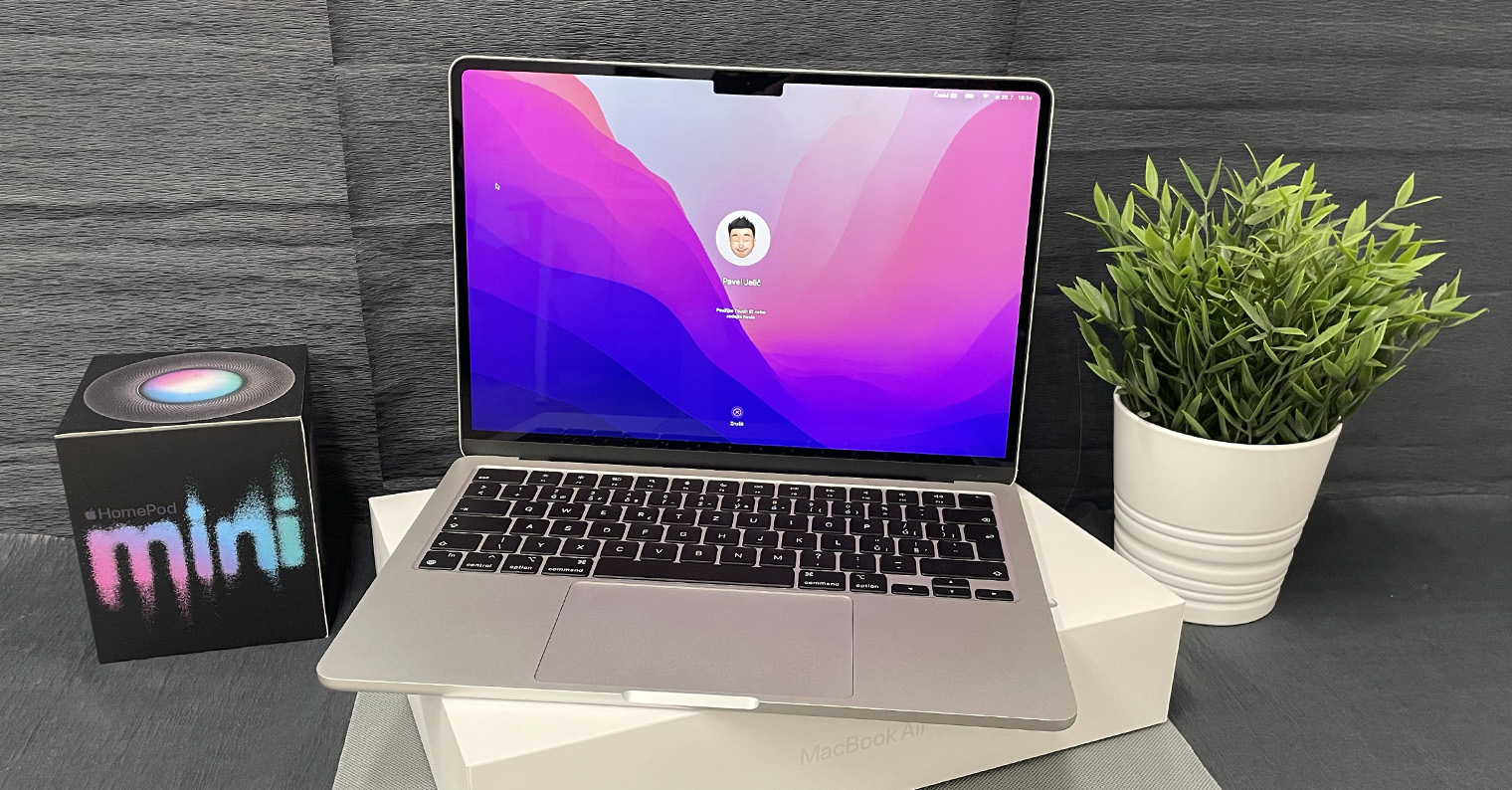
In short, in order to function smoothly on our Mac, we need various applications for our daily work, whether native or from third parties. Most of us have installed applications of a specific focus, which we are dedicated to - ie. for example, a graphic designer has graphic applications, while a programmer has applications needed for programming. Very simply, you can find yourself in a situation at any time when you need to perform some simple action, but find out that you actually can't, because you don't have the necessary application installed. Of course, downloading and installing such an application is tedious, and (not only) in such a situation, a website comes into play 123apps.com.
You might be interested in
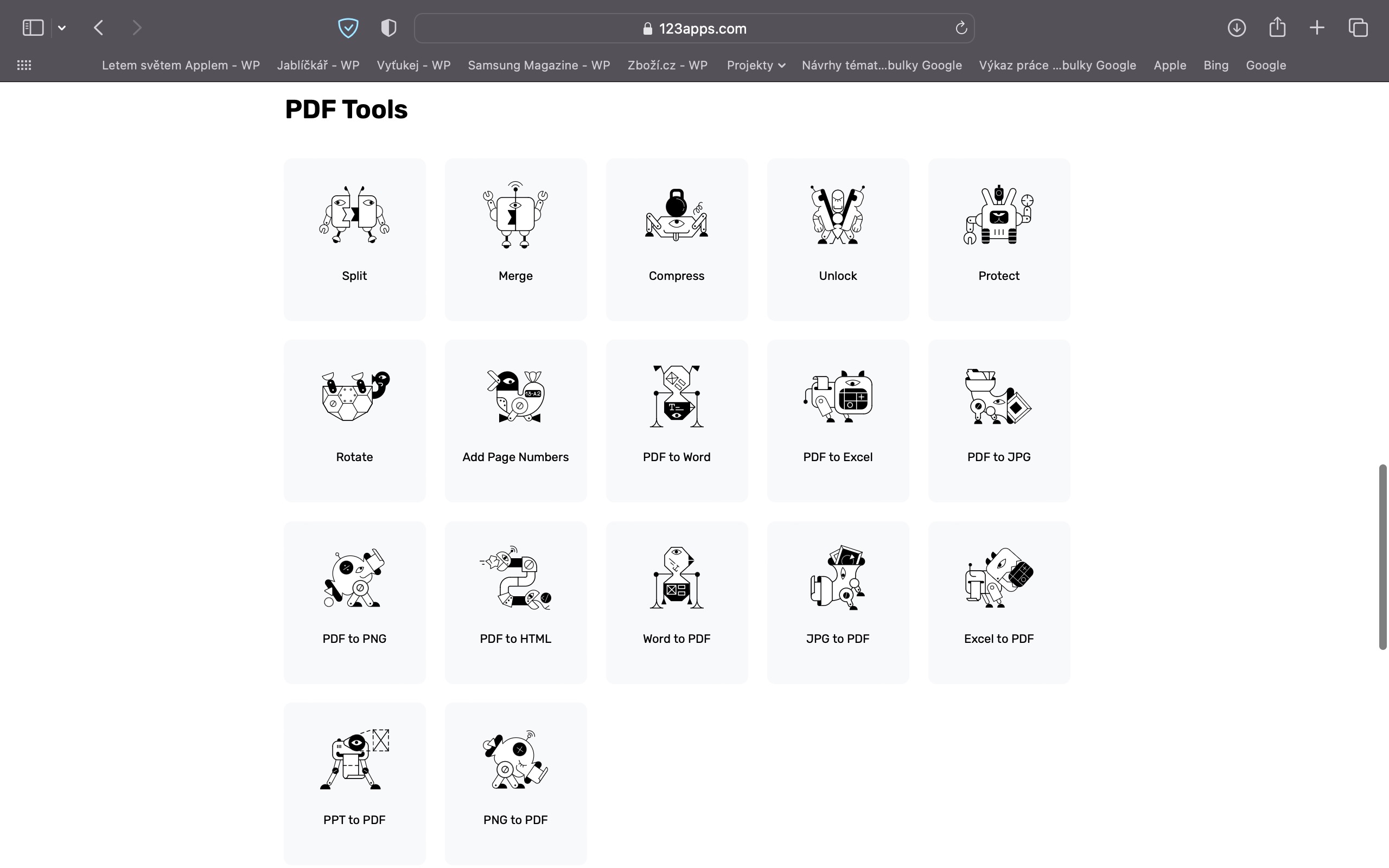
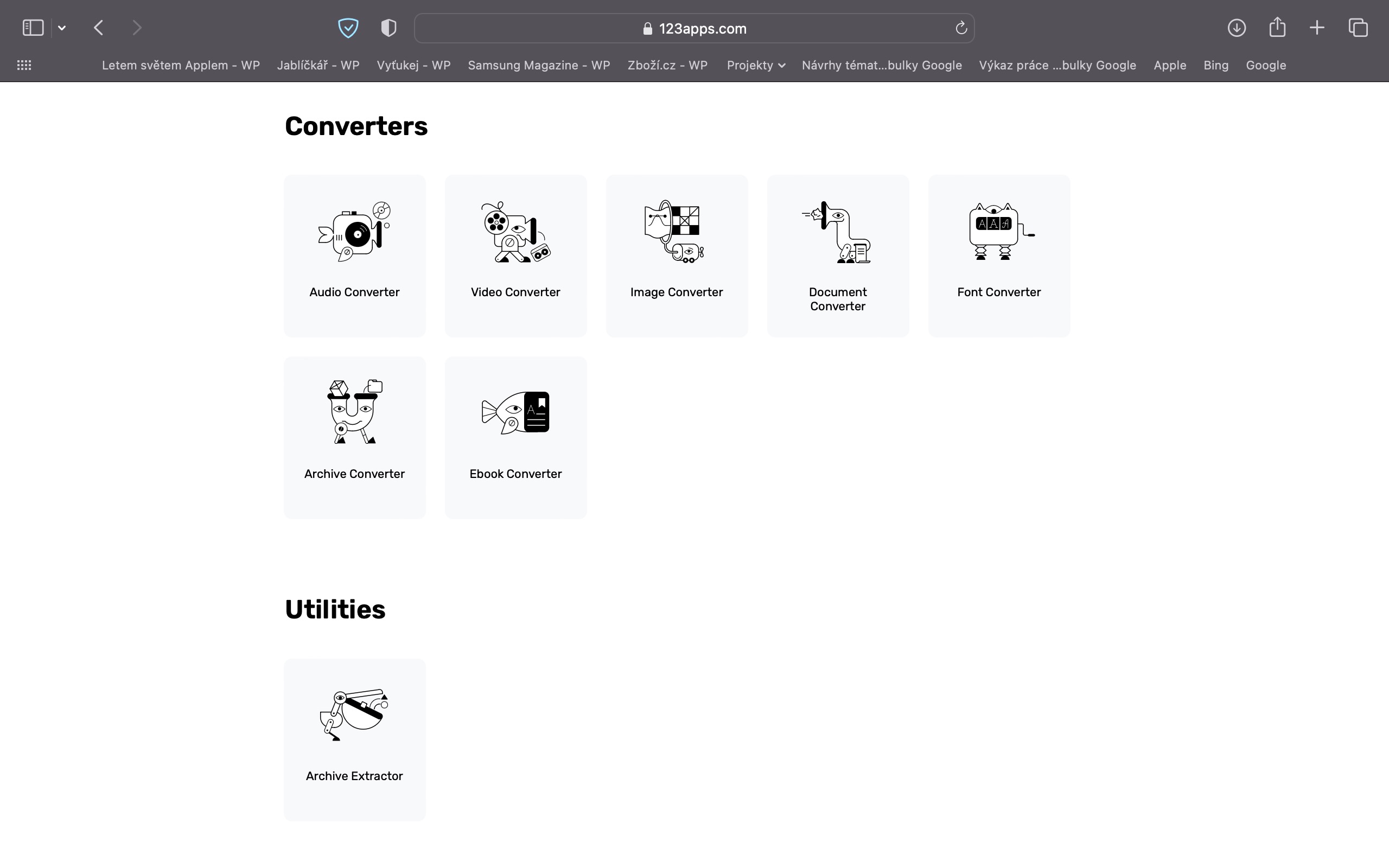
In case you've never heard of it, it's a site where you can find countless different tools from several categories that can come in handy at any time. Specifically, there are five categories available, namely: Video Tools, where you can find video editing tools, you can also use the category Audio tools, where you will find many audio editing tools. There are also categories PDF-Tools for simple editing of favorite PDF documents. The fourth category is Converters, where you can quickly and easily convert files from one format to another, the last category is then utilities, where you can currently find a tool for unpacking archives. The best part of all is that the tools at 123apps.com can be used for free and online, and there is no watermark added, etc.
Gallery
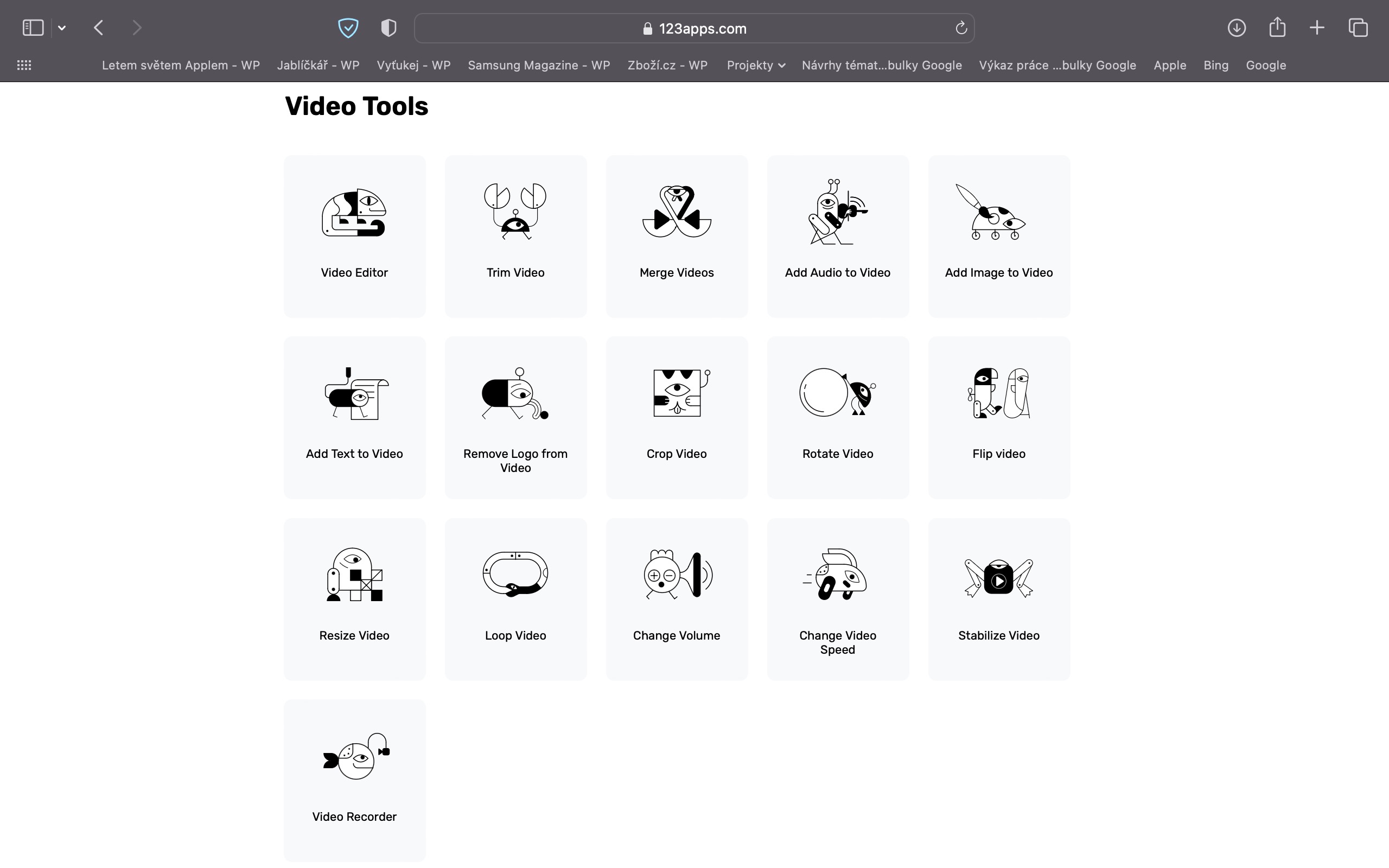
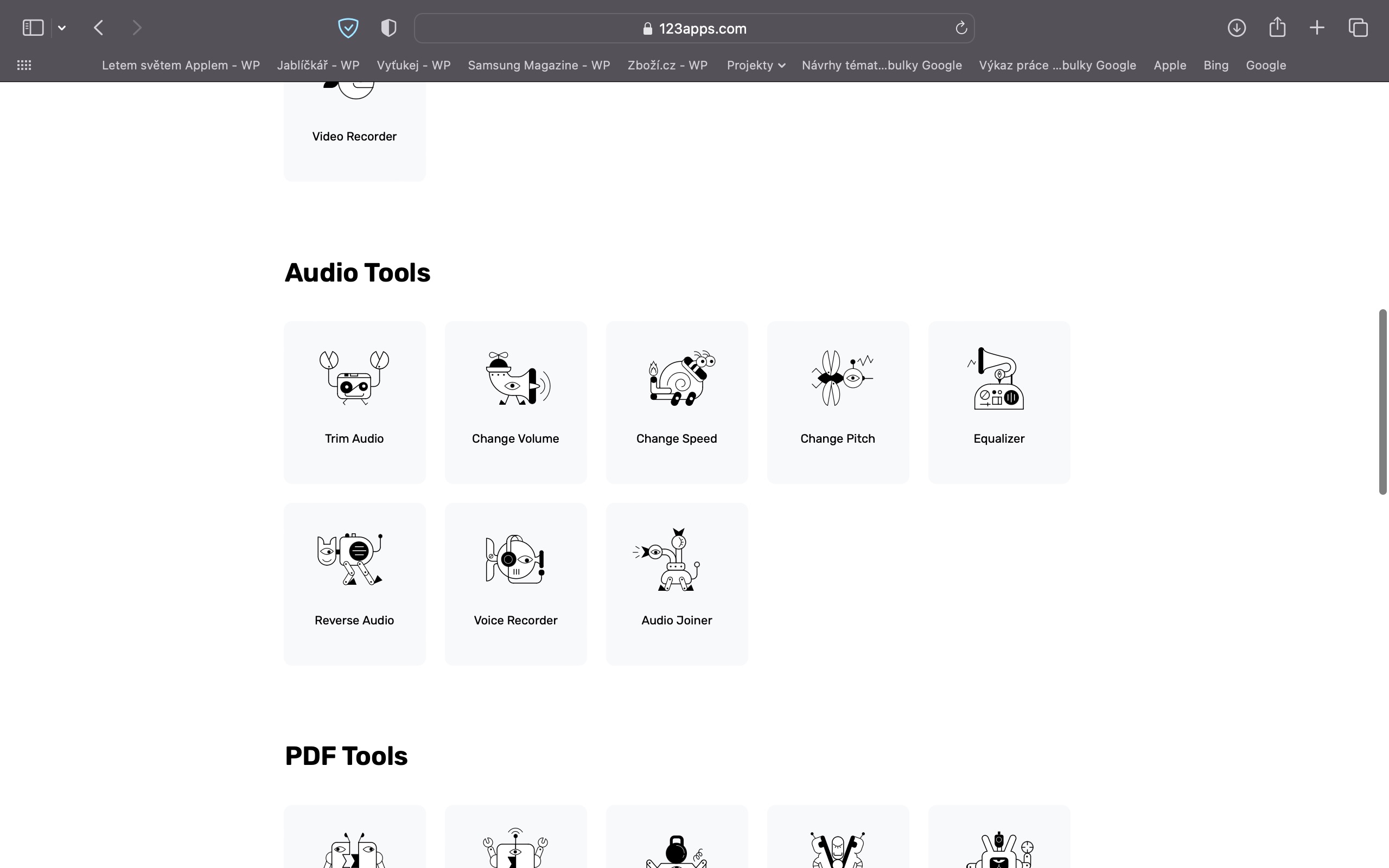
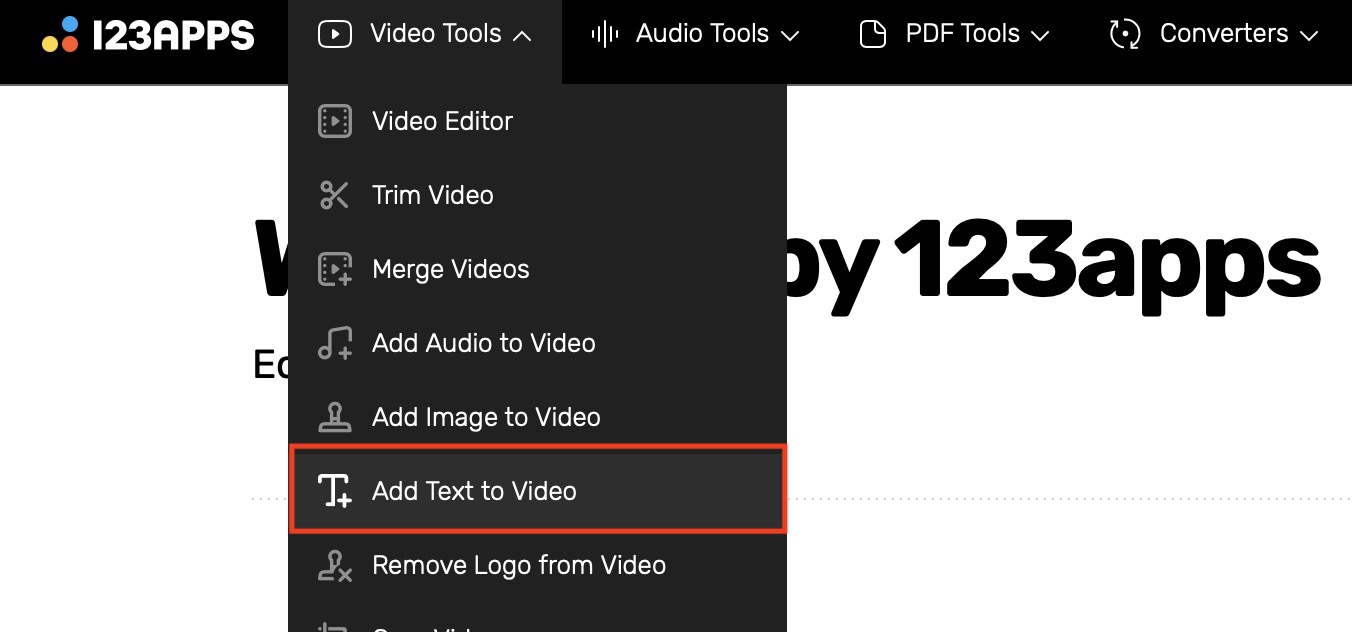
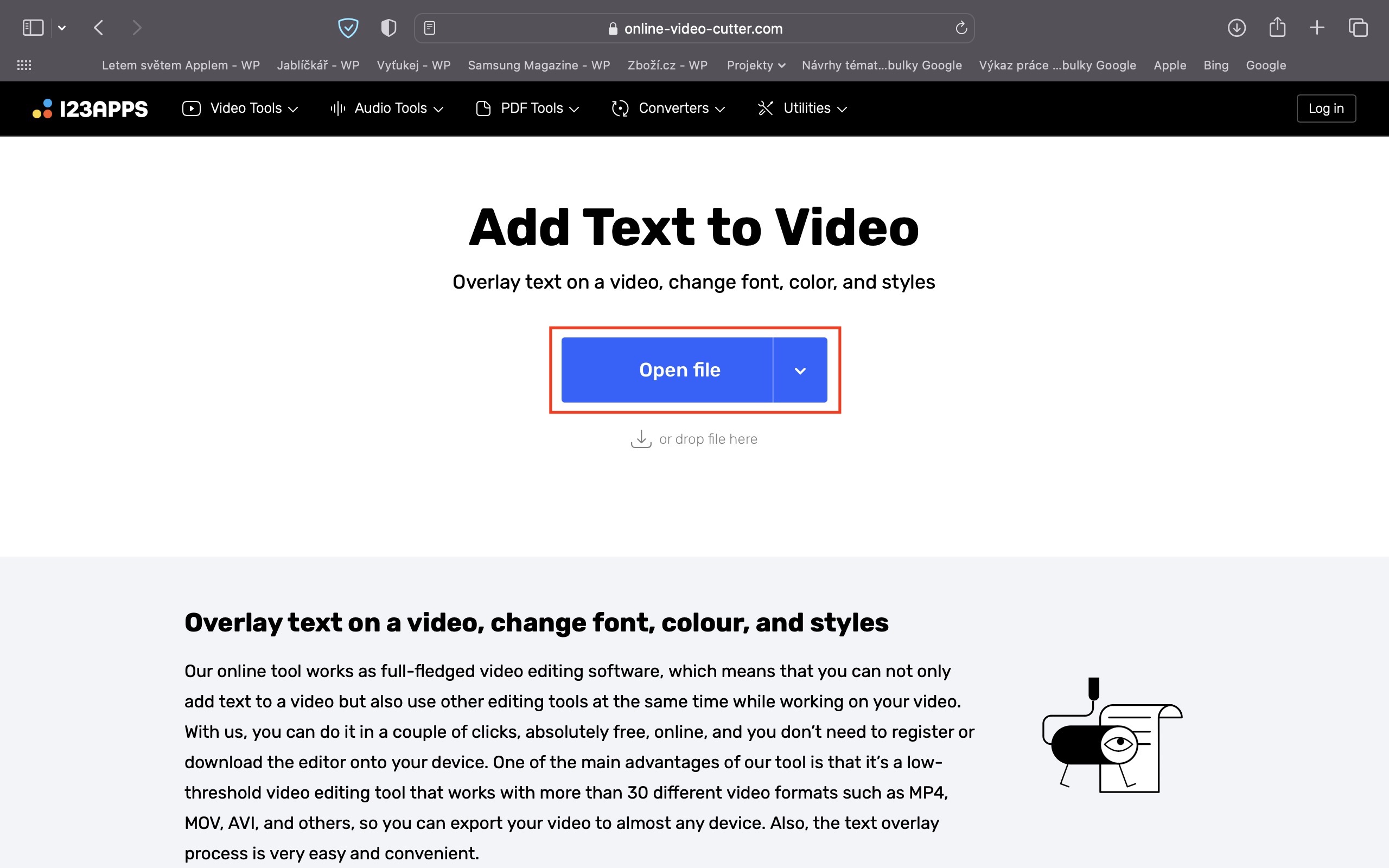
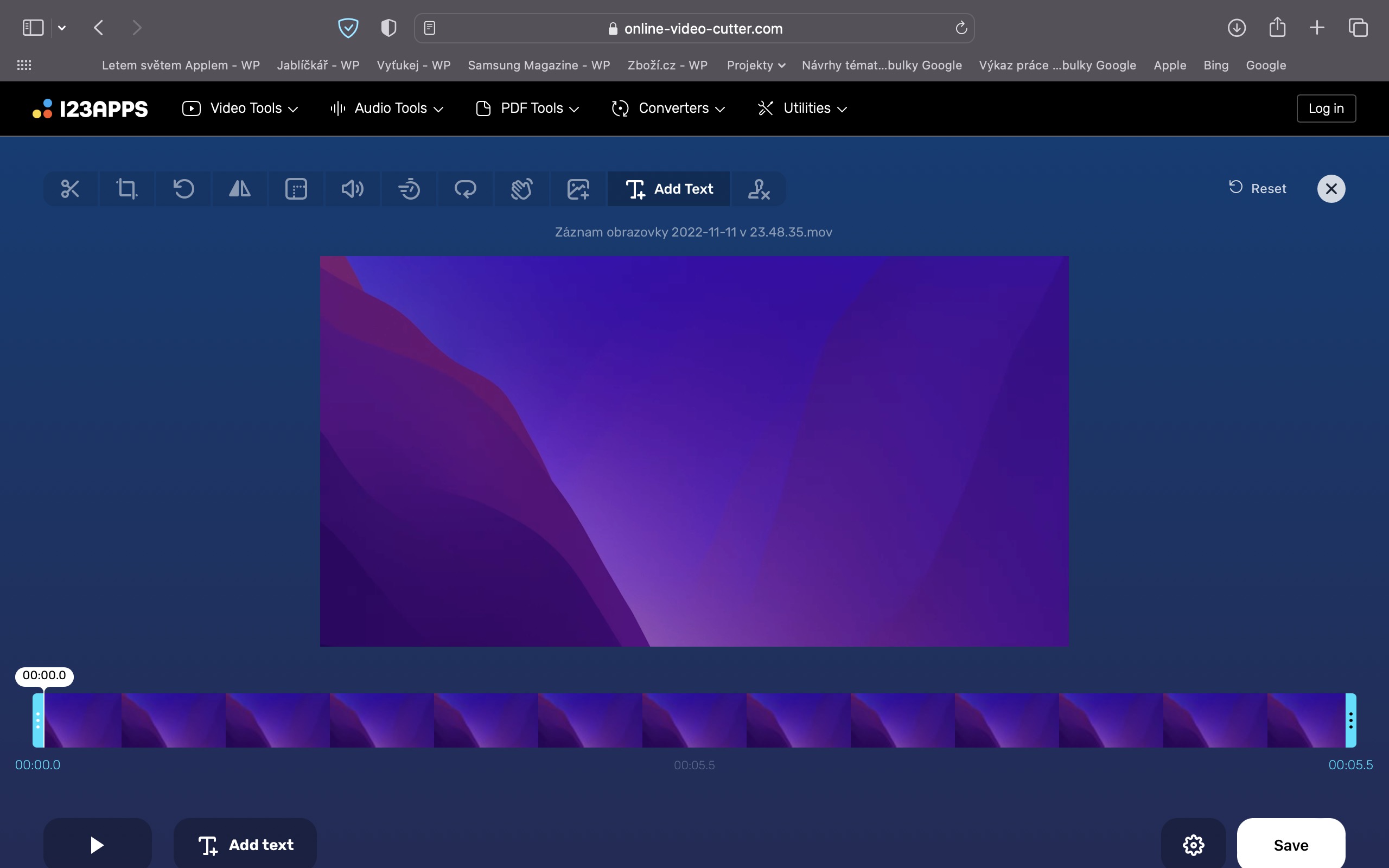
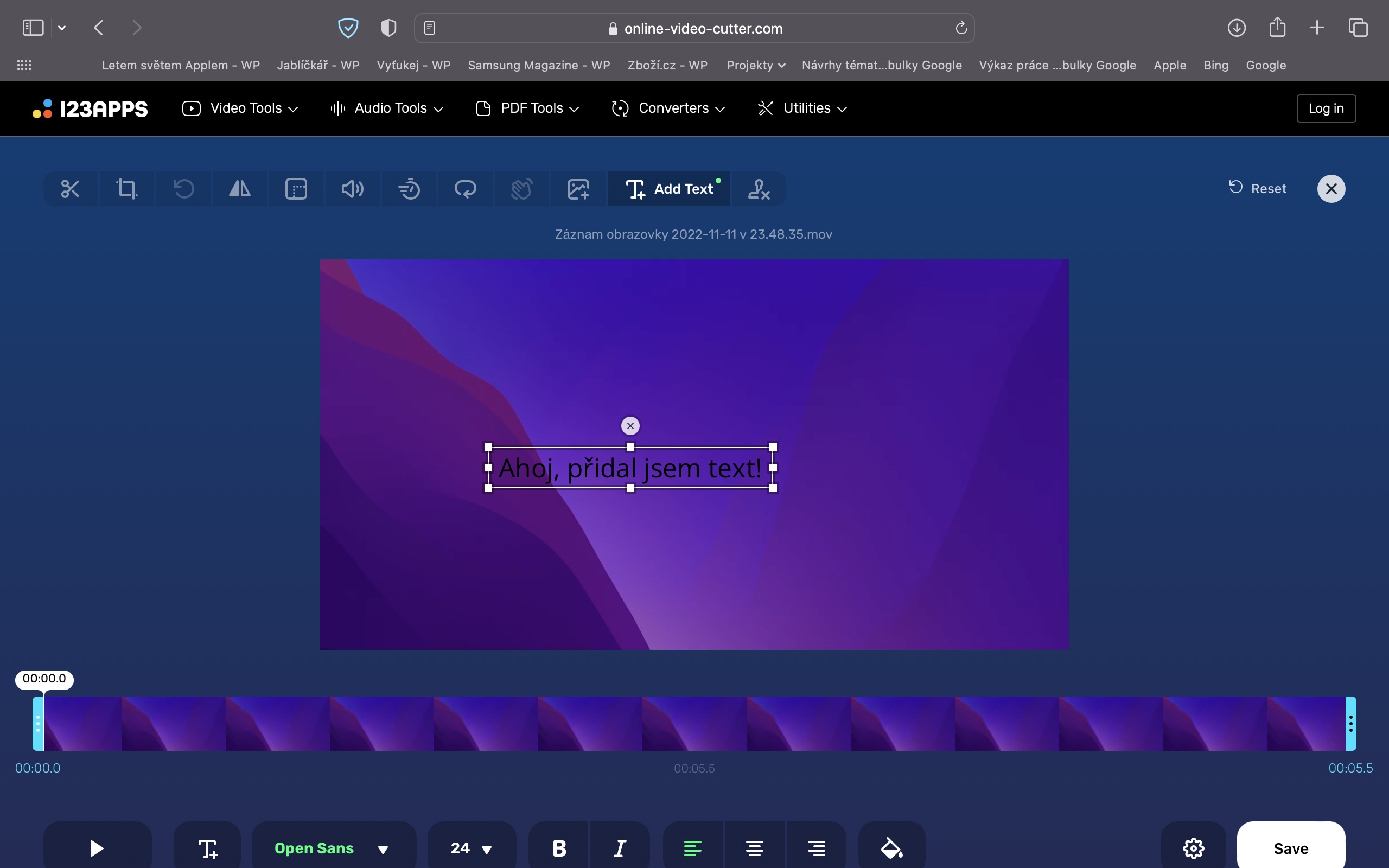
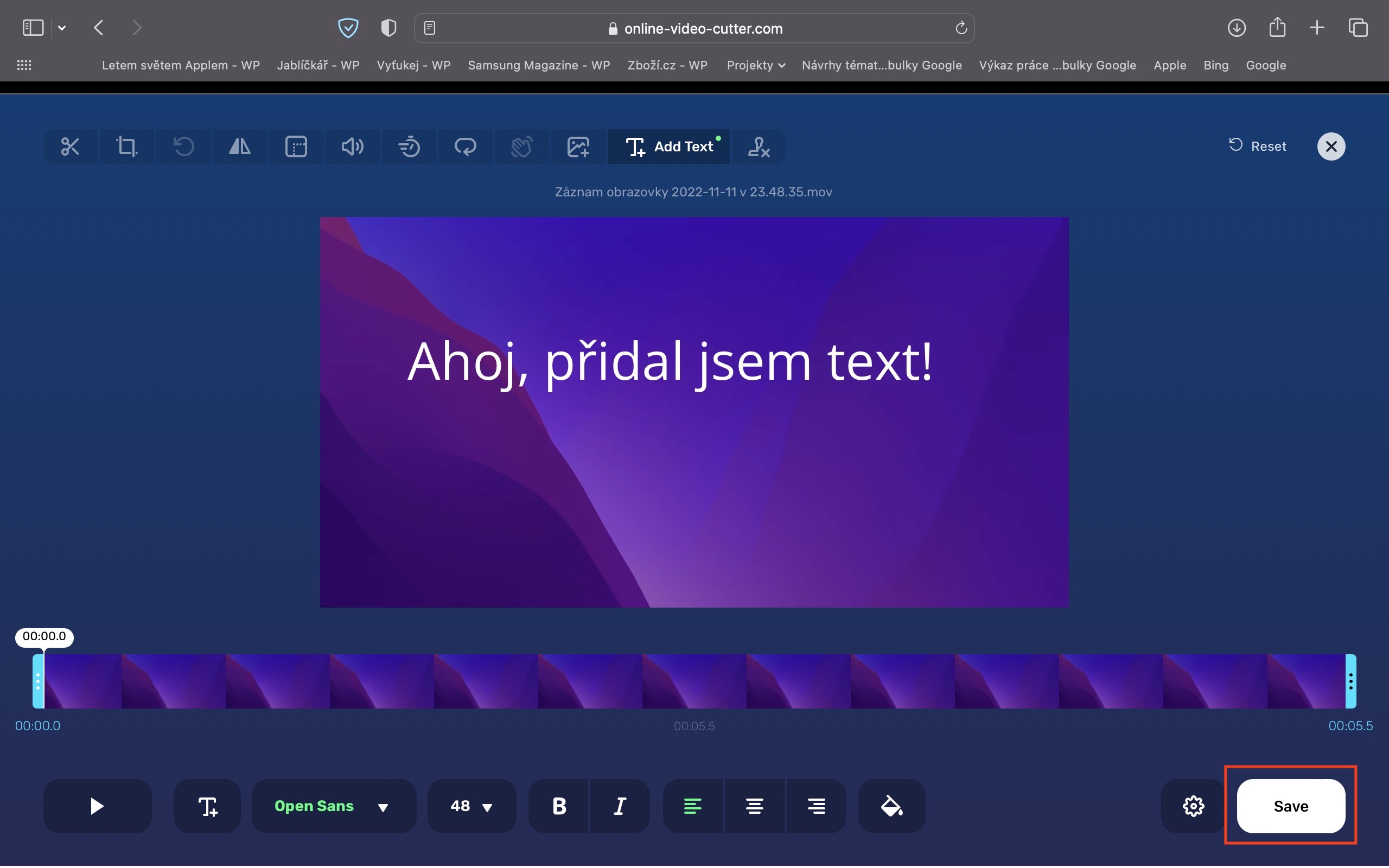
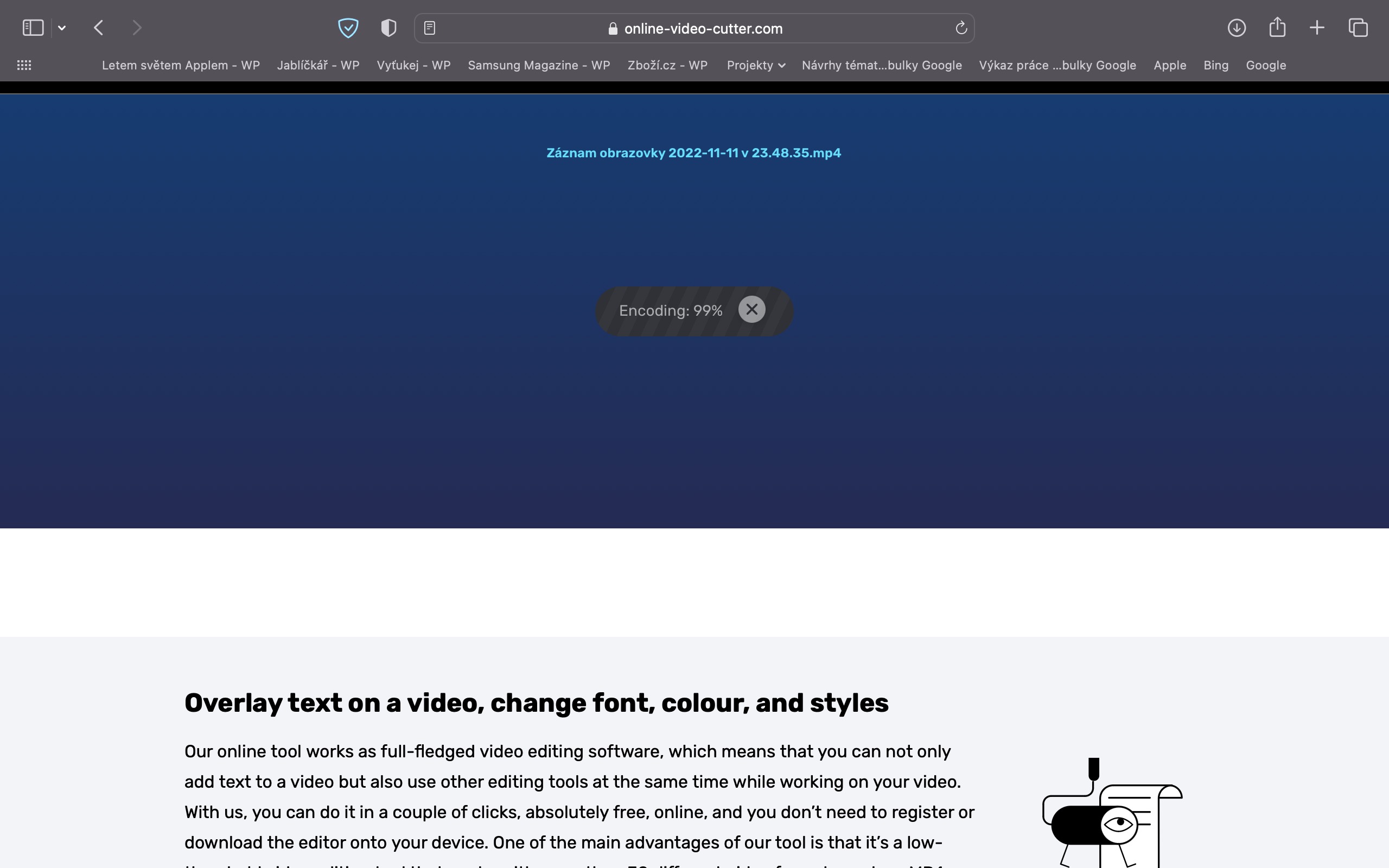
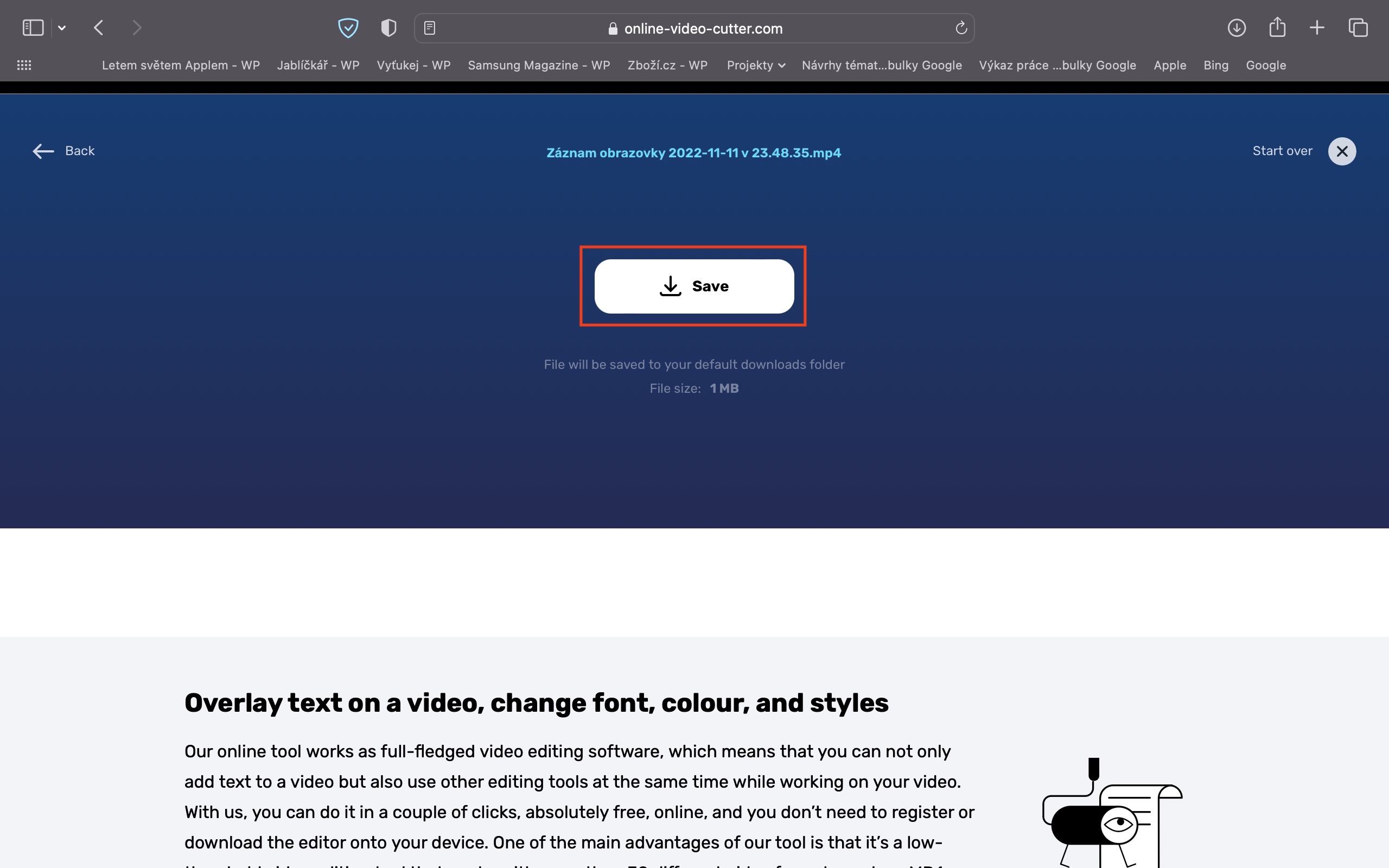
Using all the tools at 123apps.com is really incredibly simple and fast – it's unbelievable what we can do online these days, just using a browser. Let's say I want to add some text to my video. Just move the cursor over the category Video Tools, where then in the list I tap on Add Text to Video. Then press the button open file, where I will search for the input video a I will open it. After uploading the video, the interface it is in is loaded text can be added immediately, including the ability to change position, size, style, color and more. Once I'm satisfied, I press the bottom right save, which will start encoding immediately. Nakonec all you need is the resulting video with added text download – as easy as pie. The other tools work exactly the same, so the next time you need to perform a similar task, definitely use 123apps.com remember!
Gallery