
Many Apple phone users are looking for ways to free up space on their iPhone. It's no wonder, especially for those who still own older iPhones with less storage. Storage requirements are becoming increasingly large, and while a photo might only have a few megabytes a few years ago, it can now take up tens of megabytes. And as for video, a single minute of recording can easily use more than one gigabyte of storage space. We could continue like thisonekoneWell, in short, if you want to find out how you can free up storage space on your iPhone, this article has some great tips.
You might be interested in
Turn on Photos on iCloudu
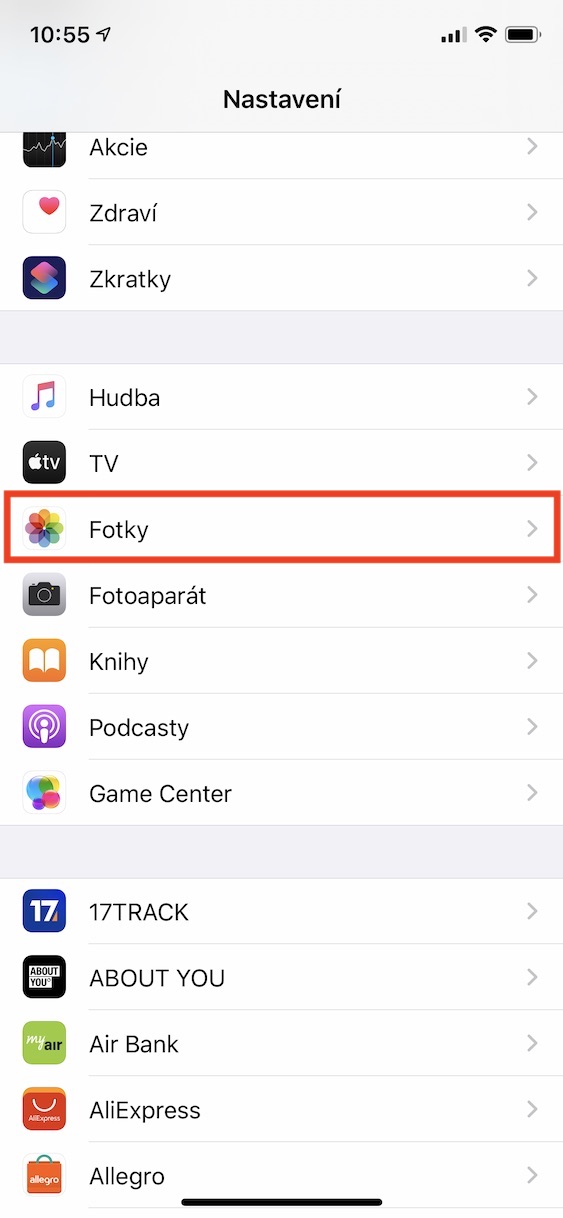
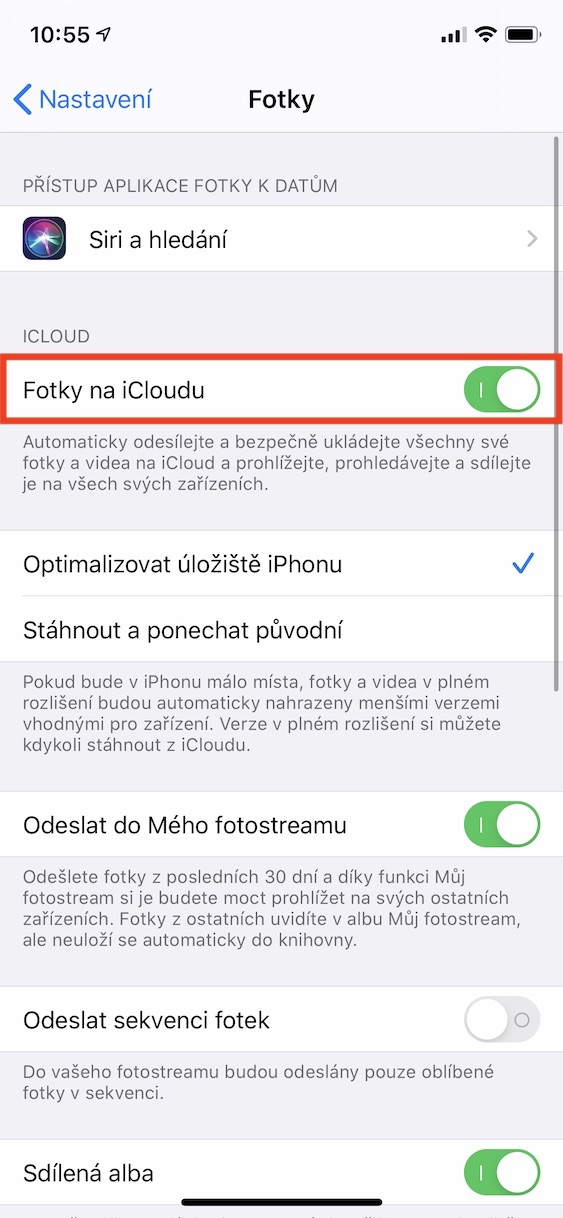
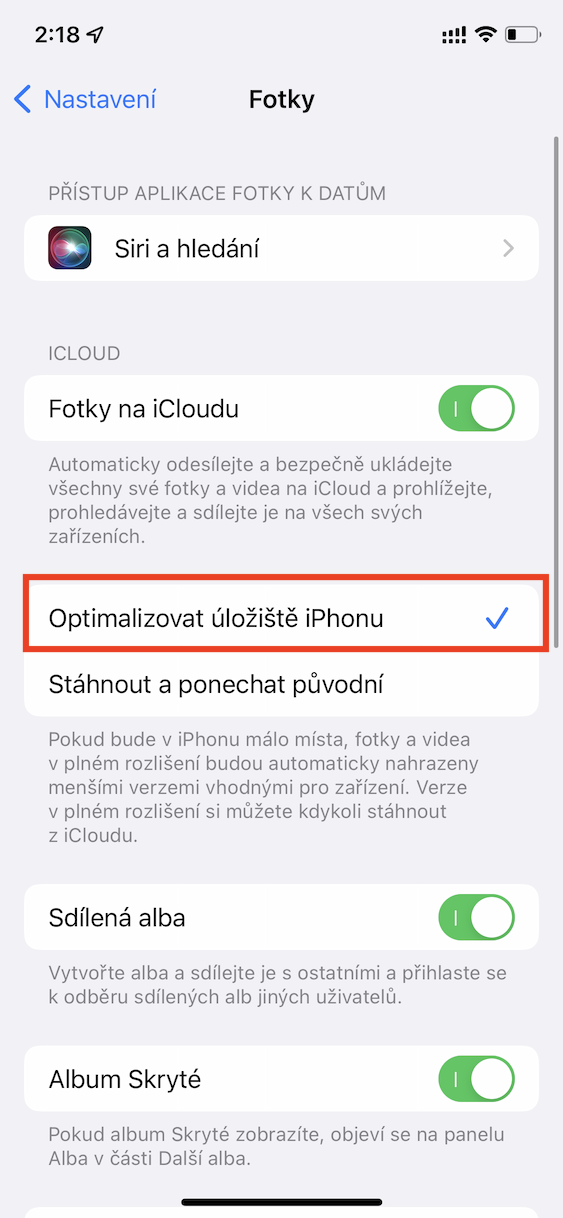
Traditionally, photos and videos take up the most space on your iPhone's storage, as we mentioned in the introduction. If this content is causing you to run out of space on your Apple phone, you can use Photos on iCloudu. If you activate the function, all your photos and videos will be backed up to iCloudua is synchronized across all devices, which is simply convenient. In addition, you can set the content to be uploaded in original quality to iCloud and it remains on your iPhone only in optimized quality, saving you a lot of space. Pro to turn it on, just go to Settings → Photos, where activate Photos on iCloudu. Subsequently below tick possibility Optimize iPhone storage.
Gallery
Saving HDR photos
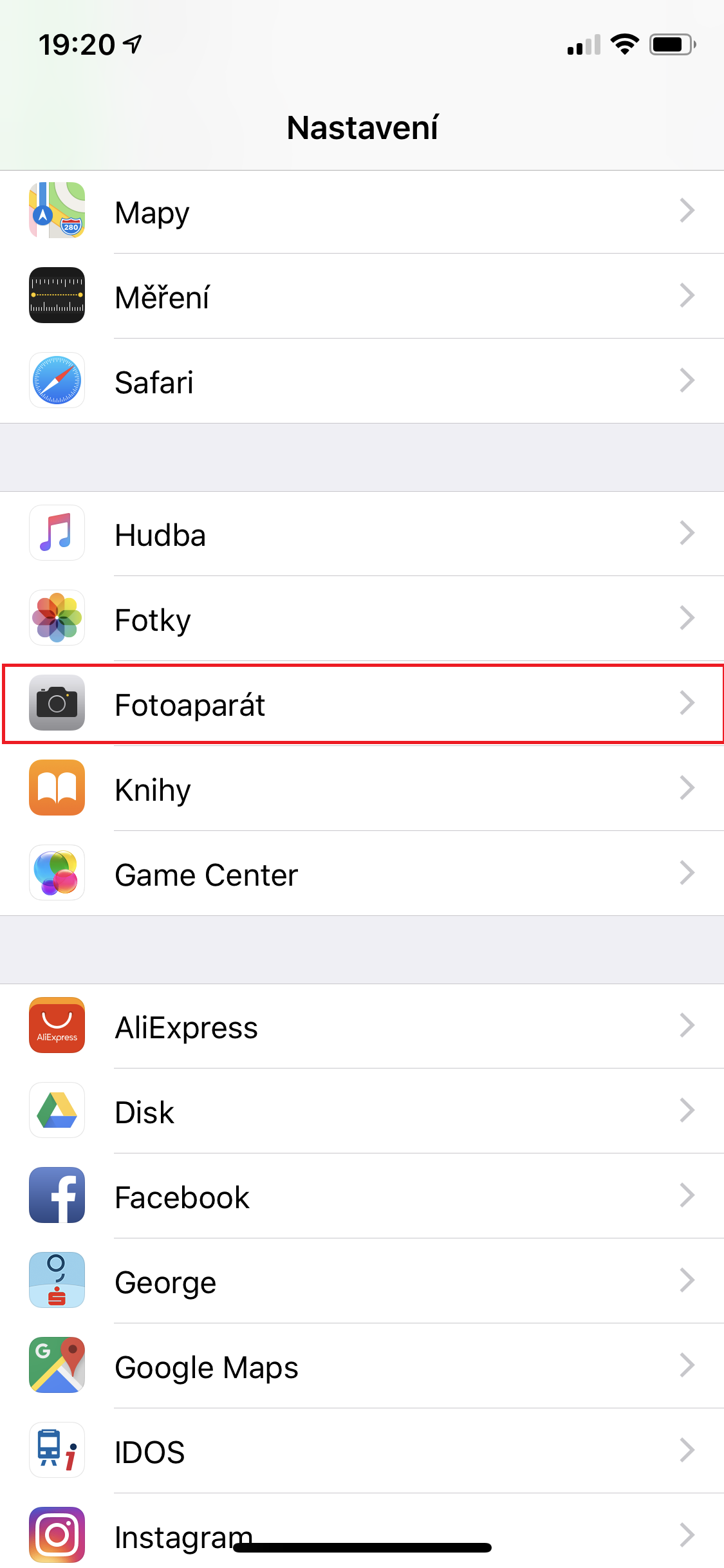
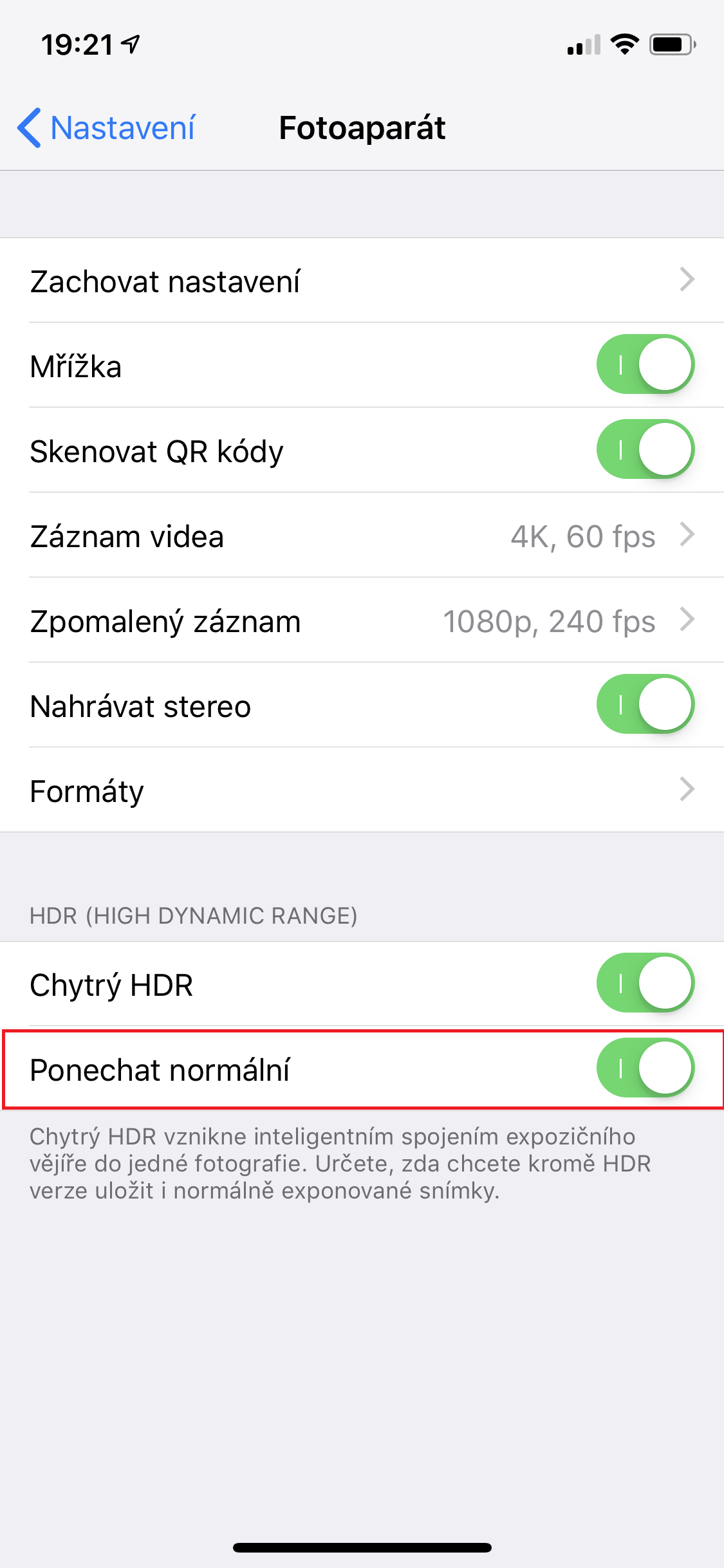
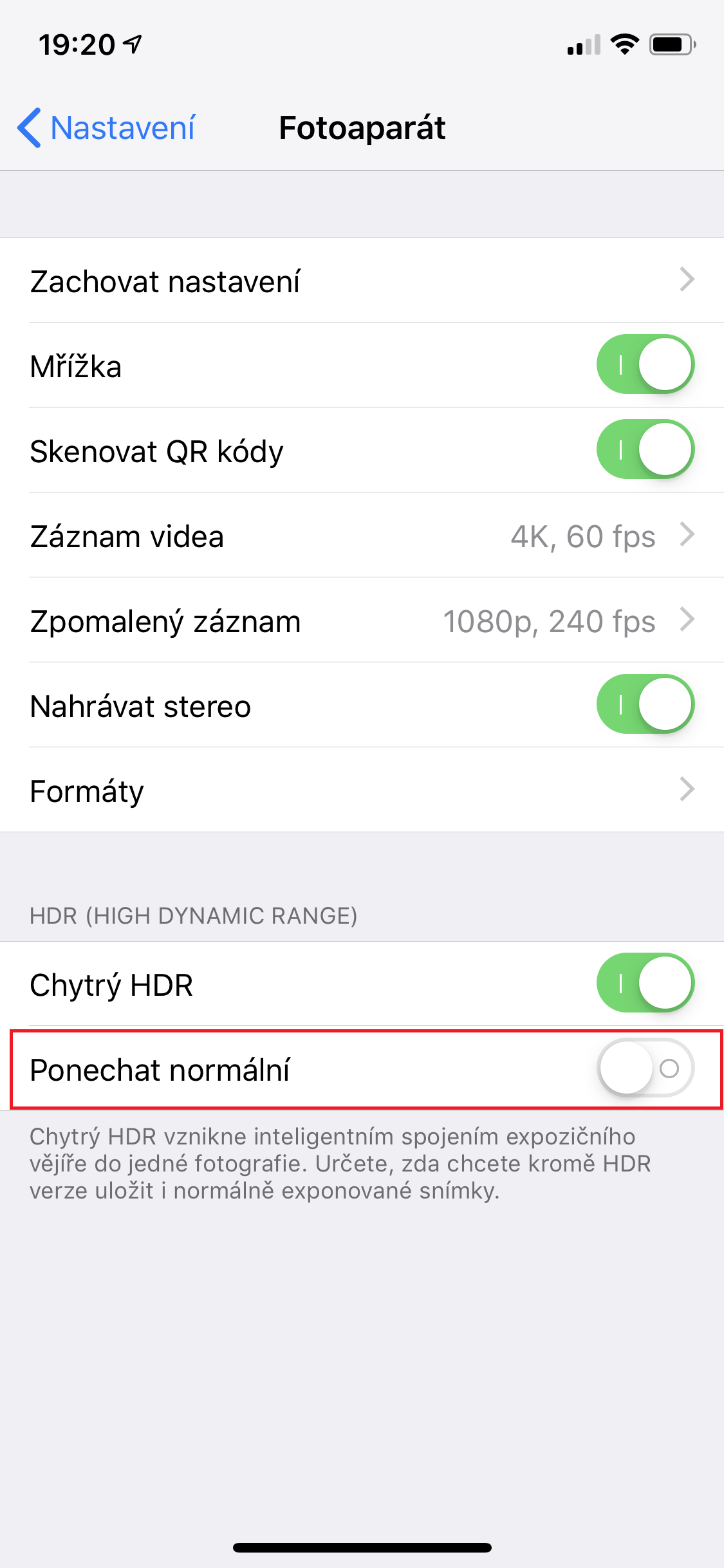
iPhone can also take HDR photos when taking photos, which are combined from several identical photos with different exposures and thus form a single whole in the best quality, without too dark and too bright areas. However, not in all cases the user has to like the HDR photo, so the default setting is to save the classic photo in addition to the HDR photo. If you know from your own experience that your HDR photos always look better, you can turn off saving the classic photo and save storage space. Just go to Settings → Camera, where down deactivate possibility Ponechat normal.
Removing unnecessary applications
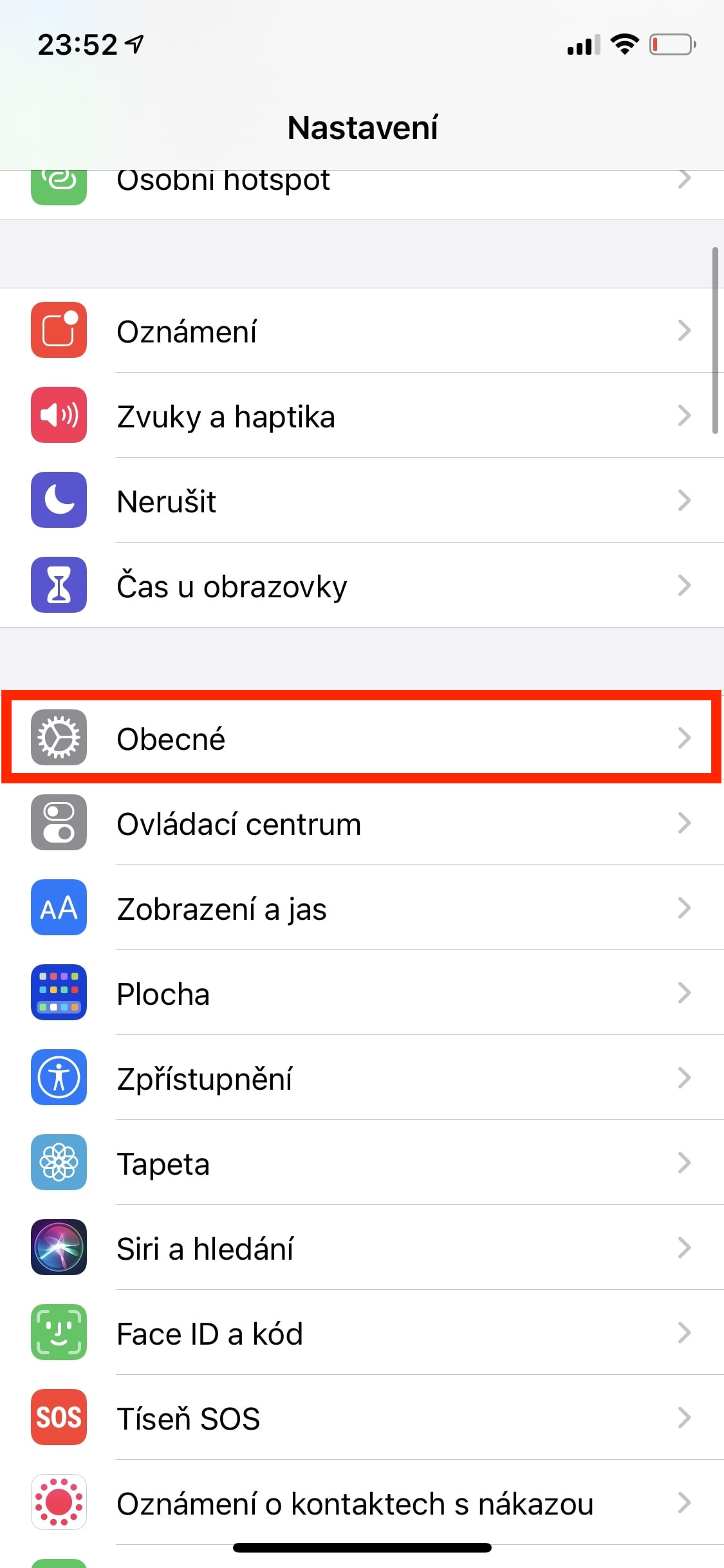
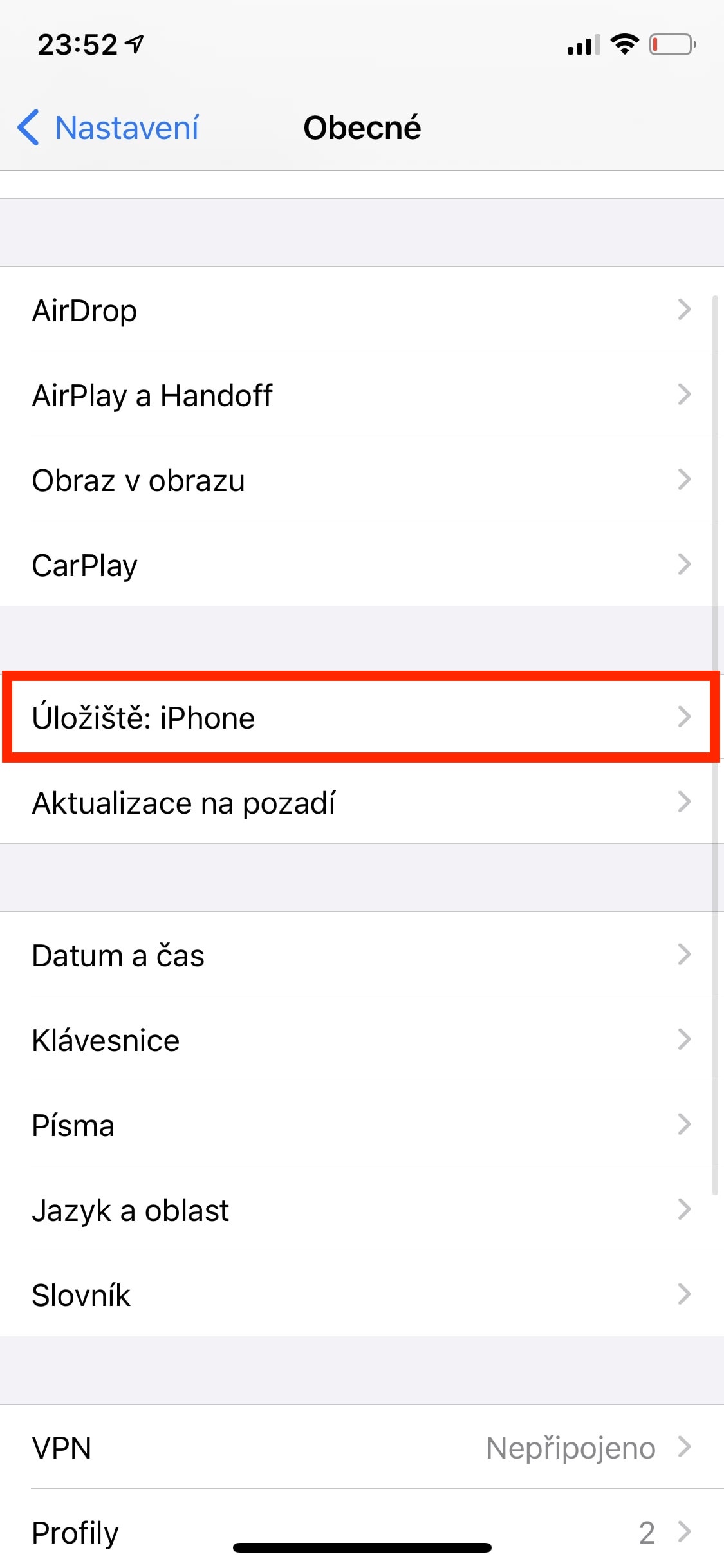
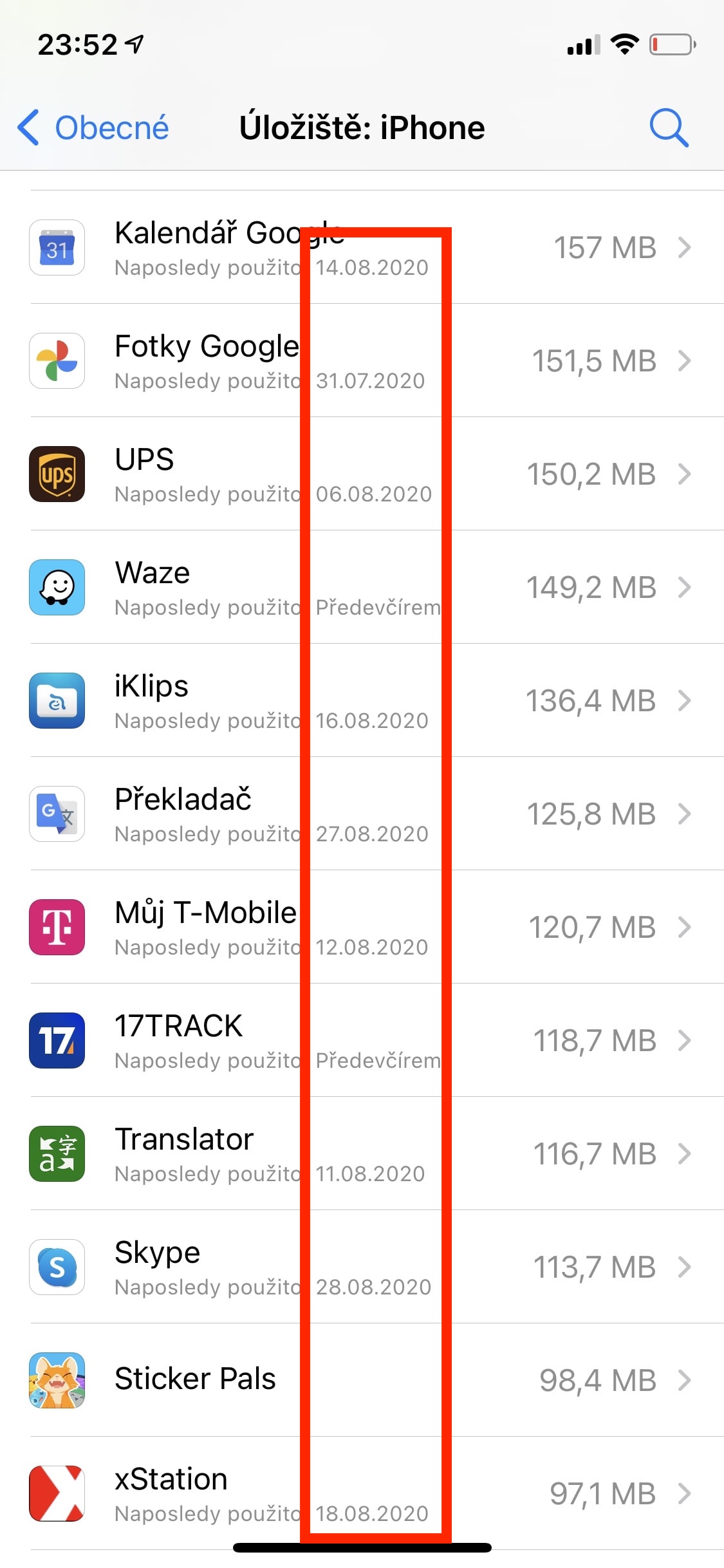
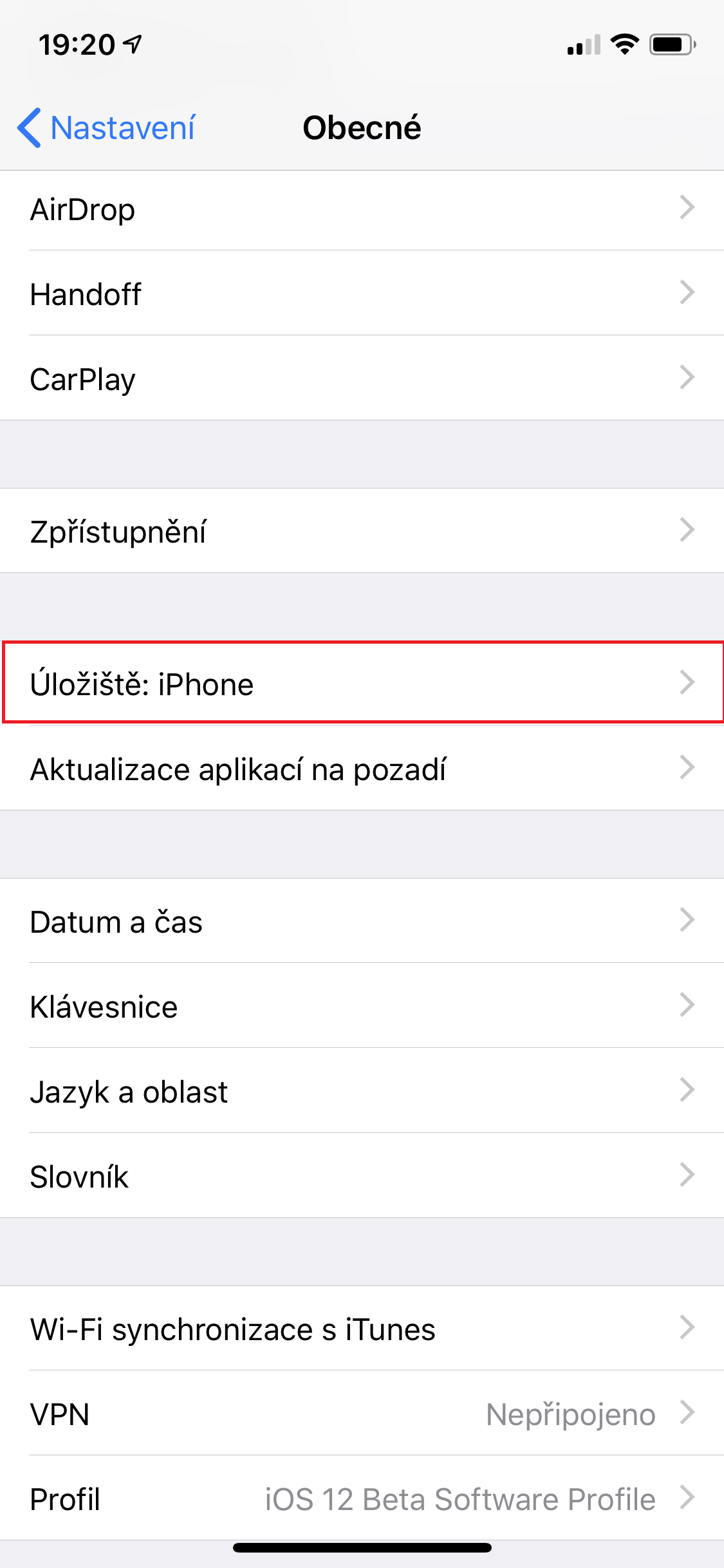
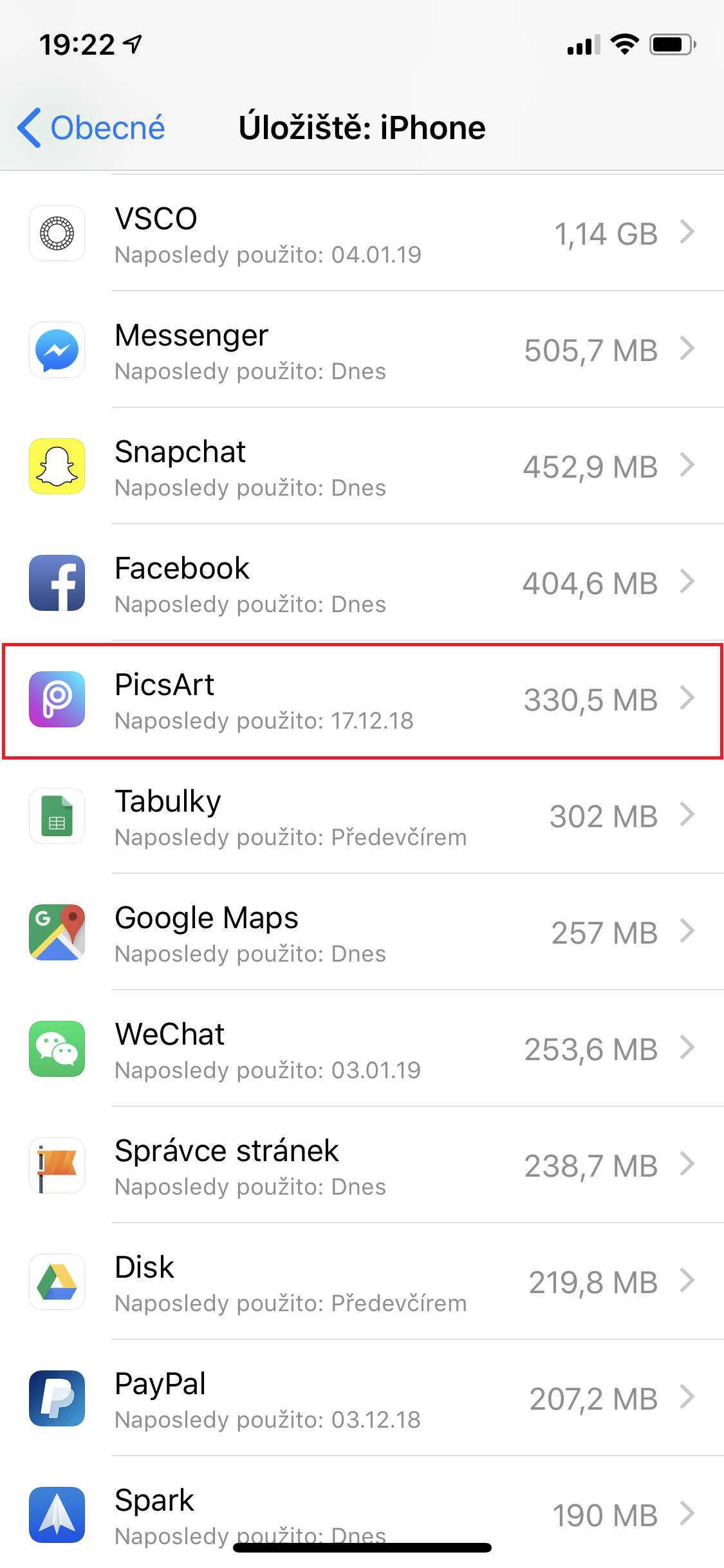
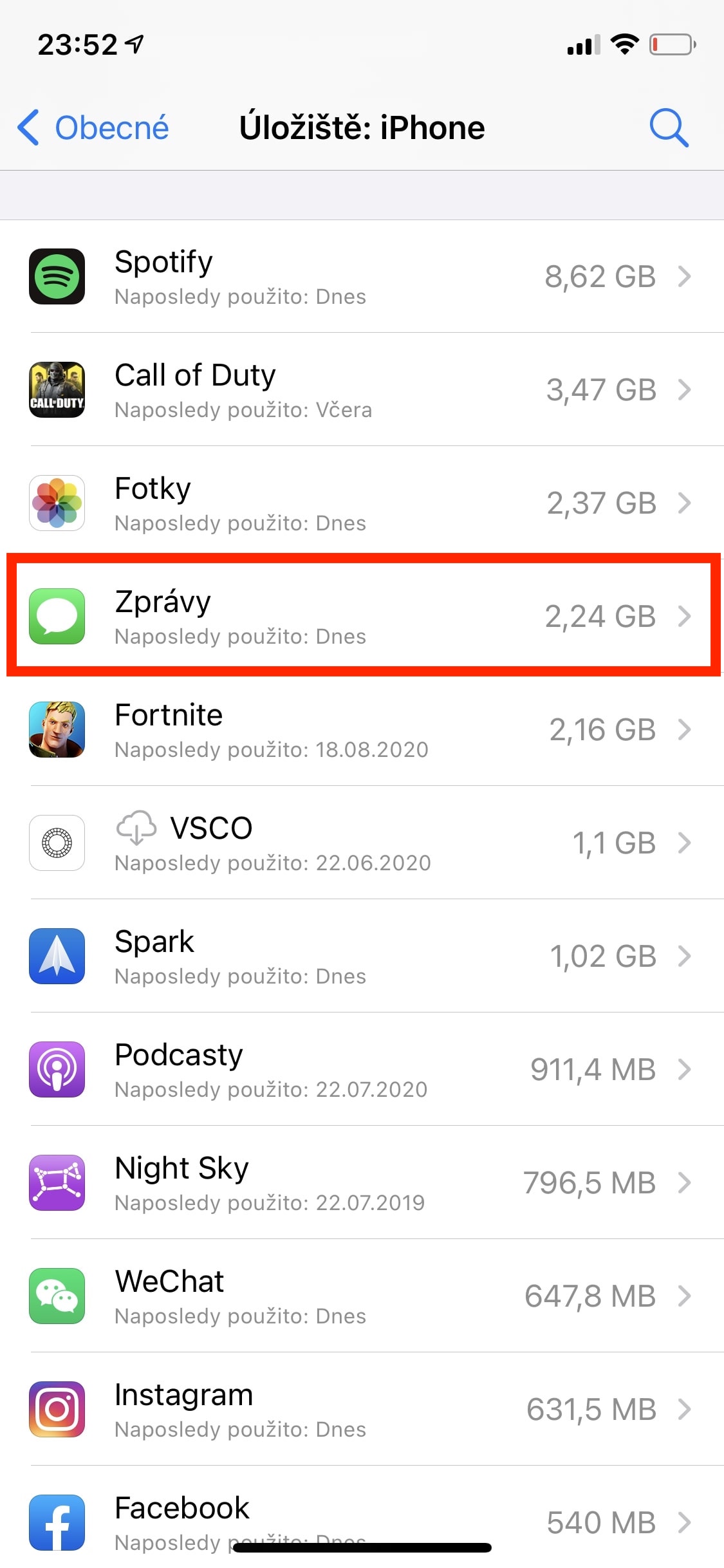
None of us could imagine using an iPhone without all kinds of applications. Currently, there are applications for everything, and we often simply succumb to the urge to download an application, even if we only use it once. If you do this several times, your storage will be unnecessarily occupied by unnecessary applications that you don't actually need at all. Fortunately, however, it's easy to see information about when you last used specific apps, and you can then uninstall them based on that. Just go to Settings → General → Storage: iPhone, where already you can find a list of applications with the dates of the last launch.
Gallery
Postpone applications
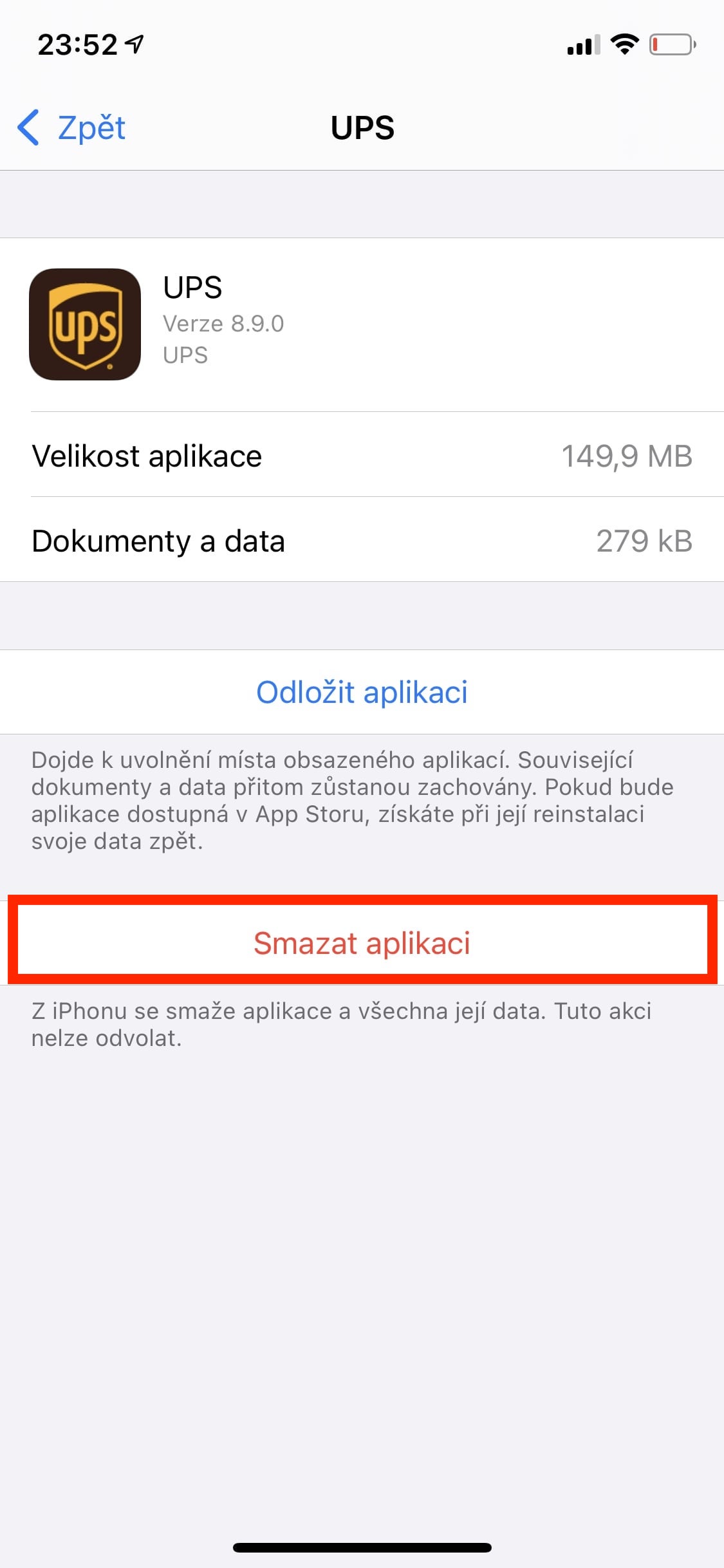
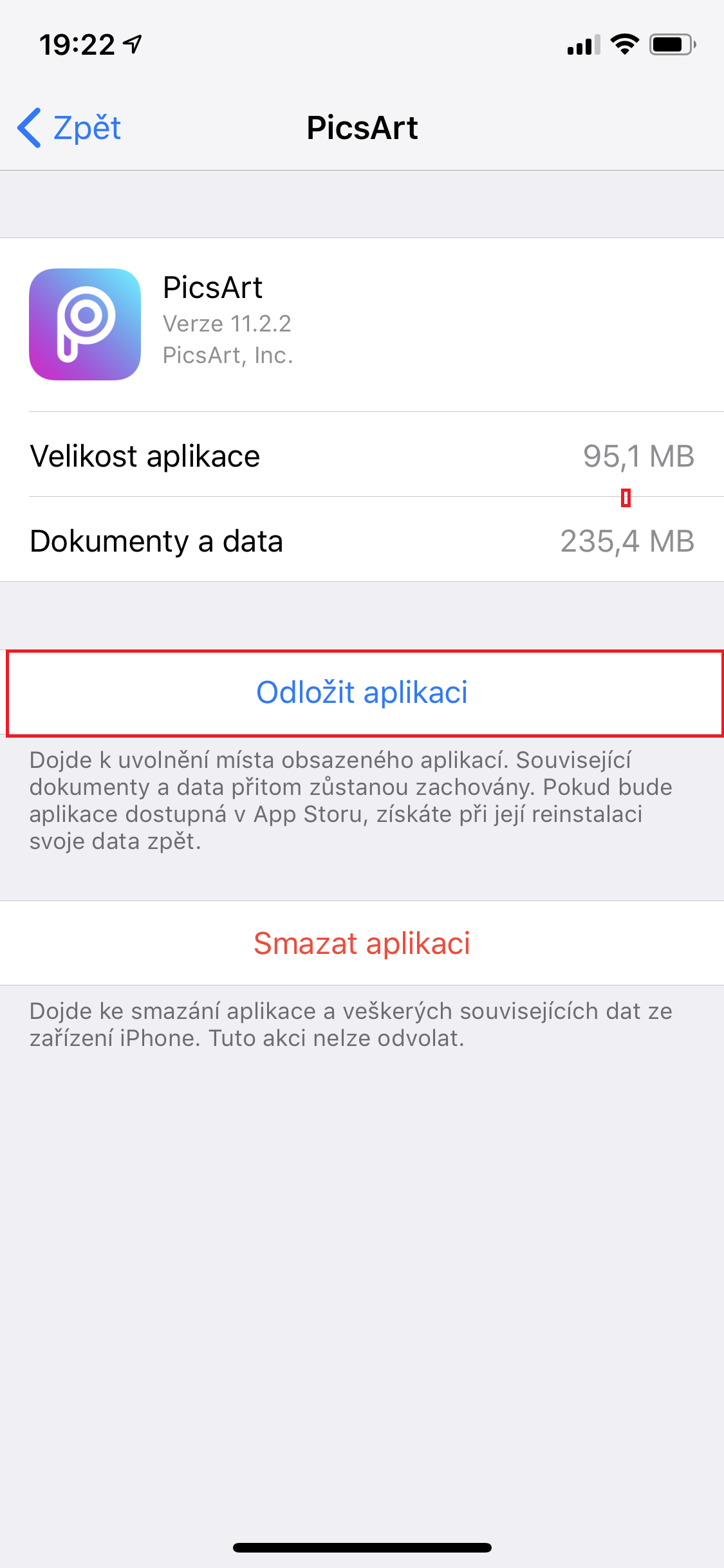
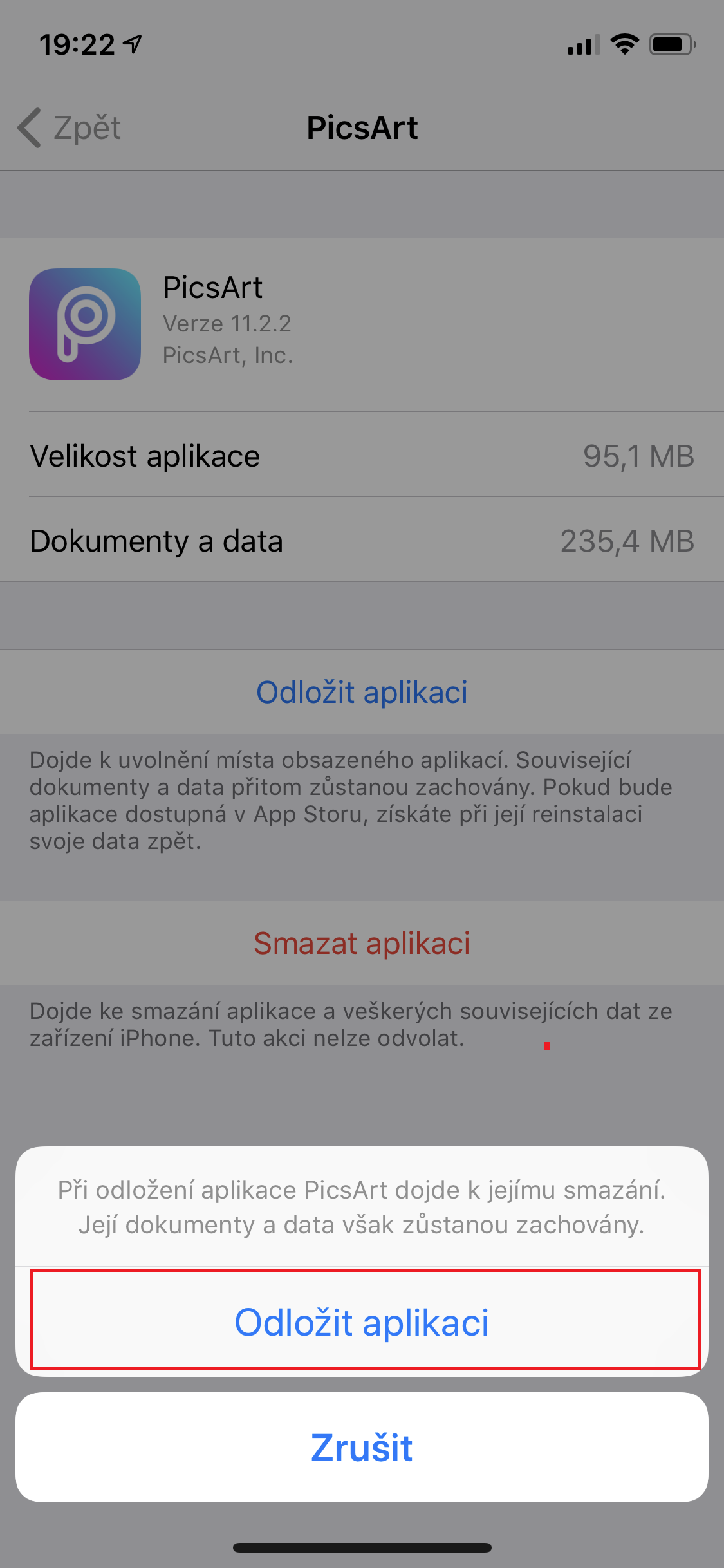
If you don't want to delete an app in case you need it again, you can use the app hibernation feature. If you hibernate an app, only its core is uninstalled, while the user data remains stored on your iPhone. This can also be useful for games where you don't want to lose your progress by uninstalling. If you want to hibernate an app, just go to Settings → Storage: iPhone, where you are below in the list open a specific application, and then press the button Postpone the application.
Gallery
Deleting attachments from Messages
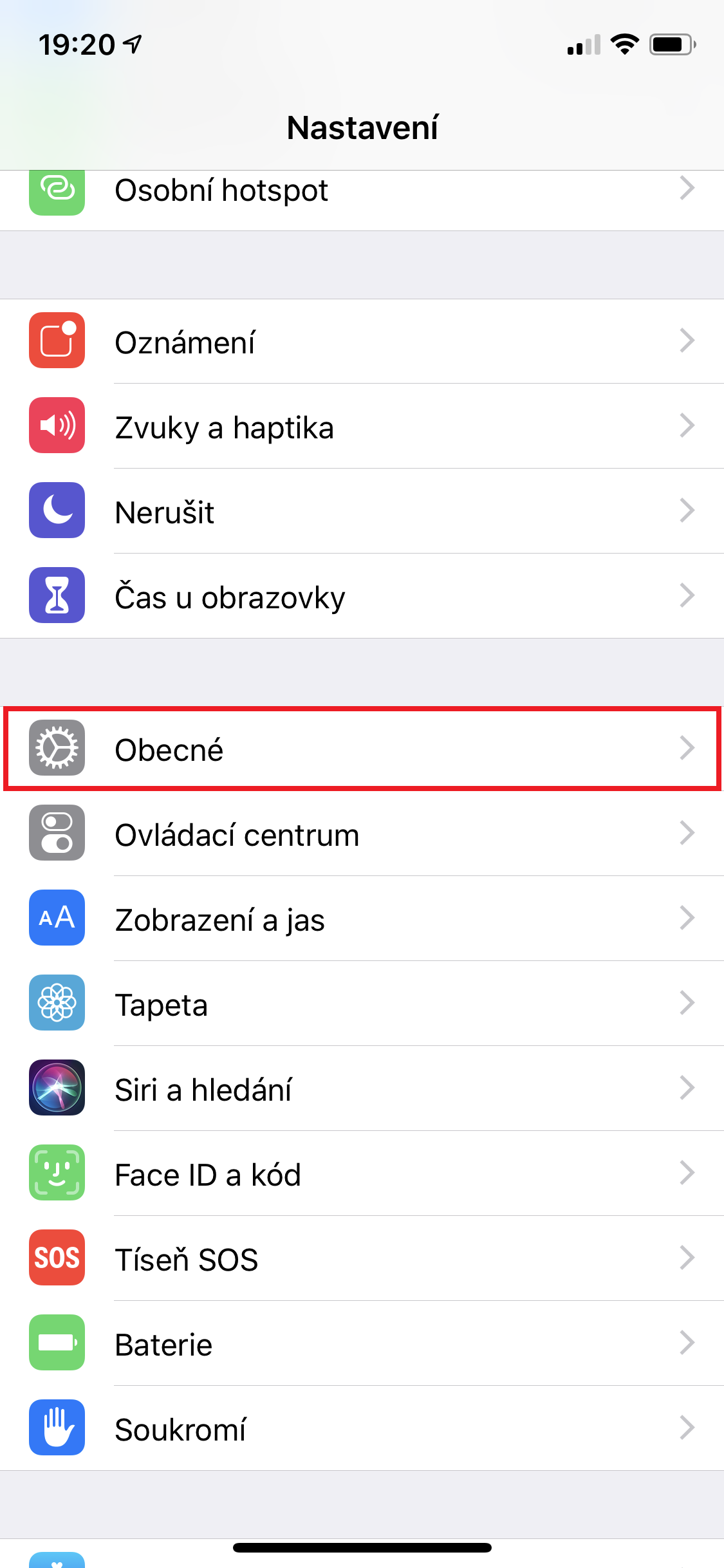
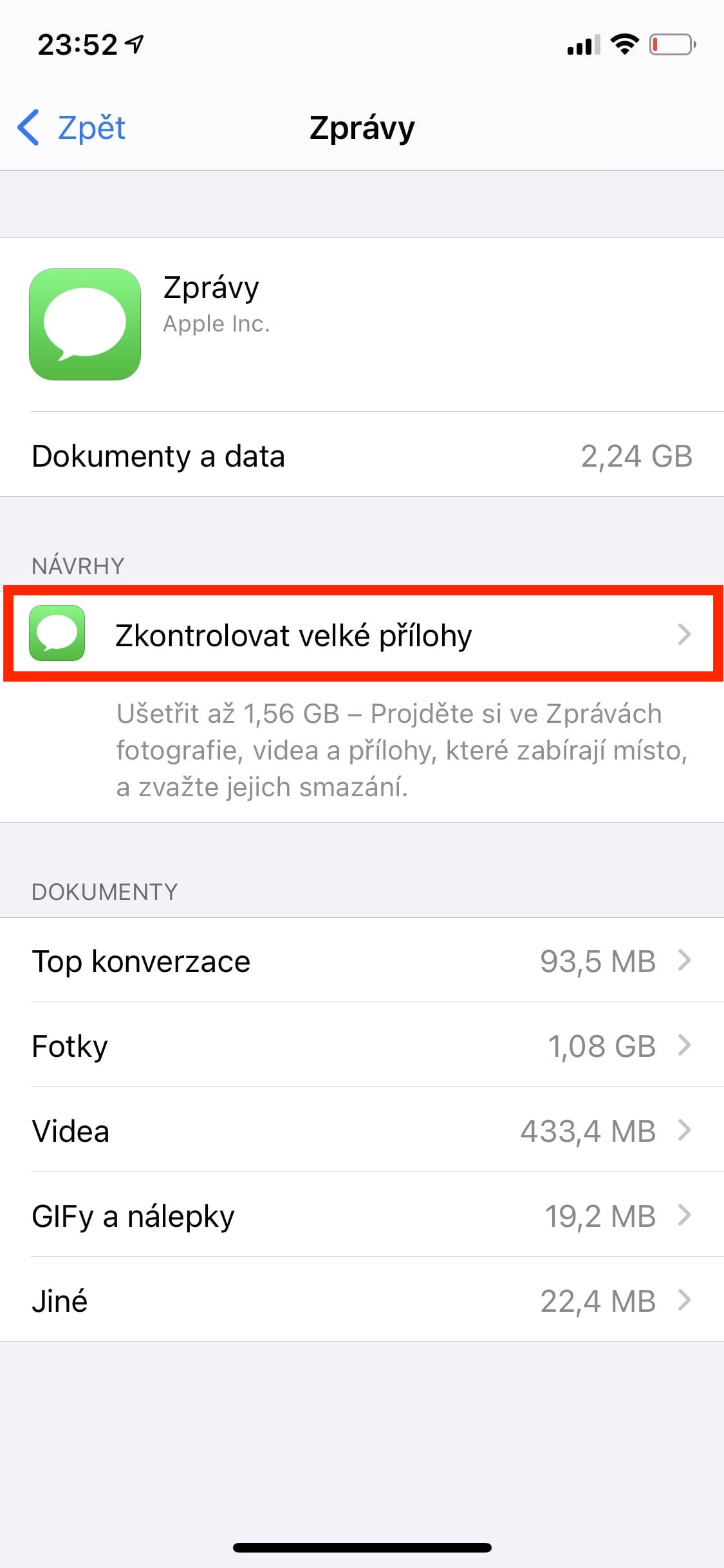
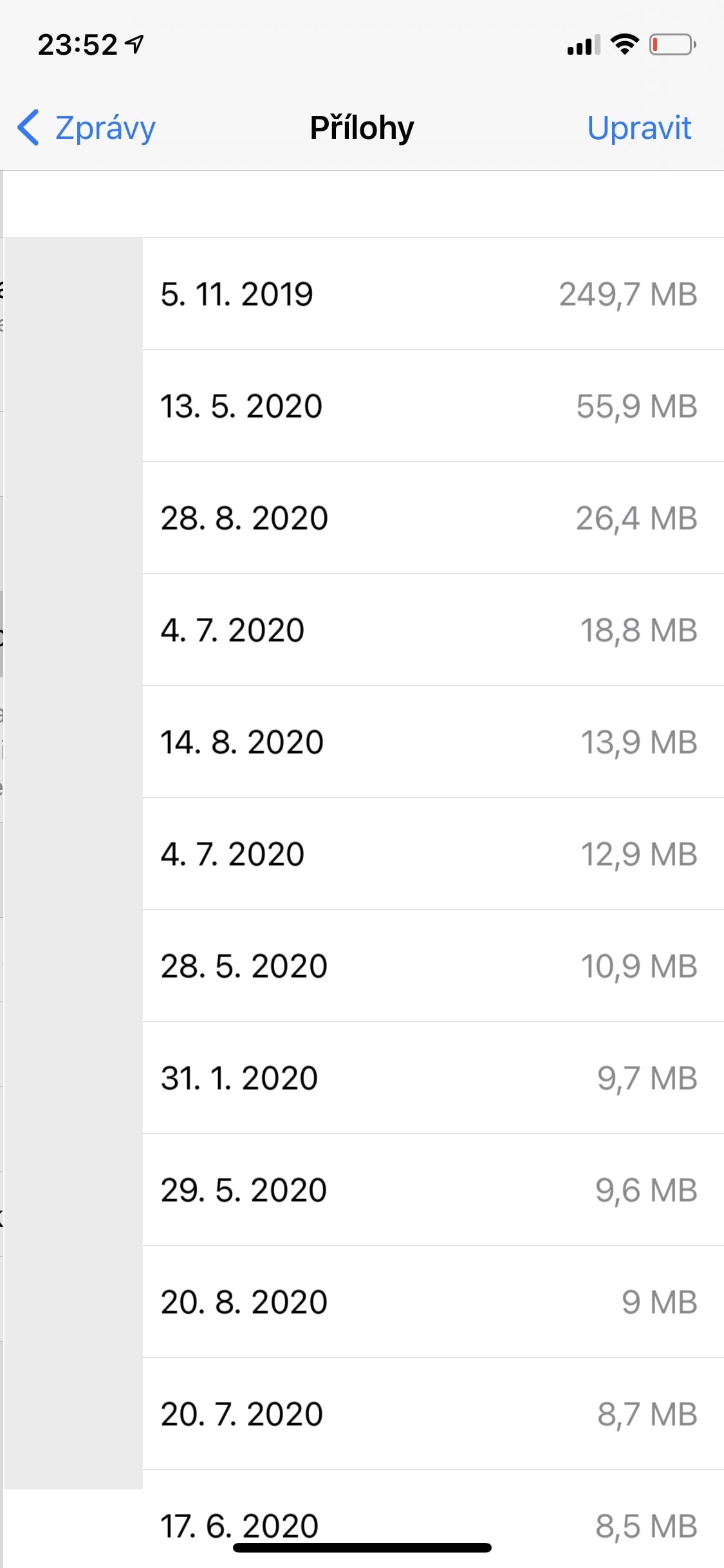
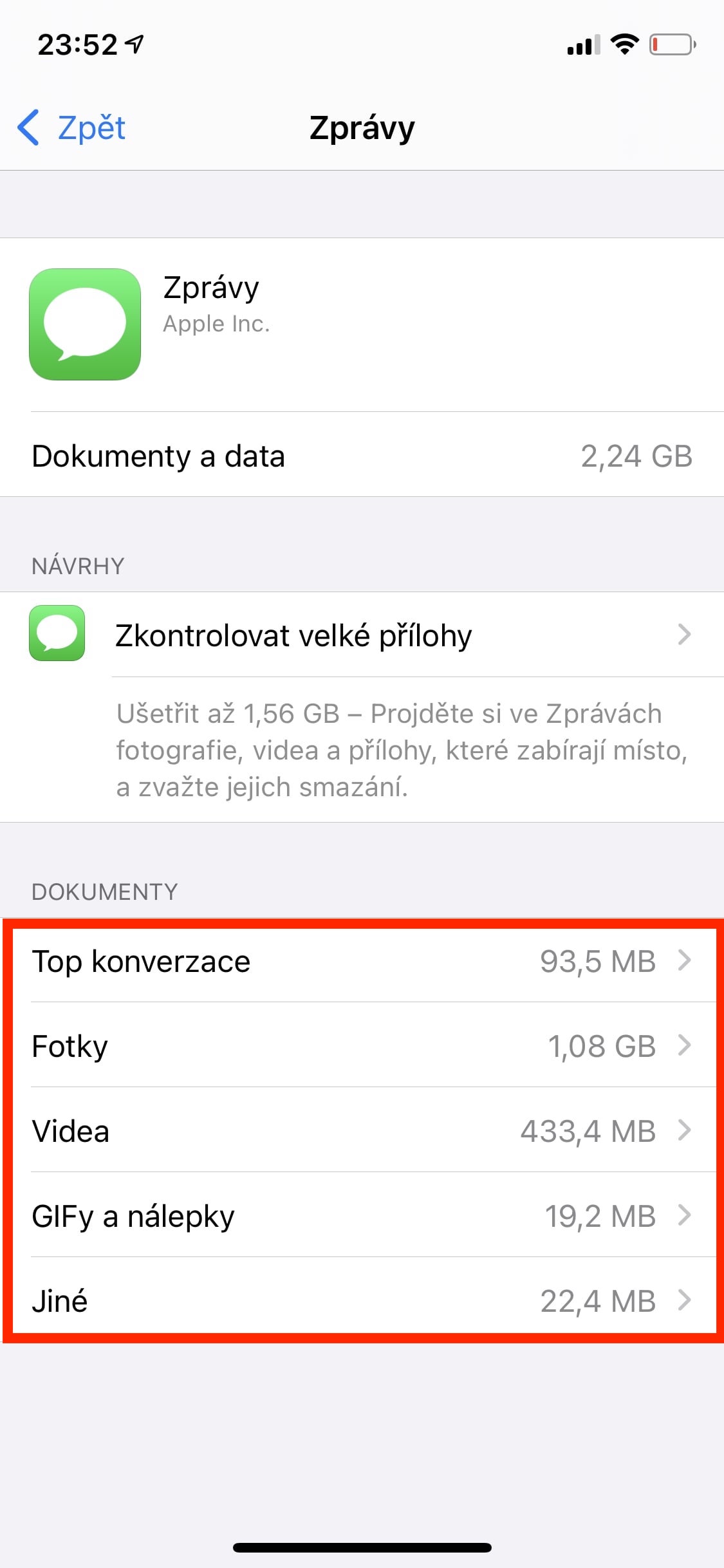
Every attachment, whether it's a photo, video, or document, that you receive in Messages is saved to your iPhone's storage. After several years of using the Messages application, it can happen that all these attachments will easily take up several tens of gigabytes of storage space, which can be especially annoying on older iPhones. Fortunately, however, large attachments can be easily identified and deleted. All you have to do is open Settings → Storage: iPhone, where you click on the application in the list News and select an option Check for large attachments. Here you can also delete them directly.
Gallery






Where is the HDR photo in 16.1.?
I don't have it there either.
Recycled article🙈
It is available on older iPhones, personally I have it on an XS for example :)
Better tell me how to get rid of 27 GB in System Data. None of the usual procedures helped. Restart, reset ram, etc. However, none appIt doesn't even cache.
Somewhere someone wrote to back up the phone and then perform a clean installation